Category: Data & OCR

Ozlin Info field notes on OpenCV document scanning, OCR and handwritten mathematical expression recognition, with clear prototype and evidence limits.

  • Reading an Older PyTorch HMER Repository Responsibly: Fork, Architecture and Limits

    Reading an Older PyTorch HMER Repository Responsibly: Fork, Architecture and Limits

    Reviewed: 13 September 2026 · Next review: 13 December 2026
    Author: Ozlin Info Editorial Team · Human review: Lin (accountable human); Codex assisted

    Handwritten mathematical expression recognition (HMER) is more than ordinary character recognition. A recogniser must identify symbols and recover their two-dimensional relationships: a mark may be a superscript, a denominator, the limit of an operator or part of a matrix. The desired output is often a structured token sequence such as LaTeX, where one misplaced brace changes the expression.

    Oz-Lin has a public repository named Pytorch-Handwritten-Mathematical-Expression-Recognition. The most important fact comes before any architecture discussion: GitHub identifies it as a fork of whywhs/Pytorch-Handwritten-Mathematical-Expression-Recognition. The upstream README credits Hongyu Wang, referring to Dr Jianshu Zhang, and the included MIT licence carries “Copyright (c) 2019 Hongyu Wang.” This is upstream work preserved in Oz-Lin's account, not a model that Ozlin Info can accurately claim to have invented or independently built.

    What the upstream code appears to implement

    The upstream repository describes an Attention-and-Coverage HMER system. Its code contains a DenseNet-style convolutional encoder and an attention recurrent decoder. The DenseNet source file converts an image into a spatial feature map instead of immediately collapsing the page into one vector. The attention decoder embeds the preceding token, updates GRU cells, scores spatial encoder features and produces a log-probability distribution over output tokens.

    In broad terms, the decoder performs three jobs at every output step:

    1. use the previous token and recurrent state to represent what has already been generated;
    2. assign attention weights across locations in the image feature map; and
    3. combine the attended visual context with the recurrent state to predict the next token.

    The “coverage” idea is visible in the accumulated attention state passed through the decoder. It gives the next attention calculation information about regions that have already received attention. That can help an autoregressive recogniser avoid repeatedly focusing on the same strokes or overlooking a region. It does not guarantee correct structural parsing, and an attention visualisation is not proof that a prediction is trustworthy.

    What the repository reports—and what it does not establish

    The upstream README says the experiment used the CROHME 2016 dataset, a batch size of six, a maximum label length of 48 and two TITAN Xp GPUs. It reports “WER loss” of 17.160% and an expression rate of 38.595%.

    Those figures should be attributed to the upstream repository exactly as reported. They are not Ozlin Info benchmark results. The public Oz-Lin fork does not, by itself, document an independent rerun, a controlled comparison, a current environment lockfile, confidence intervals or performance on client handwriting. “Expression rate” is also stricter than recognising many individual symbols: for an exact-expression metric, every required token must be correct. Any future article or project page should avoid turning those upstream numbers into a general accuracy promise.

    Dataset results do not automatically transfer to phone photographs, classroom whiteboards, different notation conventions or a new writer population. A credible new evaluation would specify the dataset version and licence, train/validation/test separation, normalisation, decoding strategy, metric implementation, random seeds and hardware. PyTorch's current reproducibility guidance warns that completely reproducible results are not guaranteed across releases, commits, platforms or CPU and GPU execution, even when sources of randomness are controlled (PyTorch reproducibility notes).

    Why this is a historical research artifact, not a current package

    The README specifies Python 3.6 and PyTorch 1.0. The code contains older patterns such as torch.autograd.Variable, explicit .cuda() calls, fixed GPU-ID handling and assumptions tied to two GPUs. The training script uses hard-coded paths and parameters. Those choices are understandable in a 2019 research repository, but they are warning signs for a modern environment.

    The repository also shows no packaged API, maintained release, automated test suite, model card, container definition, current dependency lock or documented security review. Some README images use old third-party HTTP hosts, which is another reason to treat the page as archival evidence rather than polished documentation. The MIT licence permits reuse subject to retaining its copyright and permission notice, and it provides the software without warranty (repository licence).

    None of this makes the code worthless. It makes its status clear: useful for studying an older encoder–attention–decoder implementation, not a drop-in service and not evidence of production capability.

    A responsible modernisation path

    Before changing the model, preserve provenance. Keep the GitHub fork relationship and upstream copyright notice visible. Record Oz-Lin changes in a separate changelog or branch rather than presenting inherited files as original work.

    Then make reproducibility the first milestone:

    • create an isolated environment and document the exact Python, PyTorch, CUDA and driver versions used for the first successful run;
    • replace device-specific .cuda() calls with explicit device handling and remove fixed multi-GPU assumptions;
    • turn paths and hyperparameters into configuration rather than source edits;
    • add smoke tests for data loading, one forward pass, token decoding and metric calculation;
    • verify the dataset's permitted use and document how each split was obtained; and
    • reproduce the upstream metric locally before claiming any improvement.

    Only after that baseline should a new experiment consider a maintained PyTorch release, revised batching, modern decoding, updated encoders or alternative sequence/structure models. Compare on the same held-out data and publish both successes and failure cases. For a user-facing tool, add confidence or uncertainty signals, input validation, observability, privacy controls and human review for consequential uses.

    What Ozlin can honestly say today

    The repository demonstrates interest in HMER and provides a public, traceable starting point for research review. Ozlin can describe what the upstream architecture does, document modernisation experiments and publish independently reproduced results if that work is completed. Until then, the accurate wording is “we maintain or study a fork,” not “we built the model.”

    That distinction is good open-source practice. Clear attribution makes technical work more credible and gives future Ozlin contributions a clean baseline from which their actual value can be measured.

    Related reading

    Limitations: This is a source-reading and reproducibility guide, not a current model benchmark. Results depend on dataset rights, hardware, dependency versions, preprocessing and evaluation; no independent metric or production-suitability claim is made.

    AI-assistance disclosure

    AI tools assisted with structure and copy editing. A human editor reviewed this draft on 28 August 2026 against the live GitHub fork relationship, upstream README, source files, MIT licence and current PyTorch reproducibility guidance. No model was retrained for this article, and no upstream result was independently reproduced; reported metrics remain attributed to the upstream author.

    Source access date: 2026-08-28
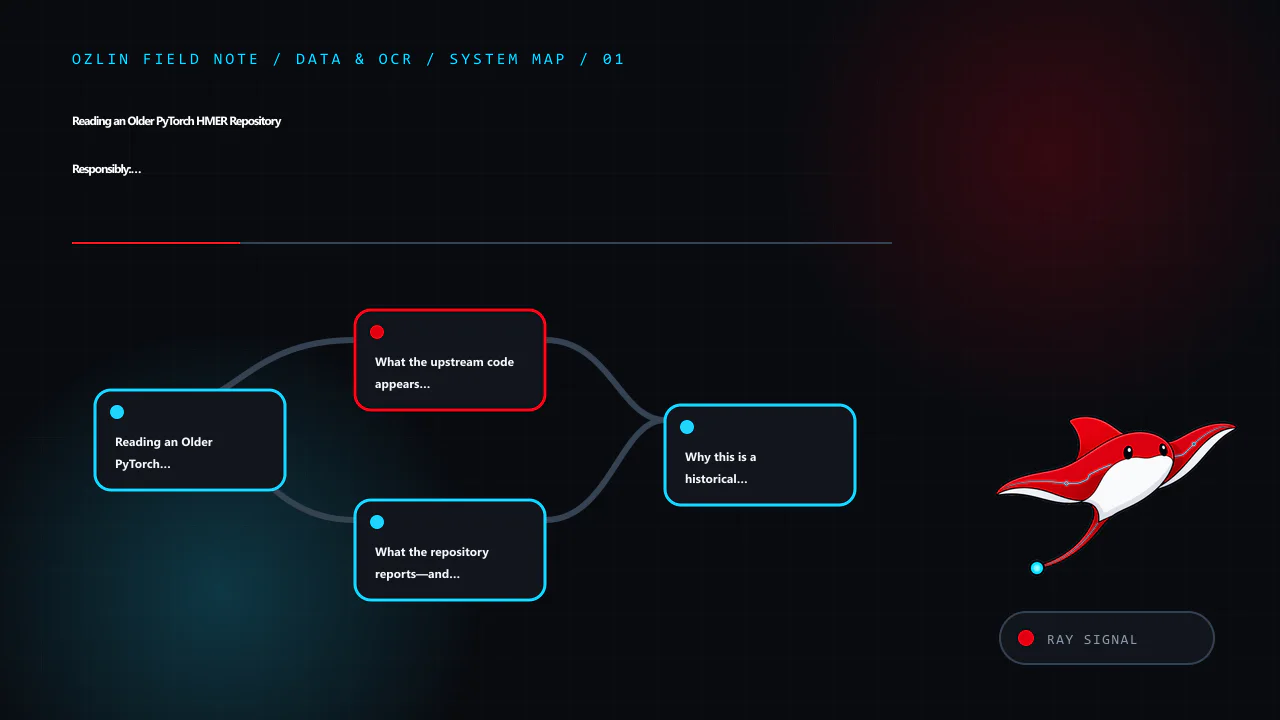
    Article map for Reading an Older PyTorch HMER Repository Responsibly: Fork, Architect…, covering Reading an Older PyTorch HMER Repository Responsibly: Fork,…, What the upstream code appears to implement, What the reposi…
    Article map: Reading an Older PyTorch HMER Repository Responsibly: Fork,…; What the upstream code appears to implement; What the repository reports—and what it does not establish; Why this is a historical research artifact, not a current p….
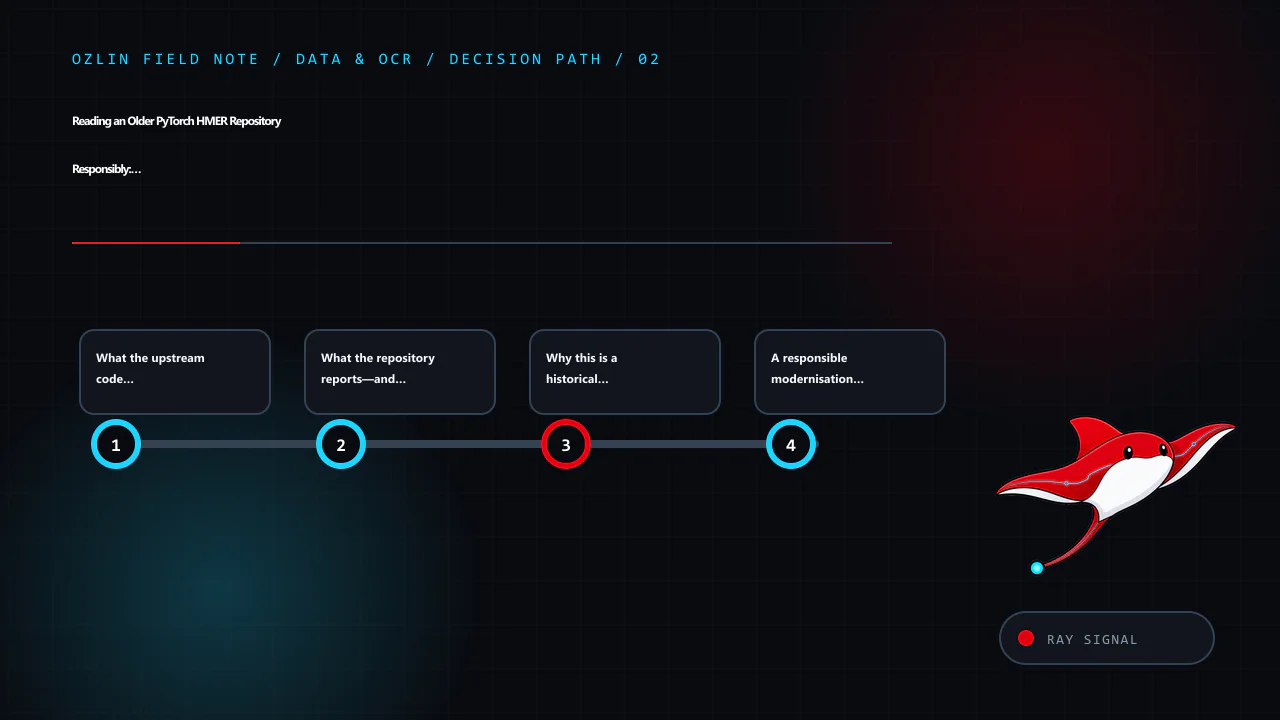
    Decision path for Reading an Older PyTorch HMER Repository Responsibly: Fork, Architect…, covering What the upstream code appears to implement, What the repository reports—and what it does not establish, Why this is a h…
    Decision path: What the upstream code appears to implement; What the repository reports—and what it does not establish; Why this is a historical research artifact, not a current p…; A responsible modernisation path.
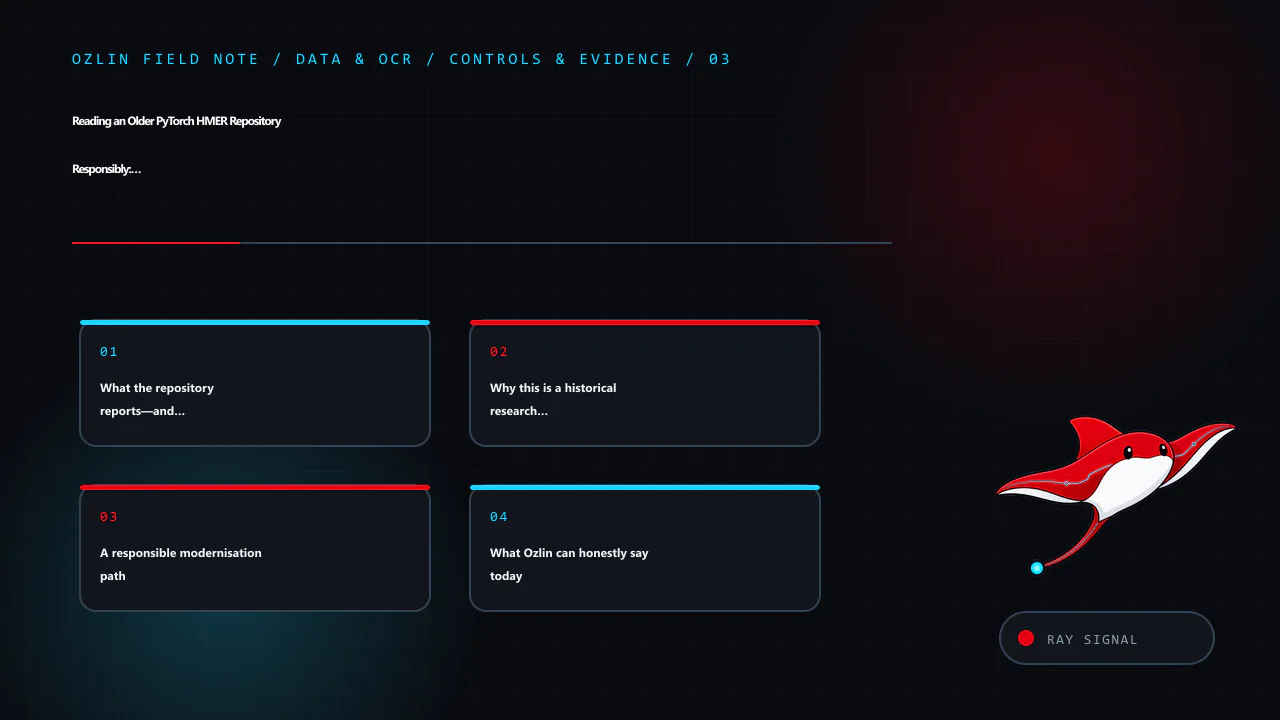
    Control and evidence map for Reading an Older PyTorch HMER Repository Responsibly: Fork, Architect…, covering What the repository reports—and what it does not establish, Why this is a historical research artifact, not a…
    Control and evidence map: What the repository reports—and what it does not establish; Why this is a historical research artifact, not a current p…; A responsible modernisation path; What Ozlin can honestly say today.
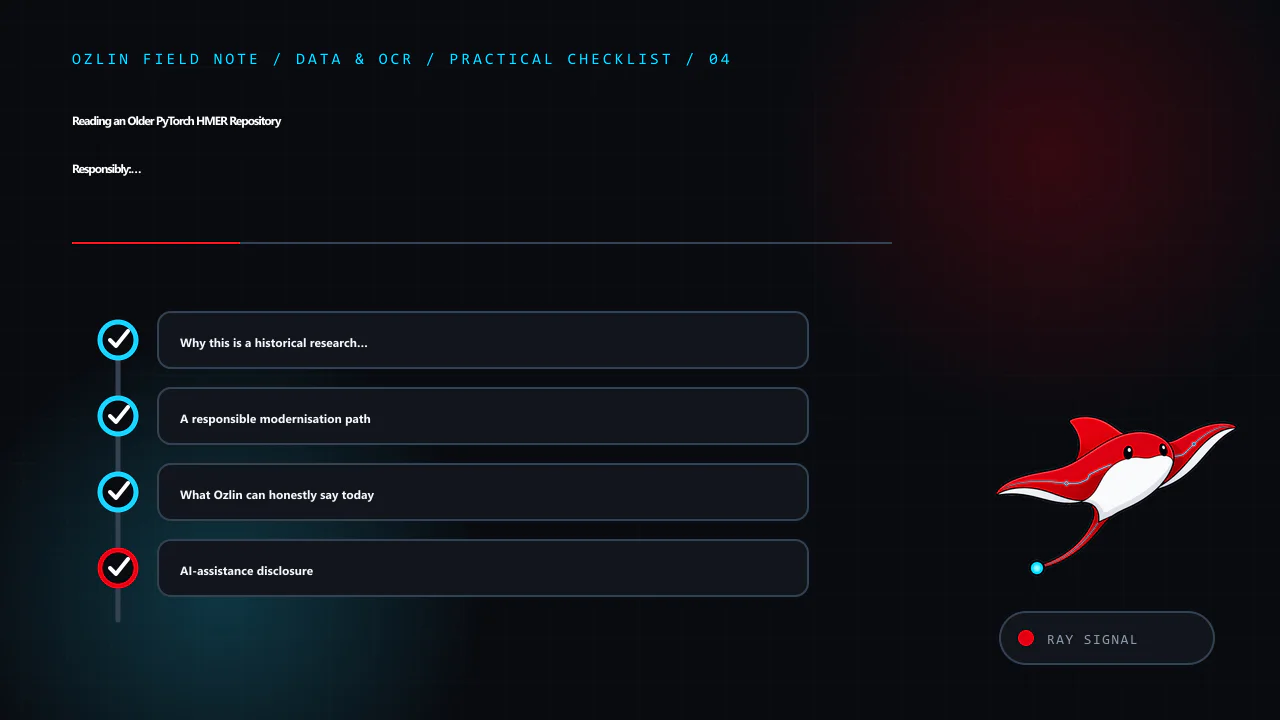
    Practical checklist for Reading an Older PyTorch HMER Repository Responsibly: Fork, Architect…, covering Why this is a historical research artifact, not a current p…, A responsible modernisation path, What Ozlin can hon…
    Practical checklist: Why this is a historical research artifact, not a current p…; A responsible modernisation path; What Ozlin can honestly say today; AI-assistance disclosure.
  • Building a Document Scanner Prototype with Python, OpenCV and Tesseract

    Building a Document Scanner Prototype with Python, OpenCV and Tesseract

    Reviewed: 13 September 2026 · Next review: 13 December 2026
    Author: Ozlin Info Editorial Team · Human review: Lin (accountable human); Codex assisted

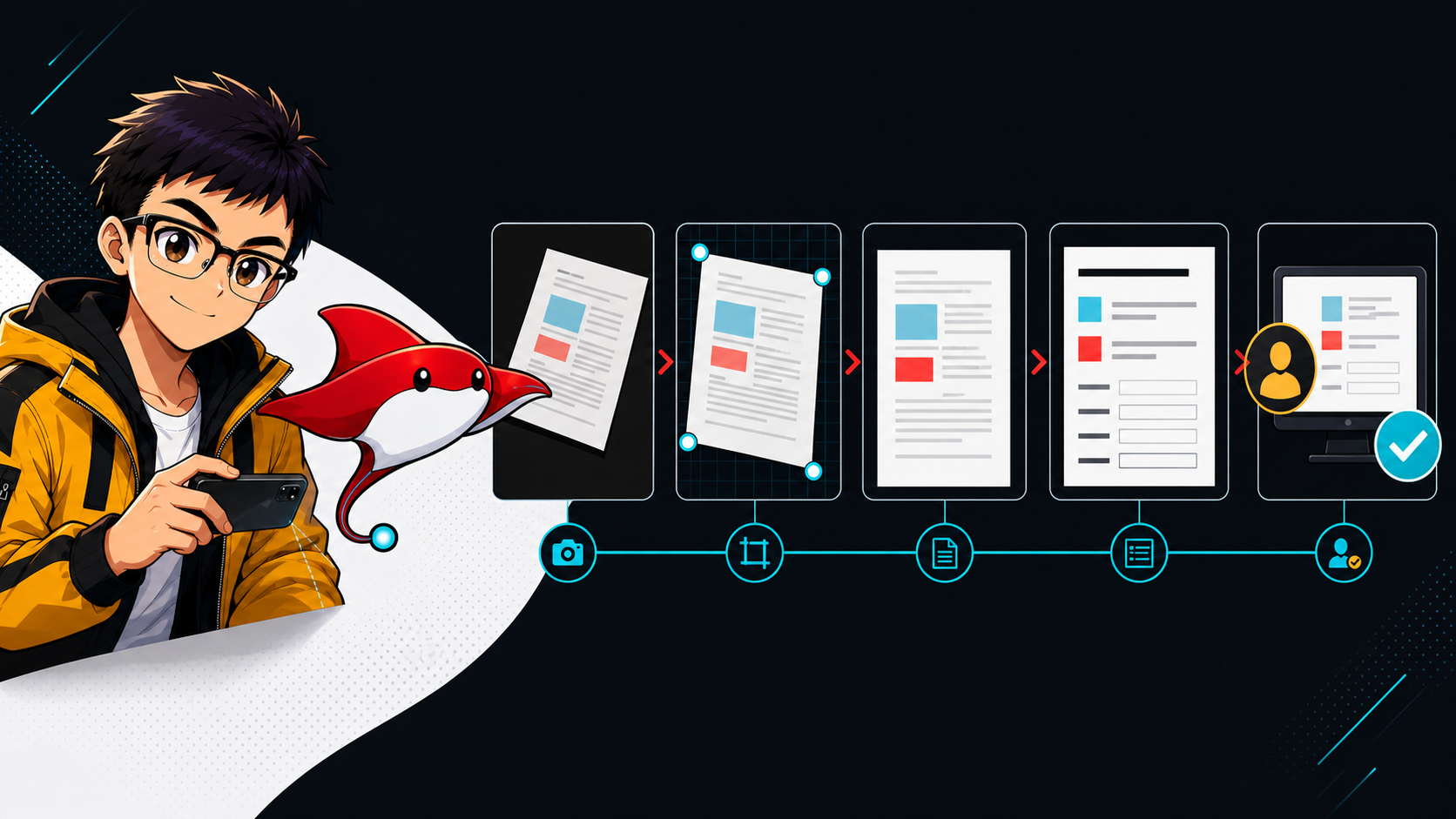
    A phone photograph can become a clean, searchable document, but the useful engineering work happens before and after the OCR call. The image may be tilted, shadowed, curved, low contrast or surrounded by objects that also produce strong edges. Even after text is recognised, a business workflow still needs validation, exception handling and appropriate controls for personal information.

    This article describes a sensible prototype pipeline. It does not claim that one contour rule or one Tesseract command is production-ready. Ozlin's public Python OpenCV test zone is an exploratory repository rather than a packaged scanner product, and the design below should be tested against representative documents before it is used for real decisions.

    1. Define the output before choosing the algorithm

    Start with a small acceptance set rather than a technology list. For example:

    • the page boundary should be found on agreed backgrounds and camera angles;
    • the corrected image should keep all four page edges without cutting off content;
    • required fields should be extracted with field-level confidence or validation results;
    • unreadable or ambiguous documents should enter a review queue; and
    • source images, OCR text and logs should follow an agreed retention and access policy.

    OCR accuracy is not one universal number. A pipeline can read headings well while failing on dates, totals, faint decimal points or handwritten notes. Measure what matters to the workflow: exact-match rate for critical fields, character or word error rate for free text, page-detection success, and the proportion sent for human review.

    2. Load, orient and normalise the image

    Load the original at sufficient resolution and preserve an untouched copy for comparison. Apply any camera-orientation metadata, then create a smaller working image for page detection. Converting the working image to greyscale is common, but do not discard colour information permanently: coloured stamps, highlights or low-contrast ink may be useful later.

    Noise reduction can make edge detection more stable, although excessive blur can erase thin characters and borders. OpenCV's official Canny tutorial explains that edge detection is noise-sensitive and uses Gaussian filtering before gradient analysis; it also emphasises that the two hysteresis thresholds must be selected appropriately for the input (OpenCV: Canny Edge Detection). Fixed values copied from a demo are therefore a starting point, not a guarantee.

    3. Detect a page candidate—and allow detection to fail

    A conventional prototype often runs cv.Canny, finds contours, ranks plausible candidates, and approximates each contour to a polygon. OpenCV documents findContours as operating on a binary image, while approxPolyDP reduces a curve according to a chosen precision value (OpenCV: Contour Features). A large convex quadrilateral with a page-like aspect ratio can be a useful candidate.

    It is not safe to say that the largest four-point contour is the document. A desk, monitor or picture frame may be larger; a folded or partly occluded page may not appear as a quadrilateral; and shadows can split one edge into several contours. Score candidates using several signals, such as area relative to the frame, convexity, corner angles, border contrast and whether the candidate touches an image boundary. If the best score is below a tested threshold, ask for another photograph or route it to review instead of silently warping the wrong object.

    For known form layouts, a fiducial marker, template registration or document-specific detector may be more reliable than general contour heuristics. The right method depends on the capture environment and document variety.

    4. Order the corners and correct perspective

    Once four corners have been accepted, order them consistently—top-left, top-right, bottom-right and bottom-left—and choose an output size based on the opposing edge lengths. OpenCV's getPerspectiveTransform calculates a transform from four corresponding point pairs, and warpPerspective applies the perspective transformation (OpenCV: Geometric Image Transformations).

    Inspect the result rather than assuming success. Useful checks include minimum output dimensions, plausible aspect ratio, visible margins and the absence of extreme stretching. A flat perspective transform corrects a planar page; it does not fully flatten book curvature or severe paper curl. Those cases require a dewarping method or a better capture.

    5. Prepare an OCR-specific image

    The best visual scan and the best OCR input are not always identical. Try a controlled set of preprocessing variants: contrast adjustment, global or adaptive thresholding, mild denoising, and carefully chosen morphology. OpenCV's thresholding guide notes that adaptive thresholds can help when illumination varies across an image, while Otsu's method selects a global threshold from the histogram (OpenCV: Image Thresholding).

    Tesseract already performs image processing internally, but its documentation explains that internal binarisation can be suboptimal on uneven backgrounds. It also warns that skew can substantially harm line segmentation and suggests suitable resolution, reasonable borders and an appropriate page-segmentation mode (Tesseract: Improving output quality). Test preprocessing as an experiment: a morphological operation that removes specks may also erase decimal points or punctuation.

    Run Tesseract with the installed language data and a page-segmentation mode that matches the region. Standard English language data is not a special Australian-business model. Domain vocabulary, formats and field rules should be handled through tested configuration and downstream validation rather than by claiming the OCR engine understands a business context automatically.

    6. Validate the result, not just the OCR process

    Raw OCR text is an intermediate artifact. For a constrained form, locate fields, normalise expected formats and apply explicit rules: a date must parse, a total must use an allowed currency format, and line-item sums should reconcile where the document supports that check. Retain the original crop and OCR confidence alongside each proposed value so a reviewer can see the evidence.

    Avoid automatically approving a payment, identity decision or legal record solely because OCR returned a plausible string. Low-confidence results, failed cross-checks and out-of-distribution layouts should be visible exceptions. Before processing IDs, contracts or customer records, decide where data is stored, who can access it, whether any external OCR service receives it, and when copies are deleted.

    From prototype to dependable workflow

    A useful prototype demonstrates page detection, perspective correction and OCR on a documented sample set. A dependable service adds repeatable tests, versioned configuration, monitoring, secure deployment, backups, review tooling and a defined response when the model or rule is uncertain. It also records what was tested and what was not.

    That distinction is intentional. OpenCV and Tesseract provide capable building blocks, but reliable document processing comes from matching them to the documents, decisions and risk boundaries of a specific workflow.

    Related reading

    Limitations: This prototype guidance assumes planar, reasonably legible documents and tested language data. Skew, curl, handwriting, layout, image quality and privacy obligations can materially change accuracy; it is not an OCR accuracy benchmark or a production-readiness recommendation.

    AI-assistance disclosure

    AI tools assisted with outlining and copy editing this article. A human editor reviewed the technical claims on 28 August 2026 against the linked OpenCV, Tesseract and Oz-Lin GitHub sources. No client document, private dataset or measured production result was used, and the article does not represent a benchmark or a production-readiness claim.

    Source access date: 2026-08-28
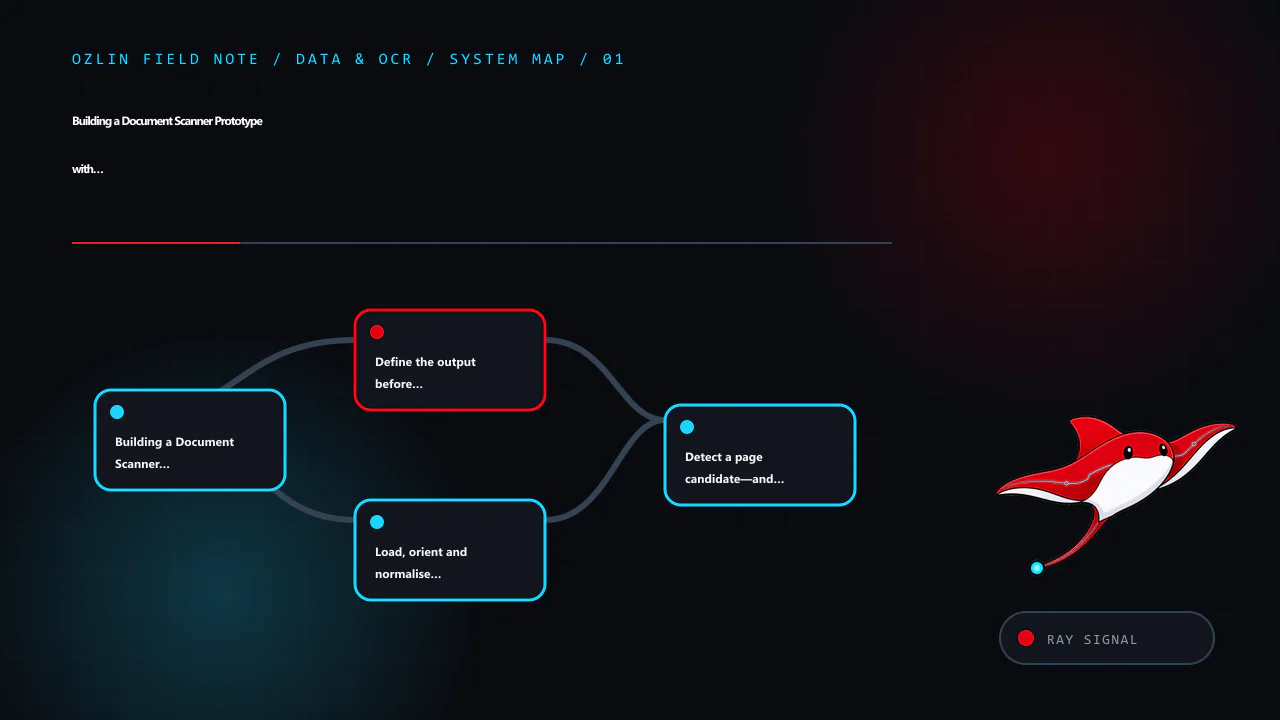
    Article map for Building a Document Scanner Prototype with Python, OpenCV and Tessera…, covering Building a Document Scanner Prototype with Python, OpenCV a…, Define the output before choosing the algorithm, Load, orien…
    Article map: Building a Document Scanner Prototype with Python, OpenCV a…; Define the output before choosing the algorithm; Load, orient and normalise the image; Detect a page candidate—and allow detection to fail.
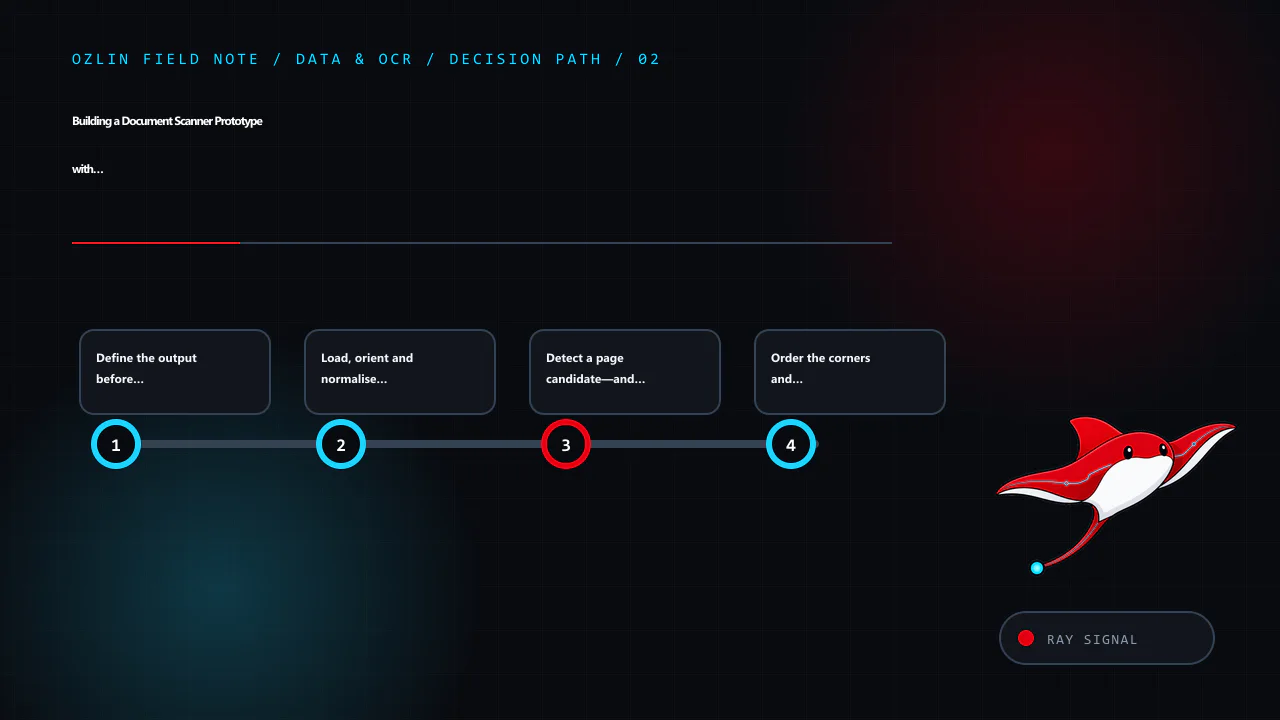
    Decision path for Building a Document Scanner Prototype with Python, OpenCV and Tessera…, covering Define the output before choosing the algorithm, Load, orient and normalise the image, Detect a page candidate—and allow…
    Decision path: Define the output before choosing the algorithm; Load, orient and normalise the image; Detect a page candidate—and allow detection to fail; Order the corners and correct perspective.
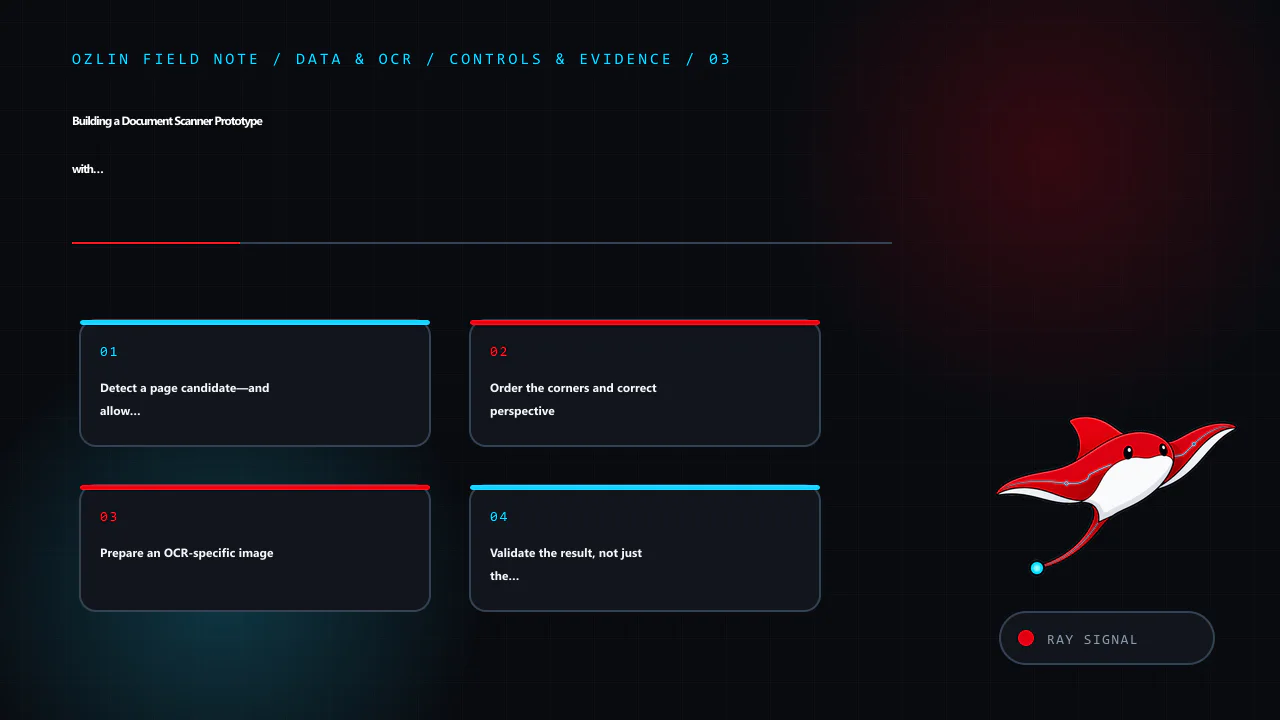
    Control and evidence map for Building a Document Scanner Prototype with Python, OpenCV and Tessera…, covering Detect a page candidate—and allow detection to fail, Order the corners and correct perspective, Prepare an OC…
    Control and evidence map: Detect a page candidate—and allow detection to fail; Order the corners and correct perspective; Prepare an OCR-specific image; Validate the result, not just the OCR process.
    Practical checklist for Building a Document Scanner Prototype with Python, OpenCV and Tessera…, covering Prepare an OCR-specific image, Validate the result, not just the OCR process, From prototype to dependable workflo…
    Practical checklist: Prepare an OCR-specific image; Validate the result, not just the OCR process; From prototype to dependable workflow; AI-assistance disclosure.