
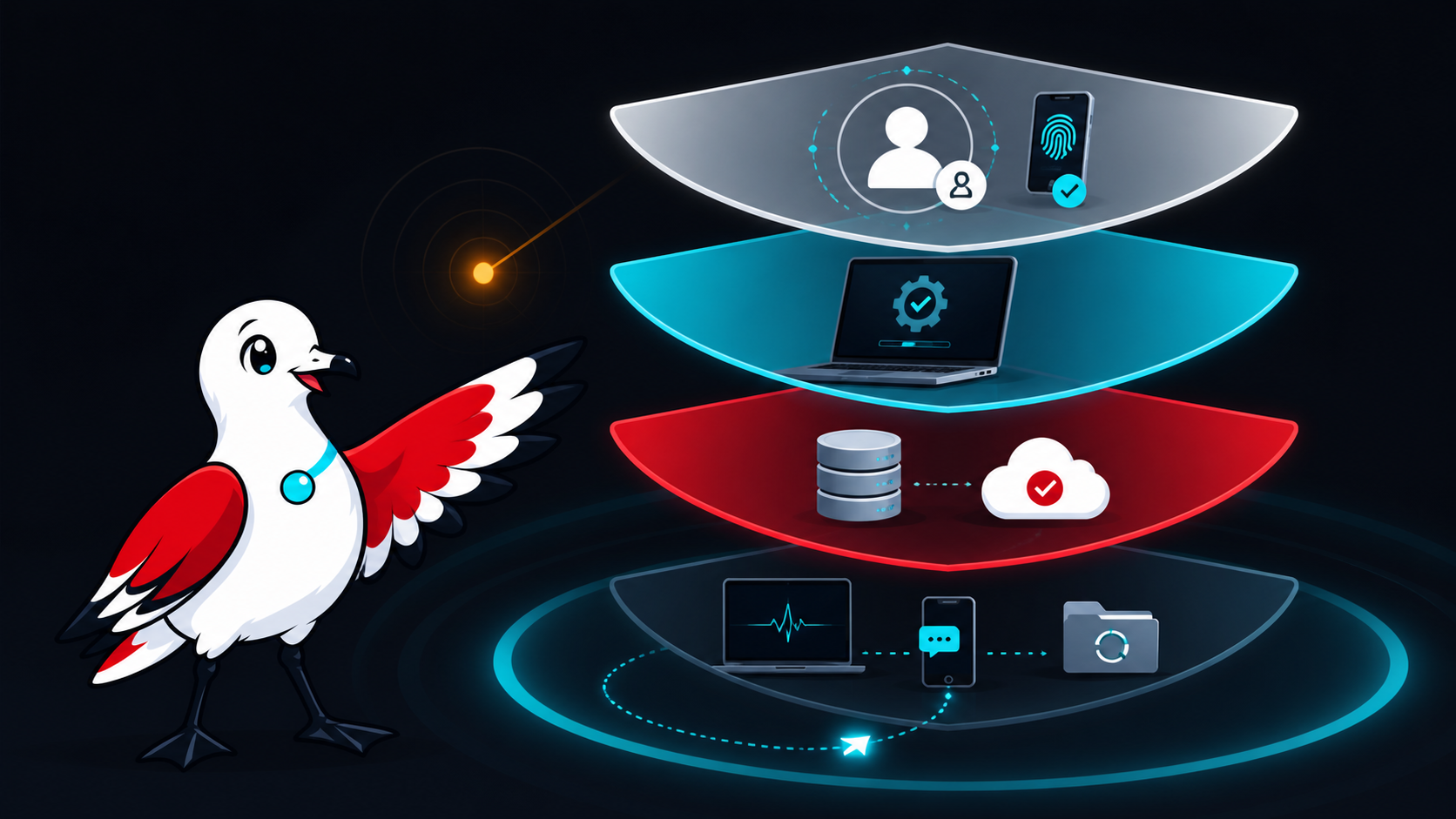
Cybersecurity for a small business is not a shopping list of products. It is the ongoing work of deciding what matters, reducing likely paths to harm, noticing trouble and recovering without losing control of the business.
That distinction matters. No product, consultant or checklist can make an organisation immune to cyber incidents. A useful baseline should instead lower risk, produce evidence that important safeguards work and give people a rehearsed way to respond.
For Australian small businesses beginning this work, the Australian Signals Directorate's Australian Cyber Security Centre (ASD's ACSC) recommends three immediate measures: turn on multi-factor authentication, update software and back up information. Its small-business guide then points organisations towards Maturity Level One of the Essential Eight after they have covered the basics (ASD's ACSC small-business guide). The eight priorities below turn that advice into a manageable business baseline.
1. Identify the services and information that cannot be casually lost
Start with business impact, not tools. List the systems that support quoting, invoicing, customer communication, delivery, payroll, your website and access to money. Record who owns each system, where its data is held, which supplier operates it and what the business would do if it were unavailable for a day or a week.
Also identify sensitive information: customer records, identity documents, credentials, payment-related records, source code and confidential client material. This does not need to begin as a complex asset-management platform; a maintained register is more useful than an expensive dashboard nobody trusts.
NIST's Cybersecurity Framework 2.0 is designed for organisations of any size and treats cybersecurity as a business-risk discipline. Its six concurrent functions are Govern, Identify, Protect, Detect, Respond and Recover (NIST CSF 2.0). That sequence is a useful test: if a proposal only talks about prevention, it is incomplete.
2. Secure identities before adding more software
Email, cloud administration, banking, accounting, domain registration, website administration and password-manager accounts deserve priority. Use a unique account for each person, remove access promptly when it is no longer required and keep routine work separate from privileged administration where practical.
Enable MFA, beginning with accounts that can expose sensitive information or reset other accounts. A business password manager can help create and store unique credentials without relying on memory. ASD's 2025 small-business device and account guidance specifically includes MFA, password managers, backups and updates as practical steps (ASD's ACSC device and account guidance).
MFA reduces risk; it does not make every sign-in safe. Staff should still reject unexpected approval prompts, never disclose one-time codes, and report a suspicious prompt quickly.
3. Patch operating systems, applications and internet-facing services
Turn on supported automatic updates where this fits the system, and maintain a process for software that requires testing or manual deployment. Include browsers, plugins, mobile devices, network equipment, website components and cloud integrations—not only desktop operating systems.
For a more formal target, use the current Essential Eight maturity model and assess against its evidence requirements rather than copying an old patch timetable from a blog post. ASD notes that the model changes as malicious techniques change and encourages use of the latest version (Essential Eight maturity model FAQ). Unsupported systems should have an upgrade or retirement plan, with compensating controls assessed in the meantime.
4. Make backups recoverable, not merely present
Decide what must be backed up, how often, how long it must be retained and how quickly it must be restored. Protect backup administration separately from ordinary user accounts and design the backup location so a compromised user or device cannot silently alter every recovery copy.
Most importantly, test restoration. ASD's technical example says restoration of systems, software and important data should be tested as part of recovery exercises, and unprivileged accounts should be prevented from modifying or deleting backups (ASD's ACSC regular-backup example). Record the result, the time taken and anything that was missing.
5. Reduce unnecessary access and data exposure
Give people and integrations only the access required for their role. Review shared accounts, former-worker access, public links, API keys, administrator memberships and third-party app permissions. Separate guest Wi-Fi and untrusted devices from business systems where the environment warrants it.
Collect and retain only information the business can justify. Data minimisation is not a substitute for security, but less unnecessary data means less information available to expose. Map important data flows, including transfers to SaaS suppliers and contractors, and record contractual, regulatory and privacy obligations that affect them.
6. Protect business processes from phishing and payment fraud
Awareness training works best when paired with a process. Give workers a simple way to report suspicious messages and require independent verification for new bank details, unusual payments or requests to bypass approval. Use a known phone number or another separately verified channel—not contact details supplied in the message.
ASD's business email compromise guidance recommends consistent verification for payment and sensitive-information requests and highlights unexpected bank-detail changes, urgency and requests to circumvent normal processes as warning signs (ASD's ACSC BEC guidance). See the related phishing response playbook for the immediate response steps.
7. Monitor the small set of signals that matter
Detection should match the systems identified as critical. Useful starting signals can include privileged sign-ins, new MFA methods, mailbox forwarding-rule changes, new administrators, unexpected exports, backup failures, website changes and security alerts from managed services.
Someone must own the alerts, know the expected response time and be able to reach the relevant supplier. Retain logs for a period that supports investigation and contractual needs, while avoiding indefinite retention without a purpose. Test whether alerts are delivered and acted upon; a configured alert that nobody reads is not an operating control.
8. Prepare, test and improve an incident plan
A concise plan should name the incident lead, decision-makers, technical contacts, insurer or broker contact, legal/privacy support, bank contact and key suppliers. Include an offline copy. Define how staff will report concerns, how affected access may be contained, who preserves evidence, how essential work continues and who approves external communication.
ASD says organisations should tailor, regularly test and review their cyber incident response plans (ASD's ACSC incident-response planning guidance). Notification duties depend on the organisation and the facts. For entities covered by the Notifiable Data Breaches scheme, the OAIC's current quick reference separates response into contain, assess, notify if required, and review (OAIC data-breach quick reference). Do not assume every security event is notifiable—or that no notification is required—without an appropriate assessment.
A realistic first 90 days
Days 1–30: name an owner; inventory critical services, data and suppliers; enable MFA on high-impact accounts; remove stale access; turn on supported updates; verify that backups are completing.
Days 31–60: perform a restore test; review administrator access and email rules; establish payment-change verification; define the alert and escalation path; document important supplier contacts.
Days 61–90: run a short incident exercise; record gaps and owners; compare current practices with the latest Essential Eight Maturity Level One requirements; set a funded improvement backlog based on risk.
Progress should be evidenced by results: a successful restore, an access review, a resolved alert test and a timed incident exercise. A completed questionnaire alone does not prove that controls operate effectively.
Cyber insurance may transfer some financial risk, subject to policy terms, exclusions and disclosure obligations. It does not replace prevention, detection, response or recovery work. Likewise, a security assessment should describe its scope and limitations; it should not promise that no vulnerability or incident will occur.
For a scope-first review of accounts, website operations, backups and incident readiness, see Ozlin Info's cybersecurity uplift service or contact Ozlin Info.
General-information disclaimer
This article provides general information only. It is not legal, privacy, insurance, financial or incident-response advice, and it is not a complete security standard. Appropriate controls and notification obligations depend on your systems, data, contracts, sector and circumstances. Obtain qualified advice for your organisation and seek urgent assistance when an incident may be active.
AI-assistance disclosure
AI tools assisted with outlining and copyediting this draft. A human reviewer must verify every factual claim, link, scope statement and publication decision before release. No client result or security guarantee is asserted.
Primary sources checked
- ASD's ACSC — Small business cyber security guide
- ASD's ACSC — New guidance for small businesses to protect devices and accounts
- ASD's ACSC — Essential Eight maturity model FAQ
- ASD's ACSC — Technical example: regular backups
- ASD's ACSC — Protecting against business email compromise
- ASD's ACSC — Cyber security incident response planning
- OAIC — Quick reference guide for responding to data breaches
- NIST — Cybersecurity Framework 2.0
Source access date: 28 August 2026.