

A progressive web app (PWA) is still a website. It uses web platform capabilities to offer an experience that can include installation, standalone display, resilience to unreliable networks and selected device integrations. Those capabilities vary by browser and operating system, and none of them rescues a slow, inaccessible or confusing service.
Begin with a user problem. A field worker may need to reopen assigned jobs with intermittent connectivity. A returning customer may value a home-screen launch and fast account access. A marketing site with occasional visits may gain little from an install prompt or a service worker that adds caching complexity.
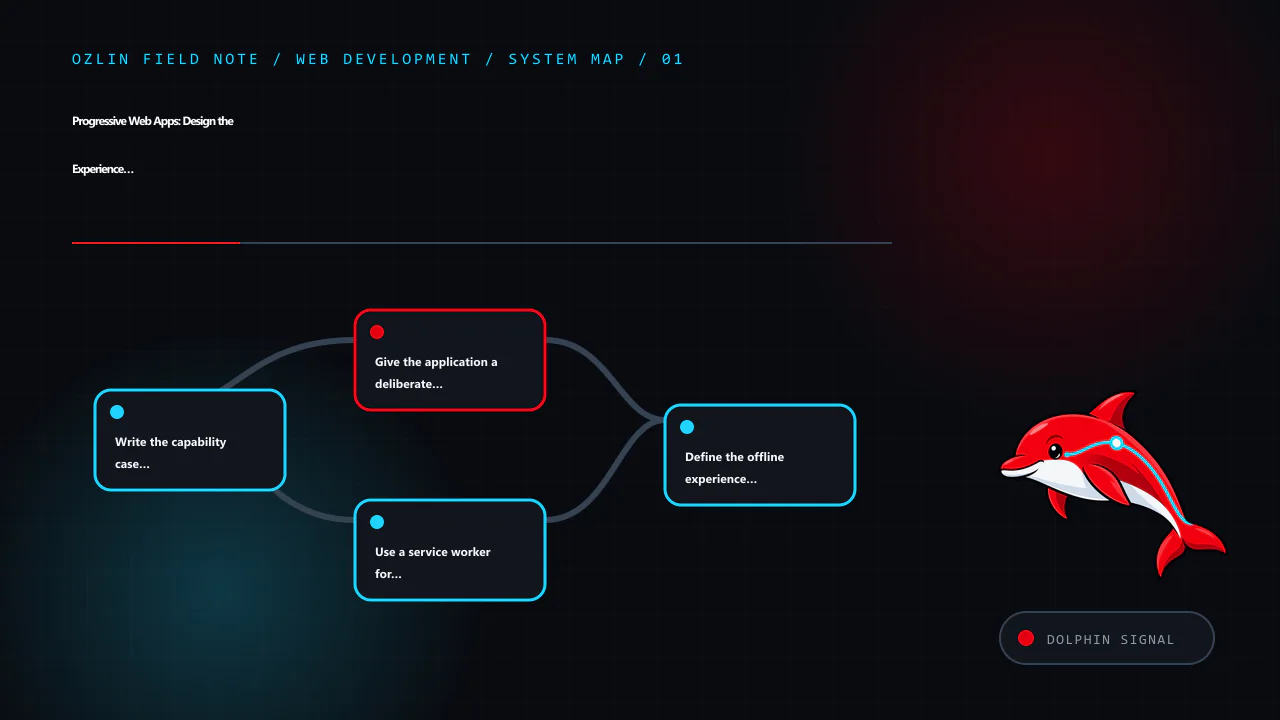
Write the capability case before the implementation
For each proposed feature, record:
- the task and user group it supports;
- required browser and operating-system coverage;
- what should work online, offline and during partial failure;
- data sensitivity and local-storage implications;
- update and recovery behaviour;
- accessibility and permission experience; and
- a fallback when the capability is unavailable.
Use progressive enhancement: start with usable HTML, navigation and server responses, then add capabilities when the runtime supports them. Do not block a browser-only visitor because installation, push, background sync or another optional API is absent.
Give the application a deliberate manifest
A web app manifest is a JSON document that supplies application metadata such as name, icons, start URL, display mode and navigation scope. The W3C specification describes it as a central place for metadata used when launching and presenting an installed web application (W3C — Web Application Manifest).
A small example is:
{
  "name": "Acme Field Notes",
  "short_name": "Field Notes",
  "start_url": "/app/",
  "scope": "/app/",
  "display": "standalone",
  "background_color": "#0B0D12",
  "theme_color": "#C51F32",
  "icons": [
    {
      "src": "/assets/icon-192.png",
      "sizes": "192x192",
      "type": "image/png"
    },
    {
      "src": "/assets/icon-512.png",
      "sizes": "512x512",
      "type": "image/png",
      "purpose": "any maskable"
    }
  ]
}
The paths, icons and colours must be real and suitable for the application. Declare scope deliberately so navigation outside the application is handled predictably. Test icon masks and contrast on target platforms rather than assuming one square asset will render well everywhere.
Installability criteria and presentation are browser decisions that change over time. A manifest is important but does not guarantee that every browser will show the same prompt or installed experience. Explain installation as an optional feature, and avoid repeatedly interrupting visitors who dismiss it.
Use a service worker for a bounded reliability goal
A service worker can intercept network requests and respond from the network, Cache Storage or constructed responses. It has install and activate lifecycle events and can be terminated when no event needs handling; application design should not treat it as a continuously running server (W3C — Service Workers).
Service workers normally require a secure context. HTTPS is also necessary to protect application code and data from network modification.
Choose caching by resource type and freshness requirement:
- Cache first: appropriate for versioned, immutable interface assets when a cached response is safe.
- Network first: useful when current data matters but a known cached response can provide a fallback.
- Stale while revalidate: serves a cached response promptly and refreshes it for a later request.
- Network only: appropriate for sensitive or mutation requests that must reach the server.
These are design patterns, not universal rules. web.dev's PWA guidance notes that Cache Storage does not automatically update or delete assets when the server changes; the application owns versioning and cleanup (web.dev — PWA Caching).
Do not cache every request indiscriminately. Avoid storing authentication responses, personalised pages or sensitive API data unless the threat model, expiry, logout and device-sharing behaviour are understood. Cache names and storage are origin-scoped, which matters when several applications share one origin.
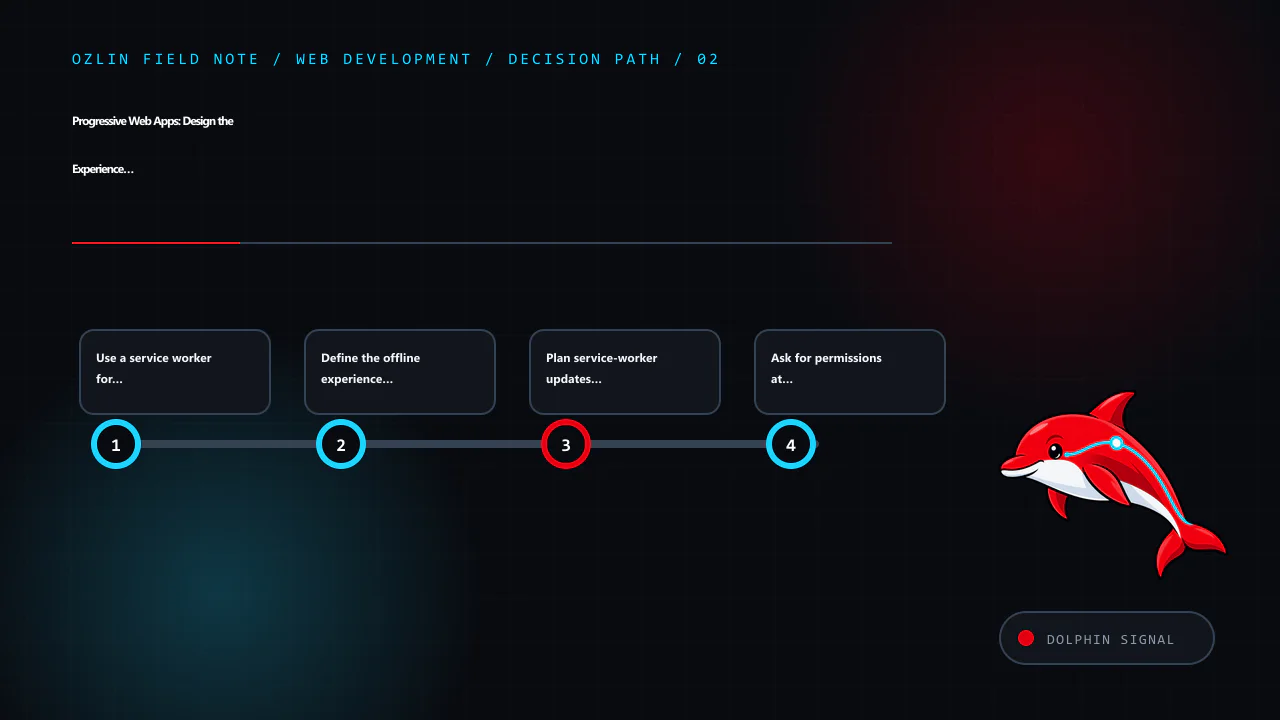
Define the offline experience honestly
“Offline capable” does not have to mean that every feature works without a network. A useful minimum can be a branded explanation, previously viewed non-sensitive information and a clear list of actions that require reconnection. A transactional application may need a queue, conflict resolution and user-visible sync status.
For an offline mutation, define:
- when the action is considered accepted;
- how it is stored and encrypted if necessary;
- how duplicate submission is prevented;
- retry limits and backoff;
- conflict rules when server data changed;
- how the user sees pending, failed and completed states; and
- how queued data is removed on logout or account change.
Do not tell a user “saved” if the record only exists in a fragile local queue without explaining the state. Test storage eviction, low disk space, browser data clearing and a device shared between accounts.
Plan service-worker updates as a product flow
When a service-worker script changes, the browser can install a new worker while the existing version continues controlling open pages. A new version may wait until old clients close. Forcing immediate activation can leave an old page talking to new cached code or data.
Choose whether updates apply on the next launch or through a visible “update available” action. Preserve unsaved work, version caches and remove obsolete entries during an appropriate lifecycle phase. web.dev cautions that deleting or renaming the service-worker file does not unregister existing installations, and that new versions do not automatically remove old cached assets (web.dev — PWA Update).
Test upgrades from at least the currently deployed version, not only a clean installation.
Ask for permissions at the moment of value
Push notifications, camera, location and other device capabilities can be useful, but permission prompts without context are easy to deny and can damage trust. Explain the feature and ask only after the user takes an action that needs it. Provide a useful experience if permission is denied or later revoked.
Push delivery is not guaranteed and must not be the sole channel for safety-critical or contractual communication. Give users meaningful subscription controls and do not infer consent for unrelated marketing.
Test the web, installed and degraded states
The test matrix should include:
- supported browsers and operating systems;
- normal browser tab and installed display modes;
- first visit, return visit and upgrade from an older worker;
- fast, slow, intermittent and offline networks;
- cache eviction and storage denial;
- logged-out, logged-in and account-switch states;
- keyboard, zoom and screen-reader tasks;
- deep links within and outside manifest scope; and
- denied, granted and revoked permissions.
Measure the same user outcomes as any web application: task completion, accessibility, response and interaction performance, reliability and support burden. Installation count alone does not show that people receive value.
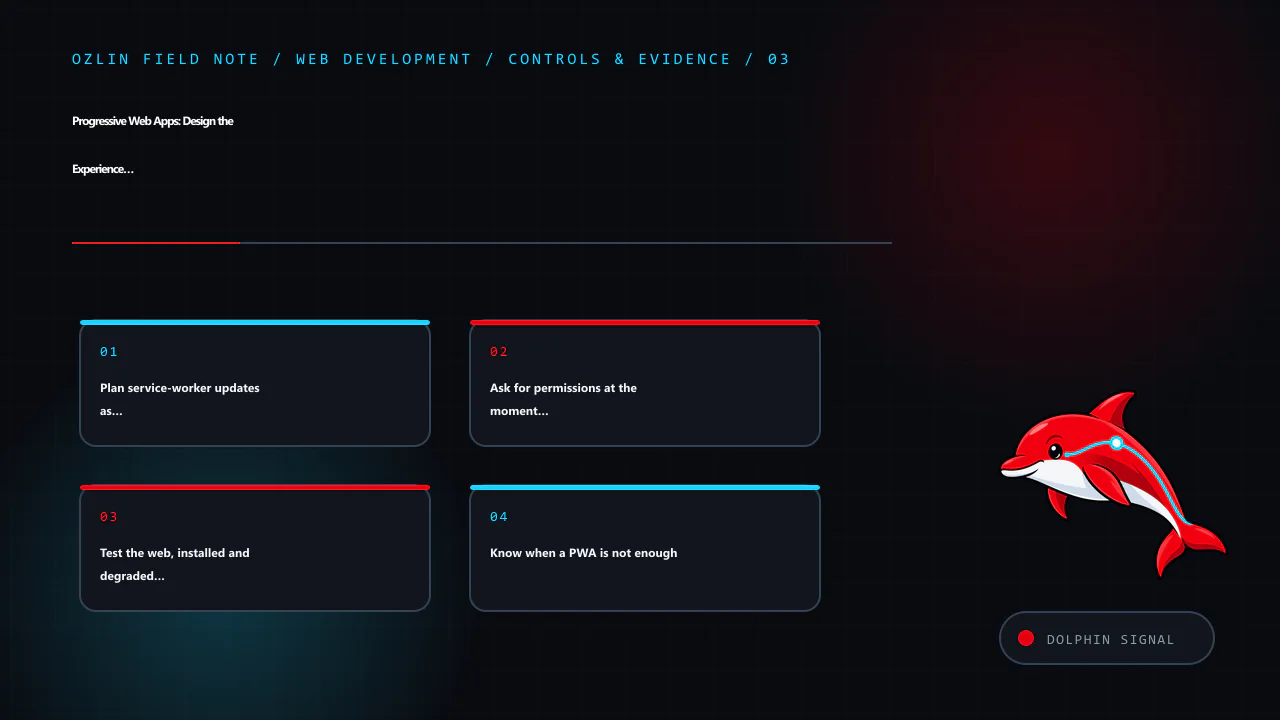
Know when a PWA is not enough
A PWA may be unsuitable where the product depends on a platform API that target browsers do not expose, strict background execution, a required store distribution model or specialised hardware integration. A conventional responsive site may also be simpler and better for an occasional public-information journey.
Compare a PWA, packaged web approach, cross-platform framework and native application against the actual capability matrix, team skills, lifecycle cost and user expectations. “One codebase” does not mean one identical behaviour on every device.
For help evaluating or building a progressive web experience within a defined browser and feature scope, see Ozlin Info's web development services or contact Ozlin Info.
Related reading: Web accessibility with WCAG 2.2: a practical delivery guide.
General-information disclaimer
This article provides general technical information only. Browser capabilities, installability rules and platform policies change, and a production PWA requires validation against the actual target devices, data and risk profile.
AI-assistance disclosure
AI tools assisted with source discovery, outlining and copyediting. A human reviewer must verify the manifest, caching, storage, permission and platform statements before publication. No installation, compatibility, offline or business outcome is guaranteed.
Primary sources checked
- W3C — Web Application Manifest
- W3C — Service Workers
- web.dev — PWA Installation
- web.dev — Web App Manifest
- web.dev — PWA Caching
- web.dev — PWA Serving and Caching Strategies
- web.dev — PWA Update
Source access date: 29 August 2026.