

Good game audio is not just a collection of sound files. It is a runtime system that decides what plays, where it appears, how it competes for limited resources and whether players can understand critical information. The design spans content, implementation, mixing, accessibility, licensing, performance and test evidence.
Before selecting an engine feature or middleware product, map the moments audio must support: navigation, dialogue, combat feedback, ambience, warnings, rewards, failure and pause. Identify which sounds carry gameplay information and which are decorative. That distinction drives priority, subtitle and visual-alternative decisions.
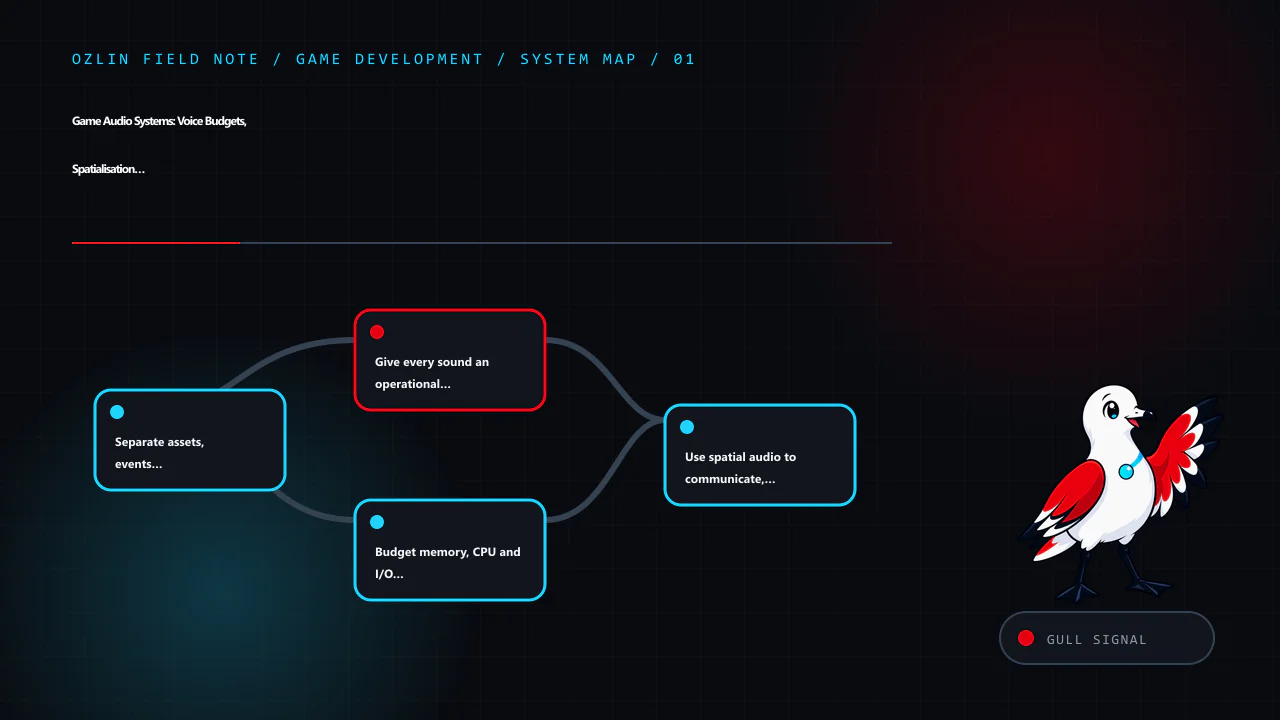
Separate assets, events and the mix
An audio asset is recorded or synthesised media. A runtime event describes when and how one or more assets are selected, parameterised and routed. A bus or mixer group controls a class of voices such as music, dialogue, effects or ambience. Keeping these layers separate lets the team change content without hard-coding filenames throughout gameplay code.
A small project may use the engine's native audio system. A larger project may benefit from middleware such as FMOD Studio or Audiokinetic Wwise for event authoring, profiling, banks, routing and platform workflows. Neither is automatically required or universally superior. Evaluate supported targets, source-control behaviour, runtime cost, licensing, build integration and the team's ability to operate it. FMOD and Wwise both document virtual voices and profiler workflows; use their current documentation for the selected version rather than relying on generic tutorials (FMOD — Studio documentation, Audiokinetic — Game Profiler).
Give every sound an operational policy
For each event family, record:
- purpose and gameplay priority;
- maximum simultaneous instances;
- retrigger and cooldown rules;
- whether the voice may be stolen or virtualised;
- attenuation and spatialisation behaviour;
- routing, ducking and side-chain rules;
- asset loading and streaming policy; and
- subtitle, caption or visual alternative requirements.
Without limits, repeated weapons, footsteps or particles can create hundreds of voices. The audible result becomes muddy while CPU, memory and streaming work increase. A voice limit is not merely a performance switch: stealing the wrong sound can remove a warning or a spoken instruction.
Virtualisation lets an inaudible or low-priority voice advance without fully rendering it, so it can resume in the correct timeline later. Policies differ by tool. Confirm whether a virtual voice continues its timeline, restarts, remains in memory or still runs expensive parameters. Wwise's documentation distinguishes virtual-voice behaviours, while FMOD documents event polyphony and stealing modes (Audiokinetic — Understanding Virtual Voices, FMOD — Advanced Topics).
Budget memory, CPU and I/O separately
Compressed file size is not runtime memory. A short sound may be decompressed into memory; long music may stream and consume buffers and I/O. Decode cost depends on codec, quality, channel count, sample rate, platform and implementation. Ogg is a container; Vorbis and Opus are codecs. Do not treat those names as interchangeable.
Create per-platform budgets for:
| Resource | Evidence to collect |
|---|---|
| Resident audio memory | Loaded banks, decoded clips, buffers and peak transitions |
| Streaming I/O | Throughput, latency, underruns and contention with level loading |
| Audio CPU | Mixing, decoding, DSP, spatialisation and high-percentile callback time |
| Active and virtual voices | Counts by category, priority and steal reason |
| Build size | Source asset, encoded output and duplicate-bank contribution |
Measure on target hardware during a representative worst-case scene. The editor and a development workstation can hide mobile decode, I/O or thermal limits. Capture the exact build, device, scene, duration and profiler configuration so the result can be repeated.
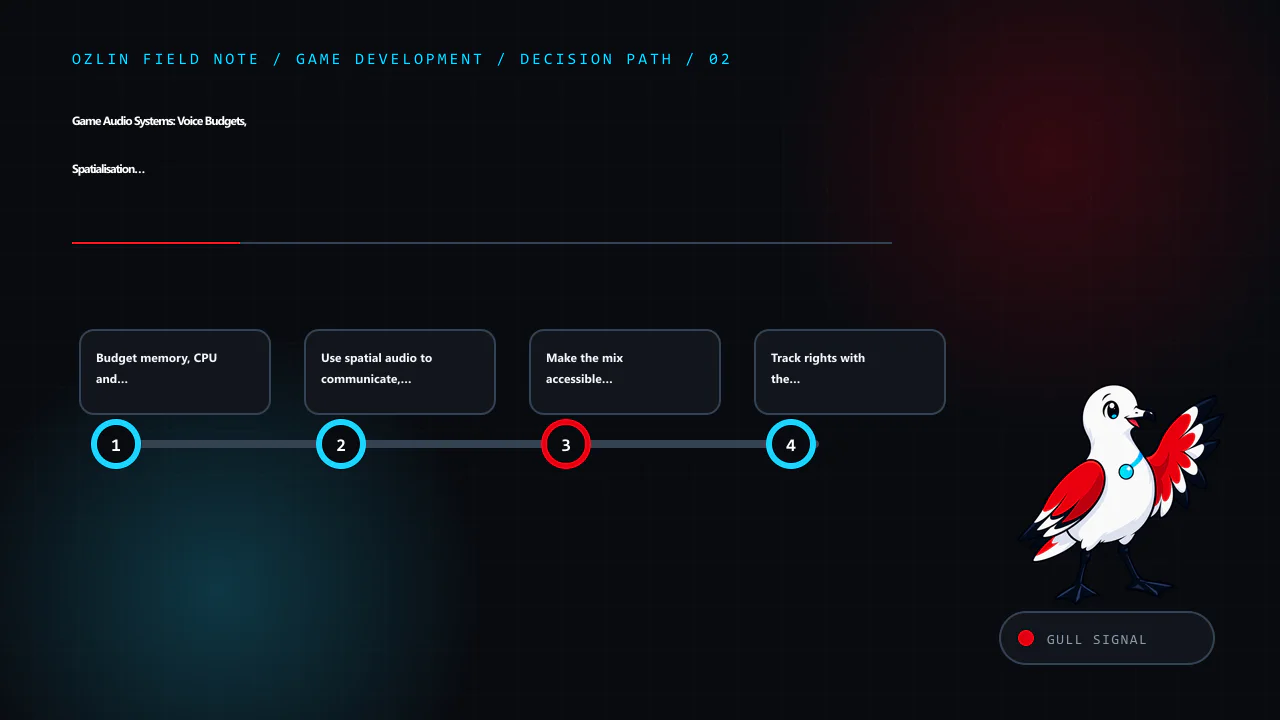
Use spatial audio to communicate, not decorate
For a three-dimensional emitter, define distance attenuation, directionality, obstruction or occlusion policy and listener behaviour. A spatialiser plugin may implement binaural or platform-specific processing; setting a “3D” slider alone does not prove perceptual accuracy. Unity's AudioSource.spatialize property, for example, enables an installed spatialiser effect rather than supplying one by itself (Unity — AudioSource.spatialize).
Avoid placing every sound in 3D. Interface confirmation, narration or music may need a stable non-spatial mix. For gameplay emitters, test front/back ambiguity, elevation, rapid movement, split-screen listeners and headphones as well as speakers. Provide visual indications for critical off-screen events where appropriate.
Make the mix accessible and adjustable
At minimum, offer separate controls for master, dialogue, effects and music where those categories exist. Preserve intelligibility at reduced dynamic range and on small speakers. Do not rely on stereo position, pitch or sound alone to communicate required information.
Dialogue subtitles need accurate wording, readable contrast, speaker identification when needed, controllable size and sufficient display time. Captions can additionally describe meaningful non-speech audio. Test subtitle timing during pauses, skips, cut-scenes and variable playback. The Xbox Accessibility Guidelines provide practical criteria for subtitles, captions and audio customisation, but they are guidance—not a claim of product conformance (Microsoft — Xbox Accessibility Guidelines).
Options should be available before audio-dependent onboarding. Save settings per profile and test mute, mono, device changes and focus loss. Haptics can reinforce an event but should have intensity or disable controls where the platform supports them.
Track rights with the asset
“Royalty free” does not mean free of conditions. Record each asset's creator, source URL, licence text or purchase evidence, acquisition date, permitted platforms, attribution, modification and redistribution terms. Check whether the licence permits inclusion in a downloadable game and whether raw files may be redistributed.
Do not upload client recordings, actor takes or licensed libraries to external AI or processing services without authority. For generated audio, record the tool, plan terms, prompt or production notes and human approval. Obtain releases and usage rights for voice performers where required.
Profile the whole journey
Build test scenes that exercise rapid effects, dialogue over music, level transitions, pause, device unplug, background/foreground changes and long sessions. Record clipping, underruns, missing banks, voice stealing and late events. Compare profiler data with a listening pass; a graph cannot decide whether a warning is understandable or a mix is fatiguing.
Use loudness meters and true-peak checks appropriate to the target and distribution requirements, but avoid imposing one universal loudness target without context. A storefront trailer, streamed cut-scene and interactive mix may have different delivery specifications. Document the chosen target and test method.
For help designing a game-audio implementation plan or target-device test matrix, see Ozlin Info's game-development services or contact Ozlin Info.
Related reading: Particle systems with measured effects budgets.
General-information disclaimer
This article provides general technical information. It does not grant asset rights, certify accessibility, guarantee platform acceptance or replace the selected engine, middleware, storefront and licence terms.
AI-assistance disclosure
AI tools assisted with source discovery, outlining and copyediting. A human reviewer must audition the mix, inspect licences, profile target builds and verify current product and platform documentation before release.
Primary sources checked
- FMOD — Studio documentation
- FMOD — Advanced Topics
- Audiokinetic — Game Profiler
- Audiokinetic — Understanding Virtual Voices
- Unity — AudioSource.spatialize
- Microsoft — Xbox Accessibility Guidelines
Source access date: 29 August 2026.
Leave a Reply