Category: AI & Automation

Responsible AI automation guides for Australian SMEs covering chatbots, document workflows, model evaluation, local AI systems and meaningful human oversight.

  • Run LLMs Locally in 2026: A Safe Windows, Linux and macOS Guide

    Run LLMs Locally in 2026: A Safe Windows, Linux and macOS Guide

    A local large language model can be useful for private experimentation, offline drafting, coding assistance and learning how inference works. “Local” does not automatically mean private, accurate or secure. The application may expose a network port, optional cloud features may exist, model files can have licence conditions, and anything pasted into a prompt may remain in logs, shell history, a chat database or a backup.

    This guide uses Ollama with qwen3:4b as the same low-barrier exercise on Windows 11, Ubuntu/Linux and Apple Silicon macOS. Ollama's library currently describes that model package as approximately 2.5 GB. The model advertises a much larger maximum context than a small computer should use by default; begin around 4K–8K tokens and increase only after measuring memory and latency.

    Commands below were checked against official documentation on 29 August 2026 but were not executed on your computer. Read each installer and model licence before proceeding. Do not paste passwords, customer data, private keys or regulated records into a test prompt.
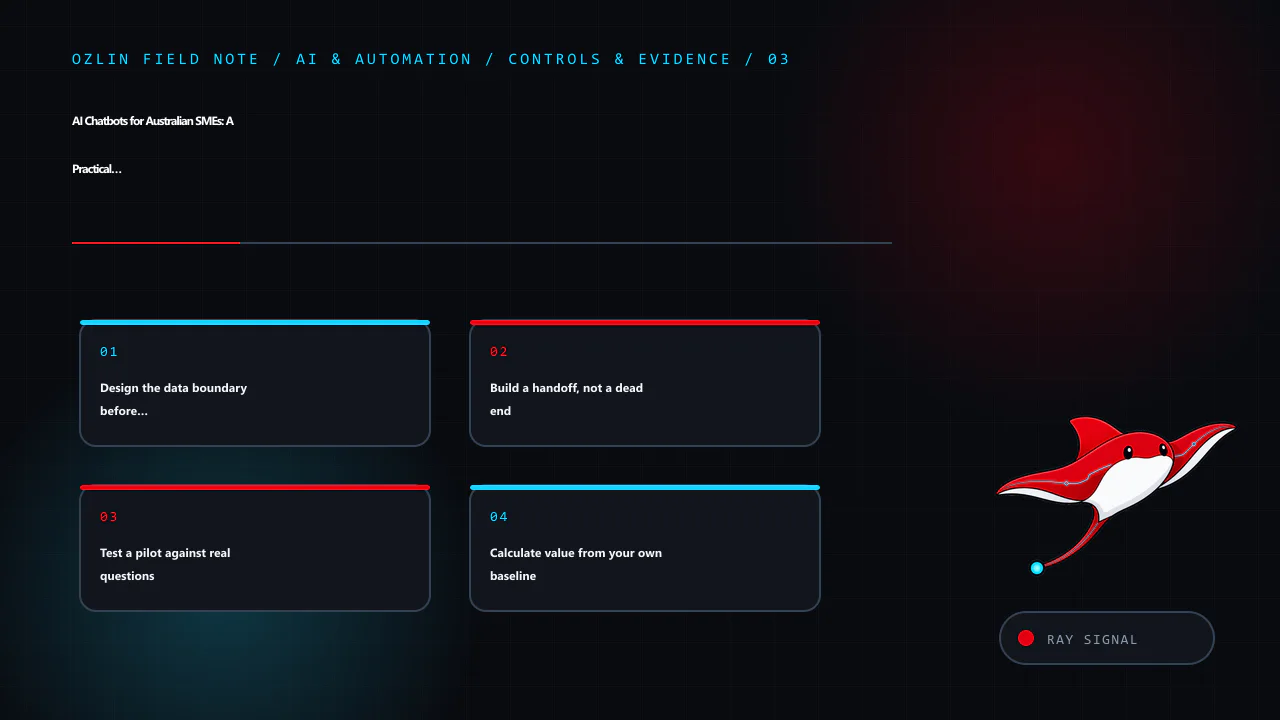
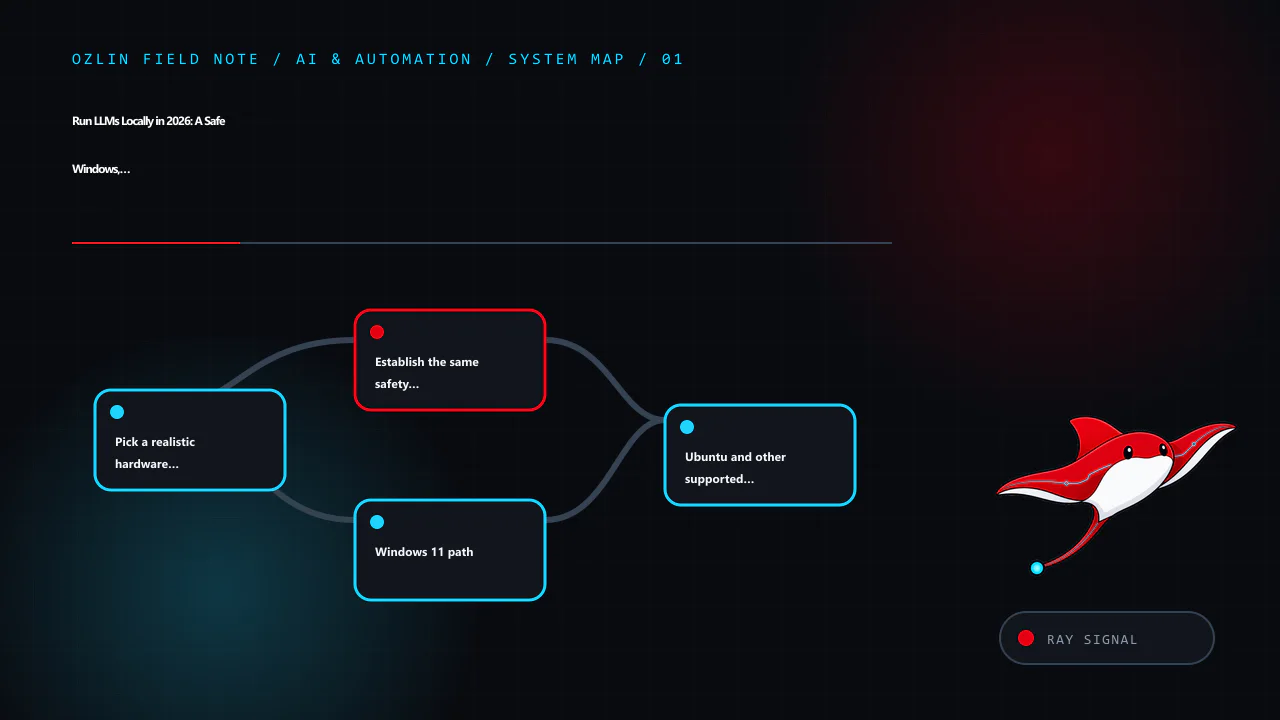
    Article map for Run LLMs Locally in 2026: A Safe Windows, Linux and macOS Guide, covering Pick a realistic hardware starting point, Establish the same safety baseline first, Windows 11 path and related review points.
    Article map: Pick a realistic hardware starting point; Establish the same safety baseline first; Windows 11 path; Ubuntu and other supported Linux path.

    Pick a realistic hardware starting point

    Model memory is affected by parameter count, quantisation, context length, KV cache, runtime, batch size and CPU/GPU offload. The following are starting points for testing, not compatibility or performance guarantees.

    Available memory Sensible starting experiment Expectations and caveats
    16 GB system RAM, integrated graphics or CPU 1B–4B quantised model; qwen3:4b is the example Close memory-heavy apps; expect slower generation on CPU and keep context modest
    8 GB VRAM 3B–7B-class quantised model Some layers or context may spill to RAM; measure with the real backend
    12 GB VRAM 7B–14B-class quantised model 14B may require a tighter quantisation/context or partial offload
    16 GB VRAM 7B–14B comfortable starting range; some larger experiments Runtime overhead and long context can still exhaust memory
    24 GB VRAM 14B–32B-class quantised experiments A nominal 32B model may not fit entirely at the chosen quantisation and context
    32 GB VRAM Larger 32B-class quantised experiments Leave headroom for KV cache, display and runtime allocations
    48 GB VRAM 32B–70B-class quantised experiments 70B often needs careful quantisation or CPU/multi-GPU offload
    96 GB VRAM Many 70B-class quantised configurations Still not enough for every precision, context or multimodal workload
    Multiple GPUs Models can be split when the runtime and topology support it VRAM does not always pool transparently; PCIe/NVLink topology and backend support matter

    Apple unified memory is shared by the CPU, GPU and operating system, so do not equate a Mac's total memory with dedicated VRAM. On every platform, leave enough memory for the operating system and normal work. An out-of-memory crash is a measurement, not a reason to disable safety controls or allocate every last gigabyte.

    Establish the same safety baseline first

    1. Download software only from the vendor's official site or documented repository. Verify signatures or hashes where the project publishes them.
    2. Keep the inference API on loopback. Ollama binds to 127.0.0.1:11434 by default. Do not change OLLAMA_HOST to a public interface unless you add a deliberately designed authentication, encryption and network-control layer.
    3. Use a separate non-administrator account for day-to-day experimentation where practical.
    4. Decide which data is prohibited. Customer secrets, authentication material, health records and unapproved source code should stay out of an informal lab.
    5. Check the model's licence, acceptable-use terms, provenance and the model card. An open download is not necessarily permission for every commercial use.
    6. Maintain operating-system, GPU-driver and application updates. Back up only the settings and conversations you actually intend to retain.
    7. Treat model output and retrieved documents as untrusted input. Prompt injection can be embedded in web pages, PDFs or repository content used for RAG.

    Ollama's FAQ says local prompts are not sent to Ollama when local models are used, and documents OLLAMA_NO_CLOUD=1 to disable its cloud features. That statement does not cover third-party user interfaces, extensions, telemetry, remote model providers or your own proxies. Map the complete application, not just the model runner.

    Windows 11 path

    Install and locate data

    Download the current Windows installer from the official Ollama download page and run it in the intended user account. Ollama's Windows documentation places the application binaries under %LOCALAPPDATA%ProgramsOllama and models under %HOMEPATH%.ollamamodels by default. Free disk space should exceed the model download plus room for future versions and temporary files.

    Open a fresh PowerShell window and run:

    ollama --version
    ollama pull qwen3:4b
    ollama run qwen3:4b

    At the model prompt, use the same harmless test used for the other platforms:

    List three reasons a small business should test a backup restore. Separate facts from assumptions.

    Do not judge the system from prose quality alone. Exit the chat, then verify the model and runtime:

    ollama list
    ollama ps
    Get-NetTCPConnection -LocalPort 11434 -State Listen

    The listener should be on loopback unless you intentionally changed it. ollama ps reports processor placement and context details for loaded models. To remove the example model while leaving Ollama installed:

    ollama rm qwen3:4b

    Windows cleanup

    Uninstall Ollama through Settings → Apps → Installed apps. The model directory may remain because deleting it is destructive and removes downloaded models. After confirming no model or configuration is needed, remove %HOMEPATH%.ollama manually and recheck that port 11434 is no longer listening. If a third-party desktop client was added, uninstall and review its separate conversation-data directory too.

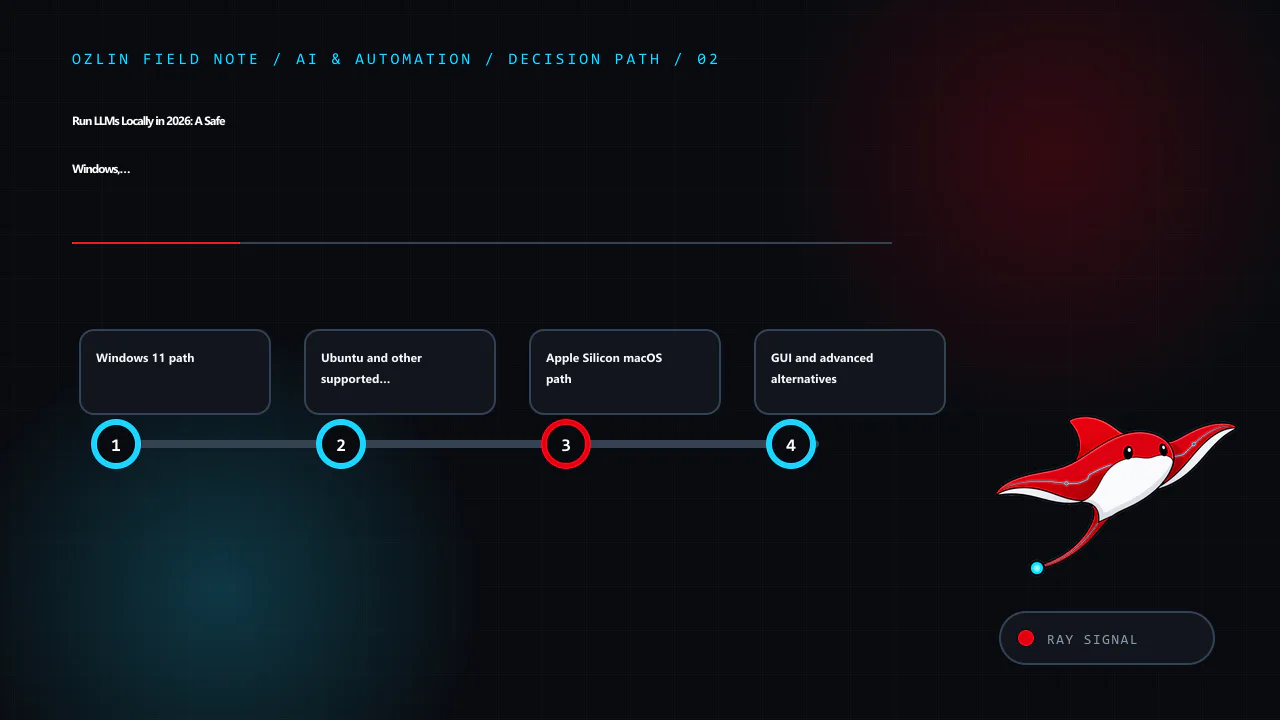
    Decision path for Run LLMs Locally in 2026: A Safe Windows, Linux and macOS Guide, covering Windows 11 path, Ubuntu and other supported Linux path, Apple Silicon macOS path and related review points.
    Decision path: Windows 11 path; Ubuntu and other supported Linux path; Apple Silicon macOS path; GUI and advanced alternatives.

    Ubuntu and other supported Linux path

    Review the official Linux installation page before piping any network script into a shell. Its documented quick-install command is:

    curl -fsSL https://ollama.com/install.sh | sh

    For a controlled environment, download and inspect the script or use the documented manual archive method instead. The documentation also provides a systemd service pattern. After installation:

    ollama --version
    systemctl status ollama --no-pager
    ollama pull qwen3:4b
    ollama run qwen3:4b

    Use the same test prompt, exit, and verify:

    ollama list
    ollama ps
    ss -ltnp | grep 11434

    The default Linux model directory is /usr/share/ollama/.ollama/models for the standard service installation. If you changed OLLAMA_MODELS, record the new location and permissions. Avoid making the service writable by unrelated users.

    To remove only the example model:

    ollama rm qwen3:4b

    Linux cleanup

    Follow the current official uninstall section because service names and installation paths can change. The documented sequence includes stopping and disabling the service, removing its service file and binary, and removing the dedicated user/group when no longer required. Treat the model directory as data: confirm its resolved path before deletion, avoid a broad recursive command, and retain anything required by policy. Finally run ss -ltnp | grep 11434 again and confirm no listener remains.

    For a server, place the API behind a host firewall even when it binds to loopback. Do not add a blanket inbound rule for 11434. If remote access is genuinely required, prefer a private VPN or an authenticated application gateway, minimise source ranges and log access. The model API itself should not be assumed to provide multi-user security boundaries.

    Apple Silicon macOS path

    Ollama's macOS documentation currently requires macOS 14 Sonoma or newer and supports Apple Silicon; Intel Macs use CPU-only operation. Download the official disk image, open it and place the application in Applications as documented. Launch it once, then in Terminal run:

    ollama --version
    ollama pull qwen3:4b
    ollama run qwen3:4b

    Use the same test prompt and verify:

    ollama list
    ollama ps
    lsof -nP -iTCP:11434 -sTCP:LISTEN

    The default model and configuration directory is ~/.ollama. Apple unified memory can make larger models practical than a similarly named discrete-VRAM figure suggests, but macOS, applications and inference share it. Monitor Memory Pressure and avoid selecting a model merely because its file is smaller than total memory.

    Remove the example model with ollama rm qwen3:4b. To uninstall the application, quit it and follow the current macOS removal instructions. Delete ~/.ollama only after checking its contents and confirming the models, keys or settings are not needed. Verify that port 11434 has closed.

    GUI and advanced alternatives

    LM Studio is the GUI-oriented route. Its current requirements recommend 16 GB RAM, macOS 14+ on Apple Silicon, and a Windows x64 system with AVX2; 4 GB dedicated VRAM is recommended on Windows. Linux is distributed as an AppImage. The application can operate offline after models are downloaded, but model discovery and download need network access. Use the same safety questions: model source and licence, data location, local-server bind address, extensions and any remote-provider settings.

    llama.cpp is the advanced GGUF route. It supports multiple quantisation levels and backends including CUDA, HIP, Metal and Vulkan, plus CPU/GPU hybrid inference. Its llama-server example defaults to 127.0.0.1:8080. Building from source gives more control but adds compiler, dependency and patching responsibilities. Pin a reviewed release or commit, record the model hash and launch arguments, and do not paste a random internet command into a privileged shell.

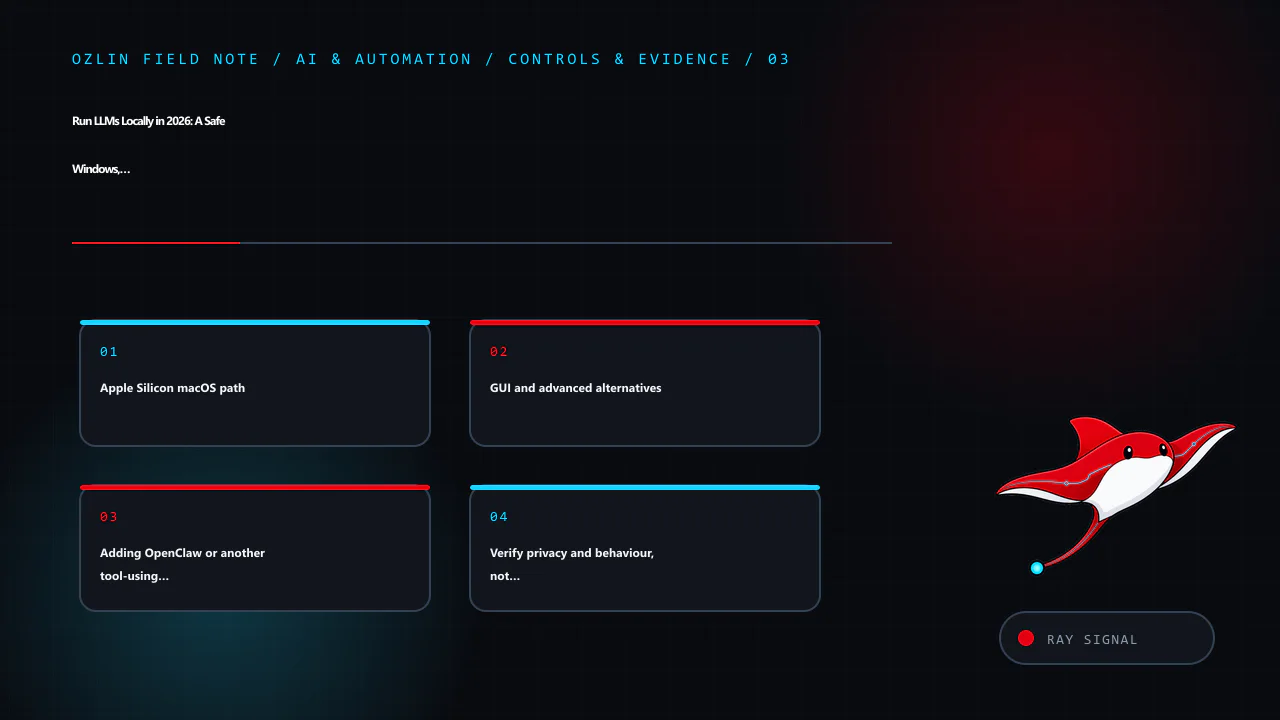
    Control and evidence map for Run LLMs Locally in 2026: A Safe Windows, Linux and macOS Guide, covering Apple Silicon macOS path, GUI and advanced alternatives, Adding OpenClaw or another tool-using agent and related rev…
    Control and evidence map: Apple Silicon macOS path; GUI and advanced alternatives; Adding OpenClaw or another tool-using agent; Verify privacy and behaviour, not just installation.

    Adding OpenClaw or another tool-using agent

    A local model produces text. An agent can also read files, browse sites, run commands, call plugins, use credentials and trigger real actions. That changes the risk from “the answer may be wrong” to “the software may act with delegated authority.” A malicious page, email, document, plugin or chat participant can attempt indirect prompt injection; an over-permissioned agent can then expose data or modify a system even though the model and gateway are local.

    OpenClaw's official security guidance describes one trusted operator boundary per Gateway and says it is not a hostile multi-tenant security boundary. Its optional sandbox can confine tool execution, but the Gateway remains on the host and elevated tools can bypass ordinary sandbox execution. A workspace directory alone is not isolation: without sandboxing, absolute paths may still reach other host data. Verify the effective policy with openclaw sandbox explain, and run openclaw security audit --deep before connecting messaging, browser or remote-access channels.

    Choose an isolation level from the agent's authority, not from the size of its model:

    Intended use Practical starting boundary Important limits
    Private chat with no shell, browser, messaging or file-write tools Separate standard OS account; model API and Gateway on loopback Still protect conversation history, model licences and local logs
    Learning with untrusted web pages or documents and narrowly scoped tools Disposable VirtualBox VM or another maintained VM, plus the agent's own tool sandbox A VM is weakened by shared folders, clipboard, USB passthrough, bridged networking and host credentials
    Long-running browser, email, coding or home-automation agent Dedicated spare computer, or a dedicated VM host, on a separate network segment Separate hardware reduces host blast radius but does not protect cloud accounts or other devices reachable over the network
    Business/customer data, multiple users or production changes Separate Gateway and credentials per trust boundary, centrally managed isolation, egress control and approval logging Do not treat one personal-assistant Gateway as tenant isolation; obtain a security review before production use

    For a VirtualBox lab, use NAT with only necessary port forwarding instead of bridged networking, and keep shared clipboard, drag-and-drop, shared folders and unnecessary USB passthrough disabled. Oracle's security guide notes that clipboard and shared folders can expose host data to the guest or a remote user of the guest. Encrypt and patch both host and guest. Take a clean snapshot for convenient reset, but keep an independent backup of anything that matters; a snapshot attached to the same VM storage is not an incident-recovery plan.

    A spare PC is the better default when the agent will remain online or receive shell, browser, email or messaging access. Reinstall a supported operating system, enable full-disk encryption and automatic security updates, use a non-administrator service account, and put the device on a guest VLAN or otherwise restricted network. Block unsolicited inbound access, keep the Gateway on loopback or use a private authenticated tunnel, and restrict outbound destinations where the workflow allows it. Do not sign the agent into a personal browser profile or mount household and business file shares.

    Whichever boundary you choose, apply controls at every layer:

    • enable sandboxing for all tool-using sessions and start with no workspace access or read-only access;
    • deny shell execution and elevated mode unless a defined task requires them, then use explicit command allowlists and human approval;
    • never expose the Gateway or model API directly to the public internet; require strong authentication, rate limits and a firewall for any non-loopback access;
    • give each connector a separate least-privilege account or token with narrow scopes, spend limits and easy revocation; keep secrets outside agent-readable files;
    • install skills, plugins and packages only from reviewed sources, pin versions and record hashes; never use cracked or nulled agents, plugins or automation tools;
    • require a human to review the exact recipient, command, diff and amount before sending, deleting, purchasing, deploying or changing access;
    • log tool calls and network activity, cap runtime and resource use, maintain a kill switch, and test revocation and restore; and
    • use synthetic data first. Test that the agent cannot read an unmounted decoy file, reach a blocked destination or perform a denied action.

    Containers, a VM and a spare computer are complementary controls. The agent sandbox reduces routine tool access; the VM separates guest and host; dedicated hardware reduces the consequence of a guest or hypervisor failure. None prevents misuse of a valid email token, an allowed outbound connection or a misleading approval request. OWASP describes this as excessive agency: minimise functionality, permissions and autonomy, then enforce policy in the downstream system rather than asking the model to police itself.

    Verify privacy and behaviour, not just installation

    Run a repeatable acceptance check on all three platforms:

    • Confirm the process owner and listener address.
    • Disconnect external network access after the model is downloaded and repeat the harmless prompt. Record which functions still work.
    • Inspect application settings for cloud providers, telemetry, browsing, extensions and update behaviour.
    • Find the model and conversation directories; check permissions and backup scope.
    • Test refusal to reveal a seeded secret from an unrelated local file. The model should not have access unless an application tool explicitly grants it.
    • Review a generated answer against an authoritative source. A local model can hallucinate as confidently as a hosted model.
    • Remove the model and confirm expected data is gone from the active application while recognising that backups or snapshots may retain copies.

    RAG adds another trust boundary. A malicious document can instruct an agent to ignore its task, exfiltrate context or call tools. Segment sources, strip active content, limit tool permissions, quote provenance and require human approval for consequential actions. NIST's Generative AI Profile and the OWASP guidance on LLM applications provide risk frameworks; neither turns a local install into a certified secure system.

    When local is the wrong answer

    Use a hosted service or a controlled hybrid design when hardware sits idle, the team cannot patch it, collaboration is required, or an approved provider supplies stronger governance. Use local inference when offline operation, predictable sensitive-data boundaries or low-latency experimentation justify the ownership burden. Compare electricity, hardware depreciation, backup, administration and incident response—not only a cloud token price.

    If you are considering rack hardware for a very large model, read 1U, 2U or Workstation? and the DeepSeek 671B reality check before buying retired servers. For a business workflow rather than a lab, Ozlin's AI and automation services can help define the data boundary, review points and measurable acceptance criteria. Ozlin's earlier AI chatbot guide also covers business use at a higher level.

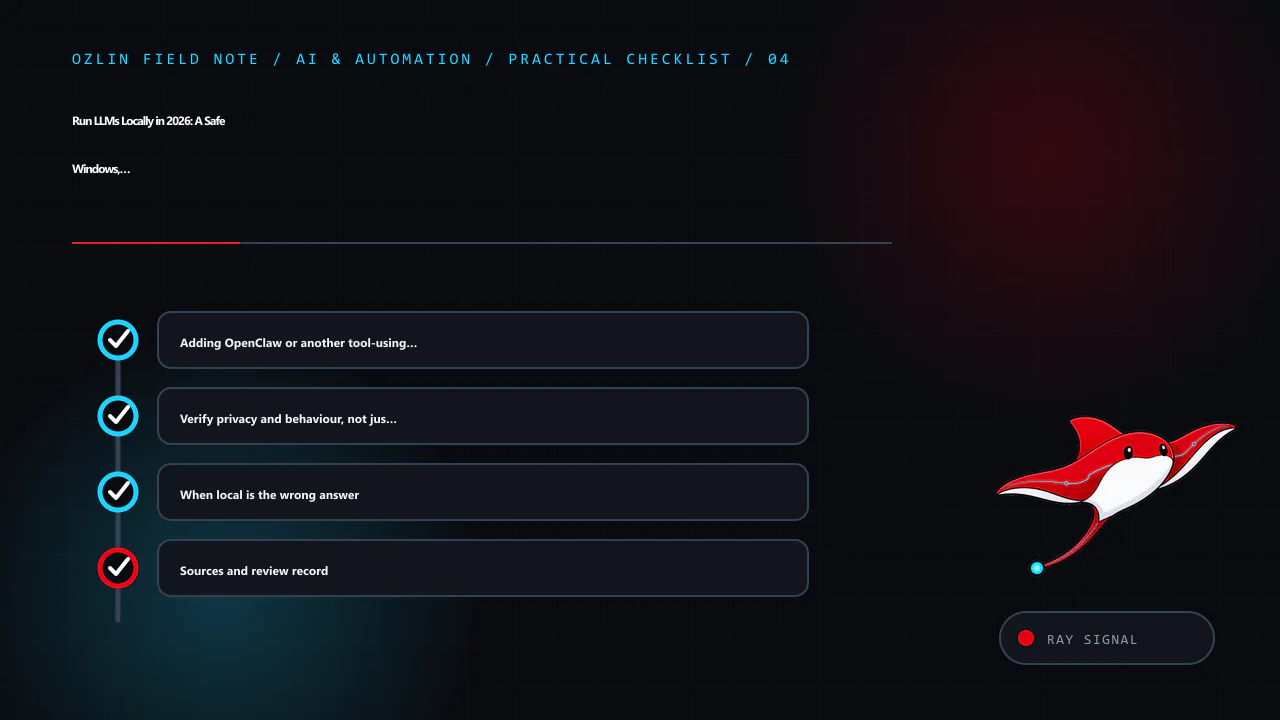
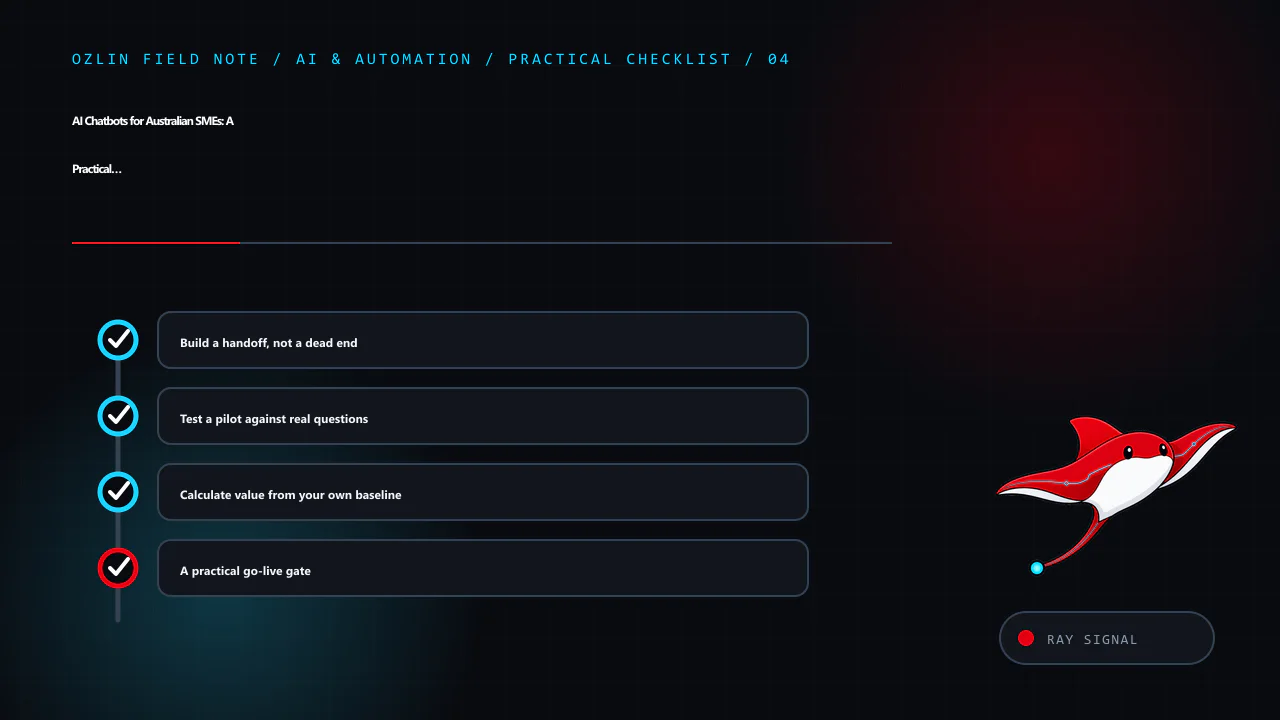
    Practical checklist for Run LLMs Locally in 2026: A Safe Windows, Linux and macOS Guide, covering Adding OpenClaw or another tool-using agent, Verify privacy and behaviour, not just installation, When local is the wrong…
    Practical checklist: Adding OpenClaw or another tool-using agent; Verify privacy and behaviour, not just installation; When local is the wrong answer; Sources and review record.

    Sources and review record

    Sources were accessed on 29 August 2026. Tool versions, model metadata and platform requirements are scheduled for review by 29 November 2026.
    AI assisted with source discovery, drafting and copyediting; Ozlin Info remains responsible for publication.

  • Buying RAM and SSDs During the AI Hardware Squeeze: A 2026 Guide

    Buying RAM and SSDs During the AI Hardware Squeeze: A 2026 Guide

    The AI infrastructure boom is placing unusual pressure on parts of the memory and storage supply chain, but “all chips are in shortage” is too broad to be useful. The clearest 2026 signals concern server DRAM, high-bandwidth memory, NAND and enterprise SSD demand. SK hynix reported significant quarter-on-quarter increases in DRAM and NAND pricing alongside AI-server demand. Samsung described robust demand for server DRAM, enterprise SSDs and HBM, with supply constraints. Micron's investor materials likewise tie investment and product mix to data-centre and AI demand.

    Those manufacturer reports do not prove that every consumer DIMM or SSD will rise by the same amount, or that a small business should buy immediately. Product cycles, channel inventory, exchange rates, controller shortages and promotions create different outcomes by model. The practical response is to separate a real capacity need from anxiety, then compare delay, targeted expansion, cloud bursting, refurbished stock and used equipment with the same total-cost model.

    This guide is general procurement and technical information, not a guarantee that a particular second-hand part is safe or compatible.

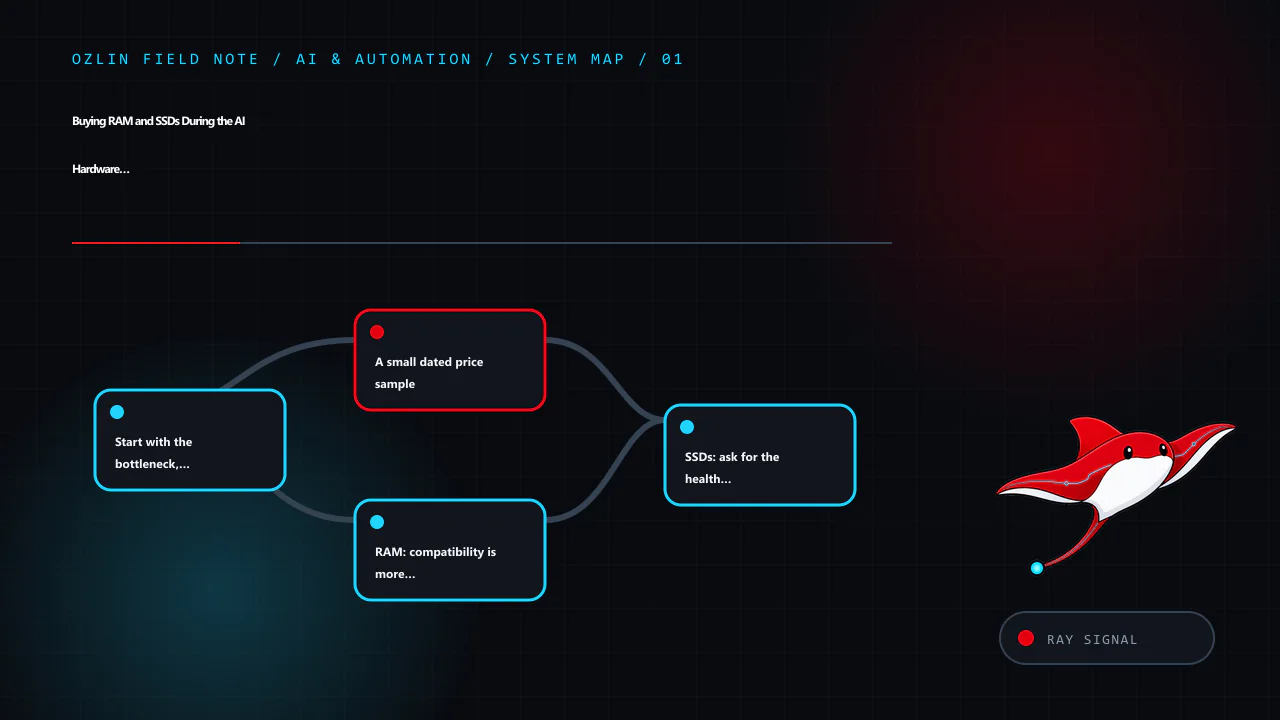
    Article map for Buying RAM and SSDs During the AI Hardware Squeeze: A 2026 Guide, covering Start with the bottleneck, not the shopping cart, A small dated price sample, RAM: compatibility is more than DDR generation and…
    Article map: Start with the bottleneck, not the shopping cart; A small dated price sample; RAM: compatibility is more than DDR generation; SSDs: ask for the health log before price negotiation.

    Start with the bottleneck, not the shopping cart

    Measure the system before purchasing. A local language model may be limited by GPU memory rather than system RAM. A database may be storage-latency constrained even when its disk has spare capacity. A workstation with 64 GB installed may be swapping because one process has an unbounded configuration, while another workload could be fixed by closing duplicate development environments.

    Record at least:

    • peak and typical committed memory, swap or page-file activity and memory errors;
    • GPU-memory allocation, model size, context length and CPU-offload behaviour;
    • SSD capacity, latency, write rate, queue depth and health counters;
    • the cost of the current wait, failure or cloud bill; and
    • the motherboard, CPU, firmware, slot and power constraints.

    Then choose among five strategies.

    1. Delay the upgrade when utilisation is comfortable and the purchase is speculative. Preserve the budget and recheck prices on a fixed date.
    2. Expand only the limiting tier—for example, add a scratch SSD instead of replacing the entire workstation.
    3. Burst to cloud or a rented GPU for occasional jobs, while accounting for data movement, storage and privacy.
    4. Buy manufacturer- or retailer-refurbished equipment where test evidence and a useful warranty justify a moderate premium.
    5. Buy used when compatibility can be established, failure is recoverable and the discount exceeds acceptance-test and spare-part costs.

    A small dated price sample

    Prices below were observed on 29 August 2026 and are not a market index. They are included to demonstrate the fields a buyer should capture. Australian retail prices generally include GST when sold to consumers unless the page states otherwise; marketplace treatment varies by seller. Delivery, adapters and warranty value can change the comparison. The two used-memory observations were captured in the internal editorial evidence rather than linked here because individual marketplace listings expire and should not become permanent evidence links.

    The links are not affiliate links, and no seller or brand paid for inclusion.

    Item and sample source Condition Observed AUD price GST/warranty note What the sample does and does not show
    Crucial T500 2 TB NVMe, BuyWisely retailer aggregation New retail offers From A$229 Check the chosen retailer's GST invoice and warranty A snapshot across listed retailers, not proof of stock or final delivered price
    Samsung 990 Pro 2 TB, Priceroo tracking page New retail offers From about A$483.04 Check seller, GST and local warranty Different controller/endurance positioning means this is not like-for-like with every 2 TB drive
    8 × 8 GB Samsung DDR4 ECC RDIMM marketplace listing Used A$269.55 Seller type, GST and return rights must be checked One listing, not a representative median; platform title is not test evidence
    4 × 16 GB SK hynix DDR4 ECC marketplace listing Used A$329.99 Seller type and warranty unclear until listing terms are read One observed configuration; rank, speed and server compatibility remain unverified

    Do not conclude from four samples that used RAM is always good value. Search sold listings where available, capture at least five genuinely comparable examples, remove shipping-only or faulty items, and retain screenshots or invoices. Compare cost per usable, compatible gigabyte, not per stick.

    RAM: compatibility is more than DDR generation

    A module that physically fits may still fail to train, down-clock the system or create an unsupported population. Before buying, record the exact motherboard or server model, CPU generation and current module labels. Check the system manual and qualified-vendor list where one exists.

    For each candidate, verify:

    • DDR generation and voltage: DDR4 and DDR5 are not interchangeable.
    • ECC and buffering: unbuffered ECC UDIMM, registered RDIMM and load-reduced LRDIMM are different electrical populations. Many platforms prohibit mixing them.
    • Rank and organisation: 1Rx8, 2Rx4 and 4Rx4 are not cosmetic labels. Rank count affects supported capacity and speed.
    • Capacity per slot and total capacity: firmware and CPU memory controllers impose limits.
    • Speed: faster modules often run at the slowest supported population speed; mixed populations may reduce frequency further.
    • Population rules: server manuals specify channels, slots and balanced arrangements. Installing every spare DIMM without following them can reduce bandwidth or prevent boot.
    • Part-number match: identical marketing capacity is weaker evidence than exact part numbers and revision details.

    Ask a used seller for clear photographs of every label and a booted-system inventory. Treat screenshots as evidence about that test moment, not proof of future health. On arrival, photograph the package, inspect contacts and components, install according to the service manual, update firmware only through an approved change process, and run multiple passes of a reputable memory test such as MemTest86. Follow with the actual workload and review corrected and uncorrected ECC logs. Any unexplained error should stop deployment into production.

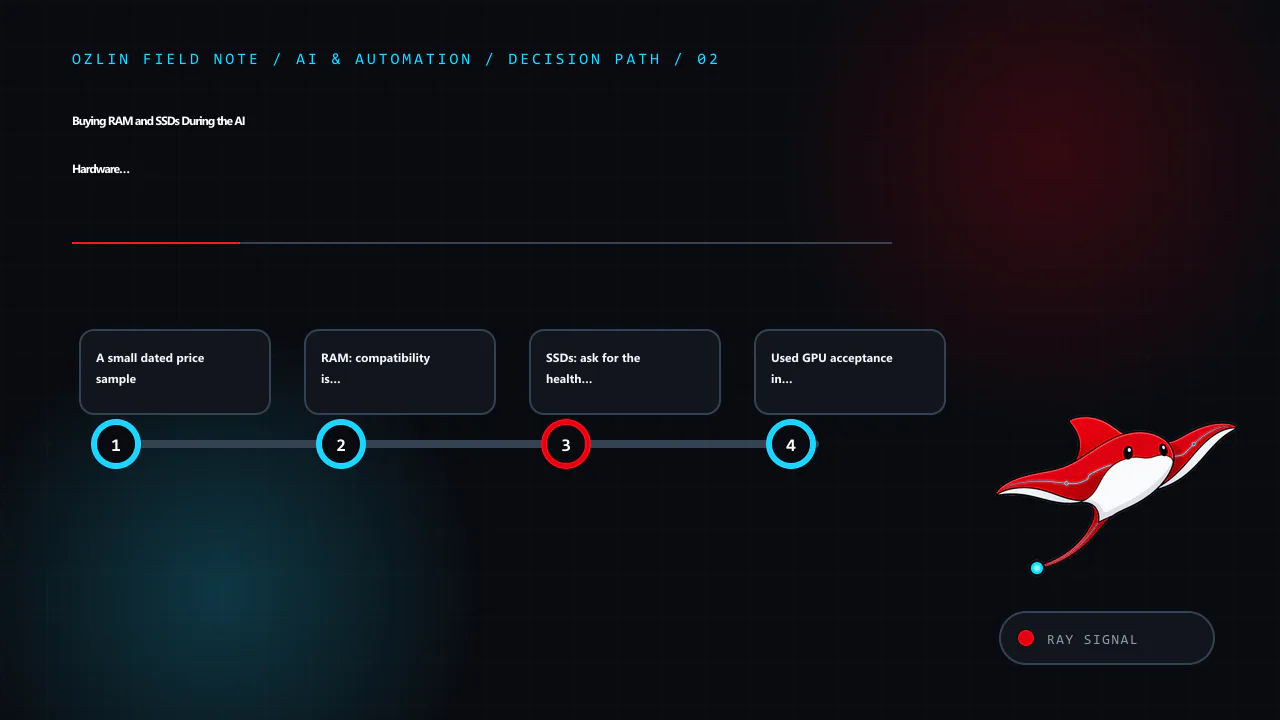
    Decision path for Buying RAM and SSDs During the AI Hardware Squeeze: A 2026 Guide, covering A small dated price sample, RAM: compatibility is more than DDR generation, SSDs: ask for the health log before price negotiat…
    Decision path: A small dated price sample; RAM: compatibility is more than DDR generation; SSDs: ask for the health log before price negotiation; Used GPU acceptance in brief.

    SSDs: ask for the health log before price negotiation

    An SSD has no moving parts, but flash cells, capacitors, controllers and firmware still age or fail. Model number and capacity alone say little about remaining life.

    Request the full SMART or NVMe health log in machine-readable or unedited form. Important fields include:

    • Percentage Used or equivalent vendor wear indicator;
    • total bytes or data units written and the rated TBW;
    • available spare and spare threshold;
    • media and data-integrity errors;
    • critical warnings and temperature history;
    • unsafe shutdowns and power cycles;
    • error log entries; and
    • firmware revision.

    NVMe's open-source nvme-cli can retrieve standard health and error information on supported Linux systems. Vendor utilities may add model-specific interpretation. A zero media-error counter is helpful, but it does not prove the drive is genuine, unused or free from intermittent faults. Compare serial numbers across the label, firmware utility and invoice. Check the manufacturer's warranty status where possible.

    Workload fit matters. A lightly used consumer drive may suit a replaceable game cache; a database or write-heavy virtualisation host may justify an enterprise SSD with power-loss protection, documented endurance and predictable sustained writes. An adapter can add cost or prevent correct cooling, bifurcation or boot support. M.2, U.2/U.3, E1.S and add-in cards are not interchangeable merely because they use NVMe.

    For acceptance, secure-erase the drive using a method appropriate to the device and policy, update approved firmware, perform a full read test and a bounded write/read validation, monitor temperature and re-read the health log. Do not run destructive tests on a drive containing the seller's or your own required data. The Australian Cyber Security Centre's device-disposal guidance is a useful baseline when storage will leave organisational control.

    Used GPU acceptance in brief

    GPU listings attract more attention during an AI boom because memory capacity appears to set the model ceiling. Check the exact board, VRAM amount, connector and physical dimensions; available PCIe lanes; PSU capacity and native cables; cooling clearance; driver and compute-backend support; and whether the intended framework supports the architecture.

    Ask for a current diagnostic screenshot with serial or model evidence, but assume screenshots can be reused. On arrival, inspect the PCB and connectors for corrosion, repair marks or damage. Run a VRAM test, a sustained compute workload and the intended inference job while recording temperature, clock, power and errors. Coil noise is not the same as computational failure, while corrected bus errors, crashes or visual corruption deserve investigation. Never bypass a server vendor's documented power, airflow or GPU-support limitations merely because a card can be made to fit.

    For model sizing, see Run LLMs Locally in 2026 and the 1U, 2U or workstation design guide.

    Australian consumer rights depend on the seller

    The Australian Consumer Law's consumer guarantees can apply to second-hand goods sold by a business. The expected durability and acceptable quality are assessed in context, including age, price, description and disclosed defects. A business cannot remove applicable statutory guarantees merely by writing “no refunds”.

    Most one-off private sales are not covered by the same consumer guarantees. Marketplace payment protection or a platform return policy is separate and has its own deadlines and evidence rules. Before paying, capture whether the seller is acting as a business, the description, represented condition, return terms and payment method. For a business-critical purchase, an invoice, serial list and written acceptance condition can be more valuable than a small discount.

    If a listing says “untested”, “for parts” or discloses a fault, price it as a risky repair input—not as working stock. Do not pressure a seller to misdescribe goods for tax or platform purposes.

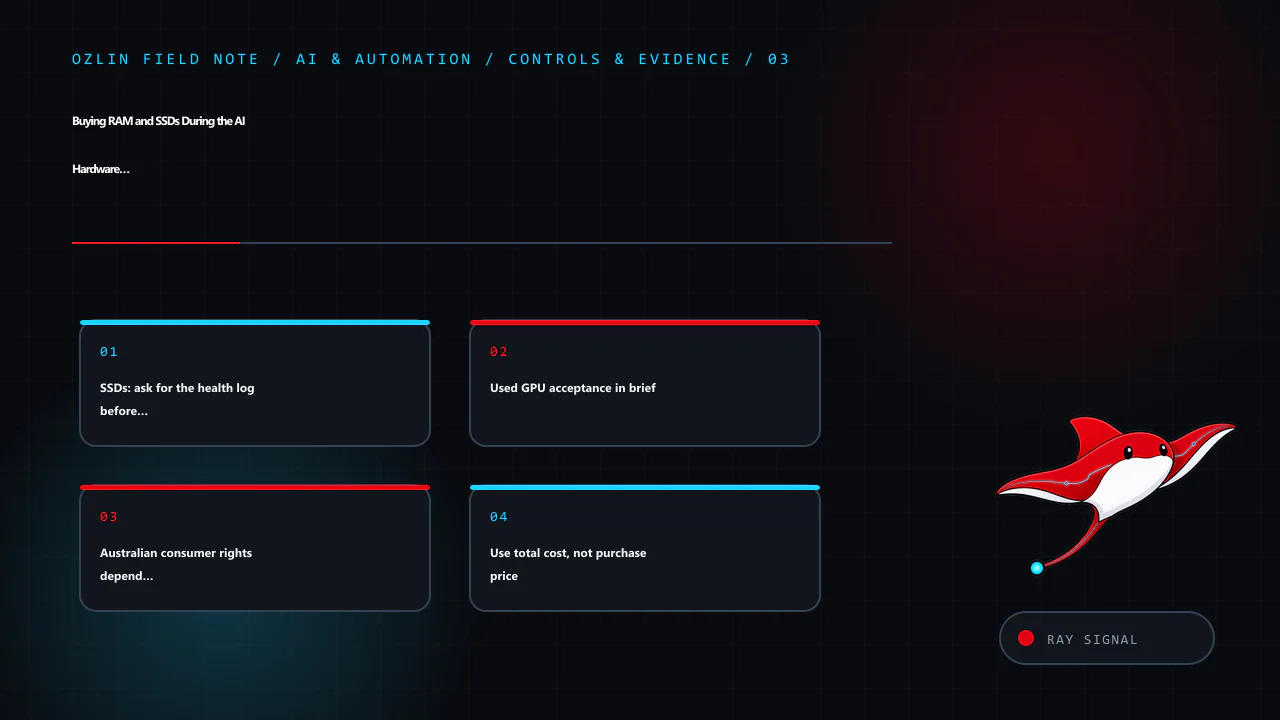
    Control and evidence map for Buying RAM and SSDs During the AI Hardware Squeeze: A 2026 Guide, covering SSDs: ask for the health log before price negotiation, Used GPU acceptance in brief, Australian consumer rights dep…
    Control and evidence map: SSDs: ask for the health log before price negotiation; Used GPU acceptance in brief; Australian consumer rights depend on the seller; Use total cost, not purchase price.

    Use total cost, not purchase price

    For each option calculate:

    TCO = purchase price + shipping/adapters + expected-failure reserve + electricity + downtime cost − residual value

    Add acceptance labour and secure-disposal cost where material. A used SSD that saves A$80 but consumes three hours of skilled testing and carries a credible A$1,000 outage exposure is not automatically cheaper. Conversely, a pool of matched, tested ECC DIMMs with one cold spare may be an excellent value for a non-critical lab.

    Estimate the failure reserve transparently. If ten used units cost A$300 each, you budget one A$300 spare, and you expect A$200 in testing labour, the acquisition line is A$3,500 before power or downtime—not A$3,000. Do not invent a precise failure probability from anecdotes.

    Procurement and acceptance checklist

    Before purchase:

    • define the performance and capacity requirement;
    • confirm exact compatibility from primary documentation;
    • compare new, refurbished, used and temporary cloud options;
    • record condition, seller status, GST, warranty, return window and included accessories;
    • request labels, serials and current health evidence;
    • calculate delivered TCO and a failure reserve; and
    • obtain approval against an asset and data-handling policy.

    On receipt:

    • document packaging, labels and physical condition;
    • isolate unknown storage until it is securely sanitised;
    • test memory, storage or VRAM before production use;
    • update asset, firmware and warranty records;
    • retain evidence until the return window has passed; and
    • keep the old known-good component until the new configuration survives a burn-in and restore test.

    The goal is not to eliminate all second-hand risk. It is to make the risk visible, bounded and recoverable. Ozlin's AI and automation services can help plan a right-sized local or hybrid environment without treating a shopping list as an architecture.

    Practical checklist for Buying RAM and SSDs During the AI Hardware Squeeze: A 2026 Guide, covering Australian consumer rights depend on the seller, Use total cost, not purchase price, Procurement and acceptance checklis…
    Practical checklist: Australian consumer rights depend on the seller; Use total cost, not purchase price; Procurement and acceptance checklist; Sources and review record.

    Sources and review record

    Sources and price samples were accessed on 29 August 2026. Supply commentary and price samples are scheduled for review by 29 November 2026.

    AI assisted with source discovery, drafting and copyediting; Ozlin Info remains responsible for publication.

  • 1U, 2U or Workstation? Designing a Practical Local AI Server

    1U, 2U or Workstation? Designing a Practical Local AI Server

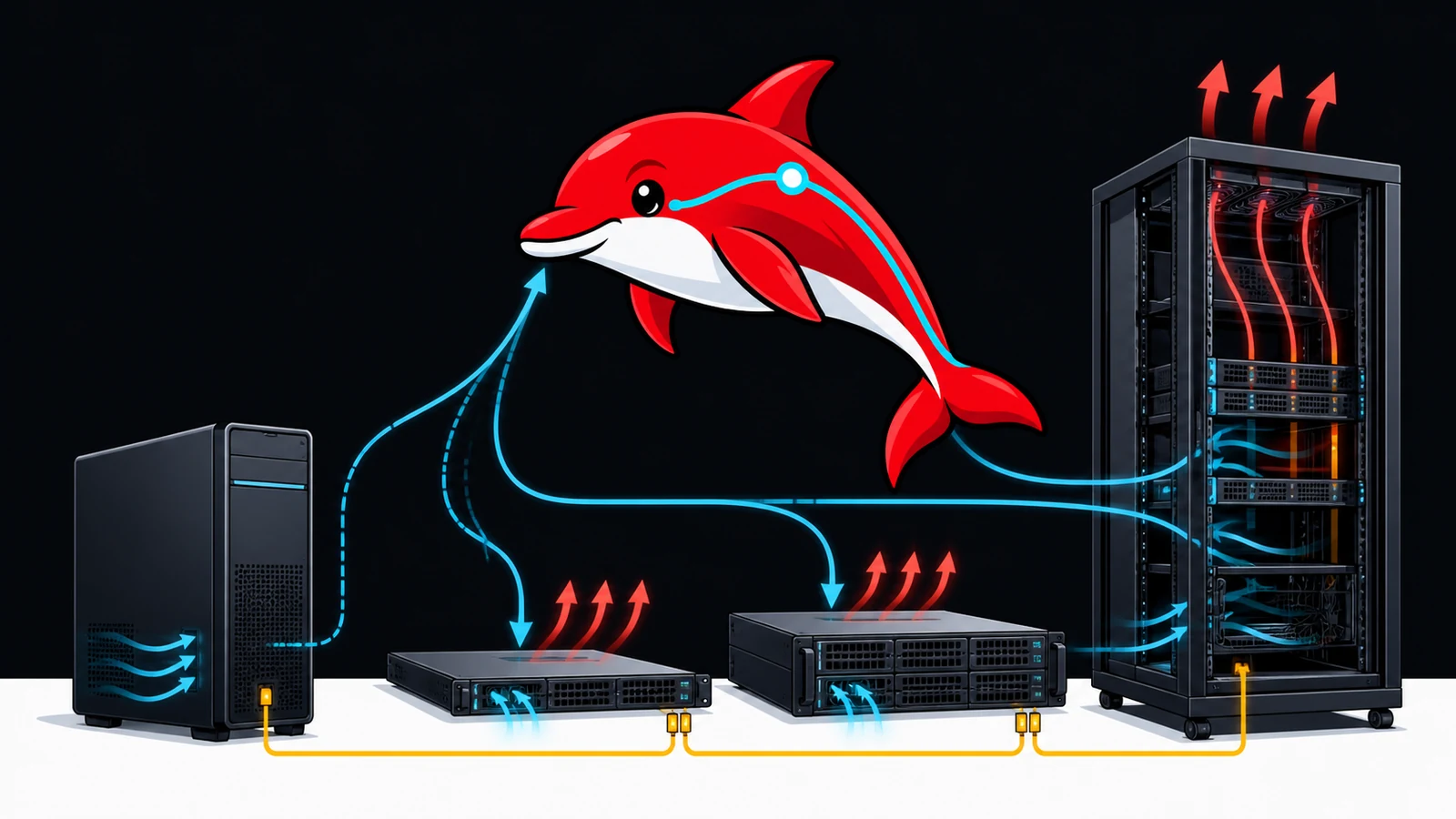
    A retired two-socket rack server can hold an impressive amount of memory for little money. A modern workstation can accept a large GPU without sounding like a small aircraft. A purpose-built multi-GPU server can supply power, cooling and PCIe connectivity that neither can imitate safely. These are different engineering products, not interchangeable boxes measured only by rack units or DIMM slots.

    Start with the model, latency and throughput target. Then design the memory tiers, accelerator count, PCIe topology, storage, power, cooling and recovery process around that target. Buying a cheap chassis first often leaves the owner solving expensive mechanical and electrical problems afterward.

    This guide covers practical design decisions, not instructions to bypass a manufacturer's GPU, power or thermal limits. Unsupported modifications can damage hardware, create fire or shock hazards, invalidate warranties and still deliver poor performance.

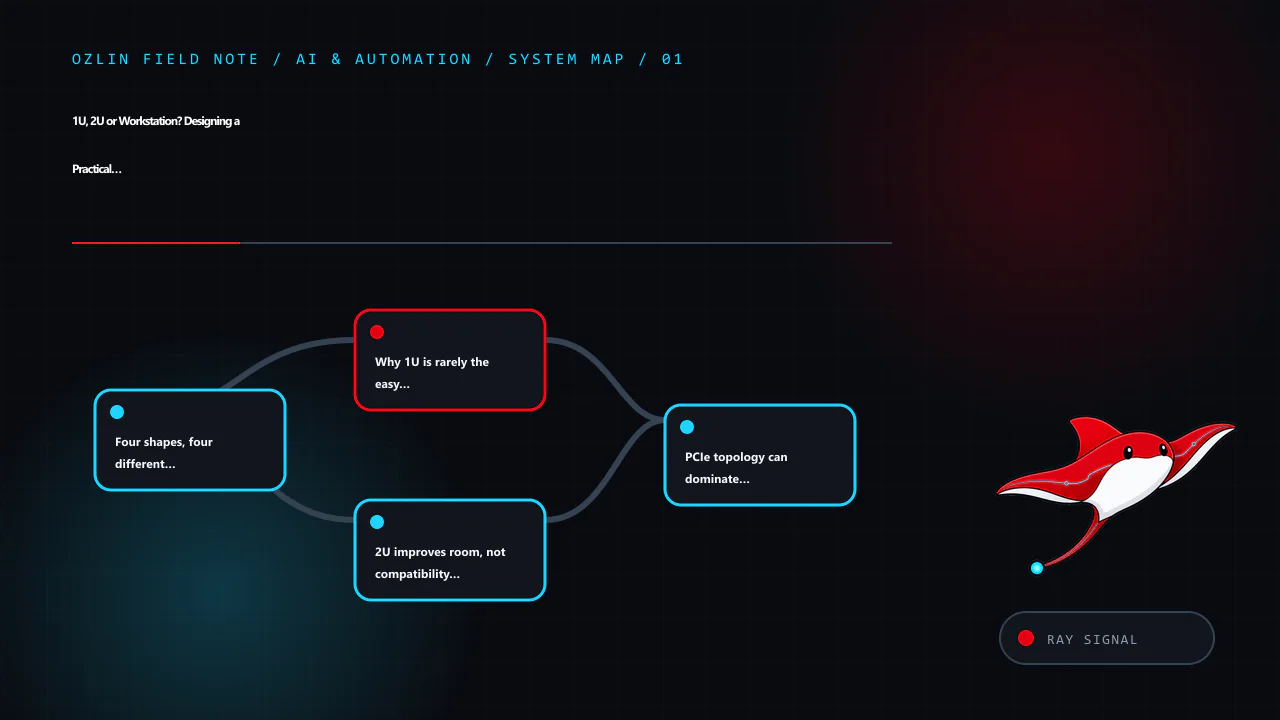
    Article map for 1U, 2U or Workstation? Designing a Practical Local AI Server, covering Four shapes, four different compromises, Why 1U is rarely the easy GPU answer, 2U improves room, not compatibility by magic and rela…
    Article map: Four shapes, four different compromises; Why 1U is rarely the easy GPU answer; 2U improves room, not compatibility by magic; PCIe topology can dominate multi-GPU behaviour.

    Four shapes, four different compromises

    Platform Strengths Common limits Best fit
    Tower/workstation Quiet relative to rack gear; accepts full-height, wide GPUs; accessible; ordinary office placement Fewer hot-swap components, less remote management, limited GPU spacing or PCIe lanes on consumer platforms One or two GPUs, development, creator workloads, small-office inference
    1U rack server Dense CPU and network deployment; mature rails and remote management Short heatsinks, very high fan speed, low-profile cards, severe GPU height/power limits CPU services, networking, compact inference accelerators explicitly supported by vendor
    2U rack server More drive bays, cooling area and PCIe room; some models designed for GPUs Still loud and deep; not every 2U chassis supports double-width accelerators or enough power Data-centre deployments with a validated GPU kit and suitable rack/power
    4U/GPU workstation server Best physical room for full-size accelerators, cables and lower-velocity fans; serviceable Expensive, large, high power density; may require 200–240 V and facility planning Modern multi-GPU inference or training where topology and cooling justify the cost

    Rack units describe height only. A 2U chassis may be more than 700 mm deep, need rear cable space and draw air front-to-back. It cannot be placed safely in a shallow communications cabinet just because it fits vertically. Check rail compatibility, weight, service clearance and floor loading.

    Why 1U is rarely the easy GPU answer

    A 1U server has little vertical space. Fans must move air through narrow passages at high static pressure, which produces substantial noise. Many consumer GPUs are full-height, two to four slots wide and use axial fans designed for an open case. Installing one behind a 1U riser is normally impossible; improvising an open lid or external power does not create a validated cooling path.

    There are 1U accelerator systems, but they use vendor-qualified cards, risers, cables, firmware, power supplies and airflow guides. The correct comparison is a complete supported configuration, not the cost of an empty retired chassis plus a desktop GPU.

    Choose 1U when density, standardised remote management and CPU/network workloads are primary. For a quiet office or home lab, a tower often offers more useful compute per unit of disruption even though it occupies more floor space.

    2U improves room, not compatibility by magic

    Two rack units allow taller heatsinks, more drive bays and more PCIe layouts. Some 2U platforms are designed for one or more accelerators. Others use that space for storage and do not support internal GPUs.

    The Dell PowerEdge R730 and R730xd illustrate the distinction. They share a generation and many components, but the R730xd prioritises dense storage. Dell's technical guide documents up to 24 DIMM slots and large LRDIMM capacities for supported dual-CPU configurations. The same guide states that internal GPU support is not available on the R730xd, while qualified GPU configurations exist for the R730. A search result saying “R730 supports GPUs” must not be transferred to an R730xd purchase.

    Before adding any accelerator, check the exact service tag/configuration and official manual for:

    • supported GPU models and quantity;
    • required CPU count, riser and slot topology;
    • double-width clearance and drive-backplane conflicts;
    • GPU enablement kit, power cables and PSU redundancy rules;
    • airflow shrouds, fan type and minimum fan policy;
    • firmware and operating-system support; and
    • whether other PCIe devices lose lanes or slots.

    Do not use an adapter cable to exceed a rail, connector or PSU rating. Do not silence fans below the thermal design because a short benchmark appears stable. Memory, VRM, storage and riser components also depend on the validated airflow.

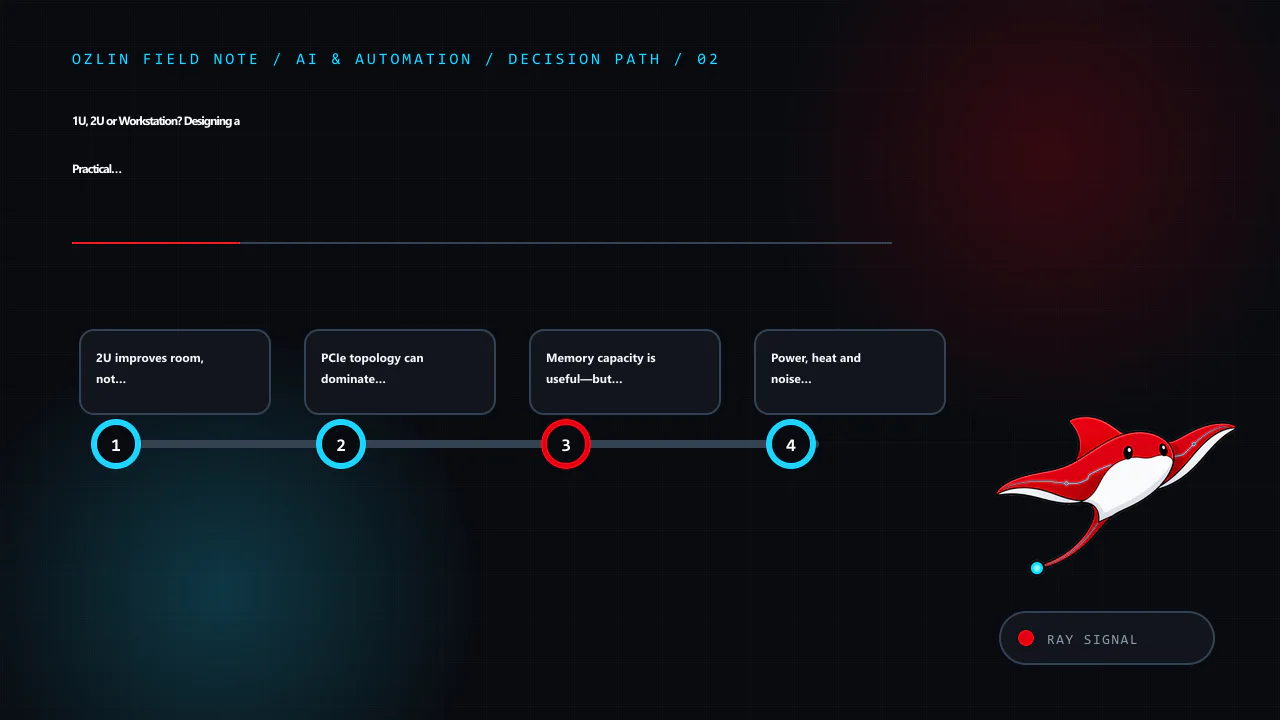
    Decision path for 1U, 2U or Workstation? Designing a Practical Local AI Server, covering 2U improves room, not compatibility by magic, PCIe topology can dominate multi-GPU behaviour, Memory capacity is useful—but bandwi…
    Decision path: 2U improves room, not compatibility by magic; PCIe topology can dominate multi-GPU behaviour; Memory capacity is useful—but bandwidth and CPU age remain; Power, heat and noise are first-class requirements.

    PCIe topology can dominate multi-GPU behaviour

    Count usable electrical lanes, not just physical slots. On a two-socket system, slots attach to different CPUs. Data crossing between a GPU on one socket and memory or a GPU on the other may traverse the inter-socket link. That can be acceptable for independent inference workers and inefficient for tightly coupled model parallelism.

    Record a topology diagram covering:

    • GPU-to-CPU and GPU-to-GPU placement;
    • link generation and negotiated width;
    • NUMA memory affinity;
    • storage and network cards sharing root complexes;
    • peer-to-peer support in the chosen runtime; and
    • any high-speed GPU interconnect actually present.

    VRAM does not automatically become one transparent pool. The inference framework must partition the model, and transfers can limit throughput. Test the final runtime and model with telemetry rather than assuming that two 24 GB cards behave like one 48 GB card.

    Memory capacity is useful—but bandwidth and CPU age remain

    Retired enterprise servers make ECC capacity affordable. They can be valuable for databases, virtualisation, preprocessing, embeddings and experimental CPU offload. The memory channels should be populated according to the service manual with compatible RDIMMs or LRDIMMs; more sticks can reduce speed depending on population.

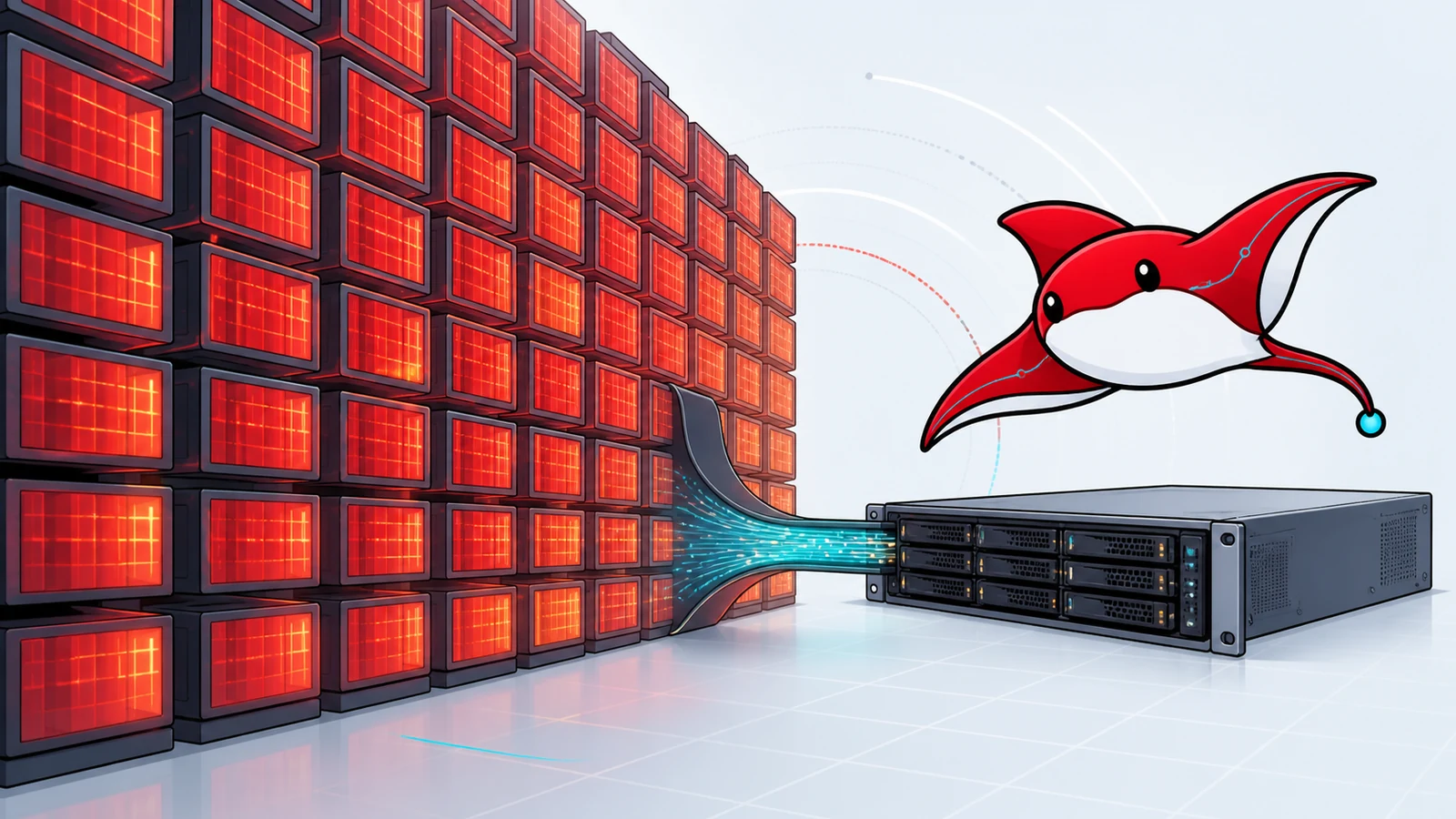
    Capacity does not erase processor age. A model whose quantised weights fit in 512 GB of DDR4 may still generate too slowly for an interactive service because inference repeatedly moves and computes over a large working set. CPU instruction support, memory bandwidth, NUMA effects and runtime optimisation matter. Benchmark the intended prompt length, concurrency and output length, and report measured results rather than theoretical bandwidth.

    The companion DeepSeek 671B reality check applies this distinction to the R730xd. The used RAM and SSD guide covers compatibility and acceptance testing.

    Power, heat and noise are first-class requirements

    Nearly all electrical input becomes heat in the room. A system averaging 1 kW produces roughly 1 kW of heat continuously. The utility bill is only part of the problem: hot air needs a reliable path out, and cooling consumes additional power.

    Use measured wall power for normal, peak and idle states. Check the branch circuit, plug, PDU, UPS, power-supply input range and local electrical requirements with a qualified person. A standard residential outlet is not permission to run it continuously near its protective limit. Never construct improvised mains wiring or defeat a breaker.

    For an annual electricity scenario:

    annual compute electricity = average kW × 8,760 × AUD/kWh

    At an illustrative A$0.35/kWh—not a claim about your tariff—0.8 kW costs about A$2,453 per year, 1.6 kW about A$4,906, and 3.0 kW about A$9,198 before cooling. Replace the rate and duty cycle with values from the actual bill and measurements. A machine used eight hours a day should not be modelled as a 24×7 load.

    Office noise can be the deciding constraint. Published sound figures, where available, are configuration- and environment-specific. Listen to the candidate under sustained load or place it in a suitable server room. Do not hide a rack server in an unventilated cupboard to solve acoustics.

    Control and evidence map for 1U, 2U or Workstation? Designing a Practical Local AI Server, covering Memory capacity is useful—but bandwidth and CPU age remain, Power, heat and noise are first-class requirements, BMC con…
    Control and evidence map: Memory capacity is useful—but bandwidth and CPU age remain; Power, heat and noise are first-class requirements; BMC convenience creates a security boundary; Three dated planning envelopes.

    BMC convenience creates a security boundary

    Enterprise baseboard management controllers such as iDRAC or iLO can power-cycle a server, mount media and expose a remote console independently of the operating system. That makes them highly privileged.

    • Update BMC and platform firmware from the vendor.
    • Replace default accounts and remove unused users.
    • Keep management on a dedicated restricted network or VPN; do not expose it directly to the public internet.
    • Use MFA through an upstream access system where the BMC lacks it.
    • Restrict outbound access, certificates and DNS as the design permits.
    • Log administrative access and test recovery credentials.
    • Treat a used server as untrusted until configuration and firmware have been reviewed.

    Operating-system hardening remains separate: minimal services, timely patches, host firewall, least-privilege administration, protected secrets, monitored logs and tested offline or isolated backups. Never install cracked or nulled management software, operating systems, plugins or utilities. The discount cannot compensate for unknown code running at the most privileged layer.

    Three dated planning envelopes

    These are Ozlin planning baselines dated 29 August 2026, not retailer quotes or performance promises. Prices are AUD, ex GST where a business quote is used, and must be replaced by itemised supplier pricing before approval.

    Design Indicative acquisition envelope Included assumption Usually missing
    Modern single-GPU workstation A$4,000–A$10,000 Current platform, 64–128 GB RAM, one substantial GPU, quality PSU/cooling Backup target, monitor, UPS, labour and spare GPU
    Used 2U enterprise lab A$1,500–A$4,000 before accelerator Refurbished chassis, CPUs, ECC RAM and local storage Supported GPU kit, freight, rails, power/cooling, warranty, modern CPU performance
    Purpose-built modern multi-GPU server A$25,000–A$100,000+ Vendor-qualified chassis, accelerators, high-capacity RAM/network Rack, high-density power, cooling, support, tax and capacity redundancy

    The broad ranges are intentionally not a buying recommendation. GPU choice can move the last category by multiples. Obtain at least two comparable quotes showing model numbers, warranty, delivery, GST, support response and replacement terms.

    Full TCO is:

    TCO = purchase and modification + average kW × 8,760 × AUD/kWh + cooling/colocation + repair spares + downtime cost − residual value

    For colocation add rack units, committed power, overage, transit, cross-connects, addresses, remote hands and freight. For a workstation add staff time, room cooling and the business cost of occupying the same machine used for other work.

    Commissioning checklist

    Before ordering:

    • define model, quantisation, context, concurrency and latency targets;
    • produce a memory and PCIe topology;
    • verify vendor-supported accelerator, PSU, riser and airflow configuration;
    • calculate normal and peak electrical load;
    • confirm rack depth, rails, weight, cooling and noise location;
    • document BMC and operating-system management networks;
    • price backup, spares, support and exit; and
    • plan a smaller proof of concept if performance is uncertain.

    Before production:

    • inventory serials and firmware;
    • run memory, storage, GPU-memory and sustained thermal tests;
    • verify negotiated PCIe width and NUMA placement;
    • benchmark the real model and prompt mix, including concurrency;
    • simulate a failed drive, failed process and restore;
    • confirm monitoring covers temperature, power, ECC, storage, GPU and service health;
    • restrict management access and remove temporary credentials; and
    • capture an approved baseline configuration.

    A practical AI server is not the chassis that can be made to boot. It is the system that meets a measured service target, stays within vendor and electrical limits, can be patched, and can fail without destroying the project. Ozlin's AI and automation services can help frame that proof of concept and acceptance evidence. For the software-first route, start with Run LLMs Locally in 2026.

    Practical checklist for 1U, 2U or Workstation? Designing a Practical Local AI Server, covering BMC convenience creates a security boundary, Three dated planning envelopes, Commissioning checklist and related review poin…
    Practical checklist: BMC convenience creates a security boundary; Three dated planning envelopes; Commissioning checklist; Sources and review record.

    Sources and review record

    Sources were accessed on 29 August 2026. Hardware availability and planning envelopes are scheduled for review by 29 November 2026.

    AI assisted with source discovery, drafting and copyediting; Ozlin Info remains responsible for publication.

  • Can a Dell PowerEdge R730xd Run DeepSeek-R1 671B? Memory Capacity vs Inference Reality

    Can a Dell PowerEdge R730xd Run DeepSeek-R1 671B? Memory Capacity vs Inference Reality

    The Dell PowerEdge R730xd can be configured with a very large amount of system memory for a retired two-socket server. DeepSeek-R1's headline architecture has 671 billion total parameters but activates about 37 billion for each token. Put those two facts together and an appealing idea emerges: fill the server's 24 DIMM slots and run the “full” model cheaply.

    The capacity arithmetic is only the first gate. A mixture-of-experts model still needs access to the expert weights that may be selected, CPU memory bandwidth is not GPU high-bandwidth memory, the R730xd is not documented for internal GPU support, and inference needs more than weight storage. A machine may load a checkpoint and still fail the latency or throughput requirement.

    This article separates four questions:

    1. Which DeepSeek model and checkpoint are we discussing?
    2. How much memory do the weights require at a stated precision?
    3. Can the chassis hold and move that data through a supported configuration?
    4. Is the measured inference performance useful for the intended service?

    It does not publish a tokens-per-second claim because Ozlin has not benchmarked this exact configuration.

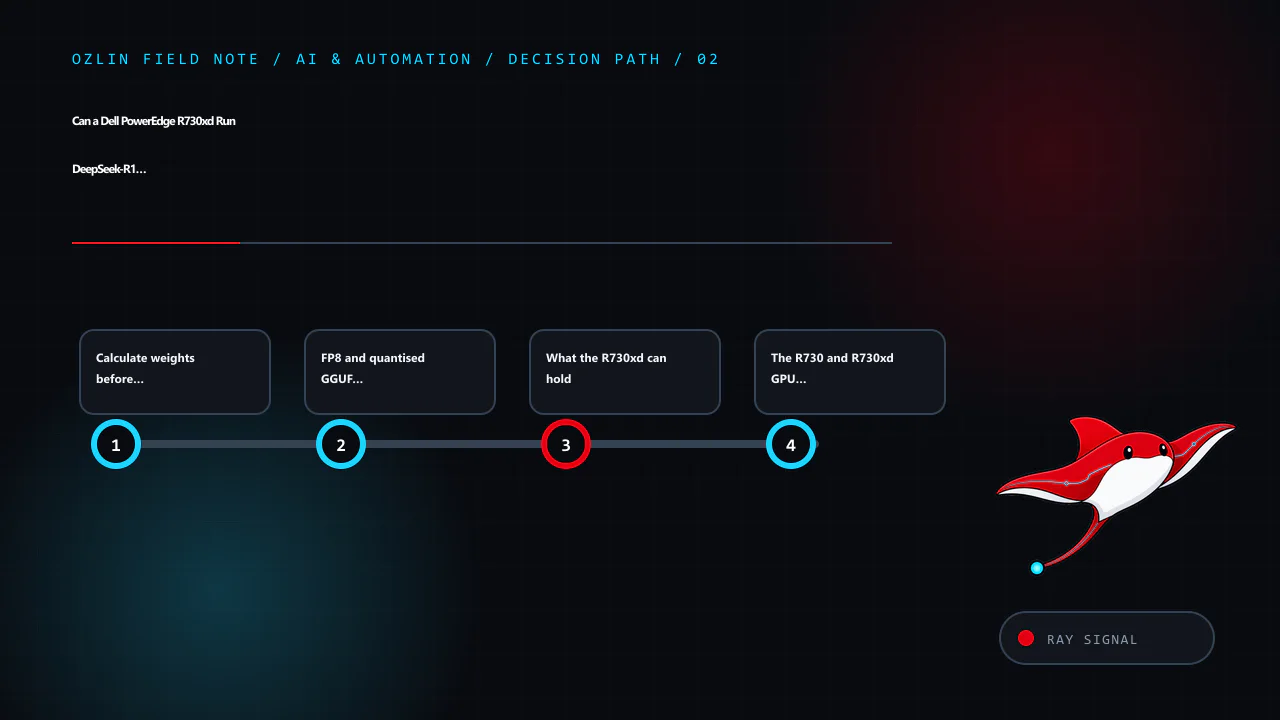
    Article map for Can a Dell PowerEdge R730xd Run DeepSeek-R1 671B? Memory Capacity vs…, covering 671B total and 37B active are both true, Calculate weights before counting DIMMs, FP8 and quantised GGUF are not the same c…
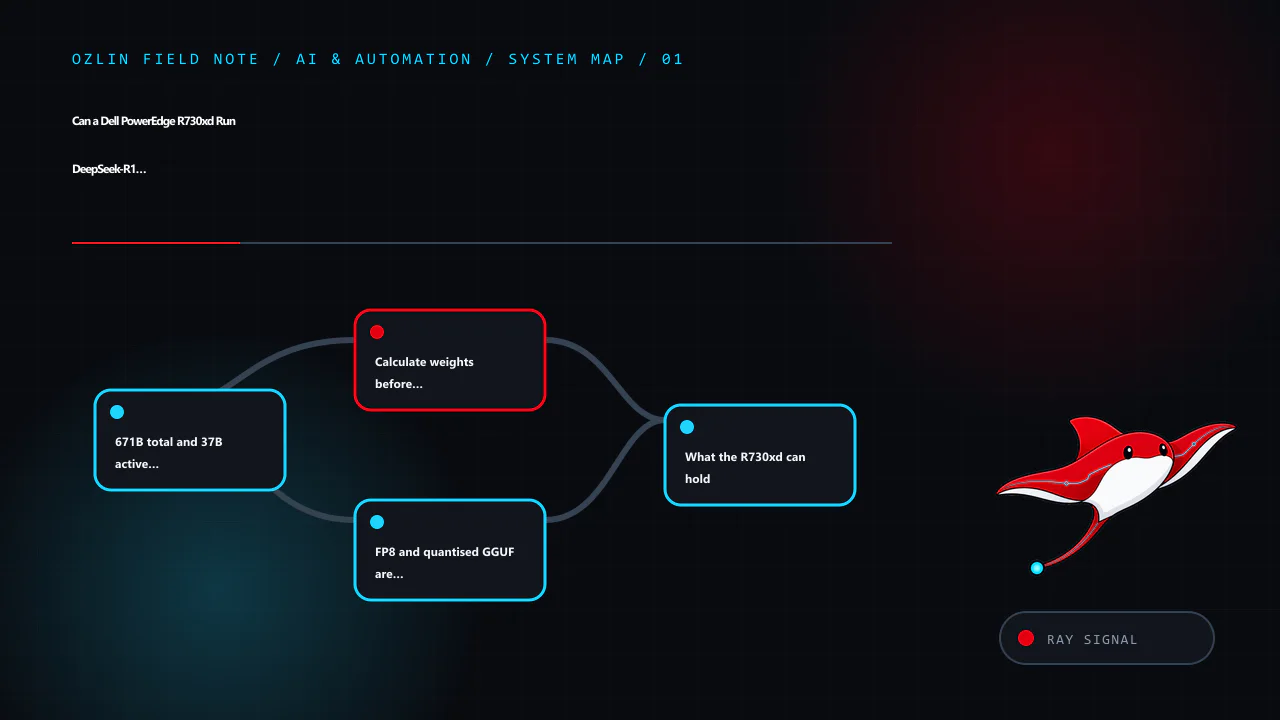
    Article map: 671B total and 37B active are both true; Calculate weights before counting DIMMs; FP8 and quantised GGUF are not the same claim; What the R730xd can hold.

    671B total and 37B active are both true

    DeepSeek's official V3 repository describes a Mixture-of-Experts architecture with 671B total parameters and 37B activated parameters for each token, plus a 128K context window. DeepSeek-R1 uses the same headline 671B/37B scale, while the R1 release also includes smaller distilled models.

    “37B active” describes the subset used in a token's routed computation. It does not mean the other expert weights can be discarded while retaining equivalent behaviour. Different tokens and layers can route to different experts. The serving system must make the required weights available—normally in accelerator memory, distributed across accelerators, or through slower memory/offload paths.

    This is why comparing R1 to a dense 37B model is misleading. MoE reduces computation relative to activating all 671B parameters for every token, but storage, routing, communication and memory movement remain large-system problems.

    The official Hugging Face description also distinguishes DeepSeek-R1 from its distilled Qwen- and Llama-based variants at 1.5B, 7B, 8B, 14B, 32B and 70B. A distill is a separate smaller model trained to capture useful reasoning behaviour. It is not the same checkpoint with unused experts deleted, but it is often the practical local option.

    Calculate weights before counting DIMMs

    A first-order lower-bound calculation is:

    weight bytes ≈ parameters × bits per parameter ÷ 8

    Applying it to 671 billion parameters gives:

    Nominal weight format Arithmetic weight size What the number omits
    FP8 or ideal 8-bit 671 GB Scales/metadata, padding, runtime, activation and KV cache; not every “8-bit” format has identical storage
    Ideal 6-bit 503.25 GB Quantisation metadata and implementation-specific packing
    Ideal 5-bit 419.375 GB Same, plus quality and backend-support differences
    Ideal 4-bit 335.5 GB Same; a 4-bit quantisation is not “full FP8”

    These are decimal GB calculations, not a promise that a downloaded file or loaded process will have that exact size. Binary GiB, tensor alignment, duplicated buffers, expert distribution and quantisation blocks alter the result. DeepSeek's V3 weight documentation also notes an auxiliary multi-token-prediction module in the published checkpoint, which helps explain why repository and packaging figures can differ from a simple 671B multiplication.

    Then add separate budgets for:

    • KV cache, which grows with context length, concurrency, layers and cache precision;
    • activations and temporary workspaces;
    • routing and communication buffers;
    • runtime and model metadata;
    • operating system and filesystem cache; and
    • safety margin to avoid paging or allocation failure.

    Do not allocate every byte of installed RAM to the checkpoint. Swapping model pages to storage may make a process technically alive while making interactive use impractical.

    FP8 and quantised GGUF are not the same claim

    DeepSeek's published V3 inference path and NVIDIA's TensorRT-LLM DeepSeek guide discuss FP8 deployment. TensorRT-LLM estimates roughly 671 GB of GPU memory for FP8 weights alone, plus memory for activations and KV cache, and documents large multi-GPU configurations. That is an accelerator-cluster deployment problem.

    Community runtimes such as llama.cpp can use quantised GGUF files and split work between CPU and GPU. A 4-, 5- or 6-bit build reduces storage and memory traffic at some cost in representation quality and with format-specific trade-offs. It should be named by the actual quantisation. Calling a 4-bit file “full-fat”, “full-blood” or “FP8” confuses model lineage with numeric representation.

    For a reproducible test, record:

    • exact model repository, file and SHA-256;
    • quantisation name and quantiser version;
    • inference runtime and commit/release;
    • CPU, RAM population and GPU configuration;
    • context, batch, threads and offload settings;
    • prompt/output token counts and concurrency; and
    • measured load time, first-token latency, generation rate, power and errors.

    Without that record, two people saying “I ran 671B” may be describing radically different systems.

    Decision path for Can a Dell PowerEdge R730xd Run DeepSeek-R1 671B? Memory Capacity vs…, covering Calculate weights before counting DIMMs, FP8 and quantised GGUF are not the same claim, What the R730xd can hold and rela…
    Decision path: Calculate weights before counting DIMMs; FP8 and quantised GGUF are not the same claim; What the R730xd can hold; The R730 and R730xd GPU distinction matters.

    What the R730xd can hold

    Dell's PowerEdge R730/R730xd technical guide documents 24 DIMM slots across two processors. With supported LRDIMM configurations, the platform's published ceiling reaches 3,072 GB. Actual capacity and speed depend on both CPUs being present, supported processor/memory combinations, DIMM type, rank and population rules.

    That ceiling is enough to make the 4-, 5-, 6- and even 8-bit arithmetic weight sizes look comfortable. But several constraints intervene:

    • The system uses an older DDR4 generation and two NUMA nodes.
    • Memory channels must be populated correctly; capacity and speed can trade off.
    • The processors must repeatedly stream and compute over large routed weights.
    • Inter-socket traffic can add cost when threads, memory and devices are placed poorly.
    • Storage must hold the checkpoint and load it, but NVMe capacity is not a substitute for RAM bandwidth.
    • A 24×7 high-memory configuration consumes meaningful power and produces heat.

    The machine can therefore be a valuable capacity experiment. Capacity alone does not establish a useful conversational service, multi-user throughput or good energy efficiency.

    The R730 and R730xd GPU distinction matters

    Dell's guide describes supported GPU configurations for the R730 but explicitly states that internal GPU support is unavailable for the R730xd. The storage-dense chassis, airflow, riser and power design are different enough that a generic R730 GPU video or forum post is not approval for the xd model.

    Do not bypass that restriction with an open lid, improvised power lead, disabled fan policy or unsupported riser. Even if a desktop GPU enumerates, unmonitored VRM, memory, cable and backplane temperatures can remain unsafe. An external GPU arrangement introduces its own power, enclosure, link and support issues and does not turn the chassis into a modern multi-GPU platform.

    If accelerators are required, select a server or workstation that officially supports their size, cooling, power and topology. The 1U, 2U or workstation guide provides the broader design checklist.

    CPU-only and hybrid offload: experiment, then decide

    llama.cpp supports CPU inference and hybrid CPU/GPU offload. This makes a large-RAM server useful for research: load a quantised checkpoint, offload the layers that fit on a supported accelerator elsewhere in the design, and observe the trade-off.

    Set a practical acceptance target before testing. For an interactive assistant it might include maximum time to first token, sustained generation under one and several sessions, a context size, energy per request and restart time. For offline summarisation, slower throughput may be acceptable if the queue completes overnight. For an API, tail latency and concurrency matter more than a single warm prompt.

    Benchmark using fixed prompts and output lengths. Capture CPU package power, wall power, memory bandwidth/NUMA placement, page faults and temperatures. Report results as measured on that configuration—never turn theoretical DDR bandwidth into a tokens-per-second forecast.

    CPU-only inference also changes operational risk. Loading hundreds of gigabytes can make restart and failover slow. A correctable DIMM error, failed PSU or host reboot affects a long-running job. Keep model files verifiable, automate service recovery, and maintain independent copies of irreplaceable prompts or fine-tuning data. Model files themselves can normally be re-downloaded; confidential inputs cannot be treated so casually.

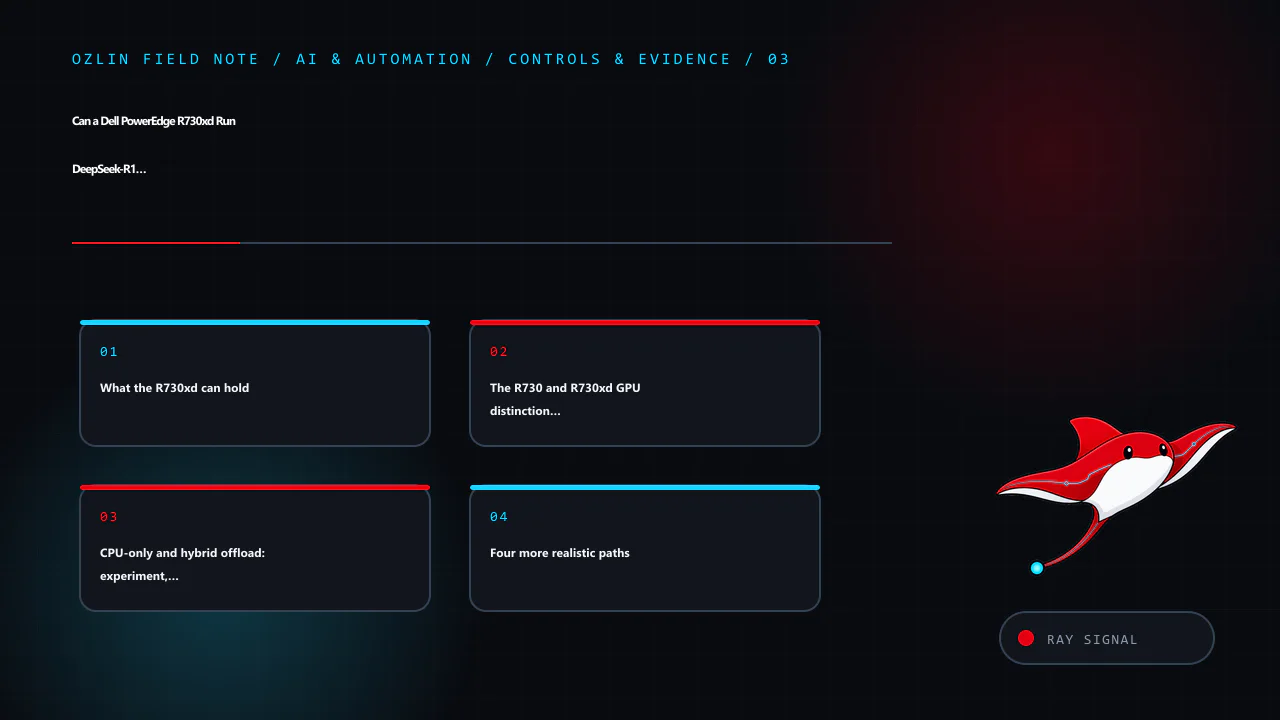
    Control and evidence map for Can a Dell PowerEdge R730xd Run DeepSeek-R1 671B? Memory Capacity vs…, covering What the R730xd can hold, The R730 and R730xd GPU distinction matters, CPU-only and hybrid offload: experiment…
    Control and evidence map: What the R730xd can hold; The R730 and R730xd GPU distinction matters; CPU-only and hybrid offload: experiment, then decide; Four more realistic paths.

    Four more realistic paths

    1. Use an official distill locally

    Start with DeepSeek-R1-Distill-Qwen 7B, 14B or 32B, or the 70B variant where hardware permits, after reviewing the model card and licence. This gives a controlled way to evaluate whether the task actually benefits from R1-derived behaviour. A smaller model with retrieval, a good system prompt and human review can outperform a larger poorly integrated model for a narrow business workflow.

    2. Use a modern single workstation

    A current workstation with 24–96 GB of accelerator memory can run useful quantised model classes with much lower operational complexity. It will not hold the full 671B FP8 weights, but it may meet the actual task with a smaller model. Follow Run LLMs Locally in 2026 to establish a safe software baseline first.

    3. Use a purpose-built multi-GPU system

    For full-scale FP8 deployment, follow the inference framework's documented accelerator, interconnect, driver and memory requirements. NVIDIA's current TensorRT-LLM example describes configurations such as 16 H100 80 GB or eight H200-class devices for the model path it supports. This is specialised infrastructure with substantial acquisition, power, cooling and orchestration cost—not a weekend R730xd upgrade.

    4. Rent the experiment

    Cloud or specialist GPU capacity can be cheaper for a short evaluation. Confirm that the instance actually supplies the required accelerator topology and memory, model licensing permits the use, and sensitive prompts meet data-handling requirements. Include storage, image build time, outbound transfer and idle resources in the TCO. Shut down and verify deletion after the test.

    A go/no-go worksheet

    Proceed with an R730xd experiment only when all of these are true:

    • the goal is research or offline processing, not an assumed production SLA;
    • the exact quantised artifact and memory budget fit with headroom;
    • DIMM population, firmware, power and cooling are supported;
    • no unsupported internal GPU modification is planned;
    • electricity, noise and restart time are acceptable;
    • a repeatable performance test and stop condition exist; and
    • the smaller-model and rental alternatives have been compared.

    Stop the procurement when the only requirement is “run the biggest model”, the expected output rate comes from a forum claim, the server needs unsafe modification, or the organisation cannot maintain the BMC and operating system. Do not install cracked/nulled inference tools or management software; unknown privileged code invalidates the security and benchmark evidence alike.

    The honest conclusion is nuanced. An R730xd may have enough system-memory capacity to load a heavily quantised 671B checkpoint for an experiment. That does not make it equivalent to a supported FP8 multi-GPU deployment, and it does not establish acceptable inference performance. Test the smallest system that can answer the business question, then scale on evidence.

    Ozlin's AI and automation services can help frame a proof of concept, data boundary and acceptance plan without turning parameter count into a business outcome.

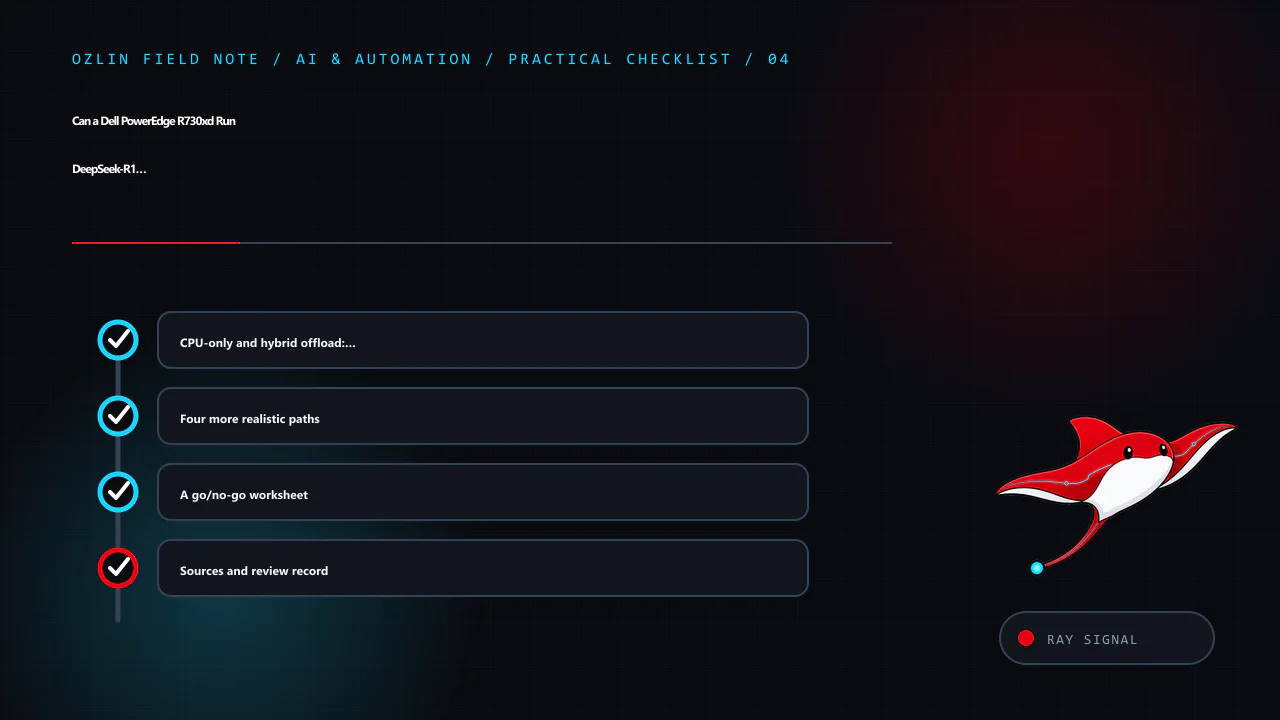
    Practical checklist for Can a Dell PowerEdge R730xd Run DeepSeek-R1 671B? Memory Capacity vs…, covering CPU-only and hybrid offload: experiment, then decide, Four more realistic paths, A go/no-go worksheet and related r…
    Practical checklist: CPU-only and hybrid offload: experiment, then decide; Four more realistic paths; A go/no-go worksheet; Sources and review record.

    Sources and review record

    Sources were accessed on 29 August 2026. Model repositories, runtime support and hardware guidance are scheduled for review by 29 November 2026.

    AI assisted with source discovery, drafting and copyediting; Ozlin Info remains responsible for publication.

  • Neural Networks Explained: Gradients, Optimisers and Evaluation

    Neural Networks Explained: Gradients, Optimisers and Evaluation

    A neural network is a parameterised function. It transforms input features through layers of weighted operations and nonlinear activations, then produces an output such as a probability, numeric estimate, embedding or generated sequence. “Deep” learning usually means that the model contains multiple representation-building layers; it does not mean that the result is automatically intelligent, correct or suitable for production.

    The useful question is not whether a model sounds advanced. It is whether its inputs, target, evaluation and operating controls fit a defined decision or workflow.

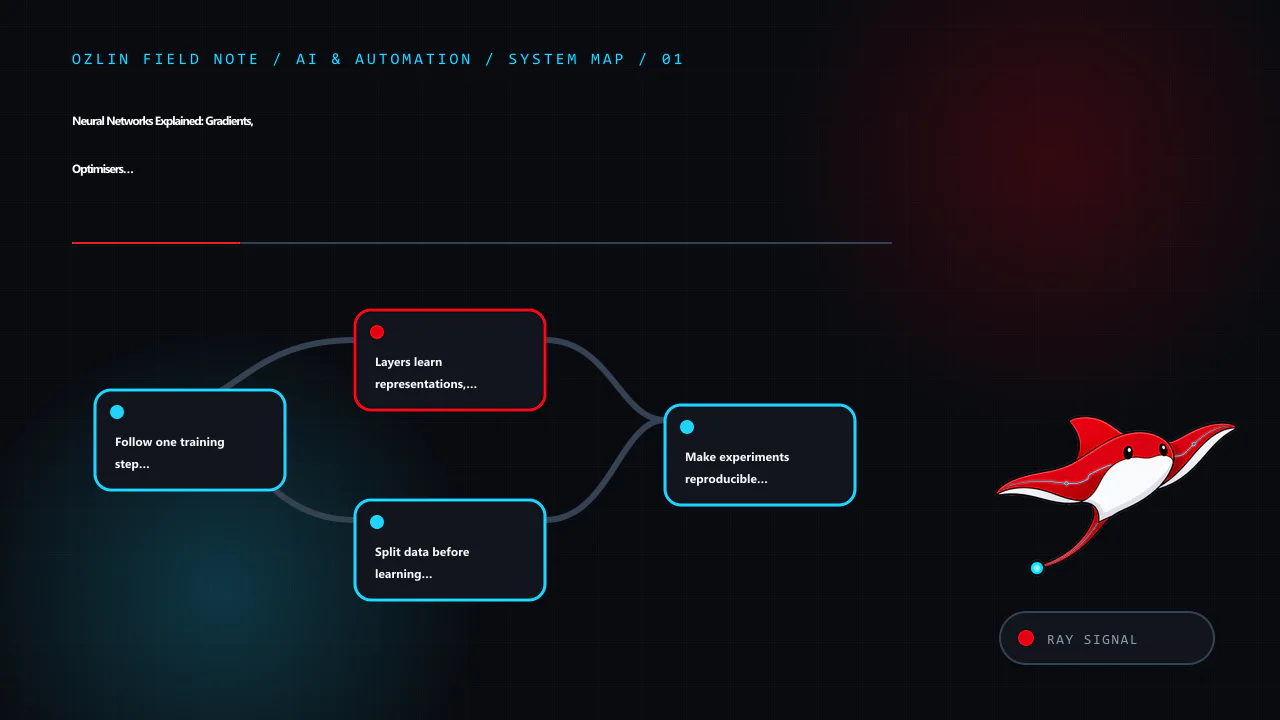
    Article map for Neural Networks Explained: Gradients, Optimisers and Evaluation, covering Follow one training step precisely, Layers learn representations, not explanations, Split data before learning from it and relate…
    Article map: Follow one training step precisely; Layers learn representations, not explanations; Split data before learning from it; Make experiments reproducible enough to investigate.

    Follow one training step precisely

    Training is easier to reason about when four operations are kept separate:

    1. Forward pass: the current parameters transform a batch of inputs into predictions.
    2. Loss calculation: a chosen loss function measures disagreement between predictions and the training target.
    3. Backpropagation or automatic differentiation: the system applies the chain rule through the recorded computation to calculate gradients of the loss with respect to parameters.
    4. Optimiser step: an algorithm such as stochastic gradient descent or Adam uses those gradients and its own state to update the parameters.

    Backpropagation does not select the learning rate and does not itself update weights. Conversely, an optimiser needs gradients but is not the mechanism that differentiates the model. PyTorch documents these responsibilities separately in its autograd mechanics and optimisation API.

    A simplified iteration looks like this:

    clear old gradients
    predictions = model(batch.features)
    loss = loss_function(predictions, batch.targets)
    compute gradients of loss
    optimiser updates parameters
    record metrics and diagnostics

    Frameworks may combine or reorder implementation details, use gradient accumulation, mixed precision or distributed execution, but the conceptual distinction remains important when debugging exploding gradients, stale accumulation or an unexpected update.

    Layers learn representations, not explanations

    A dense layer combines its inputs and parameters, while an activation such as ReLU introduces nonlinearity. Convolutional layers encode useful locality assumptions for grid-like data. Recurrent designs maintain a sequential state. Attention allows elements to condition on other elements and underpins modern transformer architectures.

    These are design biases, not proof that a model has learned the intended concept. A classifier may exploit a watermark, scanner type, postcode proxy or annotation habit instead of the phenomenon the team meant to model. Inspect slices, counterexamples and failure modes rather than treating a high aggregate score as an explanation.

    Start with the simplest credible baseline. A linear model, ruleset or manual workflow can expose whether a neural network creates enough additional value to justify its data, latency, operational and governance costs. Google’s current Machine Learning Crash Course places neural networks alongside data quality, generalisation, production systems and fairness rather than presenting architecture alone as the project.

    Split data before learning from it

    Use separate training, validation and test data, with the split designed around how the model will encounter the real world. Random row splits can leak information when records from the same customer, document, device or time period appear on both sides. For a future-facing forecast, use a temporal holdout. For a system expected to generalise to new organisations, consider holding out entire organisations.

    Any learned preprocessing—normalisation statistics, feature selection, vocabulary building, imputation or synthetic sampling—must be fitted using training data only. Duplicate and near-duplicate examples require deliberate handling. A test set repeatedly consulted during tuning is no longer an untouched final test.

    Choose metrics from the cost of errors. Accuracy can conceal failure on a rare but important class. Depending on the task, review precision, recall, false-positive and false-negative rates, calibration, ranking measures, latency and abstention behaviour. Report uncertainty and results for meaningful cohorts. Do not optimise one convenient metric while leaving the business decision undefined.

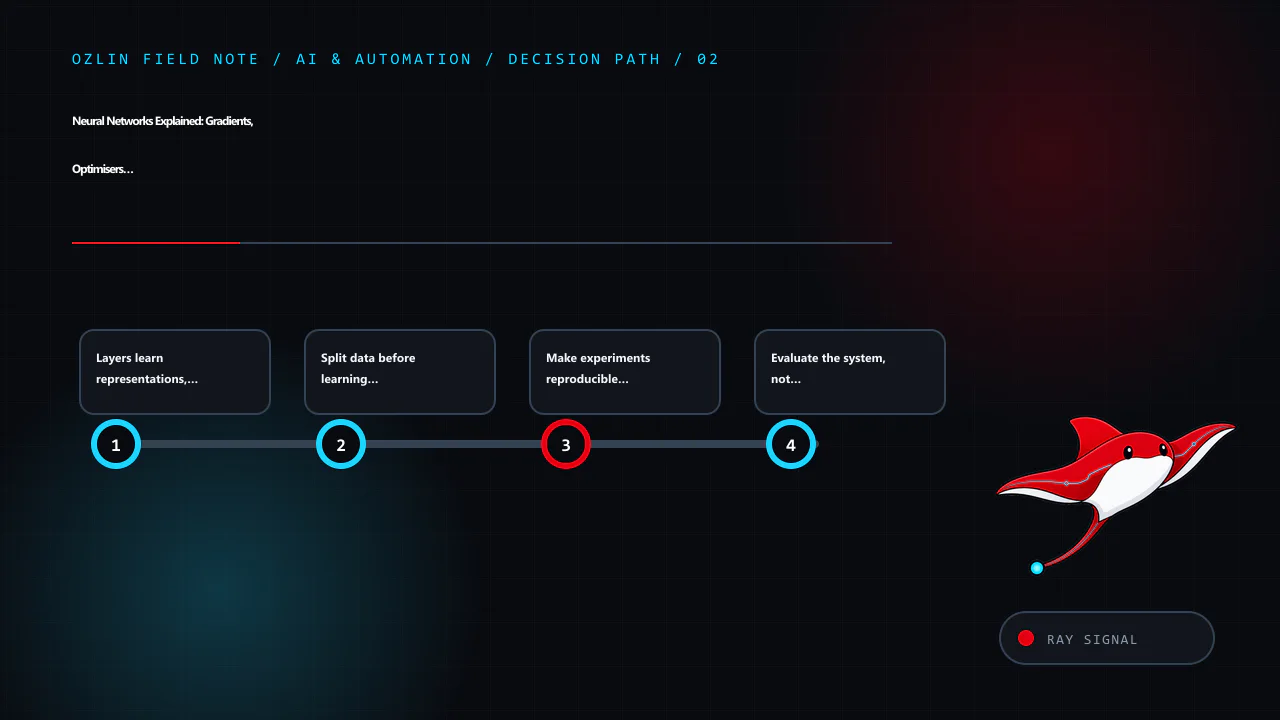
    Decision path for Neural Networks Explained: Gradients, Optimisers and Evaluation, covering Layers learn representations, not explanations, Split data before learning from it, Make experiments reproducible enough to inv…
    Decision path: Layers learn representations, not explanations; Split data before learning from it; Make experiments reproducible enough to investigate; Evaluate the system, not only the checkpoint.

    Make experiments reproducible enough to investigate

    Record the code revision, framework and library versions, data snapshot and query, preprocessing configuration, random seeds, model configuration, hardware, checkpoint and evaluation script. Reproducibility is not equivalent to typing one seed. Parallel execution and some hardware kernels can be nondeterministic, while deterministic alternatives can be slower.

    PyTorch explicitly warns that completely reproducible results are not guaranteed across releases, commits, platforms or CPU and GPU execution in its reproducibility notes. TensorFlow likewise documents the software, hardware, input-pipeline and random-state conditions around deterministic operations. Treat those settings as debugging and assurance tools, then measure their performance impact.

    Evaluate the system, not only the checkpoint

    A production model sits inside a larger system: collection, validation, feature computation, inference, human review, logging, fallback, appeal and retraining. Test malformed and missing inputs, out-of-distribution cases, dependency failures, timeouts, rollback and version compatibility. Define what the system must do when confidence is low or a required input is unavailable.

    Monitoring should cover input quality, operational health, outcome quality where ground truth eventually arrives, and effects on people. Drift is not automatically harmful, and a stable input distribution does not guarantee stable outcomes. Establish a named owner, review cadence, incident path and retirement condition.

    The voluntary NIST AI Risk Management Framework organises risk work around Govern, Map, Measure and Manage. Its emphasis on validity, reliability, transparency, privacy and harmful-bias management is a useful reminder that a model can be technically functional yet unsuitable in context.

    Choose tools after defining the constraints

    TensorFlow, PyTorch and other frameworks can all support serious work. Select on required operators, deployment target, team competence, maintenance horizon, observability and ecosystem compatibility—not an outdated claim that one framework is only for research and another only for production. Prototype the riskiest deployment path early and pin versions before a reproducible evaluation.

    Before release, require evidence for:

    • a documented task, user and unacceptable outcome;
    • a leakage-resistant data split and representative test set;
    • a baseline and decision-relevant metrics;
    • cohort and edge-case evaluation;
    • reproducible artefacts and dependency records;
    • privacy, security and access controls;
    • human review or safe fallback where consequences justify it; and
    • monitoring, rollback and accountable ownership.

    For help framing a responsible prototype or evaluation plan, see Ozlin Info’s AI and automation services or contact Ozlin Info.

    Related reading: Machine-learning paradigms and evaluation and reading an older PyTorch HMER project responsibly.


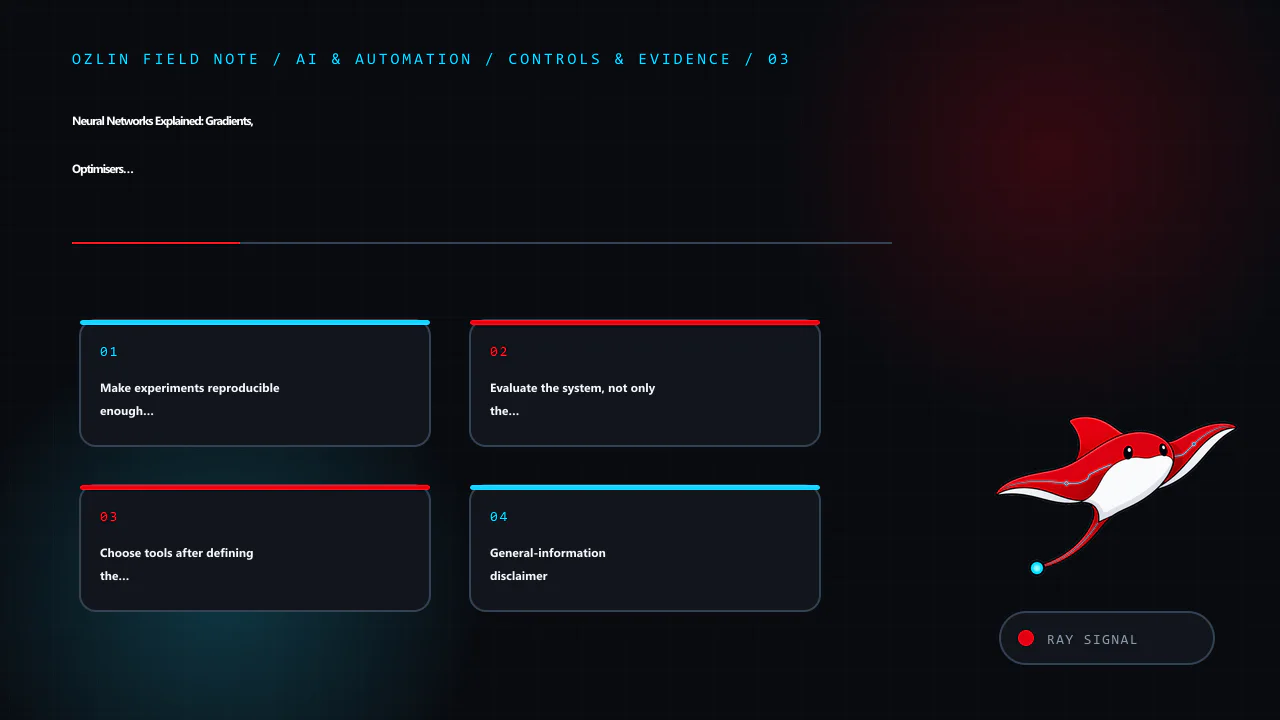
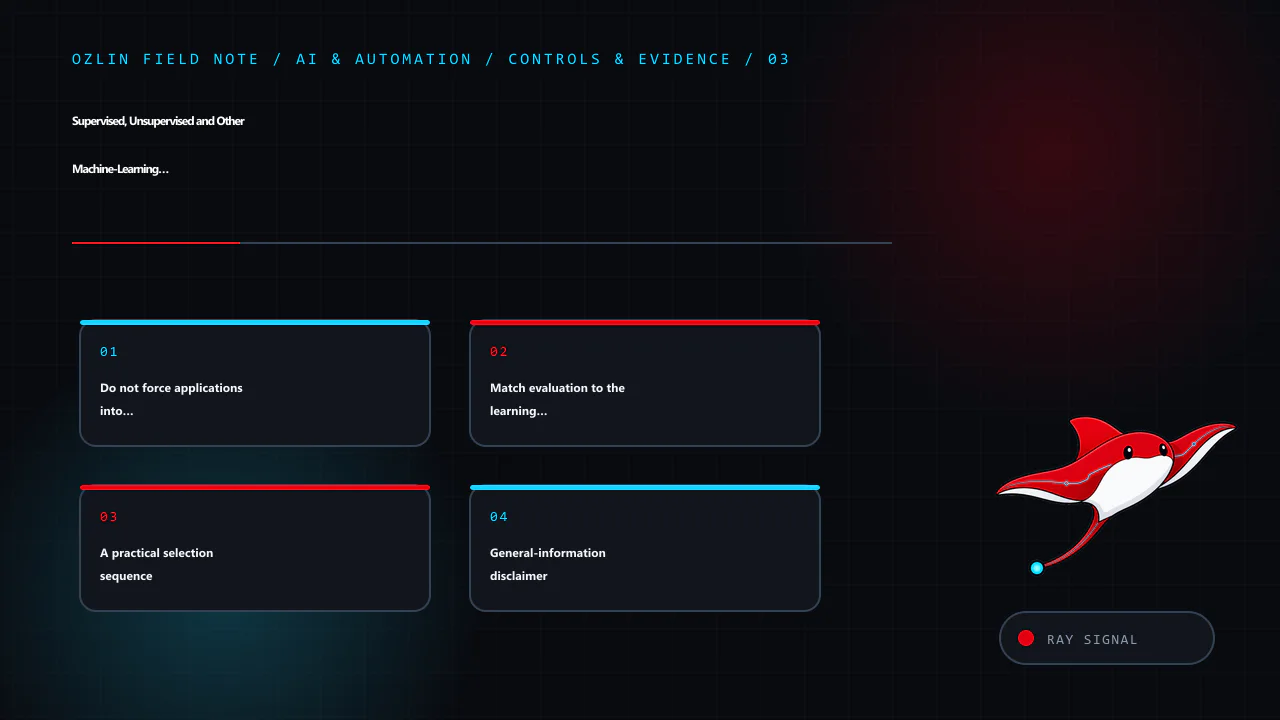
    Control and evidence map for Neural Networks Explained: Gradients, Optimisers and Evaluation, covering Make experiments reproducible enough to investigate, Evaluate the system, not only the checkpoint, Choose tools afte…
    Control and evidence map: Make experiments reproducible enough to investigate; Evaluate the system, not only the checkpoint; Choose tools after defining the constraints; General-information disclaimer.

    General-information disclaimer

    This article provides general technical information, not a guarantee of model accuracy, fairness, safety, regulatory compliance or business outcomes. Independent domain, privacy, legal, security and statistical review may be required for the actual use case.

    AI-assistance disclosure

    AI tools assisted with source discovery, outlining and copyediting. A human reviewer must verify the technical claims, examples, links and risk controls against the intended dataset, framework version and deployment context before publication or use.

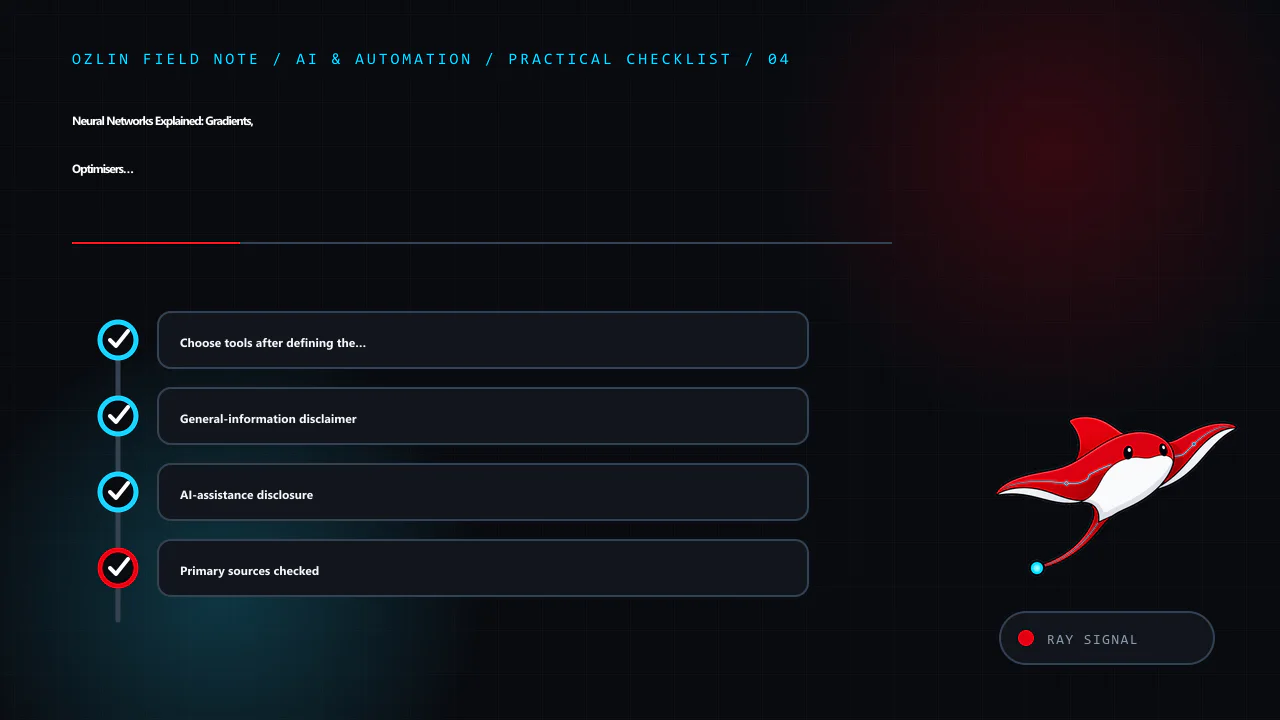
    Practical checklist for Neural Networks Explained: Gradients, Optimisers and Evaluation, covering Choose tools after defining the constraints, General-information disclaimer, AI-assistance disclosure and related review…
    Practical checklist: Choose tools after defining the constraints; General-information disclaimer; AI-assistance disclosure; Primary sources checked.

    Primary sources checked

    Source access date: 29 August 2026.

  • Supervised, Unsupervised and Other Machine-Learning Paradigms

    Supervised, Unsupervised and Other Machine-Learning Paradigms

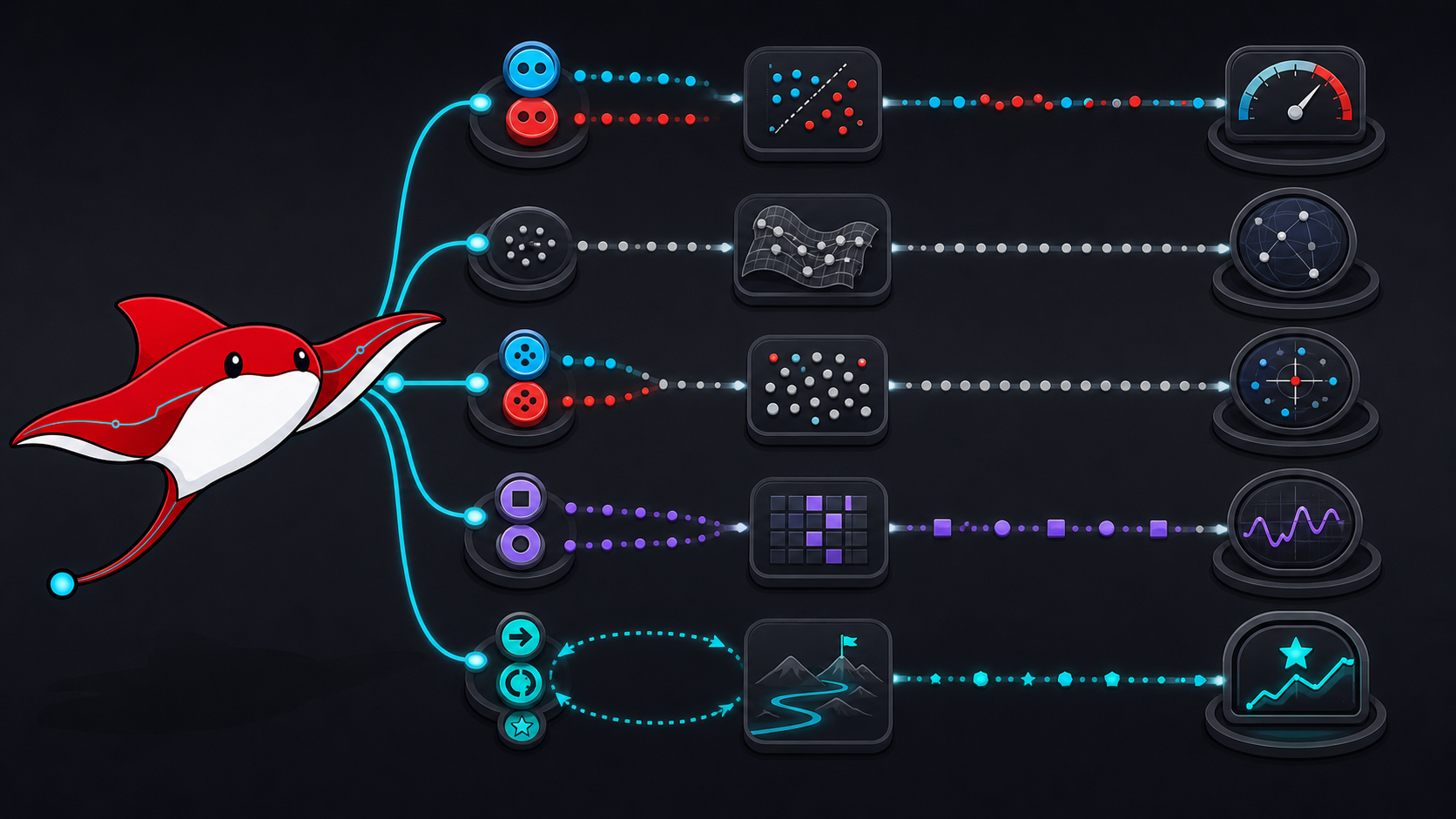
    “Supervised or unsupervised?” is a useful opening question, but it is not a complete project brief. The right learning setup depends on the decision to support, what feedback exists, when it arrives, what mistakes cost and how success can be evaluated on data the system did not learn from.

    Algorithms are also not permanently owned by one paradigm. The same neural architecture can be trained with labelled targets, a self-supervised objective or reinforcement feedback. Recommendation and anomaly-detection systems often combine several approaches. Start with the source of the learning signal rather than a list of fashionable model names.

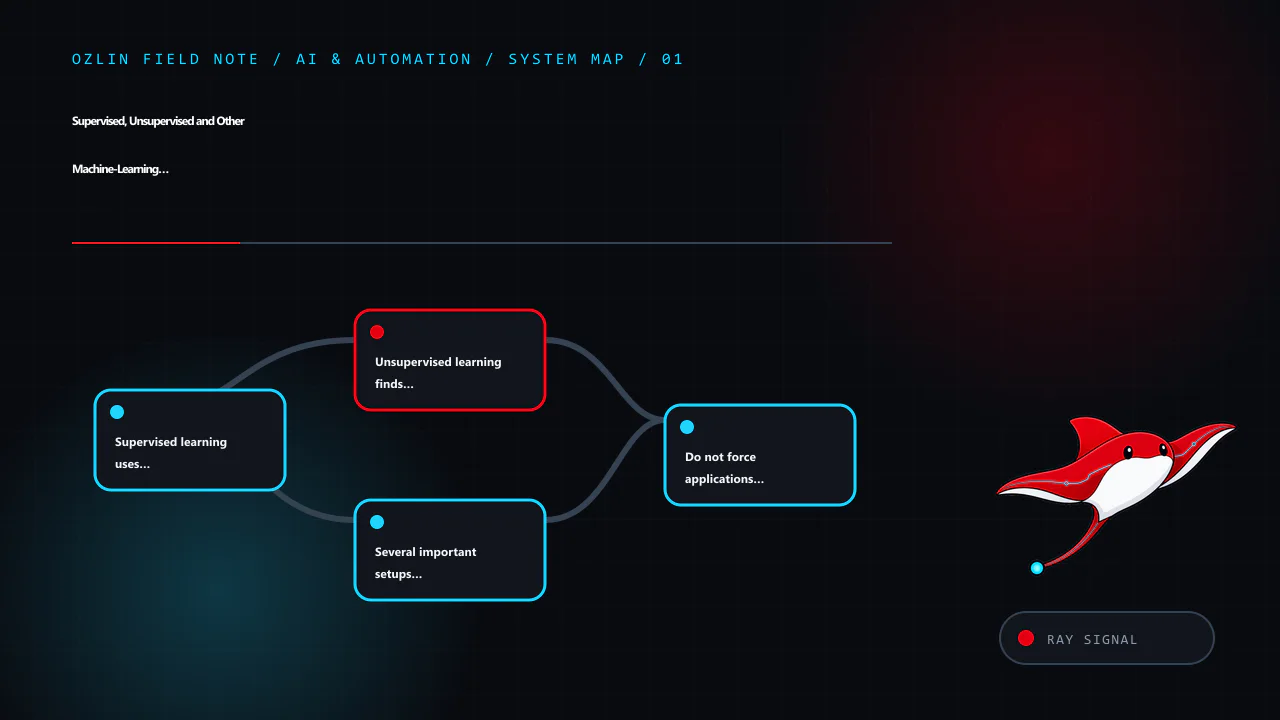
    Article map for Supervised, Unsupervised and Other Machine-Learning Paradigms, covering Supervised learning uses explicit targets, Unsupervised learning finds structure without target labels, Several important setups si…
    Article map: Supervised learning uses explicit targets; Unsupervised learning finds structure without target labels; Several important setups sit between or beyond the pair; Do not force applications into one bucket.

    Supervised learning uses explicit targets

    Supervised learning trains on examples containing input features and a target label or value. Classification predicts a category or probability; regression predicts a numeric quantity. Examples include identifying an invoice type, estimating delivery time or predicting whether a reviewed transaction belongs to a defined class.

    The target must represent the real decision. Historical labels can contain inconsistent human judgement, policy changes or outcomes produced by the old process. A model may faithfully reproduce those artefacts. Document who created each label, under which rules, and how disagreement and uncertainty are represented.

    Evaluation uses held-out labelled data and task-appropriate metrics. Accuracy is insufficient when classes are imbalanced or errors have asymmetric consequences. Depending on the decision, examine precision, recall, calibration, cost-weighted error, ranking quality and performance by meaningful cohort. Google’s introduction to supervised learning emphasises labelled examples, unseen data and generalisation.

    Unsupervised learning finds structure without target labels

    Unsupervised methods usually operate on unlabelled examples to identify patterns such as groups, lower-dimensional representations or unusual observations. Clustering can support exploration or segmentation, but a cluster is not automatically a real customer type. Results depend on representation, distance, scaling, algorithm and hyperparameters.

    Validate whether a discovered structure is stable and useful outside the training sample. Compare multiple seeds and plausible preprocessing choices, inspect examples with domain experts, and test whether the segmentation improves a downstream decision. An internal cohesion score cannot establish that the groups are fair, causal or commercially meaningful.

    Dimensionality-reduction visualisations require similar restraint. t-SNE was introduced as a method for visualising high-dimensional data; it is not a clustering algorithm, and apparent gaps in a two-dimensional plot are not proof of natural classes. The original t-SNE paper explains its local similarity objective and limitations.

    Several important setups sit between or beyond the pair

    Semi-supervised learning combines a smaller labelled set with a larger unlabelled set. It can reduce labelling demand when the unlabelled data resembles the intended operating distribution, but poor pseudo-labels or a distribution mismatch can reinforce errors.

    Self-supervised learning creates a training signal from the data itself—for example, predicting masked content or contrasting related views—then adapts the learned representation to a downstream task. It still needs careful downstream evaluation; a useful pretraining objective does not guarantee appropriate behaviour in the final context.

    Reinforcement learning learns a policy through interaction, observations, actions and reward. It is not simply supervised learning with delayed labels. Reward design, exploration, environment fidelity, safety constraints and off-policy evaluation can dominate the project. Sutton and Barto’s Reinforcement Learning: An Introduction provides the primary textbook treatment.

    Active learning asks which examples should be labelled next. It can focus limited expert time but must account for sampling bias and the true cost of obtaining a reliable label.

    The current Google machine-learning glossary distinguishes labelled, unlabelled, semi-supervised and unsupervised examples. Use these terms to describe the training signal, not to imply a quality ranking.

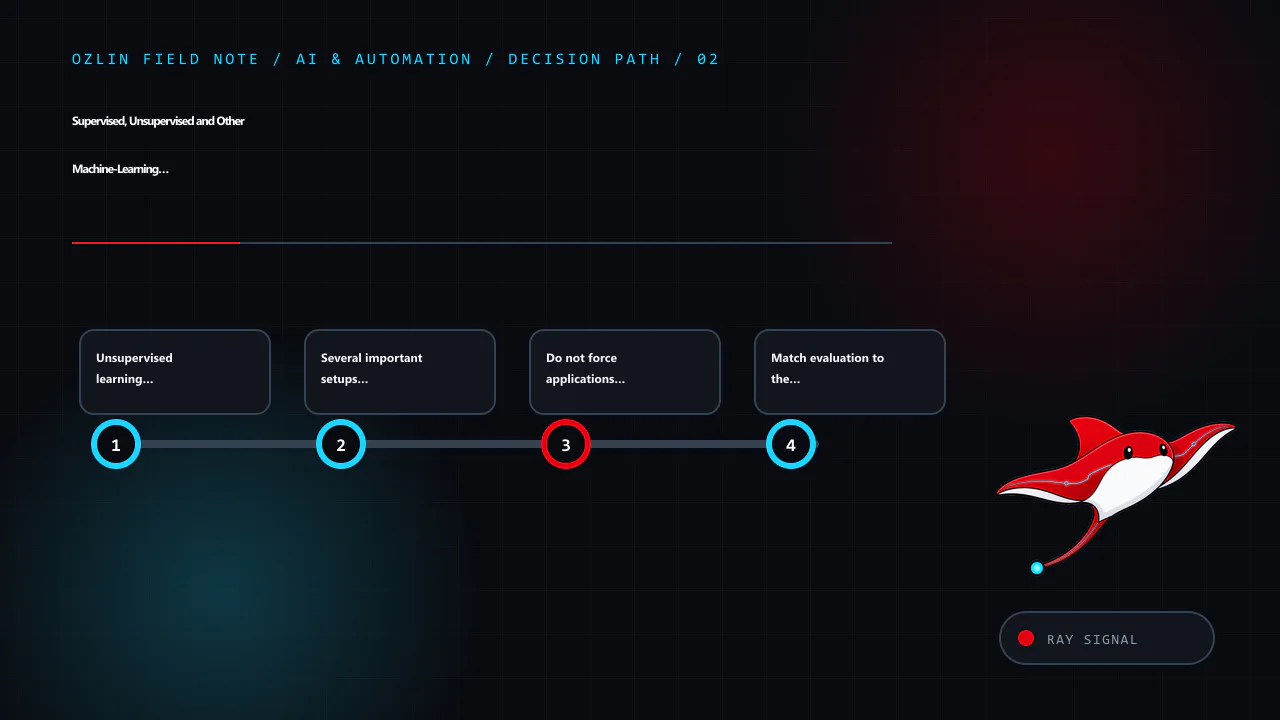
    Decision path for Supervised, Unsupervised and Other Machine-Learning Paradigms, covering Unsupervised learning finds structure without target labels, Several important setups sit between or beyond the pair, Do not forc…
    Decision path: Unsupervised learning finds structure without target labels; Several important setups sit between or beyond the pair; Do not force applications into one bucket; Match evaluation to the learning signal.

    Do not force applications into one bucket

    An autoencoder learns to reconstruct or otherwise represent its input. It may contribute an anomaly score, but the score still needs a threshold, representative validation cases and an operational response. Reconstruction error alone does not prove fraud, intrusion or equipment failure.

    A recommender might use supervised ranking from observed outcomes, self-supervised representations, collaborative signals, content features, contextual bandits or business rules. The important questions are which feedback is observed, which is missing, how exposure biases the data, and whether the evaluation captures user and business effects.

    Likewise, “anomaly” can mean a rare statistical point, a rule violation or a high-cost event. A rare point may be legitimate; a harmful event may look common in the available features. Define the review action and tolerated alert burden before selecting an outlier method.

    Match evaluation to the learning signal

    Learning setup Typical evidence Evaluation warning
    Supervised held-out labelled outcomes labels may leak, drift or encode the old policy
    Unsupervised stability, domain review, downstream utility internal cluster scores do not prove real-world meaning
    Semi-supervised labelled holdout plus ablation against labelled-only baseline pseudo-labels can amplify early mistakes
    Self-supervised downstream task performance and transfer tests pretraining loss is not the business metric
    Reinforcement learning policy value, safety limits and online or simulator evidence an exploitable reward can produce the wrong behaviour

    Create train, validation and final test boundaries before feature engineering. Group related records so the same customer, device, document family or future information cannot appear across the boundary. Compare against a simple baseline and include the human or rules-based process where relevant.

    For consequential uses, evaluation also needs privacy, security, fairness, transparency and human-oversight criteria. The voluntary NIST AI Risk Management Framework calls for business context to be mapped, methods and metrics to be documented, and systems to be tested before deployment and monitored afterwards.

    A practical selection sequence

    1. Write the decision, user and unacceptable outcome.
    2. Define the unit of prediction or analysis and when the output is needed.
    3. Inventory available features, labels, feedback delays and collection rights.
    4. Choose the simplest baseline that can be evaluated honestly.
    5. Design a leakage-resistant split and decision-relevant metrics.
    6. Prototype the data and review workflow before scaling the model.
    7. Record limits, owners, monitoring and a safe fallback.

    For help framing an ML pilot or evidence plan, see Ozlin Info’s AI and automation services or contact Ozlin Info.

    Related reading: Neural networks, gradients and evaluation and a transparent AI document-processing ROI example.


    Control and evidence map for Supervised, Unsupervised and Other Machine-Learning Paradigms, covering Do not force applications into one bucket, Match evaluation to the learning signal, A practical selection sequence and…
    Control and evidence map: Do not force applications into one bucket; Match evaluation to the learning signal; A practical selection sequence; General-information disclaimer.

    General-information disclaimer

    This article provides general technical information, not a guarantee of model accuracy, fairness, safety, regulatory compliance or return on investment. Validate the learning setup and evidence requirements for the actual data, decision and affected people.

    AI-assistance disclosure

    AI tools assisted with source discovery, outlining and copyediting. A human reviewer must verify the terminology, links, evaluation design and risk controls against the intended use case before publication or use.

    Practical checklist for Supervised, Unsupervised and Other Machine-Learning Paradigms, covering A practical selection sequence, General-information disclaimer, AI-assistance disclosure and related review points.
    Practical checklist: A practical selection sequence; General-information disclaimer; AI-assistance disclosure; Primary sources checked.

    Primary sources checked

    Source access date: 29 August 2026.

  • AI Document Processing ROI: A Transparent Worked Example

    AI Document Processing ROI: A Transparent Worked Example

    Evidence notice: this is a hypothetical worked example, not an Ozlin Info client case study. The organisation, volumes, times, costs and results below are invented to demonstrate a calculation method. They must not be quoted as customer outcomes or service guarantees.

    Document processing can be a useful automation target because the work is repeated and measurable: receive a file, classify it, extract fields, validate them, route an exception and post approved data into another system. The business case fails, however, when it counts only model accuracy or theoretical staff minutes and ignores review, integration, privacy, failures and ongoing operation.

    Treat return on investment as an evidence workbook, not a marketing percentage.

    Article map for AI Document Processing ROI: A Transparent Worked Example, covering Measure the complete baseline, State every assumption in the worked example, Use sensitivity instead of one attractive answer and relate…
    Article map: Measure the complete baseline; State every assumption in the worked example; Use sensitivity instead of one attractive answer; Count the lifecycle cost.

    Measure the complete baseline

    Define where the process starts and ends. For invoice handling, “start” might be receipt in an approved mailbox and “end” might be a validated record ready for authorisation, with the source attached and duplicate checks complete. Include:

    • intake and file preparation;
    • classification and field entry;
    • supplier, tax and purchase-order checks;
    • exception research and correction;
    • approvals, export and reconciliation;
    • rework caused by downstream rejection; and
    • supervision, reporting and incident handling.

    Sample several representative periods rather than timing a convenient clean batch. Stratify by source, document type, supplier, language, page count and difficulty. Record volume, end-to-end cycle time, hands-on minutes, error and rework definitions, exception reason and downstream consequence.

    A loaded labour cost should reflect the employer’s actual planning method; it is not the employee’s wage and not necessarily a cash saving. If automation frees time but headcount and hours remain unchanged, the benefit is capacity that must be assigned to useful work before it becomes economic value.

    State every assumption in the worked example

    Assume a fictional Australian business processes 1,000 documents per month. The measured baseline averages 6 hands-on minutes per document and the planning value of that time is AUD 55 per hour. All figures are illustrative, before tax and rounded.

    Baseline monthly labour cost:

    1,000 documents × 6 minutes ÷ 60 × AUD 55 = AUD 5,500

    Assume the implementation—including workflow design, integration, test data preparation, security review, training and launch support—costs AUD 18,000. Do not hide this in a separate “digital transformation” budget.

    After a controlled pilot, suppose the expected case measures 2.5 average hands-on minutes per document across both straight-through and exception work. The monthly operating cost for software, model or API use, storage, monitoring and support is AUD 1,400.

    new labour = 1,000 × 2.5 ÷ 60 × AUD 55 = AUD 2,291.67
    new monthly cost = AUD 2,291.67 + AUD 1,400 = AUD 3,691.67
    monthly net benefit = AUD 5,500 - AUD 3,691.67 = AUD 1,808.33
    simple payback = AUD 18,000 ÷ AUD 1,808.33 = 9.95 months

    Simple payback ignores the timing of cash flows, financing, tax, risk, residual value and whether released capacity is realised. It is one planning lens, not a financial recommendation.

    Use sensitivity instead of one attractive answer

    The same fictional case changes sharply when handling time and operating cost move:

    Scenario Assisted minutes per document Monthly operating cost Monthly net benefit Simple payback
    Conservative 4.0 AUD 1,600 AUD 233.33 77.1 months
    Expected 2.5 AUD 1,400 AUD 1,808.33 10.0 months
    Optimistic 1.8 AUD 1,200 AUD 2,650.00 6.8 months

    The conservative result is close to break-even because exception work consumes most of the theoretical saving. That is precisely why a range is more useful than a claimed “92% accuracy” or an untraceable payback figure.

    Add sensitivity for volume, staffing cost, supplier pricing, exchange rates, implementation overrun and adoption. Show the point at which the project no longer meets the organisation’s hurdle. A decision-maker should be able to change one input and reproduce every output.

    Decision path for AI Document Processing ROI: A Transparent Worked Example, covering Use sensitivity instead of one attractive answer, Count the lifecycle cost, Define quality before the pilot and related review points.
    Decision path: Use sensitivity instead of one attractive answer; Count the lifecycle cost; Define quality before the pilot; Put privacy and governance into the gate.

    Count the lifecycle cost

    A defensible model includes:

    • discovery, process redesign and data cleanup;
    • scanning, email or upload integration;
    • workflow, accounting or records-system integration;
    • licences, model/API usage, compute, storage and network transfer;
    • human validation and exception queues;
    • security, privacy and access-control work;
    • evaluation data, regression testing and change approval;
    • monitoring, support, retraining or prompt/configuration maintenance;
    • vendor exit, export and rollback; and
    • staff training and temporary productivity loss during transition.

    Separate fixed implementation cost from variable and recurring cost. Measure per-document cost at current and stress volumes. A low unit price can be irrelevant if a provider outage blocks the whole process or if manual review grows faster than volume.

    Define quality before the pilot

    “Accuracy” is ambiguous. For extraction, measure each required field and the whole record. A document can have 19 correct fields and one wrong bank account, tax amount or supplier identity. Define exact match, accepted tolerance, missing-field handling and which fields require independent verification.

    Track at least:

    • straight-through processing rate under the approved rules;
    • average and high-percentile human handling time;
    • field-level error, precision or recall where appropriate;
    • exception and rejection rate by reason;
    • downstream reversal, duplicate and payment-block events;
    • cycle time and queue age;
    • cost per accepted document; and
    • incidents affecting privacy, security or customers.

    Create an untouched acceptance set representing normal, difficult and rare cases. Keep documents from the same source or template family together when splitting data so near-duplicates do not leak into the test. Re-run the set after model, prompt, template or provider changes.

    Human review is a control only when the reviewer has enough context, time, authority and interface support to detect an error. Sample “accepted” output as well as exceptions, and provide a safe manual path when the system is unavailable.

    Put privacy and governance into the gate

    Inventory the personal, confidential and financial information in the documents. Establish collection authority, retention, access, processing location, subprocessors, training-data use, deletion, export and breach response before uploading real files.

    The OAIC recommends due diligence, human oversight, ongoing monitoring and a privacy-by-design approach when organisations adopt commercially available AI products. It also recommends not entering personal or sensitive information into publicly available generative-AI tools as a matter of best practice because of the risks (OAIC commercial AI guidance).

    Australian Government guidance says businesses remain accountable for their AI tools, should define permitted uses, assess privacy and cyber risks, test before use and continue monitoring (business.gov.au — Artificial intelligence). NIST’s voluntary AI RMF Core similarly links a clearly defined business context to documented measurement and ongoing management.

    Control and evidence map for AI Document Processing ROI: A Transparent Worked Example, covering Define quality before the pilot, Put privacy and governance into the gate, Run a stage-gated pilot and related review point…
    Control and evidence map: Define quality before the pilot; Put privacy and governance into the gate; Run a stage-gated pilot; General-information disclaimer.

    Run a stage-gated pilot

    1. Approve the problem, process boundary, owner and prohibited data.
    2. Baseline a representative sample and publish definitions.
    3. Prototype with synthetic or appropriately controlled data.
    4. Run the old and assisted processes in parallel without automatic high-consequence actions.
    5. Compare time, cost, quality, exceptions and incidents against the baseline.
    6. Review sensitivity, supplier exit and operational controls.
    7. Approve, revise or stop against pre-agreed gates.

    A stopped pilot that disproves the business case is useful evidence. Do not scale because implementation money has already been spent.

    For help designing a document-processing prototype and evidence workbook, see Ozlin Info’s AI and automation services or contact Ozlin Info.

    Related reading: building a document-scanner prototype and AI chatbots for Australian SMEs.


    General-information disclaimer

    This hypothetical example provides general technical and business-planning information, not financial, accounting, tax, legal or privacy advice and not a quote or promised outcome. Replace every assumption with verified data and obtain qualified advice where required.

    AI-assistance disclosure

    AI tools assisted with source discovery, arithmetic cross-checking, outlining and copyediting. A human reviewer must independently verify the calculations, assumptions, legal context, source links and proposed controls before publication or use.

    Practical checklist for AI Document Processing ROI: A Transparent Worked Example, covering Run a stage-gated pilot, General-information disclaimer, AI-assistance disclosure and related review points.
    Practical checklist: Run a stage-gated pilot; General-information disclaimer; AI-assistance disclosure; Primary sources checked.

    Primary sources checked

    Source access date: 29 August 2026.

  • AI Chatbots for Australian SMEs: A Practical Decision Guide

    AI Chatbots for Australian SMEs: A Practical Decision Guide

    Article map for AI Chatbots for Australian SMEs: A Practical Decision Guide, covering AI Chatbots for Australian SMEs: A Practical Decision Guide, Start with a suitable job, Rule-based, generative AI or a hybrid? and re…
    Article map: AI Chatbots for Australian SMEs: A Practical Decision Guide; Start with a suitable job; Rule-based, generative AI or a hybrid?; Design the data boundary before the conversation.

    AI Chatbots for Australian SMEs: A Practical Decision Guide

    An AI chatbot can be useful without becoming the voice of your entire business. For a small team, the best first deployment is usually a narrow service task with a known answer, a clear boundary and an easy route to a person. The wrong first deployment is an open-ended bot that can make commitments, interpret complex cases or act on customer accounts without oversight.

    That distinction matters because the main risks are operational, not merely technical. The Australian Cyber Security Centre’s 2026 guidance for small businesses identifies data leakage, unreliable or manipulated outputs, and supply-chain dependencies as key risks when adopting cloud-based AI. A chatbot project should therefore start with a business process and a risk decision—not with a model demonstration.

    Start with a suitable job

    A good first chatbot task is repetitive, low consequence and easy to check. Examples include:

    • answering questions from approved opening hours, service-area and booking information;
    • helping a visitor find the right service page or intake form;
    • collecting the minimum details needed for a callback;
    • asking structured triage questions before handing the conversation to staff; or
    • summarising a conversation for an authorised team member to review.

    Keep a human in control where an answer could materially affect a person, create a quote or contract, expose account information, or be mistaken for legal, medical, financial or security advice. The Australian Government’s Guidance for AI Adoption recommends documenting intended uses, foreseeable misuse, limitations, accountability and feedback paths. It also notes that risk increases when a simple, monitored chatbot becomes a 24/7 service handling more complex questions without human oversight.

    Before choosing a product, write one sentence that completes this prompt:

    The chatbot may [perform this task] using [these approved sources], but it must hand off when [these conditions occur].

    If the sentence cannot be made specific, the proposed scope is probably too broad for a first release.

    Decision path for AI Chatbots for Australian SMEs: A Practical Decision Guide, covering Start with a suitable job, Rule-based, generative AI or a hybrid?, Design the data boundary before the conversation and related rev…
    Decision path: Start with a suitable job; Rule-based, generative AI or a hybrid?; Design the data boundary before the conversation; Build a handoff, not a dead end.

    Rule-based, generative AI or a hybrid?

    A rule-based flow is predictable. It can present buttons, collect fields and route a user according to explicit conditions. It is often the safer choice for consent, booking or eligibility steps where wording and sequence must remain fixed.

    A generative AI chatbot is more flexible with natural language, but it can produce a plausible answer that is incomplete, unsupported or wrong. Connecting it to an approved knowledge base through retrieval-augmented generation can provide relevant context; it does not guarantee that every answer will be faithful to that context.

    For many SMEs, a hybrid is sensible: use deterministic controls for identity, consent, transactions and escalation, while using an AI model to interpret ordinary questions and draft answers from a limited source set. The user should be told that they are interacting with AI, what it can do, and how to reach a person.

    Design the data boundary before the conversation

    Map the information that could enter the system: names, contact details, order references, free-text messages, uploaded files, chat transcripts, IP addresses and technical logs. Then decide which fields are genuinely needed, where they are stored, who can access them, how long they are retained and what reaches each supplier.

    If your organisation is covered by the Privacy Act 1988, the Australian Privacy Principles apply when an AI system handles personal information. The OAIC’s guidance on commercially available AI products recommends due diligence, privacy by design, human oversight, clear notices and ongoing review. As a best-practice position, the OAIC also recommends not entering personal information—particularly sensitive information—into publicly available generative AI tools.

    Do not assume that buying an “enterprise” plan resolves these questions. Check the actual configuration and contract:

    • Is submitted data used to train or improve a provider’s models?
    • Where can prompts, transcripts, embeddings, logs and backups be processed or stored?
    • Which subprocessors can access them?
    • Can retention be limited and deletion requests be actioned?
    • How are administrators authenticated and audited?
    • What is the incident-notification process?
    • What happens to the data when the service ends?

    The ACSC recommends reviewing vendor data handling, ownership, storage and security arrangements, and defining incident responsibilities. These checks apply whether the chatbot is a WordPress plugin, an embedded SaaS widget or a custom application.

    Build a handoff, not a dead end

    A useful handoff preserves context without making the customer repeat everything. Give the user a visible option to reach a person, and trigger escalation when the bot lacks a reliable source, detects an account-specific issue, receives a complaint, encounters distress or abuse, or reaches a topic outside its approved scope.

    The receiving staff member should see the transcript or a clearly labelled summary, the sources the bot used, and any uncertainty or safety flag. The chatbot must not invent an appointment, refund, warranty outcome or service commitment merely to complete the interaction.

    Prepare a fallback for outages as well. A contact form, phone number or ticket pathway should remain usable if the model provider, integration or knowledge base is unavailable.

    Control and evidence map for AI Chatbots for Australian SMEs: A Practical Decision Guide, covering Design the data boundary before the conversation, Build a handoff, not a dead end, Test a pilot against real questions a…
    Control and evidence map: Design the data boundary before the conversation; Build a handoff, not a dead end; Test a pilot against real questions; Calculate value from your own baseline.

    Test a pilot against real questions

    Create a test set from de-identified, representative enquiries. Include ordinary wording, spelling errors, ambiguous questions, missing information, conflicting documents and attempts to make the bot ignore its rules. Do not use live customer records unless that use is authorised and appropriately controlled.

    Define acceptance criteria before launch. Useful measures include:

    Measure What to record
    Answer quality Whether the answer is supported by an approved source and answers the question asked
    Safe refusal Whether unsupported or prohibited requests are declined consistently
    Handoff quality Whether the right cases reach a person with enough context
    Customer outcome Whether the visitor completed the intended task or still needed another contact
    Operations Review time, supplier cost, failure rate and staff workload
    Privacy and security Unexpected data collection, disclosure, access or prompt-manipulation events

    Review failed conversations, not just averages. The Government guidance recommends documented pre-deployment testing, accountable approval and ongoing monitoring against risk-based criteria. A small pilot should also have a stop condition—for example, repeated unsupported answers or an unexpected disclosure—so the team knows when to disable or narrow it.

    Calculate value from your own baseline

    There is no credible universal percentage of enquiries that every chatbot will resolve. Start by sampling your current workload: enquiry types, handling time, repeat contacts, abandonment and staff escalation. During the pilot, compare the same measures and include all costs: setup, integration, content maintenance, review, vendor fees, incident handling and staff training.

    The result may support automation, a simpler FAQ redesign, a better form, or no chatbot at all. That is still a useful project outcome. The goal is not maximum automation; it is a service pathway that is faster where appropriate and reliably human where judgment matters.

    Practical checklist for AI Chatbots for Australian SMEs: A Practical Decision Guide, covering Build a handoff, not a dead end, Test a pilot against real questions, Calculate value from your own baseline and related revi…
    Practical checklist: Build a handoff, not a dead end; Test a pilot against real questions; Calculate value from your own baseline; A practical go-live gate.

    A practical go-live gate

    Before launch, confirm that:

    • the approved purpose, sources and prohibited uses are documented;
    • the bot is clearly identified as AI;
    • collection is minimised and supplier settings have been reviewed;
    • administrators use appropriate access controls;
    • high-impact and uncertain cases are handed to a person;
    • the test set, acceptance criteria and approval are recorded;
    • users have a feedback or complaint path;
    • monitoring, incident response and a disable switch exist; and
    • the owner and next review date are named.

    For the related website data questions, read WordPress Privacy for Australian SMEs. Ozlin Info can also help scope a narrow pilot through its AI and automation services, with the deployment decision remaining with your business.

    General information only. This article is not legal, privacy, cybersecurity or procurement advice. Requirements depend on your organisation, sector, contracts, data and intended use.

    Editorial disclosure: AI assisted with the first draft and source discovery. The article was checked against the linked Australian Government sources on 28 August 2026 and requires human editorial approval before publication.