
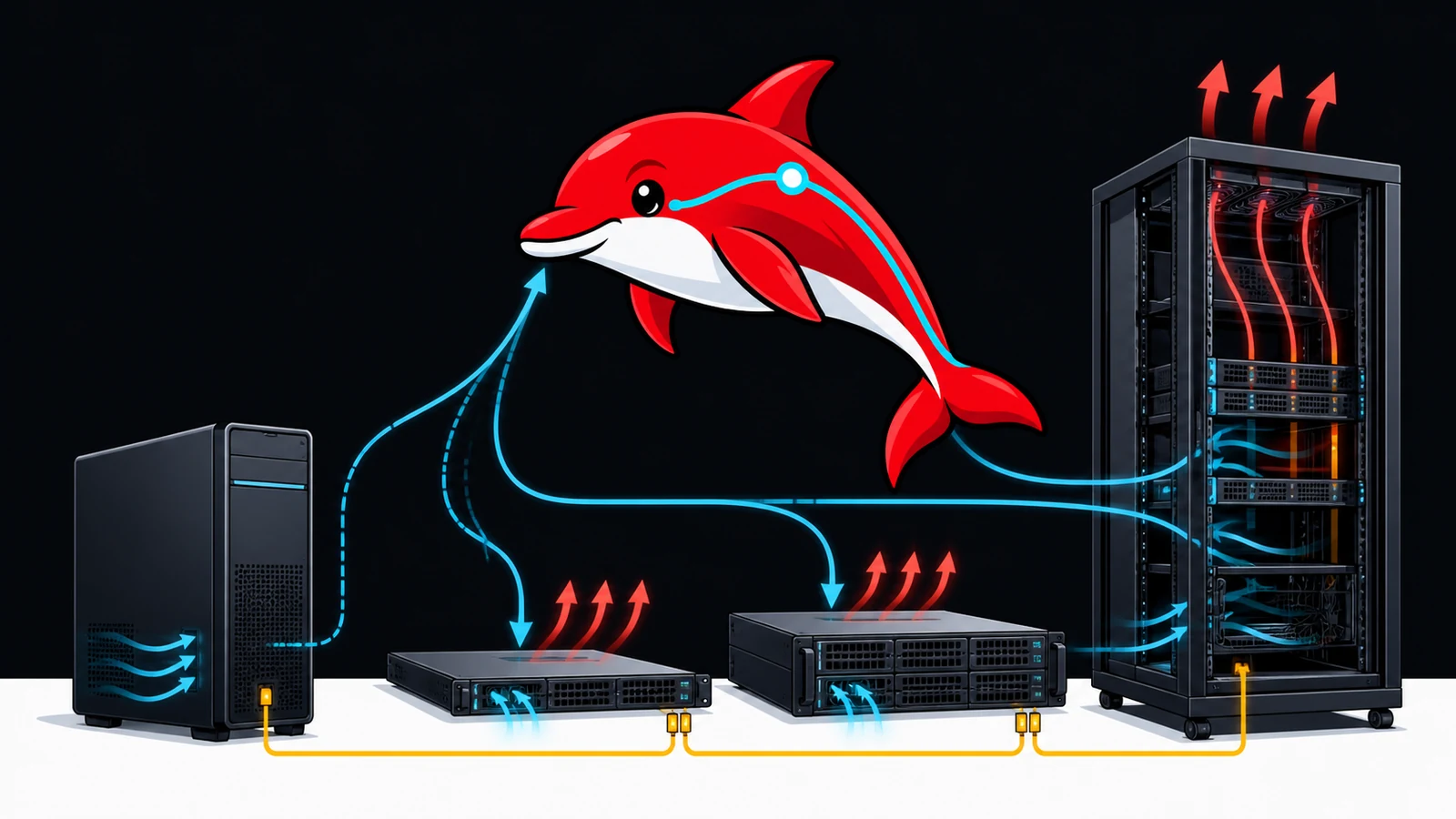
A retired two-socket rack server can hold an impressive amount of memory for little money. A modern workstation can accept a large GPU without sounding like a small aircraft. A purpose-built multi-GPU server can supply power, cooling and PCIe connectivity that neither can imitate safely. These are different engineering products, not interchangeable boxes measured only by rack units or DIMM slots.
Start with the model, latency and throughput target. Then design the memory tiers, accelerator count, PCIe topology, storage, power, cooling and recovery process around that target. Buying a cheap chassis first often leaves the owner solving expensive mechanical and electrical problems afterward.
This guide covers practical design decisions, not instructions to bypass a manufacturer's GPU, power or thermal limits. Unsupported modifications can damage hardware, create fire or shock hazards, invalidate warranties and still deliver poor performance.
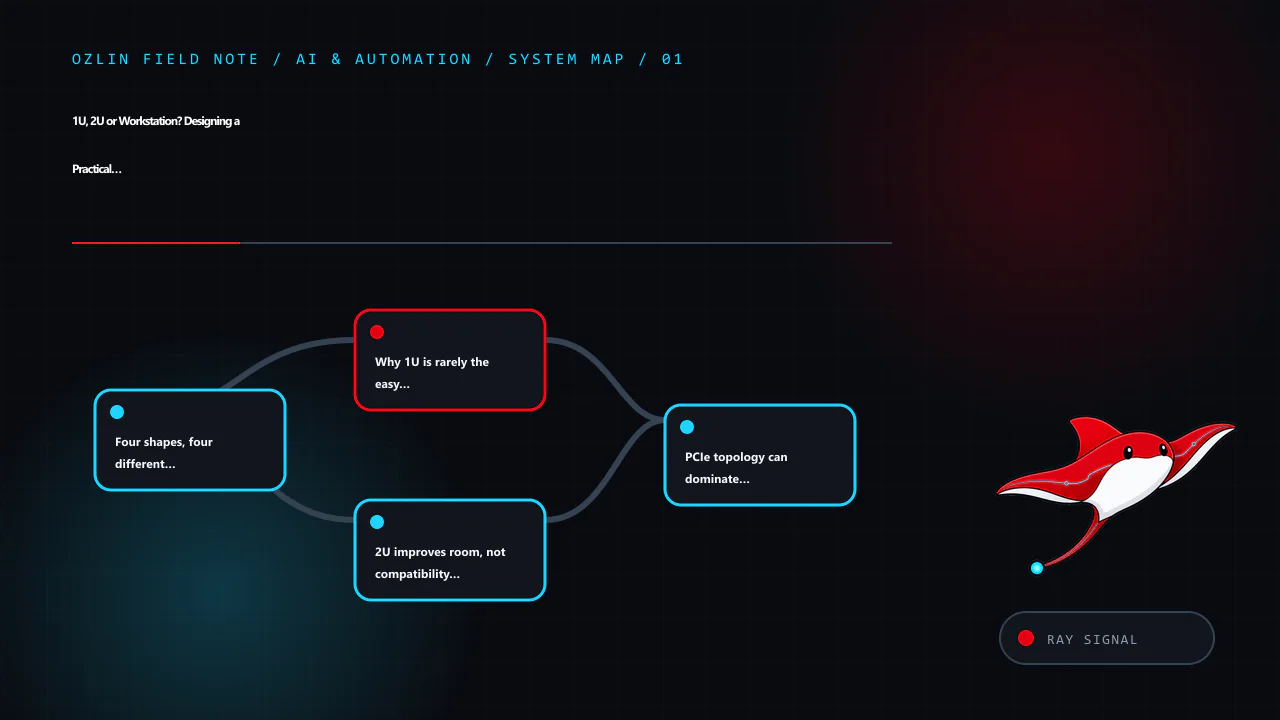
Four shapes, four different compromises
| Platform | Strengths | Common limits | Best fit |
|---|---|---|---|
| Tower/workstation | Quiet relative to rack gear; accepts full-height, wide GPUs; accessible; ordinary office placement | Fewer hot-swap components, less remote management, limited GPU spacing or PCIe lanes on consumer platforms | One or two GPUs, development, creator workloads, small-office inference |
| 1U rack server | Dense CPU and network deployment; mature rails and remote management | Short heatsinks, very high fan speed, low-profile cards, severe GPU height/power limits | CPU services, networking, compact inference accelerators explicitly supported by vendor |
| 2U rack server | More drive bays, cooling area and PCIe room; some models designed for GPUs | Still loud and deep; not every 2U chassis supports double-width accelerators or enough power | Data-centre deployments with a validated GPU kit and suitable rack/power |
| 4U/GPU workstation server | Best physical room for full-size accelerators, cables and lower-velocity fans; serviceable | Expensive, large, high power density; may require 200–240 V and facility planning | Modern multi-GPU inference or training where topology and cooling justify the cost |
Rack units describe height only. A 2U chassis may be more than 700 mm deep, need rear cable space and draw air front-to-back. It cannot be placed safely in a shallow communications cabinet just because it fits vertically. Check rail compatibility, weight, service clearance and floor loading.
Why 1U is rarely the easy GPU answer
A 1U server has little vertical space. Fans must move air through narrow passages at high static pressure, which produces substantial noise. Many consumer GPUs are full-height, two to four slots wide and use axial fans designed for an open case. Installing one behind a 1U riser is normally impossible; improvising an open lid or external power does not create a validated cooling path.
There are 1U accelerator systems, but they use vendor-qualified cards, risers, cables, firmware, power supplies and airflow guides. The correct comparison is a complete supported configuration, not the cost of an empty retired chassis plus a desktop GPU.
Choose 1U when density, standardised remote management and CPU/network workloads are primary. For a quiet office or home lab, a tower often offers more useful compute per unit of disruption even though it occupies more floor space.
2U improves room, not compatibility by magic
Two rack units allow taller heatsinks, more drive bays and more PCIe layouts. Some 2U platforms are designed for one or more accelerators. Others use that space for storage and do not support internal GPUs.
The Dell PowerEdge R730 and R730xd illustrate the distinction. They share a generation and many components, but the R730xd prioritises dense storage. Dell's technical guide documents up to 24 DIMM slots and large LRDIMM capacities for supported dual-CPU configurations. The same guide states that internal GPU support is not available on the R730xd, while qualified GPU configurations exist for the R730. A search result saying “R730 supports GPUs” must not be transferred to an R730xd purchase.
Before adding any accelerator, check the exact service tag/configuration and official manual for:
- supported GPU models and quantity;
- required CPU count, riser and slot topology;
- double-width clearance and drive-backplane conflicts;
- GPU enablement kit, power cables and PSU redundancy rules;
- airflow shrouds, fan type and minimum fan policy;
- firmware and operating-system support; and
- whether other PCIe devices lose lanes or slots.
Do not use an adapter cable to exceed a rail, connector or PSU rating. Do not silence fans below the thermal design because a short benchmark appears stable. Memory, VRM, storage and riser components also depend on the validated airflow.
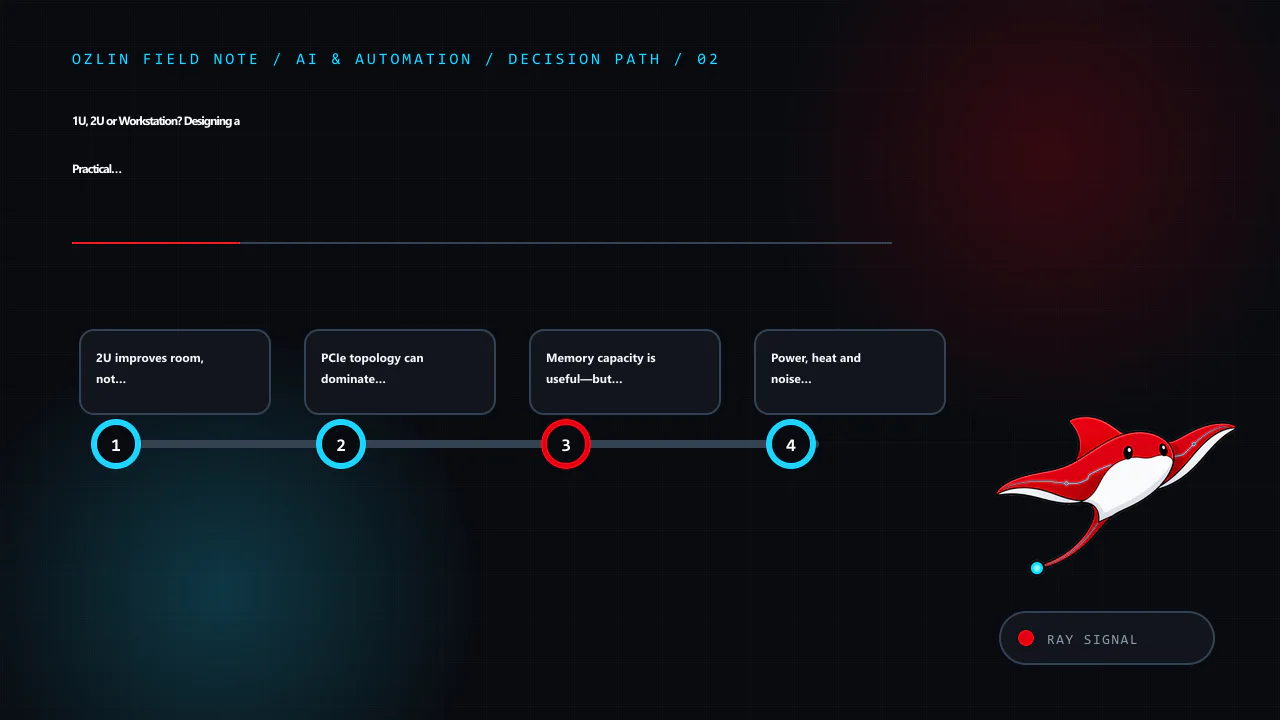
PCIe topology can dominate multi-GPU behaviour
Count usable electrical lanes, not just physical slots. On a two-socket system, slots attach to different CPUs. Data crossing between a GPU on one socket and memory or a GPU on the other may traverse the inter-socket link. That can be acceptable for independent inference workers and inefficient for tightly coupled model parallelism.
Record a topology diagram covering:
- GPU-to-CPU and GPU-to-GPU placement;
- link generation and negotiated width;
- NUMA memory affinity;
- storage and network cards sharing root complexes;
- peer-to-peer support in the chosen runtime; and
- any high-speed GPU interconnect actually present.
VRAM does not automatically become one transparent pool. The inference framework must partition the model, and transfers can limit throughput. Test the final runtime and model with telemetry rather than assuming that two 24 GB cards behave like one 48 GB card.
Memory capacity is useful—but bandwidth and CPU age remain
Retired enterprise servers make ECC capacity affordable. They can be valuable for databases, virtualisation, preprocessing, embeddings and experimental CPU offload. The memory channels should be populated according to the service manual with compatible RDIMMs or LRDIMMs; more sticks can reduce speed depending on population.
Capacity does not erase processor age. A model whose quantised weights fit in 512 GB of DDR4 may still generate too slowly for an interactive service because inference repeatedly moves and computes over a large working set. CPU instruction support, memory bandwidth, NUMA effects and runtime optimisation matter. Benchmark the intended prompt length, concurrency and output length, and report measured results rather than theoretical bandwidth.
The companion DeepSeek 671B reality check applies this distinction to the R730xd. The used RAM and SSD guide covers compatibility and acceptance testing.
Power, heat and noise are first-class requirements
Nearly all electrical input becomes heat in the room. A system averaging 1 kW produces roughly 1 kW of heat continuously. The utility bill is only part of the problem: hot air needs a reliable path out, and cooling consumes additional power.
Use measured wall power for normal, peak and idle states. Check the branch circuit, plug, PDU, UPS, power-supply input range and local electrical requirements with a qualified person. A standard residential outlet is not permission to run it continuously near its protective limit. Never construct improvised mains wiring or defeat a breaker.
For an annual electricity scenario:
annual compute electricity = average kW × 8,760 × AUD/kWh
At an illustrative A$0.35/kWh—not a claim about your tariff—0.8 kW costs about A$2,453 per year, 1.6 kW about A$4,906, and 3.0 kW about A$9,198 before cooling. Replace the rate and duty cycle with values from the actual bill and measurements. A machine used eight hours a day should not be modelled as a 24×7 load.
Office noise can be the deciding constraint. Published sound figures, where available, are configuration- and environment-specific. Listen to the candidate under sustained load or place it in a suitable server room. Do not hide a rack server in an unventilated cupboard to solve acoustics.
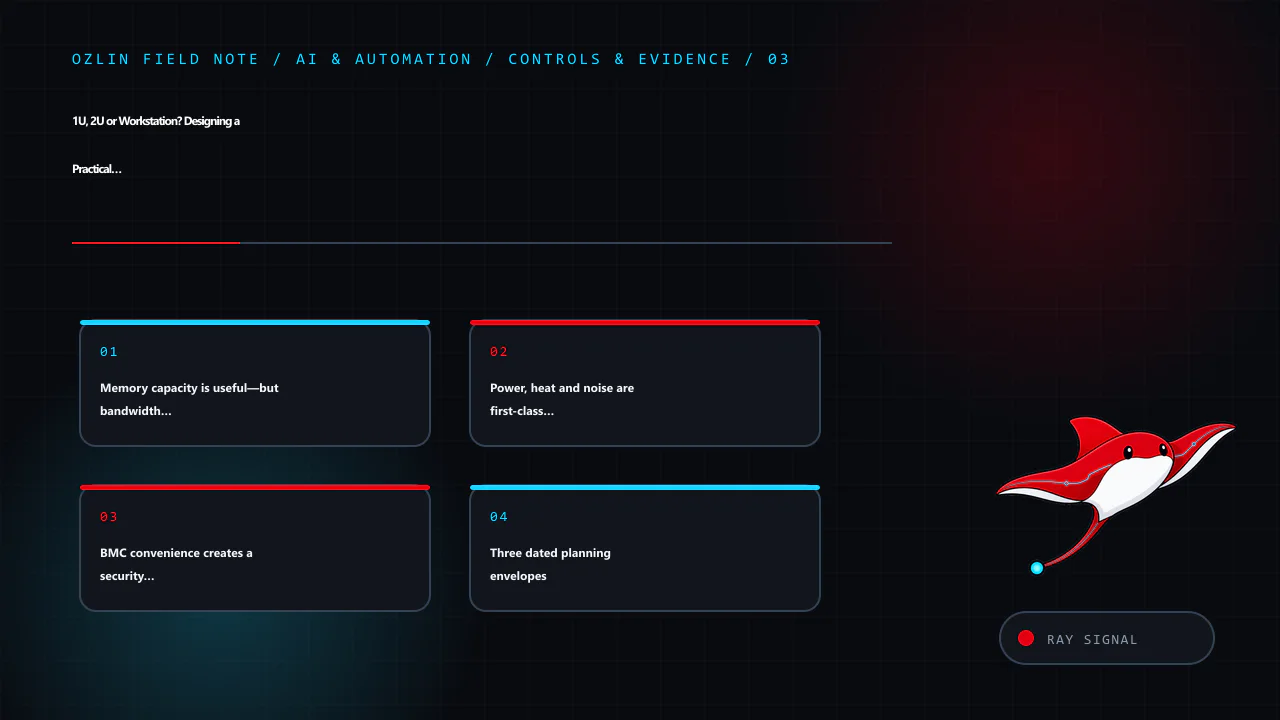
BMC convenience creates a security boundary
Enterprise baseboard management controllers such as iDRAC or iLO can power-cycle a server, mount media and expose a remote console independently of the operating system. That makes them highly privileged.
- Update BMC and platform firmware from the vendor.
- Replace default accounts and remove unused users.
- Keep management on a dedicated restricted network or VPN; do not expose it directly to the public internet.
- Use MFA through an upstream access system where the BMC lacks it.
- Restrict outbound access, certificates and DNS as the design permits.
- Log administrative access and test recovery credentials.
- Treat a used server as untrusted until configuration and firmware have been reviewed.
Operating-system hardening remains separate: minimal services, timely patches, host firewall, least-privilege administration, protected secrets, monitored logs and tested offline or isolated backups. Never install cracked or nulled management software, operating systems, plugins or utilities. The discount cannot compensate for unknown code running at the most privileged layer.
Three dated planning envelopes
These are Ozlin planning baselines dated 29 August 2026, not retailer quotes or performance promises. Prices are AUD, ex GST where a business quote is used, and must be replaced by itemised supplier pricing before approval.
| Design | Indicative acquisition envelope | Included assumption | Usually missing |
|---|---|---|---|
| Modern single-GPU workstation | A$4,000–A$10,000 | Current platform, 64–128 GB RAM, one substantial GPU, quality PSU/cooling | Backup target, monitor, UPS, labour and spare GPU |
| Used 2U enterprise lab | A$1,500–A$4,000 before accelerator | Refurbished chassis, CPUs, ECC RAM and local storage | Supported GPU kit, freight, rails, power/cooling, warranty, modern CPU performance |
| Purpose-built modern multi-GPU server | A$25,000–A$100,000+ | Vendor-qualified chassis, accelerators, high-capacity RAM/network | Rack, high-density power, cooling, support, tax and capacity redundancy |
The broad ranges are intentionally not a buying recommendation. GPU choice can move the last category by multiples. Obtain at least two comparable quotes showing model numbers, warranty, delivery, GST, support response and replacement terms.
Full TCO is:
TCO = purchase and modification + average kW × 8,760 × AUD/kWh + cooling/colocation + repair spares + downtime cost − residual value
For colocation add rack units, committed power, overage, transit, cross-connects, addresses, remote hands and freight. For a workstation add staff time, room cooling and the business cost of occupying the same machine used for other work.
Commissioning checklist
Before ordering:
- define model, quantisation, context, concurrency and latency targets;
- produce a memory and PCIe topology;
- verify vendor-supported accelerator, PSU, riser and airflow configuration;
- calculate normal and peak electrical load;
- confirm rack depth, rails, weight, cooling and noise location;
- document BMC and operating-system management networks;
- price backup, spares, support and exit; and
- plan a smaller proof of concept if performance is uncertain.
Before production:
- inventory serials and firmware;
- run memory, storage, GPU-memory and sustained thermal tests;
- verify negotiated PCIe width and NUMA placement;
- benchmark the real model and prompt mix, including concurrency;
- simulate a failed drive, failed process and restore;
- confirm monitoring covers temperature, power, ECC, storage, GPU and service health;
- restrict management access and remove temporary credentials; and
- capture an approved baseline configuration.
A practical AI server is not the chassis that can be made to boot. It is the system that meets a measured service target, stays within vendor and electrical limits, can be patched, and can fail without destroying the project. Ozlin's AI and automation services can help frame that proof of concept and acceptance evidence. For the software-first route, start with Run LLMs Locally in 2026.
Sources and review record
Sources were accessed on 29 August 2026. Hardware availability and planning envelopes are scheduled for review by 29 November 2026.
- Dell — PowerEdge R730 and R730xd Technical Guide
- PCI-SIG — PCI Express resources
- NVIDIA — data-centre GPU driver documentation
- Australian Cyber Security Centre — Essential Eight
- Ollama — GPU and runtime FAQ
- llama.cpp — official repository
AI assisted with source discovery, drafting and copyediting; Ozlin Info remains responsible for publication.
Leave a Reply