Reviewed: 13 September 2026 · Next review: 13 December 2026
Author: Ozlin Info Editorial Team · Human review: Lin (accountable human); Codex assisted
An Australian player joins a server labelled Sydney. Their speed test looks healthy, voice chat works and another player in the same city has a normal ping. Yet the game reports 120–170 milliseconds. A nearby server should usually be much faster, so what happened?
The short answer is that internet traffic follows routing policy, not the shortest line on a map. A packet can cross several independently operated networks, take an inefficient interstate or international detour, and return by a different path. Fast access speed does not guarantee a good route to every destination.
This guide explains the layers, documents a notable Australian Counter-Strike community incident, and gives players, ISPs and server operators a defensible troubleshooting workflow. It does not rank providers or assign fault from a single trace. Network conditions and commercial interconnections change, so the provider and network sources were checked on 29 August 2026 and should be reviewed again by 29 November 2026.
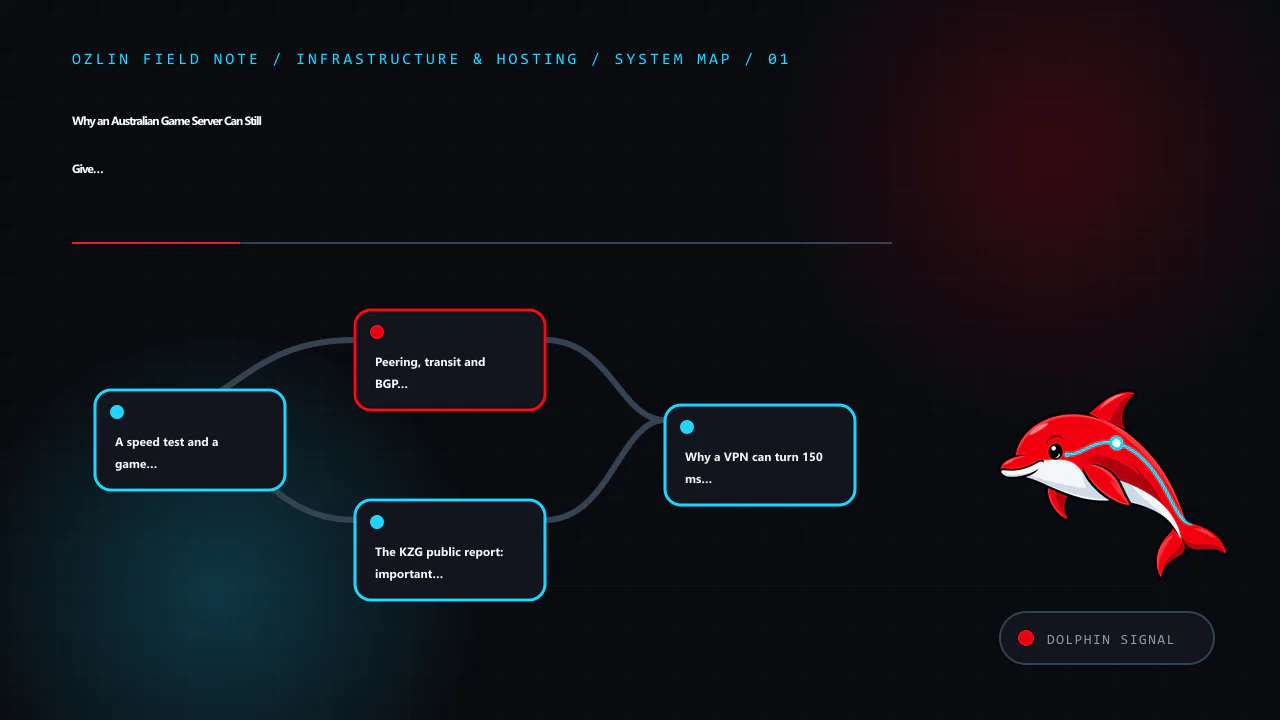
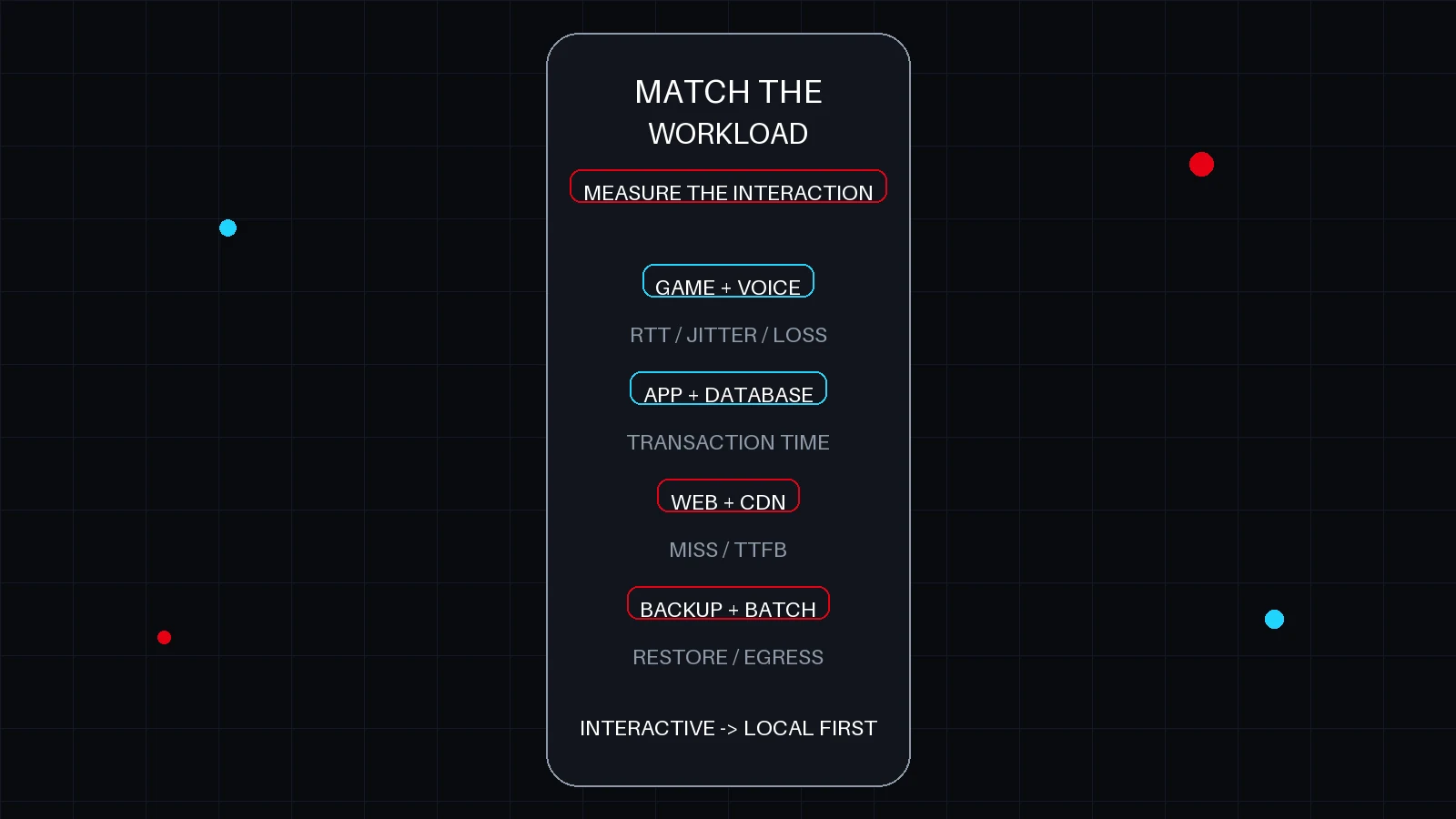
A speed test and a game session measure different things
A broadband speed test normally selects a nearby, well-connected test node. That is useful for checking access speed, local congestion and gross packet loss. It does not test the route to a particular game host.
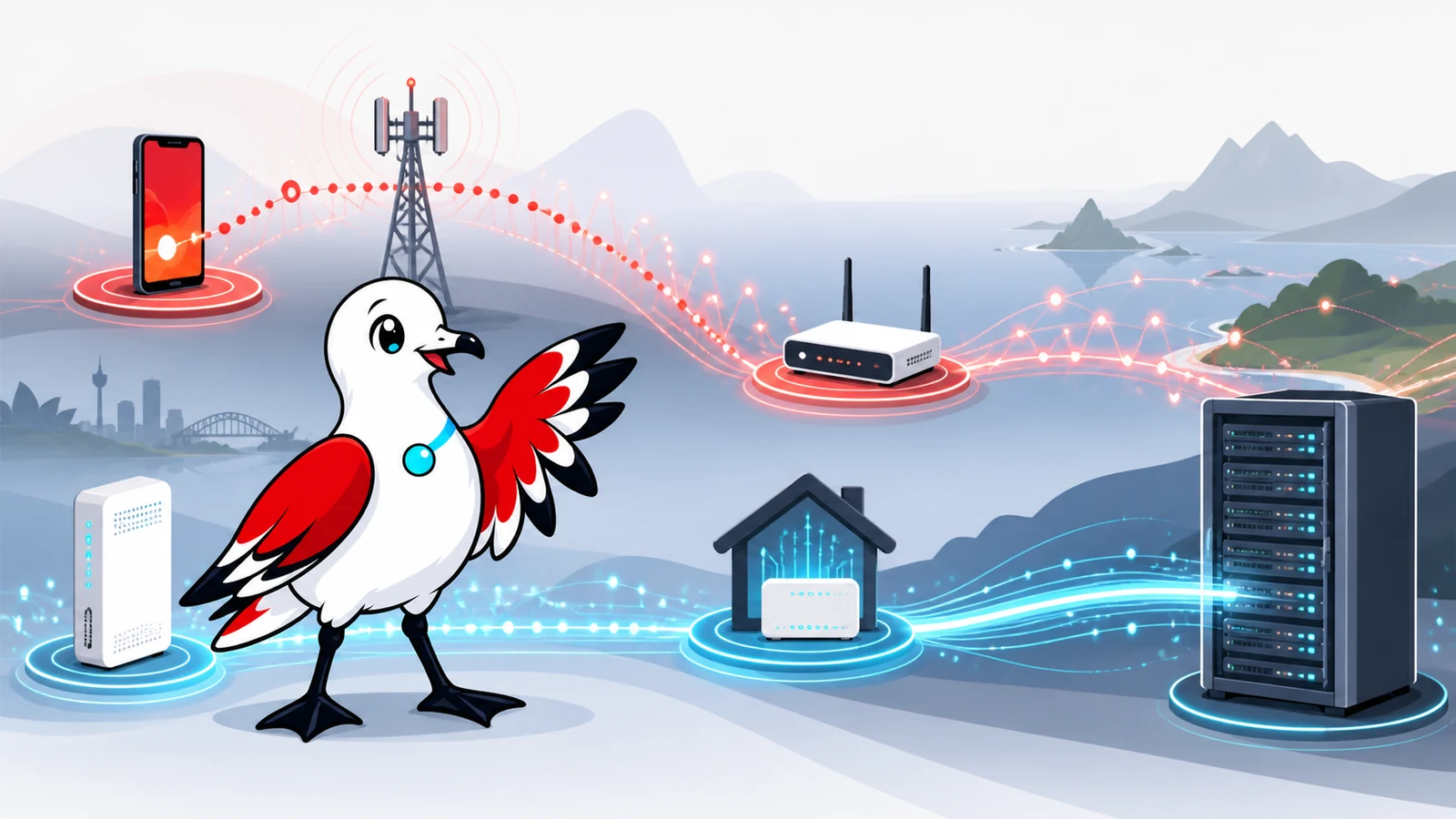
A game packet may traverse this chain:
- the player's PC, Wi-Fi or Ethernet and home router;
- NBN, fibre, cable or a 4G/5G radio access network;
- the retail ISP's aggregation and national backbone;
- a private interconnect, internet exchange or paid transit provider;
- the datacentre or hosting operator's network;
- the game-server host and its application; and
- a return route that may differ from the outbound route.
Any layer can add delay, jitter or loss. Wi-Fi contention and upload saturation are common home causes. An overloaded game process, CPU-heavy bots, plugins or an insufficient host can also increase perceived lag without changing the network ping. Conversely, a clean Ethernet test and a healthy server can still suffer when two networks exchange traffic over a poor path.
The practical lesson is simple: test the affected destination, at the affected time, from the affected network.
Peering, transit and BGP in plain language
An Autonomous System, or AS, is a network that makes its own routing decisions. Border Gateway Protocol (BGP) lets these networks advertise reachability and choose paths using attributes and local policy. The BGP specification describes a policy-driven system; it is not a global latency optimiser.
Three commercial arrangements matter here:
- Peering exchanges traffic between the participants and their customers, usually at agreed locations and conditions.
- Transit pays another network to reach the wider internet.
- Internet exchange connectivity provides a place or route-server fabric where networks may establish peering, but sharing a building or exchange does not itself guarantee a direct or preferred route.
An ISP may prefer one route because of local preference, commercial terms, capacity, resilience or the routes actually advertised. The apparent AS path may be short while the physical path is long. A router hostname that contains a city code may be stale or misleading. A one-way traceroute also says nothing definitive about the return path.
TPG's current Group Peering Guidelines illustrate the operational and commercial dimension. They list separate principal networks for TPG Internet, iiNet/Internode and Vodafone Australia, describe peering as exchanging direct and downstream routes rather than transit routes, and set capacity, traffic, resilience and regional-advertisement expectations. The guidelines also call for “shortest exit routing” unless mutually agreed otherwise. These are published criteria for potential interconnection, not proof that every destination always follows the geographically shortest route.
The KZG public report: important evidence, not a court verdict
On 28 March 2023, prominent Australian Counter-Strike community KZG publicly identified TPG, Vodafone, iiNet and Internode as affected providers. Minutes later, KZG asked TPG why the traffic appeared to be going via Los Angeles. The posts took a player-impacting routing problem into the open rather than treating it as a generic game complaint.
That report is valuable contemporaneous evidence: several retail brands were named, they belonged to the same corporate group, and the observed route appeared inconsistent with an Australian player reaching an Australian service. TPG Telecom's own company history records the 2020 merger of Vodafone Hutchison Australia and TPG, while its peering guidelines show that the brands can still use distinct autonomous systems.
The cautious conclusion is not “the merger caused the route” or “one company was certainly at fault”. A screenshot of a forward trace cannot establish the return path, the complete BGP decision, link utilisation or which party's advertisement or preference produced the result. It can establish a reproducible symptom and give network engineers somewhere useful to begin.
There is broader evidence that destination-specific routing problems can affect matchmaking. In August 2022, Blizzard technical support stated in an Overwatch support thread that a routing issue affecting Vodafone Australia produced high latency to its Sydney servers; the matchmaker could then select Singapore because it appeared lower latency. That is direct confirmation from the game service operator, although it concerns Overwatch rather than Counter-Strike.
Contemporaneous Australian forum discussion also shared correspondence attributed to the GSL network operations team saying it had made mitigating changes that reduced latency while seeking cooperation for a permanent solution. Treat that Whirlpool discussion as user-published evidence, not an independently audited incident report. GSL's current network-maintained PeeringDB entry identifies Global Secure Layer, also known as GSL Networks, and lists interconnection points in multiple Australian cities and overseas. Presence in many facilities improves options; it does not force another network to select a particular path.
Community incident reading list
The following threads are useful for recognising symptoms and building a timeline, but they remain user reports unless a provider or service operator confirms the cause:
- An August 2022 /r/nbn report about Vodafone NBN and CS:GO describes normal speed tests but 100 ms-plus game latency, Singapore being selected ahead of Sydney, a lower-latency result on another carrier, and a temporary improvement through a VPN. Later commenters reported Sydney or Australian servers at roughly 100–170 ms; one commenter said escalation with timestamped traces preceded a return from about 125 ms to 25 ms. These are anecdotes, not a controlled provider benchmark.
- A 2022 Whirlpool thread on high ping to Australian servers records Internode and Vodafone users comparing affected routes and VPN results. A separate iiNet Sydney-latency thread shows that intermittent route or destination selection can complicate diagnosis.
- The Final Fantasy XIV community's Materia routing report documents another game community analysing unexpectedly high latency to an Australian region. It concerns a different provider path and should not be used to infer the cause of the KZG incident.
Read these beside Blizzard's operator response and the official network documents above. Their value is the repeated diagnostic pattern—destination-specific latency, route changes across networks and the need for escalation—not proof that a named ISP performs the same way today.
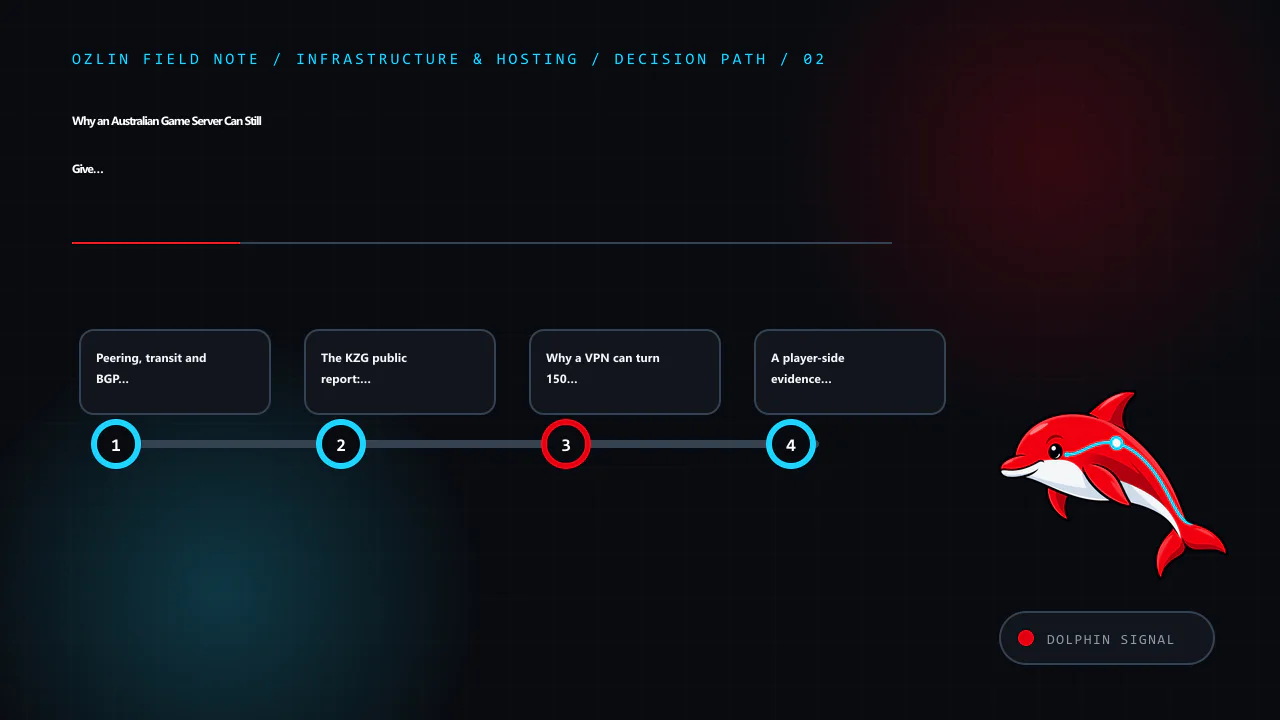
Why a VPN can turn 150 ms into 30 ms
A VPN changes the problem from “home ISP to game host” into two segments: home ISP to VPN entry point, then VPN provider to game host. If the VPN has a nearby entry point and a better onward route, the detour can disappear. This is why a VPN can dramatically reduce latency even though encryption adds a little processing and encapsulation overhead.
That result is a strong routing signal, not final proof. The VPN may also change IPv4 versus IPv6, traffic engineering, destination selection or anti-DDoS ingress. Test more than once and compare at the same time of day.
Use a reputable paid or self-managed service with a nearby Australian point of presence. Check the game's rules and anti-cheat policy, protect the account with multi-factor authentication, and do not install cracked VPN software. A VPN is a diagnostic or temporary workaround; the durable fix belongs in routing, capacity or server placement.
A player-side evidence checklist
Begin with changes that do not require special access.
- Connect the gaming PC by Ethernet and pause cloud backups, torrents and large uploads. Check router utilisation and test for latency under load.
- Record the game, server region, exact local time and timezone, displayed ping, jitter or loss, ISP, access type and approximate source city. Do not publish your street address, account number or full router configuration.
- Test a general speed-test node, but label it as a control. Then test the actual destination supplied by the game or server operator.
- On Windows, run
tracert /d <approved-target>andpathping /n <approved-target>. On macOS or Linux, usetracerouteormtrwith ordinary rates. Only test a destination you are authorised to contact. - Repeat during a normal period and the affected period. Save plain-text output and screenshots rather than relying on memory.
- Compare a second network, such as a phone tether on another carrier or a neighbour's separately operated ISP with permission.
- Optionally test a nearby reputable VPN endpoint. Record whether the route and end-to-end latency change.
- If possible, test IPv4 and IPv6 separately. They can use different peers and paths.
Microsoft explains that tracert discovers a path using increasing TTL values and that some routers do not return the expected ICMP message, producing asterisks. Its pathping documentation warns that intermediate routers may drop packets addressed to themselves while continuing to forward transit traffic. Therefore, a loss percentage at one hop is meaningful only when the loss persists to later hops or the destination.
Also avoid over-reading router names and IP geolocation. A hostname containing “lax” may indicate an operator's naming convention, and a database may place an address at a corporate office rather than the router. Pair names with latency changes, multiple traces, AS ownership and evidence from the destination side.
Do not port-scan, flood, stress-test or try to bypass access controls. Normal ping, traceroute and low-rate MTR measurements are enough for this investigation.
How to escalate past “your speed test is fine”
First open a formal support ticket with the ISP. Describe it as a destination-specific latency or routing fault, not a general speed complaint. A concise report can say:
My access service and local Ethernet test are normal, but this Australian game destination shows repeatable high latency during the attached Sydney-time windows. A second carrier and a nearby VPN produce a materially different route and lower end-to-end latency. Please escalate the evidence to your IP engineering, routing or peering team and provide the fault reference.
Attach the timestamped traces, destination supplied by the operator, comparison network, game evidence and the result you want. Do not demand that frontline support redesign BGP; ask for escalation to the team that can compare advertisements and return paths.
Send the same evidence to the game community or host. The server operator can check host load, provide a reverse trace or looking-glass result, and aggregate affected users by source AS and city. A forward trace from the player and a reverse or multi-vantage test from the host are far more useful together.
If an Australian consumer or small business cannot resolve a covered phone or internet complaint with the provider, the Telecommunications Industry Ombudsman says to raise it with the provider first, keep relevant evidence, and then use its complaint process. The TIO is a dispute-resolution path, not a substitute peering engineer, so state the service impact and requested resolution clearly.
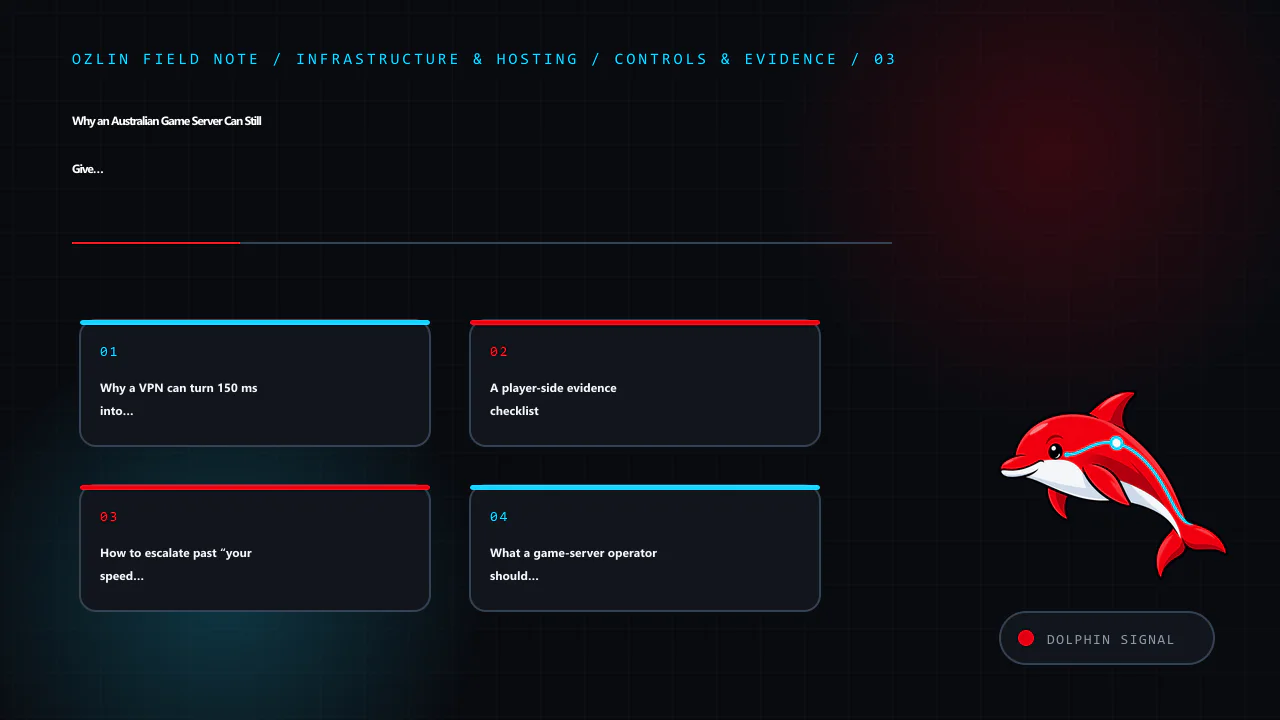
What a game-server operator should monitor
Operators should not wait for a Discord argument to become their monitoring system. Build a privacy-conscious dataset containing time, source AS, broad city, game instance, end-to-end latency, loss and server health. Avoid retaining players' full addresses or unrelated personal data.
Useful controls include:
- probes or synthetic sessions from several major Australian access networks;
- forward and reverse MTR captures during incidents;
- CPU frame time, tick health, packet queues and interface utilisation beside network latency;
- a public status page and a structured route-problem form;
- more than one upstream or a host with credible domestic interconnection options; and
- documented contacts for the host's NOC, transit providers and peers.
RIPE Atlas can provide ping and traceroute measurements from distributed probes, subject to its measurement rules and available probes. A network looking glass can show routes from another vantage point. Neither replaces cooperation from the access ISP and host, but both reduce reliance on a single player's forward trace.
Multihoming and additional transit can improve resilience and route control, but they also add cost and operational complexity. An internet-exchange port does not automatically create every bilateral peer. Anycast can be excellent for stateless front doors and DDoS absorption, but stateful real-time game sessions need architecture-specific testing before it is proposed as a cure.
Choosing an ISP when games matter
Published download speed is only one input. Ask players in the same city who reach the same community servers, and prefer a reversible month-to-month trial when possible. Test busy-period latency, jitter, loss and the actual destinations you use. Confirm whether support can escalate a documented routing issue rather than only repeat access-line tests.
Do not assume a large ISP is always worse or a specialist network is always better. Routes change, hosting providers change upstreams, and one provider may be excellent to one datacentre and poor to another. The Australia and New Zealand internet-cost comparison explains why access pricing and upload speed differ; the Australia and New Zealand hosting guide covers host selection; and the Australian game-server sizing guide covers CPU, bandwidth and hosting models.
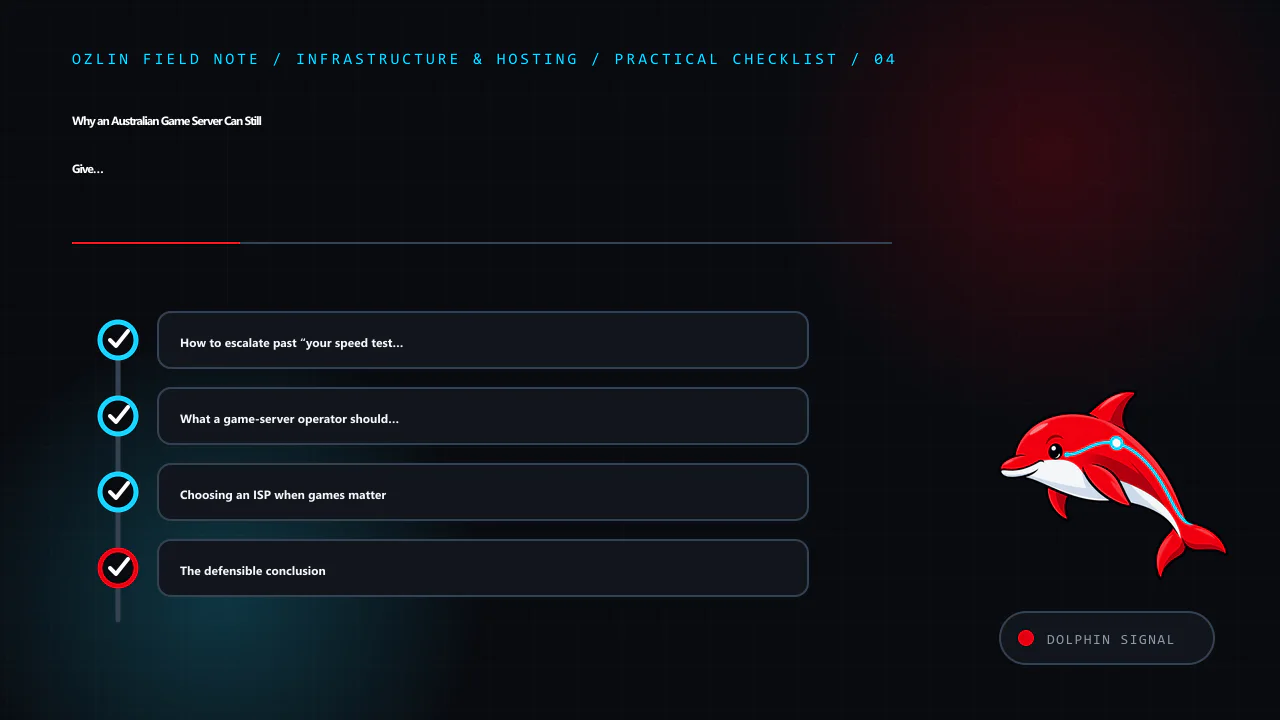
The defensible conclusion
When an Australian player sees 120–170 ms to an Australian game server, do not begin with “the server must be overseas” or “the ISP is lying”. First separate the home network, access link, ISP backbone, interconnection, host network, server load and return path. Compare another carrier and a nearby VPN, collect timestamped target-specific evidence, and get both network operators looking at the same incident.
The KZG episode matters because it made a community-scale symptom visible. The lasting lesson is procedural: route problems become fixable when player reports are converted into precise, privacy-safe evidence that can reach IP engineering teams.
Sources and review note
Key sources were accessed on 29 August 2026: TPG Group Peering Guidelines, TPG Telecom company information, KZG's affected-provider post, KZG's Los Angeles routing question, Blizzard's Sydney routing support thread, GSL's PeeringDB entry, Microsoft tracert, Microsoft pathping, RIPE Atlas documentation, BGP-4 RFC 4271, and the TIO complaint process. The linked Reddit, Whirlpool and Final Fantasy XIV community threads are supplementary incident records, not current performance guarantees. Next scheduled source review: 29 November 2026.
AI assisted with source discovery, drafting and copyediting; Ozlin Info remains responsible for publication.
Source access date: 2026-08-29
Limitations: general information only; the latency, routing and hosting outcome depends on the player's ISP, route, peering, congestion, game build and measured conditions.