

Reviewed: 13 September 2026 · Next review: 13 December 2026
Author: Ozlin Info Editorial Team · Human review: Lin (accountable human); Codex assisted
Player slots are a sales unit, not a hardware specification. A quiet 64-slot server and a full 64-player modded event can have completely different CPU, memory and network demands. Minecraft chunk generation, a Counter-Strike map plugin, bots, database calls and downloads all change the workload. Australian and New Zealand players then add geography, ISP routing, traffic quotas and attack exposure to the calculation.
The defensible method is to choose a starting configuration, run the real server build, collect tick and network measurements under representative concurrency, and adjust. This article's configurations are Ozlin starting test baselines, not performance guarantees.
Ozlin also brings direct operational context: on one 64-player Counter-Strike 2 zombie-escape environment, Ozlin has observed outbound traffic peak at roughly 150 Mbps. That is a field observation for that map/plugin/player mix, not a universal 64-slot requirement. Ozlin has also found Zriot-style zombie-bot workloads materially CPU-intensive on the server. Human slots and bot count must therefore be tested as separate load dimensions.
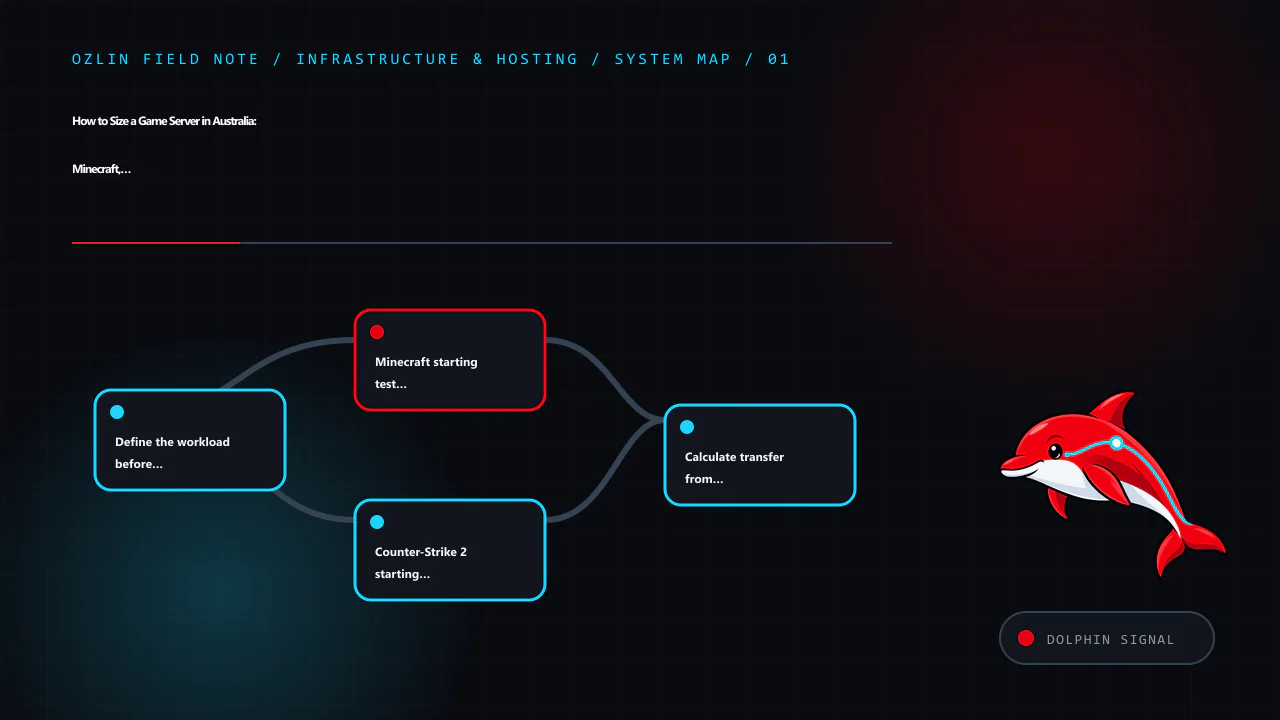
Define the workload before assigning cores
Capture more than the maximum player count:
- typical, planned-event and maximum concurrent users (CCU);
- game and exact server build;
- tick or simulation target;
- maps, world size, view/simulation distance and chunk-generation plan;
- plugins, mods, scripting runtimes and databases;
- bot type and count;
- voice, replay, anti-cheat and logging;
- FastDL, Workshop or mod-distribution method;
- backup size, frequency and restore objective;
- expected player cities and ISPs; and
- DDoS exposure, community visibility and moderation model.
Measure the busy period, not a fresh empty server. Retain a reproducible test world/map and plugin set so an upgrade can be compared with the previous build.
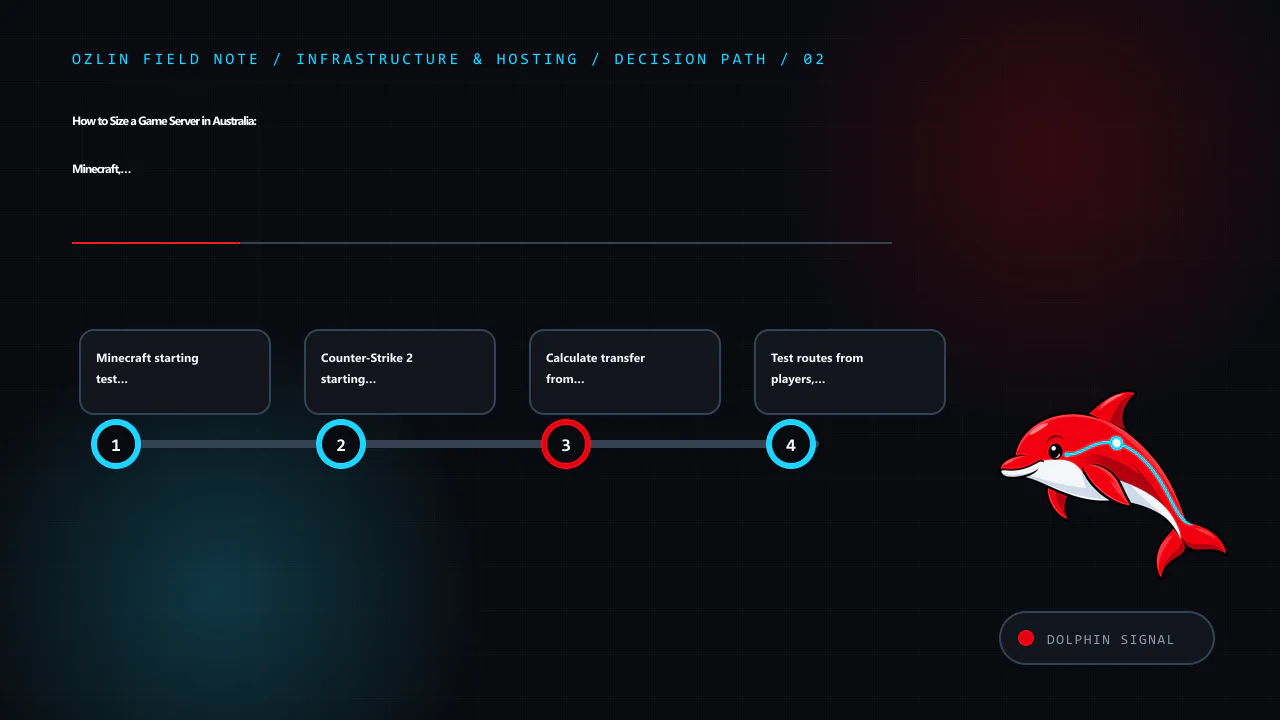
Minecraft starting test profiles
Paper's troubleshooting guidance emphasises strong single-thread performance and recommends at least four threads, while its bundled spark profiler helps find tick problems. More cores do not automatically repair one overloaded main thread. World generation, entities, hoppers, redstone, view distance and plugins can dominate.
| Planned Java/Paper CCU | Ozlin starting CPU baseline | Starting memory | Commissioning focus |
|---|---|---|---|
| 5–10 | 4 modern high-speed threads | 4–6 GB Java heap; about 8 GB system total | Pregenerate nearby world, cap view/simulation distance, profile plugins |
| 20–40 | 4–6 modern high-speed threads | 8–12 GB heap; about 16 GB system total | Test exploration, farms, backups and database activity at once |
| 50–100 | 6–8+ high-speed threads | 12–24 GB heap; about 32 GB system total | Pregeneration, entity controls, profiling, tuned proxy/sharding decisions and load rehearsal |
These are not minimum requirements published by Mojang or Paper. They are starting points for a controlled test. Avoid assigning an enormous heap “just in case”: garbage collection and memory pressure can worsen pauses. Leave memory for the operating system, filesystem cache, panel agent, backup and database. Use supported Java versions and current Paper documentation for the selected game build.
Run spark or the documented profiler during a real busy period. Watch mean tick time and long-tail stalls, not only average CPU percentage. A 25% total CPU graph on a four-core VM can conceal one saturated main thread. Record chunk generation, entity and plugin contributors before buying more RAM.
Counter-Strike 2 starting test profiles
Counter-Strike server behaviour depends on tick processing, map, player count, plugins, bots and networking. Valve's developer wiki describes CS2's 64-tick/subtick networking at a high level, but community documentation and the game itself evolve; validate the current dedicated-server build.
| Planned slots | Ozlin starting CPU baseline | Starting memory | Commissioning focus |
|---|---|---|---|
| 12–24 | 4 modern high-speed cores | About 8 GB system RAM | Stable frame/tick processing, map change, logging, plugins and peak packets |
| 32–64 | 6–8 modern high-speed cores | About 16 GB system RAM | Full-player rehearsal, complex maps, plugins, database calls and sustained network capture |
| 32–64 with heavy zombie mode or many bots | Begin above the corresponding human profile and reserve dedicated CPU headroom | 16 GB+ depending on plugins/assets | Test bot count, AI update cost, map and human CCU independently; profile server frame time |
Do not size a Zriot zombie-bot server by human slots alone. Bots perform server-side decision and movement work; adding twenty bots can change CPU demand even if no additional internet client joins. Create a test matrix such as 0/10/20/40 bots crossed with low and high human CCU. Capture server-frame or tick health, the busiest core, plugin timings and network output. Reduce or reschedule expensive bot logic before assuming that more vCPUs will help.
Zombie escape creates another special case. Large maps, many moving entities, custom effects and mass player movement can cause bursty updates. Ozlin's approximately 150 Mbps observed peak means a 100 Mbps port would not provide enough instantaneous capacity for that environment. A 1 Gbps port creates headroom, but its existence says nothing about the monthly transfer quota, congestion, provider shaping or route quality.
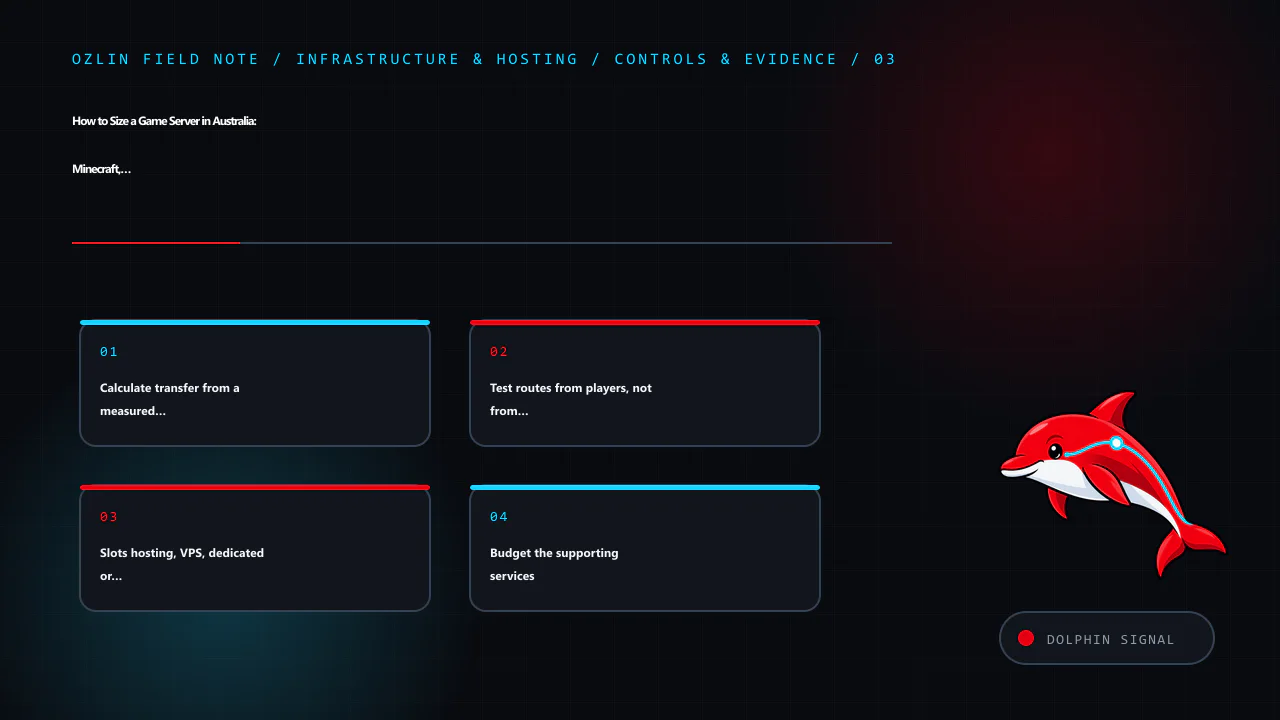
Calculate transfer from a measured rate
For decimal terabytes of one-direction traffic:
TB ≈ Mbps × active hours × 0.00045
This follows from megabits per second × seconds ÷ eight, using decimal units. One continuous 1 Mbps stream for 30 days is about 0.324 TB.
Use a representative average or p95 over the defined active window, not the single highest graph spike. For example, if measurements—not a guess—show 65 Mbps p95 during six busy hours per day across 30 days, the planning value is:
65 × 180 × 0.00045 ≈ 5.27 TB outbound
If the service really sustained 150 Mbps for those same 180 hours, it would be about 12.15 TB. Ozlin's 150 Mbps value is a peak observation, so applying it as a month-long average would overstate ordinary transfer. Add inbound traffic, updates, backups, FastDL and monitoring separately, then apply a growth and incident margin.
For a provider advertising “15 TB on a 10 Gbps port”, 10 Gbps describes possible port rate while 15 TB describes allowed transfer under the contract. For “1 Gbps unmetered”, inspect fair-use and shaping language. A traffic quota, port speed, latency, jitter, loss and DDoS mitigation are six distinct properties.
Not all Australian server products are traffic-capped. Some publish quotas, some advertise unmetered service, and public cloud commonly meters egress. Compare the exact product and location. The Australia and New Zealand hosting guide provides a broader provider matrix.
Test routes from players, not from the administrator's desk
Measure round-trip latency, jitter and loss from the cities and access networks where players actually live. A Sydney server may be excellent for east-coast users and suboptimal for Perth or New Zealand depending on routing. An Auckland or Perth deployment can improve a local audience without improving every international path.
Run tests at evening peak and during events. Capture route changes and loss over time. A low average ping with periodic loss can feel worse than a slightly higher stable ping. Avoid relying on ICMP alone if a network deprioritises it; combine it with application telemetry and player reports.
DDoS protection deserves explicit questions: which game and transport protocols are covered, whether mitigation is always-on, how false positives are handled, what happens above plan limits, whether application-layer floods are included, and how support escalates an incident. No provider protection makes an unpatched game server safe.
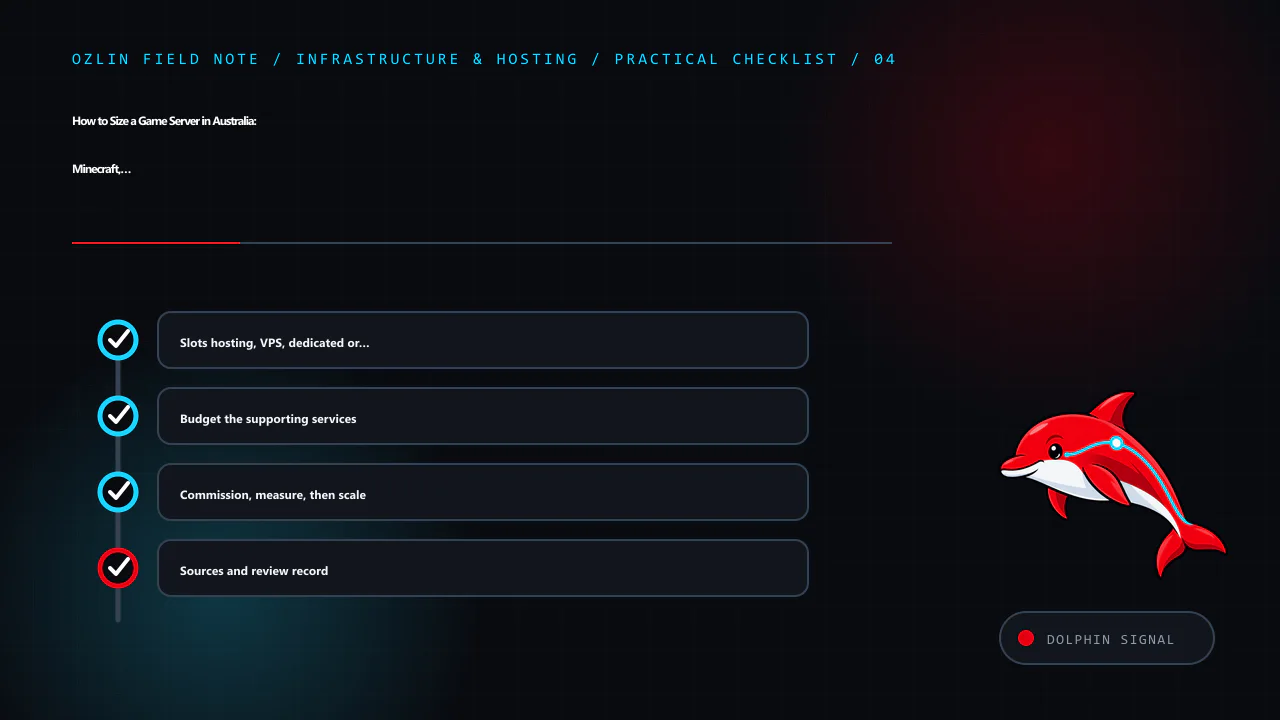
Slots hosting, VPS, dedicated or colocation?
Pay-by-slots game hosting
This is suitable when a community wants a managed game instance without owning the operating system. A provider may expose TCAdmin, Pterodactyl or another panel for configuration, scheduled tasks and backups. Advantages include fast setup, game-aware support and no host patching. Limits can include no root/SSH/RDP access, constrained plugins, shared CPU, fixed backup policies and limited network visibility.
Ask whether CPU allocation is dedicated, what happens during noisy-neighbour load, which locations and DDoS controls apply, and whether files/data can be exported. A panel label does not reveal the underlying hardware.
VPS
A VPS offers root access and flexible automation at low entry cost. It suits smaller servers, test instances, proxies and supporting services. Confirm CPU scheduling, sustained clock behaviour, storage performance and traffic. A plan advertising many vCPUs can lose to fewer faster dedicated cores for a main-thread-heavy game.
Dedicated server
Dedicated hardware is often the practical step for large communities, multiple instances or demanding mods. It provides predictable cores, memory and local storage, but the operator owns patching, backups, monitoring, recovery and most application security. One host is still one failure domain. Keep external backups and rehearse rebuilding the service.
Colocation
Colocation makes sense when stable demand justifies owned hardware and someone can manage spares, firmware, remote hands, power and logistics. It is rarely the cheapest first experiment. Price rack space, power, transit, mitigation, addresses, remote hands and hardware depreciation together.
| Decision factor | Slots hosting | VPS | Dedicated | Colocation |
|---|---|---|---|---|
| Root control | Usually none | Yes | Yes | Yes, including hardware |
| Launch effort | Lowest | Moderate | High | Highest |
| CPU predictability | Provider-specific | Provider-specific | Stronger | Strongest under your design |
| Custom panels/services | Limited | Flexible | Flexible | Flexible |
| Hardware responsibility | Provider | Provider | Provider replaces under contract | Customer |
| Best starting use | Small/standard communities | Labs and moderate servers | Large or multiple workloads | Mature, stable operations |
TCAdmin and Pterodactyl are management layers. Pterodactyl Wings uses containers and exposes CPU/memory limits; TCAdmin can select servers and provision products by slots through billing integrations. Neither product guarantees the CPU underneath, low latency or competent backup. Read the host's allocation and support terms.
Budget the supporting services
Backups: Separate configuration, world/map data, databases and replaceable game binaries. Keep at least one copy outside the game host and test a restore. Snapshot-only backup on the same storage is not enough.
Monitoring: Record service health, CPU per core, memory, disk latency/capacity, tick or frame time, player count, packet loss, traffic rate and backup status. Alerts need an owner and response procedure.
Updates: Stage game, plugin, mod and panel updates before major events. Keep a rollback artifact and protect administrative credentials with MFA or a restricted management path where supported.
Content distribution: Steam Workshop is the preferred distribution path where the game and content support it. FastDL may still be required for some legacy or custom-server assets; serve only intended static files, use correct MIME types, prevent script execution and monitor bandwidth. Do not expose backups, configuration or credentials through a directory lister.
Community controls: SourceBans or equivalent systems, Discord integrations and web panels handle personal data and privileged actions. Patch them, minimise permissions, use supported software and define retention. Never deploy cracked/nulled plugins, panels or game assets: unknown code can add web shells, credential theft or botnet functionality, and copyright risk is not a technical strategy.
Operations: Moderation, abuse handling, incident response, DDoS escalation and restore time often cost more than the VM. Include them in the hosting decision and publish separate community terms where appropriate. Ozlin's projects page describes the broader community and technical context without exposing production internals.
Commission, measure, then scale
- Build the exact game, map/world, plugins and bot configuration on a test host.
- Generate representative load or hold a controlled event.
- Record per-core CPU, memory, tick/frame health, p95 and peak network, loss, disk and temperatures.
- Identify whether the limit is one thread, memory, storage, network rate, quota or software.
- Change one major variable at a time and repeat.
- Test backup restore, update rollback and host rebuild.
- Recalculate monthly transfer and 12-month TCO from measurements.
- Set capacity alerts below the player-visible failure point.
The right answer may be a managed 20-slot product, a fast dedicated CPU, or several isolated instances. The evidence should show why. Ozlin's infrastructure services can help turn player goals and operational constraints into a measurable hosting plan without treating slot count as a promise.
Limitations: Capacity and cost figures are illustrative. Actual throughput, tick rate, latency and reliability depend on the game build, mods, plugins, host CPU, neighbours, network, player behaviour, backups and current pricing; measure the intended workload.
Sources and review record
Sources were accessed on 29 August 2026. Game builds, panel documentation, provider terms and Ozlin measurement baselines are scheduled for review by 29 November 2026.
- PaperMC — basic troubleshooting and profiling
- PaperMC — spark profiler
- Valve Developer Community — Source multiplayer networking
- Valve — SteamCMD
- Pterodactyl Wings — configuration
- TCAdmin — billing API introduction
- Steamworks — Workshop implementation guide
AI assisted with source discovery, drafting and copyediting; Ozlin Info remains responsible for publication.
Source access date: 2026-08-29
Leave a Reply