Reviewed: 13 September 2026 · Next review: 13 December 2026
Author: Ozlin Info Editorial Team · Human review: Lin (accountable human); Codex assisted
A WordPress privacy review is not completed by publishing a generic policy or installing a cookie banner. It starts with knowing what information the site collects, where each copy goes, why it is needed, who can access it and when it should be removed.
It also starts with the correct legal scope. Collecting an email address does not, by itself, mean every Australian small business is automatically covered by the Privacy Act 1988. The answer depends on the organisation and its activities.
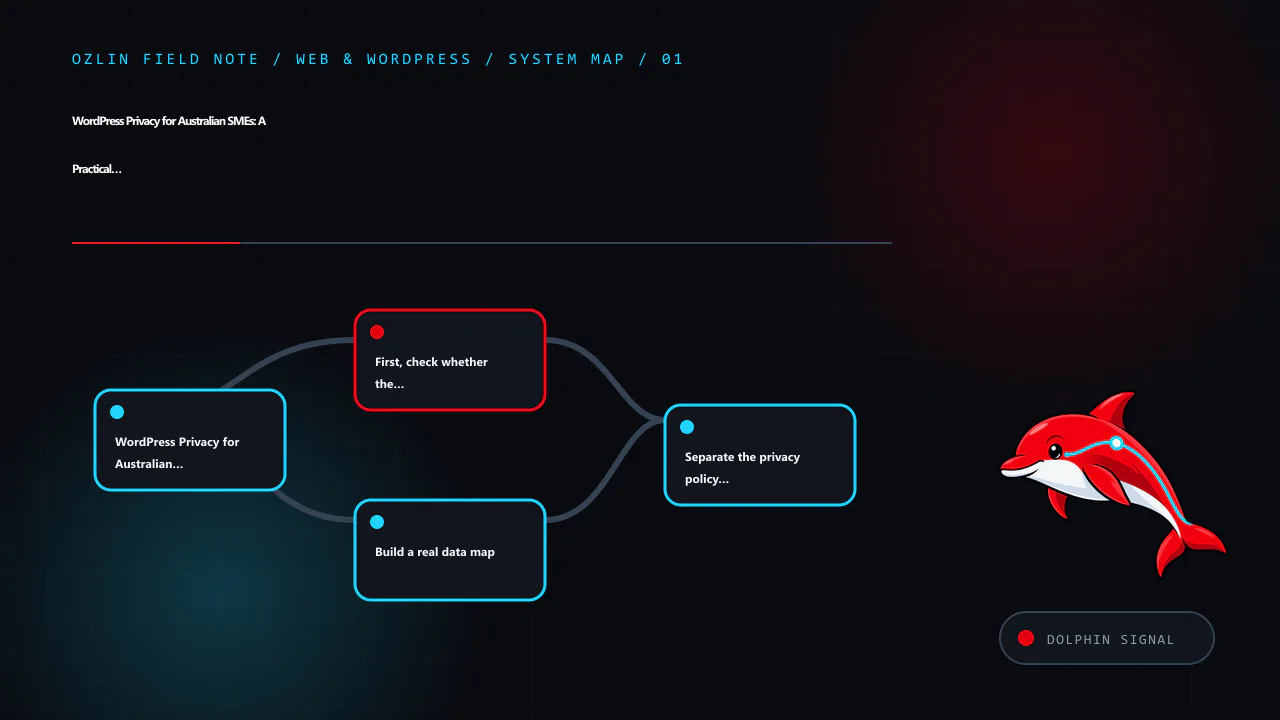
First, check whether the Privacy Act covers the business
The OAIC states that most small businesses with annual turnover of $3 million or less are not covered by the Privacy Act, but some are. Exceptions include certain health service providers, businesses that trade in personal information, Commonwealth contracted service providers and several other categories. A related entity, contract, sector rule or voluntary opt-in can also change the position.
Use the OAIC’s small-business checklist and obtain legal advice where the result is unclear. Even where the federal Act does not apply, a business may have privacy, confidentiality, security or record-keeping duties under other laws, contracts, professional rules or platform agreements. Good data minimisation and security are sensible trust measures, but they should not be described as proof of legal compliance.
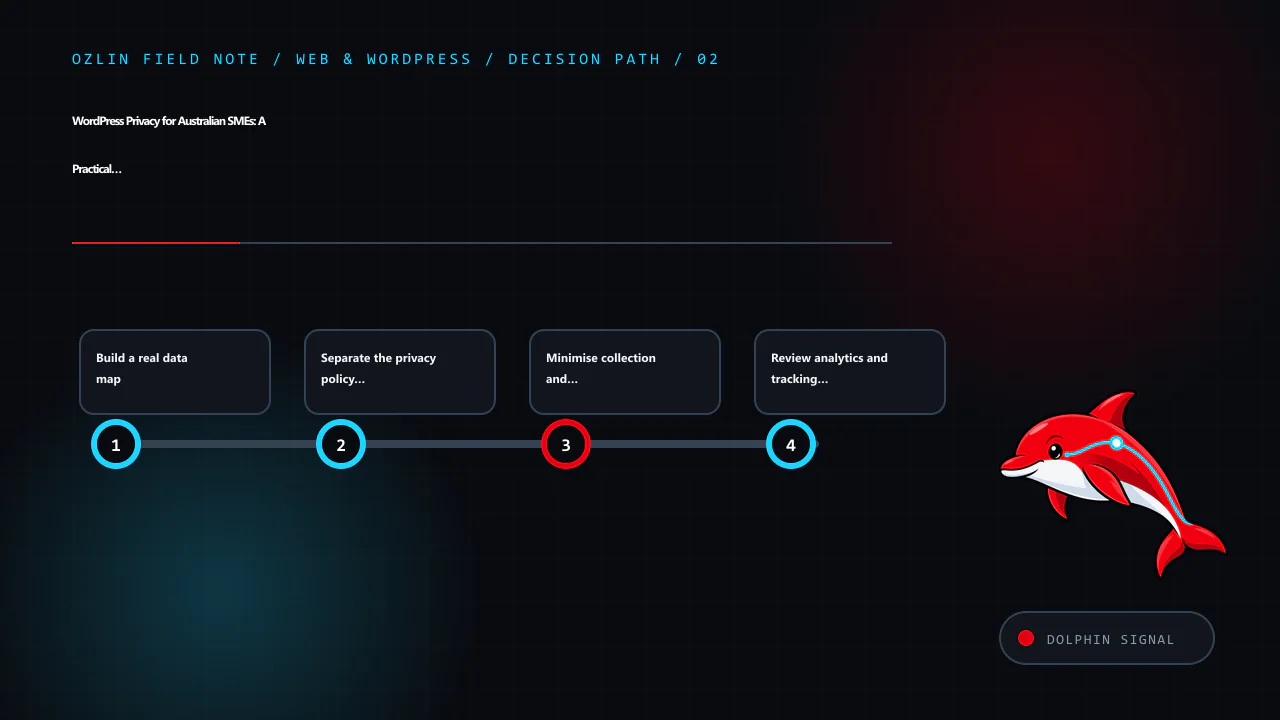
Build a real data map
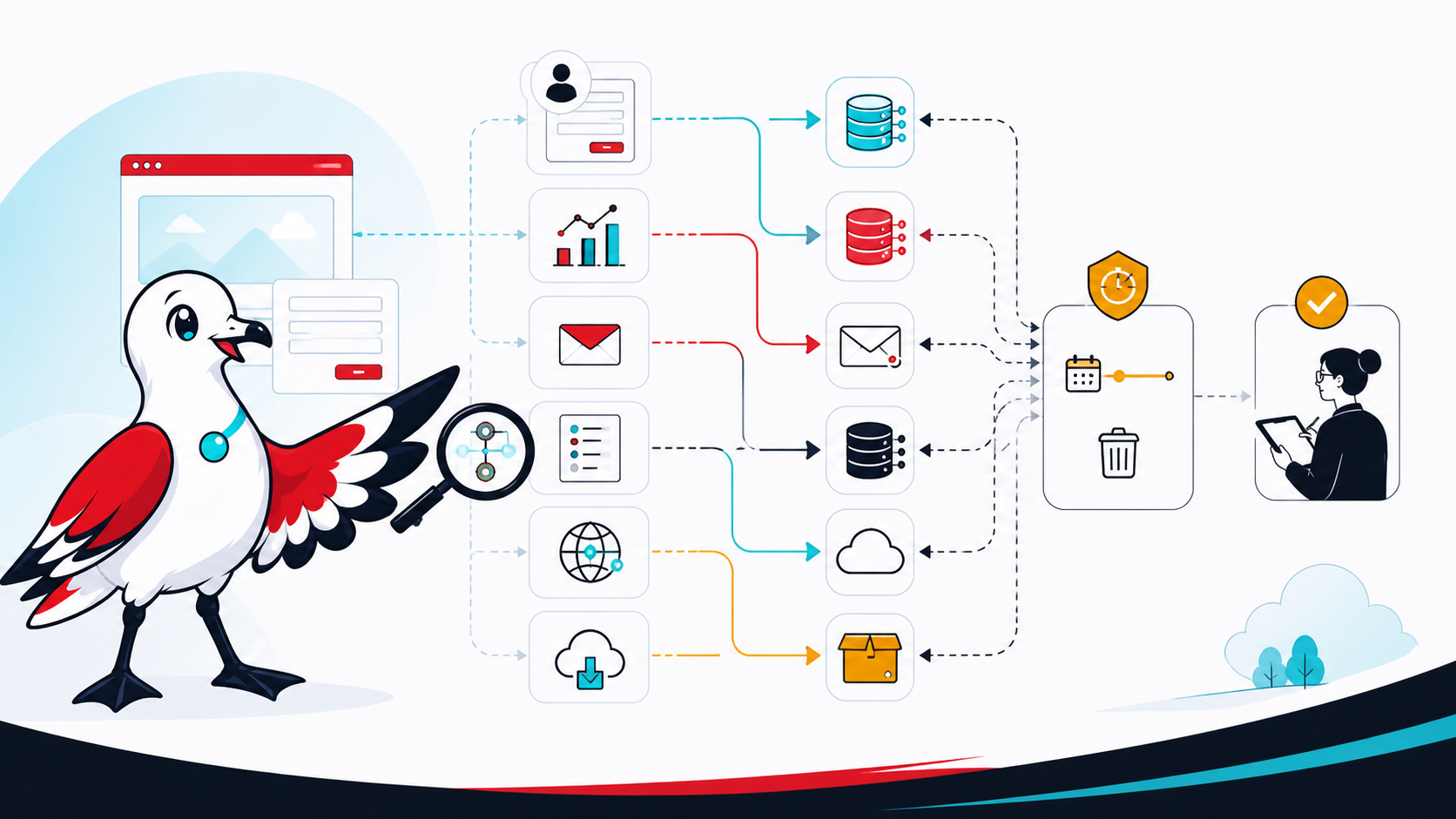
List every place a visitor or user can provide data and every service that receives it. A typical WordPress map may include:
- accounts, comments, forms and ecommerce records;
- analytics tags, advertising pixels and embedded media;
- SMTP and transactional-email providers;
- CDN, firewall, anti-bot and hosting logs;
- backups, staging copies and migration archives; and
- customer-service or AI integrations.
For each flow, record the fields, purpose, legal or business basis, storage location, recipients, access roles, retention rule and deletion path. Include IP addresses, user-agent strings, URLs and identifiers where they may be personal information in context. Verify configuration and network requests; a plugin name alone does not reveal what it sends.
The WordPress plugin privacy guidance gives maintainers a useful audit checklist: third-party APIs, telemetry, tracking pixels, iframes, browser storage, logs, REST endpoints, access controls, export and erasure support. Site owners can apply the same questions when evaluating a plugin.
Separate the privacy policy from the collection notice
For an organisation covered by the Privacy Act, APP 1 requires a clearly expressed, current privacy policy describing how personal information is managed. The OAIC’s APP 1 guidance lists matters such as the kinds of information collected, how and why it is handled, access and correction, complaints, and likely overseas disclosures.
A privacy policy is not the same as the short notice beside a form. The policy describes the organisation’s overall practices; a collection notice explains the particular collection at the relevant time. A contact form notice might identify who is collecting the information, why the requested fields are needed, what happens if they are not provided, likely disclosures, and where to find the full policy. The exact content depends on the collection and applicable obligations.
Do not omit a service simply because it runs through a WordPress plugin. Review the policy when material data flows change.
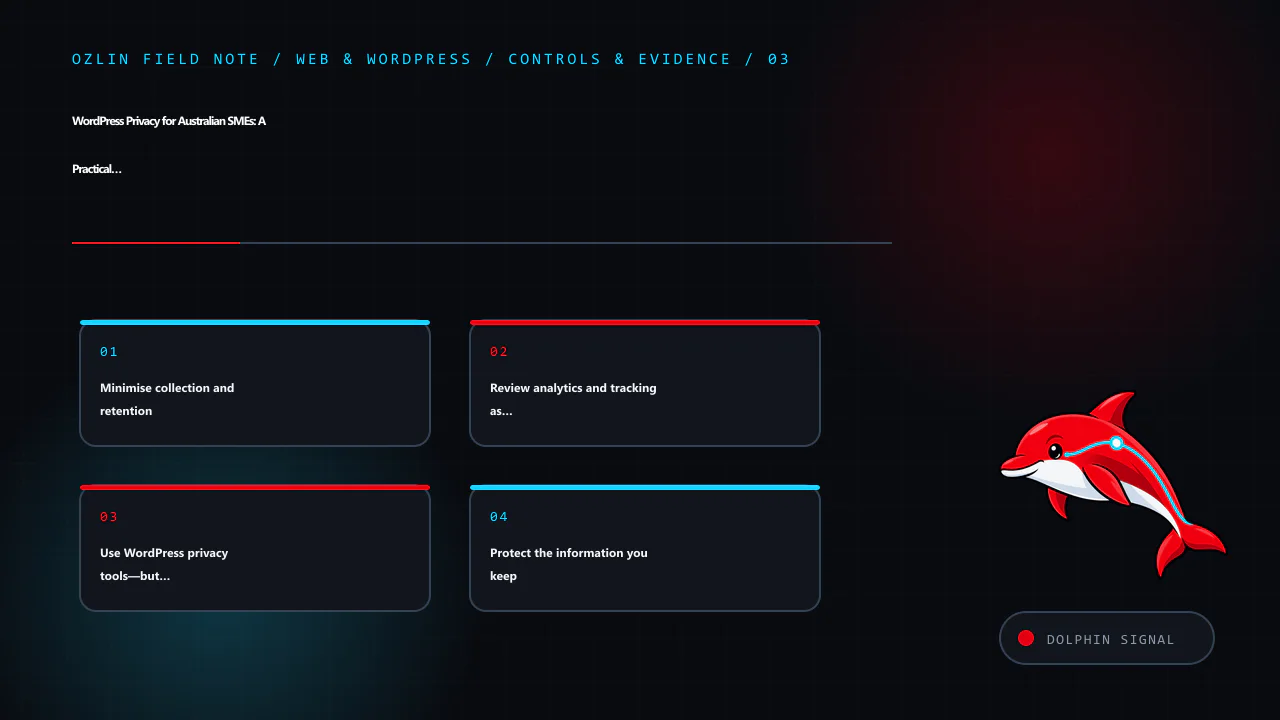
Minimise collection and retention
Ask whether each field is necessary for the immediate task. A first-contact form may not need a residential address, date of birth, identity document or detailed confidential history. Let the business request additional information later through an appropriate channel when there is a defined need.
Set retention rules by record type rather than promising that all data is deleted after one arbitrary period. Enquiries, failed login logs, form entries, invoices, backups and unresolved complaints have different operational and legal contexts. Document the rule, automate it where safe, and include backups and external systems in the process. Do not collect data “just in case”.
If the Privacy Act covers the organisation, the OAIC’s updated APP 3 guidance emphasises collecting personal information that is reasonably necessary and taking a data-minimisation approach.
Review analytics and tracking as data flows
Australian law does not create a universal rule that every WordPress site must display the same cookie banner. The correct control depends on the technologies, information, audience and applicable laws. A banner also cannot repair an undisclosed or excessive data flow.
The OAIC says the Privacy Act does not prohibit tracking pixels, but covered organisations must configure and use them consistently with the APPs. Its tracking-pixel guidance calls for due diligence, data minimisation, transparent policies and notices, care with overseas disclosures, and ongoing review. It warns that form inputs, IP addresses, URLs and activity data may be personal information when they can be linked with other data. Sensitive information generally needs stronger treatment, and a pixel may be inappropriate on pages whose visit itself reveals sensitive information.
Inspect what is sent before and after any consent choice. Disable unnecessary advertising features, keep tags away from sensitive form and account pages, and record the provider settings reviewed.
Use WordPress privacy tools—but understand their limits
WordPress provides a Privacy settings screen plus Tools → Export Personal Data and Tools → Erase Personal Data. The current WordPress privacy documentation explains that these tools cover WordPress core and participating plugins. They may not include data held by analytics, newsletter, payment, CRM, embedded-content or other external providers.
Test the request process with a non-production account. Confirm identity, restrict access and record decisions. WordPress notes that live-database erasure does not automatically remove backup data or delete a registered user account.
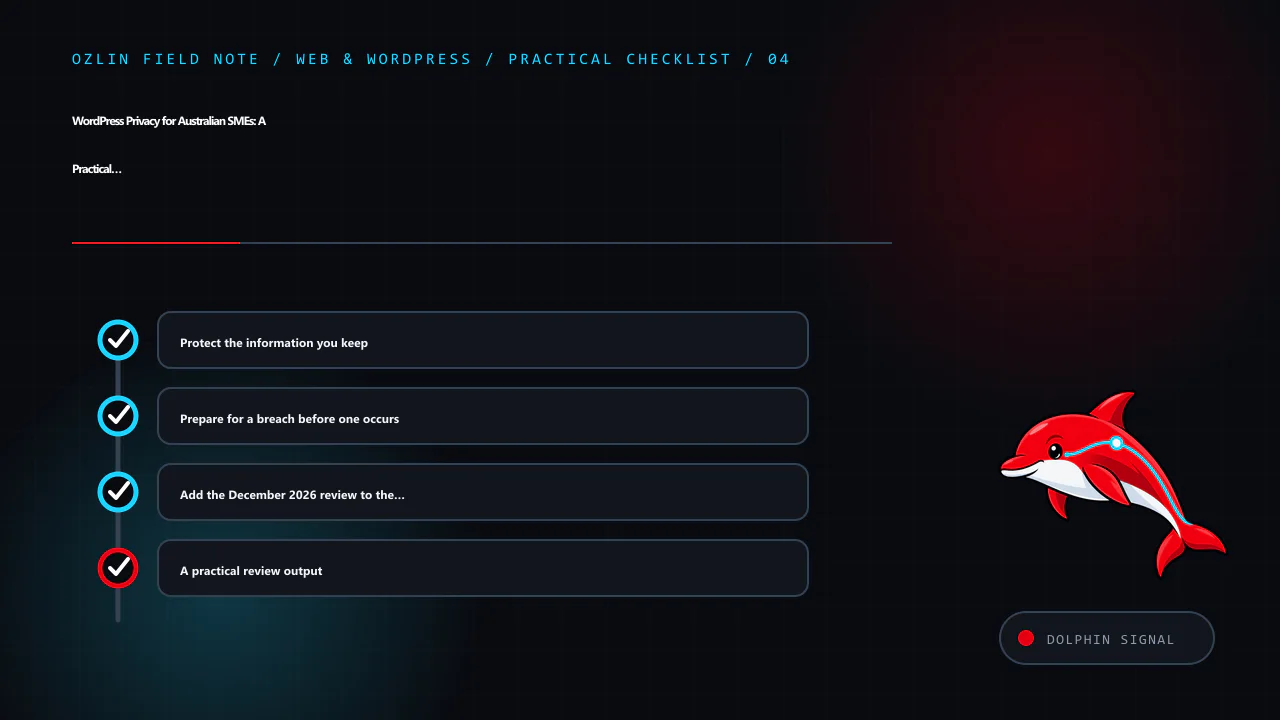
Protect the information you keep
HTTPS protects data in transit between the browser and the configured endpoint; it does not secure a compromised administrator account, vulnerable plugin or exposed backup. Use least-privilege roles, multi-factor authentication where supported, timely updates, protected backups, secure secrets, access logging and an incident plan. Remove abandoned plugins and accounts after checking dependencies.
For organisations covered by the Privacy Act, APP 11 requires reasonable steps to protect personal information and, in relevant circumstances, destroy or de-identify information no longer needed. What is reasonable depends on the information, risks and organisation; no plugin can guarantee the outcome.
Prepare for a breach before one occurs
Preserve evidence, contain access, assess what information and people are affected, and document decisions.
The Notifiable Data Breaches scheme applies to organisations and agencies covered by the Privacy Act. The OAIC says they must notify affected individuals and the OAIC when a breach is likely to result in serious harm. Not every WordPress incident is automatically an eligible data breach, but delay and guesswork make assessment harder. Use the OAIC response guidance and obtain appropriate advice during an incident.
Add the December 2026 review to the calendar
From 10 December 2026, covered APP entities will have additional privacy-policy obligations in defined cases involving computer programs that use personal information to make, or substantially assist with, decisions that could reasonably be expected to significantly affect a person’s rights or interests. The OAIC’s APP 1 guidance explains the threshold and required categories of information.
Inventory automated uses and seek advice on the arrangements that meet the statutory test. The related AI chatbot decision guide covers human handoff and supplier review.
A practical review output
A useful WordPress privacy review produces five artefacts: a data-flow map, a current plugin and supplier register, a retention schedule, accurate public notices, and a tested request-and-incident procedure. It also names an owner and the next review date.
Ozlin Info can help map and configure the technical components through its web and WordPress services. Legal coverage, policy wording and regulated decisions should be confirmed by a qualified adviser for the organisation’s circumstances.
General information only. This article is not legal advice and does not certify that a website or business complies with the Privacy Act, the APPs or any other requirement.
Limitations: Privacy obligations and technical choices depend on the entity, data flows, jurisdictions, exemptions, vendors and changes in law. This article does not assess a particular site or guarantee compliance.
Editorial disclosure: AI assisted with the first draft and source discovery. The article was checked against the linked OAIC and WordPress sources on 28 August 2026 and requires human and legal review before publication.
Source access date: 2026-08-28