Tag: CGNAT

  • Using 4G or 5G as Home Internet: An Australia and New Zealand Setup Guide

    Using 4G or 5G as Home Internet: An Australia and New Zealand Setup Guide

    Wireless home broadband can be excellent when the local radio network, plan and household workload align. It can also look perfect at lunchtime and become frustrating after dinner. The difference is rarely explained by a single “bars” icon. Tower congestion, building materials, gateway position, plan restrictions, Wi-Fi, CGNAT and the applications being used all affect the result.

    This guide is for Australian and New Zealand households considering 4G or 5G as a primary connection or backup link. It is not a guide to bypassing a carrier's device, location, fair-use or acceptable-use controls. Use a product sold for home broadband, or a data plan whose terms expressly allow a router.

    Provider terms and product availability were checked on 29 August 2026. Address eligibility, speed tiers, modem ownership, trial periods and fair-use rules change, so verify the current Critical Information Summary or equivalent before ordering.
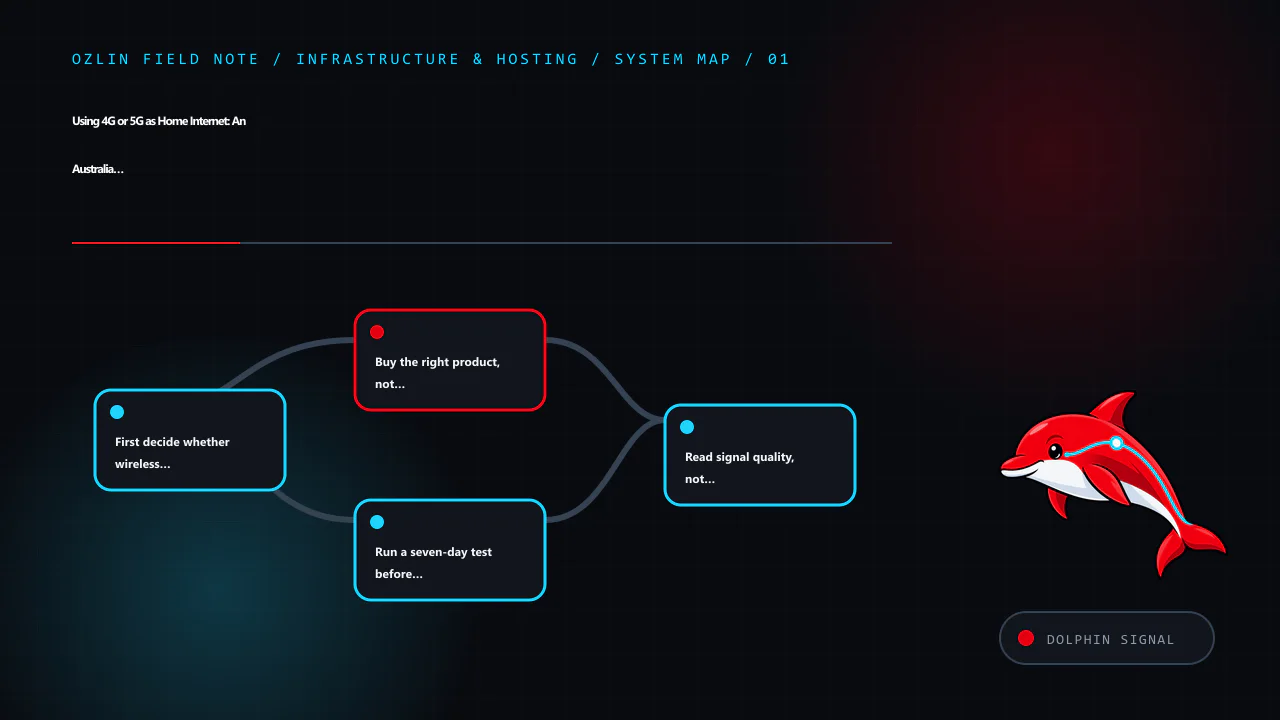
    Article map for Using 4G or 5G as Home Internet: An Australia and New Zealand Setup G…, covering First decide whether wireless suits the workload, Buy the right product, not an apparent loophole, Run a seven-day test be…
    Article map: First decide whether wireless suits the workload; Buy the right product, not an apparent loophole; Run a seven-day test before cancelling fixed broadband; Read signal quality, not only signal bars.

    First decide whether wireless suits the workload

    Start with the household's difficult traffic, not its easiest speed test. Web browsing and buffered video tolerate variation. Video meetings, cloud gaming, competitive games, large backups, remote-desktop work and live streaming care more about upload, latency, jitter and packet loss.

    Wireless home broadband is often worth testing when:

    • fibre or a good fixed-line service is unavailable, slow or expensive at the address;
    • a renter needs a reversible installation;
    • usage is mainly browsing and streaming with modest upload demand;
    • a second carrier would provide useful failover for remote work; or
    • a temporary premises needs service without waiting for a fixed installation.

    Keep fibre or another stable fixed service when predictable upload, very low jitter, a static address, monitored alarms, medical equipment, business continuity or public inbound services are requirements. Carrier product pages themselves warn about these boundaries. Optus says its 5G home service does not support a static IP, fixed-line telephony, back-to-base alarms or medical alert services. One NZ notes that its wireless service requires mains power and may be unavailable during an outage, including for emergency calling. These are product limitations, not minor setup details.

    Buy the right product, not an apparent loophole

    The cheapest “unlimited mobile” offer may be designed only for a handset. Router, hotspot, location and fair-use rules vary. Check the written terms before buying hardware around a plan.

    Current official examples illustrate the differences:

    Product characteristic checked on 29 August 2026 What the provider says Practical consequence
    Telstra 5G Home Internet The supplied home modem is fixed to the nominated address; moving it outside the home area can trigger a severe speed cap. A modem supplied for the plan may need to be returned after early cancellation. Recheck eligibility before moving and retain packaging and return instructions.
    Optus 5G Home Internet Requires the Optus modem and SIM, is service-qualified by address and does not support a static IP. Speed depends on congestion, location, placement and other conditions. Do not assume bring-your-own equipment, portability or inbound IPv4.
    One NZ wireless broadband Requires a One NZ modem, restricts the SIM to that device and the service to the registered location. Continuous 5G coverage is not guaranteed. Treat the gateway as fixed customer equipment and verify the current network-guarantee conditions.
    Spark wireless broadband Availability is selected by address and usage; a compatible Spark modem is required for its 4G/5G wireless plans. Use the address checker and confirm the exact supplied or supported gateway before purchase.

    This is not a complete market comparison. It shows why “put any SIM in any router” is unsafe purchasing advice. Also check minimum term, modem repayment or non-return fees, data cap, speed cap, fair use, cancellation process, cooling requirements and whether an external antenna is supported.

    Run a seven-day test before cancelling fixed broadband

    Treat the first week as a small site survey. Keep the old service active and build a test sheet with the same locations and times each day.

    1. Test at least three plausible gateway positions: windows on different sides of the premises, an elevated open shelf and the place where Ethernet can reach the main router.
    2. Test morning, afternoon and the evening busy period. A single best result is not representative.
    3. Connect one computer by Ethernet to the cellular gateway. This separates the mobile link from household Wi-Fi.
    4. Record download, upload, idle latency, latency during upload and download, jitter and packet loss.
    5. Repeat the real workload: a video meeting, VPN session, game, large upload and 4K stream if those matter.
    6. Reboot the gateway and confirm that service, IPv6 and any VPN reconnect correctly.
    7. Record outages and band or cell changes rather than averaging them away.

    Use median results to describe normal service and p95 latency or the worst ordinary busy-period samples to expose instability. Do not compare an Ethernet result from one provider with a distant Wi-Fi result from another.

    If several carriers are plausible, test more than one. A phone can identify whether a network deserves a gateway trial, but it is not a controlled substitute: phone and gateway modems may support different bands, antennas, carrier aggregation and thermal behaviour.
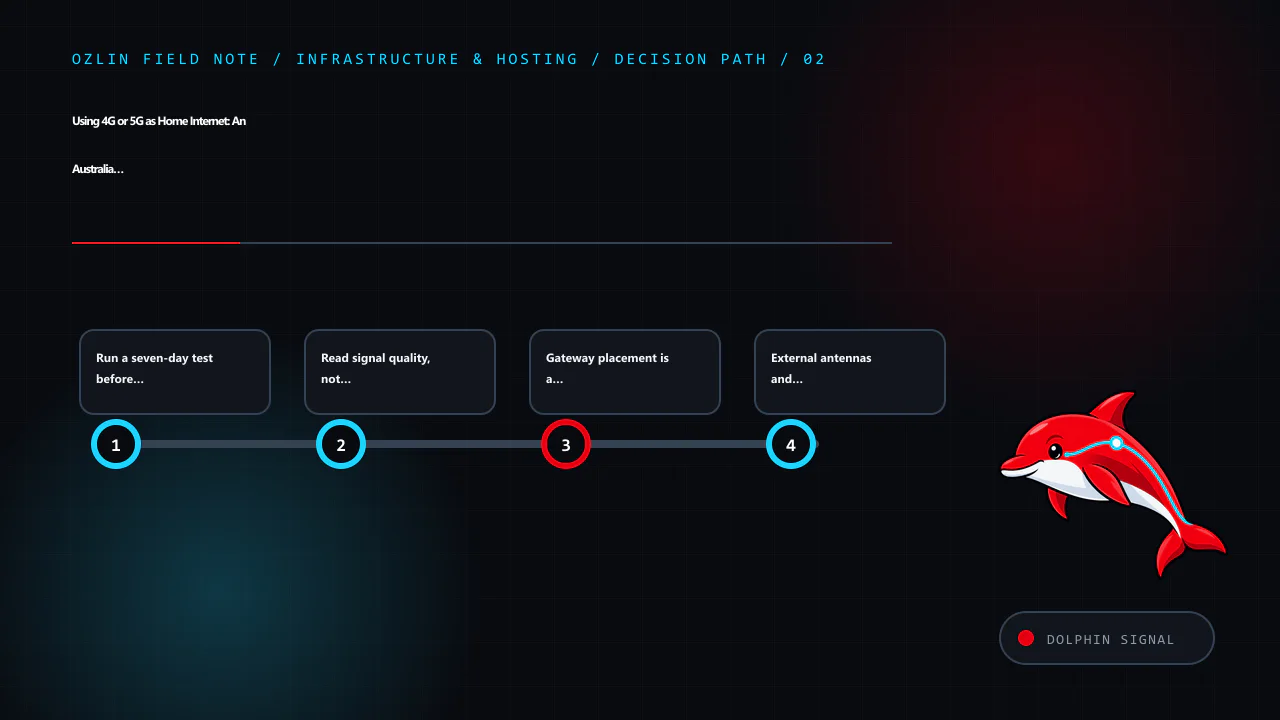
    Decision path for Using 4G or 5G as Home Internet: An Australia and New Zealand Setup G…, covering Run a seven-day test before cancelling fixed broadband, Read signal quality, not only signal bars, Gateway placement is…
    Decision path: Run a seven-day test before cancelling fixed broadband; Read signal quality, not only signal bars; Gateway placement is a cellular and Wi-Fi problem; External antennas and outdoor CPE: useful, not magical.

    Read signal quality, not only signal bars

    Many gateways expose RSRP, RSRQ and SINR. RSRP describes reference-signal power; RSRQ adds a quality view; SINR compares the wanted signal with interference and noise. RSSI alone includes other received energy and can look strong while quality is poor.

    Teltonika's published guidance gives useful orientation rather than a universal guarantee: RSRP at or above about -80 dBm is described as excellent, -80 to -90 dBm as good, and below -100 dBm as poor; SINR above about 20 dB is described as excellent, 13–20 dB as good and values near or below 0 dB as poor. Different modems, bands and networks report differently, and tower load can still limit throughput with apparently good radio figures.

    Use the numbers comparatively. If moving a gateway one metre improves SINR and busy-period upload consistently, that is more useful than chasing an absolute threshold. Record the serving band or cell when the interface exposes it, but avoid locking bands unless the gateway and carrier support it and repeated measurements show a stable benefit. An unsupported lock can remove useful carrier aggregation or emergency fallback.

    Gateway placement is a cellular and Wi-Fi problem

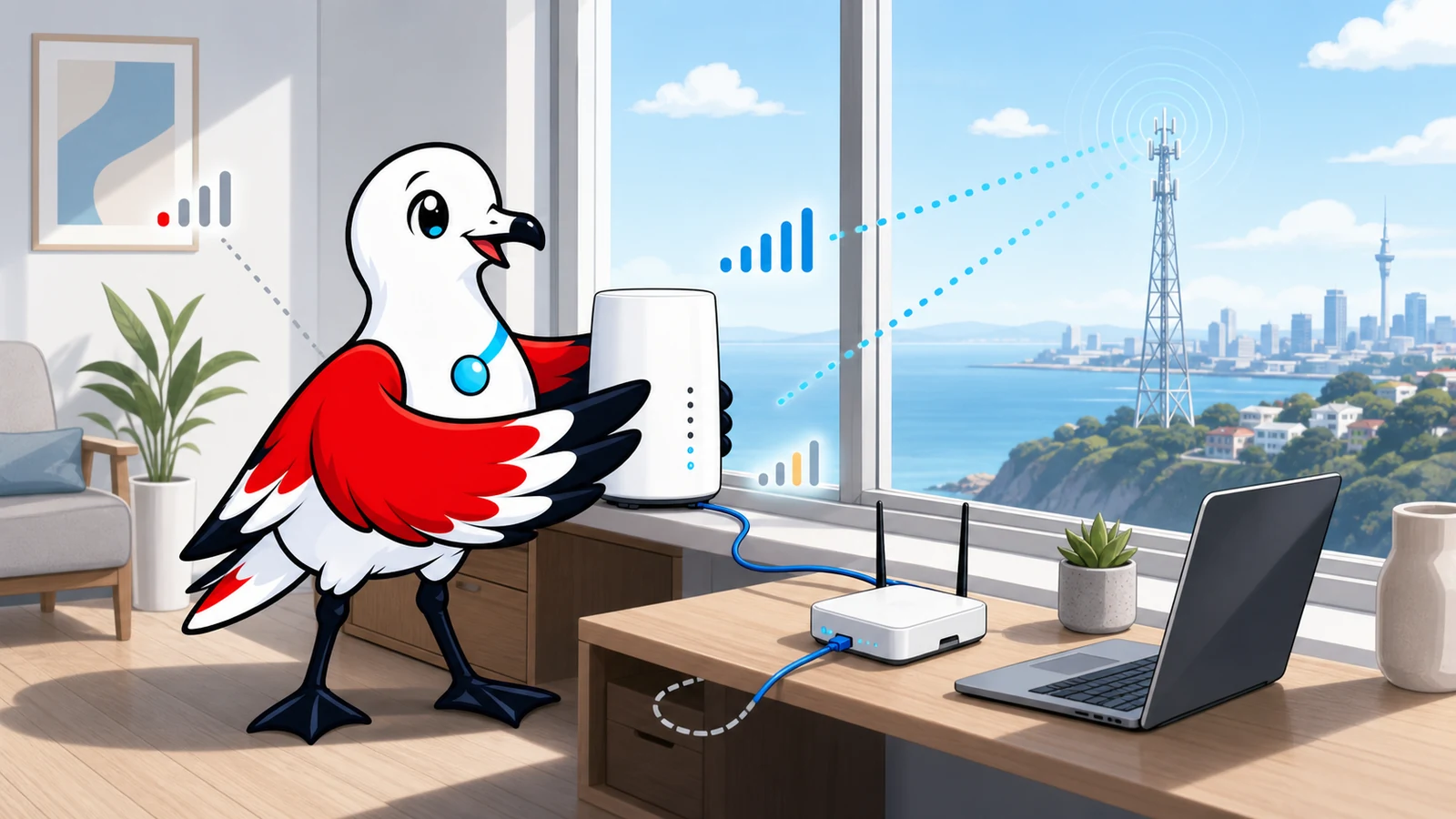
    The best cellular position is often close to a window facing a useful tower. Spark's setup guidance tells customers to place its Max Wireless modem near a window in the direction of the best 5G cell. Optus likewise recommends a window position. Test several windows: coated glass, concrete, metal cladding, terrain and neighbouring buildings can change the result.

    Do not cook the modem to improve signal. Avoid a sealed cupboard, direct summer sun and the top of another hot device. Leave airflow around it and use a stable power supply. A position that is excellent for the cellular link may be poor for Wi-Fi coverage through the rest of the home.

    The clean solution is often:

    cellular gateway near the best window → Ethernet → centrally placed household router or access points

    If the carrier gateway must remain the router, use wired or mesh access points for distant rooms. If it supports bridge or IP-passthrough mode, a separate router may take over routing and Wi-Fi, but support varies and carrier updates can change behaviour. Avoid creating double NAT accidentally; document which device provides DHCP, firewalling and port mappings.

    External antennas and outdoor CPE: useful, not magical

    An external MIMO antenna can help when the indoor signal is weak or obstructed and the gateway exposes compatible antenna ports. It can also make things worse through the wrong connector, unsupported frequency range, poor polarisation, long lossy coaxial cable or aim at a congested cell.

    Prefer short approved cable runs and equipment designed for the carrier's bands. A purpose-built outdoor CPE keeps the radio close to the antenna and brings Ethernet indoors, avoiding much coaxial loss. Outdoor work must follow electrical, lightning, waterproofing, strata, rental and local installation requirements. Do not improvise a roof installation around power lines; use a qualified installer where the location or regulations require it.

    Change one variable at a time and retest across busy periods. A larger antenna is not proof of more capacity: it cannot create spectrum or remove congestion at the tower.

    Expect CGNAT and plan around it

    Many mobile and wireless-broadband services use carrier-grade NAT. The gateway receives an address that is not a dedicated public IPv4 address, so ordinary inbound port forwarding cannot reach the household. A dynamic-DNS record does not change that upstream translation.

    Before purchase, ask whether the plan provides:

    • public IPv4, CGNAT or an optional business/static-IP service;
    • native IPv6 and whether its delegated prefix remains stable;
    • inbound filtering; and
    • restrictions on VPN protocols or business/server use.

    Outbound HTTPS, modern remote-work VPNs and most consumer applications usually operate through CGNAT, but test the actual employer VPN, console, voice application and peer-to-peer game. For private remote access, an authenticated mesh VPN or outbound tunnel may be appropriate. Do not expose router administration, a NAS or remote desktop directly to the internet merely to defeat a connectivity problem.

    If a public server is the objective, use the home-server risk guide and compare a hosted VPS. Wireless home broadband is a consumer access product, not automatically a production hosting platform.
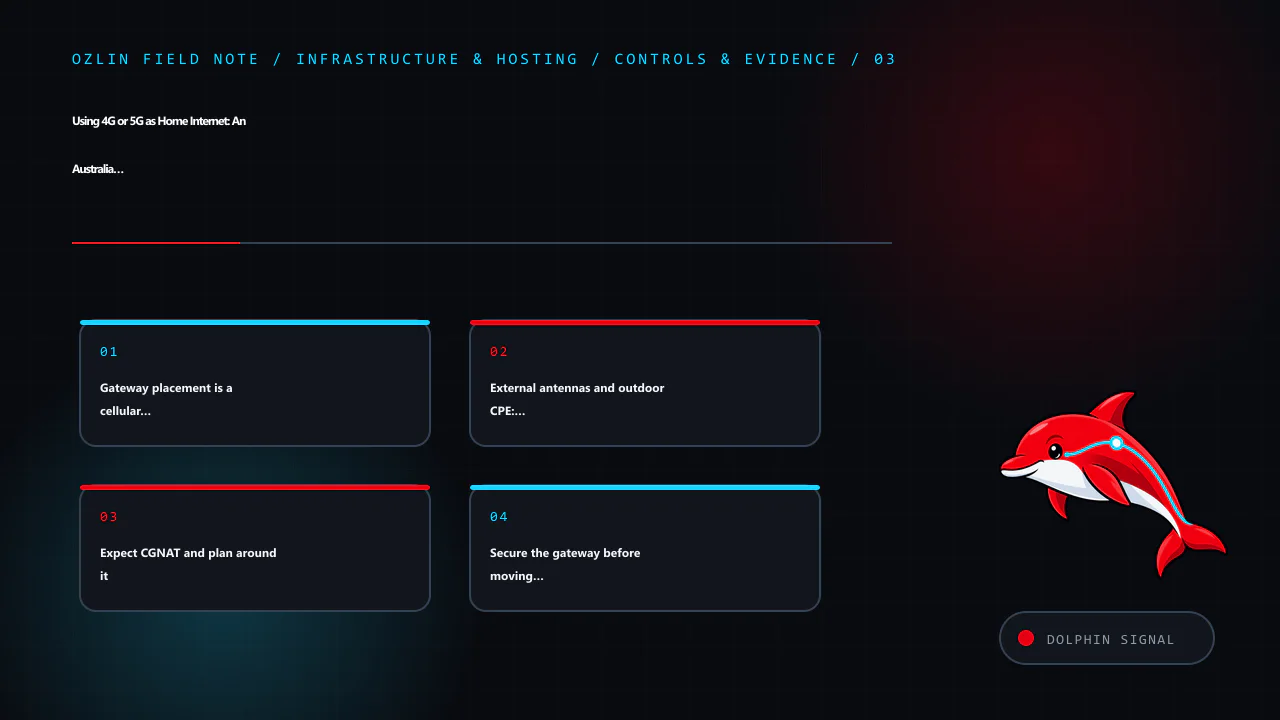
    Control and evidence map for Using 4G or 5G as Home Internet: An Australia and New Zealand Setup G…, covering Gateway placement is a cellular and Wi-Fi problem, External antennas and outdoor CPE: useful, not magical, Ex…
    Control and evidence map: Gateway placement is a cellular and Wi-Fi problem; External antennas and outdoor CPE: useful, not magical; Expect CGNAT and plan around it; Secure the gateway before moving the household onto it.

    Secure the gateway before moving the household onto it

    The Australian Signals Directorate's consumer guidance recommends changing default router credentials, disabling WAN remote management, installing firmware updates, replacing end-of-life routers, using WPA3 where available (or WPA2 as a minimum), reviewing connected devices and disabling unused services such as WPS, UPnP and port forwarding.

    Apply that baseline to the cellular gateway and any separate router:

    • change the administrator password and store it in a password manager;
    • install provider/manufacturer firmware and enable supported automatic updates;
    • disable internet-facing administration, Telnet, unused SSH/SNMP, WPS and unneeded UPnP;
    • use WPA3 or WPA2 with a long unique Wi-Fi passphrase;
    • put guests and poorly supported IoT devices on an isolated guest network;
    • back up the known-good configuration without including it in public tickets or screenshots;
    • check connected devices and firmware at least every six months; and
    • replace equipment that no longer receives security updates.

    Do not install cracked firmware or random modem-unlock packages. Apart from breaching terms or radio rules, modified images can add backdoors to the device that protects the entire household network.

    Add failover deliberately

    A 4G/5G link is valuable as a second path when it uses a different carrier and failure domain from the fixed service. A dual-WAN router can check reachability and fail over automatically, but test stateful sessions: meetings and VPNs may reconnect because the public address changes.

    For important home work:

    • choose a backup carrier with independent coverage where practical;
    • connect the gateway, router and access point to an appropriately sized UPS;
    • configure health checks against more than one reliable destination;
    • alert on failover so an unnoticed outage does not consume a capped backup plan;
    • test restoration to the primary path; and
    • keep an ordinary phone connection available for emergency communication.

    A carrier gateway still depends on tower power, backhaul and local congestion. Two devices on the same network are not two independent links.

    A practical go/no-go scorecard

    Do not cancel fixed broadband until the wireless trial passes the household's real requirements.

    Question Pass condition to define before testing
    Evening performance Required download and upload remain usable across several busy periods
    Interactive quality Latency under load, jitter and loss support meetings, games and VPNs
    Coverage The gateway stays on a usable cell/band without frequent dropouts
    Plan fit Router, location, data, speed and fair-use terms permit the intended use
    Addressing CGNAT/IPv6 behaviour is compatible with required applications
    Equipment Gateway can be placed safely, cooled and connected by Ethernet
    Security Supported firmware, strong administration and segmented Wi-Fi are configured
    Continuity Power, voice/alarm implications and failover are understood and tested
    Cost Plan, modem, antenna, cabling, UPS and any second link beat the alternative over the intended term

    The honest outcome may be “wireless is good enough,” “wireless is an excellent backup,” or “keep fibre.” All three are successful tests. The related Australia and New Zealand internet-cost article explains why mobile allowance pricing, fixed-access wholesale costs and data-centre traffic cannot be compared as one market.
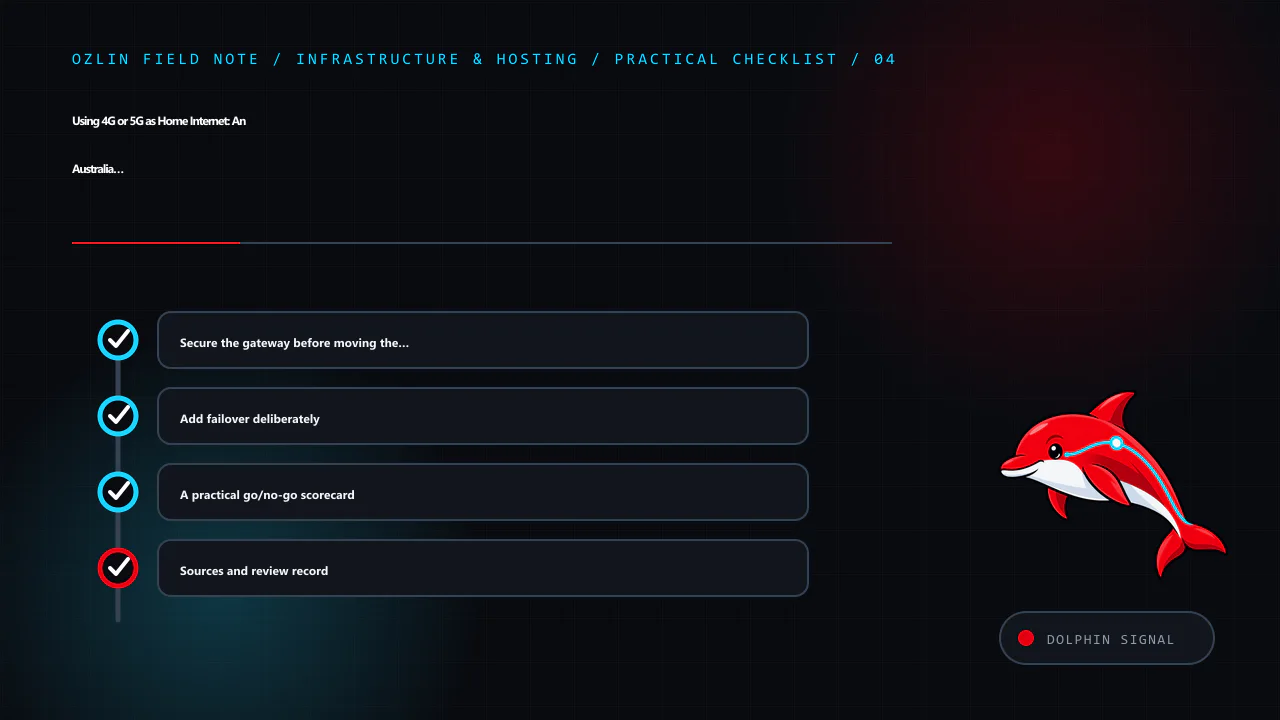
    Practical checklist for Using 4G or 5G as Home Internet: An Australia and New Zealand Setup G…, covering Secure the gateway before moving the household onto it, Add failover deliberately, A practical go/no-go scorecard…
    Practical checklist: Secure the gateway before moving the household onto it; Add failover deliberately; A practical go/no-go scorecard; Sources and review record.

    Sources and review record

    Sources were accessed on 29 August 2026. Product terms, availability, equipment and security guidance are scheduled for review by 29 November 2026.

    AI assisted with source discovery, drafting and copyediting; Ozlin Info remains responsible for publication.
  • Why Hosting a Public Server on Home Broadband Is Usually a Bad Idea

    Why Hosting a Public Server on Home Broadband Is Usually a Bad Idea

    Running a server at home is excellent for learning. A small lab can teach Linux, containers, backups, monitoring and networking for less than a formal course. That does not automatically make a residential connection a sensible production platform for a public website, game service, file host or customer application.

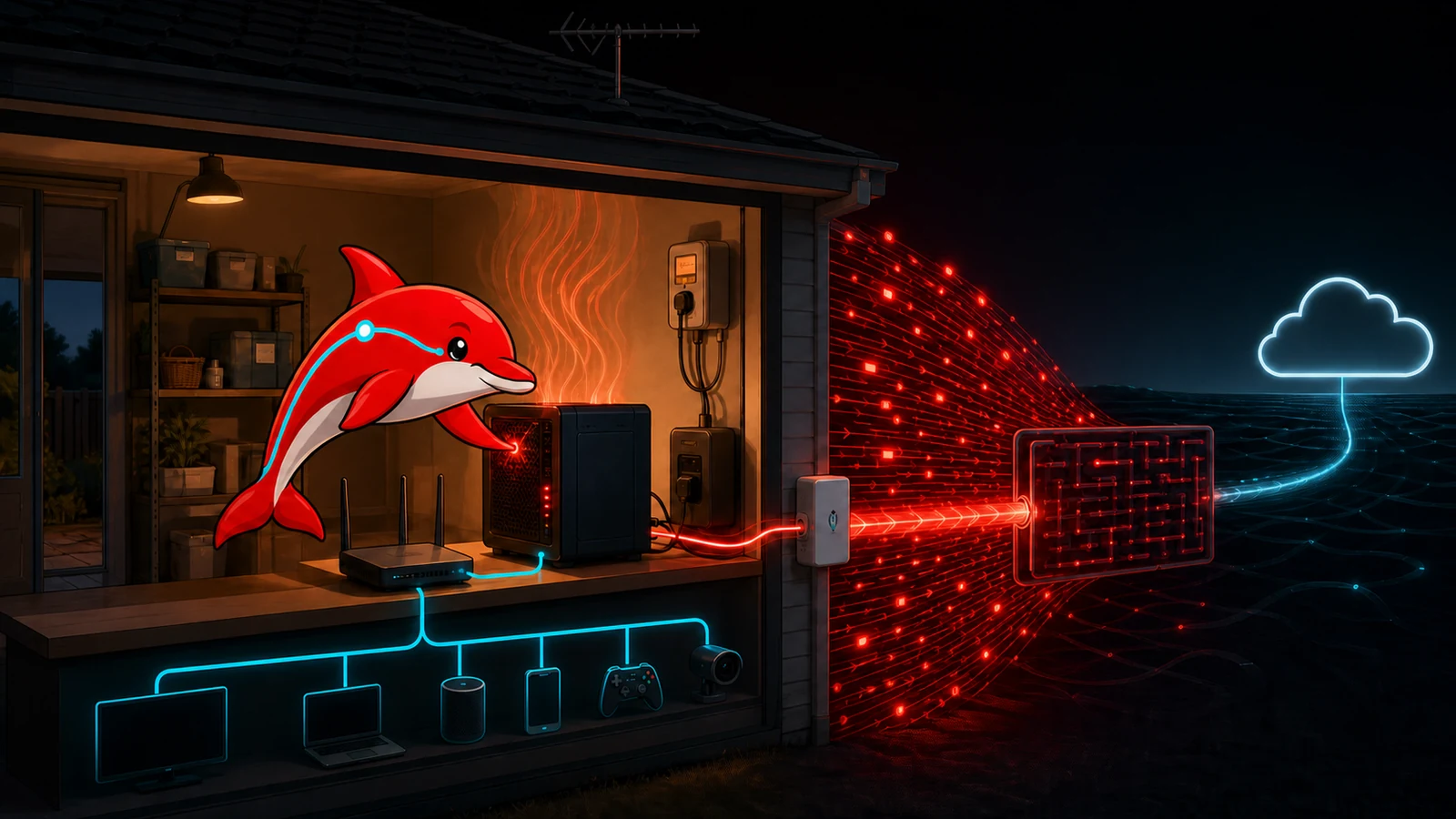
    The problem is not that home hosting never works. It is that one inexpensive-looking computer inherits the limits of the house around it: consumer broadband, one power feed, domestic cooling, a shared router, changing addresses, household devices and an operator who also needs to sleep. A cloud VPS can fail too, but its network, power and replacement model are designed around hosted services. The honest comparison is total service risk, not “hardware already owned versus a monthly invoice.”

    This guide focuses on Australian residential broadband and uses public information checked on 29 August 2026. ISP addressing, plan speeds, acceptable-use rules and electricity prices change, so verify the current terms for the actual address before relying on any example.

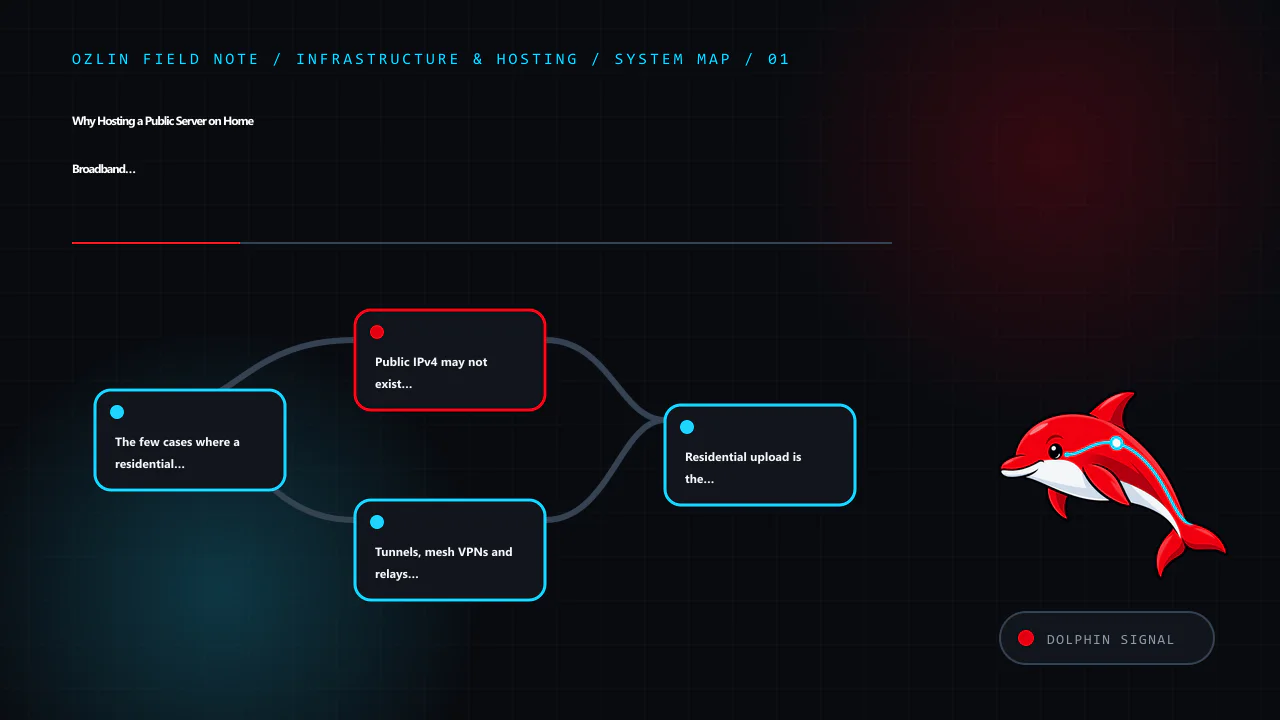
    Article map for Why Hosting a Public Server on Home Broadband Is Usually a Bad Idea, covering The few cases where a residential connection may be justifi…, Public IPv4 may not exist at your router, Tunnels, mesh VPNs an…
    Article map: The few cases where a residential connection may be justifi…; Public IPv4 may not exist at your router; Tunnels, mesh VPNs and relays solve different problems; Residential upload is the scarce direction.

    The few cases where a residential connection may be justified

    A home server can be reasonable when it is a non-critical lab, a private service reached through an authenticated overlay network, a local media or backup appliance, or a short-lived test with no customer dependency. It can also be useful for testing how a legitimate consumer service behaves from an ordinary residential network.

    Some streaming or registration platforms distinguish residential from data-centre addresses to manage licensing, fraud and abuse. That can create a genuine testing requirement, but it is not permission to evade geolocation, account, automation or anti-abuse rules. A public streaming site does not inherently need a residential IP. Check the platform contract, content rights and ISP acceptable-use policy; do not sell access to a household connection as a “clean residential proxy” or use it to disguise automated registrations.

    If the requirement is simply “customers must reach a reliable website,” residential identity is normally a disadvantage rather than a feature. Start with the Australia and New Zealand hosting guide and compare a VPS, dedicated server or colocation service first.

    Public IPv4 may not exist at your router

    Traditional port forwarding assumes the router owns a public IPv4 address. Many residential services instead use carrier-grade NAT, or CGNAT, where multiple subscribers share public IPv4 addresses and the ISP performs another translation outside the home. RFC 6598 defines a dedicated shared-address range for this purpose.

    Current Australian examples show why the ISP must be checked rather than assumed. Aussie Broadband says CGNAT is typically enabled by default and documents opt-out or static-IP paths. Superloop's residential Critical Information Summary dated 31 May 2025 says CGNAT is used where available, documents an opt-out path and lists one static IPv4 option at A$5 per month including GST. Those are provider-specific snapshots, not a promise that every ISP, access technology or future plan offers the same remedy; obtain the current CIS for the plan being purchased.

    Compare the router's WAN address with the address reported by an external service. A WAN address in private or shared space, or a different upstream address, suggests another NAT layer. Do not expose an administration page merely to test it.

    Dynamic DNS is not CGNAT traversal. DDNS updates an A or AAAA record when a routable address changes. Cloudflare's documentation describes monitoring the address and updating the DNS record through an API or client. If unsolicited packets cannot reach the subscriber through CGNAT, pointing a hostname at the shared address does not create a forwarding rule in the ISP's network.

    IPv6 can provide globally routable addresses without IPv4 NAT, but it does not remove the need for a stateful firewall. Confirm prefix stability, inbound filtering, client IPv6 support and a safe update process for dynamic AAAA records. Opening IPv6 while testing only IPv4 rules is a common way to create an unreviewed second exposure path.

    Tunnels, mesh VPNs and relays solve different problems

    An overlay product such as Radmin VPN or another mesh VPN can be useful for private access between enrolled devices. NAT traversal may establish a direct encrypted path; when that fails, a relay can add latency, throughput limits and an external dependency. This is suitable for administration or a small trusted group, not automatically for an anonymous public service.

    A reverse tunnel initiates an outbound connection from home to an edge provider. Cloudflare Tunnel, for example, documents outbound-only origin connections without opening an inbound router port. That reduces origin exposure and works behind CGNAT, but the connector, account, DNS, access policy and edge provider become part of the service. The origin still needs patches, least privilege and authentication. Protocol support and source-IP behaviour must be verified for the application.

    A VPS can also act as a WireGuard, TCP or application relay. Now both the home system and VPS must be patched, monitored and backed up; bandwidth crosses two links; client addresses may need explicit forwarding; and the relay bill may approach the price of hosting the workload there. Draw the complete data path before declaring tunnelling “free.”

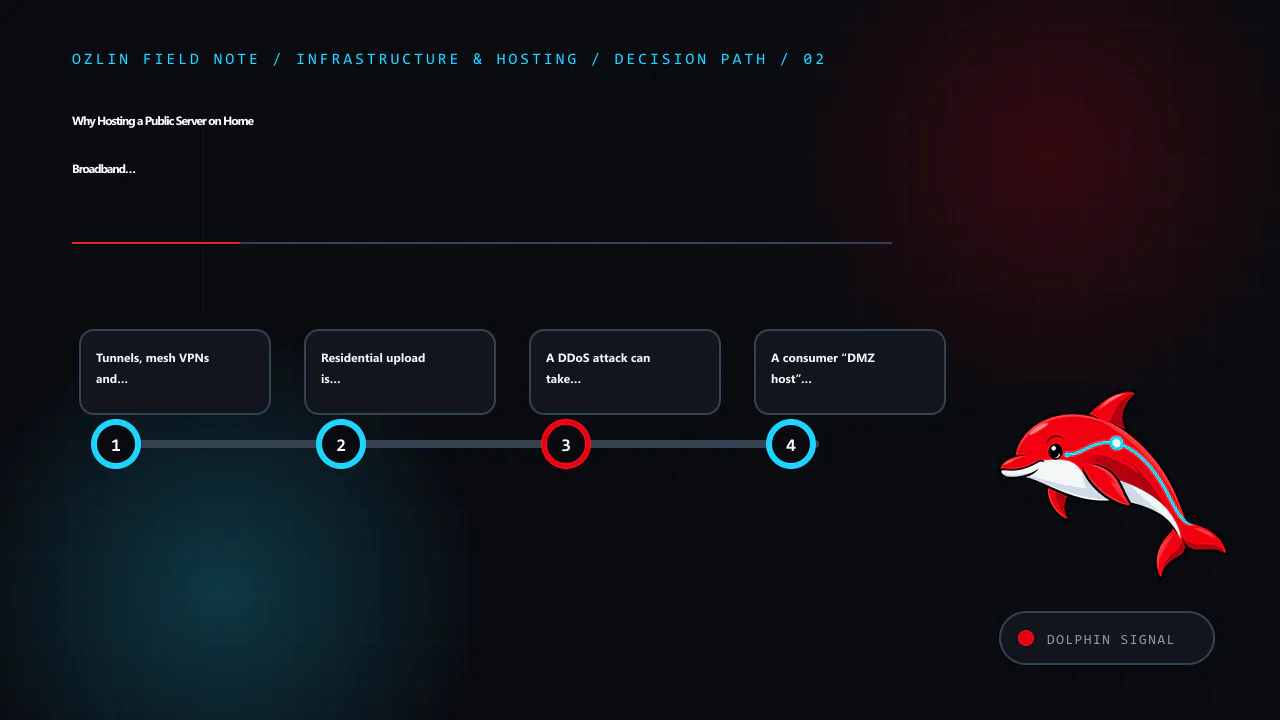
    Decision path for Why Hosting a Public Server on Home Broadband Is Usually a Bad Idea, covering Tunnels, mesh VPNs and relays solve different problems, Residential upload is the scarce direction, A DDoS attack can take…
    Decision path: Tunnels, mesh VPNs and relays solve different problems; Residential upload is the scarce direction; A DDoS attack can take the household offline; A consumer “DMZ host” is not network segmentation.

    Residential upload is the scarce direction

    Headline broadband speed usually emphasises download. A public server primarily sends data upstream. Concurrent game updates, video, backups and household video calls can contend for the same queue, increasing latency and packet loss before a monthly transfer total looks unusual.

    Measure wired sustained upload, p95 latency under load, jitter and packet loss at busy times. Test with the real application, not one speed-test burst. A 50 Mbps upstream cannot deliver 50 Mbps of dependable application traffic after protocol overhead, contention and the headroom needed by the household. Traffic shaping can improve fairness but cannot create upstream capacity.

    Ozlin has observed one 64-player CS2 zombie-escape environment peak around 150 Mbps outbound under its particular map and plugin mix. That does not define all game servers, but it demonstrates why a residential uplink can fail on instantaneous demand even when average monthly traffic seems manageable. The Australian game-server sizing guide explains how to measure this rather than size from slot count alone.

    A DDoS attack can take the household offline

    A local firewall can discard packets after they arrive. It cannot restore a residential access link whose upstream capacity has already been consumed. A volumetric attack against the public address may therefore disrupt work, calls, entertainment, cameras and every other household service—not just the intended server. Changing a dynamic IP may provide temporary relief, but DNS history, game listings or another direct protocol can reveal it again.

    ASD's denial-of-service guidance recommends planning with upstream providers, resilient capacity, monitoring, CDNs and cloud-based mitigation before an incident. A CDN can help an HTTP service when the origin address is concealed and origin firewall rules accept only authorised edge traffic. It does not automatically protect arbitrary UDP, game, voice, mail or remote-administration protocols, and a DNS-only record can reveal the same origin address.

    Ask the ISP what happens under attack: whether it offers mitigation, rate-limits or null-routes the address, how long recovery takes, and whether abuse traffic affects the account. If availability matters, this conversation should occur before publication.

    A consumer “DMZ host” is not network segmentation

    On many home routers, the setting labelled DMZ host or exposed host forwards essentially all otherwise-unmapped inbound TCP and UDP traffic to one internal device. TP-Link's current explanation explicitly distinguishes this from a true DMZ. It should not be used as a shortcut when the operator is unsure which ports are required.

    Even precise port forwarding increases attack surface. If the public server shares a flat LAN with laptops, phones, network storage, printers, smart TVs, cameras and home-automation devices, compromise can create a foothold behind the router. It does not make every device instantly public, but it places an attacker on a network that was probably designed for convenience and discovery rather than hostile east-west traffic.

    Use a real isolated VLAN or physical segment with default-deny rules between the server, management devices and household/IoT networks. Disable UPnP when automatic inbound mappings are unnecessary. Expose only the required service ports, keep router administration private, use a host firewall and supported software, and never install cracked or nulled panels, plugins or server packages. Unknown privileged code can convert the home server—and sometimes vulnerable routers or IoT devices—into part of someone else's botnet.

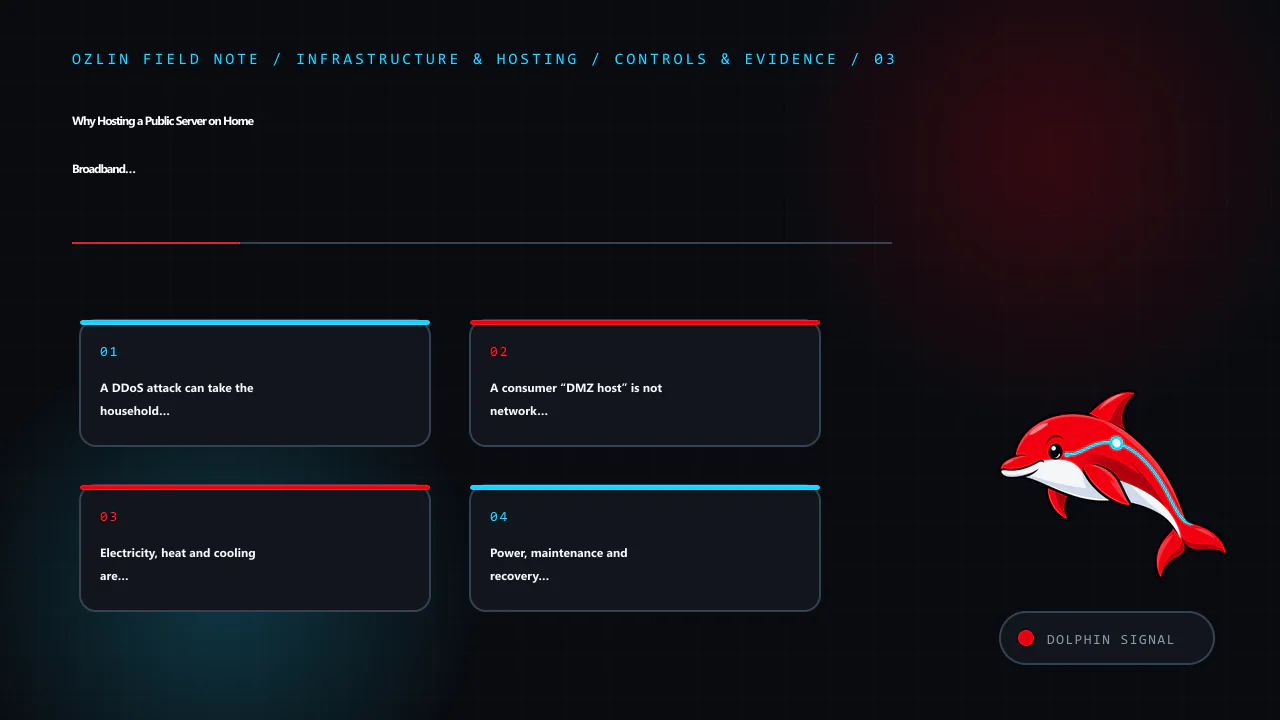
    Control and evidence map for Why Hosting a Public Server on Home Broadband Is Usually a Bad Idea, covering A DDoS attack can take the household offline, A consumer “DMZ host” is not network segmentation, Electricity, he…
    Control and evidence map: A DDoS attack can take the household offline; A consumer “DMZ host” is not network segmentation; Electricity, heat and cooling are recurring costs; Power, maintenance and recovery still need an owner.

    Electricity, heat and cooling are recurring costs

    An average load runs for 8,760 hours each year:

    annual kWh = average watts ÷ 1,000 × 8,760

    The AER's 2026–27 residential Default Market Offer flat usage caps for the three NSW distribution areas are 33.14–35.01 cents per kWh, including GST. They are safety-net tariff caps, not a prediction of any reader's bill; market offers, solar, time-of-use periods and location change the result.

    Average continuous load Annual energy Illustrative NSW electricity cost Excluded costs
    30 W mini PC 262.8 kWh A$87–A$92/year storage, UPS losses, cooling and broadband
    100 W compact server 876 kWh A$290–A$307/year same exclusions
    300 W rack server 2,628 kWh A$871–A$920/year same exclusions
    500 W server/GPU system 4,380 kWh A$1,452–A$1,533/year same exclusions

    Almost all consumed electricity becomes heat in the room. A garage or cupboard that is acceptable in winter may throttle disks, batteries and CPUs during a Sydney summer. Domestic air conditioning adds energy and another failure dependency. Measure inlet temperature, humidity, fan noise and power at the wall across seasons. Do not defeat server fan controls or electrical protections to make retired rack hardware tolerable beside a bedroom.

    Use this TCO rather than “the machine was free”:

    hardware + UPS + incremental electricity + cooling + public-IP/tunnel fees + replacement parts + off-site backup + administration and outage cost − residual value

    Power, maintenance and recovery still need an owner

    NBN states that mains-powered equipment connected to its network will not work during a power outage unless each required item has suitable backup. A UPS must cover the server, storage, router, access equipment and any tunnel dependency at the premises; runtime decreases as batteries age. It should trigger an orderly shutdown, not merely delay an uncontrolled one.

    Residential plans may not include business repair targets, proactive monitoring, redundant carriers or a service-level agreement. Firmware updates can reboot the router, a family member can unplug equipment, and a failed disk may wait until the operator returns home. Backups stored beside the server share theft, fire, flood and electrical risk. Maintain encrypted off-site backups and test restoration to different hardware.

    Operational minimums include patch windows, service and certificate monitoring, central logs, configuration backup, spare storage, a documented rebuild, remote access that does not expose management ports, and an out-of-band way to learn that the house is offline.

    If you still need a home-hosted service

    Proceed only when the consequence of failure is acceptable and the residential location is genuinely required. A defensible starting architecture is:

    1. confirm the ISP contract, public IPv4/IPv6 behaviour, static-address cost, upload capacity and abuse response;
    2. place the server on an isolated network with default-deny access to household and IoT devices;
    3. prefer an authenticated private overlay for administration and private services;
    4. for public HTTP, use an outbound tunnel or protected reverse proxy, hide and restrict the origin, and expose no router or server management UI;
    5. run supported software as a non-root service identity, minimise plugins, enable MFA where available and rotate scoped credentials;
    6. deploy UPS-backed graceful shutdown, temperature and availability alerts, rate limits and tested off-site recovery; and
    7. document a migration trigger—traffic, uptime, security, temperature or support load—at which the service moves to hosted infrastructure.

    For most public services, the cleaner design is a small VPS or protected dedicated server, with the home lab used for development and backups that do not contain the only copy. Colocation becomes attractive when owned hardware, power density and remote hands matter. Ozlin's infrastructure and hosting services can help compare the full path without publishing private network details.

    Home hosting is valuable as a laboratory. It becomes a poor bargain when customer availability, household safety or an irreplaceable residential connection is placed behind the same inexpensive router.

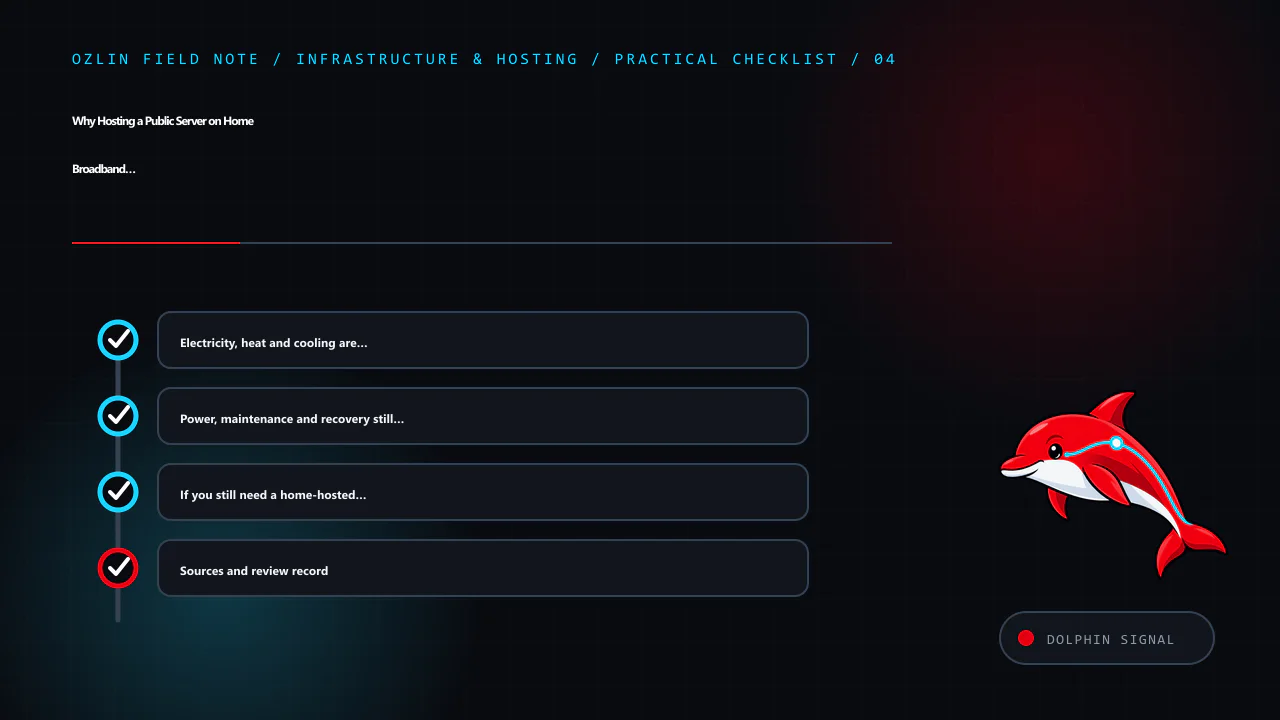
    Practical checklist for Why Hosting a Public Server on Home Broadband Is Usually a Bad Idea, covering Electricity, heat and cooling are recurring costs, Power, maintenance and recovery still need an owner, If you still…
    Practical checklist: Electricity, heat and cooling are recurring costs; Power, maintenance and recovery still need an owner; If you still need a home-hosted service; Sources and review record.

    Sources and review record

    Sources and prices were accessed on 29 August 2026. ISP addressing, tunnel behaviour and electricity figures are scheduled for review by 29 November 2026.

    AI assisted with source discovery, drafting and copyediting; Ozlin Info remains responsible for publication.