Reviewed: 13 September 2026 · Next review: 13 December 2026
Author: Ozlin Info Editorial Team · Human review: Lin (accountable human); Codex assisted
A local large language model can be useful for private experimentation, offline drafting, coding assistance and learning how inference works. “Local” does not automatically mean private, accurate or secure. The application may expose a network port, optional cloud features may exist, model files can have licence conditions, and anything pasted into a prompt may remain in logs, shell history, a chat database or a backup.
This guide uses Ollama with qwen3:4b as the same low-barrier exercise on Windows 11, Ubuntu/Linux and Apple Silicon macOS. Ollama's library currently describes that model package as approximately 2.5 GB. The model advertises a much larger maximum context than a small computer should use by default; begin around 4K–8K tokens and increase only after measuring memory and latency.
Commands below were checked against official documentation on 29 August 2026 but were not executed on your computer. Read each installer and model licence before proceeding. Do not paste passwords, customer data, private keys or regulated records into a test prompt.
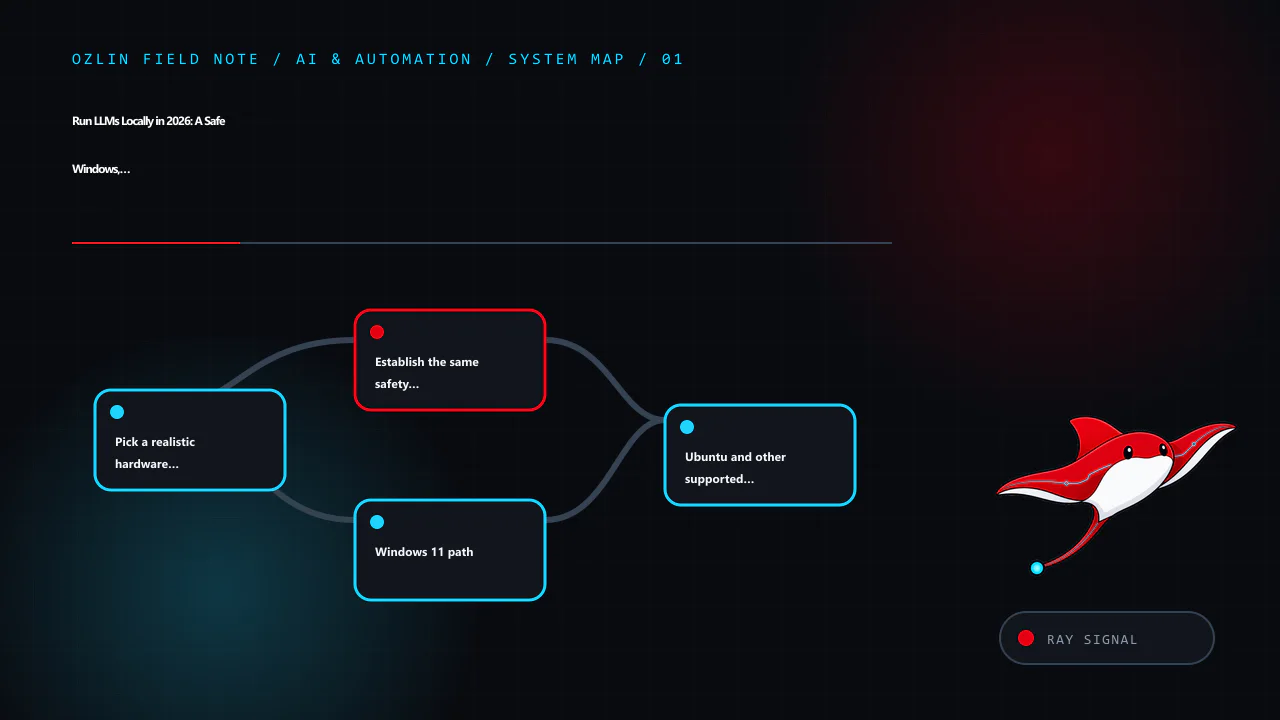
Pick a realistic hardware starting point
Model memory is affected by parameter count, quantisation, context length, KV cache, runtime, batch size and CPU/GPU offload. The following are starting points for testing, not compatibility or performance guarantees.
| Available memory | Sensible starting experiment | Expectations and caveats |
|---|---|---|
| 16 GB system RAM, integrated graphics or CPU | 1B–4B quantised model; qwen3:4b is the example |
Close memory-heavy apps; expect slower generation on CPU and keep context modest |
| 8 GB VRAM | 3B–7B-class quantised model | Some layers or context may spill to RAM; measure with the real backend |
| 12 GB VRAM | 7B–14B-class quantised model | 14B may require a tighter quantisation/context or partial offload |
| 16 GB VRAM | 7B–14B comfortable starting range; some larger experiments | Runtime overhead and long context can still exhaust memory |
| 24 GB VRAM | 14B–32B-class quantised experiments | A nominal 32B model may not fit entirely at the chosen quantisation and context |
| 32 GB VRAM | Larger 32B-class quantised experiments | Leave headroom for KV cache, display and runtime allocations |
| 48 GB VRAM | 32B–70B-class quantised experiments | 70B often needs careful quantisation or CPU/multi-GPU offload |
| 96 GB VRAM | Many 70B-class quantised configurations | Still not enough for every precision, context or multimodal workload |
| Multiple GPUs | Models can be split when the runtime and topology support it | VRAM does not always pool transparently; PCIe/NVLink topology and backend support matter |
Apple unified memory is shared by the CPU, GPU and operating system, so do not equate a Mac's total memory with dedicated VRAM. On every platform, leave enough memory for the operating system and normal work. An out-of-memory crash is a measurement, not a reason to disable safety controls or allocate every last gigabyte.
Establish the same safety baseline first
- Download software only from the vendor's official site or documented repository. Verify signatures or hashes where the project publishes them.
- Keep the inference API on loopback. Ollama binds to
127.0.0.1:11434by default. Do not changeOLLAMA_HOSTto a public interface unless you add a deliberately designed authentication, encryption and network-control layer. - Use a separate non-administrator account for day-to-day experimentation where practical.
- Decide which data is prohibited. Customer secrets, authentication material, health records and unapproved source code should stay out of an informal lab.
- Check the model's licence, acceptable-use terms, provenance and the model card. An open download is not necessarily permission for every commercial use.
- Maintain operating-system, GPU-driver and application updates. Back up only the settings and conversations you actually intend to retain.
- Treat model output and retrieved documents as untrusted input. Prompt injection can be embedded in web pages, PDFs or repository content used for RAG.
Ollama's FAQ says local prompts are not sent to Ollama when local models are used, and documents OLLAMA_NO_CLOUD=1 to disable its cloud features. That statement does not cover third-party user interfaces, extensions, telemetry, remote model providers or your own proxies. Map the complete application, not just the model runner.
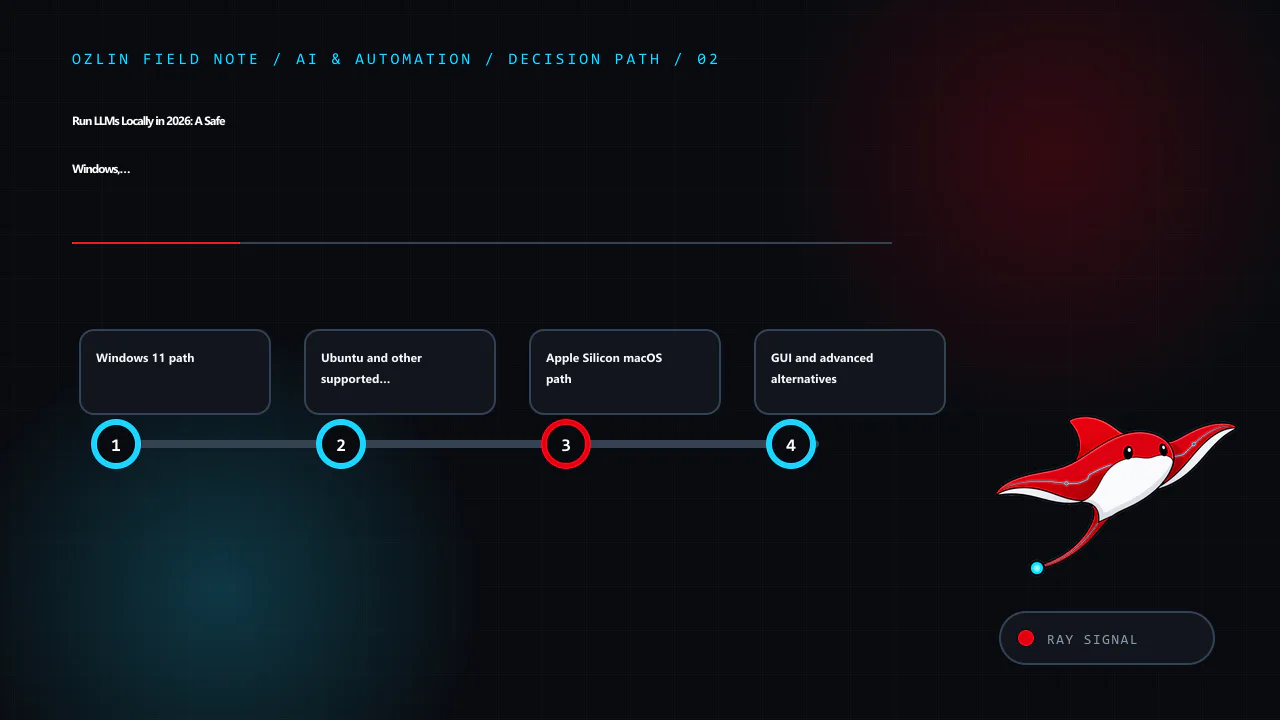
Windows 11 path
Install and locate data
Download the current Windows installer from the official Ollama download page and run it in the intended user account. Ollama's Windows documentation places the application binaries under %LOCALAPPDATA%ProgramsOllama and models under %HOMEPATH%.ollamamodels by default. Free disk space should exceed the model download plus room for future versions and temporary files.
Open a fresh PowerShell window and run:
ollama --version
ollama pull qwen3:4b
ollama run qwen3:4b
At the model prompt, use the same harmless test used for the other platforms:
List three reasons a small business should test a backup restore. Separate facts from assumptions.Do not judge the system from prose quality alone. Exit the chat, then verify the model and runtime:
ollama list
ollama ps
Get-NetTCPConnection -LocalPort 11434 -State Listen
The listener should be on loopback unless you intentionally changed it. ollama ps reports processor placement and context details for loaded models. To remove the example model while leaving Ollama installed:
ollama rm qwen3:4bWindows cleanup
Uninstall Ollama through Settings → Apps → Installed apps. The model directory may remain because deleting it is destructive and removes downloaded models. After confirming no model or configuration is needed, remove %HOMEPATH%.ollama manually and recheck that port 11434 is no longer listening. If a third-party desktop client was added, uninstall and review its separate conversation-data directory too.
Ubuntu and other supported Linux path
Review the official Linux installation page before piping any network script into a shell. Its documented quick-install command is:
curl -fsSL https://ollama.com/install.sh | shFor a controlled environment, download and inspect the script or use the documented manual archive method instead. The documentation also provides a systemd service pattern. After installation:
ollama --version
systemctl status ollama --no-pager
ollama pull qwen3:4b
ollama run qwen3:4b
Use the same test prompt, exit, and verify:
ollama list
ollama ps
ss -ltnp | grep 11434
The default Linux model directory is /usr/share/ollama/.ollama/models for the standard service installation. If you changed OLLAMA_MODELS, record the new location and permissions. Avoid making the service writable by unrelated users.
To remove only the example model:
ollama rm qwen3:4bLinux cleanup
Follow the current official uninstall section because service names and installation paths can change. The documented sequence includes stopping and disabling the service, removing its service file and binary, and removing the dedicated user/group when no longer required. Treat the model directory as data: confirm its resolved path before deletion, avoid a broad recursive command, and retain anything required by policy. Finally run ss -ltnp | grep 11434 again and confirm no listener remains.
For a server, place the API behind a host firewall even when it binds to loopback. Do not add a blanket inbound rule for 11434. If remote access is genuinely required, prefer a private VPN or an authenticated application gateway, minimise source ranges and log access. The model API itself should not be assumed to provide multi-user security boundaries.
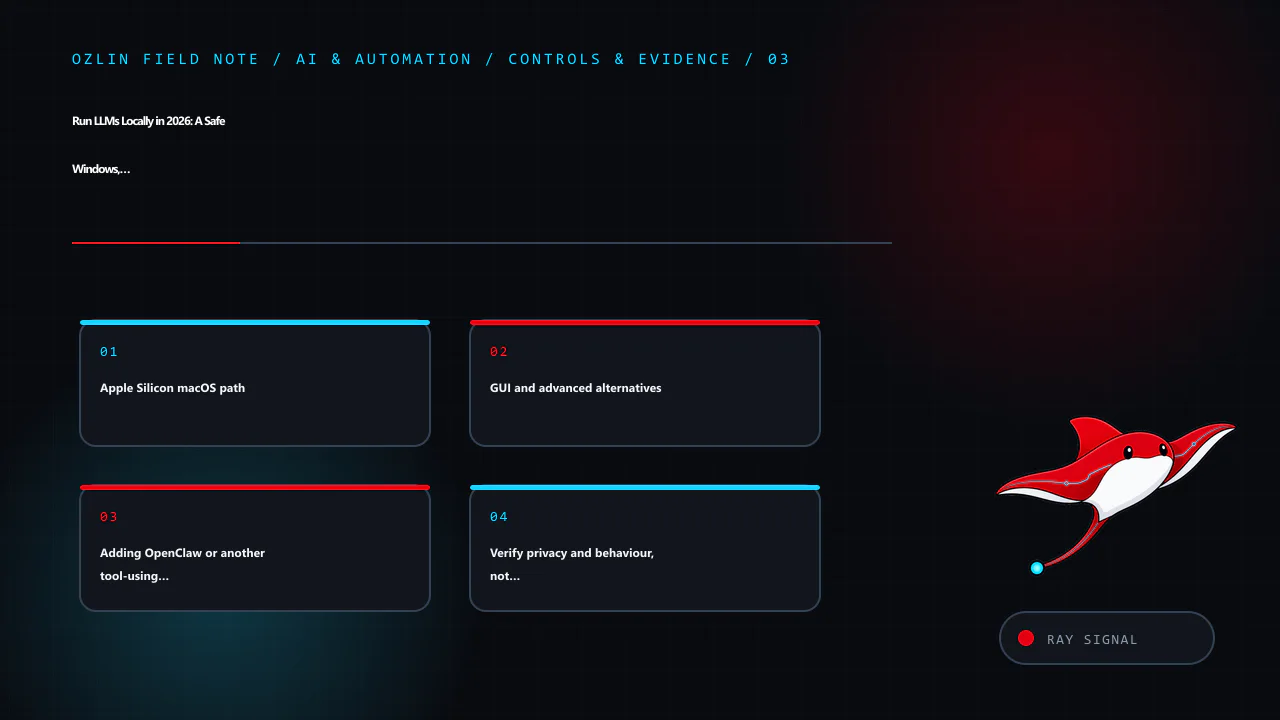
Apple Silicon macOS path
Ollama's macOS documentation currently requires macOS 14 Sonoma or newer and supports Apple Silicon; Intel Macs use CPU-only operation. Download the official disk image, open it and place the application in Applications as documented. Launch it once, then in Terminal run:
ollama --version
ollama pull qwen3:4b
ollama run qwen3:4b
Use the same test prompt and verify:
ollama list
ollama ps
lsof -nP -iTCP:11434 -sTCP:LISTEN
The default model and configuration directory is ~/.ollama. Apple unified memory can make larger models practical than a similarly named discrete-VRAM figure suggests, but macOS, applications and inference share it. Monitor Memory Pressure and avoid selecting a model merely because its file is smaller than total memory.
Remove the example model with ollama rm qwen3:4b. To uninstall the application, quit it and follow the current macOS removal instructions. Delete ~/.ollama only after checking its contents and confirming the models, keys or settings are not needed. Verify that port 11434 has closed.
GUI and advanced alternatives
LM Studio is the GUI-oriented route. Its current requirements recommend 16 GB RAM, macOS 14+ on Apple Silicon, and a Windows x64 system with AVX2; 4 GB dedicated VRAM is recommended on Windows. Linux is distributed as an AppImage. The application can operate offline after models are downloaded, but model discovery and download need network access. Use the same safety questions: model source and licence, data location, local-server bind address, extensions and any remote-provider settings.
llama.cpp is the advanced GGUF route. It supports multiple quantisation levels and backends including CUDA, HIP, Metal and Vulkan, plus CPU/GPU hybrid inference. Its llama-server example defaults to 127.0.0.1:8080. Building from source gives more control but adds compiler, dependency and patching responsibilities. Pin a reviewed release or commit, record the model hash and launch arguments, and do not paste a random internet command into a privileged shell.
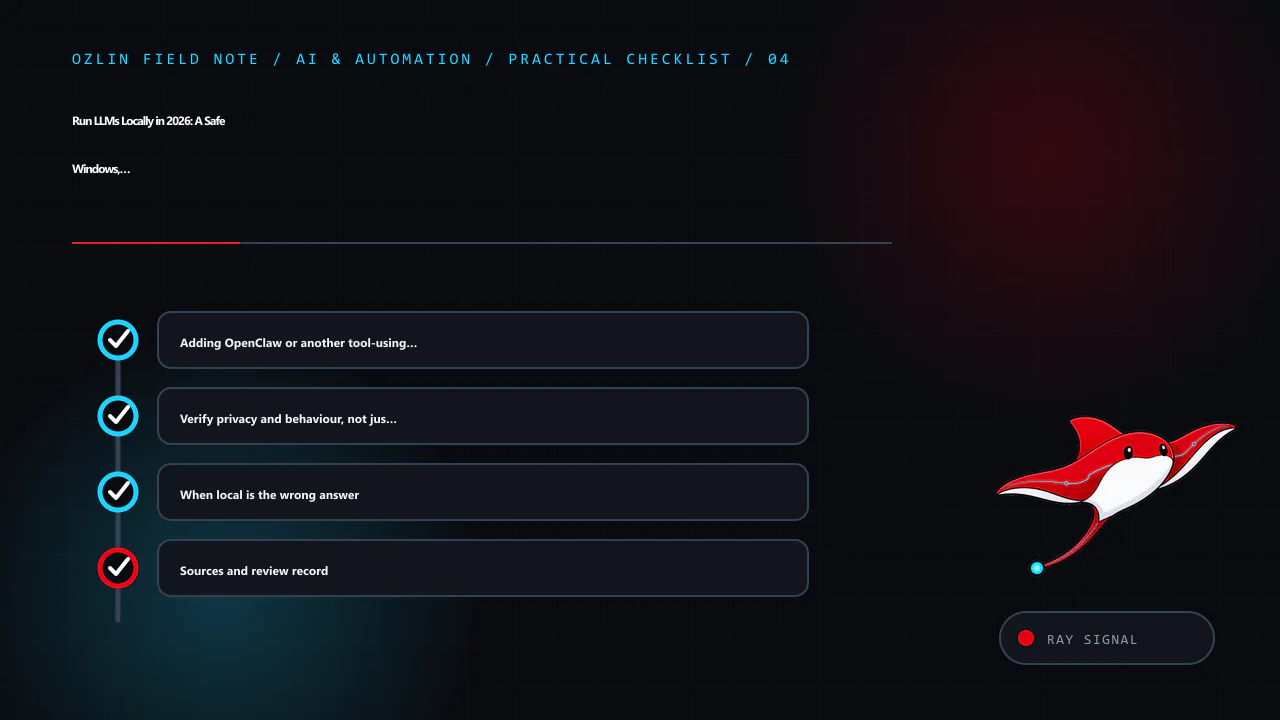
Adding OpenClaw or another tool-using agent
A local model produces text. An agent can also read files, browse sites, run commands, call plugins, use credentials and trigger real actions. That changes the risk from “the answer may be wrong” to “the software may act with delegated authority.” A malicious page, email, document, plugin or chat participant can attempt indirect prompt injection; an over-permissioned agent can then expose data or modify a system even though the model and gateway are local.
OpenClaw's official security guidance describes one trusted operator boundary per Gateway and says it is not a hostile multi-tenant security boundary. Its optional sandbox can confine tool execution, but the Gateway remains on the host and elevated tools can bypass ordinary sandbox execution. A workspace directory alone is not isolation: without sandboxing, absolute paths may still reach other host data. Verify the effective policy with openclaw sandbox explain, and run openclaw security audit --deep before connecting messaging, browser or remote-access channels.
Choose an isolation level from the agent's authority, not from the size of its model:
| Intended use | Practical starting boundary | Important limits |
|---|---|---|
| Private chat with no shell, browser, messaging or file-write tools | Separate standard OS account; model API and Gateway on loopback | Still protect conversation history, model licences and local logs |
| Learning with untrusted web pages or documents and narrowly scoped tools | Disposable VirtualBox VM or another maintained VM, plus the agent's own tool sandbox | A VM is weakened by shared folders, clipboard, USB passthrough, bridged networking and host credentials |
| Long-running browser, email, coding or home-automation agent | Dedicated spare computer, or a dedicated VM host, on a separate network segment | Separate hardware reduces host blast radius but does not protect cloud accounts or other devices reachable over the network |
| Business/customer data, multiple users or production changes | Separate Gateway and credentials per trust boundary, centrally managed isolation, egress control and approval logging | Do not treat one personal-assistant Gateway as tenant isolation; obtain a security review before production use |
For a VirtualBox lab, use NAT with only necessary port forwarding instead of bridged networking, and keep shared clipboard, drag-and-drop, shared folders and unnecessary USB passthrough disabled. Oracle's security guide notes that clipboard and shared folders can expose host data to the guest or a remote user of the guest. Encrypt and patch both host and guest. Take a clean snapshot for convenient reset, but keep an independent backup of anything that matters; a snapshot attached to the same VM storage is not an incident-recovery plan.
A spare PC is the better default when the agent will remain online or receive shell, browser, email or messaging access. Reinstall a supported operating system, enable full-disk encryption and automatic security updates, use a non-administrator service account, and put the device on a guest VLAN or otherwise restricted network. Block unsolicited inbound access, keep the Gateway on loopback or use a private authenticated tunnel, and restrict outbound destinations where the workflow allows it. Do not sign the agent into a personal browser profile or mount household and business file shares.
Whichever boundary you choose, apply controls at every layer:
- enable sandboxing for all tool-using sessions and start with no workspace access or read-only access;
- deny shell execution and elevated mode unless a defined task requires them, then use explicit command allowlists and human approval;
- never expose the Gateway or model API directly to the public internet; require strong authentication, rate limits and a firewall for any non-loopback access;
- give each connector a separate least-privilege account or token with narrow scopes, spend limits and easy revocation; keep secrets outside agent-readable files;
- install skills, plugins and packages only from reviewed sources, pin versions and record hashes; never use cracked or nulled agents, plugins or automation tools;
- require a human to review the exact recipient, command, diff and amount before sending, deleting, purchasing, deploying or changing access;
- log tool calls and network activity, cap runtime and resource use, maintain a kill switch, and test revocation and restore; and
- use synthetic data first. Test that the agent cannot read an unmounted decoy file, reach a blocked destination or perform a denied action.
Containers, a VM and a spare computer are complementary controls. The agent sandbox reduces routine tool access; the VM separates guest and host; dedicated hardware reduces the consequence of a guest or hypervisor failure. None prevents misuse of a valid email token, an allowed outbound connection or a misleading approval request. OWASP describes this as excessive agency: minimise functionality, permissions and autonomy, then enforce policy in the downstream system rather than asking the model to police itself.
Verify privacy and behaviour, not just installation
Run a repeatable acceptance check on all three platforms:
- Confirm the process owner and listener address.
- Disconnect external network access after the model is downloaded and repeat the harmless prompt. Record which functions still work.
- Inspect application settings for cloud providers, telemetry, browsing, extensions and update behaviour.
- Find the model and conversation directories; check permissions and backup scope.
- Test refusal to reveal a seeded secret from an unrelated local file. The model should not have access unless an application tool explicitly grants it.
- Review a generated answer against an authoritative source. A local model can hallucinate as confidently as a hosted model.
- Remove the model and confirm expected data is gone from the active application while recognising that backups or snapshots may retain copies.
RAG adds another trust boundary. A malicious document can instruct an agent to ignore its task, exfiltrate context or call tools. Segment sources, strip active content, limit tool permissions, quote provenance and require human approval for consequential actions. NIST's Generative AI Profile and the OWASP guidance on LLM applications provide risk frameworks; neither turns a local install into a certified secure system.
When local is the wrong answer
Use a hosted service or a controlled hybrid design when hardware sits idle, the team cannot patch it, collaboration is required, or an approved provider supplies stronger governance. Use local inference when offline operation, predictable sensitive-data boundaries or low-latency experimentation justify the ownership burden. Compare electricity, hardware depreciation, backup, administration and incident response—not only a cloud token price.
If you are considering rack hardware for a very large model, read 1U, 2U or Workstation? and the DeepSeek 671B reality check before buying retired servers. For a business workflow rather than a lab, Ozlin's AI and automation services can help define the data boundary, review points and measurable acceptance criteria. Ozlin's earlier AI chatbot guide also covers business use at a higher level.
Sources and review record
Sources were accessed on 29 August 2026. Tool versions, model metadata and platform requirements are scheduled for review by 29 November 2026.
- Ollama — Qwen3 model library
- Ollama — Windows
- Ollama — Linux
- Ollama — macOS
- Ollama — FAQ and data/network settings
- LM Studio — system requirements
- llama.cpp — official repository
- OpenClaw — security model and hardening
- OpenClaw — tool sandboxing
- OpenClaw — Gateway exposure runbook
- OpenClaw — sandbox, tool policy and elevated execution
- Oracle VirtualBox 7.2 User Manual — Security Guide
- OWASP — AI Agent Security Cheat Sheet
- OWASP — Excessive Agency
- NIST AI 600-1 — Generative AI Profile
- OWASP — Top 10 for Large Language Model Applications
Limitations: Local inference capability depends on model licence and version, quantisation, hardware memory, drivers, operating system, context length and workload. Speed, quality and privacy claims require local tests; tool exposure still needs a security review.
AI assisted with source discovery, drafting and copyediting; Ozlin Info remains responsible for publication.
Source access date: 2026-08-29