
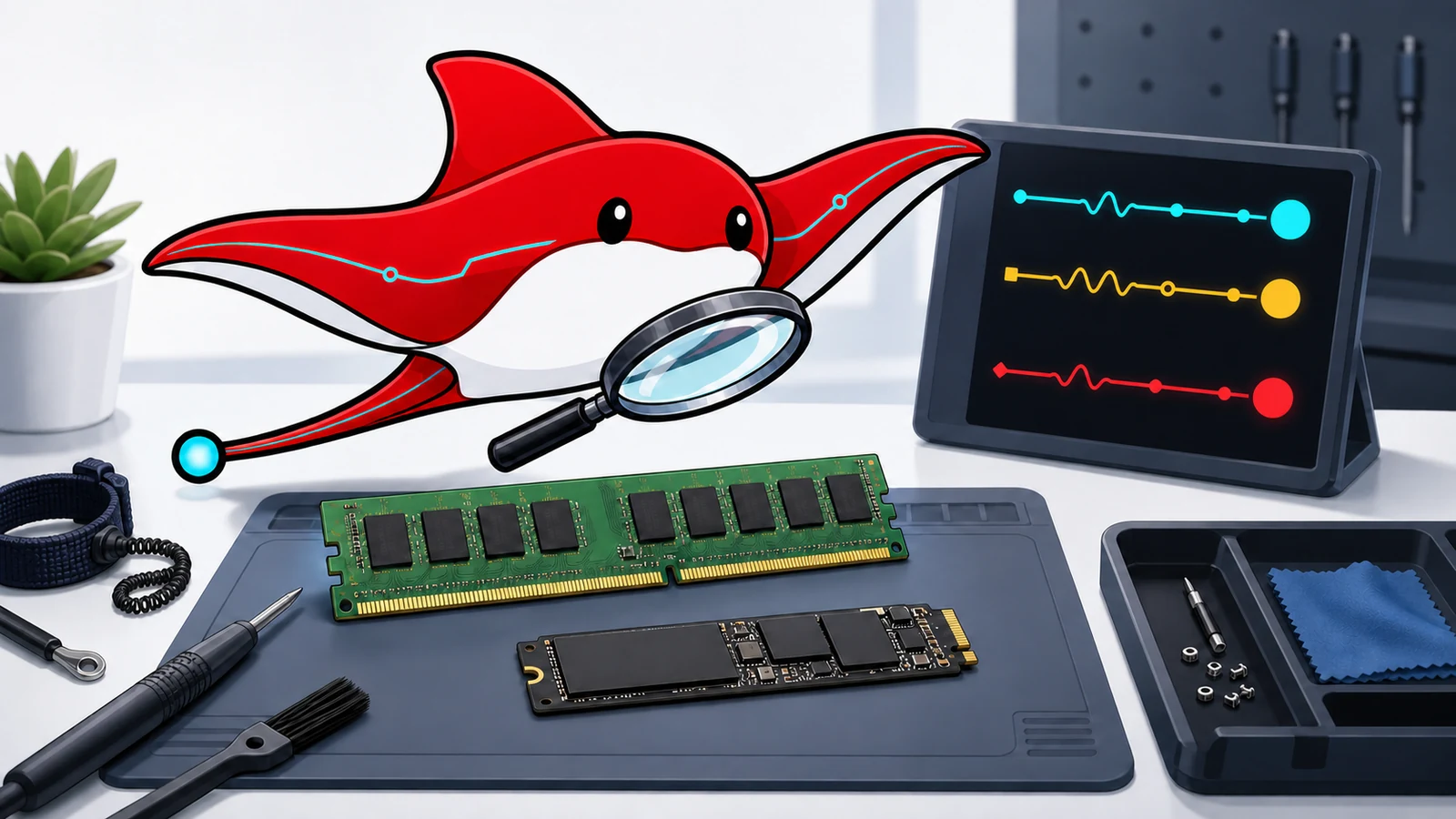
The AI infrastructure boom is placing unusual pressure on parts of the memory and storage supply chain, but “all chips are in shortage” is too broad to be useful. The clearest 2026 signals concern server DRAM, high-bandwidth memory, NAND and enterprise SSD demand. SK hynix reported significant quarter-on-quarter increases in DRAM and NAND pricing alongside AI-server demand. Samsung described robust demand for server DRAM, enterprise SSDs and HBM, with supply constraints. Micron's investor materials likewise tie investment and product mix to data-centre and AI demand.
Those manufacturer reports do not prove that every consumer DIMM or SSD will rise by the same amount, or that a small business should buy immediately. Product cycles, channel inventory, exchange rates, controller shortages and promotions create different outcomes by model. The practical response is to separate a real capacity need from anxiety, then compare delay, targeted expansion, cloud bursting, refurbished stock and used equipment with the same total-cost model.
This guide is general procurement and technical information, not a guarantee that a particular second-hand part is safe or compatible.
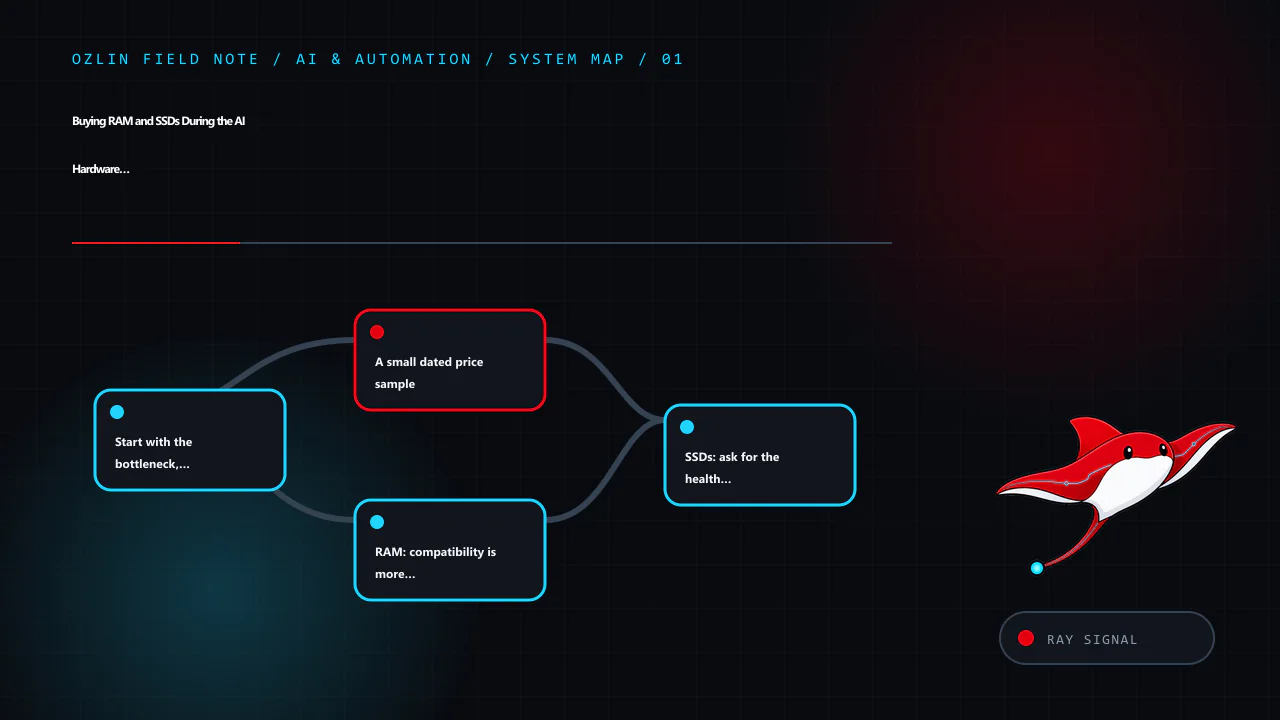
Start with the bottleneck, not the shopping cart
Measure the system before purchasing. A local language model may be limited by GPU memory rather than system RAM. A database may be storage-latency constrained even when its disk has spare capacity. A workstation with 64 GB installed may be swapping because one process has an unbounded configuration, while another workload could be fixed by closing duplicate development environments.
Record at least:
- peak and typical committed memory, swap or page-file activity and memory errors;
- GPU-memory allocation, model size, context length and CPU-offload behaviour;
- SSD capacity, latency, write rate, queue depth and health counters;
- the cost of the current wait, failure or cloud bill; and
- the motherboard, CPU, firmware, slot and power constraints.
Then choose among five strategies.
- Delay the upgrade when utilisation is comfortable and the purchase is speculative. Preserve the budget and recheck prices on a fixed date.
- Expand only the limiting tier—for example, add a scratch SSD instead of replacing the entire workstation.
- Burst to cloud or a rented GPU for occasional jobs, while accounting for data movement, storage and privacy.
- Buy manufacturer- or retailer-refurbished equipment where test evidence and a useful warranty justify a moderate premium.
- Buy used when compatibility can be established, failure is recoverable and the discount exceeds acceptance-test and spare-part costs.
A small dated price sample
Prices below were observed on 29 August 2026 and are not a market index. They are included to demonstrate the fields a buyer should capture. Australian retail prices generally include GST when sold to consumers unless the page states otherwise; marketplace treatment varies by seller. Delivery, adapters and warranty value can change the comparison. The two used-memory observations were captured in the internal editorial evidence rather than linked here because individual marketplace listings expire and should not become permanent evidence links.
The links are not affiliate links, and no seller or brand paid for inclusion.
| Item and sample source | Condition | Observed AUD price | GST/warranty note | What the sample does and does not show |
|---|---|---|---|---|
| Crucial T500 2 TB NVMe, BuyWisely retailer aggregation | New retail offers | From A$229 | Check the chosen retailer's GST invoice and warranty | A snapshot across listed retailers, not proof of stock or final delivered price |
| Samsung 990 Pro 2 TB, Priceroo tracking page | New retail offers | From about A$483.04 | Check seller, GST and local warranty | Different controller/endurance positioning means this is not like-for-like with every 2 TB drive |
| 8 × 8 GB Samsung DDR4 ECC RDIMM marketplace listing | Used | A$269.55 | Seller type, GST and return rights must be checked | One listing, not a representative median; platform title is not test evidence |
| 4 × 16 GB SK hynix DDR4 ECC marketplace listing | Used | A$329.99 | Seller type and warranty unclear until listing terms are read | One observed configuration; rank, speed and server compatibility remain unverified |
Do not conclude from four samples that used RAM is always good value. Search sold listings where available, capture at least five genuinely comparable examples, remove shipping-only or faulty items, and retain screenshots or invoices. Compare cost per usable, compatible gigabyte, not per stick.
RAM: compatibility is more than DDR generation
A module that physically fits may still fail to train, down-clock the system or create an unsupported population. Before buying, record the exact motherboard or server model, CPU generation and current module labels. Check the system manual and qualified-vendor list where one exists.
For each candidate, verify:
- DDR generation and voltage: DDR4 and DDR5 are not interchangeable.
- ECC and buffering: unbuffered ECC UDIMM, registered RDIMM and load-reduced LRDIMM are different electrical populations. Many platforms prohibit mixing them.
- Rank and organisation: 1Rx8, 2Rx4 and 4Rx4 are not cosmetic labels. Rank count affects supported capacity and speed.
- Capacity per slot and total capacity: firmware and CPU memory controllers impose limits.
- Speed: faster modules often run at the slowest supported population speed; mixed populations may reduce frequency further.
- Population rules: server manuals specify channels, slots and balanced arrangements. Installing every spare DIMM without following them can reduce bandwidth or prevent boot.
- Part-number match: identical marketing capacity is weaker evidence than exact part numbers and revision details.
Ask a used seller for clear photographs of every label and a booted-system inventory. Treat screenshots as evidence about that test moment, not proof of future health. On arrival, photograph the package, inspect contacts and components, install according to the service manual, update firmware only through an approved change process, and run multiple passes of a reputable memory test such as MemTest86. Follow with the actual workload and review corrected and uncorrected ECC logs. Any unexplained error should stop deployment into production.
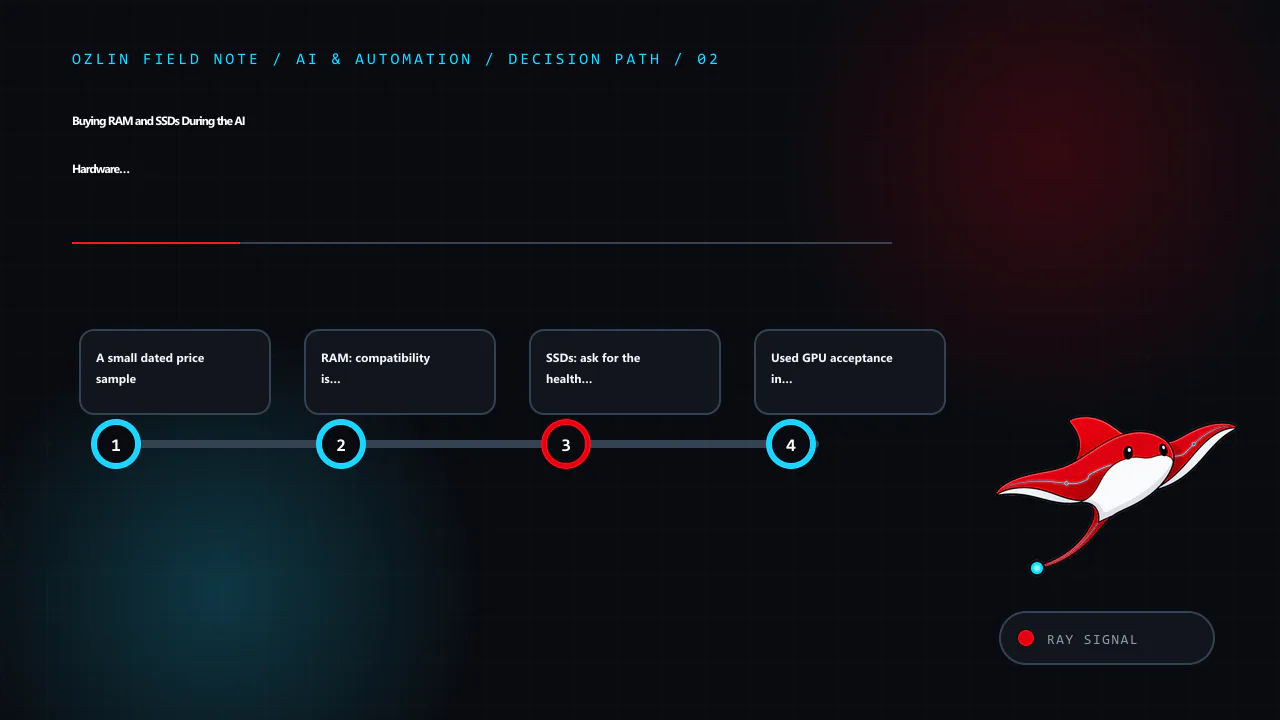
SSDs: ask for the health log before price negotiation
An SSD has no moving parts, but flash cells, capacitors, controllers and firmware still age or fail. Model number and capacity alone say little about remaining life.
Request the full SMART or NVMe health log in machine-readable or unedited form. Important fields include:
- Percentage Used or equivalent vendor wear indicator;
- total bytes or data units written and the rated TBW;
- available spare and spare threshold;
- media and data-integrity errors;
- critical warnings and temperature history;
- unsafe shutdowns and power cycles;
- error log entries; and
- firmware revision.
NVMe's open-source nvme-cli can retrieve standard health and error information on supported Linux systems. Vendor utilities may add model-specific interpretation. A zero media-error counter is helpful, but it does not prove the drive is genuine, unused or free from intermittent faults. Compare serial numbers across the label, firmware utility and invoice. Check the manufacturer's warranty status where possible.
Workload fit matters. A lightly used consumer drive may suit a replaceable game cache; a database or write-heavy virtualisation host may justify an enterprise SSD with power-loss protection, documented endurance and predictable sustained writes. An adapter can add cost or prevent correct cooling, bifurcation or boot support. M.2, U.2/U.3, E1.S and add-in cards are not interchangeable merely because they use NVMe.
For acceptance, secure-erase the drive using a method appropriate to the device and policy, update approved firmware, perform a full read test and a bounded write/read validation, monitor temperature and re-read the health log. Do not run destructive tests on a drive containing the seller's or your own required data. The Australian Cyber Security Centre's device-disposal guidance is a useful baseline when storage will leave organisational control.
Used GPU acceptance in brief
GPU listings attract more attention during an AI boom because memory capacity appears to set the model ceiling. Check the exact board, VRAM amount, connector and physical dimensions; available PCIe lanes; PSU capacity and native cables; cooling clearance; driver and compute-backend support; and whether the intended framework supports the architecture.
Ask for a current diagnostic screenshot with serial or model evidence, but assume screenshots can be reused. On arrival, inspect the PCB and connectors for corrosion, repair marks or damage. Run a VRAM test, a sustained compute workload and the intended inference job while recording temperature, clock, power and errors. Coil noise is not the same as computational failure, while corrected bus errors, crashes or visual corruption deserve investigation. Never bypass a server vendor's documented power, airflow or GPU-support limitations merely because a card can be made to fit.
For model sizing, see Run LLMs Locally in 2026 and the 1U, 2U or workstation design guide.
Australian consumer rights depend on the seller
The Australian Consumer Law's consumer guarantees can apply to second-hand goods sold by a business. The expected durability and acceptable quality are assessed in context, including age, price, description and disclosed defects. A business cannot remove applicable statutory guarantees merely by writing “no refunds”.
Most one-off private sales are not covered by the same consumer guarantees. Marketplace payment protection or a platform return policy is separate and has its own deadlines and evidence rules. Before paying, capture whether the seller is acting as a business, the description, represented condition, return terms and payment method. For a business-critical purchase, an invoice, serial list and written acceptance condition can be more valuable than a small discount.
If a listing says “untested”, “for parts” or discloses a fault, price it as a risky repair input—not as working stock. Do not pressure a seller to misdescribe goods for tax or platform purposes.
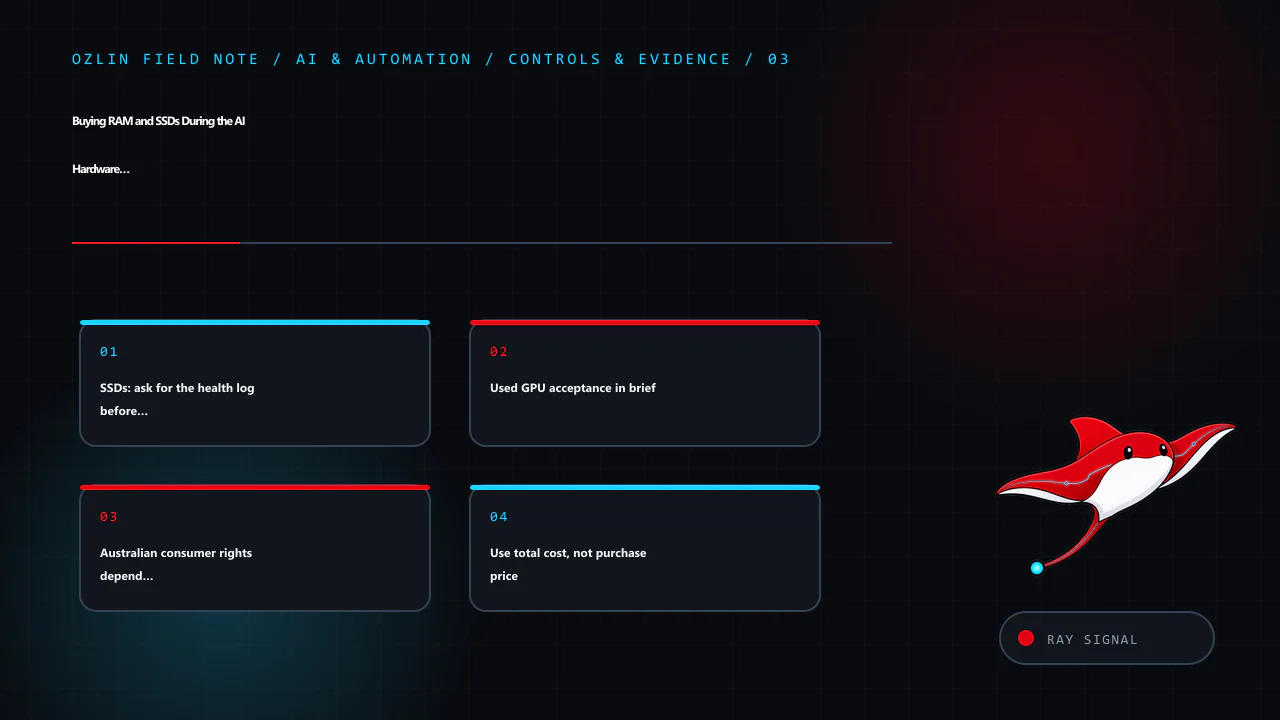
Use total cost, not purchase price
For each option calculate:
TCO = purchase price + shipping/adapters + expected-failure reserve + electricity + downtime cost − residual value
Add acceptance labour and secure-disposal cost where material. A used SSD that saves A$80 but consumes three hours of skilled testing and carries a credible A$1,000 outage exposure is not automatically cheaper. Conversely, a pool of matched, tested ECC DIMMs with one cold spare may be an excellent value for a non-critical lab.
Estimate the failure reserve transparently. If ten used units cost A$300 each, you budget one A$300 spare, and you expect A$200 in testing labour, the acquisition line is A$3,500 before power or downtime—not A$3,000. Do not invent a precise failure probability from anecdotes.
Procurement and acceptance checklist
Before purchase:
- define the performance and capacity requirement;
- confirm exact compatibility from primary documentation;
- compare new, refurbished, used and temporary cloud options;
- record condition, seller status, GST, warranty, return window and included accessories;
- request labels, serials and current health evidence;
- calculate delivered TCO and a failure reserve; and
- obtain approval against an asset and data-handling policy.
On receipt:
- document packaging, labels and physical condition;
- isolate unknown storage until it is securely sanitised;
- test memory, storage or VRAM before production use;
- update asset, firmware and warranty records;
- retain evidence until the return window has passed; and
- keep the old known-good component until the new configuration survives a burn-in and restore test.
The goal is not to eliminate all second-hand risk. It is to make the risk visible, bounded and recoverable. Ozlin's AI and automation services can help plan a right-sized local or hybrid environment without treating a shopping list as an architecture.
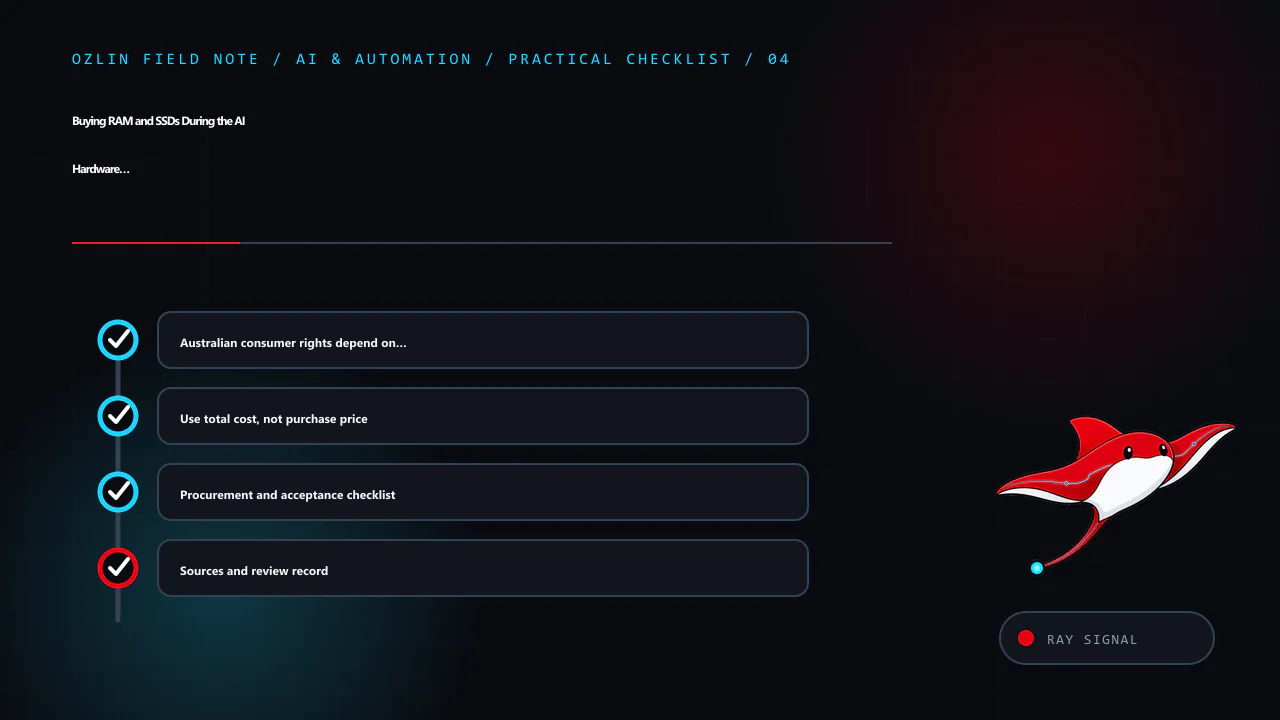
Sources and review record
Sources and price samples were accessed on 29 August 2026. Supply commentary and price samples are scheduled for review by 29 November 2026.
- SK hynix — Q2 2026 business results
- Samsung Electronics — Q2 2026 results
- Micron Technology — investor relations
- ACCC — consumer rights and guarantees
- NVM Express — nvme-cli
- MemTest86
- Australian Cyber Security Centre — securely dispose of a device
- BuyWisely — Crucial T500 2 TB price page
- Priceroo — Samsung 990 Pro 2 TB price page
- Two Australian marketplace observations for used ECC RDIMMs, captured in Ozlin's internal editorial evidence on 29 August 2026; individual listings are intentionally not treated as durable public references.
AI assisted with source discovery, drafting and copyediting; Ozlin Info remains responsible for publication.