

A WordPress plugin is PHP code loaded by WordPress to add or alter behaviour. The safest first plugin is small, necessary and easy to remove. It should use public WordPress APIs rather than editing core files, and it should have an owner who will maintain compatibility and security after launch.
Before writing code, ask whether the feature belongs in a plugin, a child theme, existing maintained plugin or external service. Site behaviour and data structures usually belong in a plugin so they survive a theme change. Presentation specific to one theme may belong in the child theme. Avoid a custom plugin when a small configuration change meets the need.
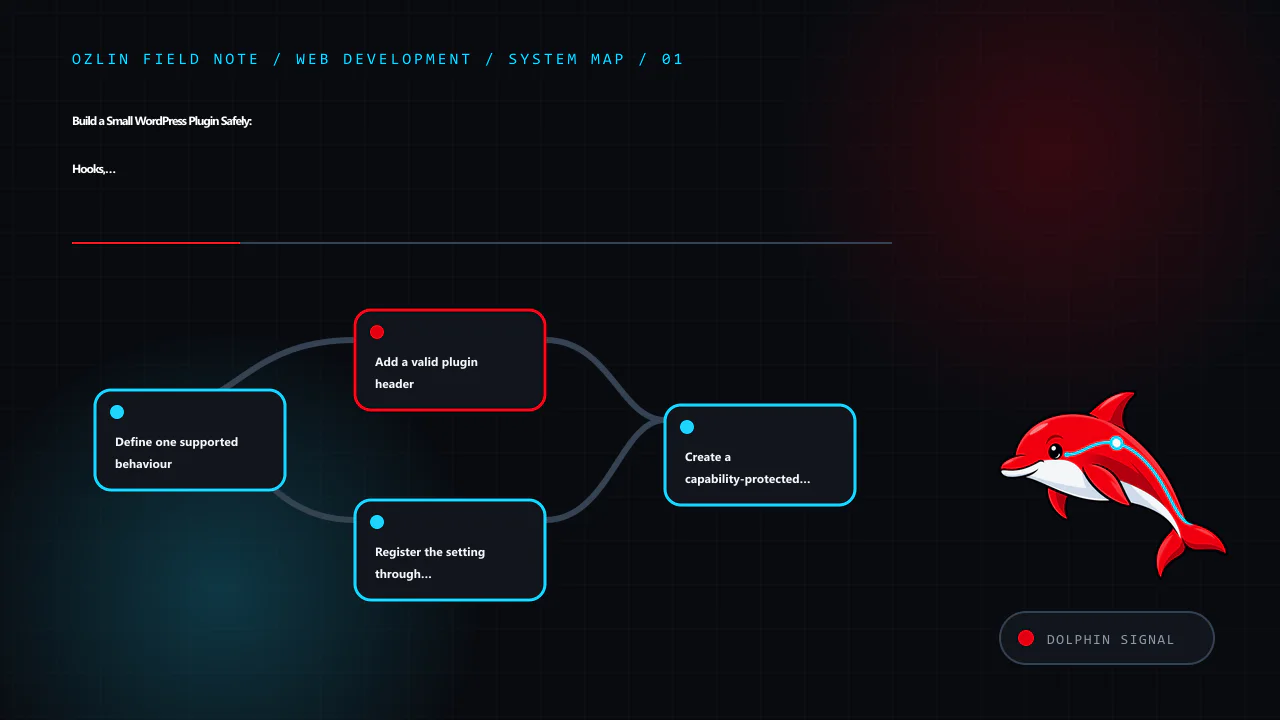
Define one supported behaviour
This example will store a short site notice and expose it through a shortcode. The design decisions are:
- administrators with
manage_optionscan edit the value; - input is plain text, not arbitrary HTML;
- output is escaped at the point it is rendered;
- the Settings API handles the standard options form and request token;
- the plugin does not create a custom database table; and
- uninstall behaviour will be decided explicitly rather than deleting data on deactivation.
Use a unique plugin slug and function prefix or namespace to avoid collisions. Create a directory such as:
wp-content/plugins/ozlin-status-note/
└── ozlin-status-note.php
Do this in local development or staging under version control. Do not begin by editing PHP through the production WordPress dashboard.
Add a valid plugin header
WordPress discovers plugins from a header comment in the main PHP file. Only Plugin Name is mandatory, but version and compatibility information help operations. The Update URI field can prevent a private plugin from being overwritten by a similarly named plugin from WordPress.org (WordPress — Plugin Header Requirements).
<?php
/**
 * Plugin Name:       Ozlin Status Note
 * Description:       Provides a plain-text site notice through a shortcode.
 * Version:           0.1.0
 * Requires at least: 7.0
 * Requires PHP:      8.1
 * Author:            Ozlin Info
 * License:           GPL-2.0-or-later
 * Text Domain:       ozlin-status-note
 */

defined( 'ABSPATH' ) || exit;
The version requirements above are examples, not claims about a tested release. Set them only after testing the actual code against supported WordPress and PHP versions. Do not invent an update URL that promises public packages unless a real, controlled update service exists.
Register the setting through WordPress APIs
The Settings API provides a standard way to register, render and save options. Register settings and fields during admin_init (WordPress — Settings API).
function ozlin_status_note_register_setting(): void {
    register_setting(
        'ozlin_status_note',
        'ozlin_status_note_text',
        array(
            'type'              => 'string',
            'sanitize_callback' => 'sanitize_textarea_field',
            'default'           => '',
        )
    );

    add_settings_section(
        'ozlin_status_note_main',
        __( 'Status note', 'ozlin-status-note' ),
        '__return_false',
        'ozlin-status-note'
    );

    add_settings_field(
        'ozlin_status_note_text',
        __( 'Message', 'ozlin-status-note' ),
        'ozlin_status_note_render_field',
        'ozlin-status-note',
        'ozlin_status_note_main'
    );
}
add_action( 'admin_init', 'ozlin_status_note_register_setting' );

function ozlin_status_note_render_field(): void {
    $value = (string) get_option( 'ozlin_status_note_text', '' );
    ?>
    <textarea
        id="ozlin_status_note_text"
        name="ozlin_status_note_text"
        rows="5"
        class="large-text"
    ><?php echo esc_textarea( $value ); ?></textarea>
    <?php
}
Sanitisation transforms incoming data into the allowed form. Validation can reject data that does not meet a rule. Choose the function for the field: a plain-text area, email, URL, integer and controlled enumeration need different handling.
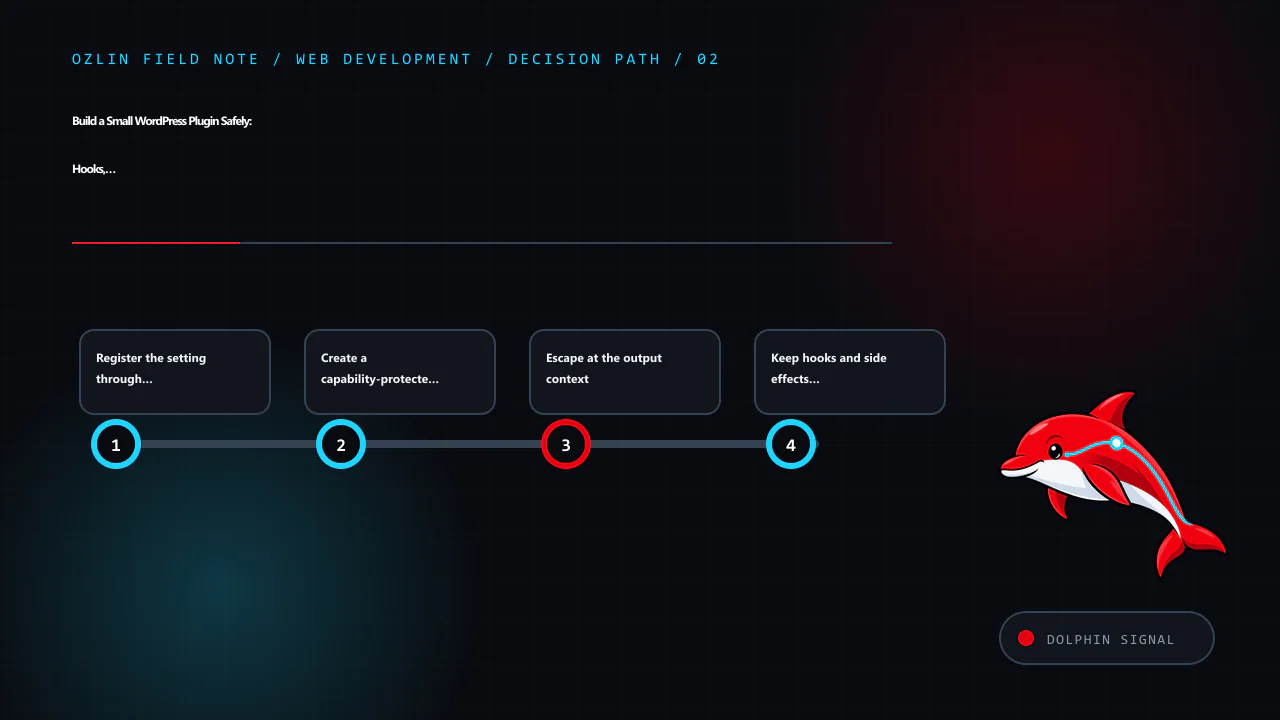
Create a capability-protected settings page
function ozlin_status_note_add_page(): void {
    add_options_page(
        __( 'Ozlin Status Note', 'ozlin-status-note' ),
        __( 'Status Note', 'ozlin-status-note' ),
        'manage_options',
        'ozlin-status-note',
        'ozlin_status_note_render_page'
    );
}
add_action( 'admin_menu', 'ozlin_status_note_add_page' );

function ozlin_status_note_render_page(): void {
    if ( ! current_user_can( 'manage_options' ) ) {
        return;
    }
    ?>
    <div class="wrap">
        <h1><?php echo esc_html( get_admin_page_title() ); ?></h1>
        <form action="options.php" method="post">
            <?php
            settings_fields( 'ozlin_status_note' );
            do_settings_sections( 'ozlin-status-note' );
            submit_button();
            ?>
        </form>
    </div>
    <?php
}
The menu capability controls who can reach the page, and the explicit current_user_can() check protects the callback. settings_fields() supplies the standard fields used by the Settings API, including a request nonce.
A WordPress nonce helps protect a request against certain cross-site request forgery scenarios. It is not authentication or authorisation and is not guaranteed to be used only once. WordPress instructs developers to protect actions with a capability check as well (WordPress — Nonces).
Escape at the output context
Register a shortcode that returns, rather than echoes, escaped HTML:
function ozlin_status_note_shortcode(): string {
    $message = trim( (string) get_option( 'ozlin_status_note_text', '' ) );

    if ( '' === $message ) {
        return '';
    }

    return sprintf(
        '<aside class="ozlin-status-note" role="note"><p>%s</p></aside>',
        esc_html( $message )
    );
}
add_shortcode( 'ozlin_status_note', 'ozlin_status_note_shortcode' );
Escaping is context-specific: esc_html() for text in HTML, esc_attr() for an attribute, esc_url() for a URL and wp_kses() or wp_kses_post() for deliberately allowed HTML. WordPress's security guidance says to validate and sanitise input and escape output as late as possible (WordPress — Security).
Stored data is not automatically trusted. It may have been written by an older plugin version, direct database access or an import. Escape every untrusted output in its final context.
Keep hooks and side effects clear
WordPress hooks let plugins interact with core without modifying it. Actions perform work at a point in execution; filters receive a value and must return the modified or original value. Filters should not unexpectedly print output or mutate unrelated global state (WordPress — Hooks).
Register hooks at load time, but avoid expensive queries or remote calls on every request. Load administrative code only where required and enqueue assets only on the plugin's own screen. Use WordPress HTTP, filesystem, database and scheduling APIs instead of bypassing established controls without a reason.
Treat database and lifecycle changes carefully
Activation is not a normal request. Use activation hooks only for bounded setup that can be retried safely. For a custom table, use a versioned migration, the appropriate WordPress database helper and a backup/rollback plan. Do not run heavy data transformation during every page load.
Deactivation should stop active behaviour, such as scheduled tasks, without erasing user data. Uninstall may remove data only when that is the documented and chosen policy. Some sites expect data to remain for reactivation; others require complete removal. Offer an explicit setting where appropriate and test both paths.
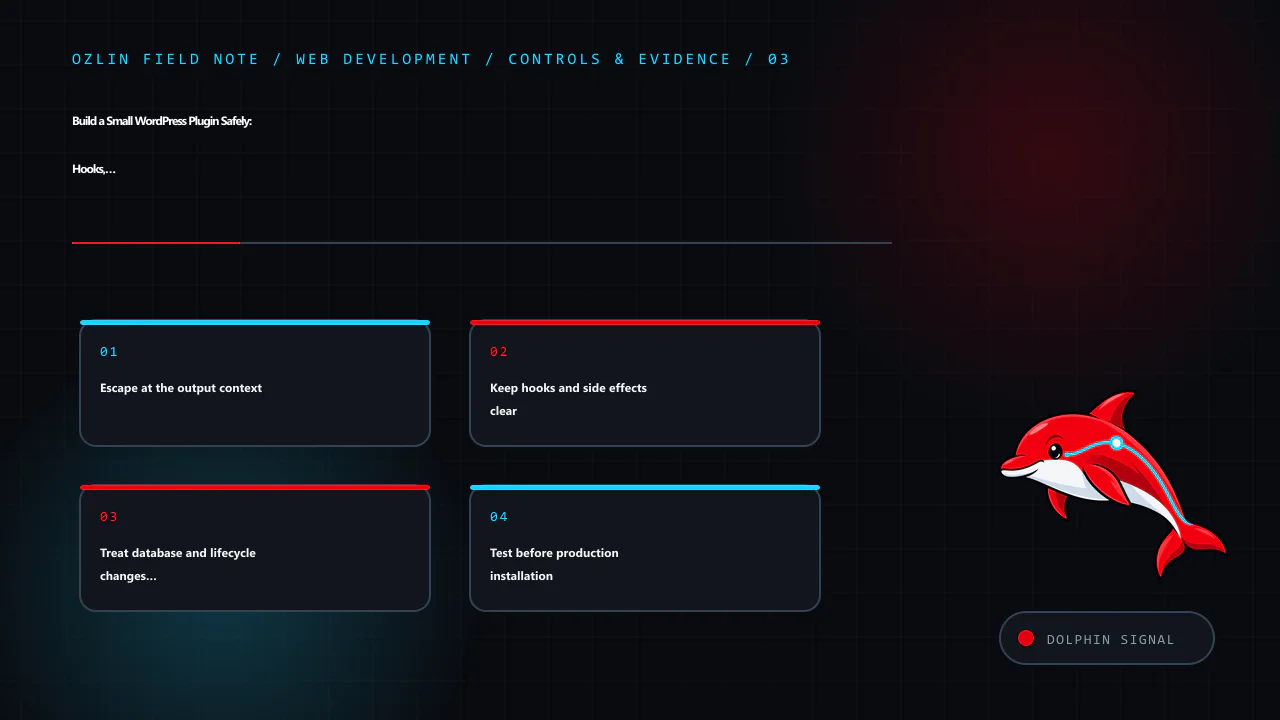
Test before production installation
At minimum, verify:
- activation, deactivation and reactivation;
- required WordPress and PHP versions;
- administrator and lower-privilege access;
- valid, empty and malicious-looking input;
- escaping in the front end and admin;
- shortcode use in expected and unexpected contexts;
- multisite behaviour if supported;
- uninstall and retained-data policy;
- no PHP notices with debugging enabled; and
- no conflict with the active theme and critical plugins.
Run static analysis and WordPress coding-standard checks where practical. Add unit tests for deterministic functions and browser tests for the settings and rendering journey. Inspect queries and page performance so the feature does not add site-wide work.
For production, deploy a reviewed ZIP or controlled filesystem release, record the version and keep a rollback copy. A private plugin has no automatic security maintenance unless someone owns it. Monitor PHP and WordPress deprecations and review every supported release.
For help scoping, building or reviewing a custom WordPress extension, see Ozlin Info's web development services or contact Ozlin Info.
Related reading: WordPress privacy for Australian SMEs: scope data before adding plugins.
General-information disclaimer
This article provides general technical information and an educational example only. The code has not been released as a supported plugin and must be reviewed and tested in the actual WordPress, PHP, theme and plugin environment before use.
AI-assistance disclosure
AI tools assisted with source discovery, outlining, code drafting and copyediting. A human reviewer must run security, compatibility and functional tests and verify every service claim and publication decision before release. The example is not a security guarantee or maintained download.
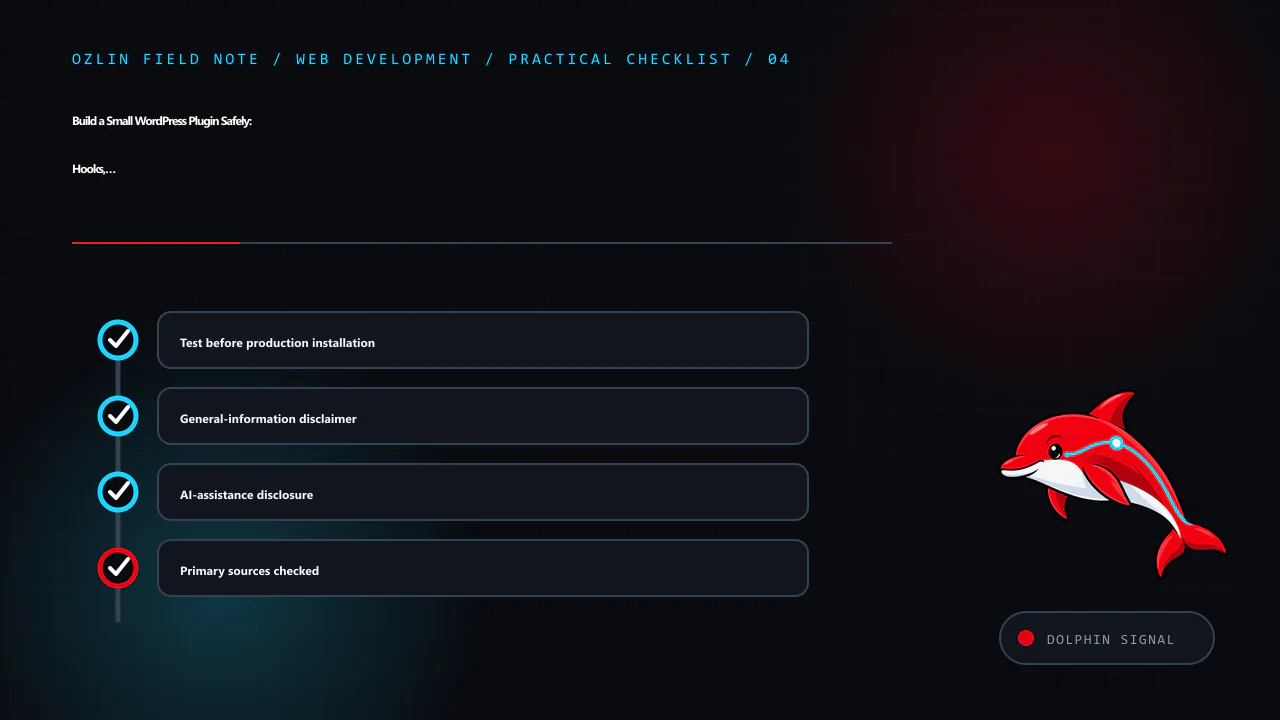
Primary sources checked
- WordPress — Plugin Basics
- WordPress — Plugin Header Requirements
- WordPress — Hooks
- WordPress — Settings API
- WordPress — Security
- WordPress — Nonces
- WordPress — Escaping Data
Source access date: 29 August 2026.
Leave a Reply