Category: Web Development

Evidence-led web development guides covering WordPress, APIs, JavaScript, Vue, databases, Docker, testing, accessibility and measured performance.

  • Web Accessibility with WCAG 2.2: A Practical Delivery Guide

    Web Accessibility with WCAG 2.2: A Practical Delivery Guide

    Web accessibility is the practice of making digital content and functionality usable by people with a wide range of disabilities, technologies and situations. It is not a final audit checkbox. Decisions made in research, content, visual design, component design, development, procurement and maintenance all affect whether people can complete a task.

    The current W3C Recommendation is Web Content Accessibility Guidelines (WCAG) 2.2. WCAG is organised around four principles: content must be perceivable, operable, understandable and robust. A Level AA conformance claim requires every applicable Level A and Level AA success criterion to be satisfied for the full pages in scope—not an average score across selected checks (W3C — WCAG 2.2).

    WCAG is a technical standard, not a complete description of every person's experience and not, by itself, a legal opinion. An organisation should separately determine which laws, procurement rules, contracts or policies apply to its website.

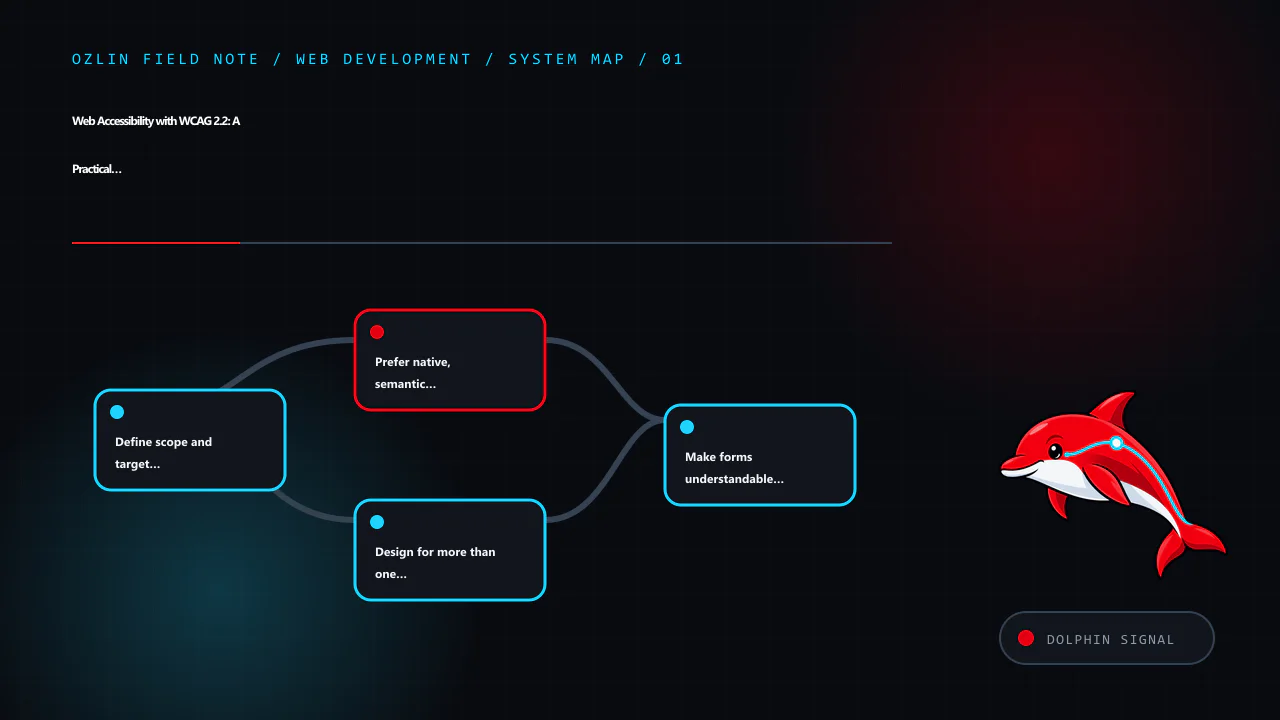
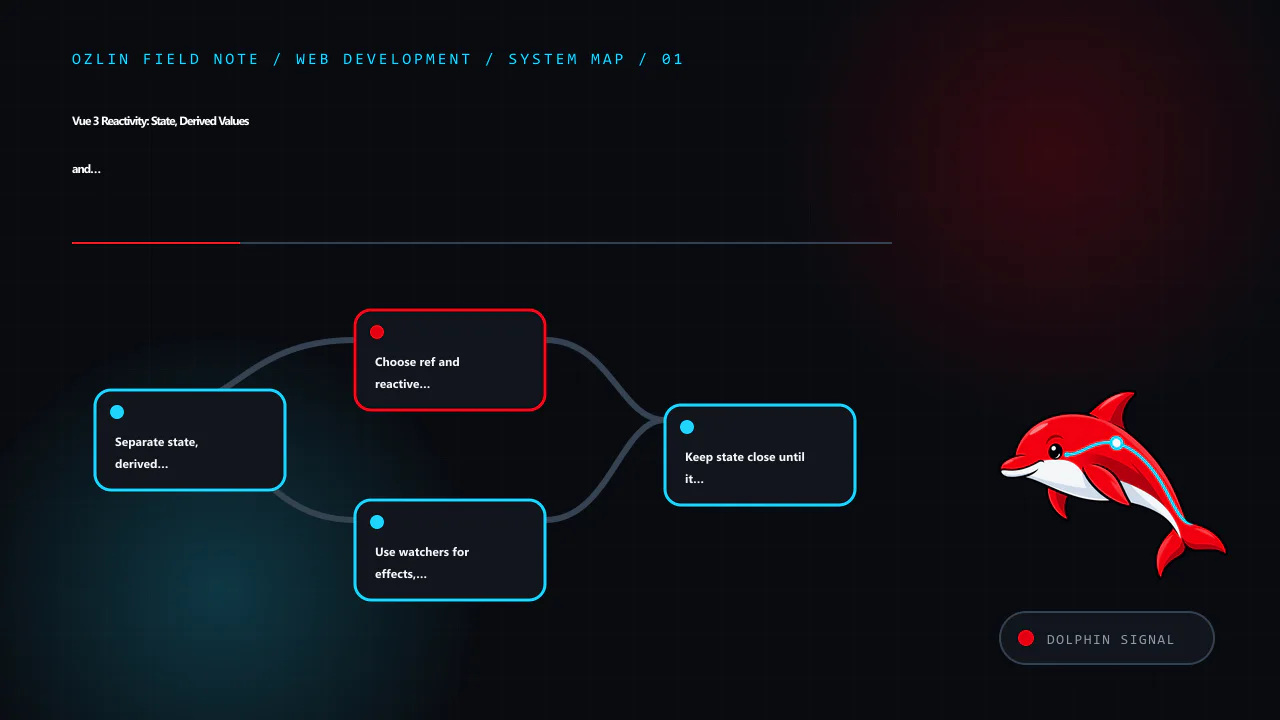
    Article map for Web Accessibility with WCAG 2.2: A Practical Delivery Guide, covering Define scope and target before changing components, Prefer native, semantic HTML, Design for more than one way to interact and relate…
    Article map: Define scope and target before changing components; Prefer native, semantic HTML; Design for more than one way to interact; Make forms understandable and recoverable.

    Define scope and target before changing components

    Begin with the service people need to use. Record:

    • the pages, templates, states, documents and third-party journeys in scope;
    • target users, assistive technologies and supported browsers;
    • the intended WCAG version and conformance level;
    • critical tasks such as finding information, purchasing, registering or contacting support;
    • who owns design, code, content and external widgets; and
    • how defects will be prioritised, accepted and retested.

    For a new or substantially redesigned business site, WCAG 2.2 Level AA is a sensible engineering target. It includes the earlier WCAG 2.1 criteria and adds requirements such as focus not being obscured, alternatives to dragging, minimum target size, consistent help, avoiding unnecessary repeated entry and accessible authentication. WCAG 2.2 removed the obsolete 4.1.1 Parsing criterion, although a contract or policy that explicitly names an earlier WCAG version may still require separate reporting (W3C — What's New in WCAG 2.2).

    Do not publish “WCAG compliant” based only on a home-page scanner. A formal claim has specific scope and documentation requirements, and third-party content can affect the outcome.

    Prefer native, semantic HTML

    Native elements carry established keyboard and accessibility behaviour. Use a real <button> for an action, an <a href> for navigation, labelled form controls, ordered heading levels and landmarks such as header, nav, main and footer. Add ARIA only where native HTML cannot express the required name, role, state or relationship.

    A styled div with a click handler does not automatically gain button semantics, keyboard activation, focus behaviour or disabled state. Recreating these features increases code and test burden. If a custom widget is necessary, follow the appropriate WAI-ARIA Authoring Practices pattern and test the implemented behaviour; adding a role alone does not make it accessible.

    Content also needs structure and meaning:

    • give each page a descriptive title and one clear primary heading;
    • write link text that makes sense in context;
    • provide useful alternative text for informative images and empty alt text for decorative images;
    • provide captions for prerecorded video and an appropriate transcript for audio information;
    • identify the page language and language changes; and
    • present instructions and errors in text, not colour or position alone.

    Alternative text should communicate the image's purpose in that context. It is not a keyword field and does not need to describe every visible detail.

    Design for more than one way to interact

    Every interactive task should work without a mouse. Test forward and reverse keyboard navigation, logical focus order, visible focus, modal entry and exit, menus, disclosures, validation and any custom control. Focus must not be trapped or hidden behind sticky headers, cookie banners or other author-created content.

    Colour contrast matters, but colour is only one part of perceivability. Check text, controls, focus indicators and meaningful graphical objects against the applicable criterion. Do not use colour alone to communicate an error, status or selection.

    Responsive layouts must remain usable when people enlarge text or zoom. Check narrow viewports and 400% zoom for lost content, overlapping controls and two-dimensional scrolling where the criterion does not permit it. Fixed-height cards and clipped navigation often fail before the colour palette does.

    Authentication deserves particular attention. WCAG 2.2's Accessible Authentication criterion limits cognitive function tests such as memorising or transcribing information unless an alternative or assistance is available. Support password managers and paste; do not block them in the name of security without a carefully assessed reason.

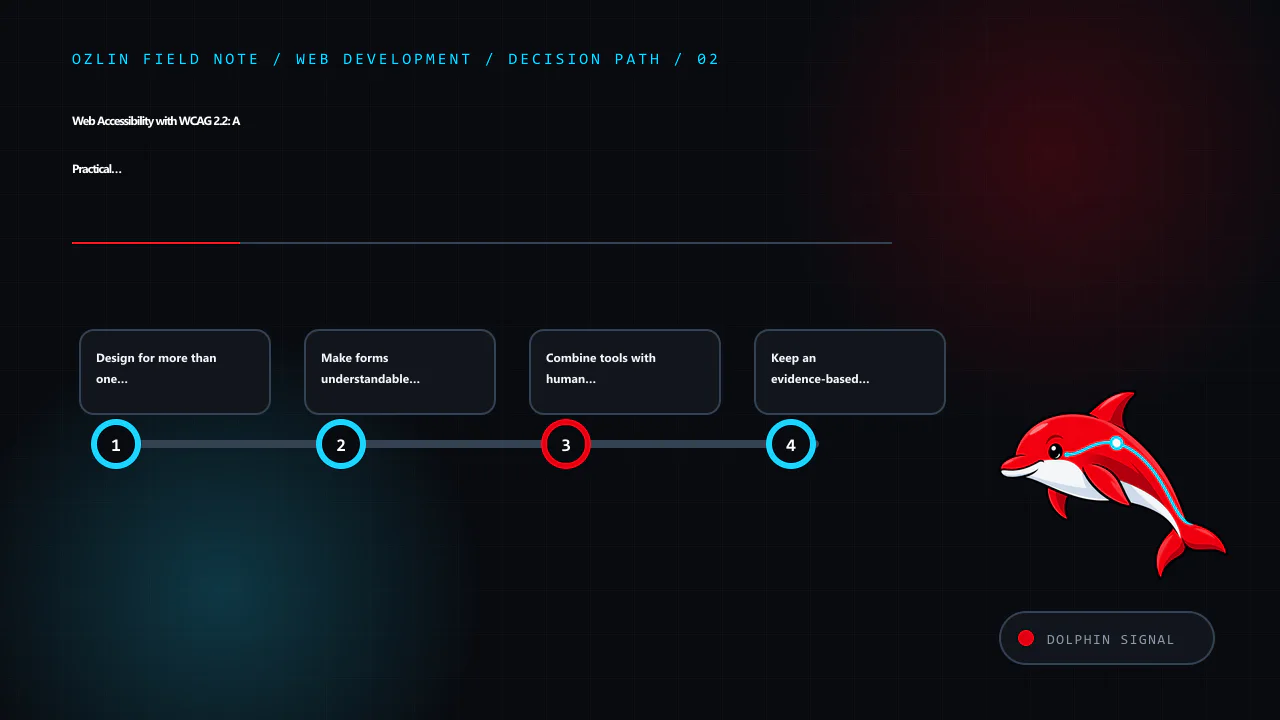
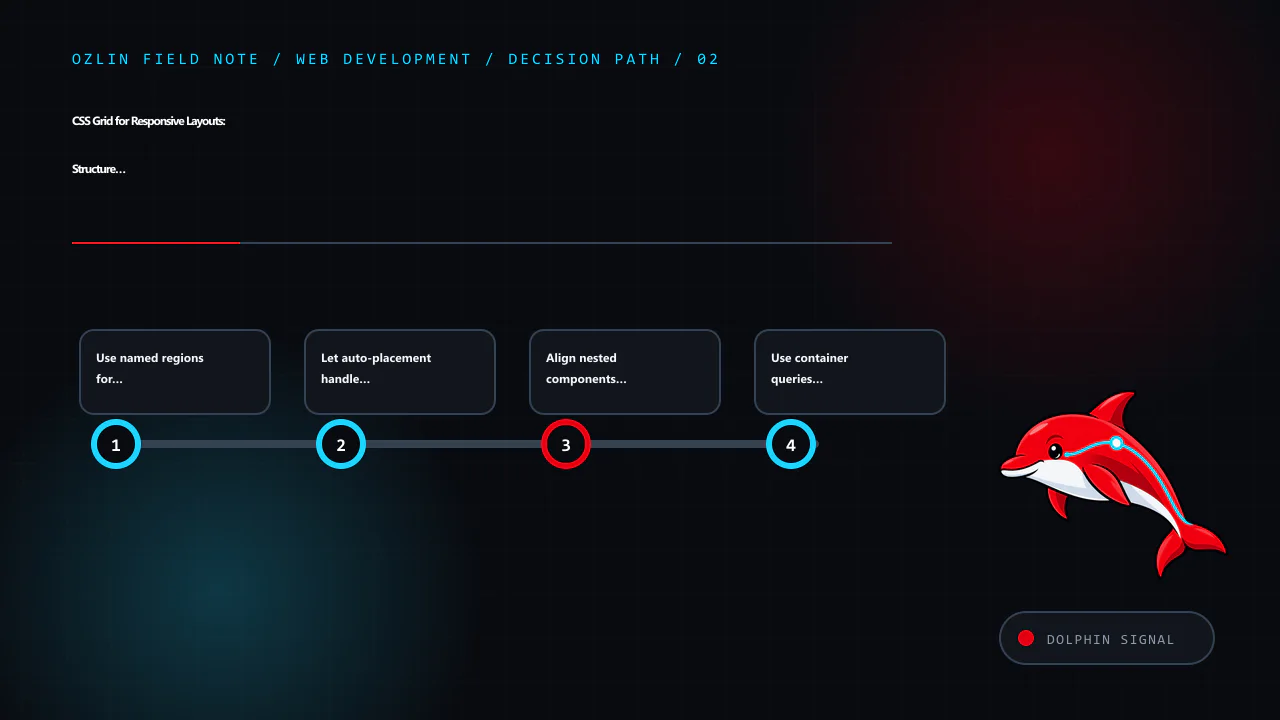
    Decision path for Web Accessibility with WCAG 2.2: A Practical Delivery Guide, covering Design for more than one way to interact, Make forms understandable and recoverable, Combine tools with human evaluation and relate…
    Decision path: Design for more than one way to interact; Make forms understandable and recoverable; Combine tools with human evaluation; Keep an evidence-based remediation backlog.

    Make forms understandable and recoverable

    Each control needs a programmatically associated, visible label. Group related radio buttons or checkboxes with fieldset and legend when appropriate. Explain required formats before they are needed and identify required fields without relying on colour alone.

    When validation fails:

    1. retain safe values the user already entered;
    2. provide a clear summary and field-specific message;
    3. associate the error with its field;
    4. move or manage focus deliberately so the error is discoverable; and
    5. tell the user how to correct it.

    For an asynchronous submission, expose the result as a programmatically determinable status message. Do not unexpectedly move focus for every small update.

    Combine tools with human evaluation

    Automated tools are useful for repeatable checks such as missing accessible names, some contrast failures and certain invalid relationships. They cannot reliably judge whether alternative text is meaningful, focus order follows the task, instructions make sense or a screen-reader experience is coherent. W3C explicitly says no tool alone can determine whether a site meets accessibility guidelines (W3C — Introduction to Web Accessibility).

    A practical test set includes:

    Method What it can reveal
    Automated rules in CI Repeatable detectable regressions across known templates
    Keyboard-only walkthrough Reachability, order, traps, focus visibility and operability
    Zoom and reflow checks Clipping, overlap, loss of content and excessive scrolling
    Screen-reader checks Names, roles, headings, landmarks, reading order, status and errors
    High-contrast or forced-colour checks Information lost when authored colours are overridden
    Content review Heading logic, link purpose, instructions, captions and alternatives
    Disabled-user evaluation Barriers, workarounds and priorities that technical inspection can miss

    Test representative pages and every distinct component or state, not just URLs selected at random. Include errors, empty results, loading, authentication, session expiry and third-party flows. W3C's Easy Checks are a useful first review but are explicitly not exhaustive (W3C — Easy Checks).

    Keep an evidence-based remediation backlog

    Record each finding with the affected task, URL or component, WCAG criterion, reproducible steps, observed and expected behaviour, severity, owner, target release and retest evidence. Prioritise barriers that block critical tasks, affect many pages or create safety, privacy or financial consequences.

    Reusable components create leverage: correcting a shared navigation, dialog, form field or error summary can remove the same barrier across many pages. Add a regression test where automation is reliable, but retain manual checks in the definition of done.

    An accessibility statement should be accurate about scope, known limitations and contact paths. It should not claim perfection or replace a working way for people to report a barrier. Give accessibility reports an owner and response process.

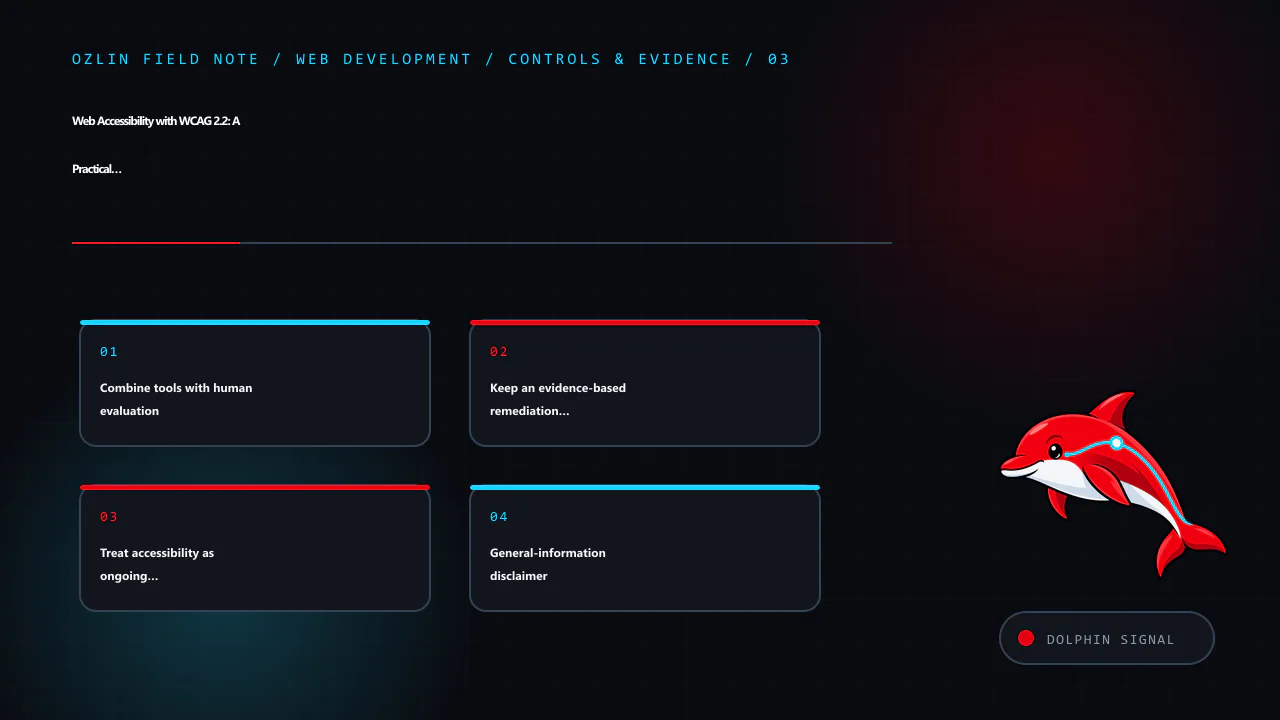
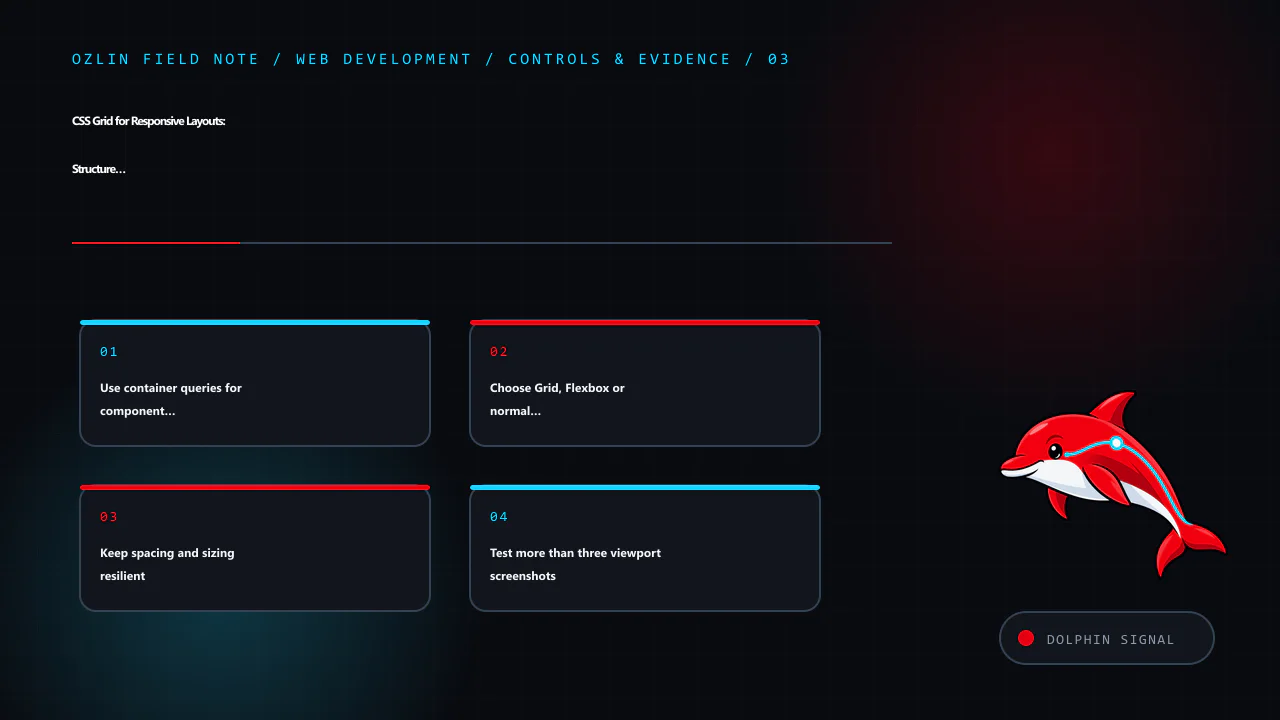
    Control and evidence map for Web Accessibility with WCAG 2.2: A Practical Delivery Guide, covering Combine tools with human evaluation, Keep an evidence-based remediation backlog, Treat accessibility as ongoing quality…
    Control and evidence map: Combine tools with human evaluation; Keep an evidence-based remediation backlog; Treat accessibility as ongoing quality; General-information disclaimer.

    Treat accessibility as ongoing quality

    Content edits, plugin updates, third-party scripts and new features can reintroduce barriers. Review accessibility during discovery and design, test components before release, run automated rules in continuous integration and schedule periodic task-based evaluation. Train the people who publish content as well as the developers who build templates.

    For help reviewing a website workflow, component library or remediation backlog, see Ozlin Info's web development services or contact Ozlin Info.

    Related reading: 10 WordPress performance checks before optimisation.


    General-information disclaimer

    This article provides general technical information only. It is not legal, regulatory, procurement or accessibility-conformance advice. A conformance claim requires evaluation of the complete defined scope against the relevant standard and may require qualified legal or accessibility advice.
    AI-assistance disclosure

    AI tools assisted with source discovery, outlining and copyediting. A human reviewer must verify every technical statement, link, service claim and publication decision before release. Automated or AI-assisted checks do not prove accessibility or WCAG conformance.

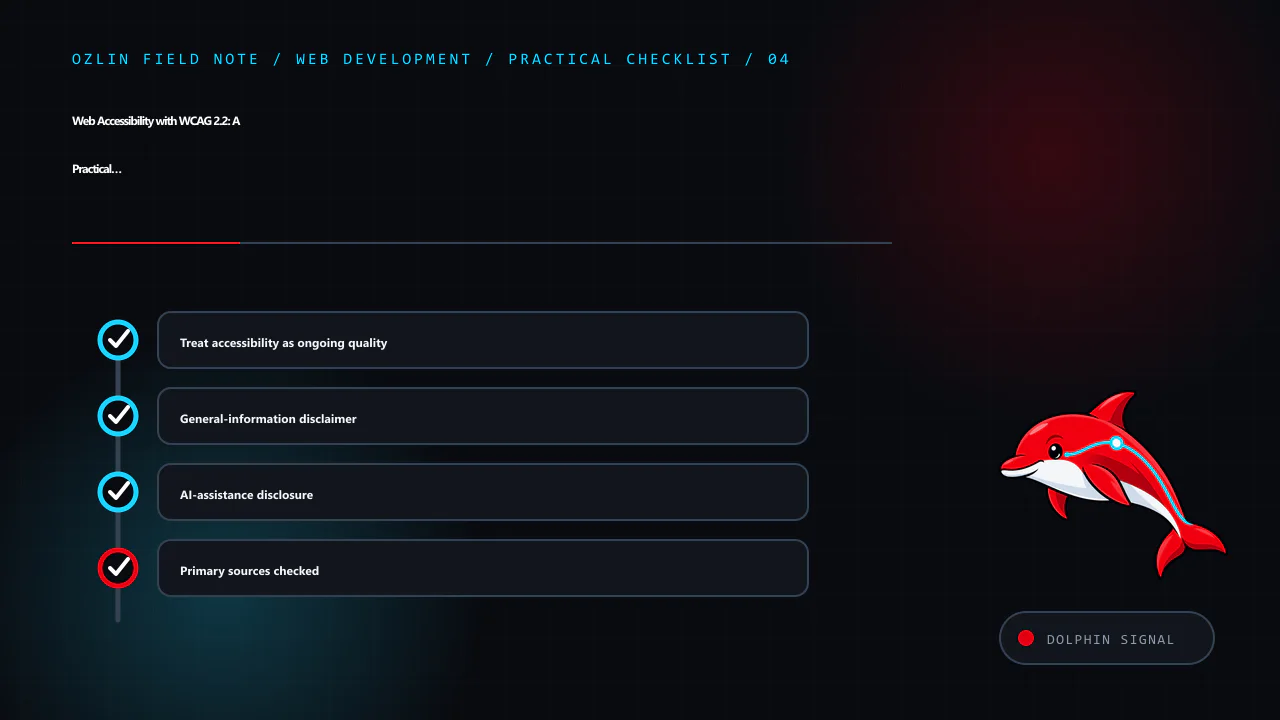
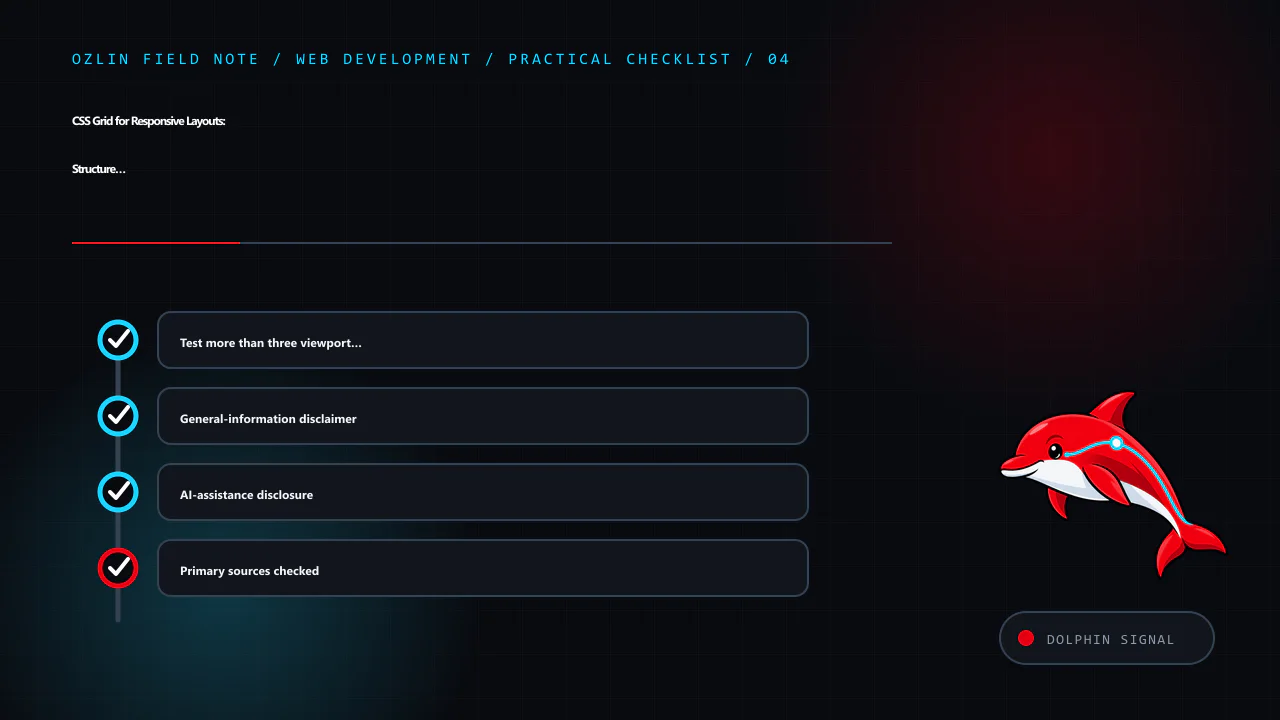
    Practical checklist for Web Accessibility with WCAG 2.2: A Practical Delivery Guide, covering Treat accessibility as ongoing quality, General-information disclaimer, AI-assistance disclosure and related review points.
    Practical checklist: Treat accessibility as ongoing quality; General-information disclaimer; AI-assistance disclosure; Primary sources checked.

    Primary sources checked

    Source access date: 29 August 2026.

  • Testing Web Applications: A Risk-Based Strategy That Scales

    Testing Web Applications: A Risk-Based Strategy That Scales

    A useful web test suite is not the largest collection of tests. It is a feedback system that tells a team whether an important behaviour still works, where a failure is likely to be and whether a change is safe enough to release.

    The right mix depends on the product's risks. A brochure site, an internal dashboard and a payment workflow should not receive identical automation. Start with business-critical tasks, failure consequences and architectural boundaries; then choose the cheapest test that provides credible evidence.

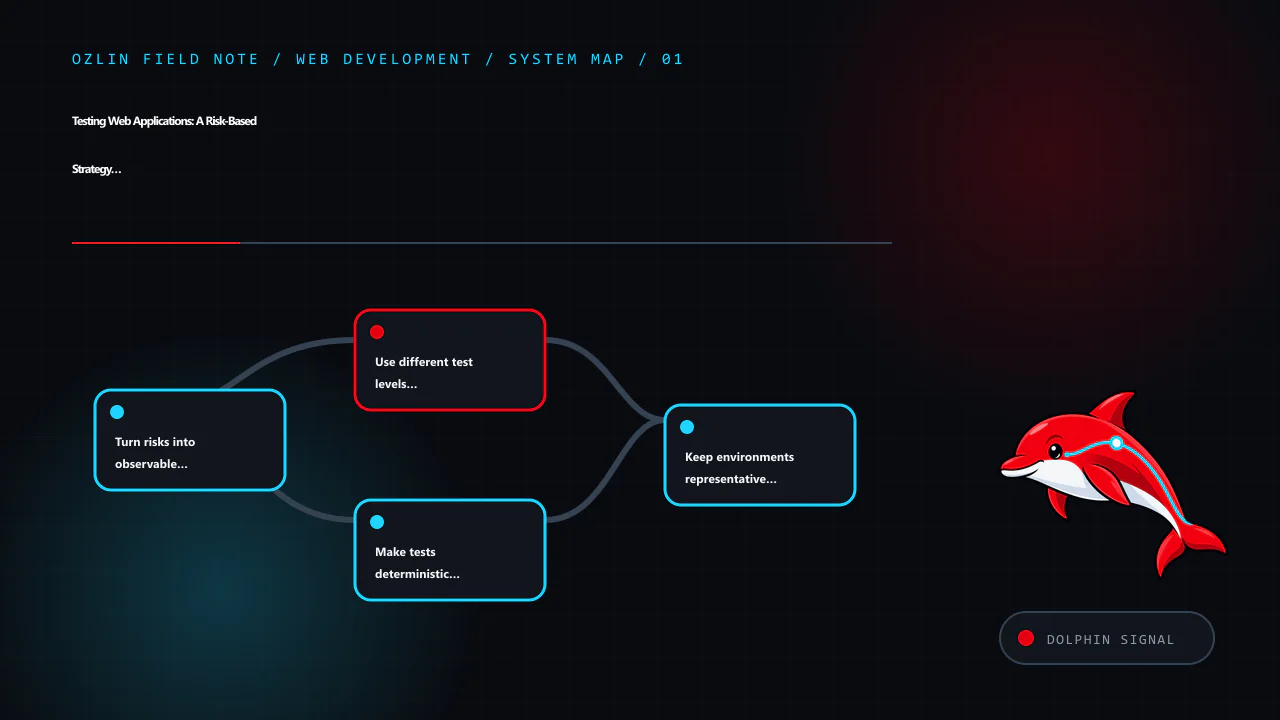
    Article map for Testing Web Applications: A Risk-Based Strategy That Scales, covering Turn risks into observable behaviours, Use different test levels for different questions, Make tests deterministic before adding retr…
    Article map: Turn risks into observable behaviours; Use different test levels for different questions; Make tests deterministic before adding retries; Keep environments representative without copying production….

    Turn risks into observable behaviours

    Before choosing a framework, list what must remain true. Examples include:

    • a visitor can submit a valid enquiry and receives an understandable result;
    • invalid input cannot bypass server-side validation;
    • an authorised user can see a record while an unauthorised user cannot;
    • an order total uses the intended tax and discount rules;
    • a third-party outage produces a controlled response rather than duplicate work;
    • keyboard users can complete the critical journey; and
    • monitoring receives enough context to investigate a production failure.

    Write tests around these behaviours and interfaces, not private implementation details. If a harmless refactor breaks dozens of tests without changing user-visible behaviour, the suite is probably coupled to the code rather than protecting the product.

    A simple risk register helps decide depth:

    Risk Consequence Useful evidence
    Price calculation is wrong Financial loss and customer dispute Unit tests with boundary and property cases; integration against stored rules
    Login is unavailable Users cannot enter the service Service integration, browser smoke journey and availability monitoring
    Role check is bypassed Confidentiality or integrity impact Server-side authorisation tests, negative cases and security review
    Form changes silently break analytics Decision data becomes incomplete Contract or integration check for the event schema
    External API retries duplicate an action Duplicate charge or record Integration test with controlled failures and idempotency evidence

    Use different test levels for different questions

    Unit tests protect deterministic logic

    Unit tests are best for small decisions with controlled inputs: parsing, calculations, validation rules, state transitions and permission policies. They should be fast, deterministic and able to run without browsers, networks or shared databases.

    Test useful partitions and boundaries rather than every line. For a date rule, include values before, at and after the boundary. For a reducer, cover valid transitions and rejected transitions. Code coverage can reveal unexecuted areas, but a percentage does not prove that assertions are meaningful. Vitest, for example, can collect V8 or Istanbul coverage; the team still has to decide which behaviours and branches matter (Vitest — Coverage).

    Mock narrow, unstable boundaries such as a clock or remote client. Excessive mocking can create a fictional system in which every collaborator behaves exactly as the test assumes.

    Component tests protect user interaction in a small scope

    A component test can render a form, menu or data grid with realistic properties and exercise it through labels, roles and visible outcomes. Testing Library recommends queries that resemble how users interact and prioritises accessible roles and names over internal component state (Testing Library — About Queries).

    This style can detect missing labels, incorrect disabled states and broken event flows while remaining faster and easier to diagnose than a complete browser journey. It does not replace testing the real application wiring.

    Integration and contract tests protect boundaries

    Integration tests verify that real parts work together: application code with a database, a queue, file storage or an HTTP service. Use an isolated database schema or disposable service and run the real migrations. Verify both data written and externally visible response.
    For an external service, a contract test can check the request and response schema, authentication expectations and error mapping without depending on the provider for every build. Periodically test the real sandbox or staging integration as well; a local stub cannot reveal DNS, TLS, credential, quota or provider changes.

    Avoid sharing mutable records between parallel tests. Generate unique identifiers, reset state deliberately and make cleanup idempotent.

    End-to-end tests protect complete journeys

    End-to-end tests run through the deployed user interface and connected services. They are valuable for a small number of critical paths: sign-in, search, purchase, content publication or contact submission. They are also slower and have more failure points, so using them for every edge case creates expensive, noisy feedback.

    Playwright gives each test an isolated browser context by default, including separate cookies, local storage and session storage (Playwright — Test Isolation). Its role- and label-based locators are more resilient and closer to user perception than long CSS or XPath chains. Locator assertions retry until the expected condition or timeout, which is safer than arbitrary sleeps (Playwright — Locators; Playwright — Assertions).

    For example:

    import { test, expect } from '@playwright/test';
    
    test('valid enquiry reaches confirmation', async ({ page }) => {
      await page.goto('/contact/');
      await page.getByLabel('Name').fill('Test Customer');
      await page.getByLabel('Email').fill('[email protected]');
      await page.getByLabel('Message').fill('Please contact me about a website review.');
      await page.getByRole('button', { name: 'Send enquiry' }).click();
      await expect(page.getByRole('status')).toContainText('received');
    });

    Use reserved test recipients and non-production credentials. The assertion should verify a meaningful result, not merely that a button accepted a click.

    Make tests deterministic before adding retries

    Flaky tests usually expose uncontrolled time, state, networks or selectors. Diagnose the source rather than automatically retrying everything until the pipeline turns green.

    Common controls include:

    • freeze or inject the clock for time-dependent logic;
    • seed known data per test and use unique identifiers;
    • wait for an observable state, not a fixed number of milliseconds;
    • isolate third-party traffic behind a controlled contract or sandbox;
    • keep browser tests independent of execution order;
    • pin or deliberately update browsers and test dependencies; and
    • capture console output, network records, screenshots and traces on failure.

    A retry may be appropriate for known infrastructure instability, but report the first failure and retry count. A test that only passes after retries is evidence to investigate, not a clean pass.

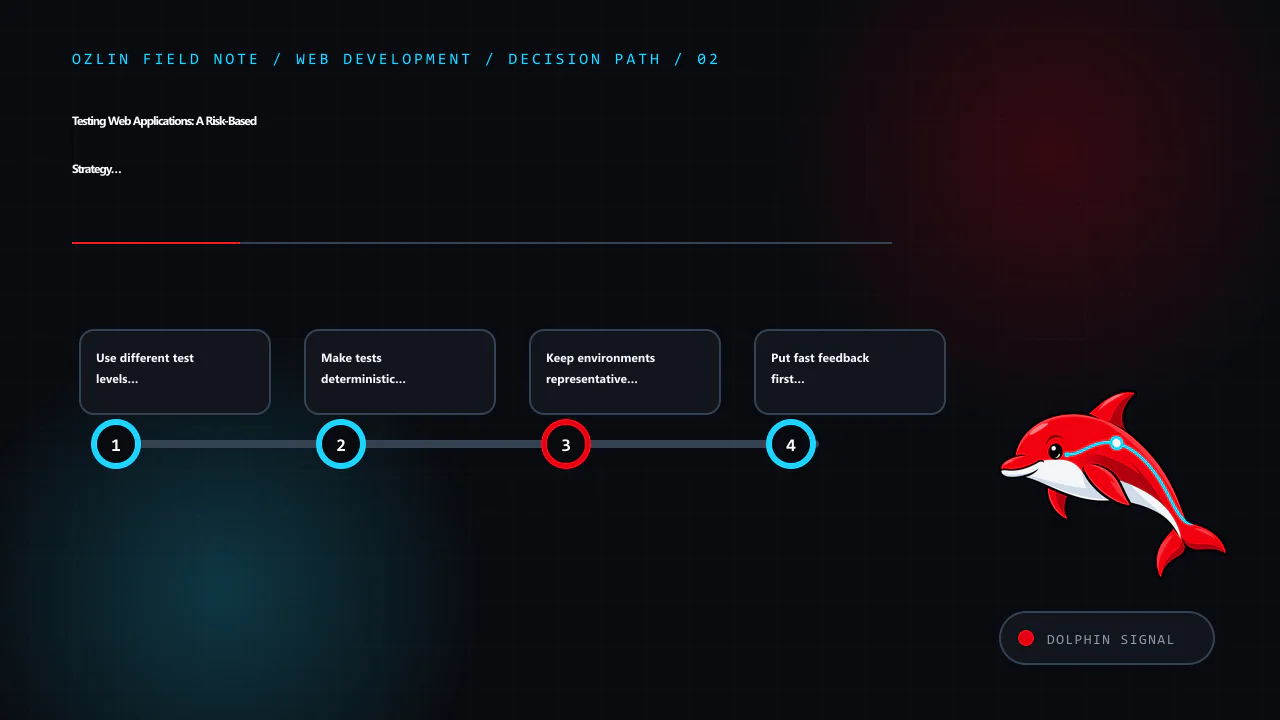
    Decision path for Testing Web Applications: A Risk-Based Strategy That Scales, covering Use different test levels for different questions, Make tests deterministic before adding retries, Keep environments representative…
    Decision path: Use different test levels for different questions; Make tests deterministic before adding retries; Keep environments representative without copying production…; Put fast feedback first in CI.

    Keep environments representative without copying production data

    Test environments should match production in material architecture, configuration shape, database migrations and deployment process. They do not need a copy of personal information. Prefer synthetic records designed around boundary cases. If production-derived data is genuinely necessary, minimise, de-identify, authorise and control it under an appropriate data-handling process.

    Treat test credentials as secrets, rotate them and limit permissions. Ensure email, payment, notification and deletion actions cannot accidentally reach real customers.

    Put fast feedback first in CI

    A practical pipeline might run:

    1. formatting, static analysis and type checks;
    2. fast unit and component tests;
    3. integration and contract tests with disposable dependencies;
    4. build and dependency checks;
    5. a focused browser smoke suite against the release candidate; and
    6. broader scheduled, pre-release or post-deployment checks where justified.

    Parallelise only tests that truly isolate their data and resources. Gate releases on defined critical failures rather than one undifferentiated pass-rate number. Track duration and flaky-test rate so feedback does not slowly become unusable.

    Review the suite as part of product maintenance

    For every defect that escapes, ask which layer could have caught it most cheaply. Add a regression test at that layer and correct the underlying design. Remove obsolete tests when behaviour is intentionally retired. Review slow, duplicate and low-value cases rather than letting the suite grow forever.

    Important qualities still need human work: exploratory testing, usability, accessibility, threat modelling and review of ambiguous requirements. Automation repeats known checks; it does not discover every way a person or system may behave.

    For help designing a release workflow or testing a web application within an agreed scope, see Ozlin Info's web development services or contact Ozlin Info.

    Related reading: Authorised security testing: scope, evidence and safe delivery.


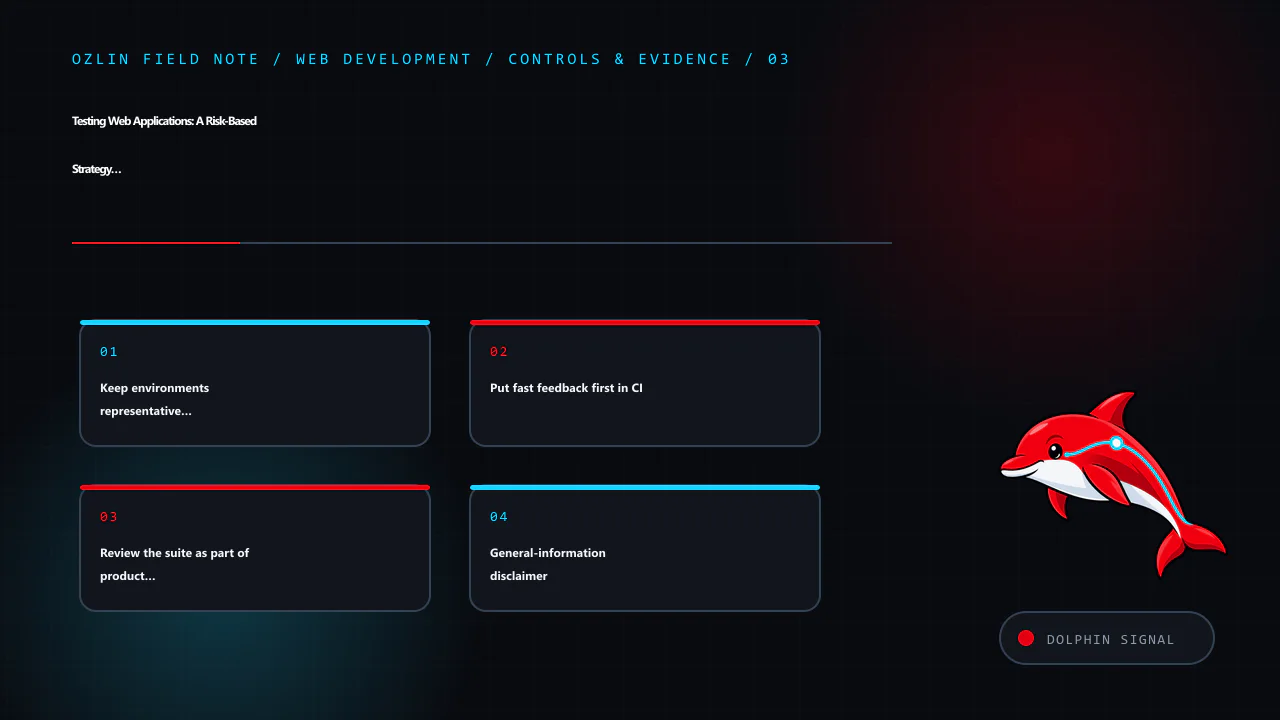
    Control and evidence map for Testing Web Applications: A Risk-Based Strategy That Scales, covering Keep environments representative without copying production…, Put fast feedback first in CI, Review the suite as part of…
    Control and evidence map: Keep environments representative without copying production…; Put fast feedback first in CI; Review the suite as part of product maintenance; General-information disclaimer.

    General-information disclaimer

    This article provides general technical information only. A suitable test strategy depends on the application's risks, architecture, data, users and contractual or regulatory obligations. Testing reduces uncertainty but cannot prove that software has no defects or security weaknesses.

    AI-assistance disclosure

    AI tools assisted with source discovery, outlining and copyediting. A human reviewer must verify the examples, tool behaviour, service claims and publication decision before release. No test coverage or defect-prevention outcome is guaranteed.

    Practical checklist for Testing Web Applications: A Risk-Based Strategy That Scales, covering Review the suite as part of product maintenance, General-information disclaimer, AI-assistance disclosure and related review…
    Practical checklist: Review the suite as part of product maintenance; General-information disclaimer; AI-assistance disclosure; Primary sources checked.

    Primary sources checked

    Source access date: 29 August 2026.

  • Docker Compose in Production: A Defensible Single-Host Pattern

    Docker Compose in Production: A Defensible Single-Host Pattern

    Docker Compose can be a practical production option for a modest application on one well-managed server. It provides a declarative description of services, networks, volumes and runtime configuration, and Docker documents a production workflow using a base Compose file with a production-specific override (Docker Docs — Use Compose in production).

    That does not make one Compose host highly available. The host, storage and Docker daemon can remain single points of failure. If the service requires automatic rescheduling across machines, multi-node availability or sophisticated traffic management, evaluate an orchestrator or managed platform instead of implying that a restart policy solves infrastructure failure.

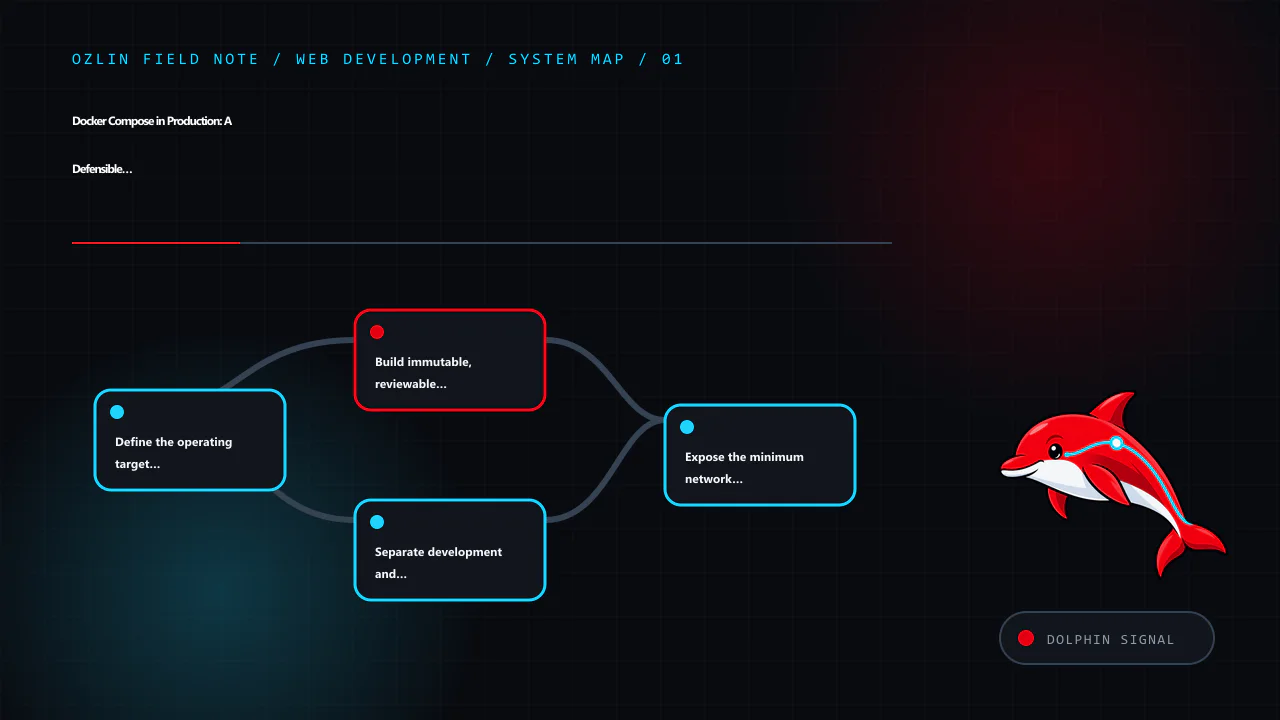
    Article map for Docker Compose in Production: A Defensible Single-Host Pattern, covering Define the operating target first, Build immutable, reviewable images, Separate development and production configuration and relat…
    Article map: Define the operating target first; Build immutable, reviewable images; Separate development and production configuration; Expose the minimum network surface.

    Define the operating target first

    Record the service-level needs before writing YAML:

    • expected traffic and resource profile;
    • tolerable downtime and data loss;
    • backup and restore objectives;
    • public and private network paths;
    • data classification and secrets;
    • patch, release and rollback ownership;
    • monitoring and alert response; and
    • conditions that require migration beyond one host.

    For a small content site, several minutes of controlled recovery may be acceptable. A payment or safety-critical service may need a very different architecture. Compose is a packaging and lifecycle tool, not a substitute for risk assessment.

    Build immutable, reviewable images

    Production application code should normally be inside a versioned image rather than bind-mounted from a mutable source directory. Use a multi-stage Dockerfile so compilers, package managers and build-time credentials stay out of the final runtime image. Choose a small, trusted base image, install only required packages and run as a non-root user where the application permits it.

    Docker notes that tags are mutable. Pinning an image digest improves reproducibility, but it also means the team must deliberately update the digest to receive fixes. Automate notifications or pull requests rather than pinning and forgetting (Docker Docs — Building best practices).

    A defensible release records:

    • source commit and build workflow;
    • image repository, tag and digest;
    • software bill of materials or dependency inventory where appropriate;
    • vulnerability-review result and accepted exceptions;
    • configuration version and database migration; and
    • deployment and rollback evidence.

    Do not bake passwords, API keys or private certificates into an image layer. Removing a secret in a later layer does not reliably erase it from earlier image history.

    Separate development and production configuration

    Keep common service definitions in compose.yaml and apply production differences through a reviewed override such as compose.production.yaml:

    services:
      web:
        image: registry.example.test/acme-web@sha256:REPLACE_WITH_APPROVED_DIGEST
        restart: unless-stopped
        read_only: true
        tmpfs:
          - /tmp
        ports:
          - "127.0.0.1:8080:8080"
        healthcheck:
          test: ["CMD", "wget", "-qO-", "http://127.0.0.1:8080/healthz"]
          interval: 30s
          timeout: 5s
          retries: 3
          start_period: 20s
        security_opt:
          - no-new-privileges:true
        networks:
          - edge
          - app
    
      database:
        image: mysql@sha256:REPLACE_WITH_APPROVED_DIGEST
        restart: unless-stopped
        volumes:
          - db-data:/var/lib/mysql
        networks:
          - app
    
    networks:
      edge: {}
      app:
        internal: true
    
    volumes:
      db-data: {}

    This is an illustration, not a drop-in deployment. The image may not support a read-only filesystem, wget, the shown port or non-root operation. Validate the actual image and application.

    Render the combined configuration before deployment:

    docker compose -f compose.yaml -f compose.production.yaml config

    Review the output for unintended port exposure, missing variables, duplicate mounts and development flags.

    Expose the minimum network surface

    Publish only ports that genuinely need host access. If a reverse proxy on the same host is the only caller, bind the application to loopback rather than every interface. Keep databases and queues on internal networks without published host ports unless an authorised operational requirement says otherwise.

    Network separation reduces accidental reachability but is not an authorisation system. The application must still authenticate callers, authorise actions, validate input and protect transport where traffic crosses an untrusted boundary.

    Avoid privileged containers, host network mode, broad Linux capabilities and Docker socket mounts unless a reviewed use case requires them. Access to the Docker socket is effectively high-impact control of the host.

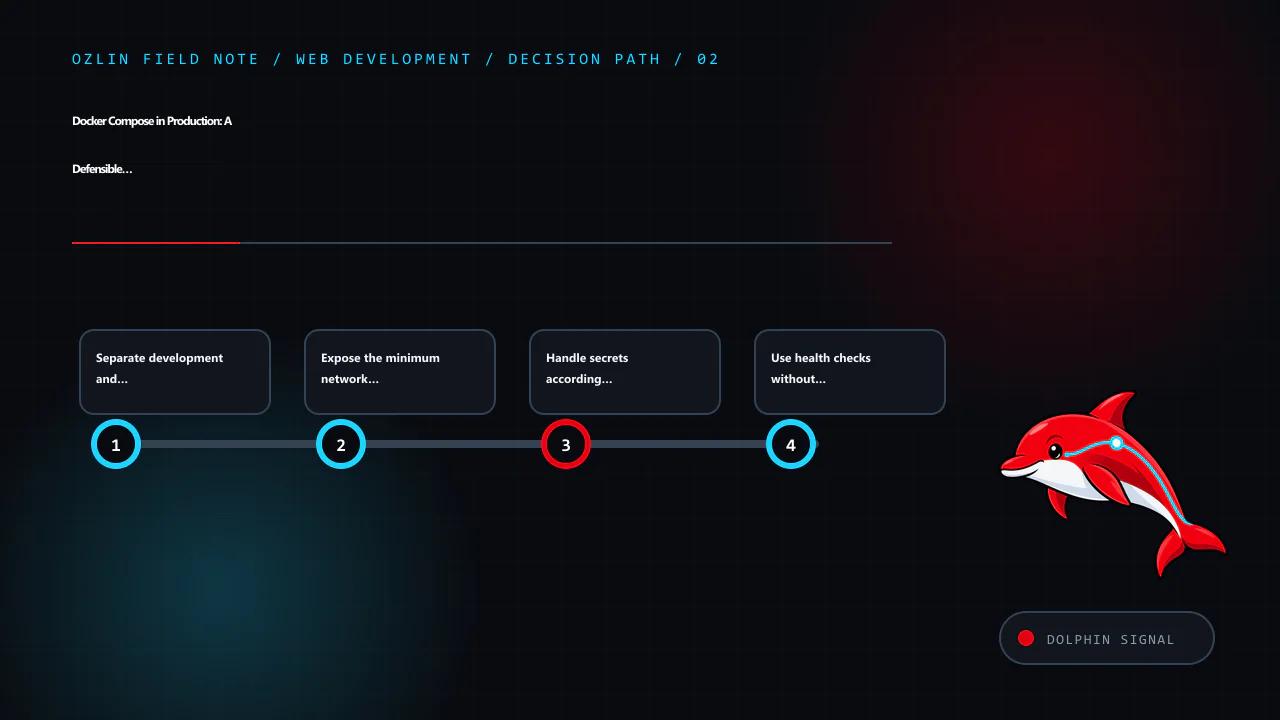
    Decision path for Docker Compose in Production: A Defensible Single-Host Pattern, covering Separate development and production configuration, Expose the minimum network surface, Handle secrets according to the deploymen…
    Decision path: Separate development and production configuration; Expose the minimum network surface; Handle secrets according to the deployment model; Use health checks without confusing them with monitoring.

    Handle secrets according to the deployment model

    Compose can mount declared secrets into a service as files, which is generally preferable to copying them into the image or printing them in environment dumps. On standalone Compose, however, the source secret is still a host file or external resource that the operator must protect. Docker Swarm secrets add encrypted transport and at-rest handling for Swarm services; those guarantees do not automatically apply to every standalone Compose deployment (Docker Docs — Manage sensitive data with Docker secrets).

    Use restrictive host permissions or an appropriate secret manager, grant each service only the secrets it needs, avoid logging values and define rotation. Treat .env as configuration convenience, not an encrypted vault, and keep secret-bearing files out of source control and build context.

    Use health checks without confusing them with monitoring

    A health check should test whether the service can perform a small, representative local function. Compose can wait for a dependency marked service_healthy before creating a dependent service (Docker Docs — Control startup order). This helps startup sequencing, but it does not guarantee that a remote user can reach the application or that every dependency works.

    Combine container health with external availability checks, application metrics, structured logs and host monitoring. Track disk, memory, CPU, file descriptors, container restarts, certificate expiry, backup results and application-specific failures. Put retention and access controls around logs because they may contain personal or security-relevant information.

    Set memory and CPU expectations carefully. A hard limit can contain one service but can also cause abrupt failure under legitimate load. Observe real usage, preserve host capacity and test behaviour when a limit is reached.

    Separate persistent data from disposable containers

    Containers should be replaceable. Store mutable application data in named volumes, bind mounts with explicit ownership or external services. Document exactly what must be backed up: database-consistent data, uploads, configuration, certificates, encryption keys and any queue or object storage required for recovery.

    A copy of a live database directory is not automatically a valid backup. Use the database's supported logical or physical backup method, protect the result and test restoration into an isolated environment. Record recovery time and recovered data point rather than merely checking that a backup file exists.

    Named volumes do not create backups, replication or geographic resilience. They only separate data lifecycle from a particular container.

    Release one controlled change at a time

    A single-host deployment can use this sequence:

    1. build and test the image in CI;
    2. approve the image digest and configuration;
    3. take or verify the required backup;
    4. pull images without replacing running containers;
    5. run backward-compatible database migrations where possible;
    6. recreate the affected service;
    7. verify health, external behaviour, logs and data; and
    8. retain a tested rollback route.

    Docker's production guide shows rebuilding and recreating one service with docker compose build web followed by docker compose up --no-deps -d web. When deploying registry images, use the equivalent controlled pull and up flow for the exact approved reference. Understand that recreating a container can cause brief downtime on one host.

    Rollback must account for data schema. Restoring an earlier application image may fail after an irreversible migration. Prefer expand-and-contract migrations, backups and explicit compatibility windows.

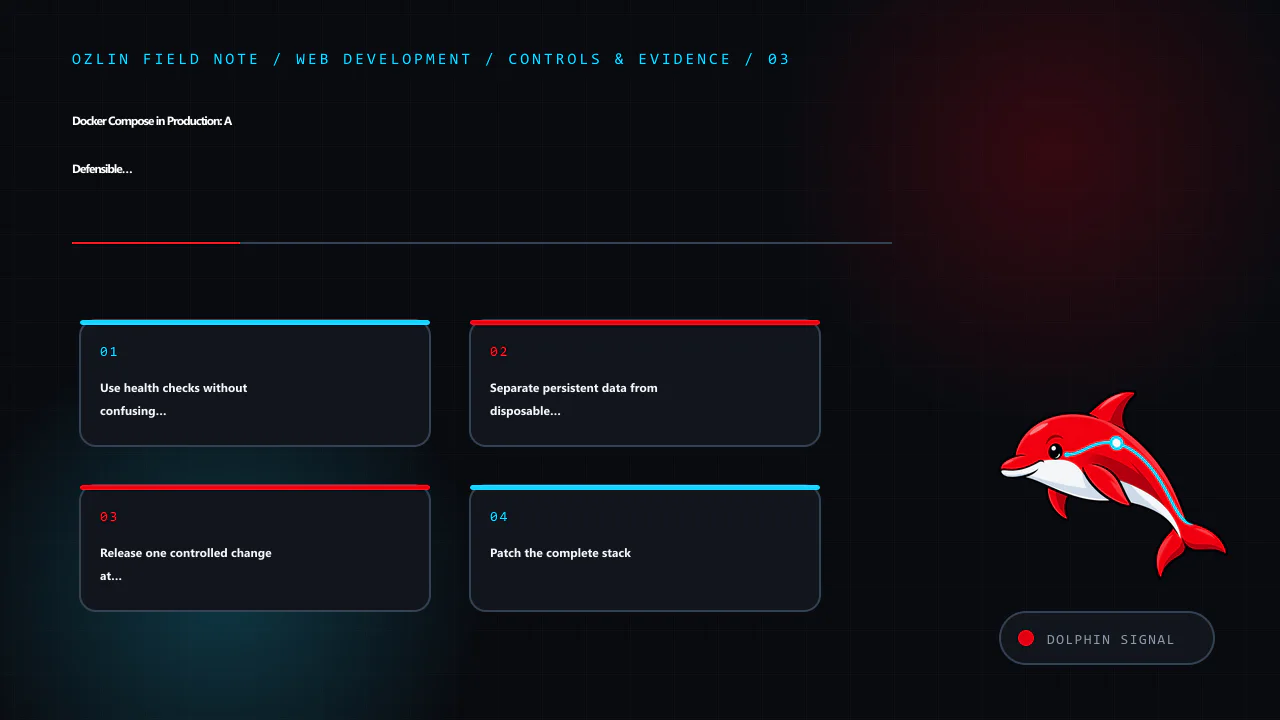
    Control and evidence map for Docker Compose in Production: A Defensible Single-Host Pattern, covering Use health checks without confusing them with monitoring, Separate persistent data from disposable containers, Releas…
    Control and evidence map: Use health checks without confusing them with monitoring; Separate persistent data from disposable containers; Release one controlled change at a time; Patch the complete stack.

    Patch the complete stack

    Rebuild images regularly with updated base images and application dependencies, then test and deploy them. Also patch the host kernel, Docker Engine, Compose plugin and reverse proxy. Schedule reboot paths and verify containers return as expected.

    Review configuration drift with docker compose config, image digests and host records. Do not use latest as an undocumented release decision, and do not enable unattended replacement of stateful services without tested compatibility and rollback.

    For help designing or reviewing a scoped web hosting deployment, see Ozlin Info's web development services or contact Ozlin Info.

    Related reading: Incident response and disaster recovery: design for evidence and recovery.


    General-information disclaimer

    This article provides general technical information only. It is not a complete architecture, security assessment, availability commitment or backup design. Production controls must reflect the actual application, images, host, data and recovery requirements.

    AI-assistance disclosure

    AI tools assisted with source discovery, outlining and copyediting. A human reviewer must validate every command, image capability, deployment assumption, service claim and publication decision before release. No uptime, security or recovery outcome is guaranteed.

    Practical checklist for Docker Compose in Production: A Defensible Single-Host Pattern, covering Patch the complete stack, General-information disclaimer, AI-assistance disclosure and related review points.
    Practical checklist: Patch the complete stack; General-information disclaimer; AI-assistance disclosure; Primary sources checked.

    Primary sources checked

    Source access date: 29 August 2026.

  • MySQL and WordPress Database Performance: Measure Before You Tune

    MySQL and WordPress Database Performance: Measure Before You Tune

    Database tuning begins with a slow user journey and evidence—not a generic cleanup button. A page can wait on PHP, remote APIs, object storage, locks, a cold cache or the browser while the database is behaving normally. Conversely, a fast average can hide one expensive query that affects only administrators or a particular filter.

    For WordPress backed by MySQL, the safest workflow is to reproduce the affected task, measure where time and resources are spent, inspect the responsible query and application call path, make one controlled change, then compare the same evidence.

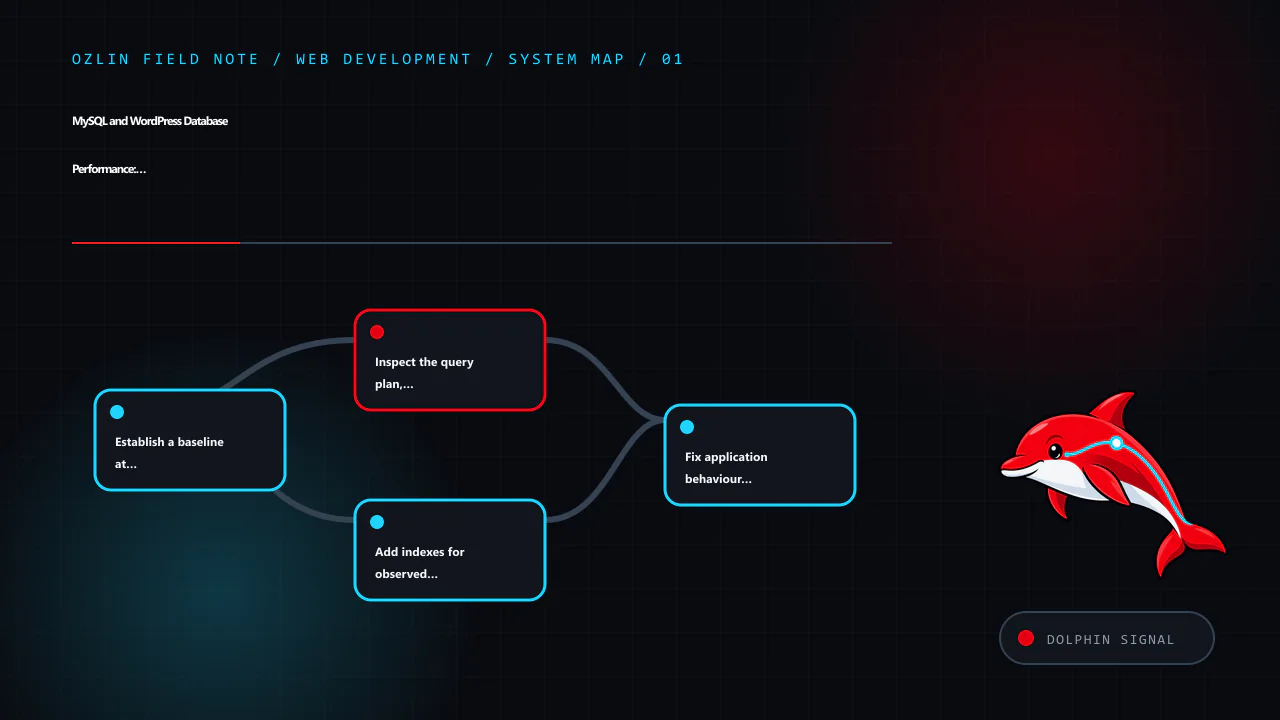
    Article map for MySQL and WordPress Database Performance: Measure Before You Tune, covering Establish a baseline at the user and server layers, Inspect the query plan, not just the SQL text, Add indexes for observed acc…
    Article map: Establish a baseline at the user and server layers; Inspect the query plan, not just the SQL text; Add indexes for observed access patterns; Fix application behaviour before increasing server limits.

    Establish a baseline at the user and server layers

    Record the exact journey, data volume, account role, cache state and time window. Useful observations include:

    • response time at the reverse proxy and application;
    • database query count and cumulative time for the request;
    • slow-query frequency, rows examined and lock time;
    • CPU, memory, disk latency and connection pressure;
    • cache hit and miss behaviour;
    • background jobs or cron activity; and
    • whether the problem occurs on a cold cache, warm cache or both.

    Use production telemetry with appropriate data minimisation, access controls and retention. Reproduce in staging with representative synthetic data when a diagnostic action could add risk or load.

    MySQL's slow query log records statements exceeding long_query_time and can also apply a minimum examined-row threshold. It is a diagnostic source, not something to enable indefinitely without considering volume, sensitive values and storage (MySQL 8.4 — Server Logs). Application performance monitoring can connect a query to a route or request, but inspect how it captures parameters before sending database details to a third party.

    Inspect the query plan, not just the SQL text

    EXPLAIN shows how the optimiser intends to execute a statement, including access type, candidate and selected indexes, join order and estimated rows. EXPLAIN ANALYZE actually runs a supported statement and adds observed iterator timing, row counts and loops. Because it executes the work, use it deliberately—prefer a safe staging environment or a carefully reviewed read query on production (MySQL 8.4 — EXPLAIN).

    Look for evidence such as:

    • far more rows examined than returned;
    • full scans that grow with the table;
    • repeated nested-loop work;
    • sorting or temporary processing on a large result;
    • poor estimates compared with actual rows; and
    • filters or joins that cannot use an appropriate index.

    A full scan is not automatically wrong. It may be optimal for a small table or a query returning much of the table. The question is whether the plan fits the data and workload.

    If estimates appear stale after major data changes, ANALYZE TABLE can refresh statistics. InnoDB determines cardinality estimates using sampled index dives, so estimates are not exact and repeated analysis can produce different values (MySQL 8.4 — ANALYZE TABLE). Do not use ANALYZE TABLE as a ritual without an identified planning problem and change controls.

    Add indexes for observed access patterns

    An index can reduce rows examined for filters, joins and ordered retrieval. It also occupies storage and must be maintained on insert, update and delete. MySQL explicitly cautions that unnecessary indexes waste space and increase write work (MySQL 8.4 — Optimization and Indexes).

    For a candidate composite index, consider:

    • columns used together in equality and range predicates;
    • join columns and data types;
    • sort order and limit;
    • selectivity in the real dataset;
    • the leftmost-prefix behaviour of a B-tree index;
    • existing overlapping indexes; and
    • impact on writes and maintenance.

    Test the plan and workload before and after. A forced index hint can mask stale statistics or an incomplete model and may become harmful as data changes.

    In WordPress, do not alter core table structures casually. A plugin query may need an application-level redesign, a supported plugin index or a purpose-built table rather than another index on wp_postmeta. Meta queries across large, weakly selective values can remain expensive even after a plausible index is added.

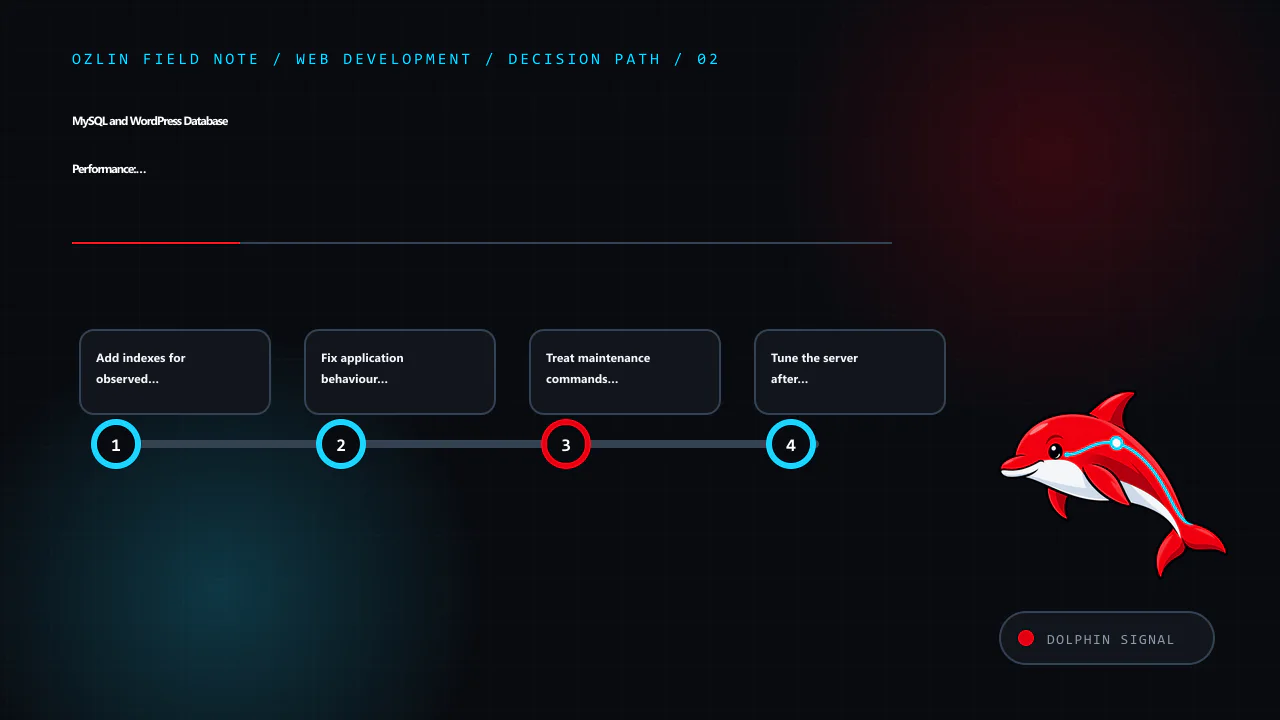
    Decision path for MySQL and WordPress Database Performance: Measure Before You Tune, covering Add indexes for observed access patterns, Fix application behaviour before increasing server limits, Treat maintenance comman…
    Decision path: Add indexes for observed access patterns; Fix application behaviour before increasing server limits; Treat maintenance commands as changes; Tune the server after the workload is understood.

    Fix application behaviour before increasing server limits

    Common application problems include:

    • an N+1 pattern that fetches related records one at a time;
    • selecting unused columns or unlimited result sets;
    • running the same query repeatedly during one request;
    • loading large option values on every page;
    • synchronous work that belongs in a bounded background job;
    • remote calls inside a database transaction; and
    • missing pagination or an unbounded administrative report.

    Correcting one query pattern is usually more durable than allocating more memory to execute it faster. Use the WordPress APIs and prepared queries rather than constructing SQL from untrusted input. Performance work must not weaken authorisation or validation.

    Review WordPress autoloaded options

    Autoloaded options are loaded with every WordPress request. A plugin or theme can leave large or obsolete values in wp_options, increasing memory and transfer work across the site. WordPress's current administration guidance says excessive autoloaded options can slow a site and gives a general target of keeping them below 800 KB, but treat that number as an investigation trigger rather than a universal guarantee (WordPress — Optimization).

    Inventory the largest autoloaded values, identify their owner and confirm whether they are required on most requests. Do not directly delete unfamiliar rows. Some values are active configuration or serialised structures; an unsupported change can break the site.

    Cache only where correctness is defined

    WordPress's Transients API stores temporary cached data with an expiration. A transient may disappear before its nominal expiry, so the application must be able to regenerate it (WordPress — Transients API). A persistent object cache can reduce repeated database reads across requests, but it introduces capacity, eviction, invalidation and operational dependencies.

    For each cached value, define:

    • the key and tenant or user scope;
    • maximum acceptable staleness;
    • invalidation triggers;
    • behaviour on a miss or cache outage;
    • size and retention; and
    • whether personal or confidential data is appropriate to store.

    Do not cache an authorisation decision longer than the underlying access can safely remain valid. Avoid cache keys that let one user's result reach another.

    Treat maintenance commands as changes

    OPTIMIZE TABLE is often advertised as routine WordPress cleanup. For InnoDB, MySQL maps it to ALTER TABLE ... FORCE, rebuilding the table to update statistics and reclaim unused space in the clustered index (MySQL 8.4 — OPTIMIZE TABLE). A rebuild can require time, I/O, temporary space and operational coordination. Run it only for an evidenced need with backups, capacity checks and an understood locking/online-DDL path.

    Deleting expired transients, old revisions or logs may reduce storage, but retention must be intentional. Confirm plugin behaviour, legal or business requirements and rollback before removing records. Database “repair” plugins with broad write access add their own supply-chain and operational risk.

    Tune the server after the workload is understood

    MySQL buffer, connection and I/O settings depend on engine, dataset, concurrency, available memory and other services on the host. Copying a large-server configuration into a small container can trigger swapping or out-of-memory termination. Container memory limits do not make oversized MySQL settings safe.

    Measure the working set, peak connections, temporary object use, disk latency and buffer-pool behaviour. Change one group of settings with a hypothesis and compare during a representative period. Preserve capacity for the operating system, web workers, caches and backup jobs.

    Connection pooling or persistent connections can reduce setup overhead but also multiply idle sessions or stale transactions if application workers and limits are not coordinated.

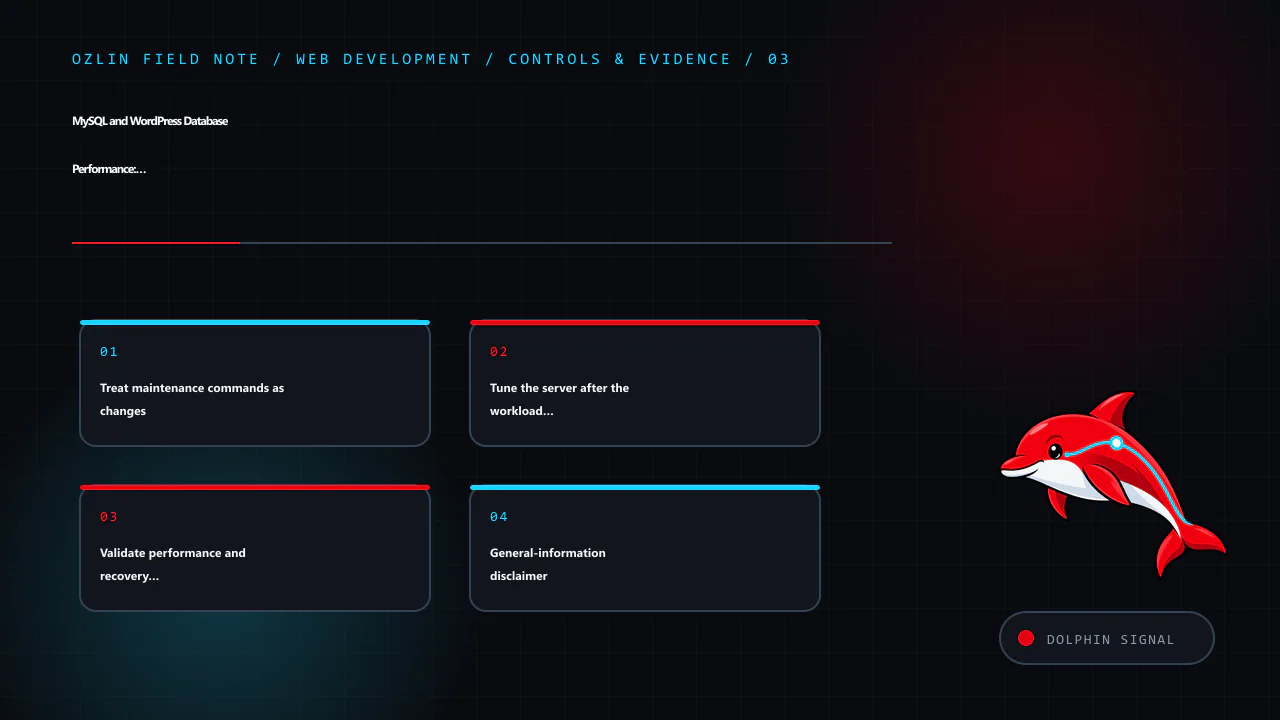
    Control and evidence map for MySQL and WordPress Database Performance: Measure Before You Tune, covering Treat maintenance commands as changes, Tune the server after the workload is understood, Validate performance and…
    Control and evidence map: Treat maintenance commands as changes; Tune the server after the workload is understood; Validate performance and recovery together; General-information disclaimer.

    Validate performance and recovery together

    Before a schema, cleanup or configuration change:

    1. take a database-consistent backup using a supported method;
    2. verify available disk and temporary space;
    3. record the original configuration and plan;
    4. test the change and rollback in a representative environment;
    5. deploy during an appropriate window; and
    6. verify both the target journey and unrelated critical workflows.

    A backup is credible only after a restore test. Monitor for regressions in writes, replication if used, background jobs and cache behaviour—not just the one query that improved.

    For help profiling a WordPress application or planning a scoped performance change, see Ozlin Info's web development services or contact Ozlin Info.

    Related reading: 10 WordPress performance checks before optimisation.


    General-information disclaimer

    This article provides general technical information only. Commands and settings must be assessed against the actual database version, workload, data, hosting design and recovery requirements. Performance changes can cause downtime or data loss if applied without appropriate review and backups.

    AI-assistance disclosure

    AI tools assisted with source discovery, outlining and copyediting. A human reviewer must verify all database statements, operational assumptions, service claims and the publication decision before release. No performance improvement or availability outcome is guaranteed.

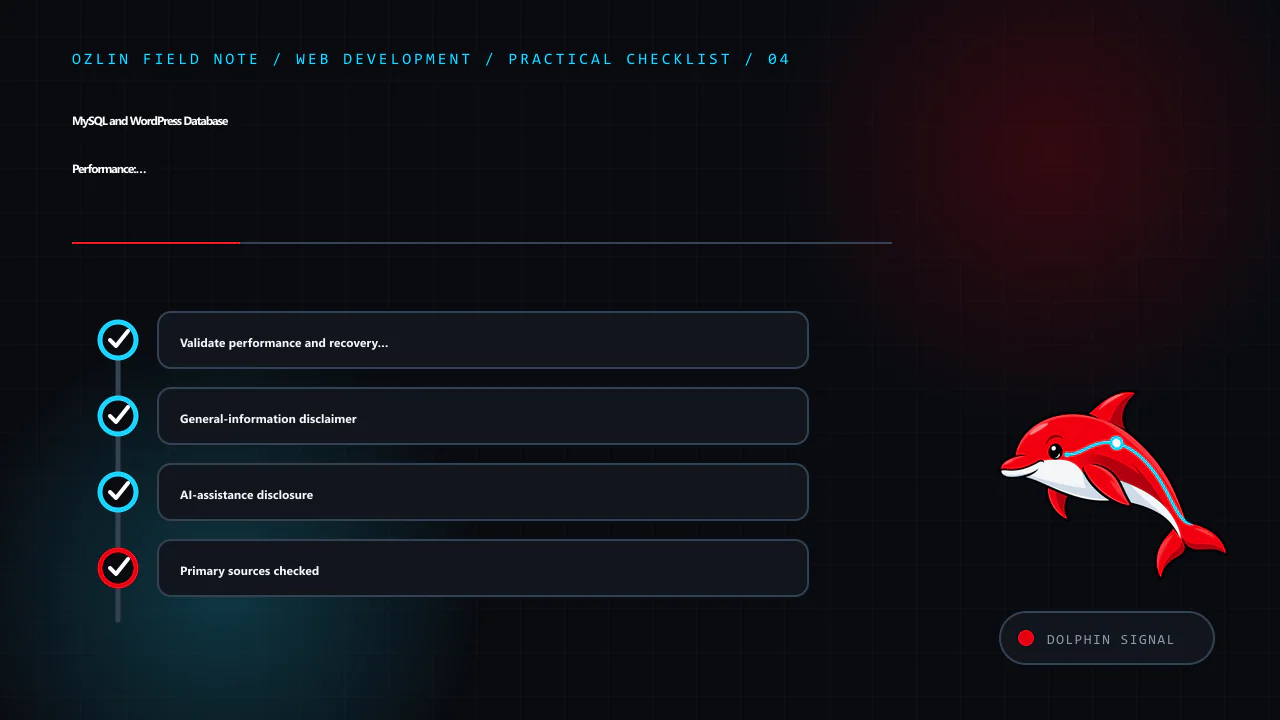
    Practical checklist for MySQL and WordPress Database Performance: Measure Before You Tune, covering Validate performance and recovery together, General-information disclaimer, AI-assistance disclosure and related review…
    Practical checklist: Validate performance and recovery together; General-information disclaimer; AI-assistance disclosure; Primary sources checked.

    Primary sources checked

    Source access date: 29 August 2026.

  • Progressive Web Apps: Design the Experience Before the Install Prompt

    Progressive Web Apps: Design the Experience Before the Install Prompt

    A progressive web app (PWA) is still a website. It uses web platform capabilities to offer an experience that can include installation, standalone display, resilience to unreliable networks and selected device integrations. Those capabilities vary by browser and operating system, and none of them rescues a slow, inaccessible or confusing service.
    Begin with a user problem. A field worker may need to reopen assigned jobs with intermittent connectivity. A returning customer may value a home-screen launch and fast account access. A marketing site with occasional visits may gain little from an install prompt or a service worker that adds caching complexity.

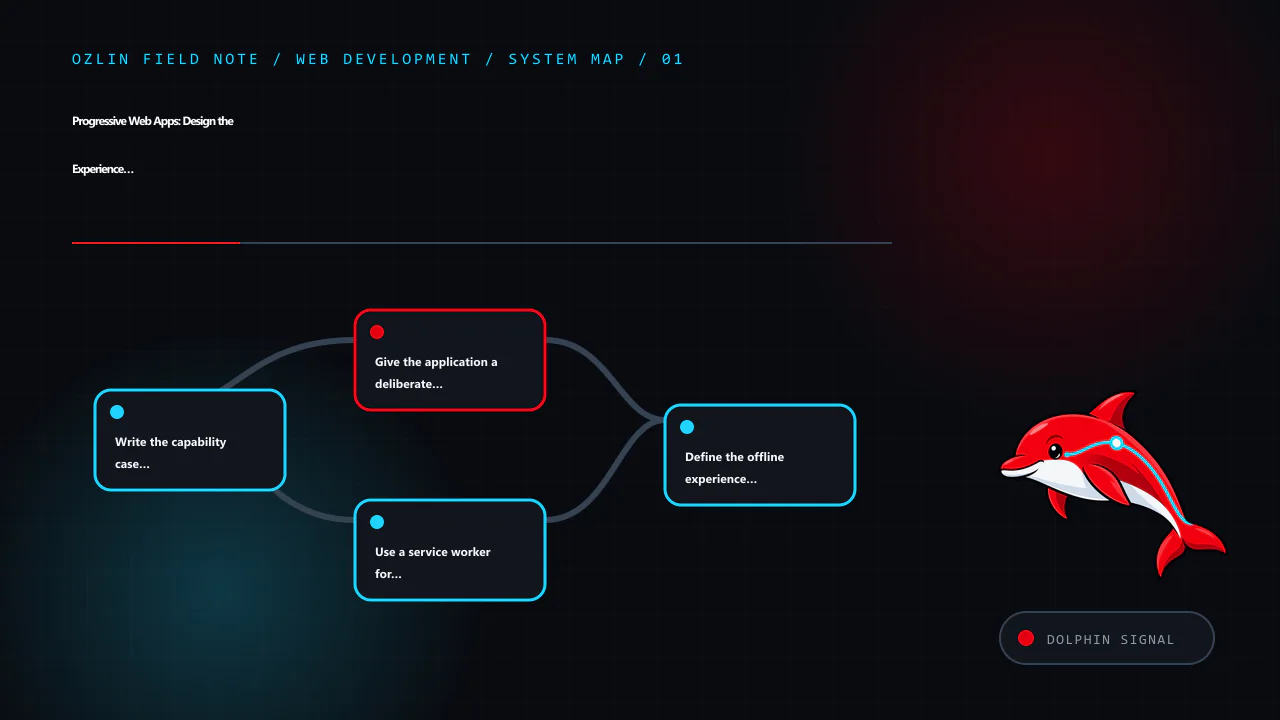
    Article map for Progressive Web Apps: Design the Experience Before the Install Prompt, covering Write the capability case before the implementation, Give the application a deliberate manifest, Use a service worker for a…
    Article map: Write the capability case before the implementation; Give the application a deliberate manifest; Use a service worker for a bounded reliability goal; Define the offline experience honestly.

    Write the capability case before the implementation

    For each proposed feature, record:

    • the task and user group it supports;
    • required browser and operating-system coverage;
    • what should work online, offline and during partial failure;
    • data sensitivity and local-storage implications;
    • update and recovery behaviour;
    • accessibility and permission experience; and
    • a fallback when the capability is unavailable.

    Use progressive enhancement: start with usable HTML, navigation and server responses, then add capabilities when the runtime supports them. Do not block a browser-only visitor because installation, push, background sync or another optional API is absent.

    Give the application a deliberate manifest

    A web app manifest is a JSON document that supplies application metadata such as name, icons, start URL, display mode and navigation scope. The W3C specification describes it as a central place for metadata used when launching and presenting an installed web application (W3C — Web Application Manifest).

    A small example is:

    {
      "name": "Acme Field Notes",
      "short_name": "Field Notes",
      "start_url": "/app/",
      "scope": "/app/",
      "display": "standalone",
      "background_color": "#0B0D12",
      "theme_color": "#C51F32",
      "icons": [
        {
          "src": "/assets/icon-192.png",
          "sizes": "192x192",
          "type": "image/png"
        },
        {
          "src": "/assets/icon-512.png",
          "sizes": "512x512",
          "type": "image/png",
          "purpose": "any maskable"
        }
      ]
    }

    The paths, icons and colours must be real and suitable for the application. Declare scope deliberately so navigation outside the application is handled predictably. Test icon masks and contrast on target platforms rather than assuming one square asset will render well everywhere.

    Installability criteria and presentation are browser decisions that change over time. A manifest is important but does not guarantee that every browser will show the same prompt or installed experience. Explain installation as an optional feature, and avoid repeatedly interrupting visitors who dismiss it.
    Use a service worker for a bounded reliability goal

    A service worker can intercept network requests and respond from the network, Cache Storage or constructed responses. It has install and activate lifecycle events and can be terminated when no event needs handling; application design should not treat it as a continuously running server (W3C — Service Workers).

    Service workers normally require a secure context. HTTPS is also necessary to protect application code and data from network modification.

    Choose caching by resource type and freshness requirement:

    • Cache first: appropriate for versioned, immutable interface assets when a cached response is safe.
    • Network first: useful when current data matters but a known cached response can provide a fallback.
    • Stale while revalidate: serves a cached response promptly and refreshes it for a later request.
    • Network only: appropriate for sensitive or mutation requests that must reach the server.

    These are design patterns, not universal rules. web.dev's PWA guidance notes that Cache Storage does not automatically update or delete assets when the server changes; the application owns versioning and cleanup (web.dev — PWA Caching).

    Do not cache every request indiscriminately. Avoid storing authentication responses, personalised pages or sensitive API data unless the threat model, expiry, logout and device-sharing behaviour are understood. Cache names and storage are origin-scoped, which matters when several applications share one origin.

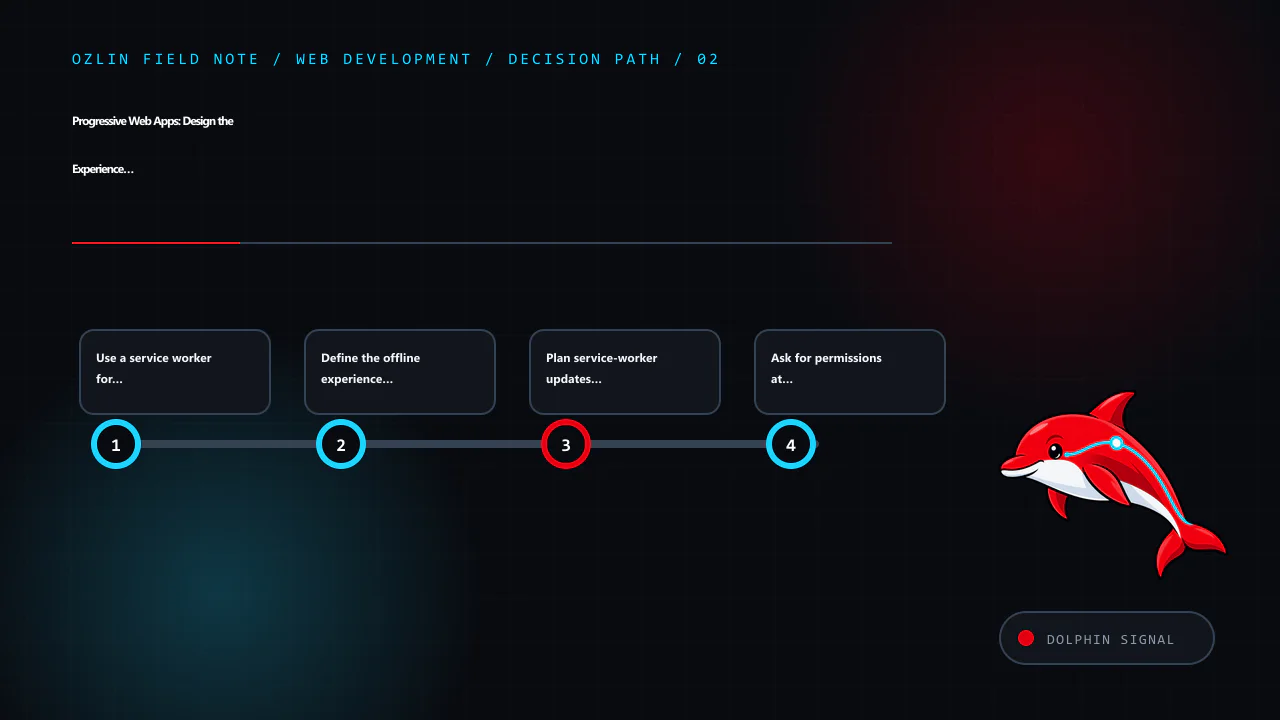
    Decision path for Progressive Web Apps: Design the Experience Before the Install Prompt, covering Use a service worker for a bounded reliability goal, Define the offline experience honestly, Plan service-worker updates…
    Decision path: Use a service worker for a bounded reliability goal; Define the offline experience honestly; Plan service-worker updates as a product flow; Ask for permissions at the moment of value.

    Define the offline experience honestly

    “Offline capable” does not have to mean that every feature works without a network. A useful minimum can be a branded explanation, previously viewed non-sensitive information and a clear list of actions that require reconnection. A transactional application may need a queue, conflict resolution and user-visible sync status.

    For an offline mutation, define:

    1. when the action is considered accepted;
    2. how it is stored and encrypted if necessary;
    3. how duplicate submission is prevented;
    4. retry limits and backoff;
    5. conflict rules when server data changed;
    6. how the user sees pending, failed and completed states; and
    7. how queued data is removed on logout or account change.

    Do not tell a user “saved” if the record only exists in a fragile local queue without explaining the state. Test storage eviction, low disk space, browser data clearing and a device shared between accounts.

    Plan service-worker updates as a product flow

    When a service-worker script changes, the browser can install a new worker while the existing version continues controlling open pages. A new version may wait until old clients close. Forcing immediate activation can leave an old page talking to new cached code or data.

    Choose whether updates apply on the next launch or through a visible “update available” action. Preserve unsaved work, version caches and remove obsolete entries during an appropriate lifecycle phase. web.dev cautions that deleting or renaming the service-worker file does not unregister existing installations, and that new versions do not automatically remove old cached assets (web.dev — PWA Update).

    Test upgrades from at least the currently deployed version, not only a clean installation.

    Ask for permissions at the moment of value

    Push notifications, camera, location and other device capabilities can be useful, but permission prompts without context are easy to deny and can damage trust. Explain the feature and ask only after the user takes an action that needs it. Provide a useful experience if permission is denied or later revoked.

    Push delivery is not guaranteed and must not be the sole channel for safety-critical or contractual communication. Give users meaningful subscription controls and do not infer consent for unrelated marketing.

    Test the web, installed and degraded states

    The test matrix should include:

    • supported browsers and operating systems;
    • normal browser tab and installed display modes;
    • first visit, return visit and upgrade from an older worker;
    • fast, slow, intermittent and offline networks;
    • cache eviction and storage denial;
    • logged-out, logged-in and account-switch states;
    • keyboard, zoom and screen-reader tasks;
    • deep links within and outside manifest scope; and
    • denied, granted and revoked permissions.

    Measure the same user outcomes as any web application: task completion, accessibility, response and interaction performance, reliability and support burden. Installation count alone does not show that people receive value.

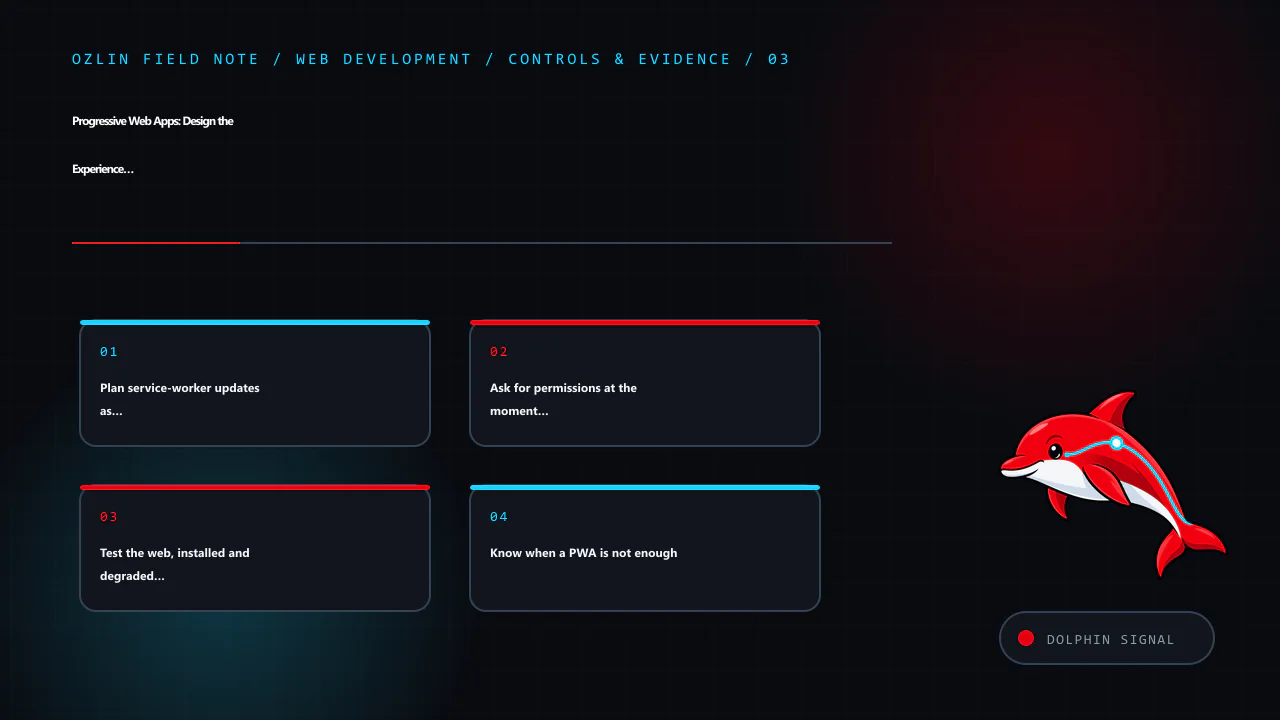
    Control and evidence map for Progressive Web Apps: Design the Experience Before the Install Prompt, covering Plan service-worker updates as a product flow, Ask for permissions at the moment of value, Test the web, insta…
    Control and evidence map: Plan service-worker updates as a product flow; Ask for permissions at the moment of value; Test the web, installed and degraded states; Know when a PWA is not enough.

    Know when a PWA is not enough

    A PWA may be unsuitable where the product depends on a platform API that target browsers do not expose, strict background execution, a required store distribution model or specialised hardware integration. A conventional responsive site may also be simpler and better for an occasional public-information journey.

    Compare a PWA, packaged web approach, cross-platform framework and native application against the actual capability matrix, team skills, lifecycle cost and user expectations. “One codebase” does not mean one identical behaviour on every device.

    For help evaluating or building a progressive web experience within a defined browser and feature scope, see Ozlin Info's web development services or contact Ozlin Info.

    Related reading: Web accessibility with WCAG 2.2: a practical delivery guide.


    General-information disclaimer

    This article provides general technical information only. Browser capabilities, installability rules and platform policies change, and a production PWA requires validation against the actual target devices, data and risk profile.

    AI-assistance disclosure

    AI tools assisted with source discovery, outlining and copyediting. A human reviewer must verify the manifest, caching, storage, permission and platform statements before publication. No installation, compatibility, offline or business outcome is guaranteed.

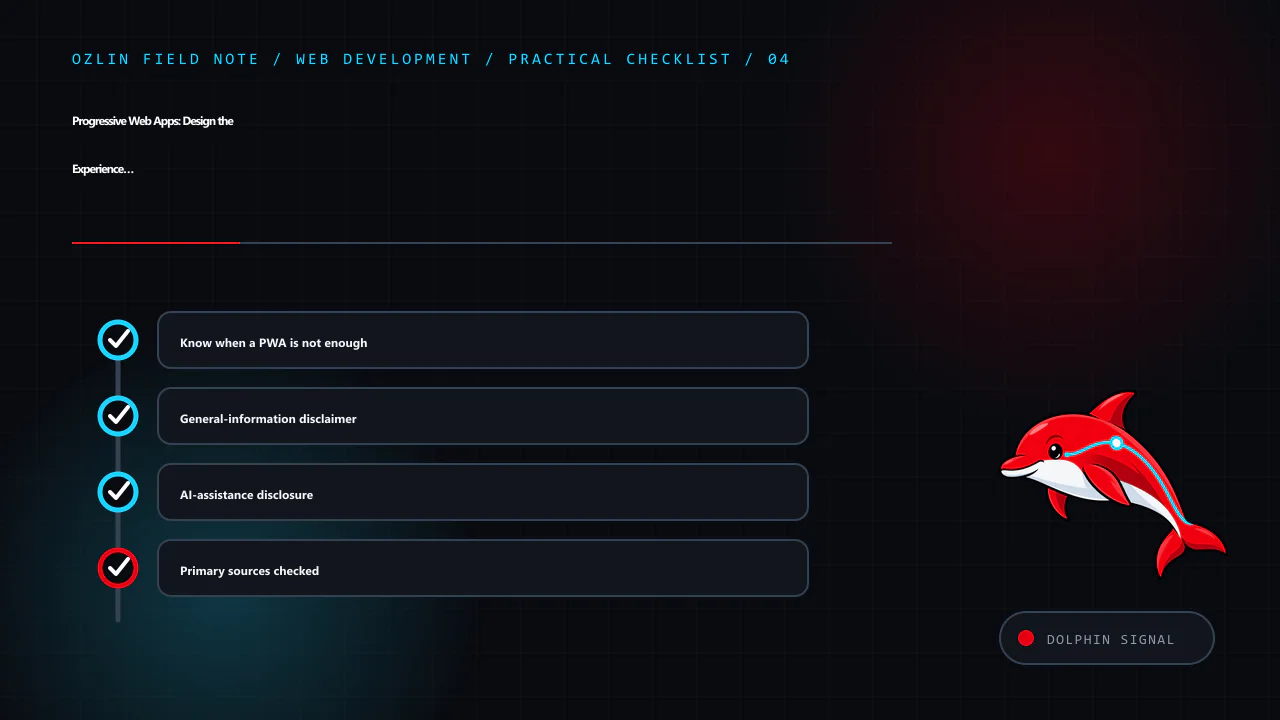
    Practical checklist for Progressive Web Apps: Design the Experience Before the Install Prompt, covering Know when a PWA is not enough, General-information disclaimer, AI-assistance disclosure and related review points.
    Practical checklist: Know when a PWA is not enough; General-information disclaimer; AI-assistance disclosure; Primary sources checked.

    Primary sources checked

    Source access date: 29 August 2026.

  • Web Performance: Diagnose Real User Experience Before Optimising

    Web Performance: Diagnose Real User Experience Before Optimising

    Web performance is the experience of waiting for useful content, interacting with it and keeping the page visually stable. It is not one synthetic score and not a one-time compression exercise. Device capability, network, geography, cache state, account state and page content all affect what a visitor experiences.

    The most productive workflow is evidence-led: identify a slow user task, measure it in the field, reproduce it in a controlled lab, find the limiting part, make one change and confirm the result for real users.

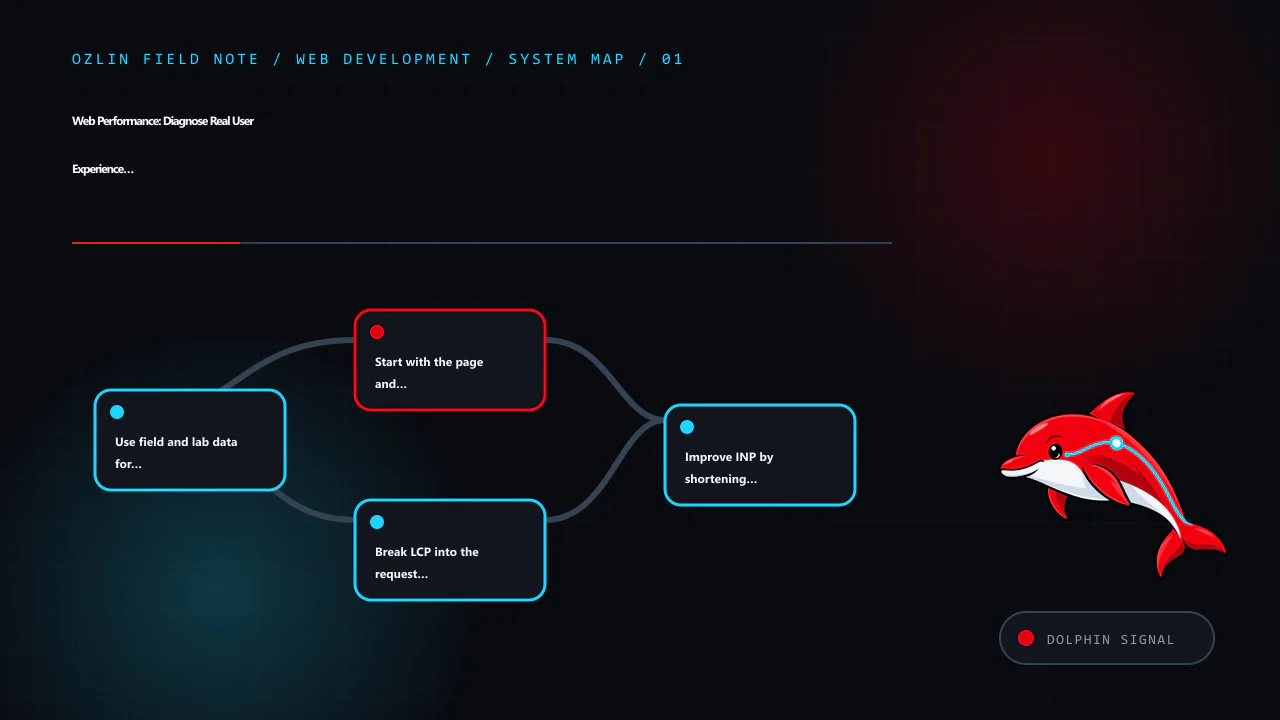
    Article map for Web Performance: Diagnose Real User Experience Before Optimising, covering Use field and lab data for different questions, Start with the page and task that matters, Break LCP into the request and render…
    Article map: Use field and lab data for different questions; Start with the page and task that matters; Break LCP into the request and rendering path; Improve INP by shortening main-thread work.

    Use field and lab data for different questions

    Field data describes visits on real devices and networks. It can show distributions, route differences and whether a problem affects mobile users, a region or a particular template. Lab tools make the environment repeatable and expose network waterfalls, main-thread work, layout shifts and rendering detail.

    Neither replaces the other. A lab run cannot represent every customer, while a field percentile rarely tells a developer exactly which script or image caused the delay.

    For Core Web Vitals, evaluate the 75th percentile of page visits separately for mobile and desktop where the data permits it. Current “good” thresholds are:

    Metric What it represents Good threshold
    Largest Contentful Paint (LCP) Loading of the largest visible content element 2.5 seconds or less
    Interaction to Next Paint (INP) Overall responsiveness to click, tap and keyboard interactions 200 milliseconds or less
    Cumulative Layout Shift (CLS) Unexpected visual movement 0.1 or less

    These thresholds are guidance for classifying experience, not a guarantee of usability, conversion or search position. A site can meet them and still have an inaccessible form, broken checkout or slow task after the measured page state (web.dev — LCP; web.dev — INP; web.dev — CLS).

    Start with the page and task that matters

    Segment by template and journey before optimising the global average. A home page, article, product listing and logged-in dashboard have different content and dependencies. Record:

    • target URL and navigation path;
    • device and viewport;
    • network and geographic path;
    • cold and warm cache;
    • consent and authentication state;
    • content or experiment variant; and
    • field time range and sample size.

    Define a performance budget for assets and behaviour: maximum initial JavaScript, image bytes, third-party requests, font files, server response and long tasks. A budget makes performance reviewable during delivery rather than a rescue project after launch.

    Break LCP into the request and rendering path

    LCP includes time before the HTML arrives, delay before the LCP resource starts loading, the resource transfer and delay before the browser paints it. Improve the dominant part instead of applying generic minification.

    Reduce server and connection delay

    Trace DNS, TLS, redirects, edge routing, reverse proxy, application, database and remote APIs. Remove avoidable redirects, cache safe public responses, keep the application and database appropriately close, and fix slow queries or synchronous external calls. A content delivery network can shorten delivery for cacheable resources but does not repair slow origin generation or incorrect cache rules.

    Measure time to first byte in context. A fast synthetic response from a nearby location does not represent a personalised request from another region.

    Make the LCP resource discoverable

    If the main image is only inserted after JavaScript runs or hidden in a CSS background, the browser may discover it late. Put important content in the initial HTML where appropriate, use responsive image markup and avoid lazy-loading an above-the-fold LCP image. Apply priority hints only after confirming discovery order; prioritising everything means nothing is prioritised.

    Serve an image with dimensions and an appropriate intrinsic size. Compare AVIF, WebP and conventional fallbacks at acceptable visual quality instead of assuming one format always wins.

    Remove render delay

    Limit render-blocking CSS to what the initial view needs, keep style rules maintainable and defer non-critical work. Font loading, large client-rendered bundles and long main-thread tasks can delay paint even after the resource arrived. Server-rendered or statically generated content may improve time to content when a marketing or article page does not need a client-only application.

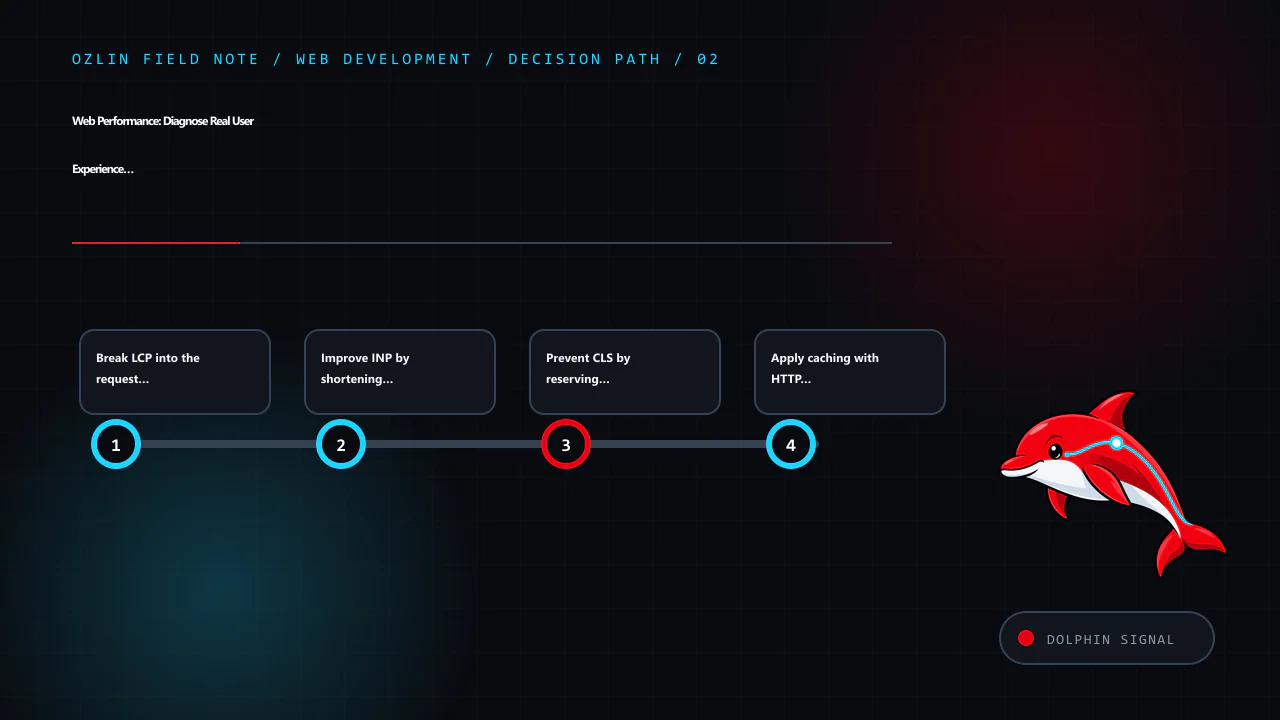
    Decision path for Web Performance: Diagnose Real User Experience Before Optimising, covering Break LCP into the request and rendering path, Improve INP by shortening main-thread work, Prevent CLS by reserving space and…
    Decision path: Break LCP into the request and rendering path; Improve INP by shortening main-thread work; Prevent CLS by reserving space; Apply caching with HTTP semantics.

    Improve INP by shortening main-thread work

    INP observes interaction latency across the page visit and usually reports the worst interaction, with an outlier adjustment for pages with many interactions. A slow interaction can include input delay, event-handler work and delay before the next paint.

    Profile the actual slow interaction. Common improvements include:

    • remove unused third-party and application JavaScript;
    • split long tasks and yield so the browser can update;
    • avoid repeated synchronous layout reads and writes;
    • render or virtualise only the visible part of a large list;
    • debounce or schedule non-essential work without delaying critical feedback;
    • move suitable computation to a worker; and
    • show immediate, accessible feedback while longer work continues.

    Do not make an interface appear responsive by acknowledging a destructive action before the server has safely accepted it. Performance must preserve correctness and communicate pending, success and failure states.

    Third-party tags, chat widgets, A/B tests and consent tools execute in the same page. Give each an owner, purpose and performance budget; remove campaigns and integrations that are no longer used.

    Prevent CLS by reserving space

    CLS measures unexpected movement, not animation in general. Common causes include images without dimensions, late ads or embeds, injected banners and font changes.

    Set width and height or an aspect ratio for images and video. Reserve realistic space for embeds, cookie notices and dynamic results. Insert new content below the current focus where possible, or allocate its space before an asynchronous response arrives. Use font metrics and fallbacks that reduce reflow.

    A layout shift immediately following a user action may be excluded from the metric, but it can still be confusing or move a control away from a keyboard or magnification user. Review the experience, not just the number.

    Apply caching with HTTP semantics

    Cache versioned static assets for a long period and change their URL when content changes. For HTML and API responses, define freshness, validators and private/shared behaviour based on the data. Cache-Control: no-store, private, Vary, ETags and conditional requests have distinct semantics; a broad CDN “cache everything” rule can expose personalised content.

    RFC 9111 describes an HTTP cache key as including at least the method and target URI, with additional request fields where selected by Vary (RFC 9111 — HTTP Caching). Test authenticated, consent, language and device variants before enabling shared caching.

    A service worker adds another cache with its own lifecycle. Use it only for a defined reliability goal and plan invalidation; it can serve stale or incompatible code if updates are mishandled.

    Optimise images, fonts and CSS as systems

    For images:

    • choose dimensions for the rendered slot and device density;
    • use srcset and sizes so the browser can select a candidate;
    • compare codecs at representative quality;
    • lazy-load below-the-fold images, not the primary LCP image;
    • preserve width and height; and
    • remove metadata only where it is not required.

    For fonts, use only needed families, weights and character sets, preload sparingly and choose an appropriate font-display strategy. System fonts can be a strong option where brand requirements allow. Ensure fallbacks do not create severe layout shifts.

    For CSS, remove truly unused rules with a build process that understands dynamic class names. Do not trade maintainability or accessibility for a tiny byte reduction without measurable benefit.

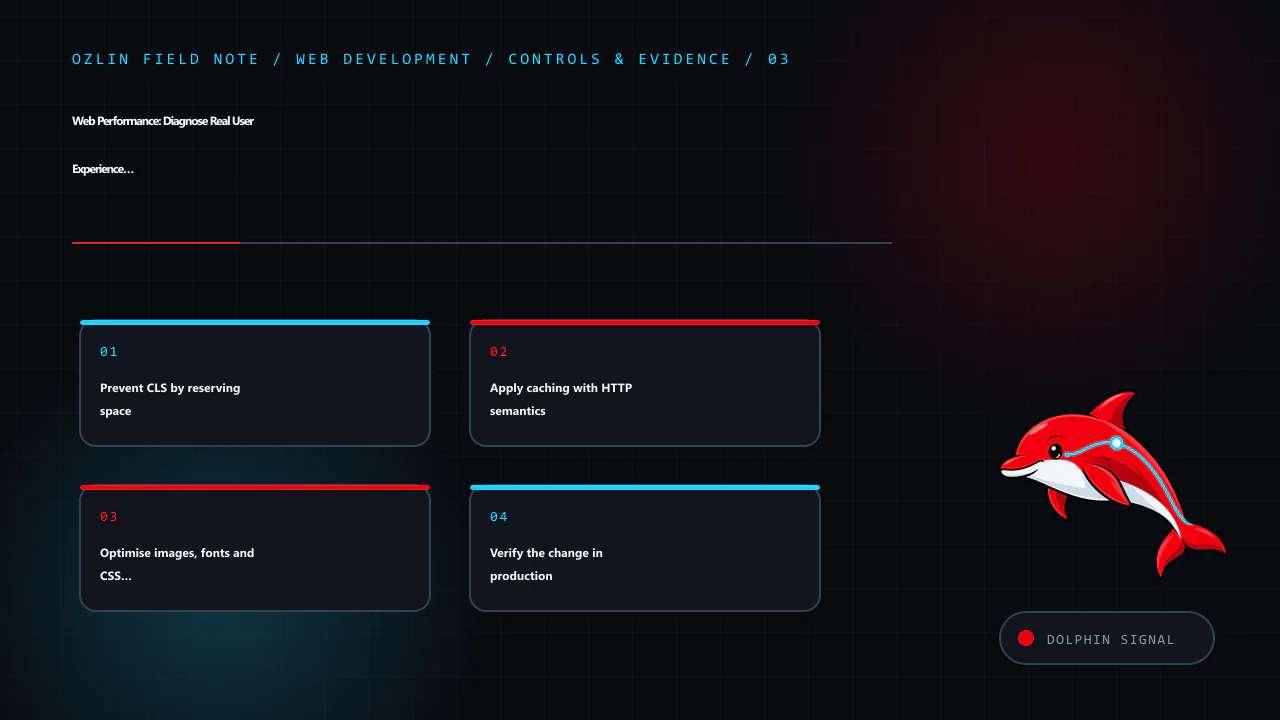
    Control and evidence map for Web Performance: Diagnose Real User Experience Before Optimising, covering Prevent CLS by reserving space, Apply caching with HTTP semantics, Optimise images, fonts and CSS as systems and re…
    Control and evidence map: Prevent CLS by reserving space; Apply caching with HTTP semantics; Optimise images, fonts and CSS as systems; Verify the change in production.

    Verify the change in production

    After deployment:

    1. check errors, availability and critical tasks;
    2. compare controlled lab traces under the same conditions;
    3. watch field distributions long enough to account for cache and traffic mix;
    4. check slower devices and regions, not only the median;
    5. verify accessibility, analytics and consent behaviour; and
    6. keep rollback available.

    Core Web Vitals field data may move gradually as new visits enter the reporting window. Use your own real-user monitoring for faster diagnostics, with appropriate privacy and sampling controls.

    For help auditing a WordPress or custom website performance path, see Ozlin Info's web development services or contact Ozlin Info.

    Related reading: MySQL and WordPress database performance: measure before you tune.


    General-information disclaimer

    This article provides general technical information only. Performance results depend on the actual site, users, devices, networks and measurement design. Core Web Vitals targets do not guarantee accessibility, revenue, search position or business outcomes.

    AI-assistance disclosure

    AI tools assisted with source discovery, outlining and copyediting. A human reviewer must verify the current metric definitions, technical recommendations, service claims and publication decision before release. No performance or ranking outcome is guaranteed.

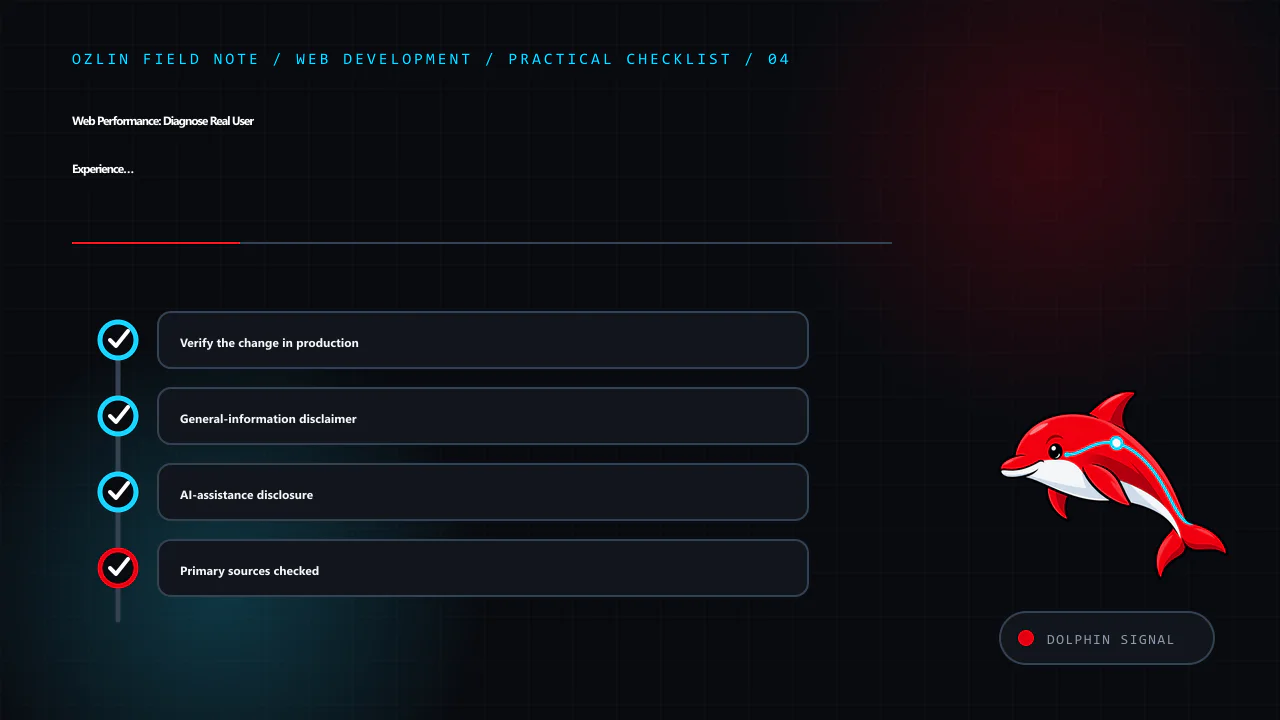
    Practical checklist for Web Performance: Diagnose Real User Experience Before Optimising, covering Verify the change in production, General-information disclaimer, AI-assistance disclosure and related review points.
    Practical checklist: Verify the change in production; General-information disclaimer; AI-assistance disclosure; Primary sources checked.

    Primary sources checked

    Source access date: 29 August 2026.

  • HTTP API Design: Stable Semantics, Useful Errors and Safe Change

    HTTP API Design: Stable Semantics, Useful Errors and Safe Change

    A maintainable HTTP API is a contract between independent systems. Good design lets a client understand what a request means, which outcomes are safe to retry, how to recover from an error and how the contract will evolve. URL style matters, but predictable semantics and operational behaviour matter more.

    HTTP already defines methods, status codes, conditional requests, content negotiation and caching. Reusing those semantics reduces private conventions and helps clients, gateways and observability tools behave correctly. RFC 9110 defines HTTP as a stateless request/response protocol with a uniform interface to resources (RFC 9110 — HTTP Semantics).

    Not every JSON-over-HTTP interface is strictly REST, and a service does not become RESTful merely by using plural nouns. This guide focuses on practical resource-oriented HTTP APIs without claiming conformance to every architectural constraint associated with REST.

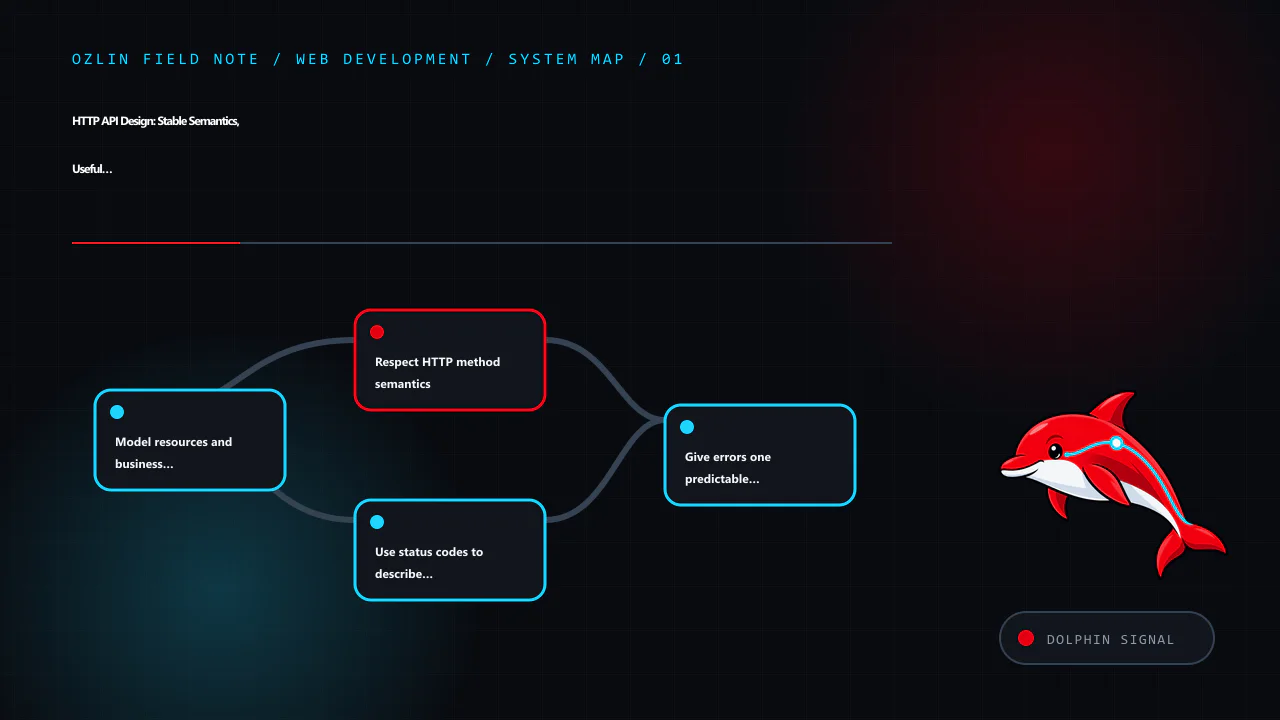
    Article map for HTTP API Design: Stable Semantics, Useful Errors and Safe Change, covering Model resources and business transitions, Respect HTTP method semantics, Use status codes to describe the HTTP outcome and relat…
    Article map: Model resources and business transitions; Respect HTTP method semantics; Use status codes to describe the HTTP outcome; Give errors one predictable shape.

    Model resources and business transitions

    Start with business concepts, identities and state changes. A resource is something a client can identify and exchange a representation of, such as:

    • /customers/{customerId};
    • /orders/{orderId};
    • /orders/{orderId}/items; or
    • /orders/{orderId}/cancellations.

    Use stable identifiers that do not expose a storage layout or sensitive sequence without a reason. Keep paths understandable, but do not force every complex action into a verb-free fiction. A cancellation can be represented as a subordinate resource when it has its own status, reason, timestamp and permissions.

    Separate the API representation from database rows. The representation should express the contract, not leak internal column names, join tables or fields that may later change. Decide whether absence, null, an empty collection and a default value mean different things, then document them.

    Respect HTTP method semantics

    RFC 9110 defines GET, HEAD, OPTIONS and TRACE as safe methods: the client is not requesting a state change. Safe does not mean that the server performs no logging or accounting; it means the requested semantics are read-only. GET must not trigger a destructive business action through a query parameter.

    Idempotent methods can be repeated with the same intended effect. PUT and DELETE are idempotent by definition, while POST is not generally idempotent. Idempotency does not require byte-identical responses or prohibit audit timestamps; it constrains the requested effect.

    A practical mapping is:

    Intent Common method Notes
    Retrieve a representation GET Safe; define cache and authorisation behaviour
    Create under a server-selected URI POST to a collection Return the resulting status and location where appropriate
    Replace the state of a known resource PUT Define complete-replacement semantics explicitly
    Apply a partial modification PATCH Document the patch media type and conflict rules
    Remove a resource or make it unavailable DELETE Repeated requests should preserve the intended removed state

    If clients may retry a POST after a network failure, design an idempotency mechanism. A client-generated key can bind repeated attempts to one operation, but the server must define scope, expiry, payload comparison, storage and concurrent-arrival behaviour. Do not label a request idempotent without implementing the guarantee.

    Use status codes to describe the HTTP outcome

    Choose the most specific standard status that matches the result. Common examples include:

    • 200 OK for a successful response with a representation;
    • 201 Created when a new resource is created;
    • 202 Accepted when processing is accepted but not complete;
    • 204 No Content when success has no response content;
    • 400 Bad Request for malformed or invalid request content;
    • 401 Unauthorized when authentication is required or invalid;
    • 403 Forbidden when the authenticated principal is not allowed;
    • 404 Not Found where the target is unavailable, including deliberate concealment where appropriate;
    • 409 Conflict for a conflict with current resource state;
    • 412 Precondition Failed for a failed conditional request;
    • 422 Unprocessable Content for syntactically valid content that cannot be processed as supplied;
    • 429 Too Many Requests for rate limiting; and
    • 500-class statuses for server-side failure.

    Do not return 200 with { "success": false } for every failure. HTTP-aware clients and monitoring should be able to classify the response without first decoding a private envelope.

    Give errors one predictable shape

    RFC 9457 defines Problem Details for HTTP APIs using the application/problem+json media type. Its members can include type, status, title, detail and an occurrence-specific instance; an API can add extension fields for structured validation information (RFC 9457 — Problem Details for HTTP APIs).

    For example:

    {
      "type": "https://api.example.test/problems/invalid-request",
      "title": "The request contains invalid fields",
      "status": 422,
      "detail": "Correct the listed fields and submit again.",
      "instance": "/problems/01J8EXAMPLE",
      "errors": [
        { "pointer": "/email", "code": "invalid_format" }
      ]
    }

    Keep human text safe for display, but give clients stable machine-readable types or codes. Do not expose stack traces, SQL, filesystem paths, secrets or internal hostnames. Put a correlation identifier in the response and logs so support can investigate without revealing internals.

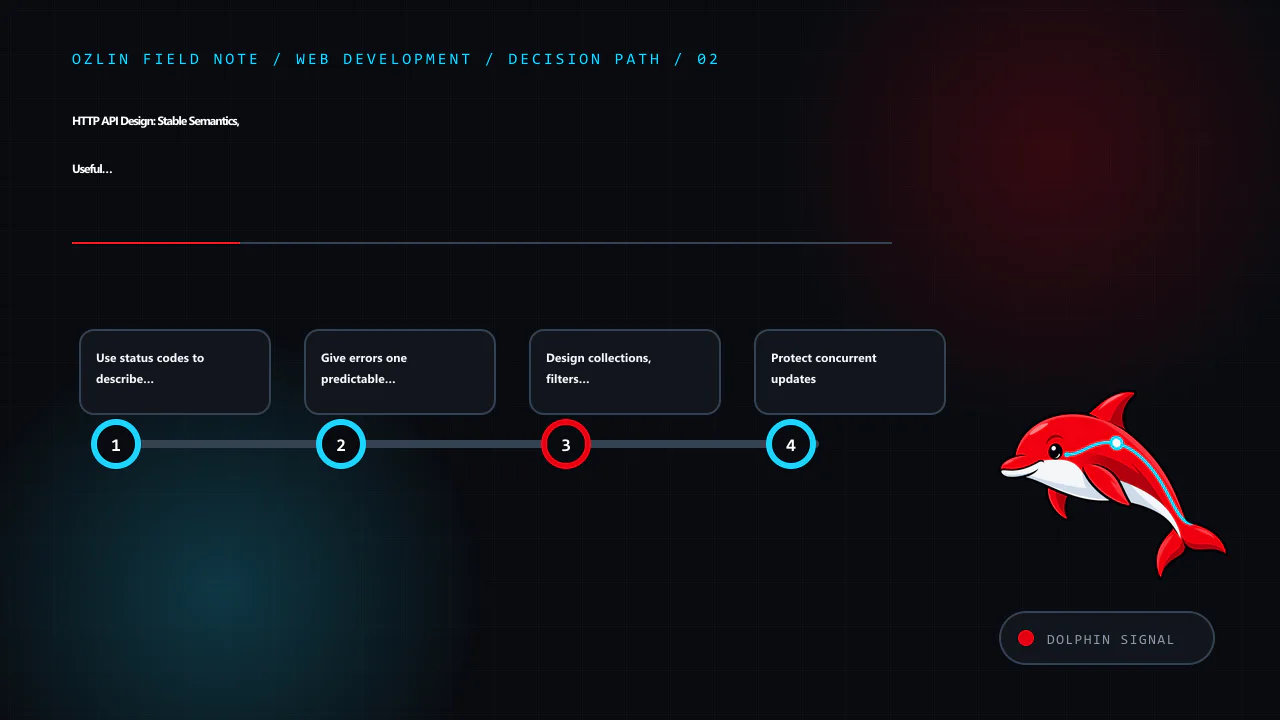
    Decision path for HTTP API Design: Stable Semantics, Useful Errors and Safe Change, covering Use status codes to describe the HTTP outcome, Give errors one predictable shape, Design collections, filters and pagination e…
    Decision path: Use status codes to describe the HTTP outcome; Give errors one predictable shape; Design collections, filters and pagination explicitly; Protect concurrent updates.

    Design collections, filters and pagination explicitly

    Collections grow. Define pagination before a client depends on an unbounded response. Offset pagination is easy to understand but can duplicate or skip records as data changes and can become expensive at large offsets. Cursor pagination can provide stable traversal when the cursor encodes a deterministic order, but cursors should be opaque to clients and protected from tampering.

    Document:

    • default and maximum page size;
    • stable sort keys and tie-breakers;
    • filter syntax and allowed combinations;
    • whether total counts are exact, estimated or omitted;
    • links or tokens for next and previous pages; and
    • behaviour when records change between requests.

    Reject unsupported filters rather than silently ignoring them. Bound expensive search and aggregation paths to protect the service.

    Protect concurrent updates

    Two clients can read the same resource and overwrite each other's change. HTTP conditional requests provide a standard control. The server can return an ETag; a client sends If-Match with an update, and the server returns 412 Precondition Failed if the representation changed. RFC 9110 specifies the evaluation order for request preconditions.

    Do not invent a last-write-wins policy accidentally. Choose whether conflicts should be rejected, merged or represented as a business workflow. Test simultaneous requests, retries and partial failures.

    Define caching rather than inheriting surprises

    GET responses can be cacheable, including by browsers and intermediaries. Use Cache-Control, validators and Vary according to whether content is public, private, personalised or dependent on request headers. RFC 9111 describes when caches may store and reuse a response (RFC 9111 — HTTP Caching).

    Authenticated does not automatically mean uncacheable, but shared caching of personalised content requires careful, explicit controls. Test that one user's response cannot be served to another. Mutation responses should invalidate or update relevant cached representations through a defined strategy.

    Treat authentication and authorisation as separate decisions

    Authenticate the caller using a mechanism appropriate to the client type and threat model. Authorise every operation and object at the server; possession of a valid token does not grant access to every resource. Scope credentials narrowly, rotate secrets, validate token audience and issuer, and require protected transport.

    Apply input limits, schema validation and safe parsing. Rate limits can protect capacity but are not a complete denial-of-service strategy. Log security-relevant decisions without storing access tokens or unnecessary personal data.

    For browser clients, assess cross-origin policy and request-forgery risks based on where credentials are stored and automatically sent. CORS is a browser read-control mechanism, not authentication.

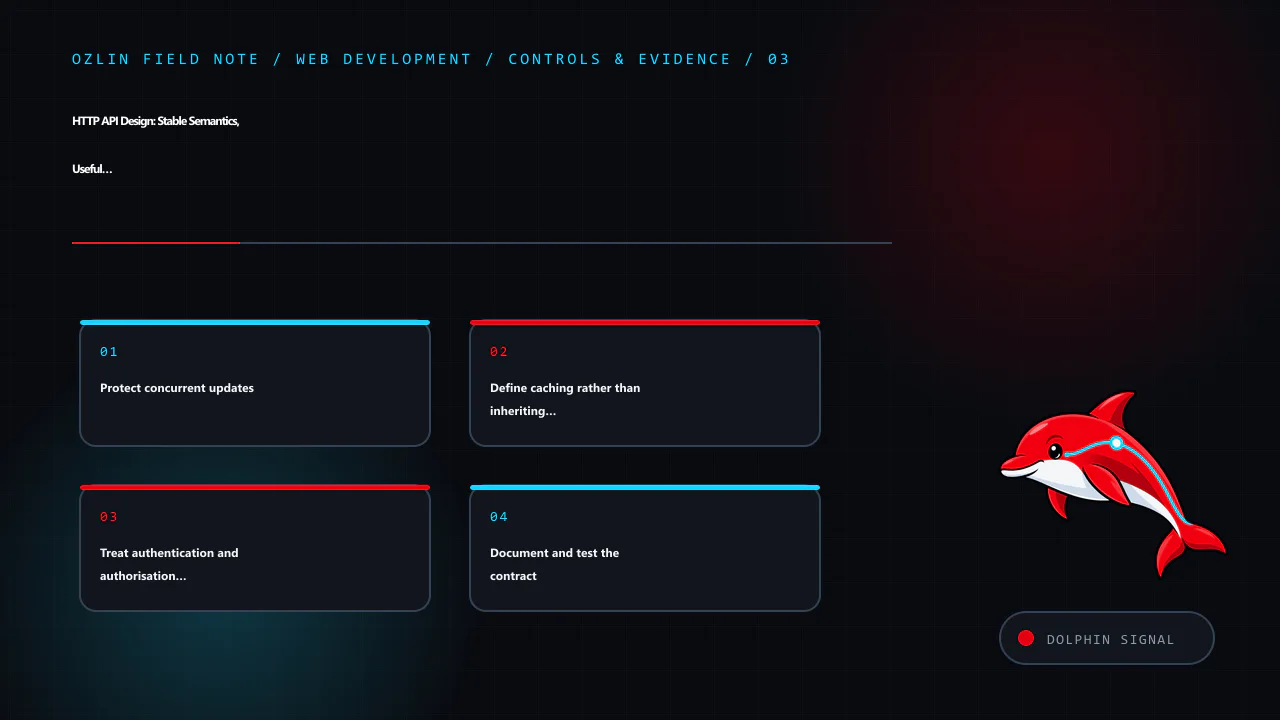
    Control and evidence map for HTTP API Design: Stable Semantics, Useful Errors and Safe Change, covering Protect concurrent updates, Define caching rather than inheriting surprises, Treat authentication and authorisation…
    Control and evidence map: Protect concurrent updates; Define caching rather than inheriting surprises; Treat authentication and authorisation as separate decisions; Document and test the contract.

    Document and test the contract

    An OpenAPI description can make operations, parameters, schemas and responses reviewable and can support generated documentation or tests. Keep it in the same change workflow as implementation, and verify that deployed behaviour matches the description. Generated clients do not resolve ambiguous business semantics.

    Test:

    • valid and invalid representations;
    • authentication and object-level authorisation;
    • each documented status and problem type;
    • pagination boundaries and concurrent data changes;
    • timeouts, retries and duplicate requests;
    • conditional updates;
    • cache behaviour; and
    • backward compatibility with supported clients.

    Evolve deliberately

    Prefer additive changes: new optional fields, new resources and new operations. Clients should usually ignore unknown response fields, while servers should reject unknown or invalid request fields according to the documented policy. Changing a field's type or meaning is breaking even if its name remains.

    When a breaking change is unavoidable, define the supported versions, migration guide, telemetry, deprecation notice and removal date. A version number in the path does not replace lifecycle management. Keep old versions secure during their support window and remove them only after checking actual client use.

    For help designing or reviewing a web API contract and implementation plan, see Ozlin Info's web development services or contact Ozlin Info.

    Related reading: Testing web applications: a risk-based strategy that scales.


    General-information disclaimer

    This article provides general technical information only. A production API design must reflect its clients, data, threat model, performance, compatibility and contractual requirements. Standard HTTP semantics do not by themselves make an API secure or reliable.

    AI-assistance disclosure

    AI tools assisted with source discovery, outlining and copyediting. A human reviewer must verify the protocol statements, examples, security guidance, service claims and publication decision before release. No compatibility, security or availability outcome is guaranteed.

    Practical checklist for HTTP API Design: Stable Semantics, Useful Errors and Safe Change, covering Evolve deliberately, General-information disclaimer, AI-assistance disclosure and related review points.
    Practical checklist: Evolve deliberately; General-information disclaimer; AI-assistance disclosure; Primary sources checked.

    Primary sources checked

    Source access date: 29 August 2026.

  • Vue 3 Reactivity: State, Derived Values and Effects Without Surprises

    Vue 3 Reactivity: State, Derived Values and Effects Without Surprises

    Vue's reactivity system connects state reads to the effects that depend on them. When reactive state changes, Vue can update the relevant component render and invalidate derived values. This removes a great deal of manual DOM synchronisation, but it does not remove the need to decide what the source of truth is, which values are derived and where side effects belong.

    In Vue 3, reactive objects use JavaScript Proxy, while refs use getter and setter access around .value. Dependency tracking happens at runtime as an effect reads reactive properties (Vue — Reactivity in Depth).

    Article map for Vue 3 Reactivity: State, Derived Values and Effects Without Surprises, covering Separate state, derived values and effects, Choose ref and reactive deliberately, Use watchers for effects, not duplicate d…
    Article map: Separate state, derived values and effects; Choose ref and reactive deliberately; Use watchers for effects, not duplicate derivation; Keep state close until it is genuinely shared.

    Separate state, derived values and effects

    A maintainable component usually contains three distinct ideas:

    • State: the smallest mutable source of truth, such as a search term or selected identifier.
    • Derived value: information calculated from state, such as a filtered list or total.
    • Effect: work outside pure derivation, such as a network request, persistence, analytics or focus management.

    Use ref() or reactive() for state, computed() for a derived value and watch() or watchEffect() for a side effect. If the same value can be calculated, storing a second mutable copy creates synchronisation bugs.

    <script setup>
    import { computed, ref, watch } from 'vue';
    
    const query = ref('');
    const records = ref([]);
    
    const visibleRecords = computed(() => {
      const needle = query.value.trim().toLowerCase();
      return needle
        ? records.value.filter((record) => record.name.toLowerCase().includes(needle))
        : records.value;
    });
    
    watch(query, (value) => {
      // Example side effect: update a URL or schedule a request.
      // Keep cancellation and error handling explicit in production code.
      console.debug('Query changed', value);
    });
    </script>

    computed() caches its result based on reactive dependencies and should remain free of side effects. A computed getter that writes state, starts a request or changes the DOM is difficult to reason about and may run at unexpected times.

    Choose ref and reactive deliberately

    ref() can hold primitives or objects and exposes the value as .value in JavaScript. Templates generally unwrap top-level refs. It is often a simple default because the container can be replaced without losing the reactive connection.

    reactive() returns a proxy for an object. It is convenient for related fields, but the proxy identity differs from the original object, and replacing the whole variable with another raw object disconnects code that still references the previous proxy.

    A common pitfall is destructuring a primitive property from a reactive object:

    const state = reactive({ count: 0 });
    const { count } = state;
    
    state.count += 1;
    console.log(count); // The local binding is not reactive.

    Use toRef() or toRefs() when a property must remain linked through destructuring, or keep property access on the reactive object. Vue's documentation explains that destructured local bindings no longer trigger the source proxy's get/set traps (Vue — Reactivity in Depth).

    Do not mix raw and proxied versions as map keys or identity tokens without understanding the consequences. Use stable business identifiers for records rather than object identity when possible.

    Use watchers for effects, not duplicate derivation

    watch(source, callback) tracks an explicit source and gives access to current and previous values. watchEffect(callback) runs immediately and discovers dependencies while its synchronous body executes. An async watchEffect only tracks dependencies accessed before the first await, so explicit sources can be clearer for requests.

    Watchers are appropriate for:

    • fetching when an identifier changes;
    • synchronising selected state to the URL;
    • integrating with a non-Vue library;
    • persisting a bounded preference; and
    • triggering an accessible notification or focus change after a state transition.

    They are usually not needed to calculate display values. Use a computed property for that.

    Network effects need cancellation so a slow response for an old query does not overwrite a newer result. Vue watcher cleanup can abort stale work:

    watch(selectedId, async (id, _previous, onCleanup) => {
      if (!id) return;
    
      const controller = new AbortController();
      onCleanup(() => controller.abort());
    
      const response = await fetch(`/api/records/${encodeURIComponent(id)}`, {
        signal: controller.signal,
      });
    
      if (!response.ok) throw new Error(`Request failed: ${response.status}`);
      record.value = await response.json();
    });

    Production code should also expose loading, empty, failure and retry states and distinguish an intentional abort from a user-visible error.

    Decision path for Vue 3 Reactivity: State, Derived Values and Effects Without Surprises, covering Use watchers for effects, not duplicate derivation, Keep state close until it is genuinely shared, Avoid cross-request st…
    Decision path: Use watchers for effects, not duplicate derivation; Keep state close until it is genuinely shared; Avoid cross-request state leakage in SSR; Optimise only after profiling updates.

    Keep state close until it is genuinely shared

    Local component state is easiest to own and dispose. Lift state to a common parent or use a composable when several components share one workflow. Avoid a global store for every field; global state increases lifetime and coupling.

    For a larger application, Pinia is the Vue team's recommended state-management library. It adds conventions, development tooling, hot module replacement and server-side rendering support (Vue — State Management). Put business actions with meaningful names in the store rather than allowing arbitrary mutation from every component.

    State that comes from a server is not automatically client-owned truth. Define refresh, invalidation, optimistic update and conflict behaviour. Do not persist access tokens or sensitive records to browser storage merely because a store plugin makes persistence convenient.

    Avoid cross-request state leakage in SSR

    In a purely client-rendered application, a module-level singleton is new for each page load. In server-side rendering, application modules can be reused across requests. If user-specific state lives in one shared singleton, one request can leak into another.

    Vue recommends creating a new application and store instance for each SSR request and providing it to that request's component tree (Vue — Server-Side Rendering). Hydration also requires the server and client to begin with compatible state and markup.

    Serialised initial state is untrusted input when it reaches the browser. Encode it safely and avoid placing secrets in HTML.

    Optimise only after profiling updates

    Vue is efficient for ordinary interfaces. If updates are slow, first inspect Vue DevTools and browser performance traces to identify which components and data structures are involved.

    Useful patterns include:

    • keep props stable so unrelated children do not update;
    • give list items stable keys based on identity;
    • virtualise lists with thousands of visible candidates;
    • avoid rendering data the user cannot see;
    • split large asynchronous components where it improves initial delivery;
    • use shallowRef() or shallowReactive() for very large, deeply nested immutable structures; and
    • replace a shallow root value rather than mutating nested fields.

    Vue's performance guide notes that deep reactivity overhead becomes relevant for large structures with very many property accesses; shallow APIs trade convenient nested mutation for root-level replacement (Vue — Performance). Do not reach for them before measurements show a problem.

    Also consider page-load architecture. Vue advises against shipping a pure client-side SPA for content-sensitive marketing pages when server-rendered or static HTML can show useful content sooner. A project can use different rendering strategies for different routes.

    Control and evidence map for Vue 3 Reactivity: State, Derived Values and Effects Without Surprises, covering Avoid cross-request state leakage in SSR, Optimise only after profiling updates, Test behaviour through the us…
    Control and evidence map: Avoid cross-request state leakage in SSR; Optimise only after profiling updates; Test behaviour through the user's interface; General-information disclaimer.

    Test behaviour through the user's interface

    Test composables and deterministic business functions in isolation, then test components through roles, labels and visible outcomes. Include loading, error, empty and stale-response cases. Browser tests should cover a focused set of complete journeys and verify keyboard and focus behaviour.

    Do not assert private ref names or exact component trees unless they are genuinely part of a supported contract. A refactor should not destroy the suite if the user-visible behaviour remains correct.

    For help designing or reviewing a Vue interface and its API integration, see Ozlin Info's web development services or contact Ozlin Info.

    Related reading: Testing web applications: a risk-based strategy that scales.


    General-information disclaimer

    This article provides general technical information only. Patterns must be validated against the actual Vue version, rendering architecture, data sensitivity and application requirements.

    AI-assistance disclosure

    AI tools assisted with source discovery, outlining and copyediting. A human reviewer must run and verify all code examples, framework statements, service claims and the publication decision before release. No maintainability or performance outcome is guaranteed.

    Practical checklist for Vue 3 Reactivity: State, Derived Values and Effects Without Surprises, covering Test behaviour through the user's interface, General-information disclaimer, AI-assistance disclosure and related r…
    Practical checklist: Test behaviour through the user's interface; General-information disclaimer; AI-assistance disclosure; Primary sources checked.

    Primary sources checked

    Source access date: 29 August 2026.

  • JavaScript Async/Await: Concurrency, Cancellation and Reliable Errors

    JavaScript Async/Await: Concurrency, Cancellation and Reliable Errors

    async and await make Promise-based code read in a structured sequence. They do not make network requests synchronous, create threads or decide whether work should run sequentially or concurrently. Those design choices remain visible in when Promises are created, how they are combined and what happens when one fails.

    An async function always returns a Promise. A returned value fulfils it; an uncaught throw or rejected awaited Promise rejects it. await pauses execution of the surrounding async function until the awaited value settles, while other JavaScript work can continue. It does not block the browser's main thread by itself (MDN — async function; MDN — await).

    Article map for JavaScript Async/Await: Concurrency, Cancellation and Reliable Errors, covering Keep the Promise contract visible, Decide whether operations are sequential or concurrent, Preserve useful error context an…
    Article map: Keep the Promise contract visible; Decide whether operations are sequential or concurrent; Preserve useful error context; Cancellation is part of correctness.

    Keep the Promise contract visible

    async function loadCustomer(id) {
      if (!id) {
        throw new TypeError('A customer ID is required');
      }
    
      const response = await fetch(`/api/customers/${encodeURIComponent(id)}`);
      if (!response.ok) {
        throw new Error(`Customer request failed: ${response.status}`);
      }
    
      return response.json();
    }

    Calling loadCustomer() returns a Promise immediately. The caller must await it, return it or attach rejection handling. Simply invoking an async function in an event handler and ignoring its result can create an unhandled rejection and a UI that never leaves its loading state.

    Fetch resolves its Promise when an HTTP response is available even for statuses such as 404 or 500. Check response.ok or the expected status explicitly. A network error and an application rejection are different operational conditions and may deserve different user messages and retry policies.

    Decide whether operations are sequential or concurrent

    This code is sequential because the second request is not started until the first completes:

    const profile = await fetchProfile();
    const preferences = await fetchPreferences();

    If the calls are independent, start both and await them together:

    const [profile, preferences] = await Promise.all([
      fetchProfile(),
      fetchPreferences(),
    ]);

    Promise.all() rejects as soon as one input rejects, but the other underlying operations continue unless they support cancellation. Use it when all results are required and one failure makes the combined result unusable.

    Promise.allSettled() waits for every input and reports each fulfilment or rejection. It is useful when partial results are meaningful, such as loading independent dashboard panels. Promise.any() fulfils with the first successful input and rejects with an aggregate error if all reject. Promise.race() settles with the first settlement, whether fulfilment or rejection.

    Do not use concurrency merely because it is shorter code. Starting hundreds of requests at once can overload a browser, API or database. Bound concurrency for large collections and respect service limits.

    Preserve useful error context

    Catch errors where the code can add context, translate them into a supported result or perform cleanup. Avoid catching an error only to log it and continue with invalid state.

    async function showCustomer(id) {
      view.setLoading(true);
    
      try {
        const customer = await loadCustomer(id);
        view.renderCustomer(customer);
      } catch (error) {
        view.renderError('We could not load this customer. Please try again.');
        reportError(error, { operation: 'load-customer', customerId: id });
      } finally {
        view.setLoading(false);
      }
    }

    The user-facing message should be safe and actionable. Observability can record technical context, but avoid tokens, passwords, complete request bodies or unnecessary personal information. Preserve the original cause when wrapping an error where the runtime supports it:

    throw new Error('Unable to load the account summary', { cause: error });

    At an application boundary, handle otherwise unobserved failures and fail safely. A global rejection handler is a last-resort signal, not a substitute for local ownership.

    Cancellation is part of correctness

    When a user starts a new search, navigates away or closes a component, the old request may no longer be useful. Without cancellation or stale-result checks, an older response can overwrite newer state.

    Fetch accepts an AbortSignal:

    async function loadJson(url, { signal } = {}) {
      const response = await fetch(url, { signal });
    
      if (!response.ok) {
        throw new Error(`HTTP ${response.status}`);
      }
    
      return response.json();
    }
    
    const controller = new AbortController();
    const pending = loadJson('/api/report', { signal: controller.signal });
    
    // Later, when the result is no longer needed:
    controller.abort('The view changed');

    Aborting rejects the fetch with an abort-related error. Treat an intentional cancellation differently from a failed request so the interface does not show a frightening error when the user simply changed pages. Pass one signal through all cancellable operations belonging to the task.

    Promise.race() with a timer can stop waiting, but it does not cancel the losing operation. Use AbortController, an API-specific cancellation mechanism or both. The DOM Standard defines AbortController and AbortSignal as a shared cancellation model (WHATWG DOM — Aborting ongoing activities).

    Decision path for JavaScript Async/Await: Concurrency, Cancellation and Reliable Errors, covering Preserve useful error context, Cancellation is part of correctness, Give operations an explicit time budget and related r…
    Decision path: Preserve useful error context; Cancellation is part of correctness; Give operations an explicit time budget; Retry only when the operation and failure permit it.

    Give operations an explicit time budget

    A timeout should end or abandon work and release associated resources where possible. Modern runtimes may provide AbortSignal.timeout(), but support and server-side effects must be checked for the target environment.

    const signal = AbortSignal.timeout(8_000);
    const data = await loadJson('/api/report', { signal });

    A client timeout does not prove the server stopped. It may have completed a write after the client gave up. This matters for payments, provisioning and other non-idempotent actions.

    Retry only when the operation and failure permit it

    Retries can recover from a transient network failure or a service response that explicitly asks the client to wait. They can also duplicate a charge, amplify an outage and conceal persistent defects.

    Before retrying, define:

    • whether the operation is safe or idempotent;
    • an idempotency key for retryable creation where the server supports it;
    • which network or response conditions are transient;
    • maximum attempts and total time budget;
    • exponential backoff and jitter;
    • server-provided Retry-After; and
    • cancellation while waiting.

    Do not automatically retry authentication failure, validation errors or arbitrary 500 responses without a specific policy. Surface the final failure and preserve correlation identifiers.

    Represent loading, empty, partial and stale states

    An asynchronous interface needs more than data or error. Model:

    • idle;
    • loading with any previous result intentionally retained or cleared;
    • success with data;
    • success with an empty result;
    • partial success where supported;
    • recoverable and unrecoverable failure; and
    • cancelled or superseded work.

    Disable only controls that genuinely cannot be used, provide accessible status updates and preserve focus. Avoid infinite spinners. If optimistic UI is used, show pending state and define rollback or reconciliation when the server rejects the action.

    Avoid common async traps

    • array.forEach(async item => ...) does not wait for callbacks. Use for...of for sequential work or map to Promises and combine them.
    • An async Promise executor is usually a design smell because the constructor does not handle its returned Promise as expected.
    • Top-level await can delay dependent module evaluation; use it deliberately rather than hiding application startup behind a slow request.
    • A finally block that returns a value can override a prior result or error.
    • Starting a Promise long before attaching a handler can produce an unhandled rejection window.
    • A resolved Promise callback still runs in a later microtask; it is not same-stack synchronous code.

    MDN's Promise guide documents the main composition methods and notes that Promise.all() wires concurrent inputs into one rejection path, while Promise.allSettled() retains every outcome (MDN — Using Promises).

    Control and evidence map for JavaScript Async/Await: Concurrency, Cancellation and Reliable Errors, covering Retry only when the operation and failure permit it, Represent loading, empty, partial and stale states, Avoid…
    Control and evidence map: Retry only when the operation and failure permit it; Represent loading, empty, partial and stale states; Avoid common async traps; Test timing and failure, not only the happy path.

    Test timing and failure, not only the happy path

    Use controlled fakes for time and network boundaries. Test fast and slow success, each expected status, malformed data, timeout, cancellation, out-of-order responses, partial failure and retry exhaustion. Ensure cleanup runs and no state update occurs after a component is disposed.

    Browser integration tests should verify visible loading, success and error states using observable conditions rather than fixed sleeps. Production monitoring should distinguish client cancellation, network failure, server error and validation rejection.

    For help implementing or reviewing a browser or server JavaScript workflow, see Ozlin Info's web development services or contact Ozlin Info.

    Related reading: HTTP API design: stable semantics, useful errors and safe change.


    General-information disclaimer

    This article provides general technical information only. Runtime support, cancellation behaviour and retry safety depend on the actual browser, server, API and operation.

    AI-assistance disclosure

    AI tools assisted with source discovery, outlining and copyediting. A human reviewer must run and verify every code example, compatibility statement, service claim and publication decision before release. No reliability or performance outcome is guaranteed.

    Practical checklist for JavaScript Async/Await: Concurrency, Cancellation and Reliable Errors, covering Test timing and failure, not only the happy path, General-information disclaimer, AI-assistance disclosure and rela…
    Practical checklist: Test timing and failure, not only the happy path; General-information disclaimer; AI-assistance disclosure; Primary sources checked.

    Primary sources checked

    Source access date: 29 August 2026.

  • CSS Grid for Responsive Layouts: Structure Without Source-Order Tricks

    CSS Grid for Responsive Layouts: Structure Without Source-Order Tricks

    CSS Grid is a two-dimensional layout system for rows and columns. It is well suited to page regions, card collections, dashboards and components where alignment in both axes matters. The difficult part is not learning display: grid; it is choosing track rules that respond to content without hiding overflow, reordering meaning or creating brittle breakpoints.

    Start with semantic HTML in the order people should read and operate it. Use Grid to present that structure, not to repair a confusing document tree.

    Article map for CSS Grid for Responsive Layouts: Structure Without Source-Order Tricks, covering Think in tracks, not device categories, Understand the automatic minimum, Use named regions for page-level clarity and rel…
    Article map: Think in tracks, not device categories; Understand the automatic minimum; Use named regions for page-level clarity; Let auto-placement handle repeated content.

    Think in tracks, not device categories

    A grid container defines columns and rows. Items occupy grid cells and may span more than one track. Flexible fr units divide remaining space, while intrinsic keywords and minmax() let content influence track sizing.

    For a card collection that should use as many sensible columns as fit:

    .card-grid {
      display: grid;
      grid-template-columns: repeat(auto-fit, minmax(min(100%, 18rem), 1fr));
      gap: clamp(1rem, 2vw, 1.75rem);
    }

    auto-fit creates repeated tracks and collapses empty ones. minmax() sets a lower and upper sizing rule, while min(100%, 18rem) prevents the minimum from forcing horizontal overflow in a container narrower than 18rem. The W3C Grid specification defines auto-fit, auto-fill, intrinsic track sizes and flexible lengths in the track sizing model (W3C — CSS Grid Layout Module Level 2).

    This content-led rule often removes several viewport breakpoints. It does not remove the need to test long words, translated text, zoom, narrow containers and unusually large content.

    Understand the automatic minimum

    A 1fr track is not always equivalent to minmax(0, 1fr). Grid items can contribute an automatic minimum based on their content, so a long unbreakable string or wide child can force overflow.

    For application layouts where a flexible track must be allowed to shrink, use:

    .app-shell {
      display: grid;
      grid-template-columns: minmax(0, 1fr) minmax(16rem, 24rem);
    }
    
    .app-shell > * {
      min-width: 0;
    }

    Do not apply overflow: hidden everywhere to disguise the symptom. That can clip focus indicators, menus and content. Fix the sizing constraint and define wrapping or scrolling for the component that genuinely needs it.

    Use named regions for page-level clarity

    Named grid areas can make a stable page composition easy to read:

    .page {
      display: grid;
      grid-template-areas:
        "header header"
        "main   aside"
        "footer footer";
      grid-template-columns: minmax(0, 1fr) minmax(16rem, 22rem);
      gap: 1.5rem;
    }
    
    .site-header { grid-area: header; }
    .main-content { grid-area: main; }
    .sidebar { grid-area: aside; }
    .site-footer { grid-area: footer; }
    
    @media (max-width: 48rem) {
      .page {
        grid-template-areas:
          "header"
          "main"
          "aside"
          "footer";
        grid-template-columns: minmax(0, 1fr);
      }
    }

    The breakpoint belongs to this layout's content, not a device brand. Test it at zoom and with the sidebar's longest realistic content.

    Grid areas can visually rearrange content, but CSS does not generally change the DOM reading or keyboard focus order. A visual sidebar that appears before the main content while remaining later in the DOM can confuse people who navigate sequentially. Keep the source order meaningful at every layout and avoid the order property or explicit placements that create a mismatch.

    Let auto-placement handle repeated content

    For a homogeneous list of cards, allow normal auto-placement rather than assigning coordinates to every item. The default row-flow follows source order. grid-auto-flow: dense can backfill visual gaps, but it may display a later item before an earlier one. That is risky when sequence matters, including articles, products, form steps and keyboard-focusable cards.

    Use dense packing only when every item is truly independent and verify reading, focus and visual order.

    If one featured item spans tracks, apply an explicit class based on content meaning, not an :nth-child() rule that changes unpredictably when editors add items.

    Decision path for CSS Grid for Responsive Layouts: Structure Without Source-Order Tricks, covering Use named regions for page-level clarity, Let auto-placement handle repeated content, Align nested components with subgr…
    Decision path: Use named regions for page-level clarity; Let auto-placement handle repeated content; Align nested components with subgrid; Use container queries for component context.

    Align nested components with subgrid

    Without subgrid, each card calculates its own internal rows. Headings of different length can move summaries and actions out of alignment. A nested grid using subgrid can inherit the parent track definition:

    .pricing-grid {
      display: grid;
      grid-template-columns: repeat(auto-fit, minmax(min(100%, 17rem), 1fr));
      gap: 1rem;
    }
    
    .pricing-card {
      display: grid;
      grid-template-rows: subgrid;
      grid-row: span 4;
    }

    Subgrid participates in the sizing of the parent tracks, which is useful for aligned headings, feature lists and calls to action. Check the browser baseline required by the project and provide a reasonable non-subgrid layout where older embedded browsers remain in scope.

    Use container queries for component context

    Viewport media queries answer how wide the browser is. A component may appear in a full page, sidebar or modal within the same viewport. Container queries can adapt it to the space its parent provides:

    .profile-module {
      container-type: inline-size;
    }
    
    @container (min-width: 36rem) {
      .profile-card {
        grid-template-columns: 8rem minmax(0, 1fr);
      }
    }

    Grid and container queries solve different problems: Grid distributes space; a container query switches rules based on an ancestor's size. Use the smallest number of state changes that the component actually needs.

    Choose Grid, Flexbox or normal flow by relationship

    Use normal block and inline flow for text and simple documents. Use Flexbox where one-dimensional distribution and alignment is primary, such as a toolbar or button group. Use Grid where rows and columns form a meaningful two-dimensional relationship.

    They work together. A page can use Grid for regions, Flexbox for navigation controls and normal flow inside an article. Avoid turning every wrapper into a layout context; each level adds constraints and debugging work.

    Keep spacing and sizing resilient

    Prefer gap for space between grid tracks rather than margins that components must know how to cancel. Use clamp() for bounded fluid values where continuous scaling makes sense. Combine relative units with readable maximum line lengths.

    Do not fix card heights to make a screenshot align. Fixed heights break with larger text, localisation and user styles. Use track alignment and let content determine height. If a section legitimately scrolls, give it a visible boundary, keyboard access and an accessible name where needed.

    Images should have intrinsic dimensions or an aspect ratio so the grid does not move after they load. Use object-fit only when cropping is acceptable and make sure important content is not lost at different aspect ratios.

    Control and evidence map for CSS Grid for Responsive Layouts: Structure Without Source-Order Tricks, covering Use container queries for component context, Choose Grid, Flexbox or normal flow by relationship, Keep spacin…
    Control and evidence map: Use container queries for component context; Choose Grid, Flexbox or normal flow by relationship; Keep spacing and sizing resilient; Test more than three viewport screenshots.

    Test more than three viewport screenshots

    A robust layout test includes:

    • narrow and wide containers, including component reuse;
    • 200% text enlargement and 400% browser zoom;
    • long headings, URLs and untranslated strings;
    • missing images, short content and very long content;
    • right-to-left direction where relevant;
    • keyboard focus indicators near clipped or overlapping regions;
    • browser minimums in the support policy; and
    • print or reduced-motion modes where the service needs them.

    Use browser development tools to inspect grid lines and track sizing, but verify through real content and assistive-technology tasks. A visually aligned grid is not automatically a usable information hierarchy.

    For help implementing a responsive design system or repairing a brittle layout, see Ozlin Info's web development services or contact Ozlin Info.

    Related reading: Web accessibility with WCAG 2.2: a practical delivery guide.


    General-information disclaimer

    This article provides general technical information only. CSS behaviour and support must be tested against the project's actual browsers, content, accessibility requirements and component contexts.

    AI-assistance disclosure

    AI tools assisted with source discovery, outlining and copyediting. A human reviewer must run every code example, test the target browser matrix and verify service claims and the publication decision before release. No cross-browser or accessibility outcome is guaranteed.

    Practical checklist for CSS Grid for Responsive Layouts: Structure Without Source-Order Tricks, covering Test more than three viewport screenshots, General-information disclaimer, AI-assistance disclosure and related re…
    Practical checklist: Test more than three viewport screenshots; General-information disclaimer; AI-assistance disclosure; Primary sources checked.

    Primary sources checked

    Source access date: 29 August 2026.