Category: Web Development

Evidence-led web development guides covering WordPress, APIs, JavaScript, Vue, databases, Docker, testing, accessibility and measured performance.

  • Local SEO for Australian Service Businesses: A 2026 Reality Check

    Local SEO for Australian Service Businesses: A 2026 Reality Check

    2026 editor’s note: this article keeps its original 2025 URL so existing links do not break, but the advice has been replaced. Local search is not a checklist that guarantees a position, and a mail-receiving address does not turn an online business into an eligible local storefront.

    Local SEO helps people find a business that genuinely serves them in a place. It combines accurate business information, an eligible local presence, useful pages, crawlable technology, reputation and evidence from search data. The first step is therefore not “add keywords”; it is to confirm what the business actually does and whether a local profile is permitted.
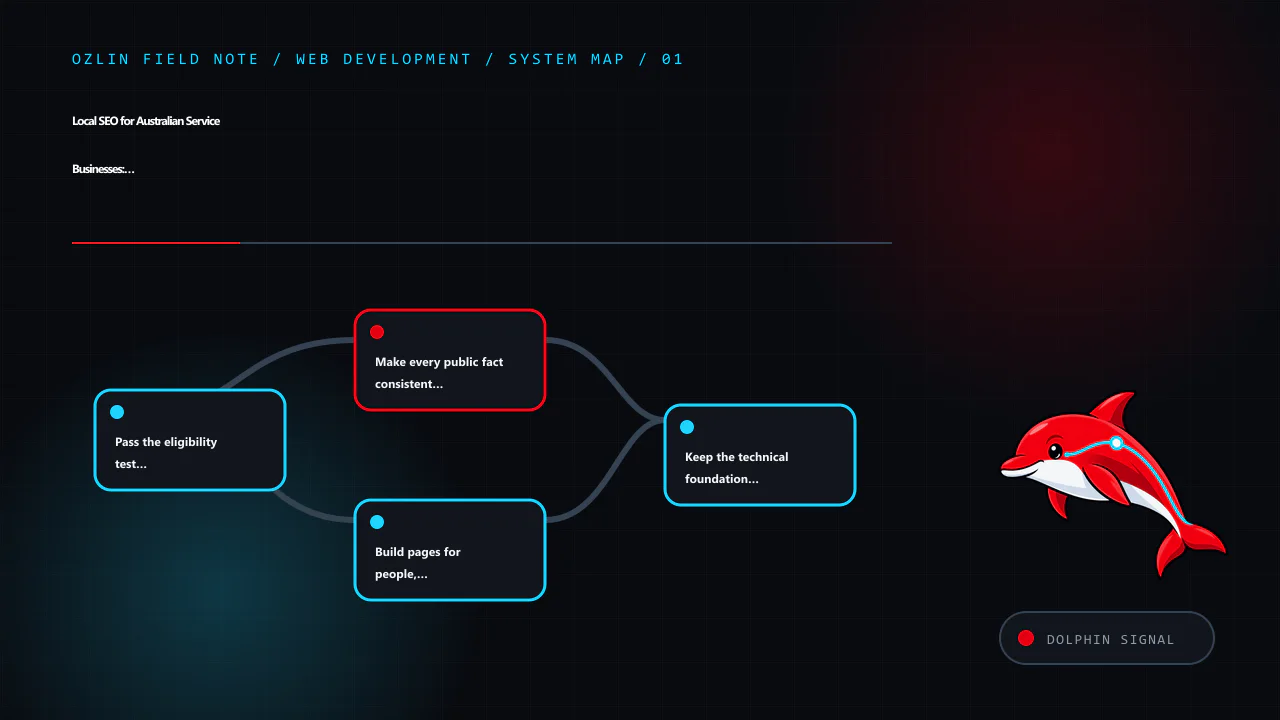
    Article map for Local SEO for Australian Service Businesses: A 2026 Reality Check, covering Pass the eligibility test before creating a profile, Make every public fact consistent and specific, Build pages for people, no…
    Article map: Pass the eligibility test before creating a profile; Make every public fact consistent and specific; Build pages for people, not suburb permutations; Keep the technical foundation observable.

    Pass the eligibility test before creating a profile

    Google states that a Business Profile is for businesses making in-person contact with customers during stated hours. Online-only brands are not eligible. A business can qualify through a staffed location that customers visit or as a service-area business that travels or delivers to customers, subject to the detailed rules (Google Business Profile policy overview).

    That distinction matters for remote-first consultants and digital studios. Video calls, email delivery and a local phone number do not by themselves establish face-to-face service. A virtual office used only for mail or registration is not eligible, and a co-working address cannot be listed as a storefront unless the business meets Google’s signage, staffing and customer-reception requirements. Google’s business representation guidelines state these limits directly.

    Use this decision sequence:

    1. Do staff meet customers in person during the stated hours?
    2. If customers visit, is the location genuinely operated, signed and staffed by the business?
    3. If staff travel to customers, is it a real service-area operation rather than online-only delivery?
    4. Does every public address, service area, category, hour and phone number describe the real operation?

    An eligible home-based service-area business should hide the residential address if customers are not served there and list accurate cities or postcodes it actually visits. Google currently allows up to 20 service areas and advises that the overall boundary generally should not extend much beyond about two hours’ driving time (service-area guidance). Do not invent an address or service footprint to obtain a map listing.

    If the business is online-only, skip the Business Profile. Invest in the website, Search Console, relevant industry profiles, referrals, partnerships and—where commercially justified—advertising. Eligibility is not a growth verdict; it only determines access to a particular local product.

    Make every public fact consistent and specific

    For an eligible profile, use the real-world business name rather than a keyword-stuffed variation. Select the most accurate primary category, add relevant services, publish actual hours and use a phone number and website controlled by the business. Keep material details consistent across the site, profile, invoices and reputable directories.

    Complete information can help Google understand relevance, but nobody can request or pay Google for a better organic local position. Google says local results are mainly based on relevance, distance and prominence (local-ranking guidance). Distance cannot be optimised away, and prominence is broader than one activity or posting schedule.

    Ask genuine customers for honest reviews at a natural point in the service. Do not buy reviews, create them through staff accounts, filter unhappy customers into a private path or promise a benefit for a positive rating. Respond without disclosing private project details. Review volume and sentiment can support trust, but neither a weekly post nor a fixed number of photos creates a published ranking guarantee.
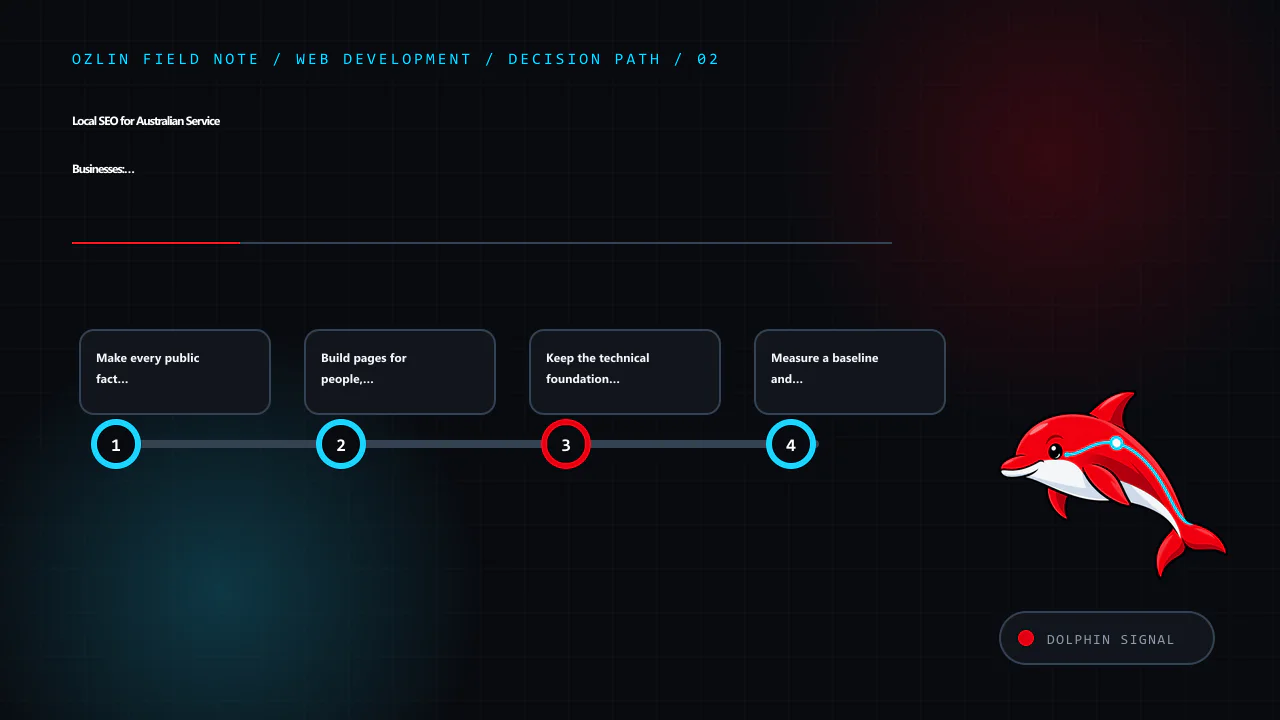
    Decision path for Local SEO for Australian Service Businesses: A 2026 Reality Check, covering Make every public fact consistent and specific, Build pages for people, not suburb permutations, Keep the technical foundatio…
    Decision path: Make every public fact consistent and specific; Build pages for people, not suburb permutations; Keep the technical foundation observable; Measure a baseline and test changes.

    Build pages for people, not suburb permutations

    A useful service page should answer:

    • what outcome the service supports;
    • who it is for and where it is genuinely available;
    • what is included, excluded or dependent on discovery;
    • how delivery, pricing or quotation works;
    • what evidence, limitations and next step a buyer needs; and
    • who is accountable for the content.

    Create a location page when the operation, team, case evidence, availability or customer questions are materially specific to that place. Do not produce near-identical pages with only the suburb name changed. Google recommends helpful, reliable, people-first content rather than content made primarily to manipulate rankings (Search Central guidance).

    Use Australian spelling and terminology because they fit the audience, not as keyword decoration. Verify claims, name the author or reviewer, show a review date where facts can change, and link to primary sources. A concise page grounded in actual delivery is stronger than a long page padded with every phrase a search tool suggests.

    Keep the technical foundation observable

    Ensure important pages return a successful response, are linked through normal navigation, have a canonical URL, descriptive title and one clear page heading. Submit an XML sitemap, review indexing in Search Console and fix accidental noindex, redirect loops, duplicate variants and broken internal links.

    Test the page on real mobile devices and slower connections. Current Core Web Vitals assess Largest Contentful Paint, Interaction to Next Paint and Cumulative Layout Shift, with “good” guidance of LCP within 2.5 seconds, INP at or below 200 milliseconds and CLS at or below 0.1 at the 75th percentile (web.dev — Web Vitals). These are diagnostic targets, not a promise that passing them causes a rank increase.

    Structured data should match visible, truthful content and a supported Google feature. It can make information easier to interpret but does not guarantee a rich result or a ranking change. FAQ rich results are generally restricted to well-known authoritative government and health sites, so an ordinary service business should not sell an FAQ plugin as a search-result shortcut (Google’s FAQ/HowTo change).

    Measure a baseline and test changes

    Record at least 28 days of baseline data before a substantial rewrite where traffic permits. In Search Console, track impressions, clicks, click-through rate, queries and landing pages. Position is contextual and should not be the only outcome. Google describes Search Console as the source of truth for Search performance and Analytics as the source of truth for behaviour inside the site (Search Central measurement guidance).

    Connect search data to qualified enquiries, booked calls or completed purchases without collecting unnecessary personal information. Annotate profile, content and technical changes, then compare sensible periods while accounting for seasonality. Avoid crediting every movement to the most recent edit.

    A defensible 90-day plan is simple: confirm eligibility and facts; repair crawl and mobile problems; improve the few pages that represent real services; request genuine reviews; then measure queries, landing pages and conversions. Repeat what evidence supports, not what a ranking myth prescribes.

    For a technical and content review, see Ozlin Info’s web-development services or contact Ozlin Info.

    Related reading: web performance optimisation and WordPress privacy for Australian SMEs.
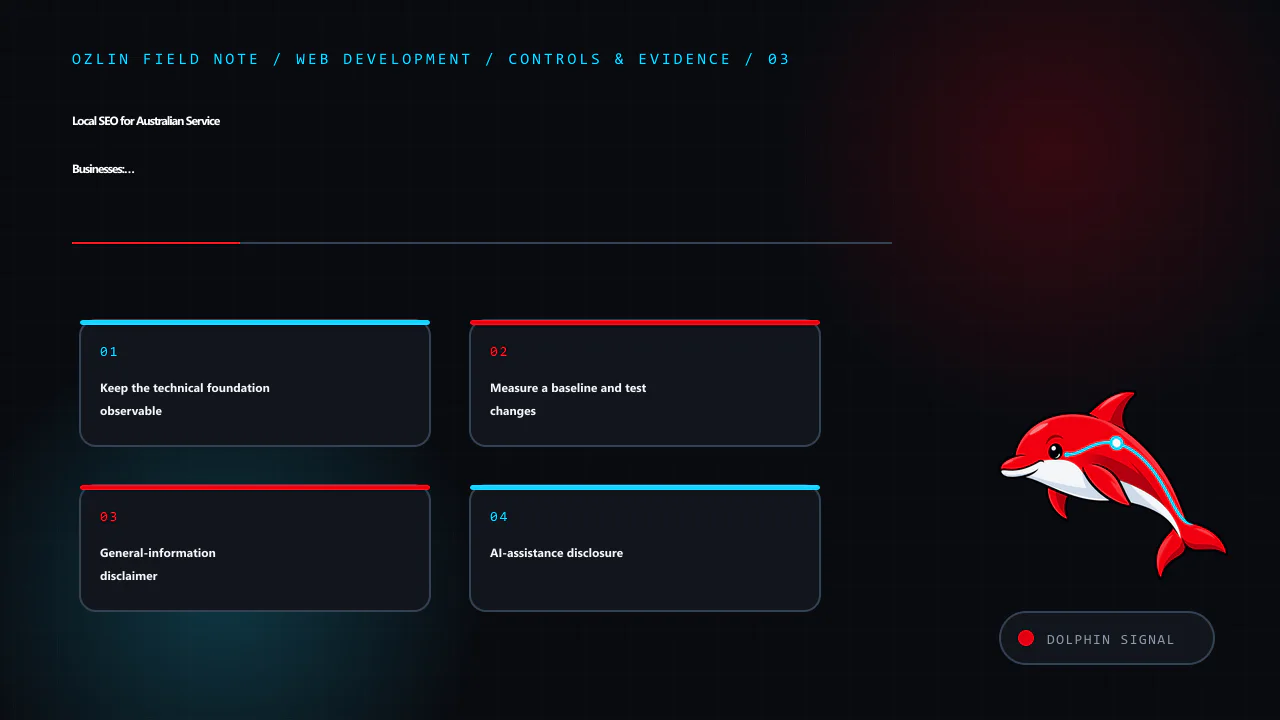

    Control and evidence map for Local SEO for Australian Service Businesses: A 2026 Reality Check, covering Keep the technical foundation observable, Measure a baseline and test changes, General-information disclaimer and…
    Control and evidence map: Keep the technical foundation observable; Measure a baseline and test changes; General-information disclaimer; AI-assistance disclosure.

    General-information disclaimer

    This article provides general marketing and technical information, not a ranking guarantee, Google policy determination, legal advice or representation that any particular business is eligible for a Business Profile. Check current platform rules and the actual operating model before acting.

    AI-assistance disclosure

    AI tools assisted with source discovery, outlining and copyediting. A human reviewer must verify eligibility, business facts, links, measurements and platform requirements before publication or implementation.
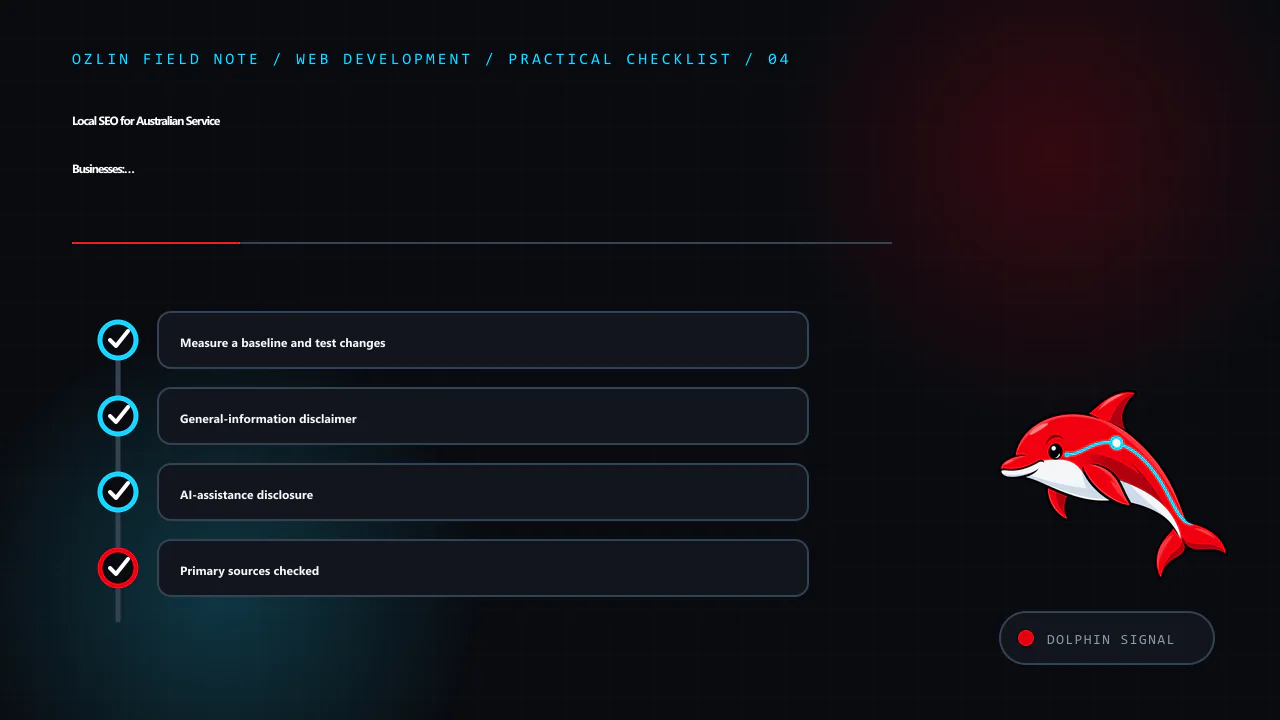
    Practical checklist for Local SEO for Australian Service Businesses: A 2026 Reality Check, covering Measure a baseline and test changes, General-information disclaimer, AI-assistance disclosure and related review points.
    Practical checklist: Measure a baseline and test changes; General-information disclaimer; AI-assistance disclosure; Primary sources checked.

    Primary sources checked

    Source access date: 29 August 2026.
  • WebP and AVIF for Websites: Choose by Evidence, Not Format Hype

    WebP and AVIF for Websites: Choose by Evidence, Not Format Hype

    Modern image formats can reduce page weight, but “convert everything to WebP” is not a complete optimisation plan. The best result depends on the source, content, required fidelity, encoder settings, rendered dimensions, target browsers and how quickly the browser can discover and decode the image.

    WebP and AVIF support lossy and lossless use cases, transparency and animation. JPEG, PNG and SVG remain useful. Choose by evidence for each image class, not a universal percentage copied from a codec comparison.

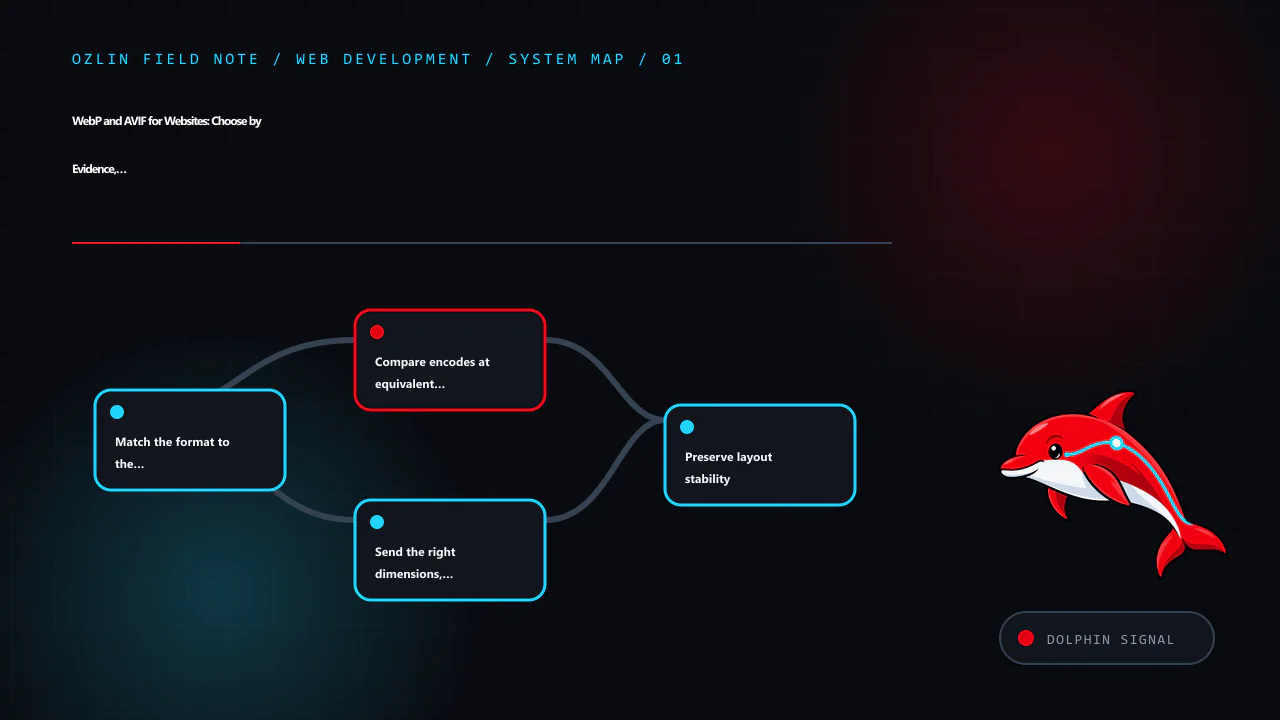
    Article map for WebP and AVIF for Websites: Choose by Evidence, Not Format Hype, covering Match the format to the content, Compare encodes at equivalent visual acceptability, Send the right dimensions, not only a new co…
    Article map: Match the format to the content; Compare encodes at equivalent visual acceptability; Send the right dimensions, not only a new codec; Preserve layout stability.

    Match the format to the content

    Start with what the asset contains and what must be preserved:

    Content Candidates Review points
    Photograph AVIF, WebP, JPEG Texture, gradients, faces, colour, encode/decode cost
    Screenshot or mixed UI Lossless/near-lossless WebP, PNG, sometimes AVIF Text edges, small icons, colour accuracy
    Logo or geometric icon SVG where safely produced Scalability, accessibility, script/external references
    Transparency AVIF, WebP, PNG, SVG Edge quality and whether lossless alpha is required
    Animation Video is often better; animated AVIF/WebP where justified Controls, motion preference, CPU, bytes and fallback

    web.dev recommends JPEG, lossy WebP or AVIF for photographic material and notes that lossless WebP may be more efficient than PNG for some assets. It also warns that text should generally remain real text rather than being embedded in an image (web.dev — Choose the Right Image Format).

    SVG is a document format, not just compressed pixels. Optimise and sanitise untrusted SVG, avoid embedding secrets or unnecessary metadata and test how it is served. A raster image may be safer when the publication workflow cannot control SVG content.

    Compare encodes at equivalent visual acceptability

    Google's WebP documentation reports codec-level comparisons against PNG and JPEG, but those figures come from particular datasets and metrics; they are not a promise for every site (Google — An Image Format for the Web). Your source may compress better or worse.

    For each representative asset:

    1. begin with the highest-quality available source, not a previously compressed thumbnail;
    2. generate several candidate quality levels and target widths;
    3. compare difficult areas at the actual rendered size and high-density display;
    4. record bytes and visual acceptance;
    5. profile decode and paint where the image is performance-critical; and
    6. keep the source and encoding settings so the result is reproducible.

    Do not repeatedly decode and re-encode lossy files. Generational loss accumulates. Keep archival originals outside the web delivery directory with appropriate access and backup controls.

    AVIF can produce very small files for some photographs, but encoder effort, decode behaviour and artefacts vary. WebP may be a better operational choice for another asset. A smaller file that takes longer to become displayable can still hurt a critical image on a low-powered device; test the actual page.

    Send the right dimensions, not only a new codec

    Serving a 3000-pixel source into a 400-pixel card wastes bytes even if the file is AVIF. Create width candidates and let the browser select based on the rendered slot and device density:

    <picture>
      <source
        type="image/avif"
        srcset="hero-640.avif 640w, hero-1280.avif 1280w, hero-1920.avif 1920w"
        sizes="(max-width: 48rem) 100vw, 72rem">
      <source
        type="image/webp"
        srcset="hero-640.webp 640w, hero-1280.webp 1280w, hero-1920.webp 1920w"
        sizes="(max-width: 48rem) 100vw, 72rem">
      <img
        src="hero-1280.jpg"
        srcset="hero-640.jpg 640w, hero-1280.jpg 1280w, hero-1920.jpg 1920w"
        sizes="(max-width: 48rem) 100vw, 72rem"
        width="1920"
        height="1080"
        alt="Team reviewing a website interface around one table">
    </picture>

    The browser evaluates type, srcset, sizes, viewport and device density to choose a candidate. The <img> remains the fallback and owns the alternative text and intrinsic dimensions (MDN — The Picture Element).

    The sizes value describes the rendered slot, not the image file width. Incorrect sizes can make the browser choose a larger candidate than necessary. Inspect real network requests at several viewport sizes.

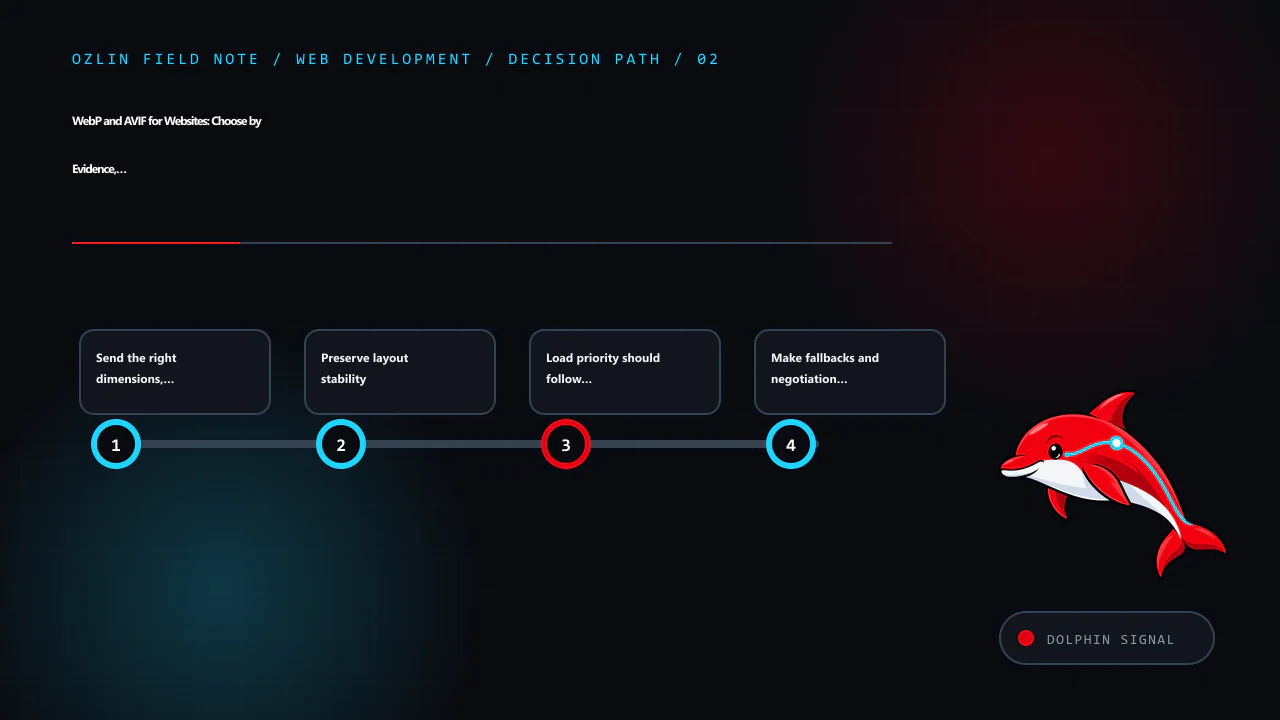
    Decision path for WebP and AVIF for Websites: Choose by Evidence, Not Format Hype, covering Send the right dimensions, not only a new codec, Preserve layout stability, Load priority should follow page role and related r…
    Decision path: Send the right dimensions, not only a new codec; Preserve layout stability; Load priority should follow page role; Make fallbacks and negotiation cache-safe.

    Preserve layout stability

    Set correct width and height attributes or a CSS aspect-ratio so the browser can reserve space before the image arrives. This reduces unexpected layout movement. CSS can still scale the image responsively:

    img {
      max-width: 100%;
      height: auto;
    }

    If art direction uses different crops with different aspect ratios, ensure each source and layout provides an appropriate reserved space. object-fit: cover crops content; verify that the focal subject and any meaningful details remain visible.

    Load priority should follow page role

    The main above-the-fold image may be the page's Largest Contentful Paint element. Put it in initial HTML, avoid lazy-loading it and consider an appropriate fetch priority only after inspecting the waterfall. Below-the-fold images can use loading="lazy" where that behaviour fits.

    Do not add loading="lazy" to every image through a blanket string replacement. Logos, primary content and immediately visible thumbnails may need normal discovery. Likewise, preloading many images competes with CSS, fonts and scripts.

    The decoding attribute is a hint, not a performance guarantee. Measure on target pages and devices.

    Make fallbacks and negotiation cache-safe

    The <picture> element puts format selection in the browser and works well with static files. A CDN or server can also negotiate based on request headers, but the cache key must include the relevant variant. Incorrect Vary or CDN rules can send an unsupported or wrong representation.

    Use distinct URLs for transformed variants where practical, long-lived caching for immutable filenames and an image pipeline that regenerates all required widths when the original changes. Do not keep generating nearly identical variants without retention and storage controls.

    Modern browsers broadly support WebP and AVIF, but embedded web views, email clients, social scrapers and the project's declared support matrix may differ. A fallback is inexpensive insurance where those clients matter. Test sharing previews and feeds as well as the visible page.

    Integrate with WordPress deliberately

    WordPress can generate intermediate image sizes and may produce supported modern formats depending on server libraries, configuration and plugins. Verify which files are actually created, which URLs appear in srcset, and whether offload or optimisation plugins preserve alt text, dimensions, cache invalidation and originals.

    Before bulk conversion:

    • make a recoverable backup of the media library and database;
    • test representative photos, screenshots, transparent assets and GIFs;
    • confirm PHP image-library support and resource limits;
    • avoid double optimisation between WordPress, a plugin and a CDN;
    • check legacy posts and featured images; and
    • test restore and plugin removal.

    An optimisation plugin is privileged code that processes uploads and may send images to an external service. Review maintenance status, data flow, terms, quotas and deletion before installing it.

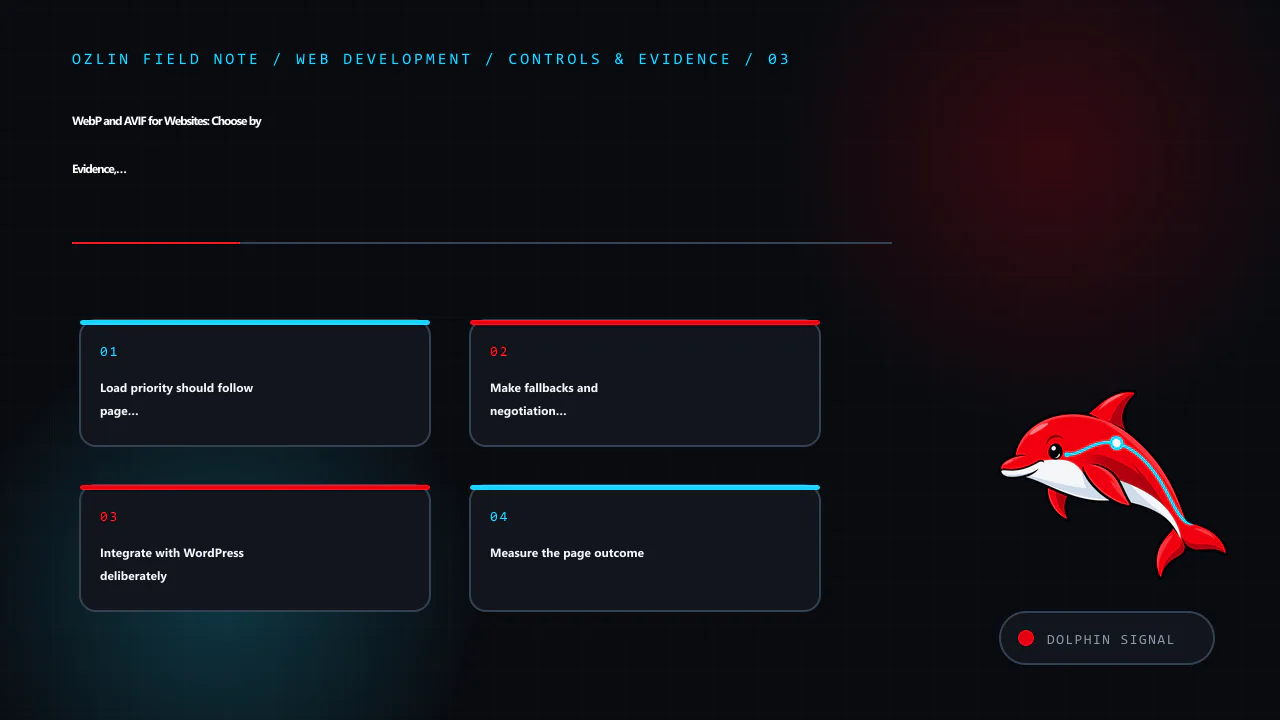
    Control and evidence map for WebP and AVIF for Websites: Choose by Evidence, Not Format Hype, covering Load priority should follow page role, Make fallbacks and negotiation cache-safe, Integrate with WordPress deliberat…
    Control and evidence map: Load priority should follow page role; Make fallbacks and negotiation cache-safe; Integrate with WordPress deliberately; Measure the page outcome.

    Measure the page outcome

    Compare transferred bytes, image request timing, LCP, layout stability and visual quality before and after. Segment cold and warm cache, mobile and desktop and relevant regions. A successful change reduces cost or delay without adding artefacts, broken fallbacks or editorial friction.

    Do not promise a fixed performance or search-ranking improvement from a format switch. Images may not be the limiting resource, and search outcomes depend on many factors outside the codec.

    For help auditing a WordPress media pipeline or responsive image implementation, see Ozlin Info's web development services or contact Ozlin Info.

    Related reading: Web performance: diagnose real user experience before optimising.


    General-information disclaimer

    This article provides general technical information only. Image quality, compatibility and performance must be tested against the actual assets, encoder, browser matrix, devices and delivery stack.

    AI-assistance disclosure

    AI tools assisted with source discovery, outlining and copyediting. A human reviewer must verify the encoding guidance, markup, compatibility, WordPress behaviour, service claims and publication decision before release. No byte saving, ranking or performance outcome is guaranteed.

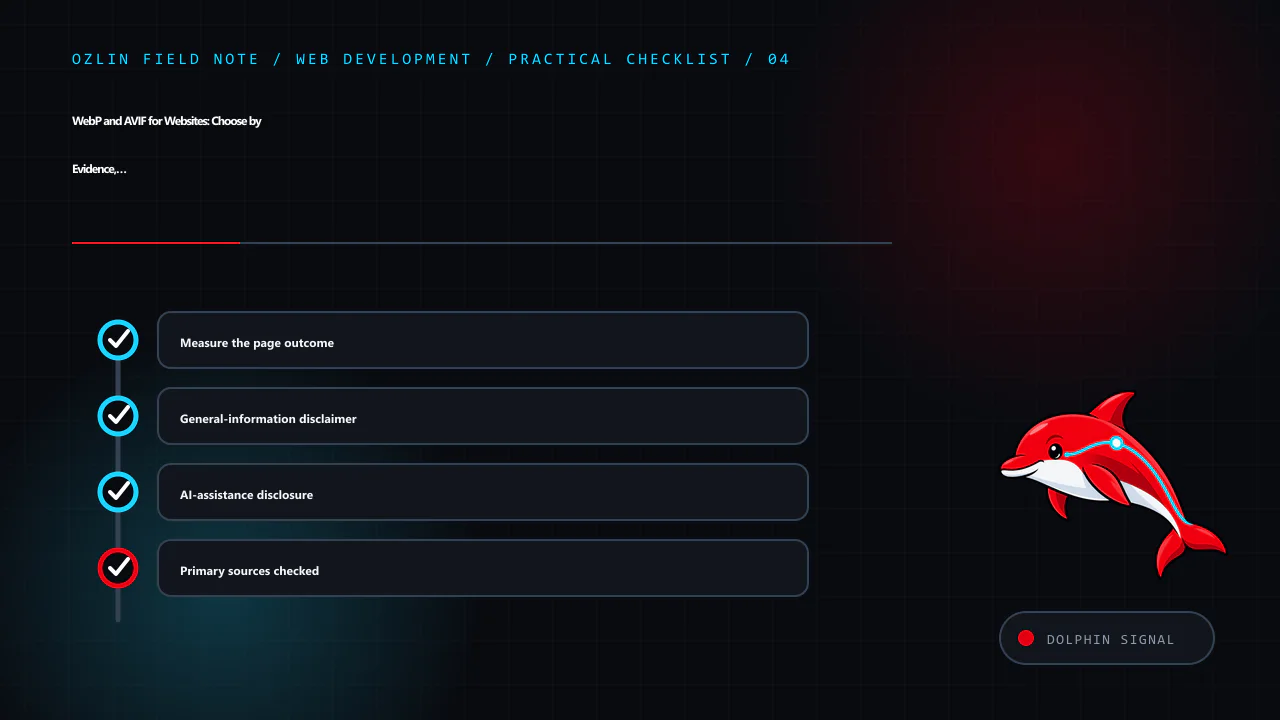
    Practical checklist for WebP and AVIF for Websites: Choose by Evidence, Not Format Hype, covering Measure the page outcome, General-information disclaimer, AI-assistance disclosure and related review points.
    Practical checklist: Measure the page outcome; General-information disclaimer; AI-assistance disclosure; Primary sources checked.

    Primary sources checked

    Source access date: 29 August 2026.
  • Build a Small WordPress Plugin Safely: Hooks, Settings and Release Checks

    Build a Small WordPress Plugin Safely: Hooks, Settings and Release Checks

    A WordPress plugin is PHP code loaded by WordPress to add or alter behaviour. The safest first plugin is small, necessary and easy to remove. It should use public WordPress APIs rather than editing core files, and it should have an owner who will maintain compatibility and security after launch.

    Before writing code, ask whether the feature belongs in a plugin, a child theme, existing maintained plugin or external service. Site behaviour and data structures usually belong in a plugin so they survive a theme change. Presentation specific to one theme may belong in the child theme. Avoid a custom plugin when a small configuration change meets the need.

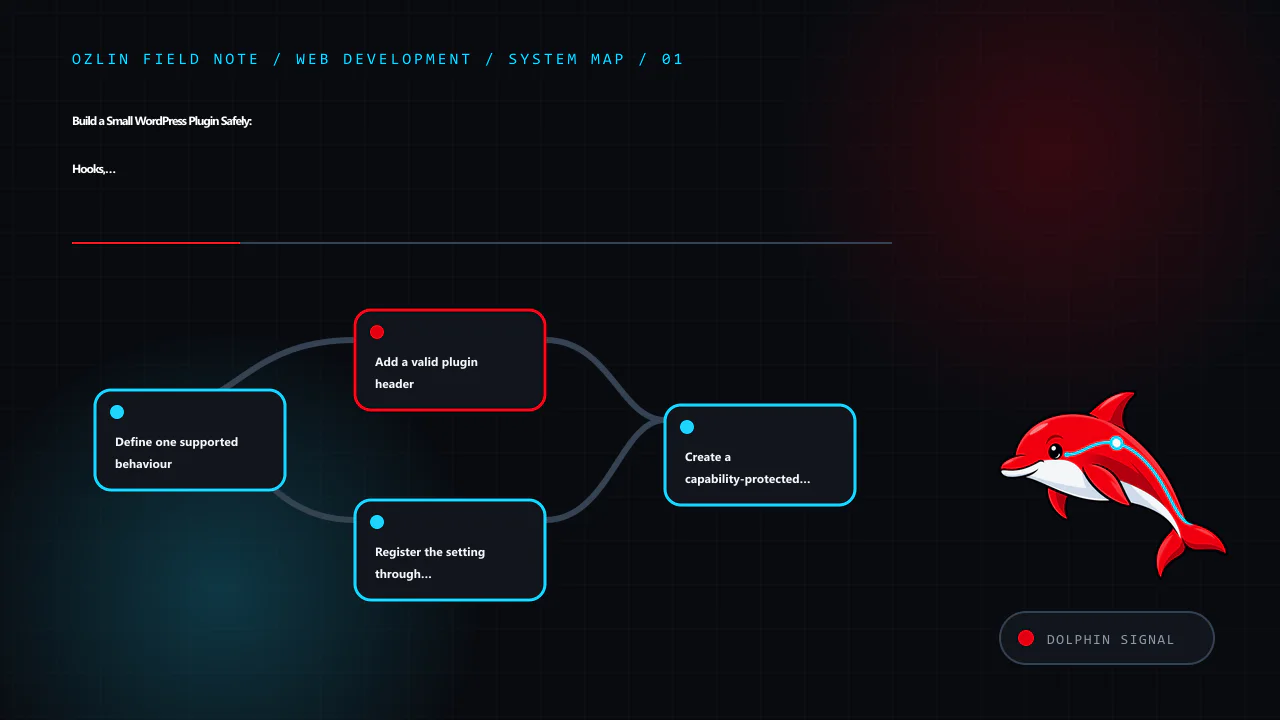
    Article map for Build a Small WordPress Plugin Safely: Hooks, Settings and Release Ch…, covering Define one supported behaviour, Add a valid plugin header, Register the setting through WordPress APIs and related review…
    Article map: Define one supported behaviour; Add a valid plugin header; Register the setting through WordPress APIs; Create a capability-protected settings page.

    Define one supported behaviour

    This example will store a short site notice and expose it through a shortcode. The design decisions are:

    • administrators with manage_options can edit the value;
    • input is plain text, not arbitrary HTML;
    • output is escaped at the point it is rendered;
    • the Settings API handles the standard options form and request token;
    • the plugin does not create a custom database table; and
    • uninstall behaviour will be decided explicitly rather than deleting data on deactivation.

    Use a unique plugin slug and function prefix or namespace to avoid collisions. Create a directory such as:

    wp-content/plugins/ozlin-status-note/
    └── ozlin-status-note.php

    Do this in local development or staging under version control. Do not begin by editing PHP through the production WordPress dashboard.

    Add a valid plugin header

    WordPress discovers plugins from a header comment in the main PHP file. Only Plugin Name is mandatory, but version and compatibility information help operations. The Update URI field can prevent a private plugin from being overwritten by a similarly named plugin from WordPress.org (WordPress — Plugin Header Requirements).

    <?php
    /**
     * Plugin Name:       Ozlin Status Note
     * Description:       Provides a plain-text site notice through a shortcode.
     * Version:           0.1.0
     * Requires at least: 7.0
     * Requires PHP:      8.1
     * Author:            Ozlin Info
     * License:           GPL-2.0-or-later
     * Text Domain:       ozlin-status-note
     */
    
    defined( 'ABSPATH' ) || exit;

    The version requirements above are examples, not claims about a tested release. Set them only after testing the actual code against supported WordPress and PHP versions. Do not invent an update URL that promises public packages unless a real, controlled update service exists.

    Register the setting through WordPress APIs

    The Settings API provides a standard way to register, render and save options. Register settings and fields during admin_init (WordPress — Settings API).

    function ozlin_status_note_register_setting(): void {
        register_setting(
            'ozlin_status_note',
            'ozlin_status_note_text',
            array(
                'type'              => 'string',
                'sanitize_callback' => 'sanitize_textarea_field',
                'default'           => '',
            )
        );
    
        add_settings_section(
            'ozlin_status_note_main',
            __( 'Status note', 'ozlin-status-note' ),
            '__return_false',
            'ozlin-status-note'
        );
    
        add_settings_field(
            'ozlin_status_note_text',
            __( 'Message', 'ozlin-status-note' ),
            'ozlin_status_note_render_field',
            'ozlin-status-note',
            'ozlin_status_note_main'
        );
    }
    add_action( 'admin_init', 'ozlin_status_note_register_setting' );
    
    function ozlin_status_note_render_field(): void {
        $value = (string) get_option( 'ozlin_status_note_text', '' );
        ?>
        <textarea
            id="ozlin_status_note_text"
            name="ozlin_status_note_text"
            rows="5"
            class="large-text"
        ><?php echo esc_textarea( $value ); ?></textarea>
        <?php
    }

    Sanitisation transforms incoming data into the allowed form. Validation can reject data that does not meet a rule. Choose the function for the field: a plain-text area, email, URL, integer and controlled enumeration need different handling.

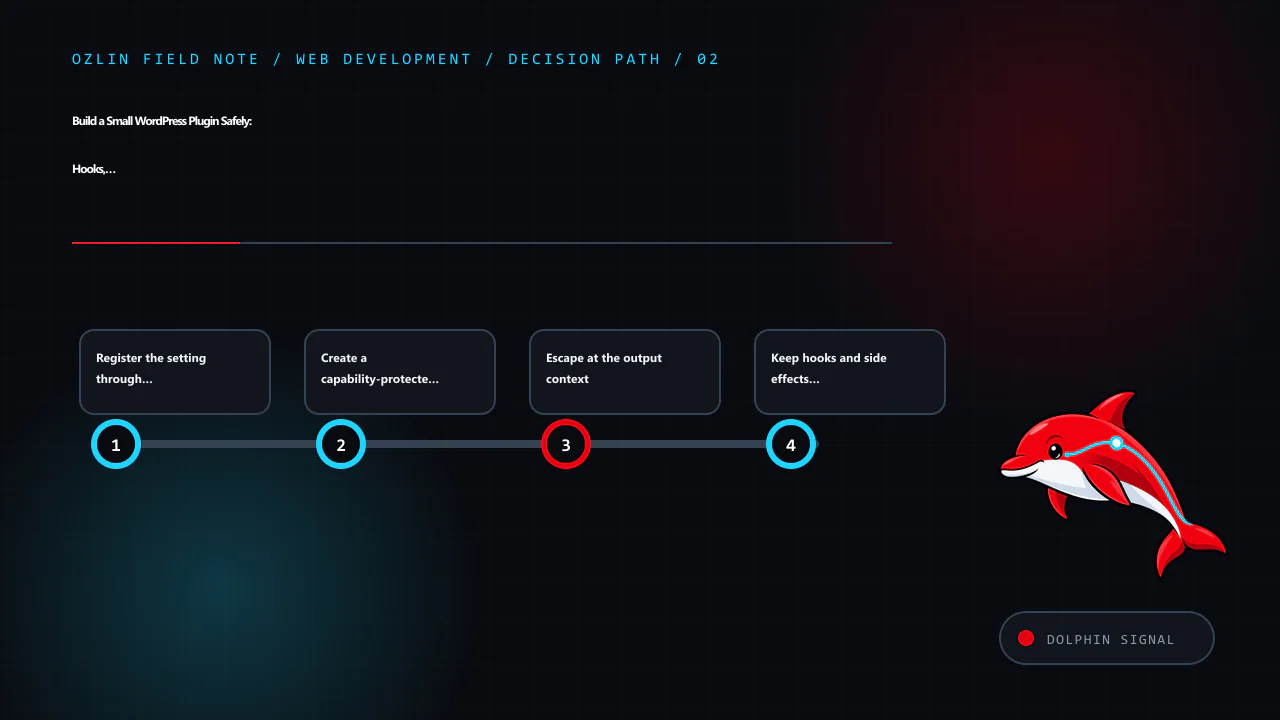
    Decision path for Build a Small WordPress Plugin Safely: Hooks, Settings and Release Ch…, covering Register the setting through WordPress APIs, Create a capability-protected settings page, Escape at the output context a…
    Decision path: Register the setting through WordPress APIs; Create a capability-protected settings page; Escape at the output context; Keep hooks and side effects clear.

    Create a capability-protected settings page

    function ozlin_status_note_add_page(): void {
        add_options_page(
            __( 'Ozlin Status Note', 'ozlin-status-note' ),
            __( 'Status Note', 'ozlin-status-note' ),
            'manage_options',
            'ozlin-status-note',
            'ozlin_status_note_render_page'
        );
    }
    add_action( 'admin_menu', 'ozlin_status_note_add_page' );
    
    function ozlin_status_note_render_page(): void {
        if ( ! current_user_can( 'manage_options' ) ) {
            return;
        }
        ?>
        <div class="wrap">
            <h1><?php echo esc_html( get_admin_page_title() ); ?></h1>
            <form action="options.php" method="post">
                <?php
                settings_fields( 'ozlin_status_note' );
                do_settings_sections( 'ozlin-status-note' );
                submit_button();
                ?>
            </form>
        </div>
        <?php
    }

    The menu capability controls who can reach the page, and the explicit current_user_can() check protects the callback. settings_fields() supplies the standard fields used by the Settings API, including a request nonce.

    A WordPress nonce helps protect a request against certain cross-site request forgery scenarios. It is not authentication or authorisation and is not guaranteed to be used only once. WordPress instructs developers to protect actions with a capability check as well (WordPress — Nonces).

    Escape at the output context

    Register a shortcode that returns, rather than echoes, escaped HTML:

    function ozlin_status_note_shortcode(): string {
        $message = trim( (string) get_option( 'ozlin_status_note_text', '' ) );
    
        if ( '' === $message ) {
            return '';
        }
    
        return sprintf(
            '<aside class="ozlin-status-note" role="note"><p>%s</p></aside>',
            esc_html( $message )
        );
    }
    add_shortcode( 'ozlin_status_note', 'ozlin_status_note_shortcode' );

    Escaping is context-specific: esc_html() for text in HTML, esc_attr() for an attribute, esc_url() for a URL and wp_kses() or wp_kses_post() for deliberately allowed HTML. WordPress's security guidance says to validate and sanitise input and escape output as late as possible (WordPress — Security).

    Stored data is not automatically trusted. It may have been written by an older plugin version, direct database access or an import. Escape every untrusted output in its final context.

    Keep hooks and side effects clear

    WordPress hooks let plugins interact with core without modifying it. Actions perform work at a point in execution; filters receive a value and must return the modified or original value. Filters should not unexpectedly print output or mutate unrelated global state (WordPress — Hooks).

    Register hooks at load time, but avoid expensive queries or remote calls on every request. Load administrative code only where required and enqueue assets only on the plugin's own screen. Use WordPress HTTP, filesystem, database and scheduling APIs instead of bypassing established controls without a reason.

    Treat database and lifecycle changes carefully

    Activation is not a normal request. Use activation hooks only for bounded setup that can be retried safely. For a custom table, use a versioned migration, the appropriate WordPress database helper and a backup/rollback plan. Do not run heavy data transformation during every page load.

    Deactivation should stop active behaviour, such as scheduled tasks, without erasing user data. Uninstall may remove data only when that is the documented and chosen policy. Some sites expect data to remain for reactivation; others require complete removal. Offer an explicit setting where appropriate and test both paths.

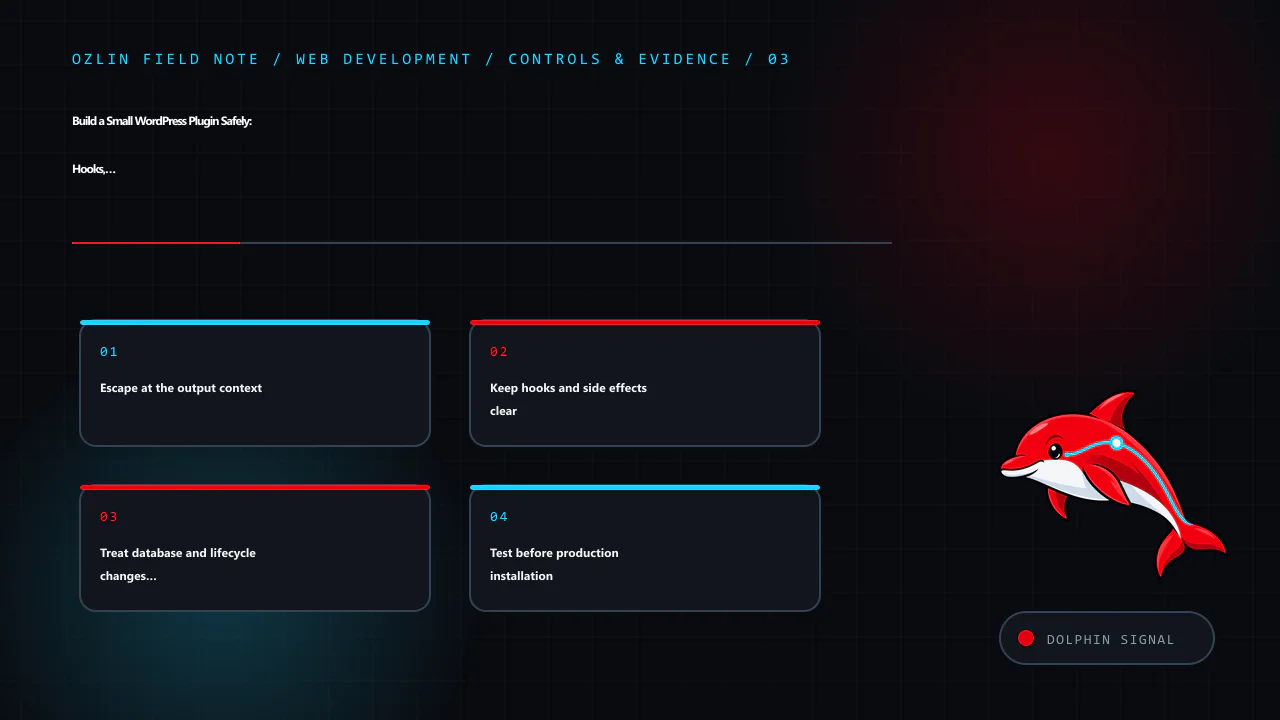
    Control and evidence map for Build a Small WordPress Plugin Safely: Hooks, Settings and Release Ch…, covering Escape at the output context, Keep hooks and side effects clear, Treat database and lifecycle changes careful…
    Control and evidence map: Escape at the output context; Keep hooks and side effects clear; Treat database and lifecycle changes carefully; Test before production installation.

    Test before production installation

    At minimum, verify:

    • activation, deactivation and reactivation;
    • required WordPress and PHP versions;
    • administrator and lower-privilege access;
    • valid, empty and malicious-looking input;
    • escaping in the front end and admin;
    • shortcode use in expected and unexpected contexts;
    • multisite behaviour if supported;
    • uninstall and retained-data policy;
    • no PHP notices with debugging enabled; and
    • no conflict with the active theme and critical plugins.

    Run static analysis and WordPress coding-standard checks where practical. Add unit tests for deterministic functions and browser tests for the settings and rendering journey. Inspect queries and page performance so the feature does not add site-wide work.

    For production, deploy a reviewed ZIP or controlled filesystem release, record the version and keep a rollback copy. A private plugin has no automatic security maintenance unless someone owns it. Monitor PHP and WordPress deprecations and review every supported release.

    For help scoping, building or reviewing a custom WordPress extension, see Ozlin Info's web development services or contact Ozlin Info.

    Related reading: WordPress privacy for Australian SMEs: scope data before adding plugins.


    General-information disclaimer

    This article provides general technical information and an educational example only. The code has not been released as a supported plugin and must be reviewed and tested in the actual WordPress, PHP, theme and plugin environment before use.

    AI-assistance disclosure

    AI tools assisted with source discovery, outlining, code drafting and copyediting. A human reviewer must run security, compatibility and functional tests and verify every service claim and publication decision before release. The example is not a security guarantee or maintained download.

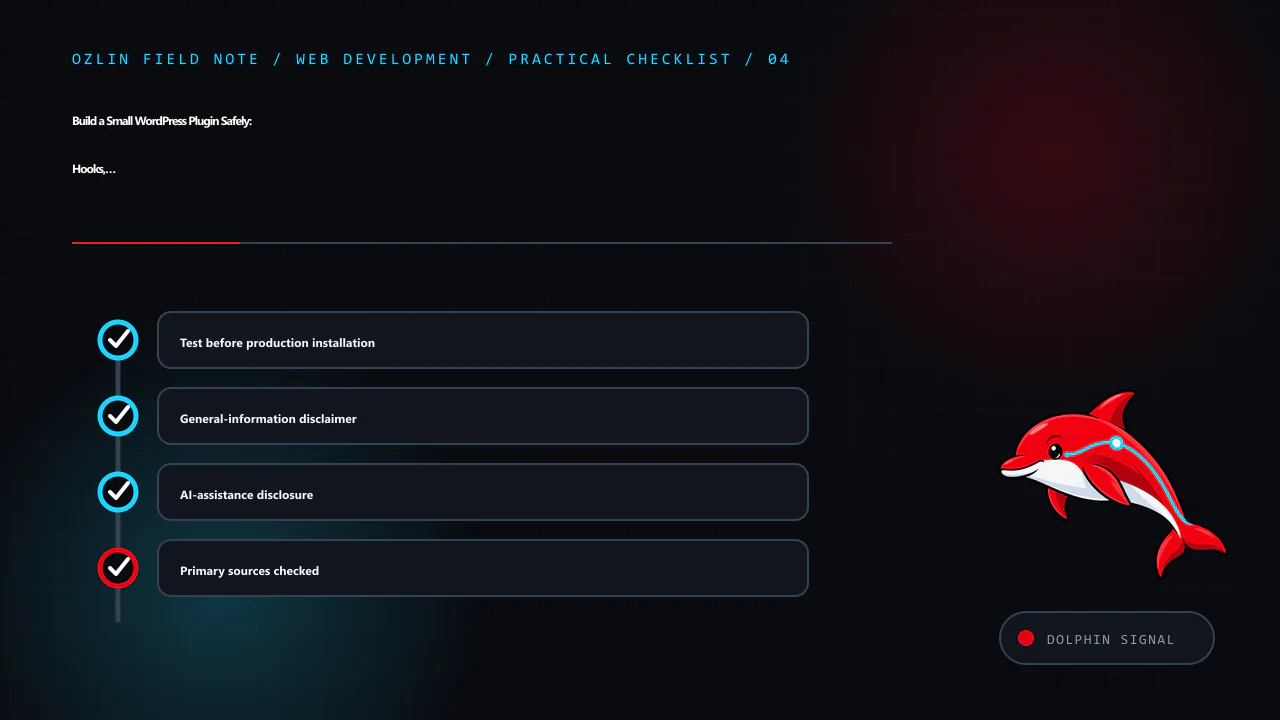
    Practical checklist for Build a Small WordPress Plugin Safely: Hooks, Settings and Release Ch…, covering Test before production installation, General-information disclaimer, AI-assistance disclosure and related review p…
    Practical checklist: Test before production installation; General-information disclaimer; AI-assistance disclosure; Primary sources checked.

    Primary sources checked

    Source access date: 29 August 2026.