

Web performance is the experience of waiting for useful content, interacting with it and keeping the page visually stable. It is not one synthetic score and not a one-time compression exercise. Device capability, network, geography, cache state, account state and page content all affect what a visitor experiences.
The most productive workflow is evidence-led: identify a slow user task, measure it in the field, reproduce it in a controlled lab, find the limiting part, make one change and confirm the result for real users.
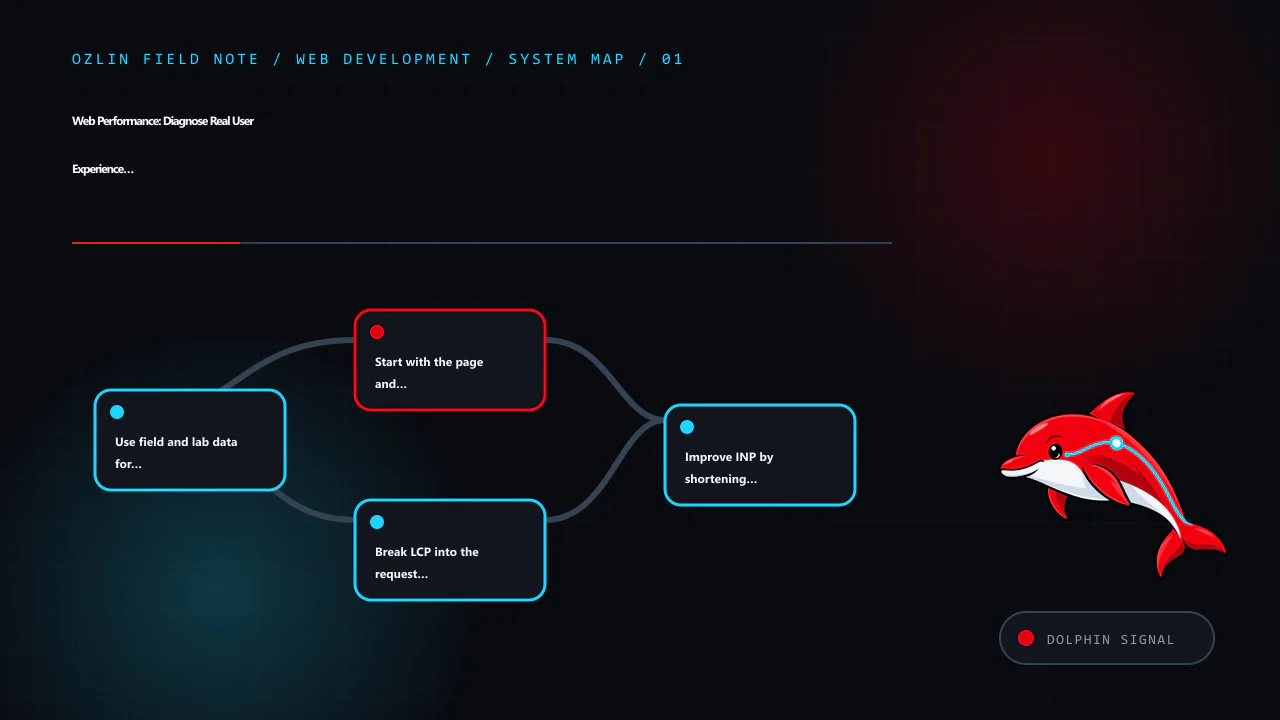
Use field and lab data for different questions
Field data describes visits on real devices and networks. It can show distributions, route differences and whether a problem affects mobile users, a region or a particular template. Lab tools make the environment repeatable and expose network waterfalls, main-thread work, layout shifts and rendering detail.
Neither replaces the other. A lab run cannot represent every customer, while a field percentile rarely tells a developer exactly which script or image caused the delay.
For Core Web Vitals, evaluate the 75th percentile of page visits separately for mobile and desktop where the data permits it. Current “good” thresholds are:
| Metric | What it represents | Good threshold |
|---|---|---|
| Largest Contentful Paint (LCP) | Loading of the largest visible content element | 2.5 seconds or less |
| Interaction to Next Paint (INP) | Overall responsiveness to click, tap and keyboard interactions | 200 milliseconds or less |
| Cumulative Layout Shift (CLS) | Unexpected visual movement | 0.1 or less |
These thresholds are guidance for classifying experience, not a guarantee of usability, conversion or search position. A site can meet them and still have an inaccessible form, broken checkout or slow task after the measured page state (web.dev — LCP; web.dev — INP; web.dev — CLS).
Start with the page and task that matters
Segment by template and journey before optimising the global average. A home page, article, product listing and logged-in dashboard have different content and dependencies. Record:
- target URL and navigation path;
- device and viewport;
- network and geographic path;
- cold and warm cache;
- consent and authentication state;
- content or experiment variant; and
- field time range and sample size.
Define a performance budget for assets and behaviour: maximum initial JavaScript, image bytes, third-party requests, font files, server response and long tasks. A budget makes performance reviewable during delivery rather than a rescue project after launch.
Break LCP into the request and rendering path
LCP includes time before the HTML arrives, delay before the LCP resource starts loading, the resource transfer and delay before the browser paints it. Improve the dominant part instead of applying generic minification.
Reduce server and connection delay
Trace DNS, TLS, redirects, edge routing, reverse proxy, application, database and remote APIs. Remove avoidable redirects, cache safe public responses, keep the application and database appropriately close, and fix slow queries or synchronous external calls. A content delivery network can shorten delivery for cacheable resources but does not repair slow origin generation or incorrect cache rules.
Measure time to first byte in context. A fast synthetic response from a nearby location does not represent a personalised request from another region.
Make the LCP resource discoverable
If the main image is only inserted after JavaScript runs or hidden in a CSS background, the browser may discover it late. Put important content in the initial HTML where appropriate, use responsive image markup and avoid lazy-loading an above-the-fold LCP image. Apply priority hints only after confirming discovery order; prioritising everything means nothing is prioritised.
Serve an image with dimensions and an appropriate intrinsic size. Compare AVIF, WebP and conventional fallbacks at acceptable visual quality instead of assuming one format always wins.
Remove render delay
Limit render-blocking CSS to what the initial view needs, keep style rules maintainable and defer non-critical work. Font loading, large client-rendered bundles and long main-thread tasks can delay paint even after the resource arrived. Server-rendered or statically generated content may improve time to content when a marketing or article page does not need a client-only application.
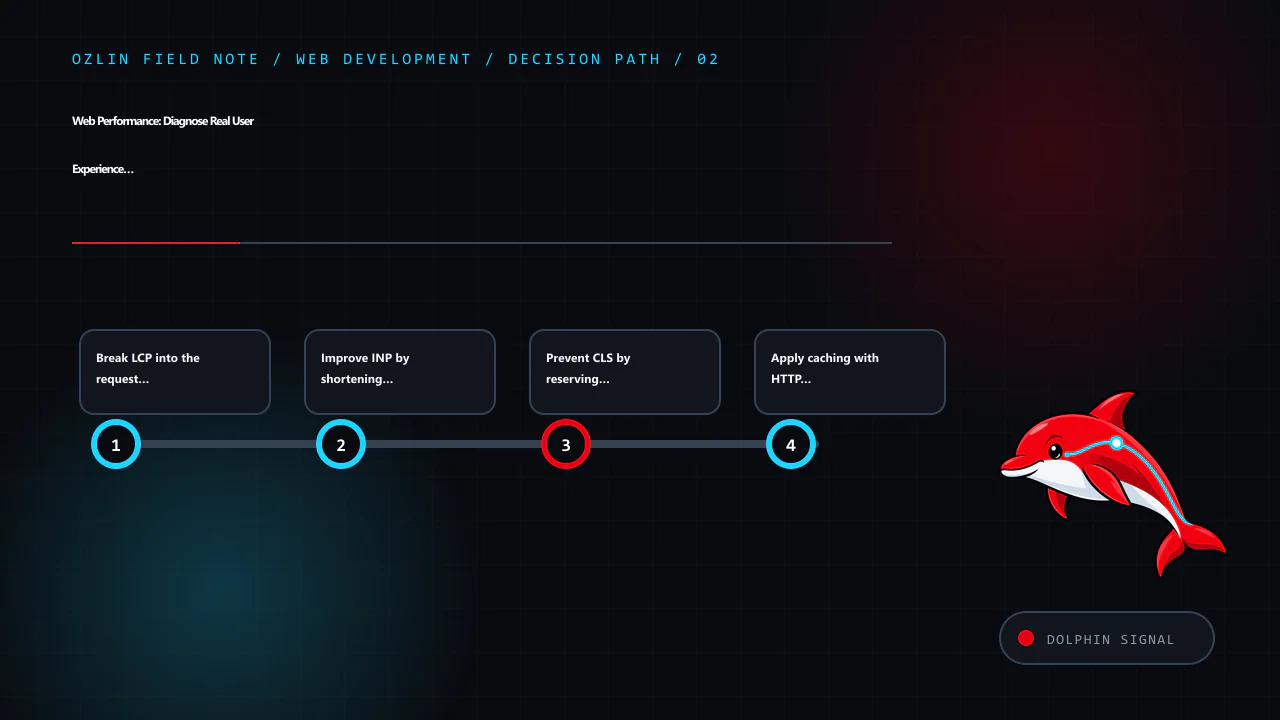
Improve INP by shortening main-thread work
INP observes interaction latency across the page visit and usually reports the worst interaction, with an outlier adjustment for pages with many interactions. A slow interaction can include input delay, event-handler work and delay before the next paint.
Profile the actual slow interaction. Common improvements include:
- remove unused third-party and application JavaScript;
- split long tasks and yield so the browser can update;
- avoid repeated synchronous layout reads and writes;
- render or virtualise only the visible part of a large list;
- debounce or schedule non-essential work without delaying critical feedback;
- move suitable computation to a worker; and
- show immediate, accessible feedback while longer work continues.
Do not make an interface appear responsive by acknowledging a destructive action before the server has safely accepted it. Performance must preserve correctness and communicate pending, success and failure states.
Third-party tags, chat widgets, A/B tests and consent tools execute in the same page. Give each an owner, purpose and performance budget; remove campaigns and integrations that are no longer used.
Prevent CLS by reserving space
CLS measures unexpected movement, not animation in general. Common causes include images without dimensions, late ads or embeds, injected banners and font changes.
Set width and height or an aspect ratio for images and video. Reserve realistic space for embeds, cookie notices and dynamic results. Insert new content below the current focus where possible, or allocate its space before an asynchronous response arrives. Use font metrics and fallbacks that reduce reflow.
A layout shift immediately following a user action may be excluded from the metric, but it can still be confusing or move a control away from a keyboard or magnification user. Review the experience, not just the number.
Apply caching with HTTP semantics
Cache versioned static assets for a long period and change their URL when content changes. For HTML and API responses, define freshness, validators and private/shared behaviour based on the data. Cache-Control: no-store, private, Vary, ETags and conditional requests have distinct semantics; a broad CDN “cache everything” rule can expose personalised content.
RFC 9111 describes an HTTP cache key as including at least the method and target URI, with additional request fields where selected by Vary (RFC 9111 — HTTP Caching). Test authenticated, consent, language and device variants before enabling shared caching.
A service worker adds another cache with its own lifecycle. Use it only for a defined reliability goal and plan invalidation; it can serve stale or incompatible code if updates are mishandled.
Optimise images, fonts and CSS as systems
For images:
- choose dimensions for the rendered slot and device density;
- use
srcsetandsizesso the browser can select a candidate; - compare codecs at representative quality;
- lazy-load below-the-fold images, not the primary LCP image;
- preserve width and height; and
- remove metadata only where it is not required.
For fonts, use only needed families, weights and character sets, preload sparingly and choose an appropriate font-display strategy. System fonts can be a strong option where brand requirements allow. Ensure fallbacks do not create severe layout shifts.
For CSS, remove truly unused rules with a build process that understands dynamic class names. Do not trade maintainability or accessibility for a tiny byte reduction without measurable benefit.
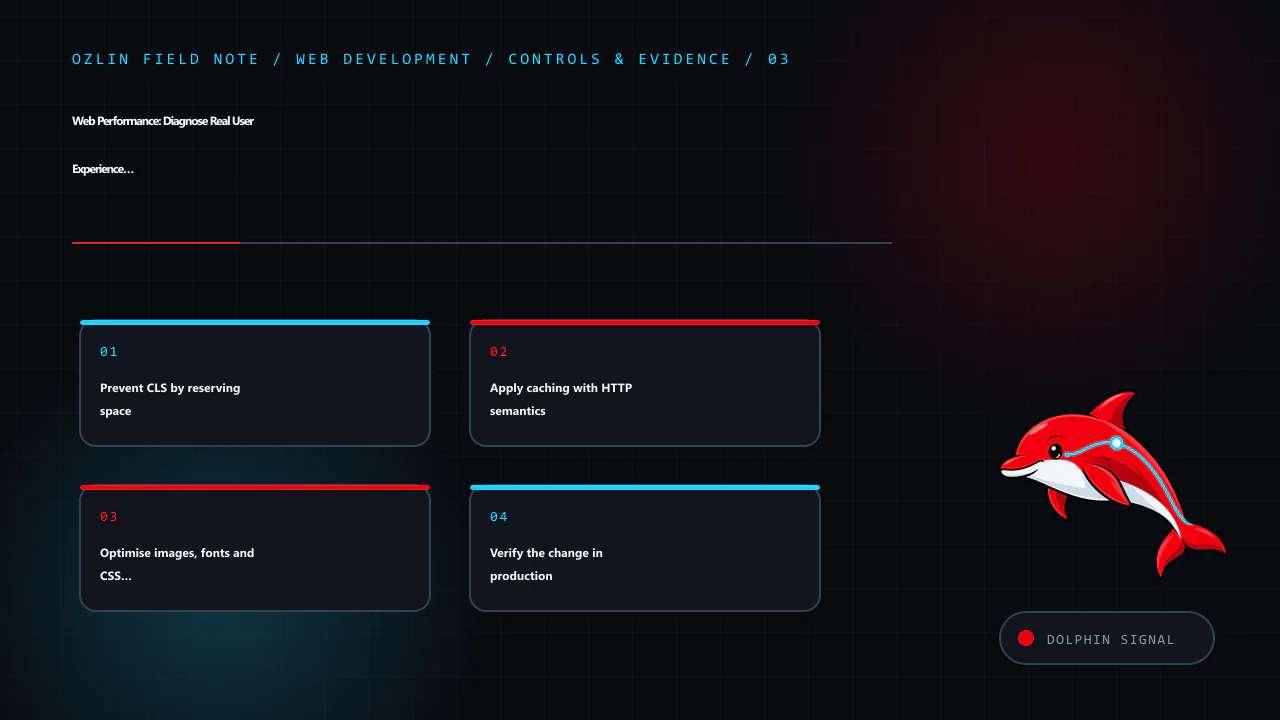
Verify the change in production
After deployment:
- check errors, availability and critical tasks;
- compare controlled lab traces under the same conditions;
- watch field distributions long enough to account for cache and traffic mix;
- check slower devices and regions, not only the median;
- verify accessibility, analytics and consent behaviour; and
- keep rollback available.
Core Web Vitals field data may move gradually as new visits enter the reporting window. Use your own real-user monitoring for faster diagnostics, with appropriate privacy and sampling controls.
For help auditing a WordPress or custom website performance path, see Ozlin Info's web development services or contact Ozlin Info.
Related reading: MySQL and WordPress database performance: measure before you tune.
General-information disclaimer
This article provides general technical information only. Performance results depend on the actual site, users, devices, networks and measurement design. Core Web Vitals targets do not guarantee accessibility, revenue, search position or business outcomes.
AI-assistance disclosure
AI tools assisted with source discovery, outlining and copyediting. A human reviewer must verify the current metric definitions, technical recommendations, service claims and publication decision before release. No performance or ranking outcome is guaranteed.
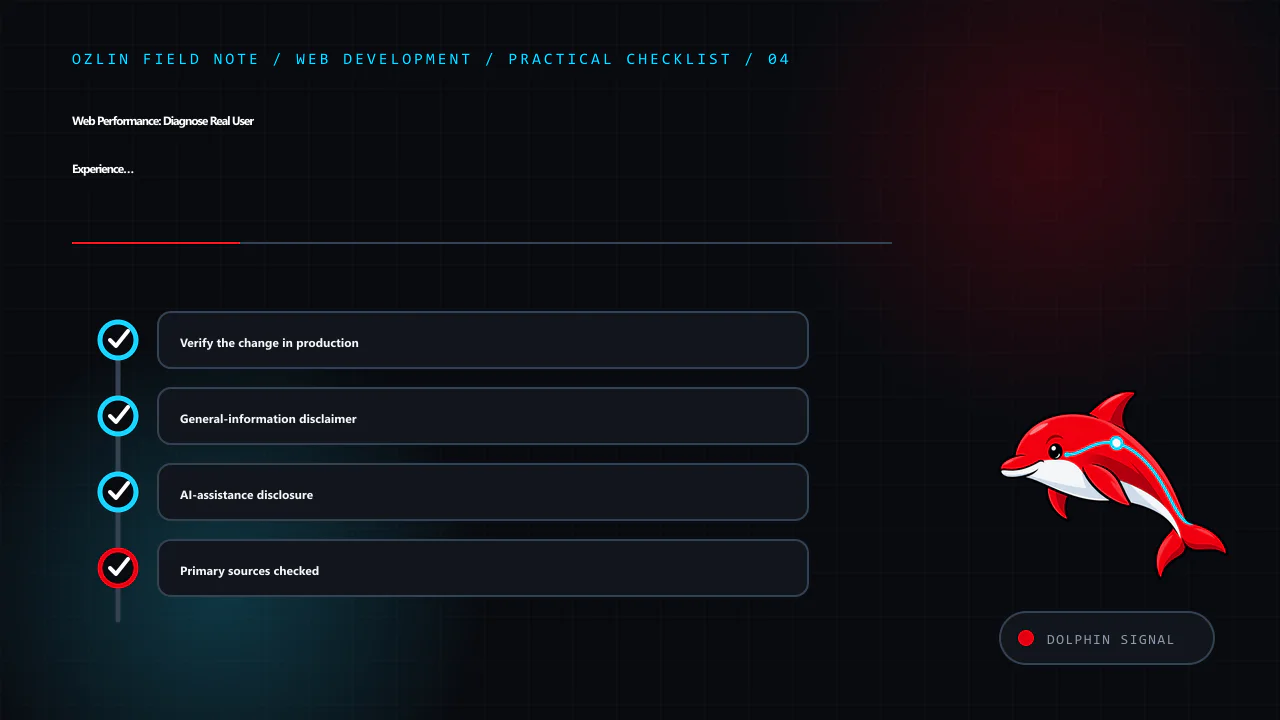
Primary sources checked
- web.dev — Largest Contentful Paint
- web.dev — Optimize Largest Contentful Paint
- web.dev — Interaction to Next Paint
- web.dev — Optimize Interaction to Next Paint
- web.dev — Cumulative Layout Shift
- web.dev — Optimize Cumulative Layout Shift
- web.dev — Field Measurement Best Practices
- RFC 9111 — HTTP Caching
Source access date: 29 August 2026.
Leave a Reply