

Database tuning begins with a slow user journey and evidence—not a generic cleanup button. A page can wait on PHP, remote APIs, object storage, locks, a cold cache or the browser while the database is behaving normally. Conversely, a fast average can hide one expensive query that affects only administrators or a particular filter.
For WordPress backed by MySQL, the safest workflow is to reproduce the affected task, measure where time and resources are spent, inspect the responsible query and application call path, make one controlled change, then compare the same evidence.
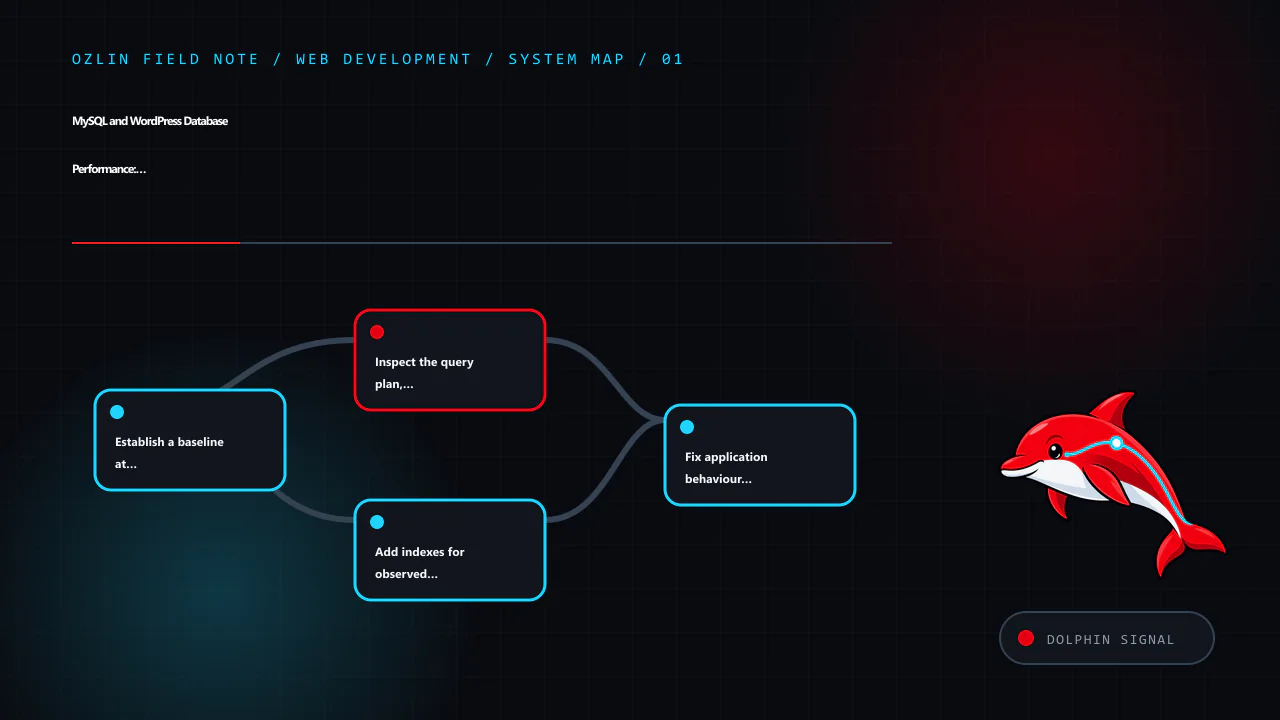
Establish a baseline at the user and server layers
Record the exact journey, data volume, account role, cache state and time window. Useful observations include:
- response time at the reverse proxy and application;
- database query count and cumulative time for the request;
- slow-query frequency, rows examined and lock time;
- CPU, memory, disk latency and connection pressure;
- cache hit and miss behaviour;
- background jobs or cron activity; and
- whether the problem occurs on a cold cache, warm cache or both.
Use production telemetry with appropriate data minimisation, access controls and retention. Reproduce in staging with representative synthetic data when a diagnostic action could add risk or load.
MySQL's slow query log records statements exceeding long_query_time and can also apply a minimum examined-row threshold. It is a diagnostic source, not something to enable indefinitely without considering volume, sensitive values and storage (MySQL 8.4 — Server Logs). Application performance monitoring can connect a query to a route or request, but inspect how it captures parameters before sending database details to a third party.
Inspect the query plan, not just the SQL text
EXPLAIN shows how the optimiser intends to execute a statement, including access type, candidate and selected indexes, join order and estimated rows. EXPLAIN ANALYZE actually runs a supported statement and adds observed iterator timing, row counts and loops. Because it executes the work, use it deliberately—prefer a safe staging environment or a carefully reviewed read query on production (MySQL 8.4 — EXPLAIN).
Look for evidence such as:
- far more rows examined than returned;
- full scans that grow with the table;
- repeated nested-loop work;
- sorting or temporary processing on a large result;
- poor estimates compared with actual rows; and
- filters or joins that cannot use an appropriate index.
A full scan is not automatically wrong. It may be optimal for a small table or a query returning much of the table. The question is whether the plan fits the data and workload.
If estimates appear stale after major data changes, ANALYZE TABLE can refresh statistics. InnoDB determines cardinality estimates using sampled index dives, so estimates are not exact and repeated analysis can produce different values (MySQL 8.4 — ANALYZE TABLE). Do not use ANALYZE TABLE as a ritual without an identified planning problem and change controls.
Add indexes for observed access patterns
An index can reduce rows examined for filters, joins and ordered retrieval. It also occupies storage and must be maintained on insert, update and delete. MySQL explicitly cautions that unnecessary indexes waste space and increase write work (MySQL 8.4 — Optimization and Indexes).
For a candidate composite index, consider:
- columns used together in equality and range predicates;
- join columns and data types;
- sort order and limit;
- selectivity in the real dataset;
- the leftmost-prefix behaviour of a B-tree index;
- existing overlapping indexes; and
- impact on writes and maintenance.
Test the plan and workload before and after. A forced index hint can mask stale statistics or an incomplete model and may become harmful as data changes.
In WordPress, do not alter core table structures casually. A plugin query may need an application-level redesign, a supported plugin index or a purpose-built table rather than another index on wp_postmeta. Meta queries across large, weakly selective values can remain expensive even after a plausible index is added.
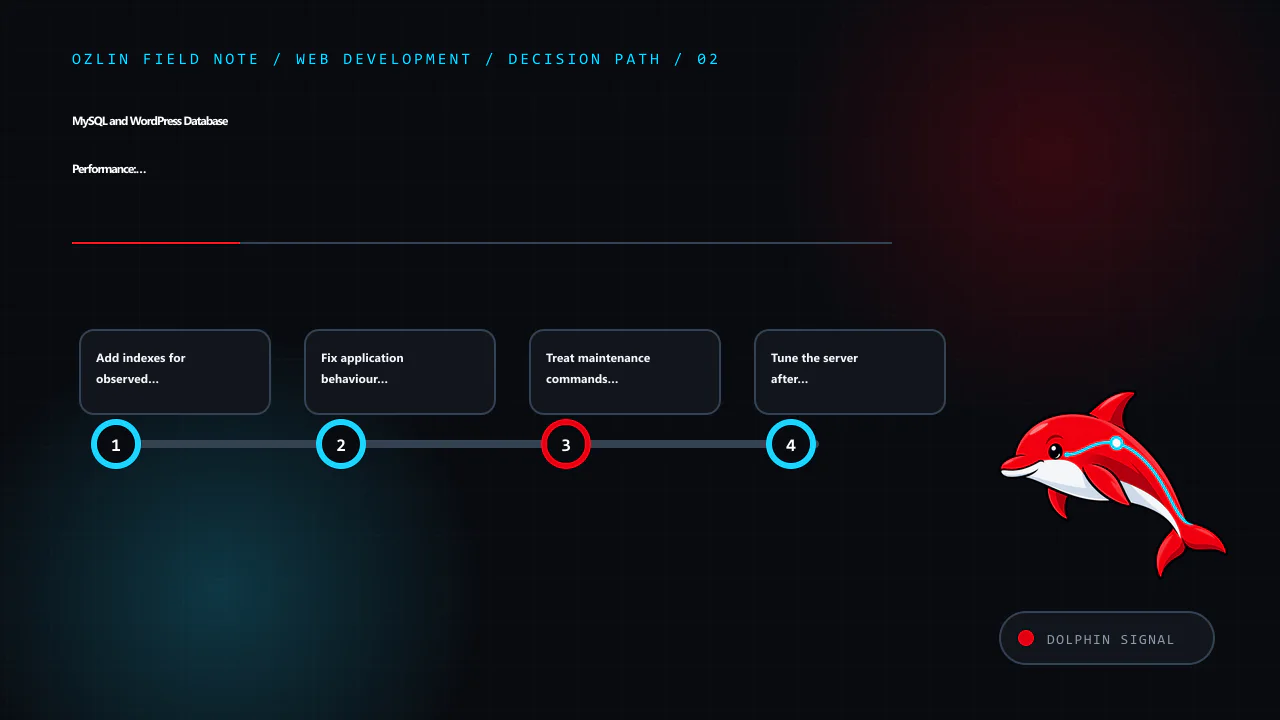
Fix application behaviour before increasing server limits
Common application problems include:
- an N+1 pattern that fetches related records one at a time;
- selecting unused columns or unlimited result sets;
- running the same query repeatedly during one request;
- loading large option values on every page;
- synchronous work that belongs in a bounded background job;
- remote calls inside a database transaction; and
- missing pagination or an unbounded administrative report.
Correcting one query pattern is usually more durable than allocating more memory to execute it faster. Use the WordPress APIs and prepared queries rather than constructing SQL from untrusted input. Performance work must not weaken authorisation or validation.
Review WordPress autoloaded options
Autoloaded options are loaded with every WordPress request. A plugin or theme can leave large or obsolete values in wp_options, increasing memory and transfer work across the site. WordPress's current administration guidance says excessive autoloaded options can slow a site and gives a general target of keeping them below 800 KB, but treat that number as an investigation trigger rather than a universal guarantee (WordPress — Optimization).
Inventory the largest autoloaded values, identify their owner and confirm whether they are required on most requests. Do not directly delete unfamiliar rows. Some values are active configuration or serialised structures; an unsupported change can break the site.
Cache only where correctness is defined
WordPress's Transients API stores temporary cached data with an expiration. A transient may disappear before its nominal expiry, so the application must be able to regenerate it (WordPress — Transients API). A persistent object cache can reduce repeated database reads across requests, but it introduces capacity, eviction, invalidation and operational dependencies.
For each cached value, define:
- the key and tenant or user scope;
- maximum acceptable staleness;
- invalidation triggers;
- behaviour on a miss or cache outage;
- size and retention; and
- whether personal or confidential data is appropriate to store.
Do not cache an authorisation decision longer than the underlying access can safely remain valid. Avoid cache keys that let one user's result reach another.
Treat maintenance commands as changes
OPTIMIZE TABLE is often advertised as routine WordPress cleanup. For InnoDB, MySQL maps it to ALTER TABLE ... FORCE, rebuilding the table to update statistics and reclaim unused space in the clustered index (MySQL 8.4 — OPTIMIZE TABLE). A rebuild can require time, I/O, temporary space and operational coordination. Run it only for an evidenced need with backups, capacity checks and an understood locking/online-DDL path.
Deleting expired transients, old revisions or logs may reduce storage, but retention must be intentional. Confirm plugin behaviour, legal or business requirements and rollback before removing records. Database “repair” plugins with broad write access add their own supply-chain and operational risk.
Tune the server after the workload is understood
MySQL buffer, connection and I/O settings depend on engine, dataset, concurrency, available memory and other services on the host. Copying a large-server configuration into a small container can trigger swapping or out-of-memory termination. Container memory limits do not make oversized MySQL settings safe.
Measure the working set, peak connections, temporary object use, disk latency and buffer-pool behaviour. Change one group of settings with a hypothesis and compare during a representative period. Preserve capacity for the operating system, web workers, caches and backup jobs.
Connection pooling or persistent connections can reduce setup overhead but also multiply idle sessions or stale transactions if application workers and limits are not coordinated.
Validate performance and recovery together
Before a schema, cleanup or configuration change:
- take a database-consistent backup using a supported method;
- verify available disk and temporary space;
- record the original configuration and plan;
- test the change and rollback in a representative environment;
- deploy during an appropriate window; and
- verify both the target journey and unrelated critical workflows.
A backup is credible only after a restore test. Monitor for regressions in writes, replication if used, background jobs and cache behaviour—not just the one query that improved.
For help profiling a WordPress application or planning a scoped performance change, see Ozlin Info's web development services or contact Ozlin Info.
Related reading: 10 WordPress performance checks before optimisation.
General-information disclaimer
This article provides general technical information only. Commands and settings must be assessed against the actual database version, workload, data, hosting design and recovery requirements. Performance changes can cause downtime or data loss if applied without appropriate review and backups.
AI-assistance disclosure
AI tools assisted with source discovery, outlining and copyediting. A human reviewer must verify all database statements, operational assumptions, service claims and the publication decision before release. No performance improvement or availability outcome is guaranteed.
Primary sources checked
- MySQL 8.4 — Server Logs
- MySQL 8.4 — EXPLAIN Statement
- MySQL 8.4 — Optimizing Queries with EXPLAIN
- MySQL 8.4 — Optimization and Indexes
- MySQL 8.4 — ANALYZE TABLE
- MySQL 8.4 — OPTIMIZE TABLE
- WordPress — Optimization
- WordPress — Transients API
Source access date: 29 August 2026.
Leave a Reply