
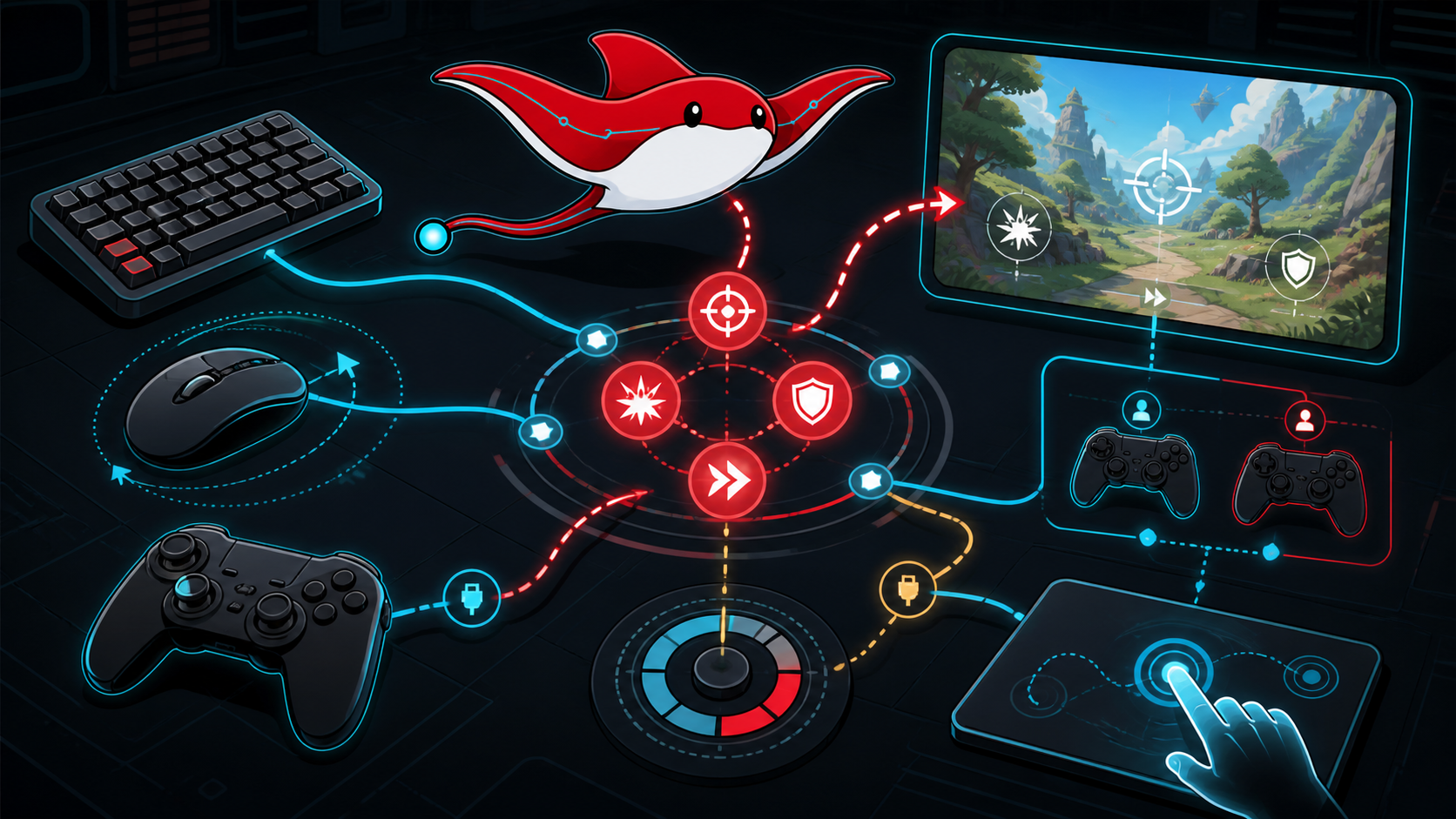
Cross-platform input is not a list of if key pressed statements. It is a boundary between physical controls, operating-system events, player identity, gameplay intent and interface feedback. A resilient design lets devices appear and disappear, lets people remap actions and avoids embedding one controller's labels in game logic.
The first design artifact should be an action inventory. Name intent such as Move, Look, Confirm, Cancel, Jump, Interact and Pause. Define the value type, timing and contexts for each action before assigning keys or buttons.
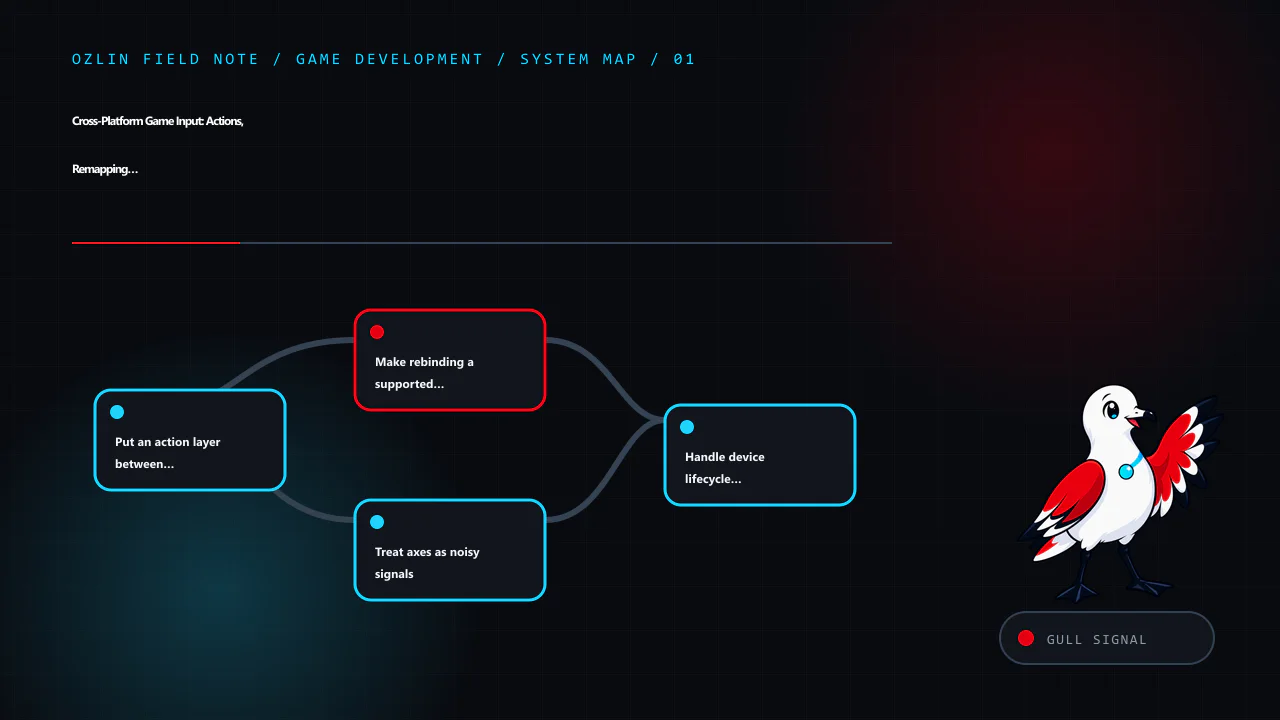
Put an action layer between controls and gameplay
The input layer converts device-specific controls into normalised action values and events. Gameplay consumes those actions without knowing whether Move came from WASD, a stick, touch or an accessibility device.
A useful flow is:
physical device → platform or engine input → binding and processors
                → player action → gameplay command or UI navigation
Keep gameplay contexts separate. A Confirm action in menus should not accidentally fire a weapon beneath an open dialog. Use action maps or an explicit context stack for gameplay, interface, vehicle, spectator and debug controls. Record which context owns an event and how transitions clear held state.
Unity's Input System supports multiple bindings for an action, composite bindings, control schemes and non-destructive binding overrides. Its current documentation also warns that processors can be applied both at a control and binding, which can unintentionally apply a dead zone twice (Unity — Input bindings). Pin the package version used by the project and test saved overrides when upgrading.
Make rebinding a supported data flow
Rebinding needs more than a capture dialog. Define:
- which actions may share a control;
- how conflicts are explained and resolved;
- how composite bindings such as WASD are edited;
- how defaults are restored per action or scheme;
- where overrides are stored and migrated;
- whether keyboard, mouse and gamepad can be used together; and
- how inaccessible or reserved platform controls are handled.
Do not store a display string as the binding identity. Store the engine's stable binding identifier or supported override representation, then derive a localised label or glyph for the currently connected device. Validate imported or cloud-synchronised settings before applying them.
Let players reach the controls screen with more than one device path. If a bad override makes Confirm unreachable, provide a safe reset. Test rebinding with keyboard layouts other than US English and with gamepads whose face-button labels or positions differ.
Treat axes as noisy signals
Analogue controls need calibrated processing. A dead zone suppresses resting noise, but a large dead zone removes fine control. Radial and per-axis dead zones produce different diagonals. Response curves, sensitivity, inversion, acceleration and smoothing should be selected for the action rather than applied globally.
Record raw and processed values in a debug view. Test worn controllers and rapidly switching direction. Clamp values and avoid normalising a zero vector. For movement, decide whether diagonal input should reach the same maximum magnitude as axial input.
Mouse delta, touch drag and stick displacement are not interchangeable. Mouse input is relative movement; a stick is an absolute deflection; touch may represent direct position or a gesture. Map them to a common gameplay intent only after applying device-appropriate processing.
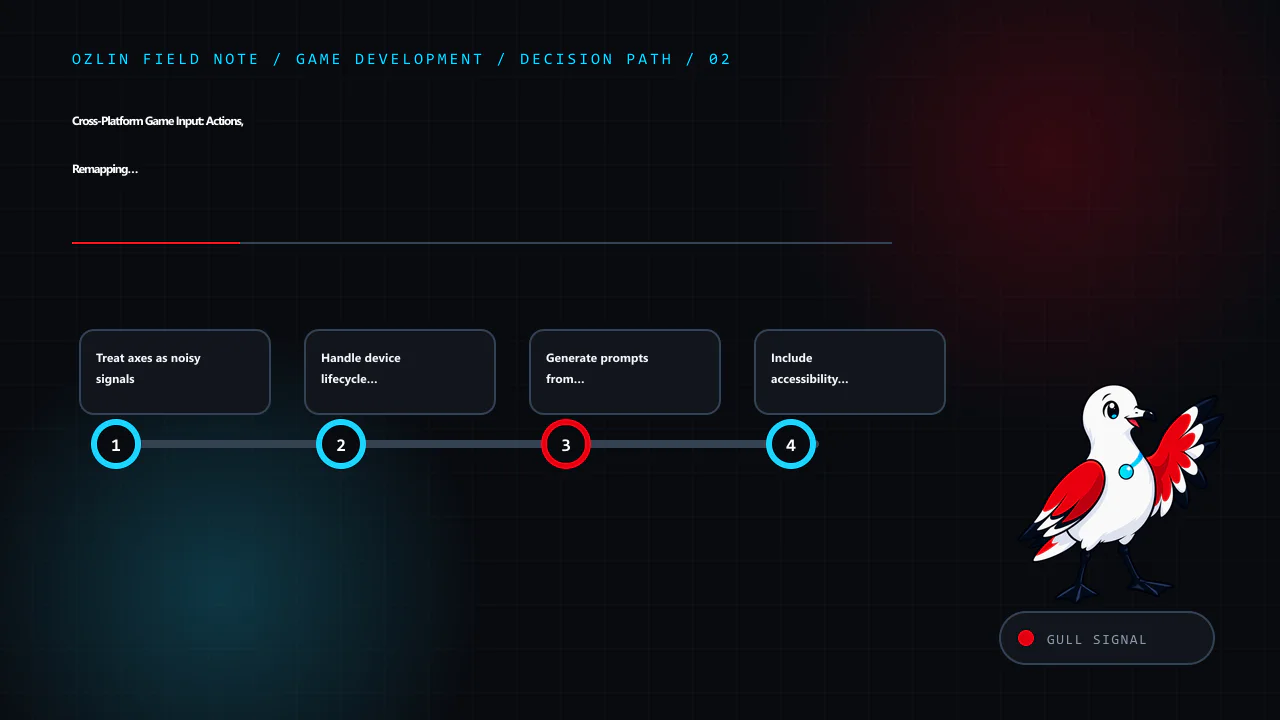
Handle device lifecycle and player identity
Controllers can connect after launch, disconnect during play, change battery state or be reassigned. SDL3's gamepad API normalises common gamepad locations and explicitly says applications should support hot-plugging. It also documents that rumble, LEDs, touchpads and sensors are optional capabilities that vary by device and operating system (SDL — Gamepad API).
On a lifecycle event:
- update the device inventory;
- retain or release player pairing according to policy;
- pause only when appropriate to the game mode;
- show a usable replacement path;
- update prompts and glyphs; and
- avoid turning a disconnect into repeated gameplay input.
Local multiplayer needs an explicit mapping between user, device set and controlled entity. Do not use a single global “current gamepad.” Test two identical controllers, keyboard sharing if supported, late join, sign-out and reconnect in a different order. In Unity, PlayerInput and its manager can help coordinate users and devices, but the project still owns join, split-screen and loss policies (Unity — PlayerInput).
Generate prompts from active bindings
The interface should show the effective binding for the active player and control scheme. Do not hard-code “Press A” into an image. Maintain a licensed glyph set and a text fallback. Switch prompts deliberately: constant flickering between mouse and gamepad prompts can occur from device noise.
Localise action labels and account for right-to-left layouts where relevant. Some platforms define preferred terminology or assets; verify the current platform agreement and certification material available to the project. Do not publish a certification claim based on an engine feature.
Include accessibility at the action level
Offer remapping, sensitivity, inversion and separate X/Y controls where useful. Consider hold versus toggle, repeated-button alternatives, simultaneous-input demands, timing windows and one-handed layouts. Avoid making menu navigation depend on a precise pointer.
For haptics, expose intensity and disable controls. Check capability at runtime and stop effects on pause, focus loss, device removal and scene teardown. Never require rumble to understand a gameplay event. Provide visual or audio alternatives for important cues.
Touch targets need adequate size and spacing, safe-area handling and a layout that survives aspect-ratio changes. Let players reposition or resize controls when the game design permits. Test fingers obscuring critical content and multi-touch conflicts.
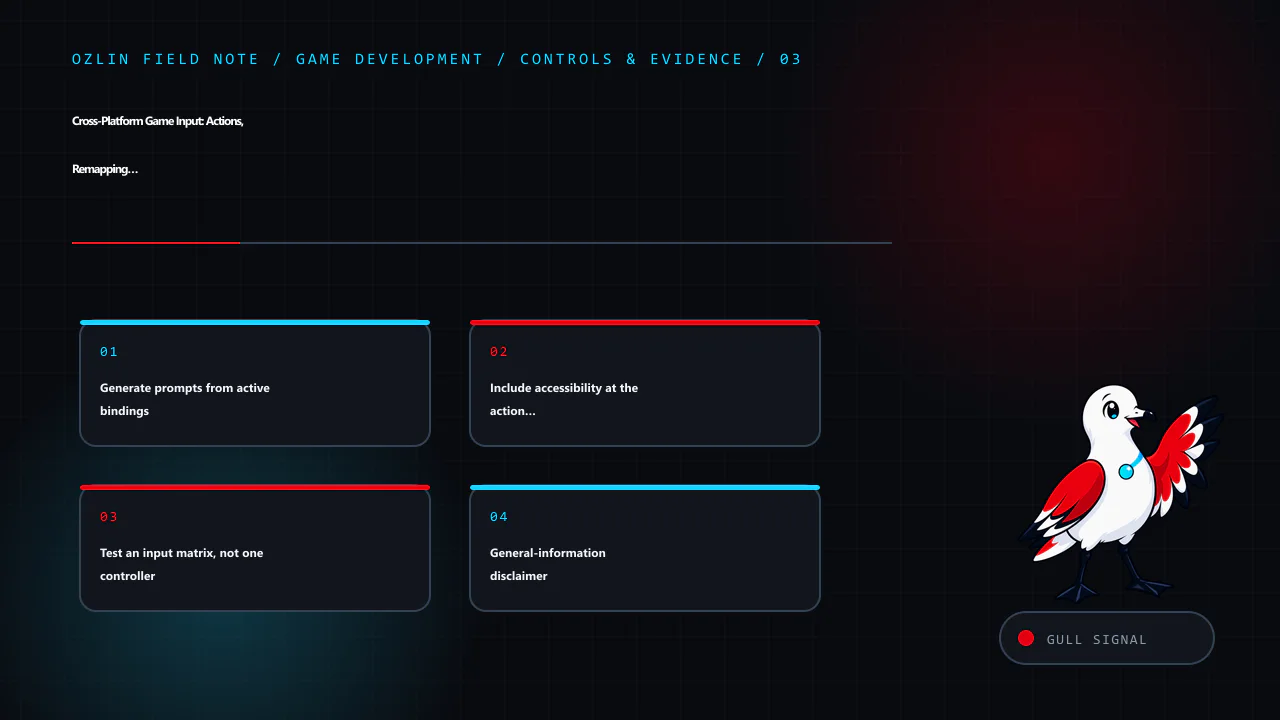
Test an input matrix, not one controller
Create automated tests for action processing, context changes, conflict policy and settings migration. Then run physical-device tests covering:
| Dimension | Representative cases |
|---|---|
| Devices | keyboard and mouse, several gamepad families, touch and supported assistive devices |
| Lifecycle | launch absent, connect, disconnect, reconnect, sleep and resume |
| Users | one player, local multiplayer, sign-in changes and guest policy |
| Settings | defaults, remaps, conflicts, corrupt data and reset |
| Signals | drift, extreme values, simultaneous inputs and rapid device switching |
| Feedback | correct labels, glyph fallback, haptics stop and accessibility alternatives |
Run the matrix in a built player on each target platform. Platform wrappers, browser focus, mobile gestures and operating-system overlays behave differently from the editor.
For help planning an input architecture or device test matrix, see Ozlin Info's game-development services or contact Ozlin Info.
Related reading: Cross-platform game development with Unity.
General-information disclaimer
This article provides general technical information. It does not guarantee device compatibility, accessibility conformance or platform certification; verify the current engine, operating-system and platform-holder requirements for the actual release.
AI-assistance disclosure
AI tools assisted with source discovery, outlining and copyediting. A human reviewer must test real devices, settings migration and current platform requirements before publication or release.
Primary sources checked
- Unity — Input System package
- Unity — Input bindings
- Unity — PlayerInput
- SDL — Gamepad API
- SDL — SDL3 migration guide
Source access date: 29 August 2026.
Leave a Reply