Author: Ozlin Info Editorial Team

  • Reading an Older PyTorch HMER Repository Responsibly: Fork, Architecture and Limits

    Reading an Older PyTorch HMER Repository Responsibly: Fork, Architecture and Limits

    Reviewed: 13 September 2026 · Next review: 13 December 2026
    Author: Ozlin Info Editorial Team · Human review: Lin (accountable human); Codex assisted

    Handwritten mathematical expression recognition (HMER) is more than ordinary character recognition. A recogniser must identify symbols and recover their two-dimensional relationships: a mark may be a superscript, a denominator, the limit of an operator or part of a matrix. The desired output is often a structured token sequence such as LaTeX, where one misplaced brace changes the expression.

    Oz-Lin has a public repository named Pytorch-Handwritten-Mathematical-Expression-Recognition. The most important fact comes before any architecture discussion: GitHub identifies it as a fork of whywhs/Pytorch-Handwritten-Mathematical-Expression-Recognition. The upstream README credits Hongyu Wang, referring to Dr Jianshu Zhang, and the included MIT licence carries “Copyright (c) 2019 Hongyu Wang.” This is upstream work preserved in Oz-Lin's account, not a model that Ozlin Info can accurately claim to have invented or independently built.

    What the upstream code appears to implement

    The upstream repository describes an Attention-and-Coverage HMER system. Its code contains a DenseNet-style convolutional encoder and an attention recurrent decoder. The DenseNet source file converts an image into a spatial feature map instead of immediately collapsing the page into one vector. The attention decoder embeds the preceding token, updates GRU cells, scores spatial encoder features and produces a log-probability distribution over output tokens.

    In broad terms, the decoder performs three jobs at every output step:

    1. use the previous token and recurrent state to represent what has already been generated;
    2. assign attention weights across locations in the image feature map; and
    3. combine the attended visual context with the recurrent state to predict the next token.

    The “coverage” idea is visible in the accumulated attention state passed through the decoder. It gives the next attention calculation information about regions that have already received attention. That can help an autoregressive recogniser avoid repeatedly focusing on the same strokes or overlooking a region. It does not guarantee correct structural parsing, and an attention visualisation is not proof that a prediction is trustworthy.

    What the repository reports—and what it does not establish

    The upstream README says the experiment used the CROHME 2016 dataset, a batch size of six, a maximum label length of 48 and two TITAN Xp GPUs. It reports “WER loss” of 17.160% and an expression rate of 38.595%.

    Those figures should be attributed to the upstream repository exactly as reported. They are not Ozlin Info benchmark results. The public Oz-Lin fork does not, by itself, document an independent rerun, a controlled comparison, a current environment lockfile, confidence intervals or performance on client handwriting. “Expression rate” is also stricter than recognising many individual symbols: for an exact-expression metric, every required token must be correct. Any future article or project page should avoid turning those upstream numbers into a general accuracy promise.

    Dataset results do not automatically transfer to phone photographs, classroom whiteboards, different notation conventions or a new writer population. A credible new evaluation would specify the dataset version and licence, train/validation/test separation, normalisation, decoding strategy, metric implementation, random seeds and hardware. PyTorch's current reproducibility guidance warns that completely reproducible results are not guaranteed across releases, commits, platforms or CPU and GPU execution, even when sources of randomness are controlled (PyTorch reproducibility notes).

    Why this is a historical research artifact, not a current package

    The README specifies Python 3.6 and PyTorch 1.0. The code contains older patterns such as torch.autograd.Variable, explicit .cuda() calls, fixed GPU-ID handling and assumptions tied to two GPUs. The training script uses hard-coded paths and parameters. Those choices are understandable in a 2019 research repository, but they are warning signs for a modern environment.

    The repository also shows no packaged API, maintained release, automated test suite, model card, container definition, current dependency lock or documented security review. Some README images use old third-party HTTP hosts, which is another reason to treat the page as archival evidence rather than polished documentation. The MIT licence permits reuse subject to retaining its copyright and permission notice, and it provides the software without warranty (repository licence).

    None of this makes the code worthless. It makes its status clear: useful for studying an older encoder–attention–decoder implementation, not a drop-in service and not evidence of production capability.

    A responsible modernisation path

    Before changing the model, preserve provenance. Keep the GitHub fork relationship and upstream copyright notice visible. Record Oz-Lin changes in a separate changelog or branch rather than presenting inherited files as original work.

    Then make reproducibility the first milestone:

    • create an isolated environment and document the exact Python, PyTorch, CUDA and driver versions used for the first successful run;
    • replace device-specific .cuda() calls with explicit device handling and remove fixed multi-GPU assumptions;
    • turn paths and hyperparameters into configuration rather than source edits;
    • add smoke tests for data loading, one forward pass, token decoding and metric calculation;
    • verify the dataset's permitted use and document how each split was obtained; and
    • reproduce the upstream metric locally before claiming any improvement.

    Only after that baseline should a new experiment consider a maintained PyTorch release, revised batching, modern decoding, updated encoders or alternative sequence/structure models. Compare on the same held-out data and publish both successes and failure cases. For a user-facing tool, add confidence or uncertainty signals, input validation, observability, privacy controls and human review for consequential uses.

    What Ozlin can honestly say today

    The repository demonstrates interest in HMER and provides a public, traceable starting point for research review. Ozlin can describe what the upstream architecture does, document modernisation experiments and publish independently reproduced results if that work is completed. Until then, the accurate wording is “we maintain or study a fork,” not “we built the model.”

    That distinction is good open-source practice. Clear attribution makes technical work more credible and gives future Ozlin contributions a clean baseline from which their actual value can be measured.

    Related reading

    Limitations: This is a source-reading and reproducibility guide, not a current model benchmark. Results depend on dataset rights, hardware, dependency versions, preprocessing and evaluation; no independent metric or production-suitability claim is made.

    AI-assistance disclosure

    AI tools assisted with structure and copy editing. A human editor reviewed this draft on 28 August 2026 against the live GitHub fork relationship, upstream README, source files, MIT licence and current PyTorch reproducibility guidance. No model was retrained for this article, and no upstream result was independently reproduced; reported metrics remain attributed to the upstream author.

    Source access date: 2026-08-28
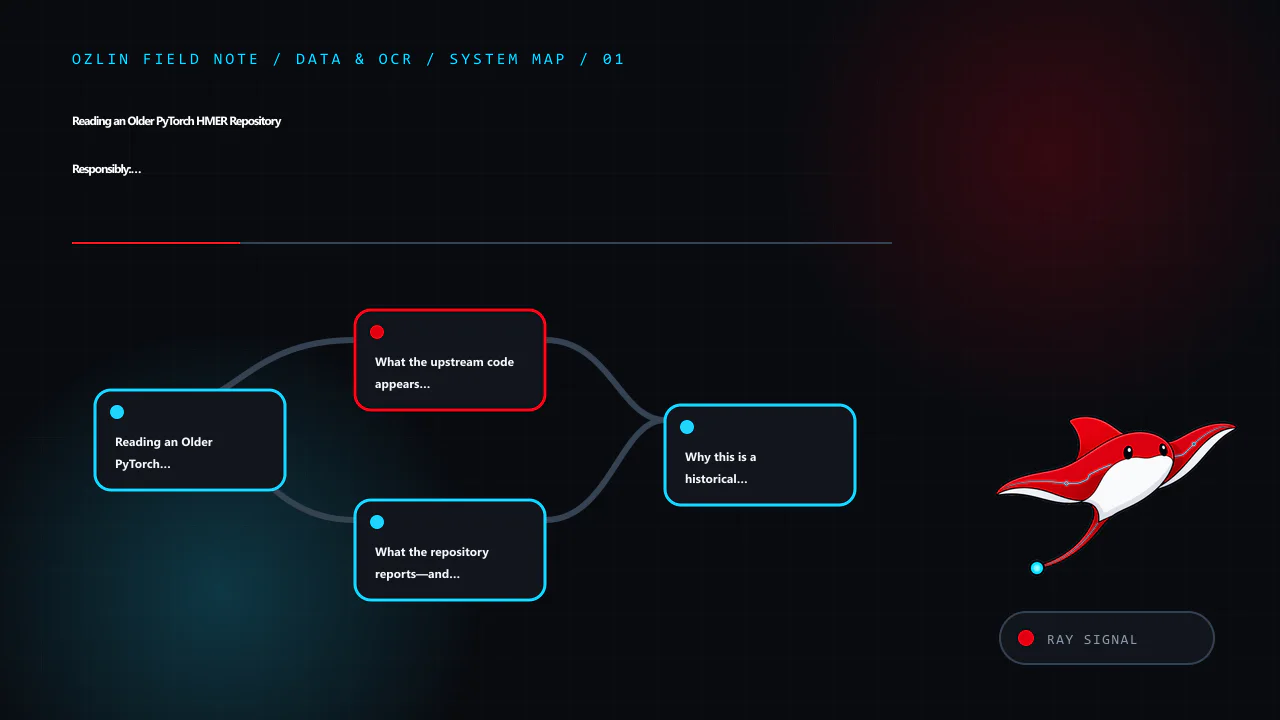
    Article map for Reading an Older PyTorch HMER Repository Responsibly: Fork, Architect…, covering Reading an Older PyTorch HMER Repository Responsibly: Fork,…, What the upstream code appears to implement, What the reposi…
    Article map: Reading an Older PyTorch HMER Repository Responsibly: Fork,…; What the upstream code appears to implement; What the repository reports—and what it does not establish; Why this is a historical research artifact, not a current p….
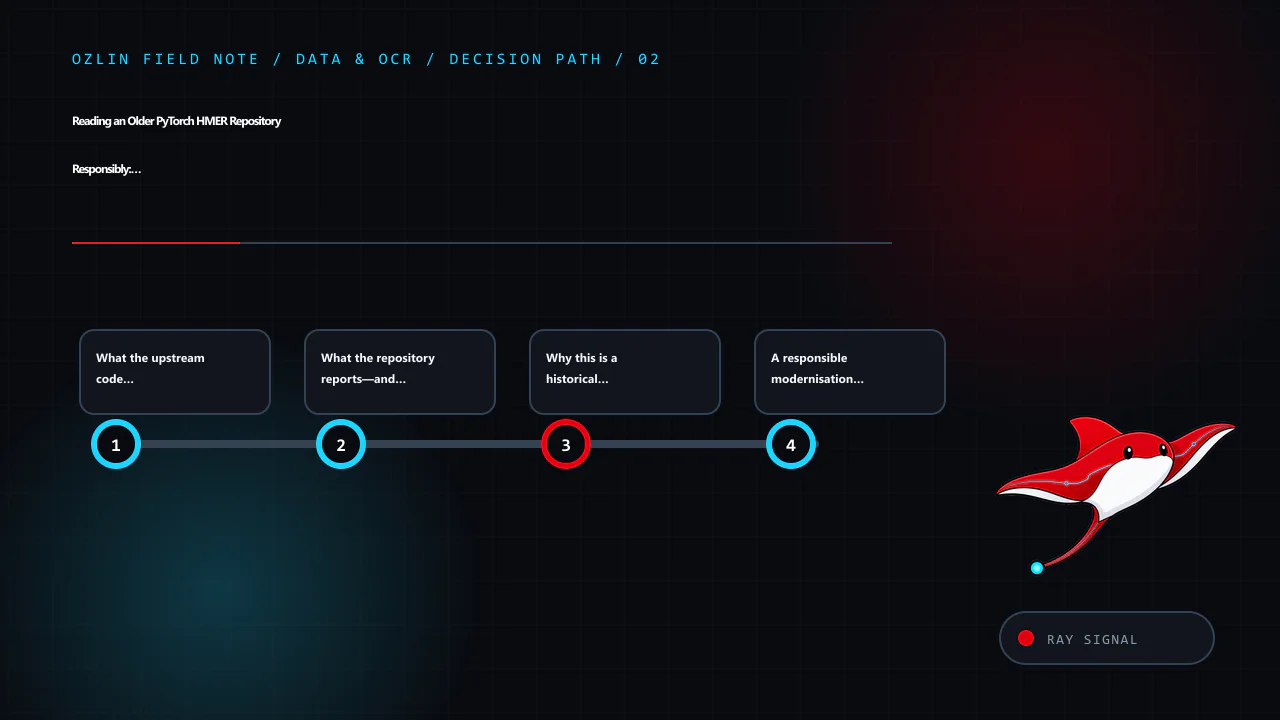
    Decision path for Reading an Older PyTorch HMER Repository Responsibly: Fork, Architect…, covering What the upstream code appears to implement, What the repository reports—and what it does not establish, Why this is a h…
    Decision path: What the upstream code appears to implement; What the repository reports—and what it does not establish; Why this is a historical research artifact, not a current p…; A responsible modernisation path.
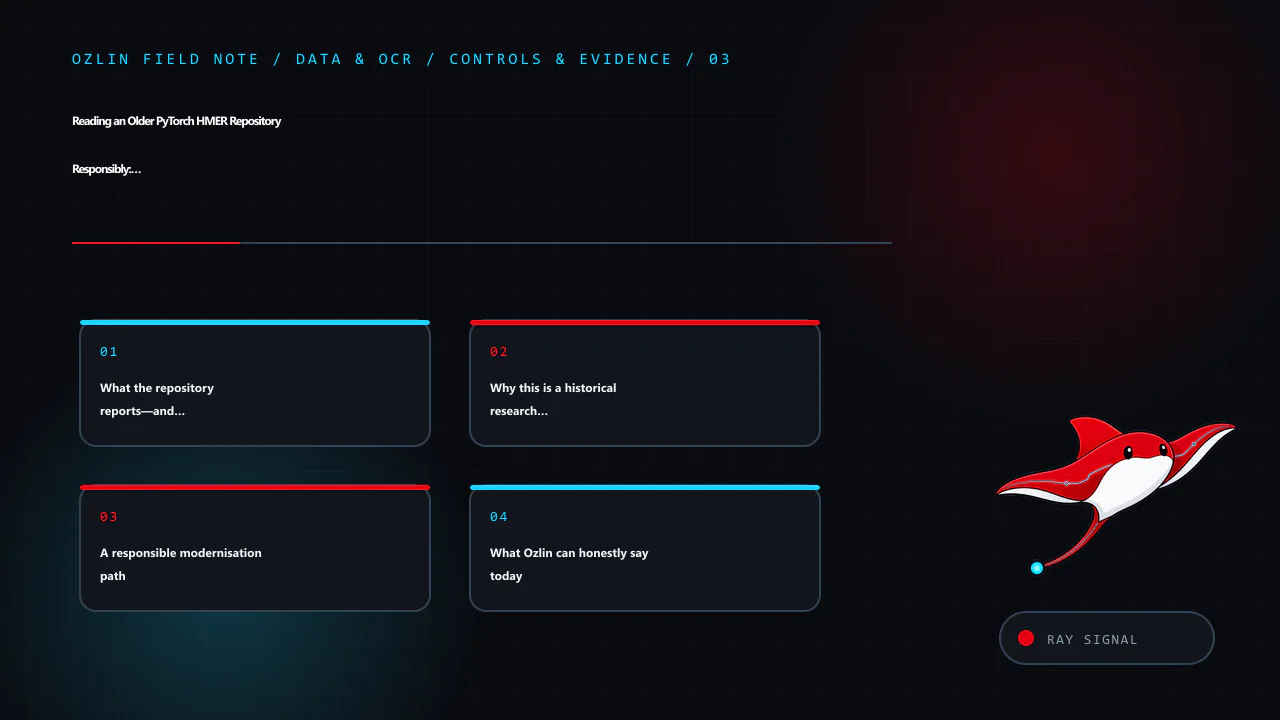
    Control and evidence map for Reading an Older PyTorch HMER Repository Responsibly: Fork, Architect…, covering What the repository reports—and what it does not establish, Why this is a historical research artifact, not a…
    Control and evidence map: What the repository reports—and what it does not establish; Why this is a historical research artifact, not a current p…; A responsible modernisation path; What Ozlin can honestly say today.
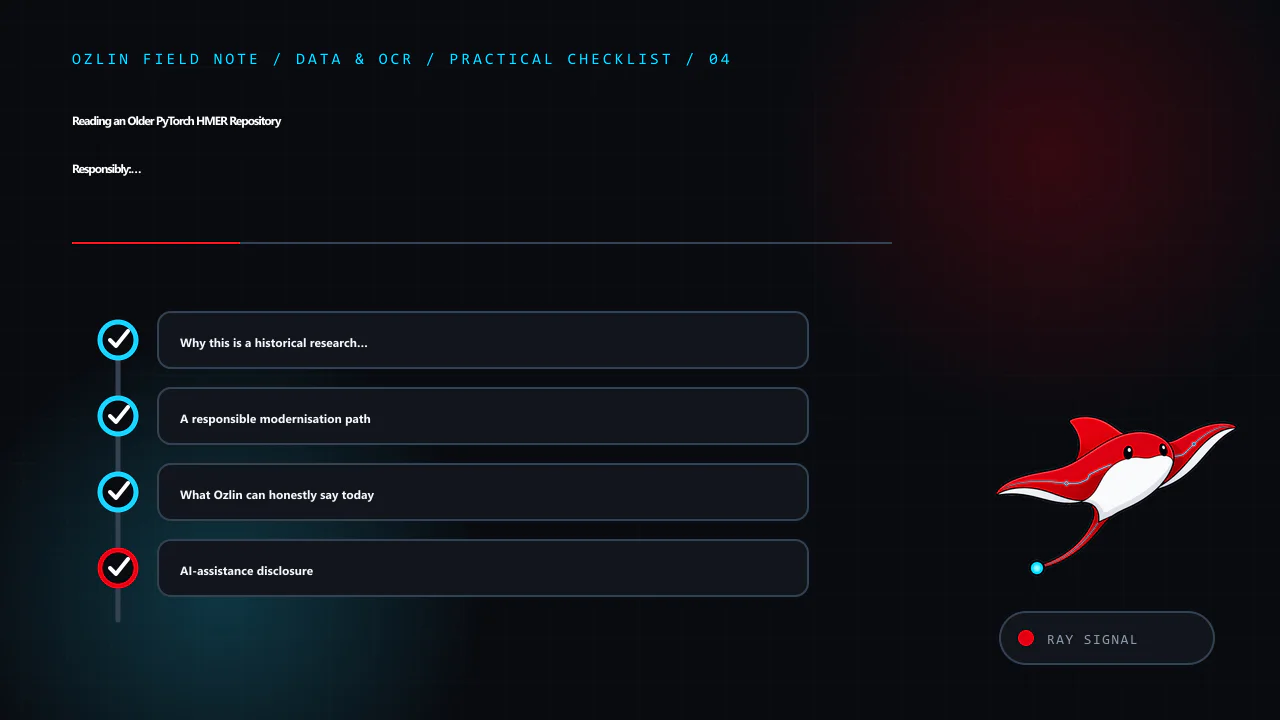
    Practical checklist for Reading an Older PyTorch HMER Repository Responsibly: Fork, Architect…, covering Why this is a historical research artifact, not a current p…, A responsible modernisation path, What Ozlin can hon…
    Practical checklist: Why this is a historical research artifact, not a current p…; A responsible modernisation path; What Ozlin can honestly say today; AI-assistance disclosure.
  • Build a Small WordPress Plugin Safely: Hooks, Settings and Release Checks

    Build a Small WordPress Plugin Safely: Hooks, Settings and Release Checks

    A WordPress plugin is PHP code loaded by WordPress to add or alter behaviour. The safest first plugin is small, necessary and easy to remove. It should use public WordPress APIs rather than editing core files, and it should have an owner who will maintain compatibility and security after launch.

    Before writing code, ask whether the feature belongs in a plugin, a child theme, existing maintained plugin or external service. Site behaviour and data structures usually belong in a plugin so they survive a theme change. Presentation specific to one theme may belong in the child theme. Avoid a custom plugin when a small configuration change meets the need.

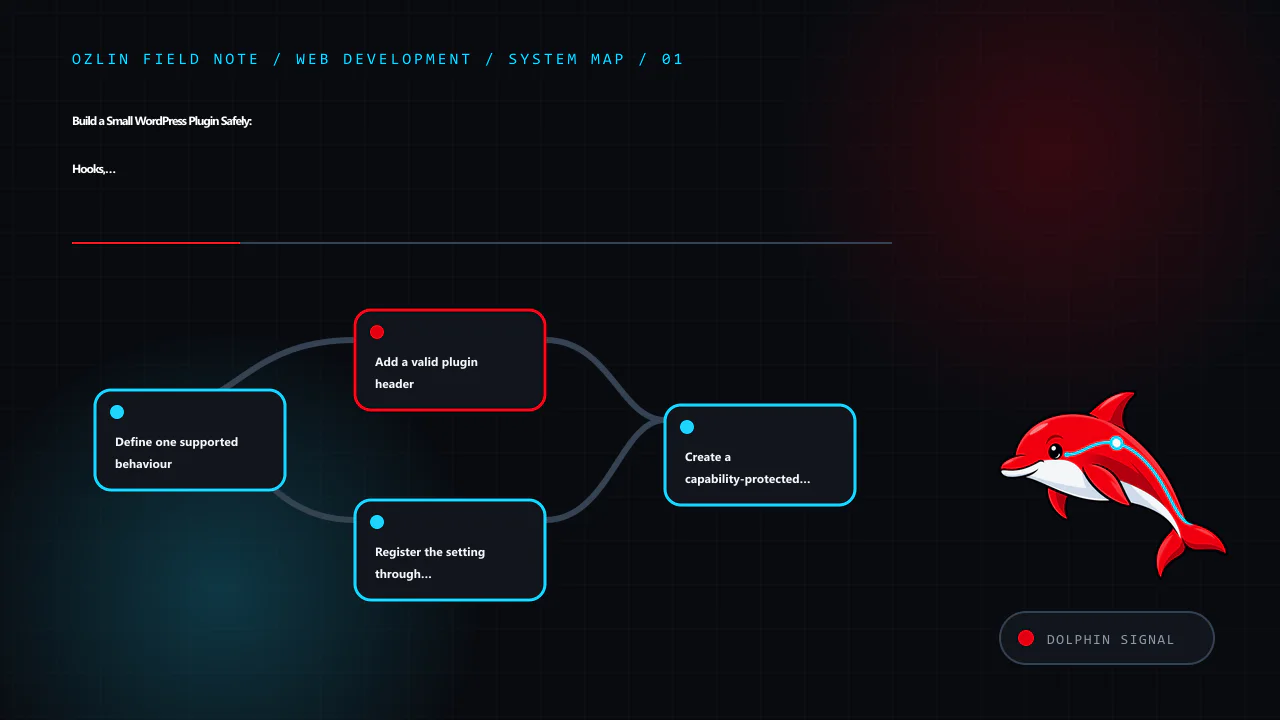
    Article map for Build a Small WordPress Plugin Safely: Hooks, Settings and Release Ch…, covering Define one supported behaviour, Add a valid plugin header, Register the setting through WordPress APIs and related review…
    Article map: Define one supported behaviour; Add a valid plugin header; Register the setting through WordPress APIs; Create a capability-protected settings page.

    Define one supported behaviour

    This example will store a short site notice and expose it through a shortcode. The design decisions are:

    • administrators with manage_options can edit the value;
    • input is plain text, not arbitrary HTML;
    • output is escaped at the point it is rendered;
    • the Settings API handles the standard options form and request token;
    • the plugin does not create a custom database table; and
    • uninstall behaviour will be decided explicitly rather than deleting data on deactivation.

    Use a unique plugin slug and function prefix or namespace to avoid collisions. Create a directory such as:

    wp-content/plugins/ozlin-status-note/
    └── ozlin-status-note.php

    Do this in local development or staging under version control. Do not begin by editing PHP through the production WordPress dashboard.

    Add a valid plugin header

    WordPress discovers plugins from a header comment in the main PHP file. Only Plugin Name is mandatory, but version and compatibility information help operations. The Update URI field can prevent a private plugin from being overwritten by a similarly named plugin from WordPress.org (WordPress — Plugin Header Requirements).

    <?php
    /**
     * Plugin Name:       Ozlin Status Note
     * Description:       Provides a plain-text site notice through a shortcode.
     * Version:           0.1.0
     * Requires at least: 7.0
     * Requires PHP:      8.1
     * Author:            Ozlin Info
     * License:           GPL-2.0-or-later
     * Text Domain:       ozlin-status-note
     */
    
    defined( 'ABSPATH' ) || exit;

    The version requirements above are examples, not claims about a tested release. Set them only after testing the actual code against supported WordPress and PHP versions. Do not invent an update URL that promises public packages unless a real, controlled update service exists.

    Register the setting through WordPress APIs

    The Settings API provides a standard way to register, render and save options. Register settings and fields during admin_init (WordPress — Settings API).

    function ozlin_status_note_register_setting(): void {
        register_setting(
            'ozlin_status_note',
            'ozlin_status_note_text',
            array(
                'type'              => 'string',
                'sanitize_callback' => 'sanitize_textarea_field',
                'default'           => '',
            )
        );
    
        add_settings_section(
            'ozlin_status_note_main',
            __( 'Status note', 'ozlin-status-note' ),
            '__return_false',
            'ozlin-status-note'
        );
    
        add_settings_field(
            'ozlin_status_note_text',
            __( 'Message', 'ozlin-status-note' ),
            'ozlin_status_note_render_field',
            'ozlin-status-note',
            'ozlin_status_note_main'
        );
    }
    add_action( 'admin_init', 'ozlin_status_note_register_setting' );
    
    function ozlin_status_note_render_field(): void {
        $value = (string) get_option( 'ozlin_status_note_text', '' );
        ?>
        <textarea
            id="ozlin_status_note_text"
            name="ozlin_status_note_text"
            rows="5"
            class="large-text"
        ><?php echo esc_textarea( $value ); ?></textarea>
        <?php
    }

    Sanitisation transforms incoming data into the allowed form. Validation can reject data that does not meet a rule. Choose the function for the field: a plain-text area, email, URL, integer and controlled enumeration need different handling.

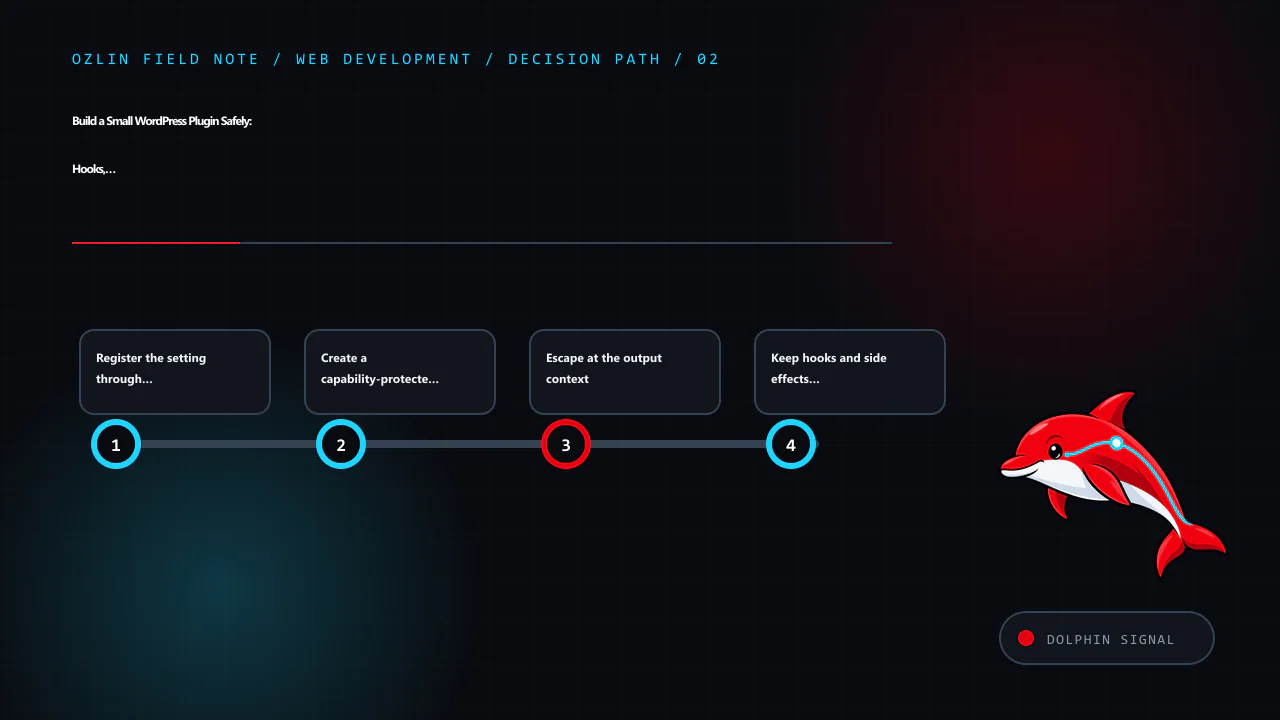
    Decision path for Build a Small WordPress Plugin Safely: Hooks, Settings and Release Ch…, covering Register the setting through WordPress APIs, Create a capability-protected settings page, Escape at the output context a…
    Decision path: Register the setting through WordPress APIs; Create a capability-protected settings page; Escape at the output context; Keep hooks and side effects clear.

    Create a capability-protected settings page

    function ozlin_status_note_add_page(): void {
        add_options_page(
            __( 'Ozlin Status Note', 'ozlin-status-note' ),
            __( 'Status Note', 'ozlin-status-note' ),
            'manage_options',
            'ozlin-status-note',
            'ozlin_status_note_render_page'
        );
    }
    add_action( 'admin_menu', 'ozlin_status_note_add_page' );
    
    function ozlin_status_note_render_page(): void {
        if ( ! current_user_can( 'manage_options' ) ) {
            return;
        }
        ?>
        <div class="wrap">
            <h1><?php echo esc_html( get_admin_page_title() ); ?></h1>
            <form action="options.php" method="post">
                <?php
                settings_fields( 'ozlin_status_note' );
                do_settings_sections( 'ozlin-status-note' );
                submit_button();
                ?>
            </form>
        </div>
        <?php
    }

    The menu capability controls who can reach the page, and the explicit current_user_can() check protects the callback. settings_fields() supplies the standard fields used by the Settings API, including a request nonce.

    A WordPress nonce helps protect a request against certain cross-site request forgery scenarios. It is not authentication or authorisation and is not guaranteed to be used only once. WordPress instructs developers to protect actions with a capability check as well (WordPress — Nonces).

    Escape at the output context

    Register a shortcode that returns, rather than echoes, escaped HTML:

    function ozlin_status_note_shortcode(): string {
        $message = trim( (string) get_option( 'ozlin_status_note_text', '' ) );
    
        if ( '' === $message ) {
            return '';
        }
    
        return sprintf(
            '<aside class="ozlin-status-note" role="note"><p>%s</p></aside>',
            esc_html( $message )
        );
    }
    add_shortcode( 'ozlin_status_note', 'ozlin_status_note_shortcode' );

    Escaping is context-specific: esc_html() for text in HTML, esc_attr() for an attribute, esc_url() for a URL and wp_kses() or wp_kses_post() for deliberately allowed HTML. WordPress's security guidance says to validate and sanitise input and escape output as late as possible (WordPress — Security).

    Stored data is not automatically trusted. It may have been written by an older plugin version, direct database access or an import. Escape every untrusted output in its final context.

    Keep hooks and side effects clear

    WordPress hooks let plugins interact with core without modifying it. Actions perform work at a point in execution; filters receive a value and must return the modified or original value. Filters should not unexpectedly print output or mutate unrelated global state (WordPress — Hooks).

    Register hooks at load time, but avoid expensive queries or remote calls on every request. Load administrative code only where required and enqueue assets only on the plugin's own screen. Use WordPress HTTP, filesystem, database and scheduling APIs instead of bypassing established controls without a reason.

    Treat database and lifecycle changes carefully

    Activation is not a normal request. Use activation hooks only for bounded setup that can be retried safely. For a custom table, use a versioned migration, the appropriate WordPress database helper and a backup/rollback plan. Do not run heavy data transformation during every page load.

    Deactivation should stop active behaviour, such as scheduled tasks, without erasing user data. Uninstall may remove data only when that is the documented and chosen policy. Some sites expect data to remain for reactivation; others require complete removal. Offer an explicit setting where appropriate and test both paths.

    Control and evidence map for Build a Small WordPress Plugin Safely: Hooks, Settings and Release Ch…, covering Escape at the output context, Keep hooks and side effects clear, Treat database and lifecycle changes careful…
    Control and evidence map: Escape at the output context; Keep hooks and side effects clear; Treat database and lifecycle changes carefully; Test before production installation.

    Test before production installation

    At minimum, verify:

    • activation, deactivation and reactivation;
    • required WordPress and PHP versions;
    • administrator and lower-privilege access;
    • valid, empty and malicious-looking input;
    • escaping in the front end and admin;
    • shortcode use in expected and unexpected contexts;
    • multisite behaviour if supported;
    • uninstall and retained-data policy;
    • no PHP notices with debugging enabled; and
    • no conflict with the active theme and critical plugins.

    Run static analysis and WordPress coding-standard checks where practical. Add unit tests for deterministic functions and browser tests for the settings and rendering journey. Inspect queries and page performance so the feature does not add site-wide work.

    For production, deploy a reviewed ZIP or controlled filesystem release, record the version and keep a rollback copy. A private plugin has no automatic security maintenance unless someone owns it. Monitor PHP and WordPress deprecations and review every supported release.

    For help scoping, building or reviewing a custom WordPress extension, see Ozlin Info's web development services or contact Ozlin Info.

    Related reading: WordPress privacy for Australian SMEs: scope data before adding plugins.


    General-information disclaimer

    This article provides general technical information and an educational example only. The code has not been released as a supported plugin and must be reviewed and tested in the actual WordPress, PHP, theme and plugin environment before use.

    AI-assistance disclosure

    AI tools assisted with source discovery, outlining, code drafting and copyediting. A human reviewer must run security, compatibility and functional tests and verify every service claim and publication decision before release. The example is not a security guarantee or maintained download.

    Practical checklist for Build a Small WordPress Plugin Safely: Hooks, Settings and Release Ch…, covering Test before production installation, General-information disclaimer, AI-assistance disclosure and related review p…
    Practical checklist: Test before production installation; General-information disclaimer; AI-assistance disclosure; Primary sources checked.

    Primary sources checked

    Source access date: 29 August 2026.

  • Building a Document Scanner Prototype with Python, OpenCV and Tesseract

    Building a Document Scanner Prototype with Python, OpenCV and Tesseract

    Reviewed: 13 September 2026 · Next review: 13 December 2026
    Author: Ozlin Info Editorial Team · Human review: Lin (accountable human); Codex assisted

    A phone photograph can become a clean, searchable document, but the useful engineering work happens before and after the OCR call. The image may be tilted, shadowed, curved, low contrast or surrounded by objects that also produce strong edges. Even after text is recognised, a business workflow still needs validation, exception handling and appropriate controls for personal information.

    This article describes a sensible prototype pipeline. It does not claim that one contour rule or one Tesseract command is production-ready. Ozlin's public Python OpenCV test zone is an exploratory repository rather than a packaged scanner product, and the design below should be tested against representative documents before it is used for real decisions.

    1. Define the output before choosing the algorithm

    Start with a small acceptance set rather than a technology list. For example:

    • the page boundary should be found on agreed backgrounds and camera angles;
    • the corrected image should keep all four page edges without cutting off content;
    • required fields should be extracted with field-level confidence or validation results;
    • unreadable or ambiguous documents should enter a review queue; and
    • source images, OCR text and logs should follow an agreed retention and access policy.

    OCR accuracy is not one universal number. A pipeline can read headings well while failing on dates, totals, faint decimal points or handwritten notes. Measure what matters to the workflow: exact-match rate for critical fields, character or word error rate for free text, page-detection success, and the proportion sent for human review.

    2. Load, orient and normalise the image

    Load the original at sufficient resolution and preserve an untouched copy for comparison. Apply any camera-orientation metadata, then create a smaller working image for page detection. Converting the working image to greyscale is common, but do not discard colour information permanently: coloured stamps, highlights or low-contrast ink may be useful later.

    Noise reduction can make edge detection more stable, although excessive blur can erase thin characters and borders. OpenCV's official Canny tutorial explains that edge detection is noise-sensitive and uses Gaussian filtering before gradient analysis; it also emphasises that the two hysteresis thresholds must be selected appropriately for the input (OpenCV: Canny Edge Detection). Fixed values copied from a demo are therefore a starting point, not a guarantee.

    3. Detect a page candidate—and allow detection to fail

    A conventional prototype often runs cv.Canny, finds contours, ranks plausible candidates, and approximates each contour to a polygon. OpenCV documents findContours as operating on a binary image, while approxPolyDP reduces a curve according to a chosen precision value (OpenCV: Contour Features). A large convex quadrilateral with a page-like aspect ratio can be a useful candidate.

    It is not safe to say that the largest four-point contour is the document. A desk, monitor or picture frame may be larger; a folded or partly occluded page may not appear as a quadrilateral; and shadows can split one edge into several contours. Score candidates using several signals, such as area relative to the frame, convexity, corner angles, border contrast and whether the candidate touches an image boundary. If the best score is below a tested threshold, ask for another photograph or route it to review instead of silently warping the wrong object.

    For known form layouts, a fiducial marker, template registration or document-specific detector may be more reliable than general contour heuristics. The right method depends on the capture environment and document variety.

    4. Order the corners and correct perspective

    Once four corners have been accepted, order them consistently—top-left, top-right, bottom-right and bottom-left—and choose an output size based on the opposing edge lengths. OpenCV's getPerspectiveTransform calculates a transform from four corresponding point pairs, and warpPerspective applies the perspective transformation (OpenCV: Geometric Image Transformations).

    Inspect the result rather than assuming success. Useful checks include minimum output dimensions, plausible aspect ratio, visible margins and the absence of extreme stretching. A flat perspective transform corrects a planar page; it does not fully flatten book curvature or severe paper curl. Those cases require a dewarping method or a better capture.

    5. Prepare an OCR-specific image

    The best visual scan and the best OCR input are not always identical. Try a controlled set of preprocessing variants: contrast adjustment, global or adaptive thresholding, mild denoising, and carefully chosen morphology. OpenCV's thresholding guide notes that adaptive thresholds can help when illumination varies across an image, while Otsu's method selects a global threshold from the histogram (OpenCV: Image Thresholding).

    Tesseract already performs image processing internally, but its documentation explains that internal binarisation can be suboptimal on uneven backgrounds. It also warns that skew can substantially harm line segmentation and suggests suitable resolution, reasonable borders and an appropriate page-segmentation mode (Tesseract: Improving output quality). Test preprocessing as an experiment: a morphological operation that removes specks may also erase decimal points or punctuation.

    Run Tesseract with the installed language data and a page-segmentation mode that matches the region. Standard English language data is not a special Australian-business model. Domain vocabulary, formats and field rules should be handled through tested configuration and downstream validation rather than by claiming the OCR engine understands a business context automatically.

    6. Validate the result, not just the OCR process

    Raw OCR text is an intermediate artifact. For a constrained form, locate fields, normalise expected formats and apply explicit rules: a date must parse, a total must use an allowed currency format, and line-item sums should reconcile where the document supports that check. Retain the original crop and OCR confidence alongside each proposed value so a reviewer can see the evidence.

    Avoid automatically approving a payment, identity decision or legal record solely because OCR returned a plausible string. Low-confidence results, failed cross-checks and out-of-distribution layouts should be visible exceptions. Before processing IDs, contracts or customer records, decide where data is stored, who can access it, whether any external OCR service receives it, and when copies are deleted.

    From prototype to dependable workflow

    A useful prototype demonstrates page detection, perspective correction and OCR on a documented sample set. A dependable service adds repeatable tests, versioned configuration, monitoring, secure deployment, backups, review tooling and a defined response when the model or rule is uncertain. It also records what was tested and what was not.

    That distinction is intentional. OpenCV and Tesseract provide capable building blocks, but reliable document processing comes from matching them to the documents, decisions and risk boundaries of a specific workflow.

    Related reading

    Limitations: This prototype guidance assumes planar, reasonably legible documents and tested language data. Skew, curl, handwriting, layout, image quality and privacy obligations can materially change accuracy; it is not an OCR accuracy benchmark or a production-readiness recommendation.

    AI-assistance disclosure

    AI tools assisted with outlining and copy editing this article. A human editor reviewed the technical claims on 28 August 2026 against the linked OpenCV, Tesseract and Oz-Lin GitHub sources. No client document, private dataset or measured production result was used, and the article does not represent a benchmark or a production-readiness claim.

    Source access date: 2026-08-28
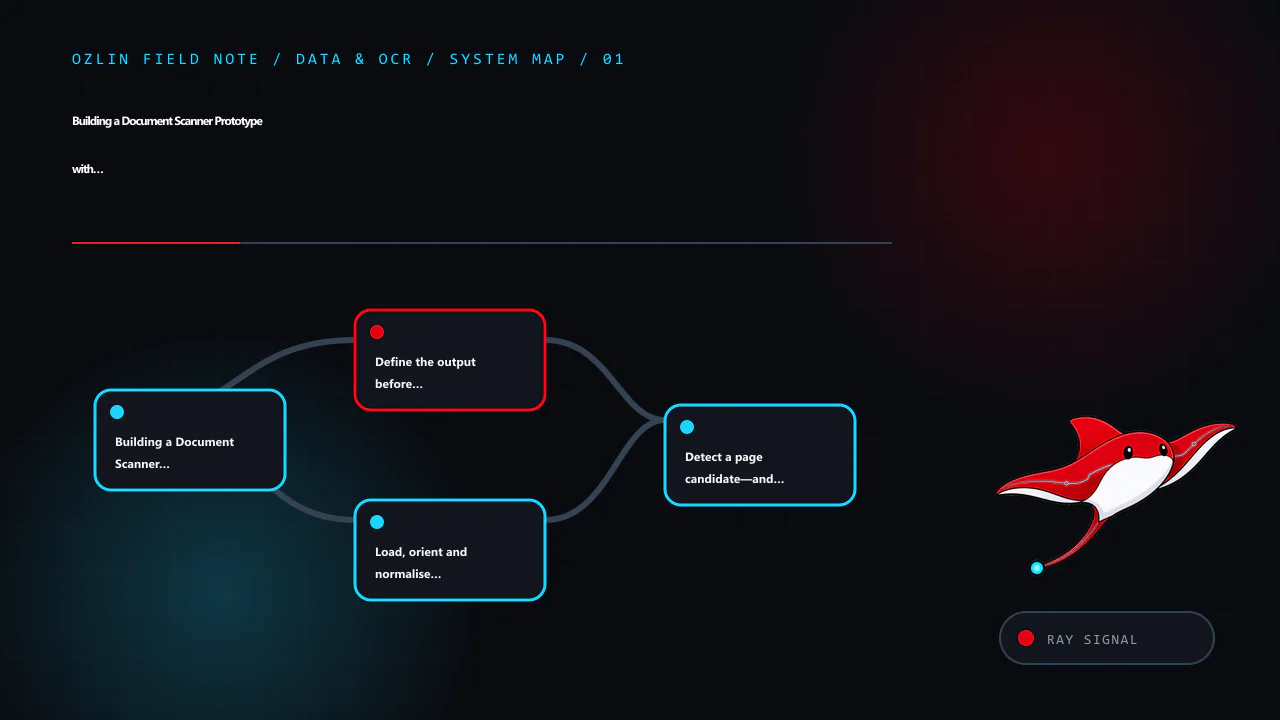
    Article map for Building a Document Scanner Prototype with Python, OpenCV and Tessera…, covering Building a Document Scanner Prototype with Python, OpenCV a…, Define the output before choosing the algorithm, Load, orien…
    Article map: Building a Document Scanner Prototype with Python, OpenCV a…; Define the output before choosing the algorithm; Load, orient and normalise the image; Detect a page candidate—and allow detection to fail.
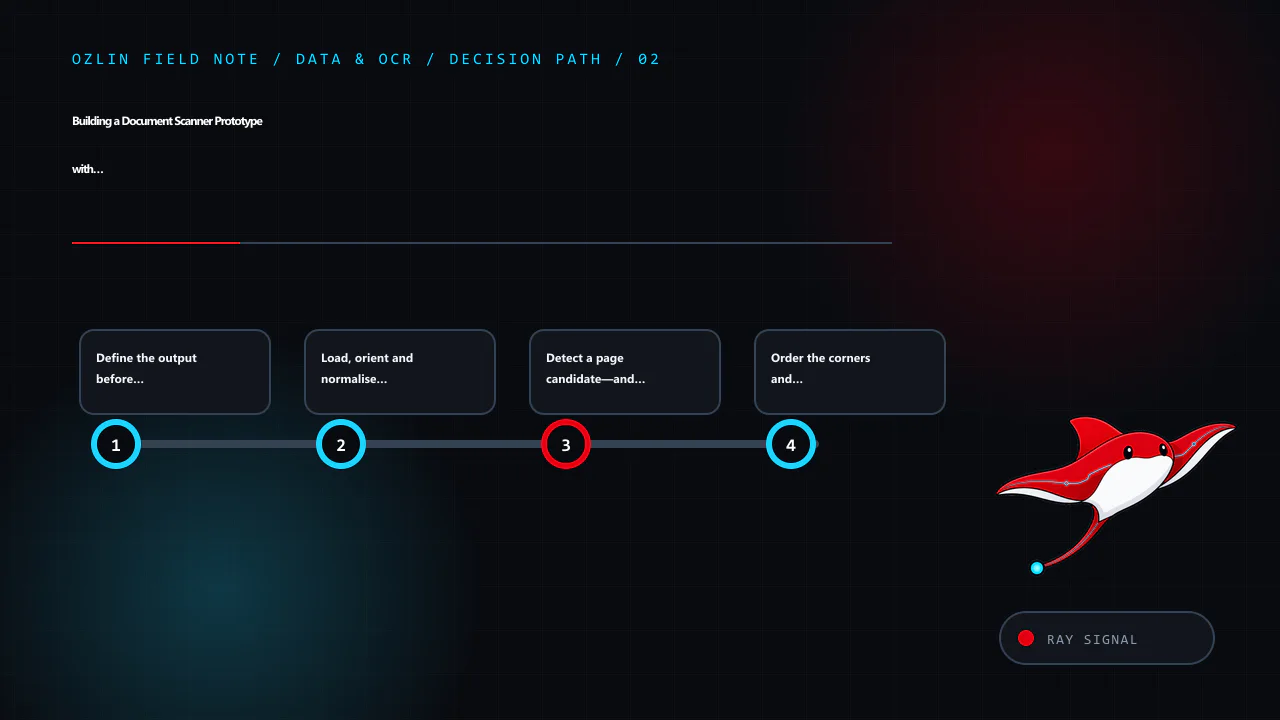
    Decision path for Building a Document Scanner Prototype with Python, OpenCV and Tessera…, covering Define the output before choosing the algorithm, Load, orient and normalise the image, Detect a page candidate—and allow…
    Decision path: Define the output before choosing the algorithm; Load, orient and normalise the image; Detect a page candidate—and allow detection to fail; Order the corners and correct perspective.
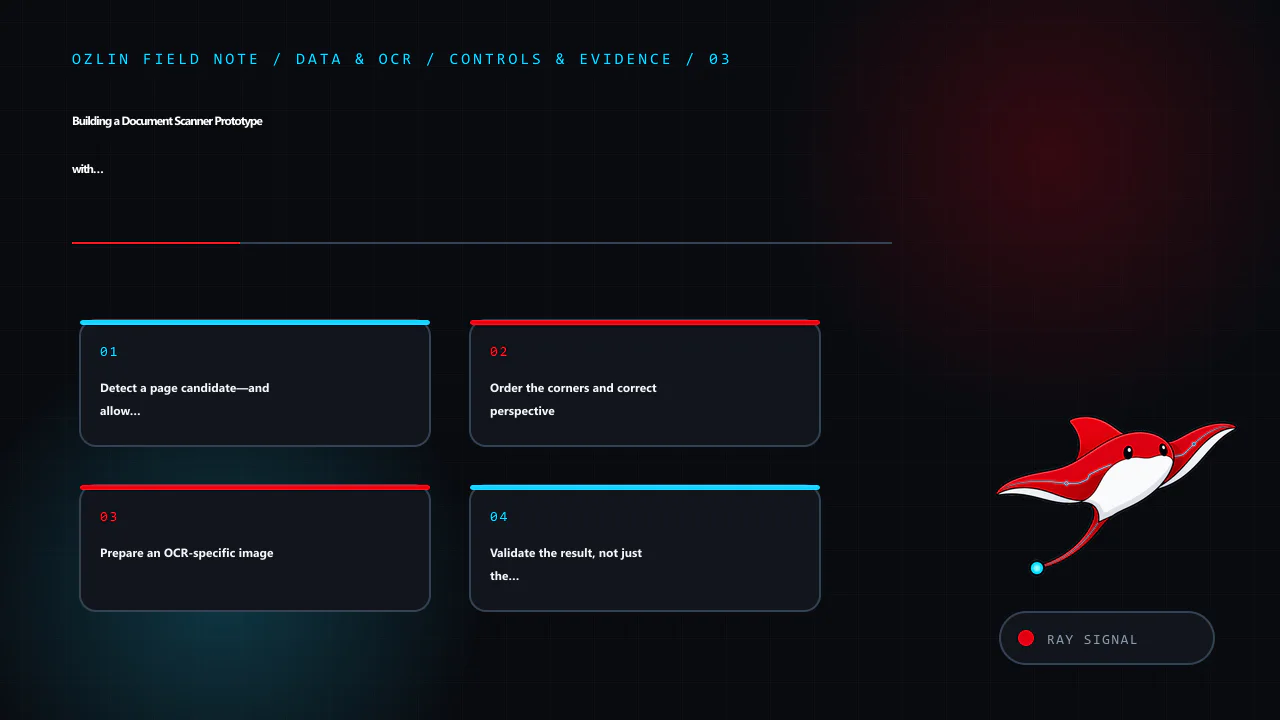
    Control and evidence map for Building a Document Scanner Prototype with Python, OpenCV and Tessera…, covering Detect a page candidate—and allow detection to fail, Order the corners and correct perspective, Prepare an OC…
    Control and evidence map: Detect a page candidate—and allow detection to fail; Order the corners and correct perspective; Prepare an OCR-specific image; Validate the result, not just the OCR process.
    Practical checklist for Building a Document Scanner Prototype with Python, OpenCV and Tessera…, covering Prepare an OCR-specific image, Validate the result, not just the OCR process, From prototype to dependable workflo…
    Practical checklist: Prepare an OCR-specific image; Validate the result, not just the OCR process; From prototype to dependable workflow; AI-assistance disclosure.
  • Cybersecurity for Australian SMEs: 8 Practical Priorities for 2026

    Cybersecurity for Australian SMEs: 8 Practical Priorities for 2026

    Reviewed: 13 September 2026 · Next review: 13 December 2026
    Author: Ozlin Info Editorial Team · Human review: Lin (accountable human); Codex assisted

    Cybersecurity for a small business is not a shopping list of products. It is the ongoing work of deciding what matters, reducing likely paths to harm, noticing trouble and recovering without losing control of the business.

    That distinction matters. No product, consultant or checklist can make an organisation immune to cyber incidents. A useful baseline should instead lower risk, produce evidence that important safeguards work and give people a rehearsed way to respond.

    For Australian small businesses beginning this work, the Australian Signals Directorate's Australian Cyber Security Centre (ASD's ACSC) recommends three immediate measures: turn on multi-factor authentication, update software and back up information. Its small-business guide then points organisations towards Maturity Level One of the Essential Eight after they have covered the basics (ASD's ACSC small-business guide). The eight priorities below turn that advice into a manageable business baseline.

    1. Identify the services and information that cannot be casually lost

    Start with business impact, not tools. List the systems that support quoting, invoicing, customer communication, delivery, payroll, your website and access to money. Record who owns each system, where its data is held, which supplier operates it and what the business would do if it were unavailable for a day or a week.

    Also identify sensitive information: customer records, identity documents, credentials, payment-related records, source code and confidential client material. This does not need to begin as a complex asset-management platform; a maintained register is more useful than an expensive dashboard nobody trusts.

    NIST's Cybersecurity Framework 2.0 is designed for organisations of any size and treats cybersecurity as a business-risk discipline. Its six concurrent functions are Govern, Identify, Protect, Detect, Respond and Recover (NIST CSF 2.0). That sequence is a useful test: if a proposal only talks about prevention, it is incomplete.

    2. Secure identities before adding more software

    Email, cloud administration, banking, accounting, domain registration, website administration and password-manager accounts deserve priority. Use a unique account for each person, remove access promptly when it is no longer required and keep routine work separate from privileged administration where practical.

    Enable MFA, beginning with accounts that can expose sensitive information or reset other accounts. A business password manager can help create and store unique credentials without relying on memory. ASD's 2025 small-business device and account guidance specifically includes MFA, password managers, backups and updates as practical steps (ASD's ACSC device and account guidance).

    MFA reduces risk; it does not make every sign-in safe. Staff should still reject unexpected approval prompts, never disclose one-time codes, and report a suspicious prompt quickly.

    3. Patch operating systems, applications and internet-facing services

    Turn on supported automatic updates where this fits the system, and maintain a process for software that requires testing or manual deployment. Include browsers, plugins, mobile devices, network equipment, website components and cloud integrations—not only desktop operating systems.

    For a more formal target, use the current Essential Eight maturity model and assess against its evidence requirements rather than copying an old patch timetable from a blog post. ASD notes that the model changes as malicious techniques change and encourages use of the latest version (Essential Eight maturity model FAQ). Unsupported systems should have an upgrade or retirement plan, with compensating controls assessed in the meantime.

    4. Make backups recoverable, not merely present

    Decide what must be backed up, how often, how long it must be retained and how quickly it must be restored. Protect backup administration separately from ordinary user accounts and design the backup location so a compromised user or device cannot silently alter every recovery copy.

    Most importantly, test restoration. ASD's technical example says restoration of systems, software and important data should be tested as part of recovery exercises, and unprivileged accounts should be prevented from modifying or deleting backups (ASD's ACSC regular-backup example). Record the result, the time taken and anything that was missing.

    5. Reduce unnecessary access and data exposure

    Give people and integrations only the access required for their role. Review shared accounts, former-worker access, public links, API keys, administrator memberships and third-party app permissions. Separate guest Wi-Fi and untrusted devices from business systems where the environment warrants it.

    Collect and retain only information the business can justify. Data minimisation is not a substitute for security, but less unnecessary data means less information available to expose. Map important data flows, including transfers to SaaS suppliers and contractors, and record contractual, regulatory and privacy obligations that affect them.

    6. Protect business processes from phishing and payment fraud

    Awareness training works best when paired with a process. Give workers a simple way to report suspicious messages and require independent verification for new bank details, unusual payments or requests to bypass approval. Use a known phone number or another separately verified channel—not contact details supplied in the message.

    ASD's business email compromise guidance recommends consistent verification for payment and sensitive-information requests and highlights unexpected bank-detail changes, urgency and requests to circumvent normal processes as warning signs (ASD's ACSC BEC guidance). See the related phishing response playbook for the immediate response steps.

    7. Monitor the small set of signals that matter

    Detection should match the systems identified as critical. Useful starting signals can include privileged sign-ins, new MFA methods, mailbox forwarding-rule changes, new administrators, unexpected exports, backup failures, website changes and security alerts from managed services.

    Someone must own the alerts, know the expected response time and be able to reach the relevant supplier. Retain logs for a period that supports investigation and contractual needs, while avoiding indefinite retention without a purpose. Test whether alerts are delivered and acted upon; a configured alert that nobody reads is not an operating control.

    8. Prepare, test and improve an incident plan

    A concise plan should name the incident lead, decision-makers, technical contacts, insurer or broker contact, legal/privacy support, bank contact and key suppliers. Include an offline copy. Define how staff will report concerns, how affected access may be contained, who preserves evidence, how essential work continues and who approves external communication.

    ASD says organisations should tailor, regularly test and review their cyber incident response plans (ASD's ACSC incident-response planning guidance). Notification duties depend on the organisation and the facts. For entities covered by the Notifiable Data Breaches scheme, the OAIC's current quick reference separates response into contain, assess, notify if required, and review (OAIC data-breach quick reference). Do not assume every security event is notifiable—or that no notification is required—without an appropriate assessment.

    A realistic first 90 days

    Days 1–30: name an owner; inventory critical services, data and suppliers; enable MFA on high-impact accounts; remove stale access; turn on supported updates; verify that backups are completing.

    Days 31–60: perform a restore test; review administrator access and email rules; establish payment-change verification; define the alert and escalation path; document important supplier contacts.

    Days 61–90: run a short incident exercise; record gaps and owners; compare current practices with the latest Essential Eight Maturity Level One requirements; set a funded improvement backlog based on risk.

    Progress should be evidenced by results: a successful restore, an access review, a resolved alert test and a timed incident exercise. A completed questionnaire alone does not prove that controls operate effectively.

    Cyber insurance may transfer some financial risk, subject to policy terms, exclusions and disclosure obligations. It does not replace prevention, detection, response or recovery work. Likewise, a security assessment should describe its scope and limitations; it should not promise that no vulnerability or incident will occur.

    For a scope-first review of accounts, website operations, backups and incident readiness, see Ozlin Info's cybersecurity uplift service or contact Ozlin Info.


    General-information disclaimer

    This article provides general information only. It is not legal, privacy, insurance, financial or incident-response advice, and it is not a complete security standard. Appropriate controls and notification obligations depend on your systems, data, contracts, sector and circumstances. Obtain qualified advice for your organisation and seek urgent assistance when an incident may be active.

    Limitations: This prioritisation is not a full risk assessment, security standard or guarantee. Control effectiveness depends on systems, threat model, people, suppliers, configuration and measured tests.

    AI-assistance disclosure

    AI tools assisted with outlining and copyediting this draft. A human reviewer must verify every factual claim, link, scope statement and publication decision before release. No client result or security guarantee is asserted.

    Primary sources checked

    Source access date: 28 August 2026.

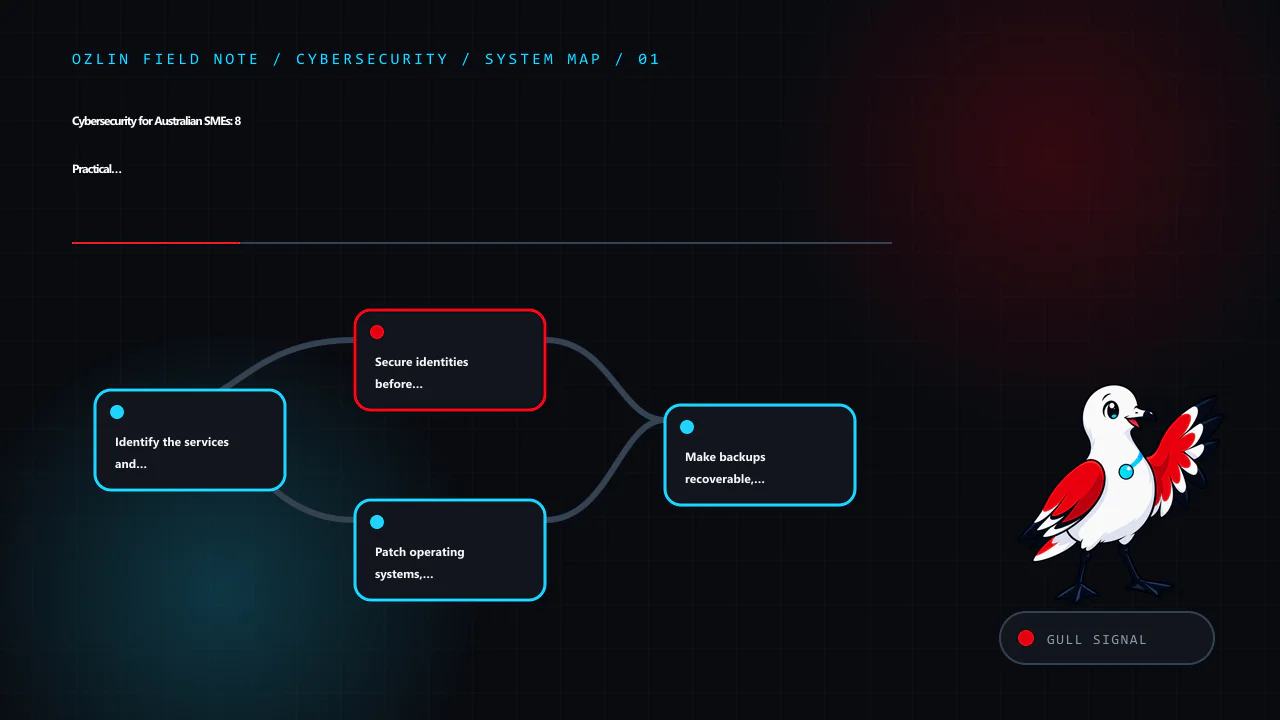
    Article map for Cybersecurity for Australian SMEs: 8 Practical Priorities for 2026, covering Identify the services and information that cannot be casual…, Secure identities before adding more software, Patch operating s…
    Article map: Identify the services and information that cannot be casual…; Secure identities before adding more software; Patch operating systems, applications and internet-facing s…; Make backups recoverable, not merely present.
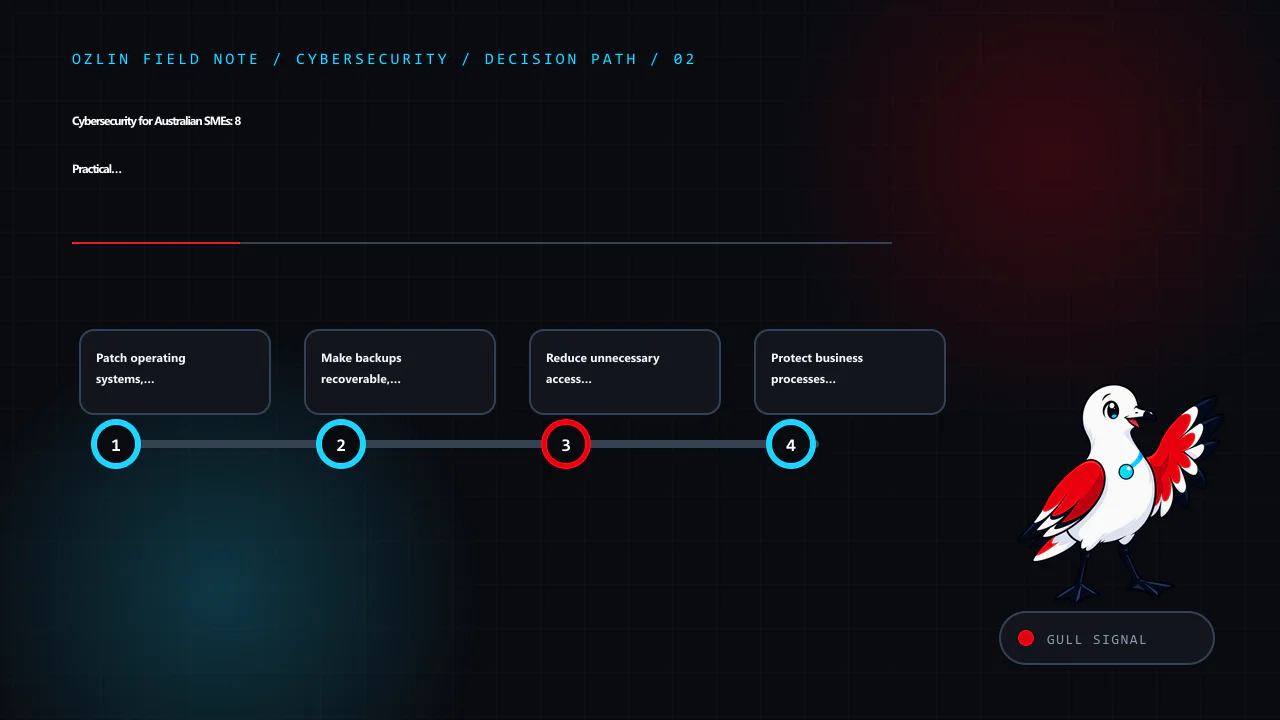
    Decision path for Cybersecurity for Australian SMEs: 8 Practical Priorities for 2026, covering Patch operating systems, applications and internet-facing s…, Make backups recoverable, not merely present, Reduce unnecessa…
    Decision path: Patch operating systems, applications and internet-facing s…; Make backups recoverable, not merely present; Reduce unnecessary access and data exposure; Protect business processes from phishing and payment fraud.
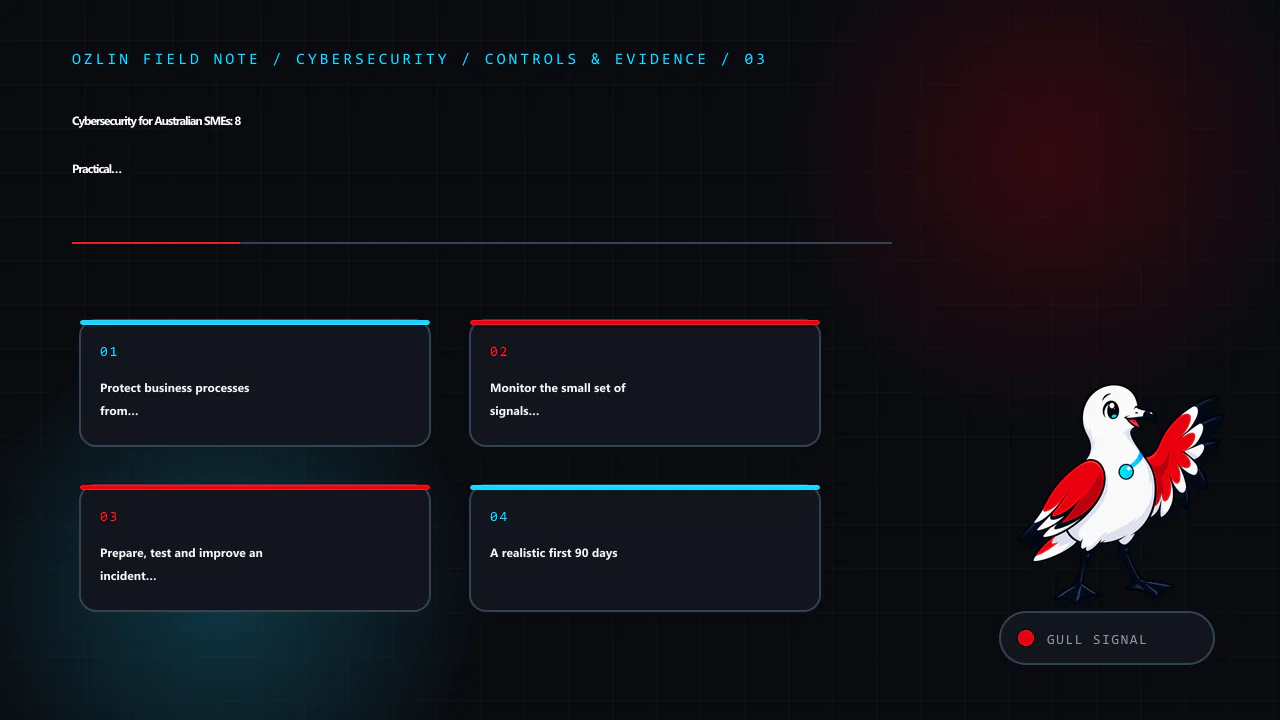
    Control and evidence map for Cybersecurity for Australian SMEs: 8 Practical Priorities for 2026, covering Protect business processes from phishing and payment fraud, Monitor the small set of signals that matter, Prepare…
    Control and evidence map: Protect business processes from phishing and payment fraud; Monitor the small set of signals that matter; Prepare, test and improve an incident plan; A realistic first 90 days.
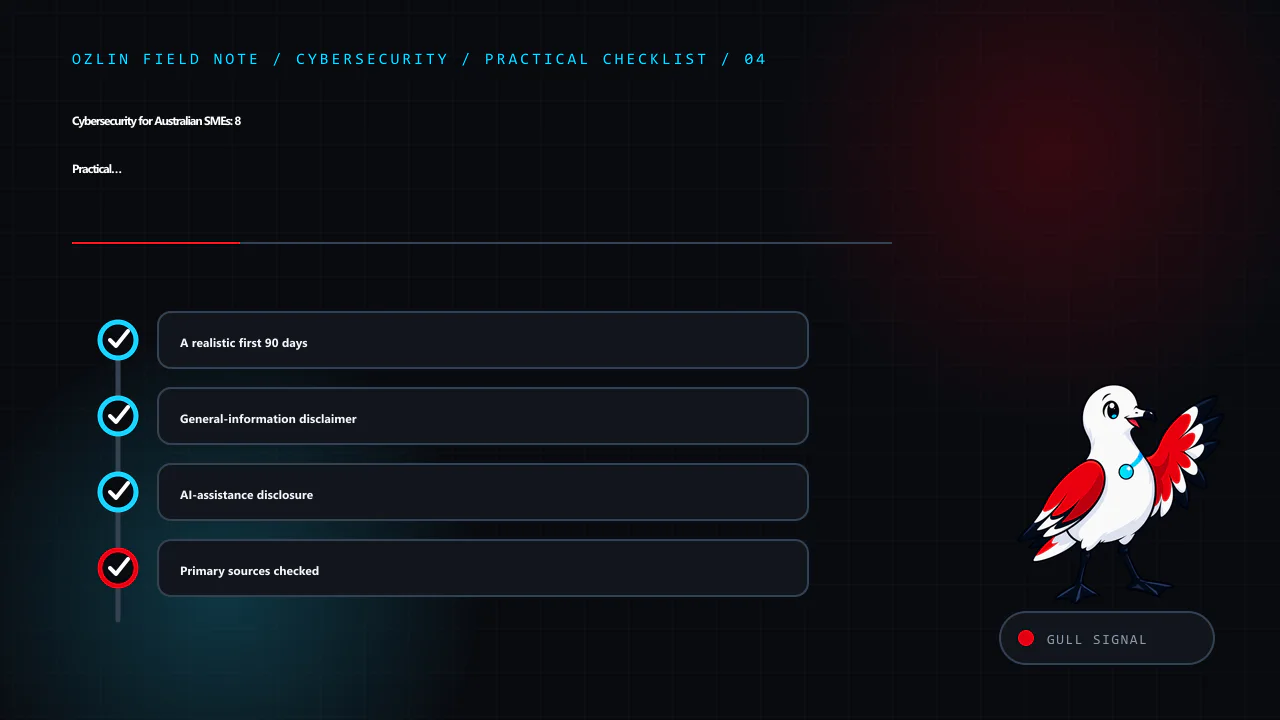
    Practical checklist for Cybersecurity for Australian SMEs: 8 Practical Priorities for 2026, covering A realistic first 90 days, General-information disclaimer, AI-assistance disclosure and related review points.
    Practical checklist: A realistic first 90 days; General-information disclaimer; AI-assistance disclosure; Primary sources checked.
  • AI Chatbots for Australian SMEs: A Practical Decision Guide

    AI Chatbots for Australian SMEs: A Practical Decision Guide

    Reviewed: 13 September 2026 · Next review: 13 December 2026
    Author: Ozlin Info Editorial Team · Human review: Lin (accountable human); Codex assisted

    An AI chatbot can be useful without becoming the voice of your entire business. For a small team, the best first deployment is usually a narrow service task with a known answer, a clear boundary and an easy route to a person. The wrong first deployment is an open-ended bot that can make commitments, interpret complex cases or act on customer accounts without oversight.

    That distinction matters because the main risks are operational, not merely technical. The Australian Cyber Security Centre’s 2026 guidance for small businesses identifies data leakage, unreliable or manipulated outputs, and supply-chain dependencies as key risks when adopting cloud-based AI. A chatbot project should therefore start with a business process and a risk decision—not with a model demonstration.

    Start with a suitable job

    A good first chatbot task is repetitive, low consequence and easy to check. Examples include:

    • answering questions from approved opening hours, service-area and booking information;
    • helping a visitor find the right service page or intake form;
    • collecting the minimum details needed for a callback;
    • asking structured triage questions before handing the conversation to staff; or
    • summarising a conversation for an authorised team member to review.

    Keep a human in control where an answer could materially affect a person, create a quote or contract, expose account information, or be mistaken for legal, medical, financial or security advice. The Australian Government’s Guidance for AI Adoption recommends documenting intended uses, foreseeable misuse, limitations, accountability and feedback paths. It also notes that risk increases when a simple, monitored chatbot becomes a 24/7 service handling more complex questions without human oversight.

    Before choosing a product, write one sentence that completes this prompt:

    The chatbot may [perform this task] using [these approved sources], but it must hand off when [these conditions occur].

    If the sentence cannot be made specific, the proposed scope is probably too broad for a first release.

    Rule-based, generative AI or a hybrid?

    A rule-based flow is predictable. It can present buttons, collect fields and route a user according to explicit conditions. It is often the safer choice for consent, booking or eligibility steps where wording and sequence must remain fixed.

    A generative AI chatbot is more flexible with natural language, but it can produce a plausible answer that is incomplete, unsupported or wrong. Connecting it to an approved knowledge base through retrieval-augmented generation can provide relevant context; it does not guarantee that every answer will be faithful to that context.

    For many SMEs, a hybrid is sensible: use deterministic controls for identity, consent, transactions and escalation, while using an AI model to interpret ordinary questions and draft answers from a limited source set. The user should be told that they are interacting with AI, what it can do, and how to reach a person.

    Design the data boundary before the conversation

    Map the information that could enter the system: names, contact details, order references, free-text messages, uploaded files, chat transcripts, IP addresses and technical logs. Then decide which fields are genuinely needed, where they are stored, who can access them, how long they are retained and what reaches each supplier.

    If your organisation is covered by the Privacy Act 1988, the Australian Privacy Principles apply when an AI system handles personal information. The OAIC’s guidance on commercially available AI products recommends due diligence, privacy by design, human oversight, clear notices and ongoing review. As a best-practice position, the OAIC also recommends not entering personal information—particularly sensitive information—into publicly available generative AI tools.

    Do not assume that buying an “enterprise” plan resolves these questions. Check the actual configuration and contract:

    • Is submitted data used to train or improve a provider’s models?
    • Where can prompts, transcripts, embeddings, logs and backups be processed or stored?
    • Which subprocessors can access them?
    • Can retention be limited and deletion requests be actioned?
    • How are administrators authenticated and audited?
    • What is the incident-notification process?
    • What happens to the data when the service ends?

    The ACSC recommends reviewing vendor data handling, ownership, storage and security arrangements, and defining incident responsibilities. These checks apply whether the chatbot is a WordPress plugin, an embedded SaaS widget or a custom application.

    Build a handoff, not a dead end

    A useful handoff preserves context without making the customer repeat everything. Give the user a visible option to reach a person, and trigger escalation when the bot lacks a reliable source, detects an account-specific issue, receives a complaint, encounters distress or abuse, or reaches a topic outside its approved scope.

    The receiving staff member should see the transcript or a clearly labelled summary, the sources the bot used, and any uncertainty or safety flag. The chatbot must not invent an appointment, refund, warranty outcome or service commitment merely to complete the interaction.

    Prepare a fallback for outages as well. A contact form, phone number or ticket pathway should remain usable if the model provider, integration or knowledge base is unavailable.

    Test a pilot against real questions

    Create a test set from de-identified, representative enquiries. Include ordinary wording, spelling errors, ambiguous questions, missing information, conflicting documents and attempts to make the bot ignore its rules. Do not use live customer records unless that use is authorised and appropriately controlled.

    Define acceptance criteria before launch. Useful measures include:

    Measure What to record
    Answer quality Whether the answer is supported by an approved source and answers the question asked
    Safe refusal Whether unsupported or prohibited requests are declined consistently
    Handoff quality Whether the right cases reach a person with enough context
    Customer outcome Whether the visitor completed the intended task or still needed another contact
    Operations Review time, supplier cost, failure rate and staff workload
    Privacy and security Unexpected data collection, disclosure, access or prompt-manipulation events

    Review failed conversations, not just averages. The Government guidance recommends documented pre-deployment testing, accountable approval and ongoing monitoring against risk-based criteria. A small pilot should also have a stop condition—for example, repeated unsupported answers or an unexpected disclosure—so the team knows when to disable or narrow it.

    Calculate value from your own baseline

    There is no credible universal percentage of enquiries that every chatbot will resolve. Start by sampling your current workload: enquiry types, handling time, repeat contacts, abandonment and staff escalation. During the pilot, compare the same measures and include all costs: setup, integration, content maintenance, review, vendor fees, incident handling and staff training.

    The result may support automation, a simpler FAQ redesign, a better form, or no chatbot at all. That is still a useful project outcome. The goal is not maximum automation; it is a service pathway that is faster where appropriate and reliably human where judgment matters.

    A practical go-live gate

    Before launch, confirm that:

    • the approved purpose, sources and prohibited uses are documented;
    • the bot is clearly identified as AI;
    • collection is minimised and supplier settings have been reviewed;
    • administrators use appropriate access controls;
    • high-impact and uncertain cases are handed to a person;
    • the test set, acceptance criteria and approval are recorded;
    • users have a feedback or complaint path;
    • monitoring, incident response and a disable switch exist; and
    • the owner and next review date are named.

    For the related website data questions, read WordPress Privacy for Australian SMEs. Ozlin Info can also help scope a narrow pilot through its AI and automation services, with the deployment decision remaining with your business.

    General information only. This article is not legal, privacy, cybersecurity or procurement advice. Requirements depend on your organisation, sector, contracts, data and intended use.

    Limitations: This is a decision framework, not a performance or compliance claim. Outcomes depend on the use case, data, model or vendor, integrations, safeguards, human handoff and observed workload; pilot evidence is required.

    Editorial disclosure: AI assisted with the first draft and source discovery. The article was checked against the linked Australian Government sources on 28 August 2026 and requires human editorial approval before publication.

    Source access date: 2026-08-28
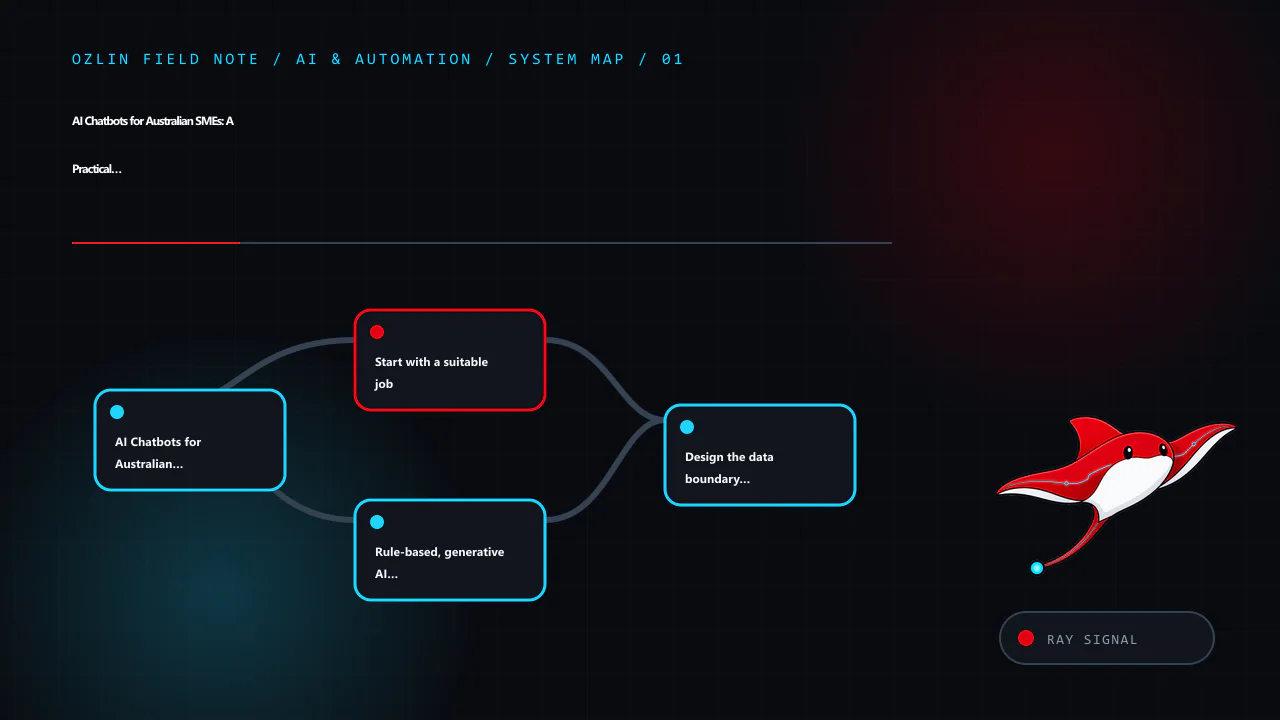
    Article map for AI Chatbots for Australian SMEs: A Practical Decision Guide, covering AI Chatbots for Australian SMEs: A Practical Decision Guide, Start with a suitable job, Rule-based, generative AI or a hybrid? and re…
    Article map: AI Chatbots for Australian SMEs: A Practical Decision Guide; Start with a suitable job; Rule-based, generative AI or a hybrid?; Design the data boundary before the conversation.
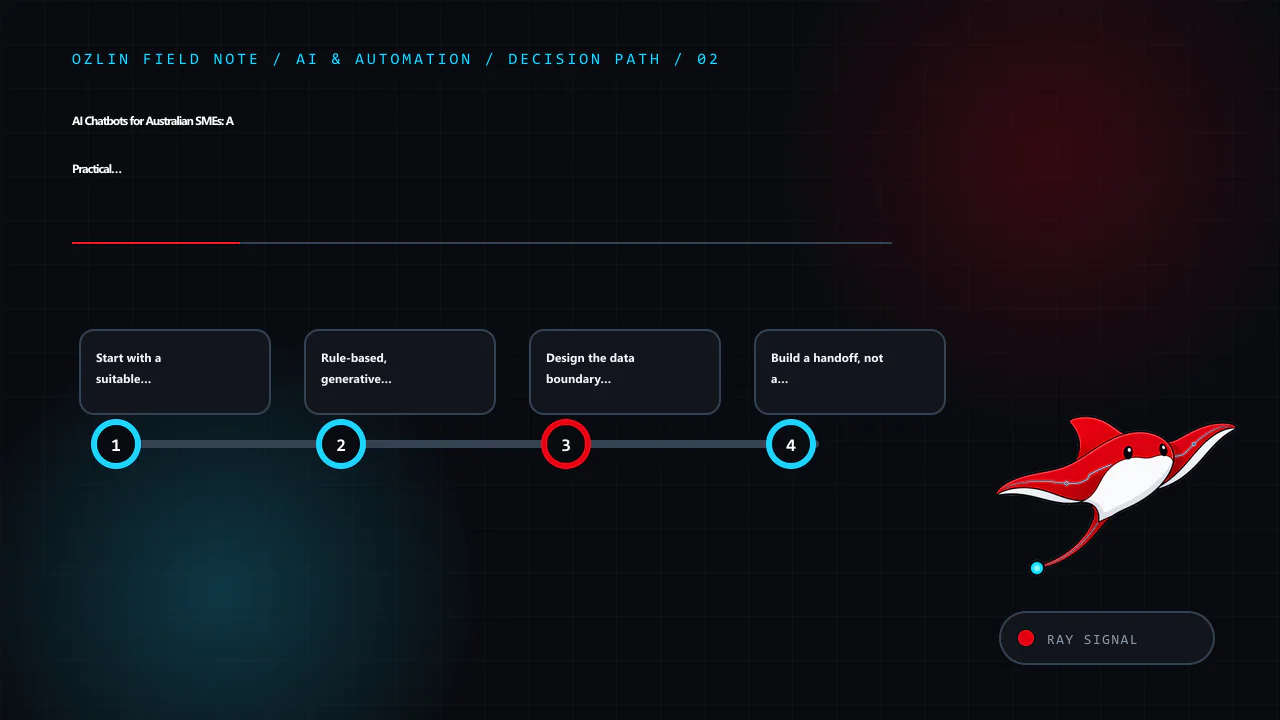
    Decision path for AI Chatbots for Australian SMEs: A Practical Decision Guide, covering Start with a suitable job, Rule-based, generative AI or a hybrid?, Design the data boundary before the conversation and related rev…
    Decision path: Start with a suitable job; Rule-based, generative AI or a hybrid?; Design the data boundary before the conversation; Build a handoff, not a dead end.
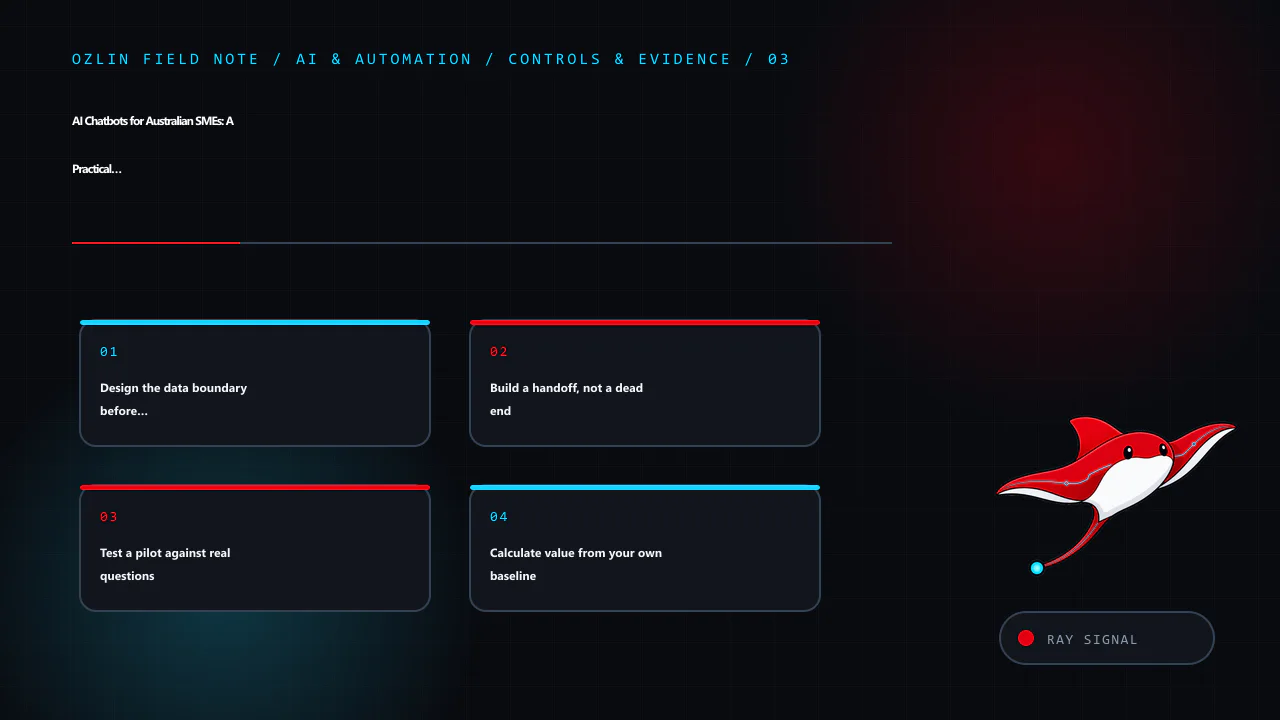
    Control and evidence map for AI Chatbots for Australian SMEs: A Practical Decision Guide, covering Design the data boundary before the conversation, Build a handoff, not a dead end, Test a pilot against real questions a…
    Control and evidence map: Design the data boundary before the conversation; Build a handoff, not a dead end; Test a pilot against real questions; Calculate value from your own baseline.
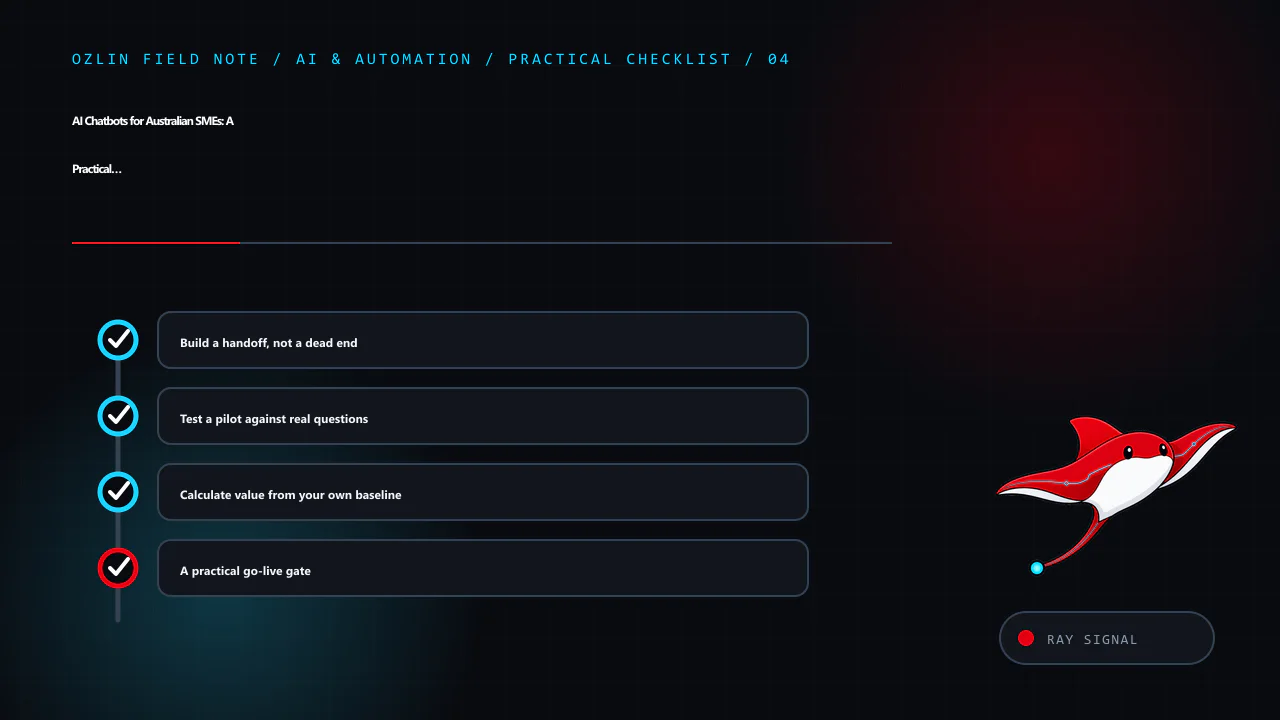
    Practical checklist for AI Chatbots for Australian SMEs: A Practical Decision Guide, covering Build a handoff, not a dead end, Test a pilot against real questions, Calculate value from your own baseline and related revi…
    Practical checklist: Build a handoff, not a dead end; Test a pilot against real questions; Calculate value from your own baseline; A practical go-live gate.
  • 10 WordPress Performance Checks That Matter in 2026

    10 WordPress Performance Checks That Matter in 2026

    Reviewed: 13 September 2026 · Next review: 13 December 2026
    Author: Ozlin Info Editorial Team · Human review: Lin (accountable human); Codex assisted

    WordPress performance work should begin with evidence, not a stack of optimisation plugins. A site can feel slow because the server takes too long to produce HTML, the page downloads oversized media, JavaScript blocks interaction, the layout shifts, or a third-party service stalls. Each cause needs a different fix.

    This checklist replaces two common shortcuts: an unsupported claim that every one-second delay produces the same conversion loss, and the idea that a single “speed score” represents every visitor. The useful question is simpler: which important pages are slow for your users, why, and did a controlled change improve them without breaking the site?

    1. Establish a repeatable baseline

    Choose representative URLs: the homepage, a service page, a long article, the contact path and, where relevant, product or checkout pages. Test both mobile and desktop. Record the date, test location, logged-in state and whether caches were warm or cold so a later result is comparable.

    PageSpeed Insights combines lab diagnostics from Lighthouse with real-world data from the Chrome User Experience Report when enough data is available. Lab data helps reproduce and debug a problem; field data describes actual user experience over time. A low-traffic page may not have enough field samples, so “no data” is not the same as “fast”.

    Keep the baseline beside a screenshot or exported report. Do not install several tools and then try to guess which one helped.

    2. Read the user-facing metrics correctly

    Google’s current Core Web Vitals cover loading, responsiveness and visual stability. Its published “good” thresholds are LCP within 2.5 seconds, INP at 200 milliseconds or less, and CLS at 0.1 or less, assessed at the 75th percentile. These are experience targets, not guarantees of rankings, leads or revenue.

    Use supporting signals to find the cause. Slow server response can contribute to poor LCP; long main-thread tasks can hurt responsiveness; images, banners or fonts without reserved space can cause layout shifts. Measure the actual template and interaction rather than optimising a number in isolation.

    3. Check WordPress and the hosting stack first

    Open Tools → Site Health before adding another plugin. WordPress documents the Site Health screen as a view of critical issues, recommended improvements and technical information about WordPress, themes, plugins, media, PHP, the database and filesystem permissions.

    Resolve update failures, loopback errors, missing server modules and an unsupported runtime with a backup and staging test. Use a currently supported PHP version that your WordPress release, theme and plugins support; do not change a production runtime merely because a version number is higher. Check CPU, memory, storage latency and database pressure during a slow request. A hosting upgrade is useful only when resource or latency evidence points there.

    4. Add the right cache for the right content

    For public pages that do not change for each visitor, full-page caching can avoid rebuilding the same response in PHP and the database. WordPress distinguishes page, browser, object and server caching; they solve different problems.

    Define exclusions for logged-in sessions, previews, carts, checkouts and other personalised pages. Test cache invalidation after editing content. Persistent object caching can reduce repeated database work on suitable sites, but it is not a replacement for page caching and adds an operational dependency. Verify response headers and behaviour instead of trusting that a plugin being active means the cache is effective.

    5. Deliver the right image, not just a newer format

    Resize an image for its displayed use, compress it to an acceptable visual quality, and let responsive image markup select an appropriate variant. Reserve width and height to reduce layout shift. Avoid lazy-loading the likely LCP image; defer images that begin below the fold where appropriate.

    WordPress supports WebP uploads, but its documentation states that generated sub-sizes use the original format by default. In other words, uploading a JPEG does not automatically prove that the site is serving WebP. Check the delivered URL, MIME type, dimensions and file size in the browser network panel. Keep a visually suitable JPEG or PNG when it is the better operational choice.

    6. Measure themes and templates as rendered

    A theme’s catalogue description cannot tell you how your configured site performs. Inspect the rendered page: DOM size, font files, stylesheet weight, JavaScript execution, template queries and assets loaded on pages that do not need them.

    Test changes in a child theme or staging environment. Remove unused decorative effects and template parts before replacing the entire design. A block theme can be fast or slow; a page builder can be appropriate or excessive. The implementation and content determine the outcome.

    7. Audit plugin behaviour, not the plugin count

    An active plugin may do almost nothing on the front end, while another may add scripts, remote calls or expensive database work to every request. WordPress’s performance guidance recommends reviewing unnecessary plugins and measuring the effect of selectively disabling them.

    Use staging and a backup. Check server timing, database queries, scheduled tasks and the browser network waterfall before and after each change. Remove abandoned or duplicated functionality, but do not disable a security, forms or commerce component solely to improve a synthetic score. Find a safer implementation that preserves the business requirement.

    8. Control JavaScript, CSS and fonts

    Load an asset only where it is needed. Defer non-critical scripts when the integration supports it, reduce third-party tags, subset or self-host fonts where licensing permits, and avoid large animation libraries for minor effects.

    Do not combine every file by default. Modern HTTP connections can transfer multiple resources efficiently, and aggregation can make caching or execution worse. Minification may reduce transfer size, but the useful result is less blocking and less unused code—not the mere presence of a “minified” filename. Re-test menus, forms, analytics, consent controls and accessibility after changing load order.

    9. Configure delivery and the origin together

    Use suitable browser cache headers and text compression at the web server or edge. A CDN can shorten delivery paths for cacheable assets and absorb some origin load, but it cannot repair slow uncached PHP, a blocking third-party script or a badly sized hero image. Confirm cache status, bypass rules, purges and TLS behaviour from the regions that matter to the audience.

    Australian SMEs should test from Australia as well as from the provider’s default test region. If customers are concentrated in Sydney or Melbourne, an overseas-only lab run can misrepresent their network path.

    10. Treat performance as a change-control process

    Record the before result, one change, the after result and the rollback method. Monitor availability, errors and Core Web Vitals after deployment. PageSpeed’s field data covers a trailing period, so it will not reflect a production change immediately; lab testing can catch regressions before sufficient field data accumulates.

    During the 2026 Ozlin.info migration, migration correctness and performance changes were deliberately separated. Files and the UTF8MB4 database were staged and checked before DNS cutover, while the old environment remained a rollback path. That sequence made a performance issue easier to distinguish from a data or routing issue. It is a useful pattern for any SME site: backup, stage, test, change narrowly, verify, then retire the fallback only after acceptance.

    What to do this week

    Start with three pages and one conversion path. Capture mobile and desktop baselines, review Site Health, identify the largest confirmed bottleneck, and make one reversible change. A useful performance review produces an evidence log and a short prioritised backlog—not a promise that every page will receive a perfect score.

    Performance work also affects data flows: optimisation, analytics, CDN and anti-bot services may introduce third parties. Read WordPress Privacy for Australian SMEs before adding them. For a scoped review or migration plan, see Ozlin Info’s web and WordPress services.

    Limitations: Performance results vary by hosting, theme, plugins, content, cache, network and field users; no score or Core Web Vitals outcome is promised. Validate each change on the actual site.

    Editorial disclosure: AI assisted with the first draft and source discovery. The article was checked against the linked WordPress and Google documentation on 28 August 2026 and requires human editorial approval before publication.

    Source access date: 2026-08-28

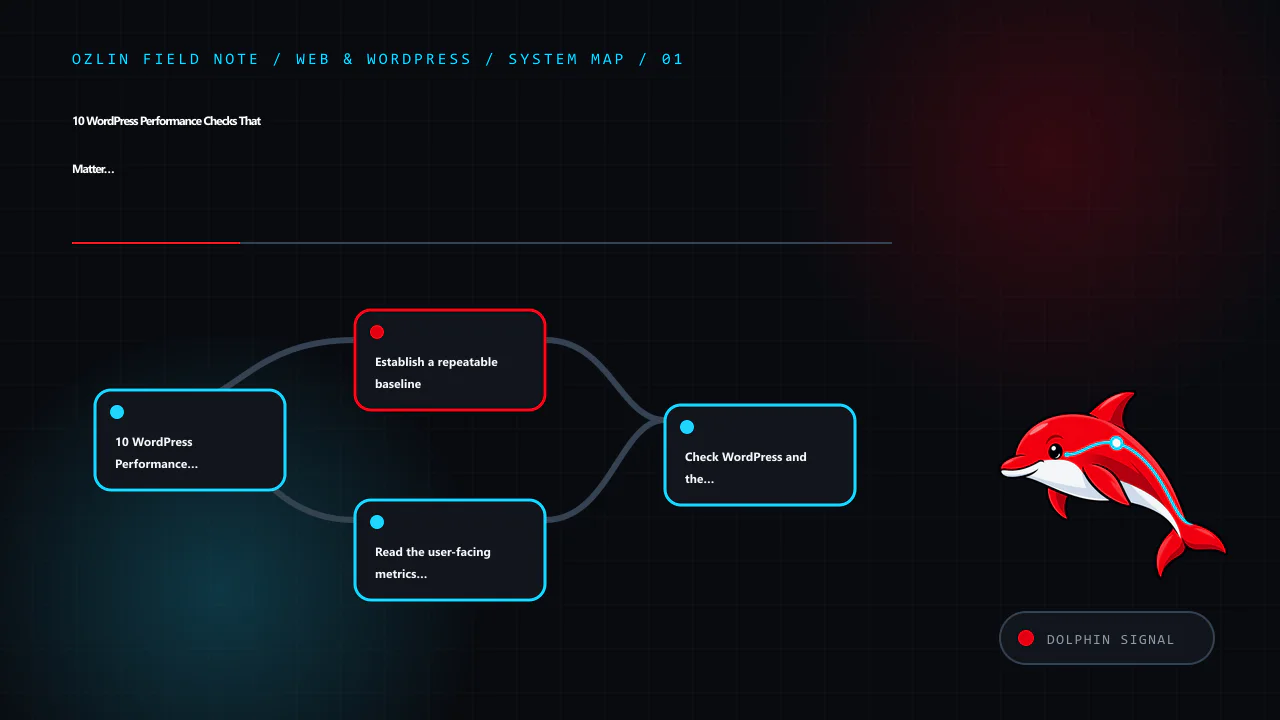
    Article map for 10 WordPress Performance Checks That Matter in 2026, covering 10 WordPress Performance Checks That Matter in 2026, Establish a repeatable baseline, Read the user-facing metrics correctly and related revi…
    Article map: 10 WordPress Performance Checks That Matter in 2026; Establish a repeatable baseline; Read the user-facing metrics correctly; Check WordPress and the hosting stack first.
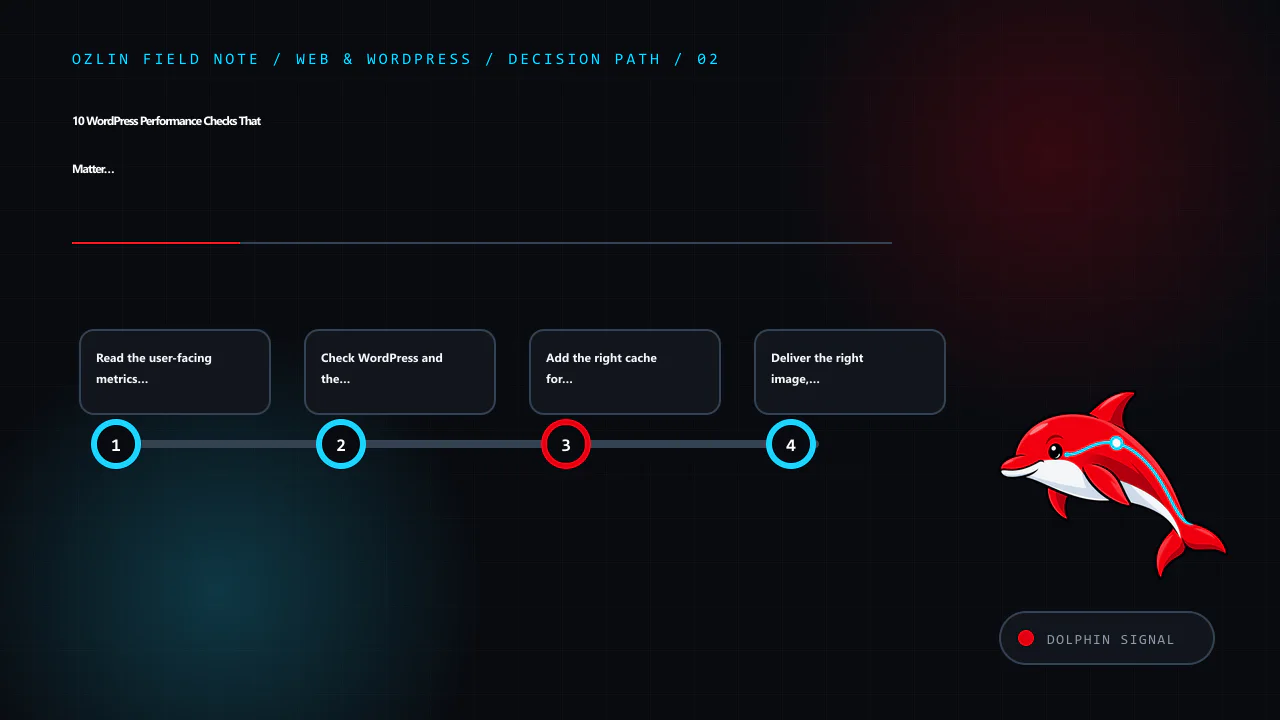
    Decision path for 10 WordPress Performance Checks That Matter in 2026, covering Read the user-facing metrics correctly, Check WordPress and the hosting stack first, Add the right cache for the right content and related…
    Decision path: Read the user-facing metrics correctly; Check WordPress and the hosting stack first; Add the right cache for the right content; Deliver the right image, not just a newer format.
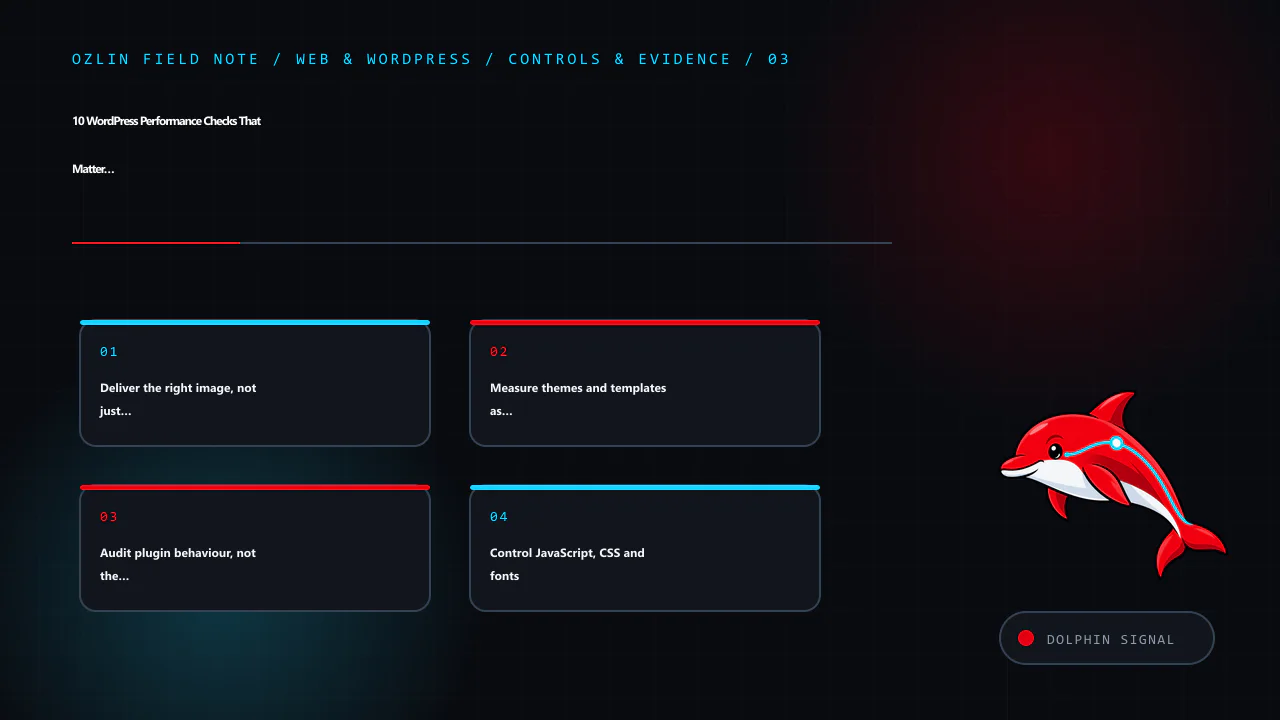
    Control and evidence map for 10 WordPress Performance Checks That Matter in 2026, covering Deliver the right image, not just a newer format, Measure themes and templates as rendered, Audit plugin behaviour, not the plug…
    Control and evidence map: Deliver the right image, not just a newer format; Measure themes and templates as rendered; Audit plugin behaviour, not the plugin count; Control JavaScript, CSS and fonts.
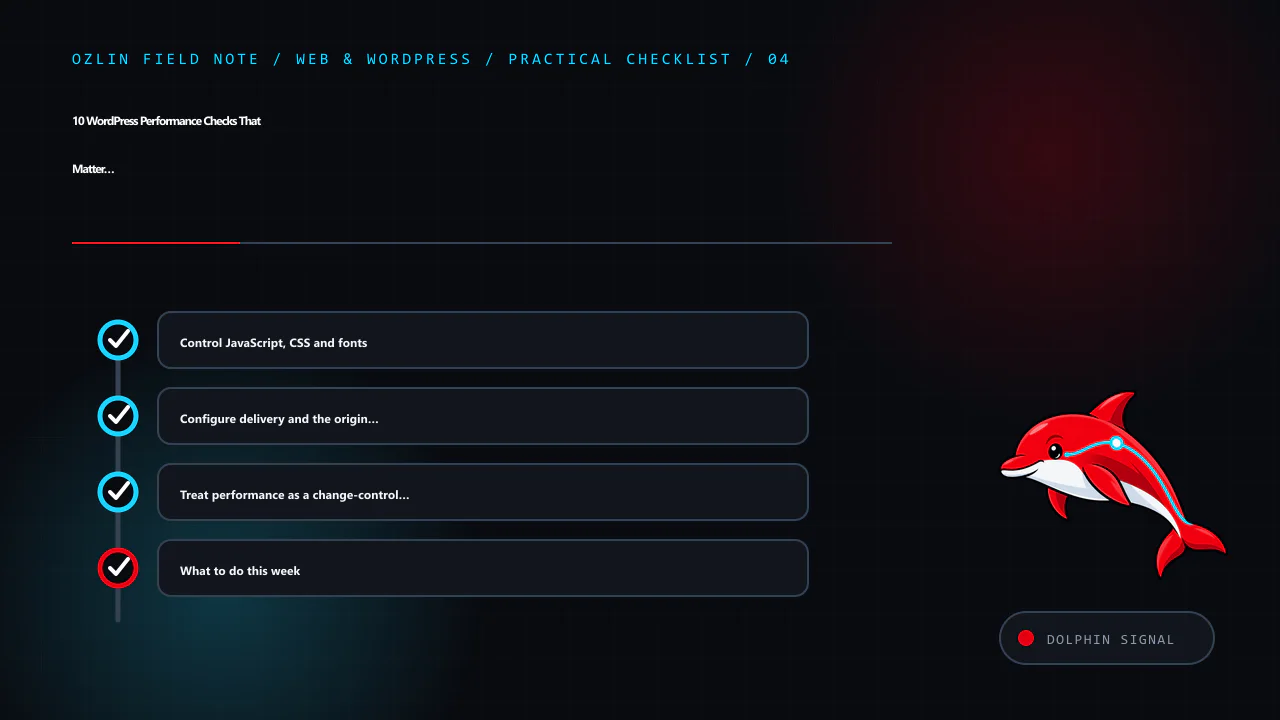
    Practical checklist for 10 WordPress Performance Checks That Matter in 2026, covering Control JavaScript, CSS and fonts, Configure delivery and the origin together, Treat performance as a change-control process and rela…
    Practical checklist: Control JavaScript, CSS and fonts; Configure delivery and the origin together; Treat performance as a change-control process; What to do this week.
  • Your First Unity 6 2D Game in Seven Testable Steps

    Your First Unity 6 2D Game in Seven Testable Steps

    Reviewed: 13 September 2026 · Next review: 13 December 2026
    Author: Ozlin Info Editorial Team · Human review: Lin (accountable human); Codex assisted

    Reviewed: 29 August 2026 · Next review: 28 February 2027
    Author: Ozlin Info Editorial Team · Human review: Lin

    A useful first game is small enough to finish and structured enough to test. This guide builds one scene in which a player moves a square to a goal, shows a success message and can be built for a selected target. It uses a pinned Unity 6 editor, the current Input System and Rigidbody2D.linearVelocity rather than the legacy Input.GetAxis workflow.

    The example is educational. Run it in a new project or branch, record exact versions and inspect every imported asset and package before using it in production.

    1. Pin the project and define “done”

    Install a supported Unity 6 LTS editor through Unity Hub with the module for the first target platform. Record the full editor version. Create a 2D project and initialise source control before adding assets.

    Commit Assets, Packages and ProjectSettings. Exclude generated Library, Temp, Logs, obj and local build directories using an appropriate Unity ignore file. Do not commit signing keys, service credentials or generated store packages.

    Write a tiny acceptance test:

    • the game opens directly into one scene;
    • WASD, arrow keys or a gamepad stick moves the player;
    • the player cannot pass through the border;
    • reaching the goal displays a success panel;
    • Escape or a visible control can exit or return according to platform; and
    • a built player runs on the selected target device.

    This boundary prevents a first project from expanding into inventory, networking and procedural worlds before its basic loop works.

    2. Build the scene with licensed placeholders

    Create and save Assets/Scenes/Main.unity. Add a camera with an orthographic projection. Use simple coloured sprites created in the editor or original files for the player, border and goal. Record the source and licence of anything downloaded; “free” does not define reuse or redistribution rights.

    Create sorting layers for background, world and interface if needed. Use consistent world units. Add four static border objects with BoxCollider2D, and give the player:

    • SpriteRenderer;
    • Rigidbody2D with gravity scale set to zero for this top-down example; and
    • BoxCollider2D or another shape matching the visual body.

    Do not resize a collider accidentally through a deeply scaled parent. Turn on collision gizmos and check the actual shape. Place the goal with a BoxCollider2D marked as a trigger.

    3. Create action-based input

    Unity documents the Input System as the extensible alternative recommended for new projects, while the old UnityEngine.Input API is legacy (Unity — Input System, Unity — legacy Input API).

    Install or confirm the released Input System package compatible with the pinned editor. Create Assets/Input/GameInput.inputactions with an action map named Player and a Move action:

    • action type: Value;
    • control type: Vector2;
    • a 2D Vector composite for WASD;
    • a second 2D Vector composite for arrow keys; and
    • a gamepad left-stick binding.

    Save the asset. The package can bind multiple devices to one action and supports later rebinding through overrides (Unity — Input bindings). Input handling belongs to gameplay actions rather than keyboard-specific code.

    4. Move the player through Rigidbody2D

    Create Assets/Scripts/TopDownMover.cs:

    using UnityEngine;
    using UnityEngine.InputSystem;
    
    [RequireComponent(typeof(Rigidbody2D))]
    public sealed class TopDownMover : MonoBehaviour
    {
        [SerializeField] private InputActionReference moveAction;
        [SerializeField, Min(0f)] private float speed = 5f;
    
        private Rigidbody2D body;
    
        private void Awake()
        {
            body = GetComponent<Rigidbody2D>();
        }
    
        private void OnEnable()
        {
            moveAction.action.Enable();
        }
    
        private void OnDisable()
        {
            moveAction.action.Disable();
            if (body != null)
            {
                body.linearVelocity = Vector2.zero;
            }
        }
    
        private void FixedUpdate()
        {
            Vector2 input = moveAction.action.ReadValue<Vector2>();
            if (input.sqrMagnitude > 1f)
            {
                input.Normalize();
            }
    
            body.linearVelocity = input * speed;
        }
    }

    Attach it to the player and assign the Move action reference. Unity 6's current Rigidbody2D API exposes linearVelocity as the linear velocity vector (Unity — Rigidbody2D.linearVelocity). Pinning the editor matters because older tutorials and versions use different API names.

    The script reads intent and applies velocity during the physics step. Normalising values above magnitude one prevents diagonal keyboard input from exceeding the configured speed. A platformer would need gravity, grounded checks, jump rules and a different controller; do not reuse this top-down movement unchanged.

    5. Add one goal and explicit game state

    Create a GoalZone component that raises one success event the first time the player enters. Keep outcome logic outside the movement script. A small GameFlow component can own Playing and Completed states, disable player input on completion and open a success panel.

    Validate the collider belongs to the player using a component or layer, not an object name. Guard repeated trigger callbacks so the score or success transition is idempotent. If the scene reloads, the new flow owner should start from a deliberate state.

    Add a reset control through an input action or accessible interface button. Do not require a mouse if gamepad is supported. Avoid relying only on colour or sound to communicate success.

    6. Add readable interface, audio and tests

    Create a Canvas with brief controls and a hidden success panel. Anchor elements so they survive several aspect ratios and safe areas. Use readable contrast and a logical navigation order. If a sound confirms success, keep the visible message as an alternative.

    Test the acceptance list in Play Mode, then add automated checks where useful:

    • an Edit Mode test for movement-vector normalisation;
    • a Play Mode test that the border blocks the body;
    • a Play Mode test that entering the goal completes once; and
    • a content check that the build scene is present.

    Try keyboard and a physical gamepad, unplug the gamepad, resize the window, lose and regain focus, and reload the scene. Watch the Console for exceptions and warnings. A tutorial that “looks right” but emits an error every frame is not complete.

    7. Create a Build Profile and run the player

    Open File → Build Profiles. Unity 6 Build Profiles let a project store multiple configurations and their scene lists as assets (Unity — Build Profiles). Create a development profile for the first target, add Main.unity, select the correct platform module and build to a clean local output directory.

    Run the built player and repeat the acceptance test. The editor does not reproduce every resolution, file path, input, graphics or lifecycle behaviour. For mobile, install on a physical device and check touch design, safe areas, suspend/resume, performance and package identity. Store submission additionally requires current signing, SDK, privacy and listing work; a local build is not store approval.

    Record the build date, source revision, editor and package versions and test device. Make a source-control tag when the seven-step sample passes. You now have a finished, reproducible base that can accept one new feature at a time.

    For a scoped software build or review, see Ozlin Info's secure web and software delivery service; related first-party game-engineering context is in the Projects archive, or contact Ozlin Info.

    Related reading: Cross-platform Unity architecture and delivery.


    General-information disclaimer

    This article provides an educational example, not a supported Unity package, storefront approval or production controller. Verify the pinned editor, packages, licences, platform requirements and tests for the actual project.

    AI-assistance disclosure

    AI tools assisted with source discovery, example drafting and copyediting. A human reviewer must create the project, compile the script, run the tests and verify current Unity and target-platform behaviour before publication or use.

    Primary sources checked

    Source access date: 29 August 2026.

    nn
    Article map for Your First Unity 6 2D Game in Seven Testable Steps, covering Pin the project and define “done”, Build the scene with licensed placeholders, Create action-based input and related review points.
    Article map: Pin the project and define “done”; Build the scene with licensed placeholders; Create action-based input; Move the player through Rigidbody2D.
    n
    Decision path for Your First Unity 6 2D Game in Seven Testable Steps, covering Create action-based input, Move the player through Rigidbody2D, Add one goal and explicit game state and related review points.
    Decision path: Create action-based input; Move the player through Rigidbody2D; Add one goal and explicit game state; Add readable interface, audio and tests.
    n
    Control and evidence map for Your First Unity 6 2D Game in Seven Testable Steps, covering Add one goal and explicit game state, Add readable interface, audio and tests, Create a Build Profile and run the player and rela…
    Control and evidence map: Add one goal and explicit game state; Add readable interface, audio and tests; Create a Build Profile and run the player; General-information disclaimer.
    n
    Practical checklist for Your First Unity 6 2D Game in Seven Testable Steps, covering Create a Build Profile and run the player, General-information disclaimer, AI-assistance disclosure and related review points.
    Practical checklist: Create a Build Profile and run the player; General-information disclaimer; AI-assistance disclosure; Primary sources checked.

    Limitations: This tutorial is an educational starting point; Unity, package, platform, signing and device behaviour must be tested with the actual project.

  • From “Hello World” to Ozlin Info: A Dated Project Note

    From “Hello World” to Ozlin Info: A Dated Project Note

    Editor’s note — 29 August 2026: this page began as a short announcement in 2020. It is being preserved as a dated project record, not rewritten to pretend that every old promise is current. The notes below distinguish what the present WordPress export verifies from what the original author remembered.

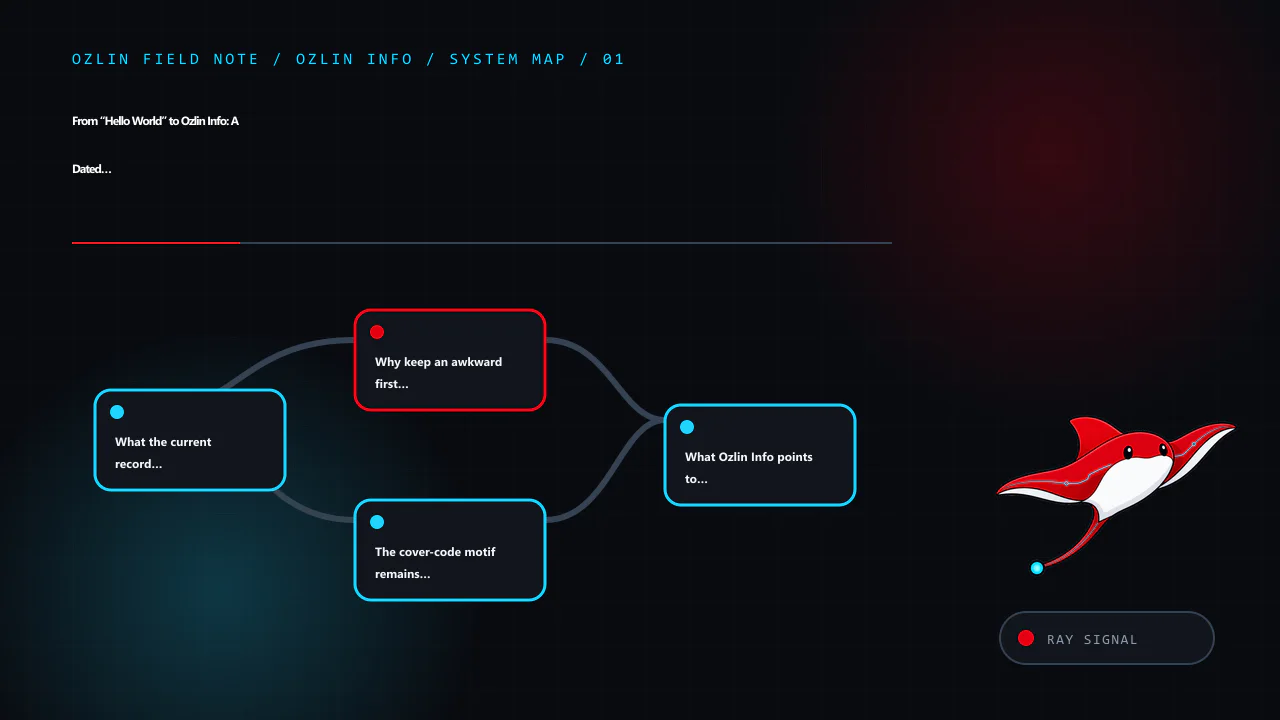
    Article map for From “Hello World” to Ozlin Info: A Dated Project Note, covering What the current record verifies, Why keep an awkward first post?, The cover-code motif remains part of the story and related review point…
    Article map: What the current record verifies; Why keep an awkward first post?; The cover-code motif remains part of the story; What Ozlin Info points to now.

    What the current record verifies

    The WordPress export generated on 28 August 2026 contains this as the oldest published post in the current site inventory:
    • post ID 35;
    • title Not only "Hello World"...;
    • publication timestamp 26 October 2020; and
    • permanent slug not-only-hello-world.

    The original text said that the website had been established in July 2019 with only a “Hello World” post. That earlier post is not present in the current export, so July 2019 should be treated as the founder’s recollection rather than a date independently proved by the surviving WordPress content.

    The original entry also promised a redesign in mid-November 2020. A later note dated 22 May 2021 said that a Projects page had been added. The current site does have a Projects page, but this entry does not claim that the current page is identical to its 2021 version.

    This distinction is deliberate. A company timeline is more trustworthy when it says “the export shows”, “the original author recalled” or “the current page confirms” instead of blending all three into one polished origin story.

    Why keep an awkward first post?

    Early posts are imperfect, but deleting them can erase useful context and break links. Preserving the permalink provides a visible starting point for later work. It also shows that Ozlin Info did not appear fully formed: the site moved through experiments, delayed plans, infrastructure changes and editorial revisions.

    WordPress’s export tool packages selected site content in WordPress eXtended RSS format. The official Tools Export Screen documentation explains what an export can include. An export is valuable evidence of the content it contains, but it does not prove that deleted items, earlier installations or material outside the selection never existed.

    For future public milestones, stronger evidence can combine:

    • a dated WordPress export or database backup;
    • a source-control tag or release note;
    • an archived public page or screenshot with provenance;
    • a project status such as concept, prototype, live or retired; and
    • a named reviewer and last-checked date.

    The Internet Archive explains how a page owner can deliberately preserve a public snapshot through Save Page Now. A saved snapshot should support a specific date or appearance; it should not be used to imply that every underlying service was complete.

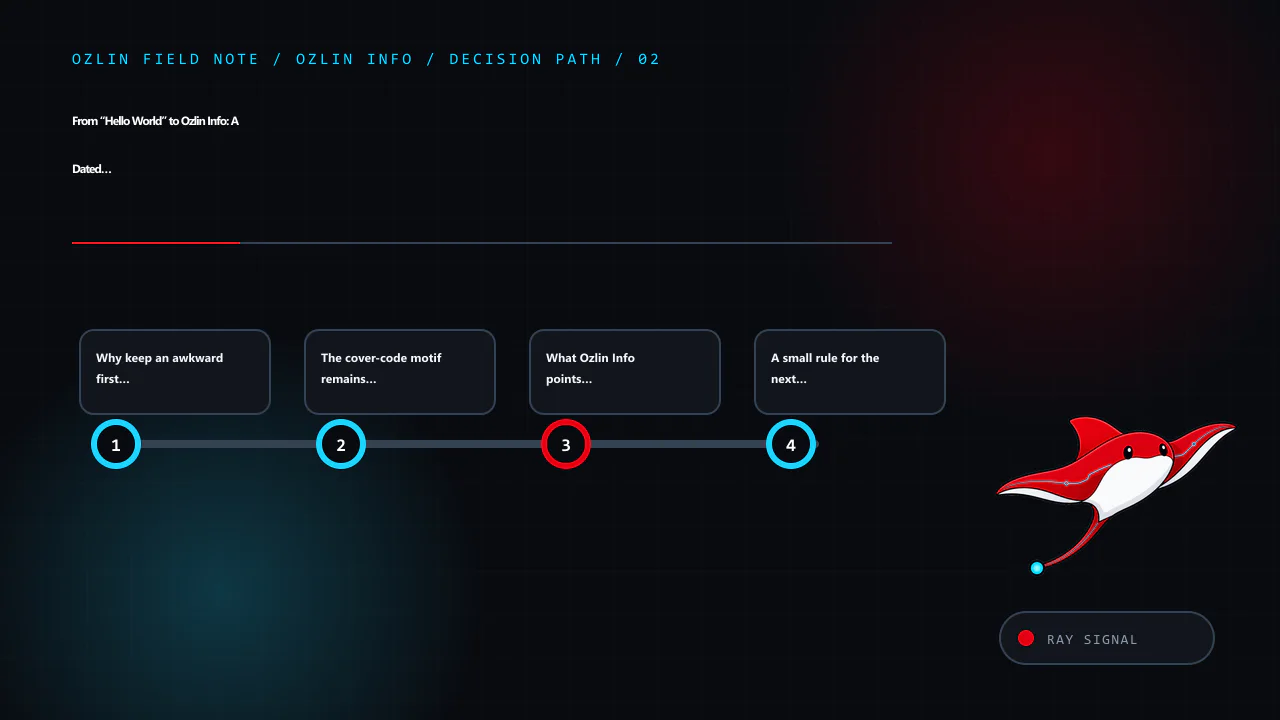
    Decision path for From “Hello World” to Ozlin Info: A Dated Project Note, covering Why keep an awkward first post?, The cover-code motif remains part of the story, What Ozlin Info points to now and related review points.
    Decision path: Why keep an awkward first post?; The cover-code motif remains part of the story; What Ozlin Info points to now; A small rule for the next milestone.

    The cover-code motif remains part of the story

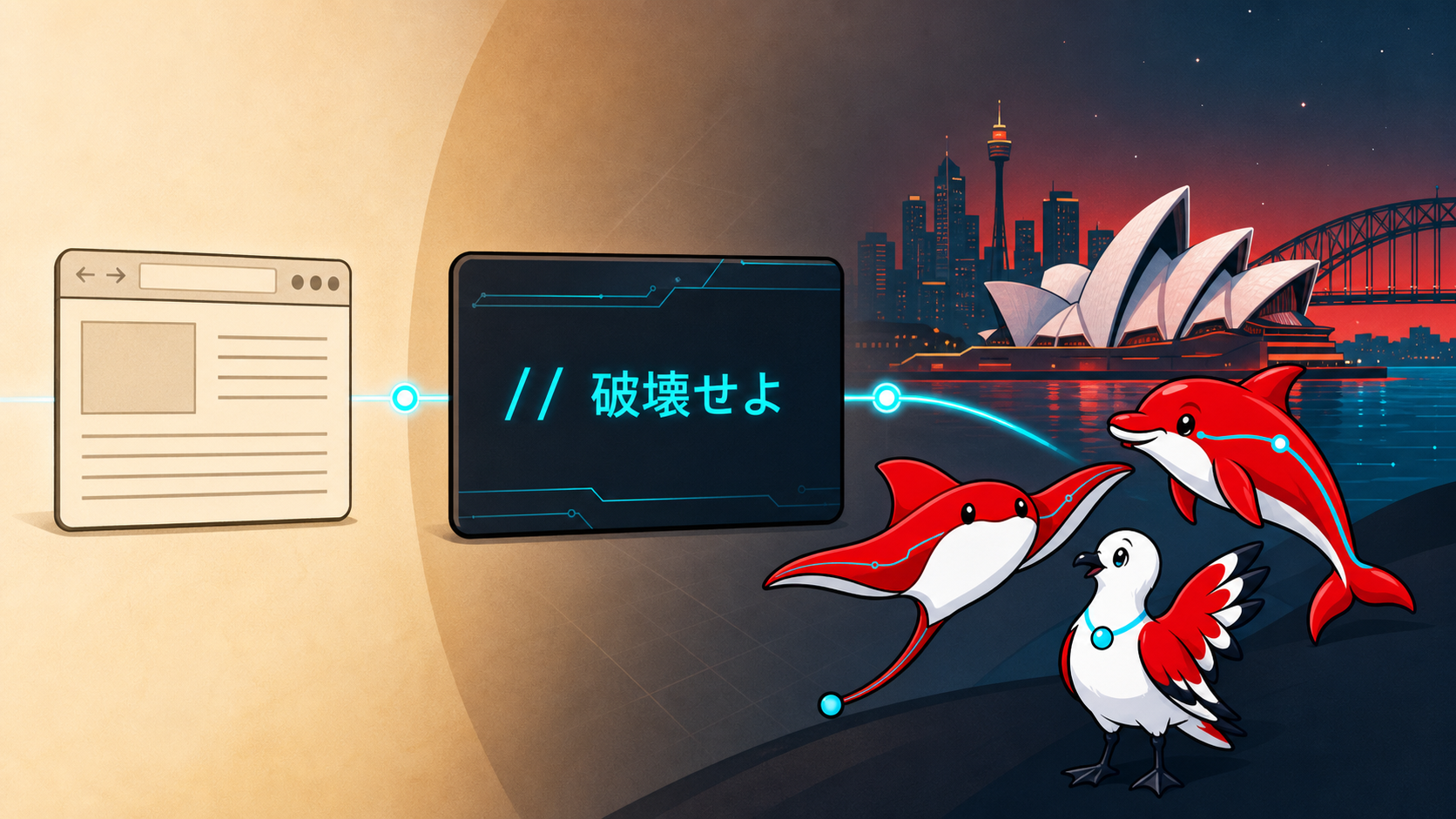
    The 2026 redesign keeps the original hero cover’s code-image character, including the exact Japanese comment:

    // 破壊せよ

    The founder chose the line as a pop-culture-inspired creative motif connected with anime and an interest in game development. On Ozlin Info it represents breaking down an old idea so it can be examined and rebuilt—not an instruction to damage systems, data or other people’s work. It is an artistic brand element, not a description of a cybersecurity service.

    That explanation matters because context can be lost when a visual fragment is copied away from its original design. Future uses should preserve the comment exactly, avoid pairing it with unauthorised access imagery, and keep the surrounding message focused on constructive iteration.

    What Ozlin Info points to now

    This historical note should not duplicate the current sales or portfolio copy. Visitors looking for present information can use:

    • Services for the current areas of work and engagement boundaries;
    • Projects for selected work, experiments and planned case-study improvements;
    • Blogs for reviewed technical and business articles;
    • Home for the current positioning and primary introduction; and
    • Contact for an enquiry.

    Those pages should carry their own review dates and evidence. A project that is only a concept should be labelled as a concept. A hypothetical example should not be presented as a client result. A discontinued service should not remain in navigation as if it were available.

    A small rule for the next milestone

    The original post ended with “Stay tuned.” The more useful replacement is a release note: what changed, when it changed, what evidence supports it, what remains incomplete and where a reader can verify the current state.

    That approach leaves room for ambition without turning a plan into a fact. It also lets the brand evolve—through web work, automation, infrastructure, security, games and community projects—while preserving the difference between history, current capability and future direction.

    Related reading: Ozlin Info projects, current services and the reviewed blog library.


    Control and evidence map for From “Hello World” to Ozlin Info: A Dated Project Note, covering What Ozlin Info points to now, A small rule for the next milestone, General-information disclaimer and related review points.
    Control and evidence map: What Ozlin Info points to now; A small rule for the next milestone; General-information disclaimer; AI-assistance disclosure.

    General-information disclaimer

    This page is a first-party historical and editorial note. It is not an independently audited corporate history, service commitment, security claim or representation that an archived page proves the operational status of an underlying project.

    AI-assistance disclosure

    AI tools assisted with export inventory analysis, outlining and copyediting. The founder must verify personal recollections, creative references, dates and present-day brand statements before publication.

    Practical checklist for From “Hello World” to Ozlin Info: A Dated Project Note, covering A small rule for the next milestone, General-information disclaimer, AI-assistance disclosure and related review points.
    Practical checklist: A small rule for the next milestone; General-information disclaimer; AI-assistance disclosure; Primary sources checked.

    Primary sources checked

    Source access date: 29 August 2026.