Author: Ozlin Info Editorial Team

  • Build a Stable Pygame Loop with Fixed Updates and Interpolation

    Build a Stable Pygame Loop with Fixed Updates and Interpolation

    Reviewed: 13 September 2026 · Next review: 13 December 2026
    Author: Ozlin Info Editorial Team · Human review: Lin (accountable human); Codex assisted

    Reviewed: 29 August 2026 · Next review: 28 February 2027
    Author: Ozlin Info Editorial Team · Human review: Lin

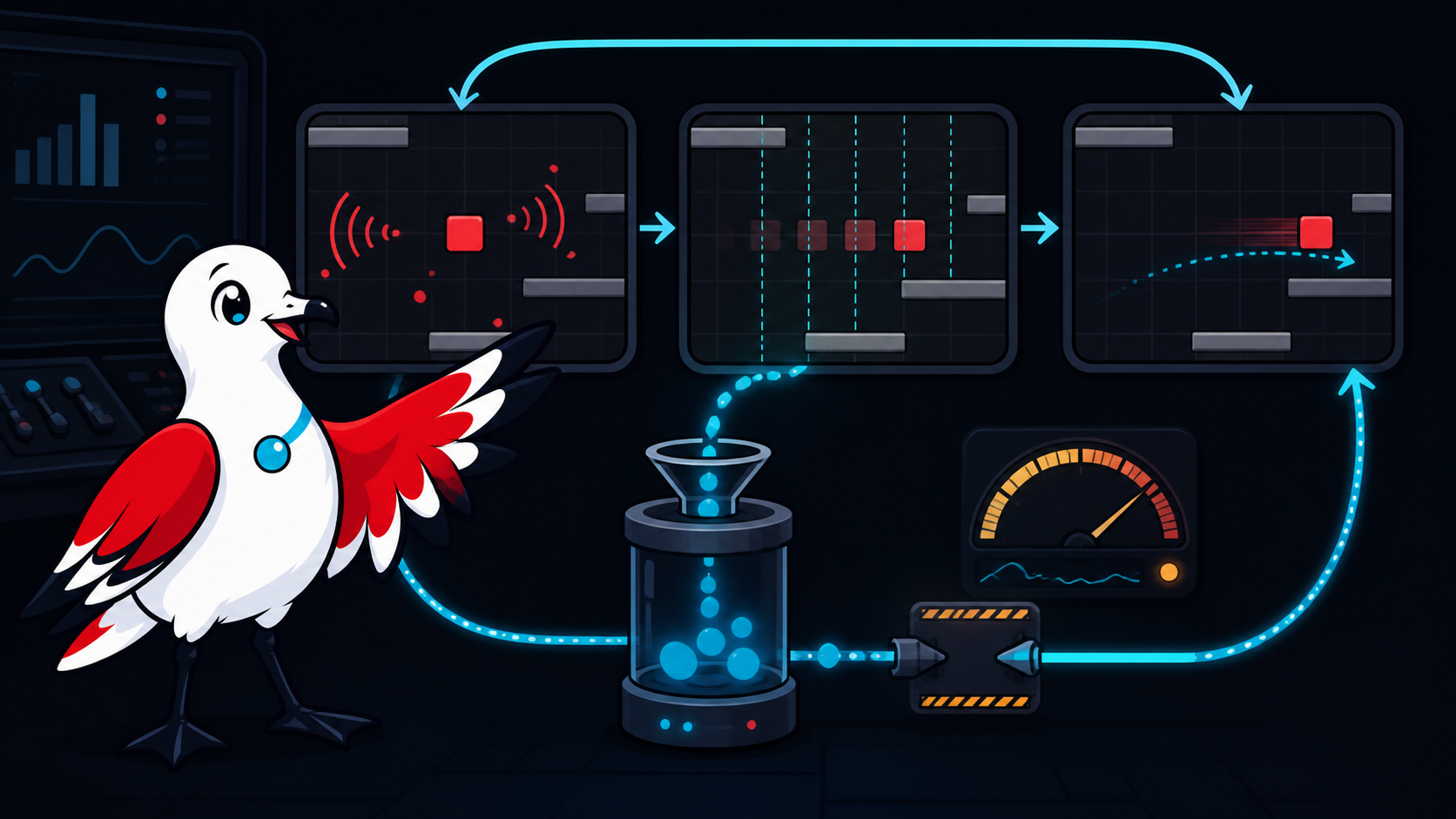
    A game loop repeatedly processes operating-system events, advances game state and renders a frame. The order is simple; the timing details are not. A loop that multiplies movement by “one unit per frame” runs at different speeds on different machines, while an unbounded time step can make physics unstable after a pause or debugger stop.

    This example uses pygame-ce and separates variable rendering from a fixed simulation step. It is intentionally small, but it includes event pumping, frame-time clamping, focus handling, interpolation and clean shutdown.

    Understand what Clock.tick() returns

    pygame.time.Clock.tick(framerate) waits as needed to limit the loop and returns the elapsed milliseconds since the previous call. Divide by 1,000 to obtain seconds. The documentation notes that its timing uses the platform delay function and is not perfectly accurate; a frame cap is a pacing aid, not a real-time guarantee (pygame-ce — pygame.time).

    A variable-step update can be adequate for visual motion:

    position += velocity * frame_seconds

    Physics and collision often behave more consistently with a fixed step. The accumulator pattern collects elapsed frame time and runs zero or more updates of a constant duration. Rendering interpolates between the two most recent simulation states.

    Install and run the example

    Create a virtual environment, install the selected pygame-ce version and record it in the project dependency file:

    python -m venv .venv
    python -m pip install pygame-ce

    Save this as main.py:

    import pygame
    
    
    WINDOW_SIZE = (960, 540)
    FIXED_SECONDS = 1.0 / 120.0
    MAX_FRAME_SECONDS = 0.25
    RENDER_LIMIT = 144
    MOVE_SPEED = 260.0
    PLAYER_SIZE = pygame.Vector2(44.0, 44.0)
    
    
    def read_direction() -> pygame.Vector2:
        keys = pygame.key.get_pressed()
        direction = pygame.Vector2(
            float(keys[pygame.K_d]) - float(keys[pygame.K_a]),
            float(keys[pygame.K_s]) - float(keys[pygame.K_w]),
        )
        if direction.length_squared() > 1.0:
            direction = direction.normalize()
        return direction
    
    
    def clamp_to_window(position: pygame.Vector2) -> pygame.Vector2:
        return pygame.Vector2(
            max(0.0, min(position.x, WINDOW_SIZE[0] - PLAYER_SIZE.x)),
            max(0.0, min(position.y, WINDOW_SIZE[1] - PLAYER_SIZE.y)),
        )
    
    
    def main() -> None:
        pygame.init()
        screen = pygame.display.set_mode(WINDOW_SIZE)
        pygame.display.set_caption("Fixed-step pygame-ce loop")
        clock = pygame.time.Clock()
    
        position = pygame.Vector2(120.0, 240.0)
        previous_position = position.copy()
        accumulator = 0.0
        running = True
        focused = True
    
        while running:
            frame_seconds = min(
                clock.tick(RENDER_LIMIT) / 1000.0,
                MAX_FRAME_SECONDS,
            )
    
            for event in pygame.event.get():
                if event.type == pygame.QUIT:
                    running = False
                elif event.type == pygame.KEYDOWN and event.key == pygame.K_ESCAPE:
                    running = False
                elif event.type == pygame.WINDOWFOCUSLOST:
                    focused = False
                    accumulator = 0.0
                elif event.type == pygame.WINDOWFOCUSGAINED:
                    focused = True
    
            if not running:
                break
    
            if focused:
                accumulator += frame_seconds
                direction = read_direction()
    
                while accumulator >= FIXED_SECONDS:
                    previous_position = position.copy()
                    position += direction * MOVE_SPEED * FIXED_SECONDS
                    position = clamp_to_window(position)
                    accumulator -= FIXED_SECONDS
            else:
                previous_position = position.copy()
    
            alpha = accumulator / FIXED_SECONDS
            render_position = previous_position.lerp(position, alpha)
    
            screen.fill("#10131a")
            player_rect = pygame.Rect(
                round(render_position.x),
                round(render_position.y),
                round(PLAYER_SIZE.x),
                round(PLAYER_SIZE.y),
            )
            pygame.draw.rect(screen, "#e63946", player_rect, border_radius=8)
            pygame.display.flip()
    
        pygame.quit()
    
    
    if __name__ == "__main__":
        main()

    Run it with python main.py. WASD moves the square and Escape exits.

    Why the loop is structured this way

    Events are pumped every outer frame

    pygame.event.get() keeps the window responsive and gives the application a chance to handle quit, focus and device events. Do not process events only inside the fixed-step loop: a fast render frame may execute no simulation step, while a delayed frame may execute several.

    The frame delta is clamped

    After a breakpoint, window drag or device stall, the reported delta can be very large. Advancing every missed fixed step can cause a “spiral of death” in which catch-up work makes the next frame even later. This example clamps one outer-frame contribution to 250 milliseconds and clears the accumulator on focus loss. A networked or deterministic game needs a more explicit pause and resynchronisation policy.

    Simulation uses a constant delta

    Movement advances in 1/120-second increments. The render cap and simulation rate are separate: changing RENDER_LIMIT does not change simulation speed. A production project should choose a step supported by its collision and CPU budget; 120 Hz is an example, not a universal recommendation.

    If each update takes longer than the fixed interval, the loop cannot catch up. Add a measured maximum number of steps per frame and telemetry rather than silently dropping time. Decide whether the game should slow, skip presentation or resynchronise.

    Rendering interpolates

    The accumulator contains the fraction of time between the previous and current simulation state. lerp presents a position between them, which can make rendering smoother when it runs more frequently than simulation. This adds approximately one simulation step of visual latency and should interpolate presentation only; do not feed the rendered position back into gameplay.

    The example samples held keyboard state once per outer frame. For very precise input, queue timestamped transitions and consume them at defined simulation boundaries. A multiplayer game must align inputs with its networking tick and authority model.

    Extend it without losing testability

    Move simulation into a function or model that accepts commands and a fixed delta without reading pygame globals. Unit tests can then advance a known number of steps and compare state. Keep rendering read-only and keep random number generation behind a seeded interface.

    Add systems in a deliberate order:

    1. action-based input rather than hard-coded keys;
    2. a small world model and collision tests;
    3. asset loading outside the hot loop;
    4. scene or state ownership;
    5. audio and presentation requests; and
    6. profiler counters for update, render and allocations.

    Test window resize, focus loss, long runtime, device disconnect and a deliberately slow update. Package a built application on the target operating system; an editor or shell run is not the full release environment.

    For a scoped software build or review, see Ozlin Info's secure web and software delivery service; related first-party game-engineering context is in the Projects archive, or contact Ozlin Info.

    Related reading: Collision detection from broad phase to CCD.


    General-information disclaimer

    This article provides an educational example, not a supported game framework or timing guarantee. Review dependencies, licences, platform packaging, input, accessibility and performance for the actual project.

    AI-assistance disclosure

    AI tools assisted with source discovery, code drafting and copyediting. A human reviewer must run the example, pin dependencies, add tests and verify current pygame-ce and Python behaviour before publication or use.

    Primary sources checked

    Source access date: 29 August 2026.

    nn
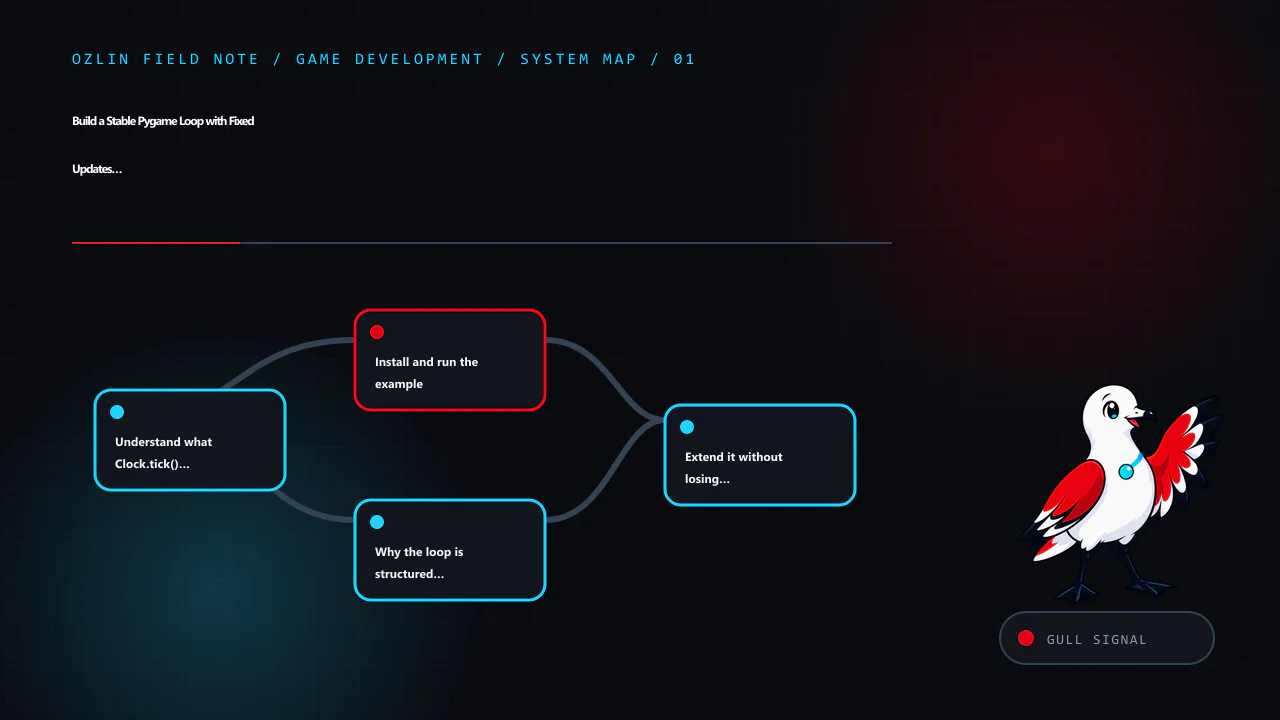
    Article map for Build a Stable Pygame Loop with Fixed Updates and Interpolation, covering Understand what Clock.tick() returns, Install and run the example, Why the loop is structured this way and related review points.
    Article map: Understand what Clock.tick() returns; Install and run the example; Why the loop is structured this way; Extend it without losing testability.
    n
    Decision path for Build a Stable Pygame Loop with Fixed Updates and Interpolation, covering Install and run the example, Why the loop is structured this way, Extend it without losing testability and related review point…
    Decision path: Install and run the example; Why the loop is structured this way; Extend it without losing testability; General-information disclaimer.
    n
    Control and evidence map for Build a Stable Pygame Loop with Fixed Updates and Interpolation, covering Why the loop is structured this way, Extend it without losing testability, General-information disclaimer and relate…
    Control and evidence map: Why the loop is structured this way; Extend it without losing testability; General-information disclaimer; AI-assistance disclosure.
    n
    Practical checklist for Build a Stable Pygame Loop with Fixed Updates and Interpolation, covering Extend it without losing testability, General-information disclaimer, AI-assistance disclosure and related review points.
    Practical checklist: Extend it without losing testability; General-information disclaimer; AI-assistance disclosure; Primary sources checked.

    Limitations: The loop example is educational; timing, input, packaging, performance and accessibility must be tested with the actual project and dependencies.

  • C++ Game Memory: Ownership, Locality and Evidence Before Pools

    C++ Game Memory: Ownership, Locality and Evidence Before Pools

    C++ does not impose a language-wide tracing garbage collector. That does not make memory automatic or free: a game can still leak, double-delete, retain shared ownership indefinitely, fragment heaps or spend too much time allocating and traversing scattered data. The first optimisation is a clear lifetime model; the second is measurement.

    Modern C++ uses scope, value semantics and Resource Acquisition Is Initialization (RAII) to pair resource lifetime with object lifetime. The C++ Core Guidelines recommend expressing ownership through resource handles and avoiding naked new and delete in application code (C++ Core Guidelines — Resource management).

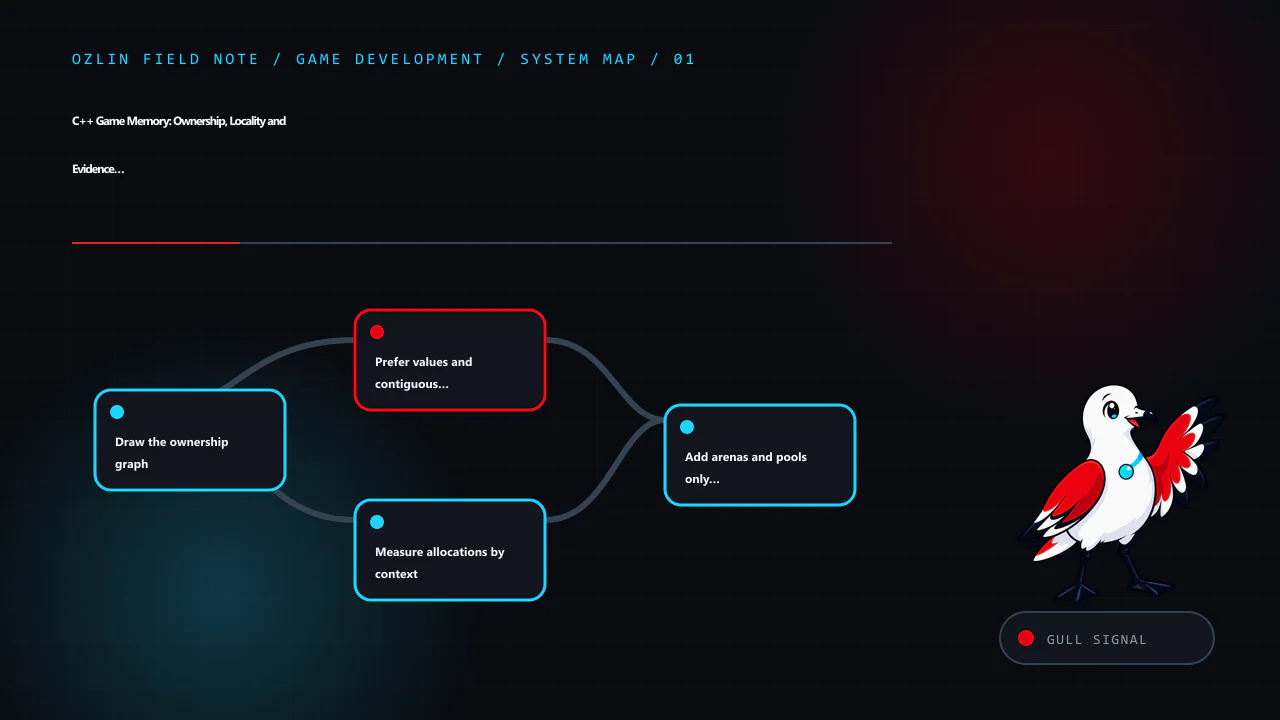
    Article map for C++ Game Memory: Ownership, Locality and Evidence Before Pools, covering Draw the ownership graph, Prefer values and contiguous storage, Measure allocations by context and related review points.
    Article map: Draw the ownership graph; Prefer values and contiguous storage; Measure allocations by context; Add arenas and pools only for a proven pattern.

    Draw the ownership graph

    For each important object family, answer:

    • who creates it;
    • who owns its lifetime;
    • who may observe it without ownership;
    • when it is destroyed;
    • whether identity must remain stable; and
    • which thread may mutate it.

    Prefer a single clear owner. A scene can own entities by value in a container; a subsystem can own an implementation through std::unique_ptr; a scoped handle can own a file, socket, GPU resource or lock. Non-owning references should be visibly non-owning and valid for a documented lifetime.

    Use std::shared_ptr when ownership is genuinely shared and the destruction point cannot be represented more simply. It adds a control block, reference-count operations and the possibility of cycles. Passing shared_ptr everywhere does not make lifetime safe; it makes ownership harder to see. Use std::weak_ptr only as part of a deliberately shared model, not to repair an unclear graph.

    Prefer values and contiguous storage

    Game loops often process many similar objects. Contiguous storage can improve locality and reduce per-object allocation. A straightforward bullet store might begin as:

    struct Bullet {
        Vec2 position;
        Vec2 velocity;
        float remaining_seconds;
        EntityId owner;
    };
    
    std::vector<Bullet> bullets;
    bullets.reserve(max_simultaneous_bullets);

    reserve can avoid repeated capacity growth when a credible maximum is known. It is not a free optimisation: reserved capacity consumes address space and memory, and a later reallocation invalidates pointers, references and iterators to elements. Use stable identifiers or a container designed for the required stability instead of retaining accidental addresses.

    Array-of-structures, structure-of-arrays and hybrid layouts suit different access patterns. If one update reads position and velocity for every live particle, storing hot fields tightly may help. If gameplay frequently needs a complete object, splitting every field can add complexity. Use hardware counters and representative profiles rather than adopting a fashionable layout by default.

    Keep cold metadata, editor names and rarely used debug data away from hot loops where practical. Remove padding only with evidence; packed structures can create misaligned access and platform problems. Check sizeof, alignment and actual cache-miss behaviour on supported targets.

    Measure allocations by context

    Record allocation count, allocated bytes, high-percentile allocation time, peak resident memory and fragmentation indicators during loading, gameplay, transitions and shutdown. A total count without call stacks or lifetime groups rarely identifies the cause.

    Allocations during loading may be harmless while the same work inside a frame-critical loop causes spikes. Conversely, a “zero allocations per frame” target can encourage complicated pools that retain excessive memory. Define budgets per subsystem and phase.

    Use the engine or platform memory profiler plus instrumented allocators where available. Capture the exact build, optimisation level, device, scene and duration. Debug allocators change layout and timing, so correlate tool results with a representative release build.

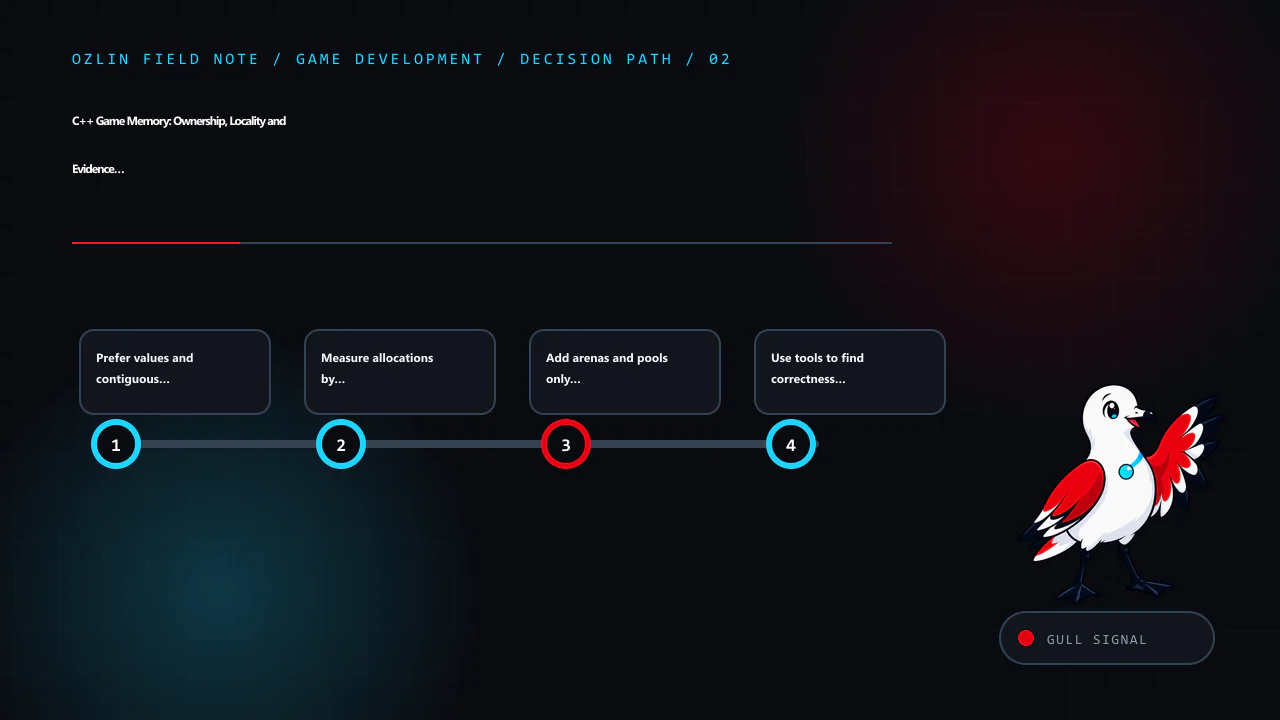
    Decision path for C++ Game Memory: Ownership, Locality and Evidence Before Pools, covering Prefer values and contiguous storage, Measure allocations by context, Add arenas and pools only for a proven pattern and related…
    Decision path: Prefer values and contiguous storage; Measure allocations by context; Add arenas and pools only for a proven pattern; Use tools to find correctness defects.

    Add arenas and pools only for a proven pattern

    An arena allocates from a larger region and releases many allocations together. It works well when contained objects share a lifetime, such as temporary data for one frame or level load. It is dangerous when references escape the arena's reset boundary.

    A fixed-size pool can bound cost and provide stable slots for many same-sized objects. It also needs generation counters or another defence against stale handles, explicit exhaustion behaviour, alignment, constructor and destructor handling, thread rules and telemetry.

    Before adding one, state the hypothesis:

    The projectile subsystem performs many same-sized heap allocations during combat, contributing a measured frame-time spike. A bounded pool of the observed high-water mark plus agreed headroom should reduce allocator time without unacceptable retained memory.

    Then compare before and after. Include worst-case spawn bursts, pool exhaustion, scene reload and long sessions. If the standard container already meets the budget, keep the simpler design.

    std::pmr resources can provide allocator strategies through standard interfaces, but they do not decide lifetime or thread safety for the project. A monotonic resource is appropriate only where all associated allocations can be discarded together.

    Use tools to find correctness defects

    Undefined behaviour can appear as a performance anomaly. Compile dedicated test builds with warnings and sanitizers. Clang's AddressSanitizer detects classes of out-of-bounds access, use-after-free, double-free and related errors; LeakSanitizer detects leaked allocations on supported platforms (Clang — AddressSanitizer, Clang — LeakSanitizer).

    Sanitizer builds have runtime and memory overhead and are not production binaries. Run unit tests, asset pipelines, headless simulations and representative play sessions under them. Also use static analysis, assertions, fuzzing for parsers and platform-specific tools. One clean run does not prove the absence of lifetime bugs.

    Review common failure modes

    • returning a pointer or view into an object whose owner has ended;
    • retaining vector element addresses across growth or erase;
    • creating shared_ptr cycles;
    • pooling an object without resetting subscriptions, timers or state;
    • resetting an arena while jobs still read it;
    • assuming an allocator is thread-safe;
    • measuring only average memory rather than transition peaks; and
    • optimising memory layout before confirming the frame is memory-bound.

    Make lifetime violations fail early in development. Use stable handles with generation checks where objects can be removed and slots reused. Make shutdown and scene unload part of automated tests, not an afterthought.

    For help planning a C++ profiling experiment or runtime architecture review, see Ozlin Info's game-development services or contact Ozlin Info.

    Related reading: Game state management through explicit ownership.


    Control and evidence map for C++ Game Memory: Ownership, Locality and Evidence Before Pools, covering Add arenas and pools only for a proven pattern, Use tools to find correctness defects, Review common failure modes an…
    Control and evidence map: Add arenas and pools only for a proven pattern; Use tools to find correctness defects; Review common failure modes; General-information disclaimer.

    General-information disclaimer

    This article provides general technical information. Memory behaviour depends on compiler, standard library, engine, allocator, workload and hardware; no performance or defect-free outcome is guaranteed.

    AI-assistance disclosure

    AI tools assisted with source discovery, outlining, example drafting and copyediting. A human reviewer must compile, test, profile and review lifetimes against the actual codebase and supported targets before publication or implementation.

    Practical checklist for C++ Game Memory: Ownership, Locality and Evidence Before Pools, covering Review common failure modes, General-information disclaimer, AI-assistance disclosure and related review points.
    Practical checklist: Review common failure modes; General-information disclaimer; AI-assistance disclosure; Primary sources checked.

    Primary sources checked

    Source access date: 29 August 2026.

  • Choose a 2D Physics Engine with a Reproducible Project Benchmark

    Choose a 2D Physics Engine with a Reproducible Project Benchmark

    Reviewed: 13 September 2026 · Next review: 13 December 2026
    Author: Ozlin Info Editorial Team · Human review: Lin (accountable human); Codex assisted

    Reviewed: 29 August 2026 · Next review: 28 February 2027
    Author: Ozlin Info Editorial Team · Human review: Lin

    A 2D physics engine is a dependency with consequences for gameplay feel, determinism, tooling, platform support and maintenance. Feature lists and synthetic “objects per second” results do not identify the best option for a particular game. Build a small benchmark from the real project's shapes, joints, queries and target devices, then record the decision.

    This review considers three categories as of 29 August 2026: Box2D, Rapier 2D and the physics system integrated into the chosen game engine. It does not declare a performance winner because no common project benchmark has been run.

    Establish non-negotiable requirements

    Before installing candidates, define:

    • supported languages, engines and platforms;
    • required shapes, joints, sensors, casts and continuous collision;
    • world scale, maximum speed and expected active-body range;
    • fixed-step and rollback or replay requirements;
    • editor, debugging and asset-authoring workflow;
    • multithreading and WebAssembly needs;
    • acceptable binary, memory and build-system impact;
    • licence, notices and source-distribution obligations; and
    • who will maintain bindings and upgrades.

    Separate must-have behaviour from convenient tooling. A game with deterministic rollback, deformable terrain or thousands of sleeping bodies has different priorities from a small puzzle game already built in an editor.

    Compare current options without flattening them

    Option Current characteristics to verify Licence and integration questions
    Box2D Portable C17 library; rigid bodies, convex shapes, sensors, joints, ray and shape casts, continuous collision, multithreading and SIMD are documented on current main Upstream is MIT licensed; verify the exact release, notices, build flags and whether a third-party language binding has a different lifecycle or licence
    Rapier 2D Rust engine with 2D and 3D crates, collision queries, CCD and optional parallel or SIMD features; official JavaScript bindings also exist Upstream repository is Apache-2.0; verify crate features, bindings, notices and target support for the pinned release
    Engine-integrated physics Editor components, scene serialisation, engine lifecycle, profiler and platform build integration can reduce custom glue Covered by the engine's terms and release lifecycle; verify exposed features, upgrade path, source access, platform restrictions and whether lower-level controls are available

    Box2D's current repository describes a C17 data-oriented engine under the MIT licence, with continuous collision, convex shapes, sensors, casts, joints, multithreading and SIMD (Box2D — repository, Box2D — licence). These statements concern upstream main at the review date; a packaged engine integration may use a different version or patch set.

    Rapier provides Rust crates for 2D and 3D and publishes official guides on collision, CCD and determinism. Its upstream repository uses Apache License 2.0 (Rapier — repository, Rapier — licence). Check which feature flags are enabled. Rapier's determinism guide explains that enhanced cross-platform determinism trades away SIMD and parallel features, and parallel execution can be slower for small scenes (Rapier — Determinism).

    An integrated option can be the lowest-risk choice when it already meets requirements. Avoid replacing it solely because another library wins an unrelated benchmark. Conversely, editor convenience does not resolve a missing collision feature or rollback constraint.

    Pin every test variable

    Create one comparison repository and record:

    • commit or package version and dependency lock;
    • compiler, flags, target architecture and enabled features;
    • operating system, hardware, power and thermal conditions;
    • fixed step, substeps, solver iterations and sleep settings;
    • length, warm-up and repetition count;
    • scene seed and initial state;
    • measurement method and raw output; and
    • known differences that prevent exact equivalence.

    Do not compare one debug build with another release build. Do not use default solver settings without recording them. Render the same simple debug view separately from the timed simulation so graphics do not distort results.

    Build benchmark scenes from the game

    Reviewed: 29 August 2026 · Next review: 28 February 2027
    Author: Ozlin Info Editorial Team · Human review: Lin

    A 2D physics engine is a dependency with consequences for gameplay feel, determinism, tooling, platform support and maintenance. Feature lists and synthetic “objects per second” results do not identify the best option for a particular game. Build a small benchmark from the real project's shapes, joints, queries and target devices, then record the decision.

    This review considers three categories as of 29 August 2026: Box2D, Rapier 2D and the physics system integrated into the chosen game engine. It does not declare a performance winner because no common project benchmark has been run.

    Establish non-negotiable requirements

    Before installing candidates, define:

    • supported languages, engines and platforms;
    • required shapes, joints, sensors, casts and continuous collision;
    • world scale, maximum speed and expected active-body range;
    • fixed-step and rollback or replay requirements;
    • editor, debugging and asset-authoring workflow;
    • multithreading and WebAssembly needs;
    • acceptable binary, memory and build-system impact;
    • licence, notices and source-distribution obligations; and
    • who will maintain bindings and upgrades.

    Separate must-have behaviour from convenient tooling. A game with deterministic rollback, deformable terrain or thousands of sleeping bodies has different priorities from a small puzzle game already built in an editor.

    Compare current options without flattening them

    Option Current characteristics to verify Licence and integration questions
    Box2D Portable C17 library; rigid bodies, convex shapes, sensors, joints, ray and shape casts, continuous collision, multithreading and SIMD are documented on current main Upstream is MIT licensed; verify the exact release, notices, build flags and whether a third-party language binding has a different lifecycle or licence
    Rapier 2D Rust engine with 2D and 3D crates, collision queries, CCD and optional parallel or SIMD features; official JavaScript bindings also exist Upstream repository is Apache-2.0; verify crate features, bindings, notices and target support for the pinned release
    Engine-integrated physics Editor components, scene serialisation, engine lifecycle, profiler and platform build integration can reduce custom glue Covered by the engine's terms and release lifecycle; verify exposed features, upgrade path, source access, platform restrictions and whether lower-level controls are available

    Box2D's current repository describes a C17 data-oriented engine under the MIT licence, with continuous collision, convex shapes, sensors, casts, joints, multithreading and SIMD (Box2D — repository, Box2D — licence). These statements concern upstream main at the review date; a packaged engine integration may use a different version or patch set.

    Rapier provides Rust crates for 2D and 3D and publishes official guides on collision, CCD and determinism. Its upstream repository uses Apache License 2.0 (Rapier — repository, Rapier — licence). Check which feature flags are enabled. Rapier's determinism guide explains that enhanced cross-platform determinism trades away SIMD and parallel features, and parallel execution can be slower for small scenes (Rapier — Determinism).

    An integrated option can be the lowest-risk choice when it already meets requirements. Avoid replacing it solely because another library wins an unrelated benchmark. Conversely, editor convenience does not resolve a missing collision feature or rollback constraint.

    Pin every test variable

    Create one comparison repository and record:

    • commit or package version and dependency lock;
    • compiler, flags, target architecture and enabled features;
    • operating system, hardware, power and thermal conditions;
    • fixed step, substeps, solver iterations and sleep settings;
    • length, warm-up and repetition count;
    • scene seed and initial state;
    • measurement method and raw output; and
    • known differences that prevent exact equivalence.

    Do not compare one debug build with another release build. Do not use default solver settings without recording them. Render the same simple debug view separately from the timed simulation so graphics do not distort results.

    Build benchmark scenes from the game

    Use several fixtures rather than one maximum-body stack:

    1. idle world: representative static geometry and sleeping bodies;
    2. active stack: contacts and joints under sustained motion;
    3. fast projectiles: thin targets and the required CCD policy;
    4. query load: ray, shape and overlap queries matching gameplay;
    5. creation burst: spawn, remove and reuse at a credible peak;
    6. large-world or streaming transition: only if the game needs it; and
    7. deterministic replay: identical input sequence and state checksums where required.

    Measure median and high-percentile step time, missed deadlines, memory high-water mark, allocation count, contact and broad-phase statistics, job utilisation and divergence. Averages can hide one-frame spikes that are visible to players.

    Run on the lowest supported device and one representative middle tier. Desktop results do not establish mobile or WebAssembly behaviour. Keep scene fixtures in source control so future upgrades can rerun them.

    Evaluate correctness and feel

    Performance is only one dimension. Review:

    • resting stability and jitter;
    • tunnelling and CCD edge cases;
    • joint limits, motors and break policy;
    • collision filtering and sensor events;
    • contact ordering and callback restrictions;
    • character-controller needs;
    • debugging and visualisation;
    • save, rollback and network integration; and
    • quality of diagnostics when input is invalid.

    Create golden event sequences and tolerance-based state comparisons. Bitwise equality may not be a supported promise. If cross-platform deterministic replay is required, test the exact targets and configuration rather than inferring it from a project description.

    Gameplay feel also needs human evaluation. The solver, step, units, damping, restitution and controller layer interact. A stable benchmark can still feel wrong for a platformer. Prototype one representative mechanic in each viable candidate.

    Make the dependency decision auditable

    Write an architecture decision record containing requirements, candidates, versions, licences, raw benchmark links, excluded options, trade-offs, upgrade owner and exit plan. Include a software-bill-of-materials entry and required notices. Review transitive bindings rather than assuming the upstream licence covers all integration code.

    Set an upgrade trigger: security issue, platform incompatibility, required feature, maintenance end or measured regression. Re-run the benchmark before a material upgrade and keep a rollback build.

    For a scoped software build or review, see Ozlin Info's secure web and software delivery service; related first-party game-engineering context is in the Projects archive, or contact Ozlin Info.

    Related reading: Collision detection from broad phase to CCD.


    General-information disclaimer

    This article provides general technical information and a comparison method, not benchmark results, legal advice or a product endorsement. Verify current releases, licences, platform terms and project behaviour before selection.

    AI-assistance disclosure

    AI tools assisted with source discovery, comparison structure and copyediting. A human reviewer must inspect licences, run the pinned benchmark, validate gameplay and approve the architecture decision before publication or adoption.

    Primary sources checked

    Source access date: 29 August 2026.

    Use several fixtures rather than one maximum-body stack:

    1. idle world: representative static geometry and sleeping bodies;
    2. active stack: contacts and joints under sustained motion;
    3. fast projectiles: thin targets and the required CCD policy;
    4. query load: ray, shape and overlap queries matching gameplay;
    5. creation burst: spawn, remove and reuse at a credible peak;
    6. large-world or streaming transition: only if the game needs it; and
    7. deterministic replay: identical input sequence and state checksums where required.

    Measure median and high-percentile step time, missed deadlines, memory high-water mark, allocation count, contact and broad-phase statistics, job utilisation and divergence. Averages can hide one-frame spikes that are visible to players.

    Run on the lowest supported device and one representative middle tier. Desktop results do not establish mobile or WebAssembly behaviour. Keep scene fixtures in source control so future upgrades can rerun them.

    Evaluate correctness and feel

    Performance is only one dimension. Review:

    • resting stability and jitter;
    • tunnelling and CCD edge cases;
    • joint limits, motors and break policy;
    • collision filtering and sensor events;
    • contact ordering and callback restrictions;
    • character-controller needs;
    • debugging and visualisation;
    • save, rollback and network integration; and
    • quality of diagnostics when input is invalid.

    Create golden event sequences and tolerance-based state comparisons. Bitwise equality may not be a supported promise. If cross-platform deterministic replay is required, test the exact targets and configuration rather than inferring it from a project description.

    Gameplay feel also needs human evaluation. The solver, step, units, damping, restitution and controller layer interact. A stable benchmark can still feel wrong for a platformer. Prototype one representative mechanic in each viable candidate.

    Make the dependency decision auditable

    Write an architecture decision record containing requirements, candidates, versions, licences, raw benchmark links, excluded options, trade-offs, upgrade owner and exit plan. Include a software-bill-of-materials entry and required notices. Review transitive bindings rather than assuming the upstream licence covers all integration code.

    Set an upgrade trigger: security issue, platform incompatibility, required feature, maintenance end or measured regression. Re-run the benchmark before a material upgrade and keep a rollback build.

    For a scoped software build or review, see Ozlin Info's secure web and software delivery service; related first-party game-engineering context is in the Projects archive, or contact Ozlin Info.

    Related reading: Collision detection from broad phase to CCD.


    General-information disclaimer

    This article provides general technical information and a comparison method, not benchmark results, legal advice or a product endorsement. Verify current releases, licences, platform terms and project behaviour before selection.

    AI-assistance disclosure

    AI tools assisted with source discovery, comparison structure and copyediting. A human reviewer must inspect licences, run the pinned benchmark, validate gameplay and approve the architecture decision before publication or adoption.

    Primary sources checked

    Source access date: 29 August 2026.

    nn
    Article map for Choose a 2D Physics Engine with a Reproducible Project Benchmark, covering Establish non-negotiable requirements, Compare current options without flattening them, Pin every test variable and related revi…
    Article map: Establish non-negotiable requirements; Compare current options without flattening them; Pin every test variable; Build benchmark scenes from the game.
    n
    Decision path for Choose a 2D Physics Engine with a Reproducible Project Benchmark, covering Compare current options without flattening them, Pin every test variable, Build benchmark scenes from the game and related rev…
    Decision path: Compare current options without flattening them; Pin every test variable; Build benchmark scenes from the game; Evaluate correctness and feel.
    n
    Control and evidence map for Choose a 2D Physics Engine with a Reproducible Project Benchmark, covering Build benchmark scenes from the game, Evaluate correctness and feel, Make the dependency decision auditable and rel…
    Control and evidence map: Build benchmark scenes from the game; Evaluate correctness and feel; Make the dependency decision auditable; General-information disclaimer.
    n
    Practical checklist for Choose a 2D Physics Engine with a Reproducible Project Benchmark, covering Make the dependency decision auditable, General-information disclaimer, AI-assistance disclosure and related review poin…
    Practical checklist: Make the dependency decision auditable; General-information disclaimer; AI-assistance disclosure; Primary sources checked.

    Limitations: Engine choice depends on mechanics, versions, bindings, licences and measured gameplay; this is not a benchmark or product endorsement.

  • Local SEO for Australian Service Businesses: A 2026 Reality Check

    Local SEO for Australian Service Businesses: A 2026 Reality Check

    2026 editor’s note: this article keeps its original 2025 URL so existing links do not break, but the advice has been replaced. Local search is not a checklist that guarantees a position, and a mail-receiving address does not turn an online business into an eligible local storefront.

    Local SEO helps people find a business that genuinely serves them in a place. It combines accurate business information, an eligible local presence, useful pages, crawlable technology, reputation and evidence from search data. The first step is therefore not “add keywords”; it is to confirm what the business actually does and whether a local profile is permitted.

    Article map for Local SEO for Australian Service Businesses: A 2026 Reality Check, covering Pass the eligibility test before creating a profile, Make every public fact consistent and specific, Build pages for people, no…
    Article map: Pass the eligibility test before creating a profile; Make every public fact consistent and specific; Build pages for people, not suburb permutations; Keep the technical foundation observable.

    Pass the eligibility test before creating a profile

    Google states that a Business Profile is for businesses making in-person contact with customers during stated hours. Online-only brands are not eligible. A business can qualify through a staffed location that customers visit or as a service-area business that travels or delivers to customers, subject to the detailed rules (Google Business Profile policy overview).

    That distinction matters for remote-first consultants and digital studios. Video calls, email delivery and a local phone number do not by themselves establish face-to-face service. A virtual office used only for mail or registration is not eligible, and a co-working address cannot be listed as a storefront unless the business meets Google’s signage, staffing and customer-reception requirements. Google’s business representation guidelines state these limits directly.

    Use this decision sequence:

    1. Do staff meet customers in person during the stated hours?
    2. If customers visit, is the location genuinely operated, signed and staffed by the business?
    3. If staff travel to customers, is it a real service-area operation rather than online-only delivery?
    4. Does every public address, service area, category, hour and phone number describe the real operation?

    An eligible home-based service-area business should hide the residential address if customers are not served there and list accurate cities or postcodes it actually visits. Google currently allows up to 20 service areas and advises that the overall boundary generally should not extend much beyond about two hours’ driving time (service-area guidance). Do not invent an address or service footprint to obtain a map listing.

    If the business is online-only, skip the Business Profile. Invest in the website, Search Console, relevant industry profiles, referrals, partnerships and—where commercially justified—advertising. Eligibility is not a growth verdict; it only determines access to a particular local product.

    Make every public fact consistent and specific

    For an eligible profile, use the real-world business name rather than a keyword-stuffed variation. Select the most accurate primary category, add relevant services, publish actual hours and use a phone number and website controlled by the business. Keep material details consistent across the site, profile, invoices and reputable directories.

    Complete information can help Google understand relevance, but nobody can request or pay Google for a better organic local position. Google says local results are mainly based on relevance, distance and prominence (local-ranking guidance). Distance cannot be optimised away, and prominence is broader than one activity or posting schedule.

    Ask genuine customers for honest reviews at a natural point in the service. Do not buy reviews, create them through staff accounts, filter unhappy customers into a private path or promise a benefit for a positive rating. Respond without disclosing private project details. Review volume and sentiment can support trust, but neither a weekly post nor a fixed number of photos creates a published ranking guarantee.

    Decision path for Local SEO for Australian Service Businesses: A 2026 Reality Check, covering Make every public fact consistent and specific, Build pages for people, not suburb permutations, Keep the technical foundatio…
    Decision path: Make every public fact consistent and specific; Build pages for people, not suburb permutations; Keep the technical foundation observable; Measure a baseline and test changes.

    Build pages for people, not suburb permutations

    A useful service page should answer:

    • what outcome the service supports;
    • who it is for and where it is genuinely available;
    • what is included, excluded or dependent on discovery;
    • how delivery, pricing or quotation works;
    • what evidence, limitations and next step a buyer needs; and
    • who is accountable for the content.

    Create a location page when the operation, team, case evidence, availability or customer questions are materially specific to that place. Do not produce near-identical pages with only the suburb name changed. Google recommends helpful, reliable, people-first content rather than content made primarily to manipulate rankings (Search Central guidance).

    Use Australian spelling and terminology because they fit the audience, not as keyword decoration. Verify claims, name the author or reviewer, show a review date where facts can change, and link to primary sources. A concise page grounded in actual delivery is stronger than a long page padded with every phrase a search tool suggests.

    Keep the technical foundation observable

    Ensure important pages return a successful response, are linked through normal navigation, have a canonical URL, descriptive title and one clear page heading. Submit an XML sitemap, review indexing in Search Console and fix accidental noindex, redirect loops, duplicate variants and broken internal links.

    Test the page on real mobile devices and slower connections. Current Core Web Vitals assess Largest Contentful Paint, Interaction to Next Paint and Cumulative Layout Shift, with “good” guidance of LCP within 2.5 seconds, INP at or below 200 milliseconds and CLS at or below 0.1 at the 75th percentile (web.dev — Web Vitals). These are diagnostic targets, not a promise that passing them causes a rank increase.

    Structured data should match visible, truthful content and a supported Google feature. It can make information easier to interpret but does not guarantee a rich result or a ranking change. FAQ rich results are generally restricted to well-known authoritative government and health sites, so an ordinary service business should not sell an FAQ plugin as a search-result shortcut (Google’s FAQ/HowTo change).

    Measure a baseline and test changes

    Record at least 28 days of baseline data before a substantial rewrite where traffic permits. In Search Console, track impressions, clicks, click-through rate, queries and landing pages. Position is contextual and should not be the only outcome. Google describes Search Console as the source of truth for Search performance and Analytics as the source of truth for behaviour inside the site (Search Central measurement guidance).

    Connect search data to qualified enquiries, booked calls or completed purchases without collecting unnecessary personal information. Annotate profile, content and technical changes, then compare sensible periods while accounting for seasonality. Avoid crediting every movement to the most recent edit.

    A defensible 90-day plan is simple: confirm eligibility and facts; repair crawl and mobile problems; improve the few pages that represent real services; request genuine reviews; then measure queries, landing pages and conversions. Repeat what evidence supports, not what a ranking myth prescribes.

    For a technical and content review, see Ozlin Info’s web-development services or contact Ozlin Info.

    Related reading: web performance optimisation and WordPress privacy for Australian SMEs.


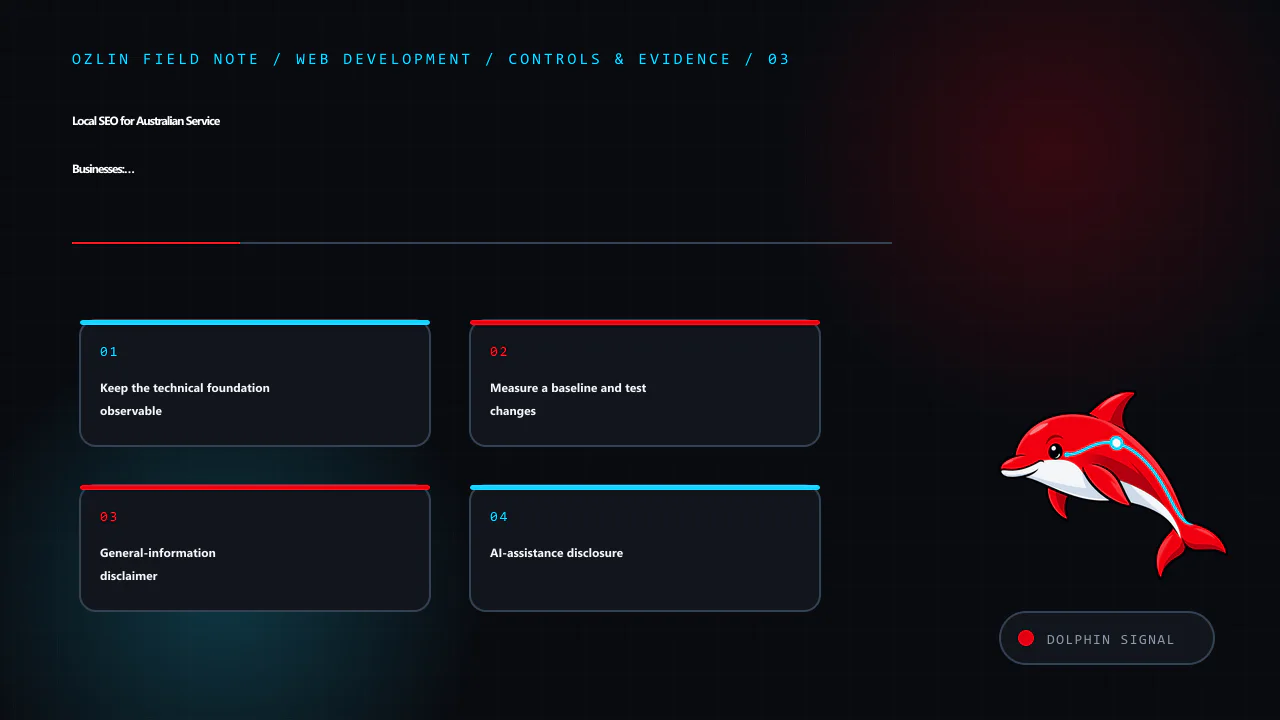
    Control and evidence map for Local SEO for Australian Service Businesses: A 2026 Reality Check, covering Keep the technical foundation observable, Measure a baseline and test changes, General-information disclaimer and…
    Control and evidence map: Keep the technical foundation observable; Measure a baseline and test changes; General-information disclaimer; AI-assistance disclosure.

    General-information disclaimer

    This article provides general marketing and technical information, not a ranking guarantee, Google policy determination, legal advice or representation that any particular business is eligible for a Business Profile. Check current platform rules and the actual operating model before acting.

    AI-assistance disclosure

    AI tools assisted with source discovery, outlining and copyediting. A human reviewer must verify eligibility, business facts, links, measurements and platform requirements before publication or implementation.

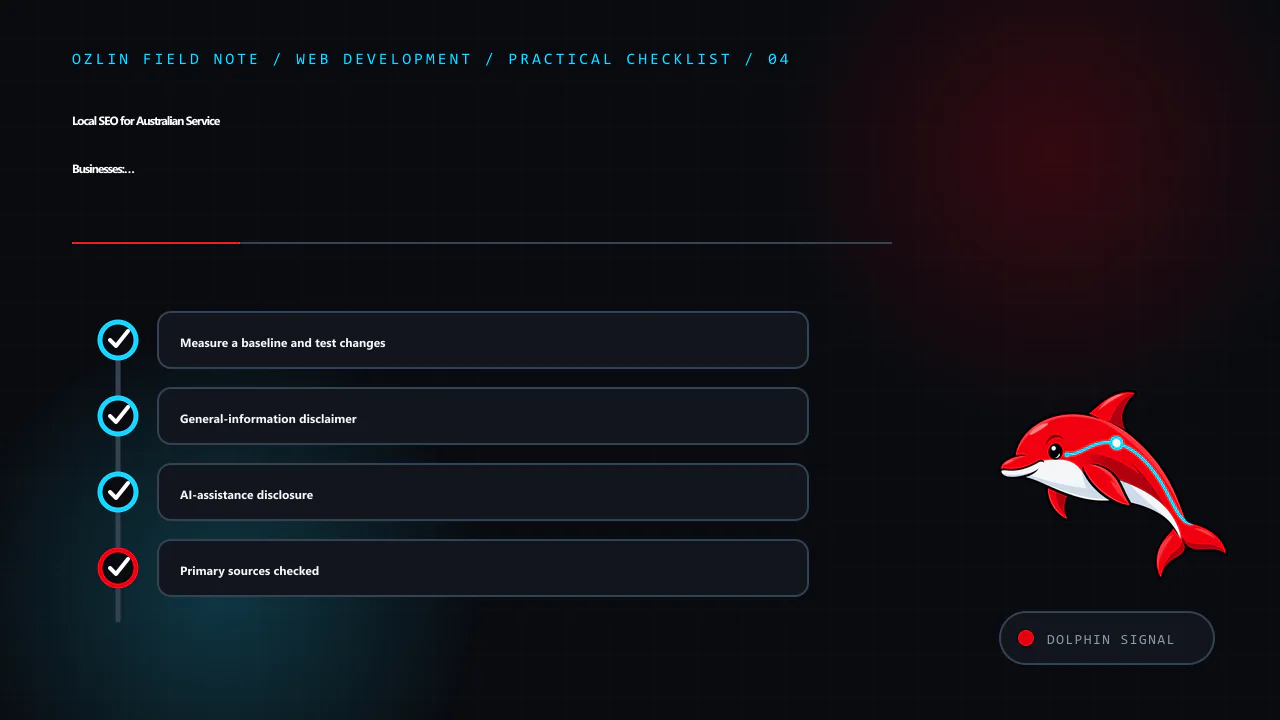
    Practical checklist for Local SEO for Australian Service Businesses: A 2026 Reality Check, covering Measure a baseline and test changes, General-information disclaimer, AI-assistance disclosure and related review points.
    Practical checklist: Measure a baseline and test changes; General-information disclaimer; AI-assistance disclosure; Primary sources checked.

    Primary sources checked

    Source access date: 29 August 2026.

  • Cross-Platform Unity Development: One Project, Platform-Specific Delivery

    Cross-Platform Unity Development: One Project, Platform-Specific Delivery

    Unity can share scenes, assets and gameplay code across several targets, but “one identical codebase everywhere” is not a delivery plan. Operating systems differ in input, graphics, memory, lifecycle, permissions, safe areas, storefront services, privacy and release tooling. A maintainable project shares the stable core and isolates platform-specific behaviour behind tested interfaces.

    Start by naming supported target versions and devices. Unity's system-requirements page lists editor and player requirements for a pinned Unity release, but storefront submission rules can change independently (Unity — Unity 6 system requirements). Treat the release matrix as a maintained product decision.

    Article map for Cross-Platform Unity Development: One Project, Platform-Specific Deli…, covering Pin the toolchain and dependency graph, Build a platform-services boundary, Design input and interface for each form facto…
    Article map: Pin the toolchain and dependency graph; Build a platform-services boundary; Design input and interface for each form factor; Use target-specific quality and content budgets.

    Pin the toolchain and dependency graph

    Record the exact Unity editor version, render pipeline, package lock, scripting backend, SDK, NDK, JDK, Xcode and platform modules. Commit ProjectSettings, Packages/manifest.json and Packages/packages-lock.json; exclude generated Library and build output according to the repository policy.

    Upgrade in a branch with a backup and representative build tests. A project opening successfully in a new editor is not evidence that asset bundles, platform SDKs, save data or store integrations still work.

    Keep secrets, signing keys and store credentials out of the repository. CI should receive them through an approved secret store with least privilege and auditable rotation. Do not put production service keys in StreamingAssets or a client script; a shipped client is observable by its user.

    Build a platform-services boundary

    Gameplay should request a capability rather than calling a storefront SDK throughout the project. Define narrow interfaces for services such as:

    • user identity and guest mode;
    • achievements and leaderboards;
    • purchases and entitlement restore;
    • cloud save and conflict resolution;
    • sharing, notifications and review prompts;
    • file paths and local persistence;
    • analytics, consent and crash reporting; and
    • haptics and platform overlays.

    Provide a real adapter per supported platform and a deterministic development adapter. A missing capability needs a defined result—disabled, local fallback or clear error—not a null reference. Feature detection is safer than assuming every device in one platform family behaves identically.

    Keep conditional compilation close to adapter boundaries. A forest of #if directives inside gameplay code makes test coverage and ownership unclear. Validate platform callbacks on the main thread if the SDK requires it, and make asynchronous completion cancellable across scene changes and app suspension.

    Design input and interface for each form factor

    Use gameplay actions rather than hard-coded keys. Unity's Input System is the recommended system for new Unity 6 projects; the legacy UnityEngine.Input API is documented as legacy (Unity — Input System, Unity — legacy Input API).

    Provide bindings and prompts for keyboard and mouse, gamepad and touch according to the actual targets. Support hot-plug, rebinding, dead zones and multiple users where required. Touch interfaces need target sizes, finger occlusion and gesture-conflict tests; a virtual stick copied from desktop controls may not be usable.

    Build layouts around anchors, content constraints and device safe areas rather than one fixed reference resolution. Test narrow, wide, notched, folded and resized viewports as relevant. Text scaling, localisation and right-to-left content can change layout more than aspect ratio.

    Lifecycle behaviour also differs. Define pause, audio, networking, timers, saves and background-work policies for focus loss, suspension, termination and resume. Mobile operating systems may terminate an app without a final graceful shutdown callback, so persist critical progress at safe checkpoints.

    Decision path for Cross-Platform Unity Development: One Project, Platform-Specific Deli…, covering Build a platform-services boundary, Design input and interface for each form factor, Use target-specific quality and con…
    Decision path: Build a platform-services boundary; Design input and interface for each form factor; Use target-specific quality and content budgets; Use Build Profiles as versioned delivery inputs.

    Use target-specific quality and content budgets

    One visual configuration rarely suits every GPU and thermal envelope. Create quality tiers with explicit budgets for:

    • CPU and GPU frame time;
    • resolution and dynamic-resolution policy;
    • texture, mesh, audio and runtime memory;
    • shader variants and render features;
    • lighting, shadows, post-processing and particles;
    • loading and streaming; and
    • download and patch size.

    Do not identify performance by device model string alone. Use a supported capability and quality policy with conservative defaults, then let players adjust settings where appropriate. Test thermal throttling and long sessions, not just a cold one-minute capture.

    Profile a built player. Unity documents that attaching the Profiler to a development build is the most accurate way to profile the target platform; editor profiling includes editor overhead (Unity — Profile your application). Record build hash, device, scene, quality tier and capture duration.

    Use Build Profiles as versioned delivery inputs

    Unity 6 Build Profiles store build configurations as assets. They can preserve independent scene lists, scripting defines and platform settings for development and release variants (Unity — Build Profiles).

    Create named profiles such as:

    • Android development and release;
    • iOS development and release;
    • Windows development and release; and
    • Web development and release, if supported.

    Keep signing and secrets outside the asset. Add a pre-build validation step for application identifiers, version, scenes, backend, architecture, required icons, privacy declarations and environment endpoint. Generate a manifest containing editor, package and source revisions with the artefact.

    Build automation must fail when expected output or tests are missing. A green compile does not mean a store-ready package; signing, entitlements, native SDKs, privacy manifests and upload validation are separate gates.

    Test a matrix on physical devices

    Use layers of evidence:

    Layer Examples
    Fast automated tests gameplay model, save migration, adapters and content validation
    Editor or headless integration scenes, addressable content, input maps and service fakes
    Built smoke tests boot, first-run, suspend/resume, save, settings and shutdown
    Physical-device journeys input, safe area, thermal load, permissions, network changes and purchases in sandbox
    Store validation package, signing, declarations, required SDK and review metadata

    Select a minimum supported device, representative middle tier and at least one device for each distinct graphics or input family. Emulators are useful for automation but do not establish GPU, thermal, sensor, haptic or storefront behaviour.

    Document unsupported combinations and a rollback plan. Monitor crash-free sessions, load failures, performance and service errors with consent-aware telemetry. Do not claim broad compatibility from a small lab matrix.

    For help defining a Unity delivery architecture or target-device matrix, see Ozlin Info's game-development services or contact Ozlin Info.

    Related reading: Cross-platform game input architecture.


    Control and evidence map for Cross-Platform Unity Development: One Project, Platform-Specific Deli…, covering Use target-specific quality and content budgets, Use Build Profiles as versioned delivery inputs, Test a matr…
    Control and evidence map: Use target-specific quality and content budgets; Use Build Profiles as versioned delivery inputs; Test a matrix on physical devices; General-information disclaimer.

    General-information disclaimer

    This article provides general technical information. It does not guarantee compatibility, performance, storefront acceptance or platform certification. Verify current Unity, operating-system, SDK, privacy and storefront requirements for every release.

    AI-assistance disclosure

    AI tools assisted with source discovery, outlining and copyediting. A human reviewer must build and test the pinned project on real targets and verify current platform-holder requirements before publication or release.

    Practical checklist for Cross-Platform Unity Development: One Project, Platform-Specific Deli…, covering Test a matrix on physical devices, General-information disclaimer, AI-assistance disclosure and related review poi…
    Practical checklist: Test a matrix on physical devices; General-information disclaimer; AI-assistance disclosure; Primary sources checked.

    Primary sources checked

    Source access date: 29 August 2026.

  • Cyber Insurance for Australian Small Businesses: A Reading Checklist

    Cyber Insurance for Australian Small Businesses: A Reading Checklist

    Cyber insurance transfers defined financial risks under a contract. It does not make an insecure system safe, guarantee that every incident is covered or replace legal, privacy, continuity and incident-response work. Two products carrying the same label can differ materially in definitions, triggers, exclusions, sublimits, excesses and response providers.

    For an Australian small business, the practical task is to map its own loss scenarios, read the complete policy pack and rehearse how a claim would begin. Premium anecdotes and headline coverage figures cannot do that work.

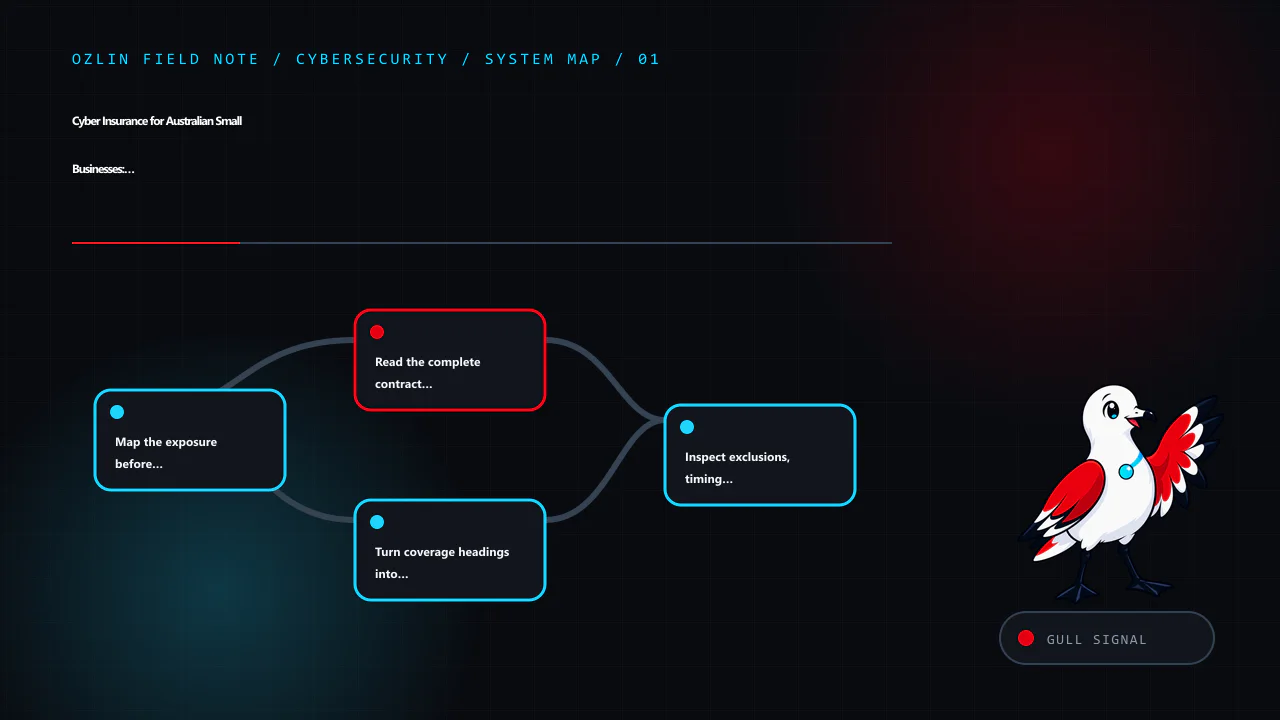
    Article map for Cyber Insurance for Australian Small Businesses: A Reading Checklist, covering Map the exposure before asking for a quote, Read the complete contract stack, Turn coverage headings into questions and rela…
    Article map: Map the exposure before asking for a quote; Read the complete contract stack; Turn coverage headings into questions; Inspect exclusions, timing and aggregation.

    Map the exposure before asking for a quote

    Describe the systems and dependencies that could stop revenue, expose data or create liability:

    • customer, employee, payment and credential data held by the business or a provider;
    • websites, cloud tenants, email, endpoints, backups and remote access;
    • outsourced hosting, managed services, software and payment platforms;
    • maximum tolerable downtime and critical manual workarounds;
    • contractual security, notification and indemnity commitments; and
    • plausible events such as business email compromise, ransomware, accidental disclosure, provider outage or stolen credentials.

    Estimate losses by scenario rather than choosing a round limit. Separate restoration and specialist-response cost, lost gross profit, extra expense, customer or regulator communication, third-party claims and fraud. Record the assumptions and run a range. Insurance may address some categories and exclude or sublimit others.

    The Australian Government’s business insurance overview says cyber cover can include costs associated with extortion, interruption, network or data breaches, recovery and accidental loss or release of personal information. “Can include” is the important phrase; the actual contract controls.

    Read the complete contract stack

    Do not assess a product from the quote summary alone. Obtain and read the Product Disclosure Statement or policy wording, quotation, schedule, endorsements and any proposal or application incorporated into the contract. Confirm which document prevails if terms conflict.

    The schedule normally personalises items such as the insured entity, period, limits, sublimits and excess. Endorsements can add, remove or rewrite cover. Definitions can change the ordinary meaning of terms such as computer system, insured data, security failure, dependent business, claim or loss.

    Business.gov.au’s insurance-management guidance recommends understanding covered events, exclusions, definitions, settlement, excess, cancellation, disclosure duties and the complaints process. Ask a licensed broker or authorised insurer to explain anything unclear and retain the answer in writing.

    Turn coverage headings into questions

    For each relevant loss scenario, ask where and how it is addressed:

    Incident response and recovery

    • Are forensic investigation, legal triage, data restoration, crisis communications and customer support covered?
    • Must the insured use a panel provider or obtain consent before spending?
    • Are emergency costs before consent treated differently?
    • Does restoration include only data, or also software, configuration and improved replacement?

    Business interruption

    • What event triggers cover, when does the waiting period start, and how is loss calculated?
    • Are outages at named cloud, software or managed-service providers included?
    • Is there a maximum indemnity period or sublimit for dependent business interruption?

    Privacy, network and media liability

    • Which third-party allegations and defence costs are included?
    • Are defence costs inside or outside the limit?
    • How are investigations, notification expenses, contractual liability and payment-card assessments treated?
    • Are fines or penalties covered only where legally insurable, or excluded?

    Extortion, fraud and funds transfer

    • Does the policy cover response advice and negotiation, and what legal, sanctions and consent conditions apply?
    • Is fraudulent transfer or social-engineering loss included, separately sublimited or excluded?
    • Does a loss caused by impersonation without a network intrusion meet the definition of a cyber event?

    Never assume that ransomware payment is lawful, advisable or recoverable. Escalate to the insurer’s response service, legal adviser and relevant authorities rather than improvising.

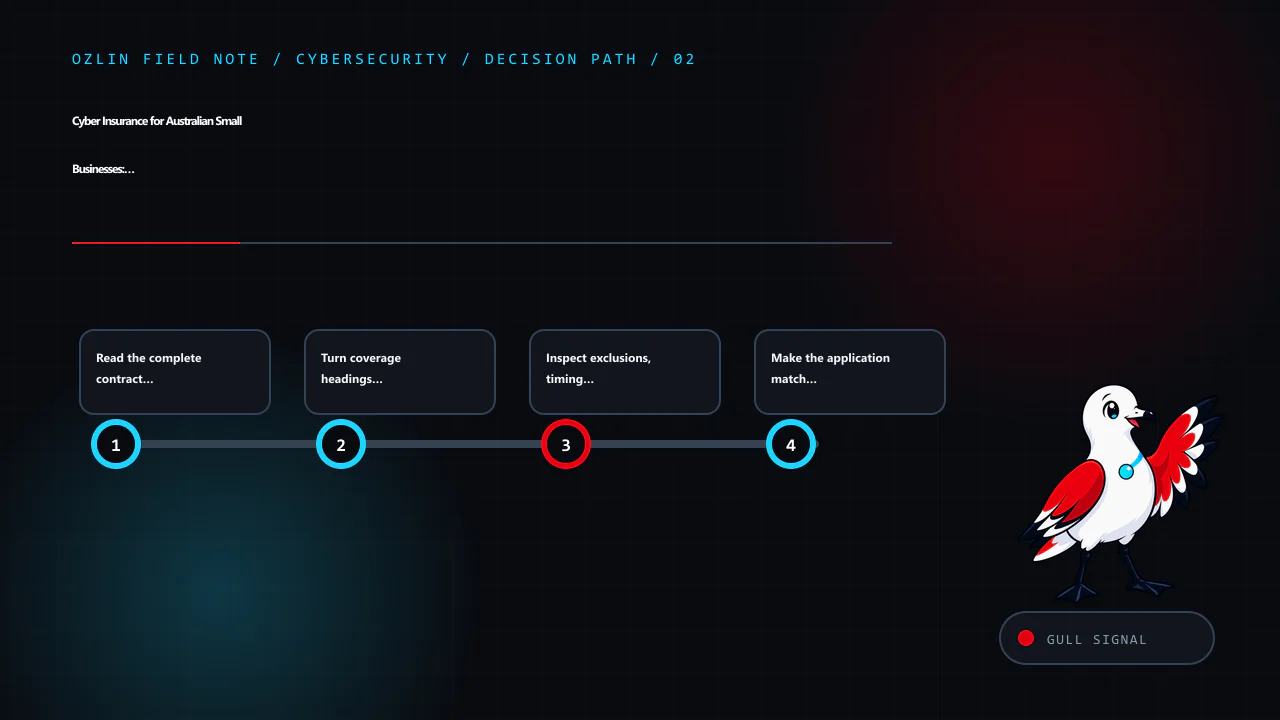
    Decision path for Cyber Insurance for Australian Small Businesses: A Reading Checklist, covering Read the complete contract stack, Turn coverage headings into questions, Inspect exclusions, timing and aggregation and re…
    Decision path: Read the complete contract stack; Turn coverage headings into questions; Inspect exclusions, timing and aggregation; Make the application match reality.

    Inspect exclusions, timing and aggregation

    Compare exclusions against the risk map. Common areas requiring close reading include prior known circumstances, unsupported software, failure to maintain declared controls, infrastructure or utility failure, war or cyber-operation wording, bodily injury or property damage, professional services, intellectual property, contractually assumed liability and conduct exclusions. Their scope varies; the label alone is not enough.

    Ask which sections are claims-made and notified, what counts as a claim or circumstance, whether a retroactive date applies and how soon notice must be given. Check territorial and jurisdiction limits. Understand whether multiple events are aggregated into one claim, one excess or one limit.

    Compare the main aggregate limit with every sublimit. A policy advertised with a large headline limit may apply much smaller amounts to social engineering, dependent providers, restoration, notification, reputational harm or voluntary shutdown. Record waiting periods, excesses and coinsurance as well as dollars.

    Make the application match reality

    Insurance applications may ask about multi-factor authentication, backups, endpoint protection, patching, privileged access, remote access, email controls, training and incident history. Answer accurately, identify uncertainty and keep evidence. Do not check “yes” because a control exists somewhere; confirm its scope, enforcement and exceptions.

    Maintain those controls after inception and notify the broker or insurer of material changes when the contract requires it. Keep versioned network diagrams, asset records, backup and restore tests, security policies, training records and remediation tickets. These artefacts support operations first and may also help explain a claim.

    ASD’s Australian Cyber Security Centre recommends small businesses start with multi-factor authentication, updates and backups, then build further resilience through its Small Business Cyber Security Guide. Insurance is one treatment alongside those controls, not an alternative to them.

    Rehearse notification before an incident

    Store the policy number, broker, insurer hotline, panel contacts and notification method somewhere available when normal systems are down. Define who can call, who preserves evidence and who approves emergency work. The first technical instinct—rebuilding or deleting—can destroy evidence or conflict with response instructions.

    Privacy obligations depend on the organisation and activity. Most Australian small businesses with annual turnover of $3 million or less are not covered by the Privacy Act, but important exceptions apply. Use the OAIC’s small-business guidance and obtain advice rather than assuming an exemption.

    For entities covered by the Notifiable Data Breaches scheme, notification is required for eligible breaches likely to cause serious harm when remedial action has not removed that likely risk. The OAIC’s NDB guidance explains the threshold and assessment process. Contractual, sector and insurer notice requirements can be different and earlier.

    At renewal, compare changed systems, revenue, data, providers, incidents and contract obligations against the wording. Verify the insurer on APRA’s general-insurer register and a broker or other financial-services provider through ASIC’s professional registers where applicable.

    For help improving the technical controls and incident evidence behind an application, see Ozlin Info’s cybersecurity services or contact Ozlin Info.

    Related reading: cybersecurity priorities for Australian SMEs and a phishing response playbook.


    Control and evidence map for Cyber Insurance for Australian Small Businesses: A Reading Checklist, covering Inspect exclusions, timing and aggregation, Make the application match reality, Rehearse notification before an…
    Control and evidence map: Inspect exclusions, timing and aggregation; Make the application match reality; Rehearse notification before an incident; General-information disclaimer.

    General-information disclaimer

    This article provides general information only and is not financial product advice, legal advice, insurance advice or a statement about any Ozlin Info policy. Cover depends on the complete wording, schedule, endorsements, facts and applicable law. Consult a licensed broker, authorised insurer and qualified legal or privacy adviser for your circumstances.

    AI-assistance disclosure

    AI tools assisted with source discovery, outlining and copyediting. A human reviewer must verify every policy, legal, privacy and incident-response statement against current official guidance and the complete proposed contract before publication or use.

    Practical checklist for Cyber Insurance for Australian Small Businesses: A Reading Checklist, covering Rehearse notification before an incident, General-information disclaimer, AI-assistance disclosure and related revie…
    Practical checklist: Rehearse notification before an incident; General-information disclaimer; AI-assistance disclosure; Primary sources checked.

    Primary sources checked

    Source access date: 29 August 2026.

  • AI Document Processing ROI: A Transparent Worked Example

    AI Document Processing ROI: A Transparent Worked Example

    Evidence notice: this is a hypothetical worked example, not an Ozlin Info client case study. The organisation, volumes, times, costs and results below are invented to demonstrate a calculation method. They must not be quoted as customer outcomes or service guarantees.

    Document processing can be a useful automation target because the work is repeated and measurable: receive a file, classify it, extract fields, validate them, route an exception and post approved data into another system. The business case fails, however, when it counts only model accuracy or theoretical staff minutes and ignores review, integration, privacy, failures and ongoing operation.

    Treat return on investment as an evidence workbook, not a marketing percentage.

    Article map for AI Document Processing ROI: A Transparent Worked Example, covering Measure the complete baseline, State every assumption in the worked example, Use sensitivity instead of one attractive answer and relate…
    Article map: Measure the complete baseline; State every assumption in the worked example; Use sensitivity instead of one attractive answer; Count the lifecycle cost.

    Measure the complete baseline

    Define where the process starts and ends. For invoice handling, “start” might be receipt in an approved mailbox and “end” might be a validated record ready for authorisation, with the source attached and duplicate checks complete. Include:

    • intake and file preparation;
    • classification and field entry;
    • supplier, tax and purchase-order checks;
    • exception research and correction;
    • approvals, export and reconciliation;
    • rework caused by downstream rejection; and
    • supervision, reporting and incident handling.

    Sample several representative periods rather than timing a convenient clean batch. Stratify by source, document type, supplier, language, page count and difficulty. Record volume, end-to-end cycle time, hands-on minutes, error and rework definitions, exception reason and downstream consequence.

    A loaded labour cost should reflect the employer’s actual planning method; it is not the employee’s wage and not necessarily a cash saving. If automation frees time but headcount and hours remain unchanged, the benefit is capacity that must be assigned to useful work before it becomes economic value.

    State every assumption in the worked example

    Assume a fictional Australian business processes 1,000 documents per month. The measured baseline averages 6 hands-on minutes per document and the planning value of that time is AUD 55 per hour. All figures are illustrative, before tax and rounded.

    Baseline monthly labour cost:

    1,000 documents × 6 minutes ÷ 60 × AUD 55 = AUD 5,500

    Assume the implementation—including workflow design, integration, test data preparation, security review, training and launch support—costs AUD 18,000. Do not hide this in a separate “digital transformation” budget.

    After a controlled pilot, suppose the expected case measures 2.5 average hands-on minutes per document across both straight-through and exception work. The monthly operating cost for software, model or API use, storage, monitoring and support is AUD 1,400.

    new labour = 1,000 × 2.5 ÷ 60 × AUD 55 = AUD 2,291.67
    new monthly cost = AUD 2,291.67 + AUD 1,400 = AUD 3,691.67
    monthly net benefit = AUD 5,500 - AUD 3,691.67 = AUD 1,808.33
    simple payback = AUD 18,000 ÷ AUD 1,808.33 = 9.95 months

    Simple payback ignores the timing of cash flows, financing, tax, risk, residual value and whether released capacity is realised. It is one planning lens, not a financial recommendation.

    Use sensitivity instead of one attractive answer

    The same fictional case changes sharply when handling time and operating cost move:

    Scenario Assisted minutes per document Monthly operating cost Monthly net benefit Simple payback
    Conservative 4.0 AUD 1,600 AUD 233.33 77.1 months
    Expected 2.5 AUD 1,400 AUD 1,808.33 10.0 months
    Optimistic 1.8 AUD 1,200 AUD 2,650.00 6.8 months

    The conservative result is close to break-even because exception work consumes most of the theoretical saving. That is precisely why a range is more useful than a claimed “92% accuracy” or an untraceable payback figure.

    Add sensitivity for volume, staffing cost, supplier pricing, exchange rates, implementation overrun and adoption. Show the point at which the project no longer meets the organisation’s hurdle. A decision-maker should be able to change one input and reproduce every output.

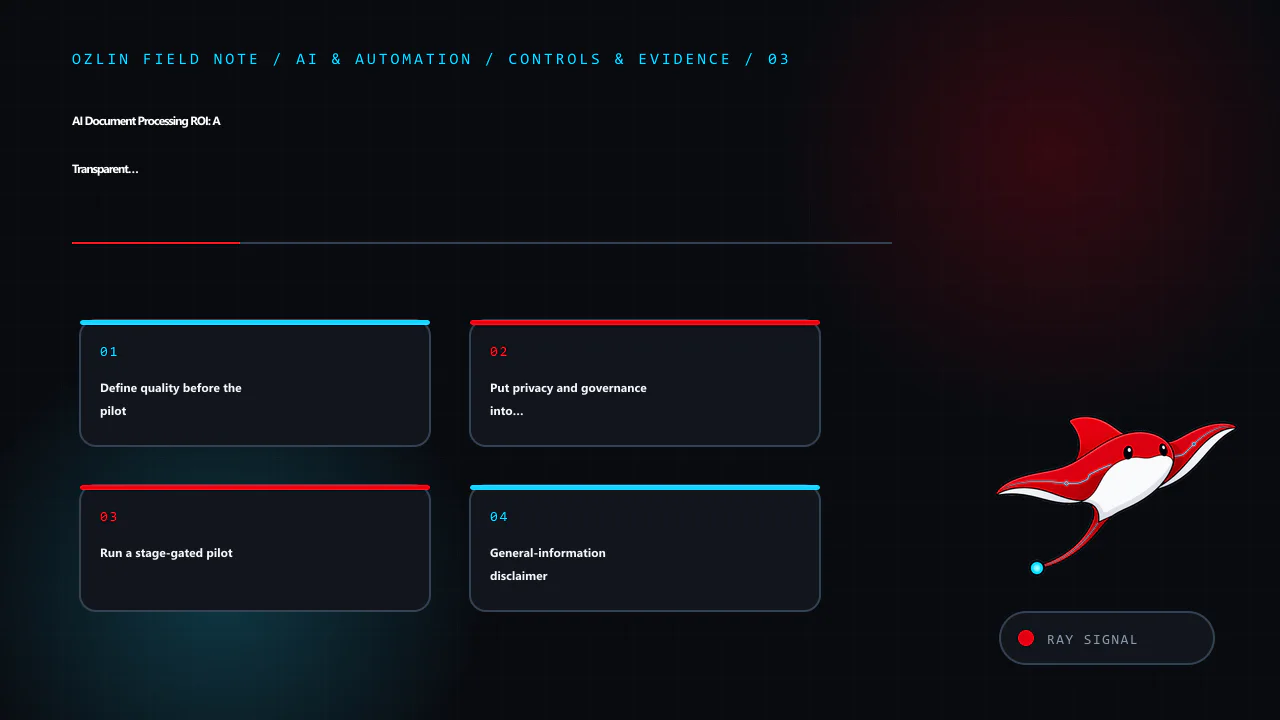
    Decision path for AI Document Processing ROI: A Transparent Worked Example, covering Use sensitivity instead of one attractive answer, Count the lifecycle cost, Define quality before the pilot and related review points.
    Decision path: Use sensitivity instead of one attractive answer; Count the lifecycle cost; Define quality before the pilot; Put privacy and governance into the gate.

    Count the lifecycle cost

    A defensible model includes:

    • discovery, process redesign and data cleanup;
    • scanning, email or upload integration;
    • workflow, accounting or records-system integration;
    • licences, model/API usage, compute, storage and network transfer;
    • human validation and exception queues;
    • security, privacy and access-control work;
    • evaluation data, regression testing and change approval;
    • monitoring, support, retraining or prompt/configuration maintenance;
    • vendor exit, export and rollback; and
    • staff training and temporary productivity loss during transition.

    Separate fixed implementation cost from variable and recurring cost. Measure per-document cost at current and stress volumes. A low unit price can be irrelevant if a provider outage blocks the whole process or if manual review grows faster than volume.

    Define quality before the pilot

    “Accuracy” is ambiguous. For extraction, measure each required field and the whole record. A document can have 19 correct fields and one wrong bank account, tax amount or supplier identity. Define exact match, accepted tolerance, missing-field handling and which fields require independent verification.

    Track at least:

    • straight-through processing rate under the approved rules;
    • average and high-percentile human handling time;
    • field-level error, precision or recall where appropriate;
    • exception and rejection rate by reason;
    • downstream reversal, duplicate and payment-block events;
    • cycle time and queue age;
    • cost per accepted document; and
    • incidents affecting privacy, security or customers.

    Create an untouched acceptance set representing normal, difficult and rare cases. Keep documents from the same source or template family together when splitting data so near-duplicates do not leak into the test. Re-run the set after model, prompt, template or provider changes.

    Human review is a control only when the reviewer has enough context, time, authority and interface support to detect an error. Sample “accepted” output as well as exceptions, and provide a safe manual path when the system is unavailable.

    Put privacy and governance into the gate

    Inventory the personal, confidential and financial information in the documents. Establish collection authority, retention, access, processing location, subprocessors, training-data use, deletion, export and breach response before uploading real files.

    The OAIC recommends due diligence, human oversight, ongoing monitoring and a privacy-by-design approach when organisations adopt commercially available AI products. It also recommends not entering personal or sensitive information into publicly available generative-AI tools as a matter of best practice because of the risks (OAIC commercial AI guidance).

    Australian Government guidance says businesses remain accountable for their AI tools, should define permitted uses, assess privacy and cyber risks, test before use and continue monitoring (business.gov.au — Artificial intelligence). NIST’s voluntary AI RMF Core similarly links a clearly defined business context to documented measurement and ongoing management.

    Control and evidence map for AI Document Processing ROI: A Transparent Worked Example, covering Define quality before the pilot, Put privacy and governance into the gate, Run a stage-gated pilot and related review point…
    Control and evidence map: Define quality before the pilot; Put privacy and governance into the gate; Run a stage-gated pilot; General-information disclaimer.

    Run a stage-gated pilot

    1. Approve the problem, process boundary, owner and prohibited data.
    2. Baseline a representative sample and publish definitions.
    3. Prototype with synthetic or appropriately controlled data.
    4. Run the old and assisted processes in parallel without automatic high-consequence actions.
    5. Compare time, cost, quality, exceptions and incidents against the baseline.
    6. Review sensitivity, supplier exit and operational controls.
    7. Approve, revise or stop against pre-agreed gates.

    A stopped pilot that disproves the business case is useful evidence. Do not scale because implementation money has already been spent.

    For help designing a document-processing prototype and evidence workbook, see Ozlin Info’s AI and automation services or contact Ozlin Info.

    Related reading: building a document-scanner prototype and AI chatbots for Australian SMEs.


    General-information disclaimer

    This hypothetical example provides general technical and business-planning information, not financial, accounting, tax, legal or privacy advice and not a quote or promised outcome. Replace every assumption with verified data and obtain qualified advice where required.

    AI-assistance disclosure

    AI tools assisted with source discovery, arithmetic cross-checking, outlining and copyediting. A human reviewer must independently verify the calculations, assumptions, legal context, source links and proposed controls before publication or use.

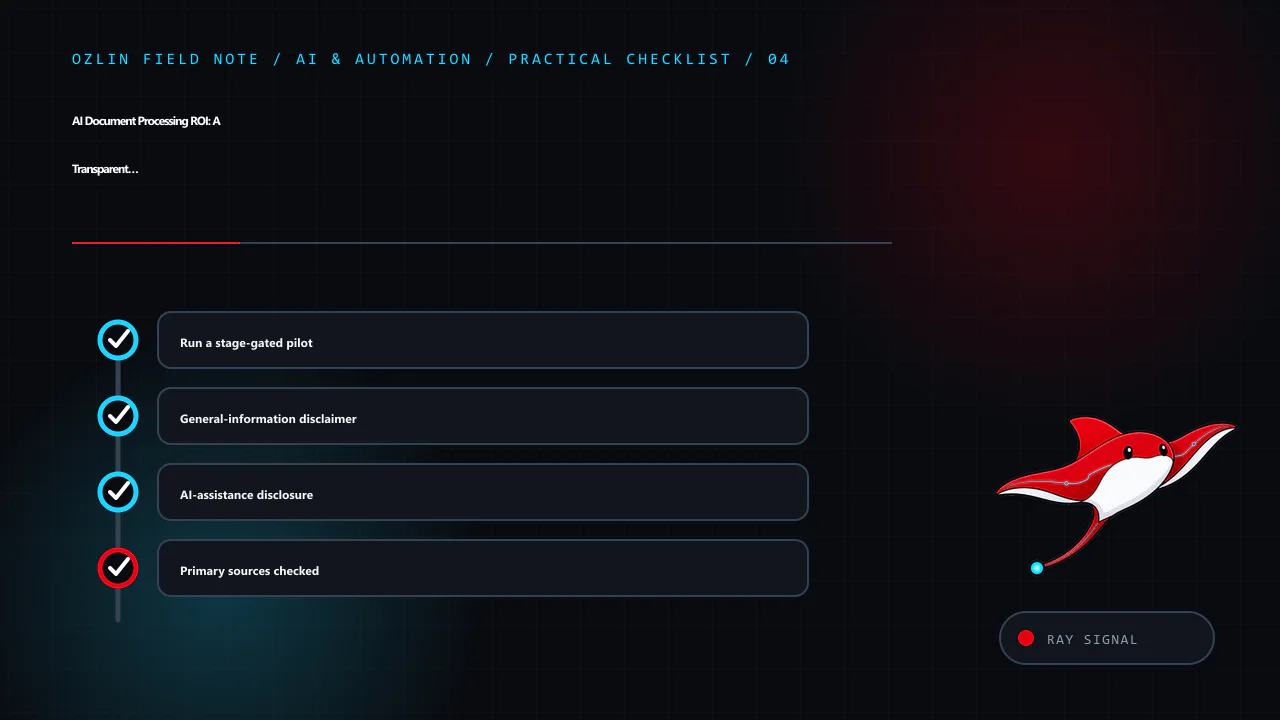
    Practical checklist for AI Document Processing ROI: A Transparent Worked Example, covering Run a stage-gated pilot, General-information disclaimer, AI-assistance disclosure and related review points.
    Practical checklist: Run a stage-gated pilot; General-information disclaimer; AI-assistance disclosure; Primary sources checked.

    Primary sources checked

    Source access date: 29 August 2026.

  • WordPress Privacy for Australian SMEs: A Practical 2026 Review

    WordPress Privacy for Australian SMEs: A Practical 2026 Review

    Reviewed: 13 September 2026 · Next review: 13 December 2026
    Author: Ozlin Info Editorial Team · Human review: Lin (accountable human); Codex assisted

    A WordPress privacy review is not completed by publishing a generic policy or installing a cookie banner. It starts with knowing what information the site collects, where each copy goes, why it is needed, who can access it and when it should be removed.

    It also starts with the correct legal scope. Collecting an email address does not, by itself, mean every Australian small business is automatically covered by the Privacy Act 1988. The answer depends on the organisation and its activities.

    First, check whether the Privacy Act covers the business

    The OAIC states that most small businesses with annual turnover of $3 million or less are not covered by the Privacy Act, but some are. Exceptions include certain health service providers, businesses that trade in personal information, Commonwealth contracted service providers and several other categories. A related entity, contract, sector rule or voluntary opt-in can also change the position.

    Use the OAIC’s small-business checklist and obtain legal advice where the result is unclear. Even where the federal Act does not apply, a business may have privacy, confidentiality, security or record-keeping duties under other laws, contracts, professional rules or platform agreements. Good data minimisation and security are sensible trust measures, but they should not be described as proof of legal compliance.

    Build a real data map

    List every place a visitor or user can provide data and every service that receives it. A typical WordPress map may include:

    • accounts, comments, forms and ecommerce records;
    • analytics tags, advertising pixels and embedded media;
    • SMTP and transactional-email providers;
    • CDN, firewall, anti-bot and hosting logs;
    • backups, staging copies and migration archives; and
    • customer-service or AI integrations.

    For each flow, record the fields, purpose, legal or business basis, storage location, recipients, access roles, retention rule and deletion path. Include IP addresses, user-agent strings, URLs and identifiers where they may be personal information in context. Verify configuration and network requests; a plugin name alone does not reveal what it sends.

    The WordPress plugin privacy guidance gives maintainers a useful audit checklist: third-party APIs, telemetry, tracking pixels, iframes, browser storage, logs, REST endpoints, access controls, export and erasure support. Site owners can apply the same questions when evaluating a plugin.

    Separate the privacy policy from the collection notice

    For an organisation covered by the Privacy Act, APP 1 requires a clearly expressed, current privacy policy describing how personal information is managed. The OAIC’s APP 1 guidance lists matters such as the kinds of information collected, how and why it is handled, access and correction, complaints, and likely overseas disclosures.

    A privacy policy is not the same as the short notice beside a form. The policy describes the organisation’s overall practices; a collection notice explains the particular collection at the relevant time. A contact form notice might identify who is collecting the information, why the requested fields are needed, what happens if they are not provided, likely disclosures, and where to find the full policy. The exact content depends on the collection and applicable obligations.

    Do not omit a service simply because it runs through a WordPress plugin. Review the policy when material data flows change.

    Minimise collection and retention

    Ask whether each field is necessary for the immediate task. A first-contact form may not need a residential address, date of birth, identity document or detailed confidential history. Let the business request additional information later through an appropriate channel when there is a defined need.

    Set retention rules by record type rather than promising that all data is deleted after one arbitrary period. Enquiries, failed login logs, form entries, invoices, backups and unresolved complaints have different operational and legal contexts. Document the rule, automate it where safe, and include backups and external systems in the process. Do not collect data “just in case”.

    If the Privacy Act covers the organisation, the OAIC’s updated APP 3 guidance emphasises collecting personal information that is reasonably necessary and taking a data-minimisation approach.

    Review analytics and tracking as data flows

    Australian law does not create a universal rule that every WordPress site must display the same cookie banner. The correct control depends on the technologies, information, audience and applicable laws. A banner also cannot repair an undisclosed or excessive data flow.

    The OAIC says the Privacy Act does not prohibit tracking pixels, but covered organisations must configure and use them consistently with the APPs. Its tracking-pixel guidance calls for due diligence, data minimisation, transparent policies and notices, care with overseas disclosures, and ongoing review. It warns that form inputs, IP addresses, URLs and activity data may be personal information when they can be linked with other data. Sensitive information generally needs stronger treatment, and a pixel may be inappropriate on pages whose visit itself reveals sensitive information.

    Inspect what is sent before and after any consent choice. Disable unnecessary advertising features, keep tags away from sensitive form and account pages, and record the provider settings reviewed.

    Use WordPress privacy tools—but understand their limits

    WordPress provides a Privacy settings screen plus Tools → Export Personal Data and Tools → Erase Personal Data. The current WordPress privacy documentation explains that these tools cover WordPress core and participating plugins. They may not include data held by analytics, newsletter, payment, CRM, embedded-content or other external providers.

    Test the request process with a non-production account. Confirm identity, restrict access and record decisions. WordPress notes that live-database erasure does not automatically remove backup data or delete a registered user account.

    Protect the information you keep

    HTTPS protects data in transit between the browser and the configured endpoint; it does not secure a compromised administrator account, vulnerable plugin or exposed backup. Use least-privilege roles, multi-factor authentication where supported, timely updates, protected backups, secure secrets, access logging and an incident plan. Remove abandoned plugins and accounts after checking dependencies.
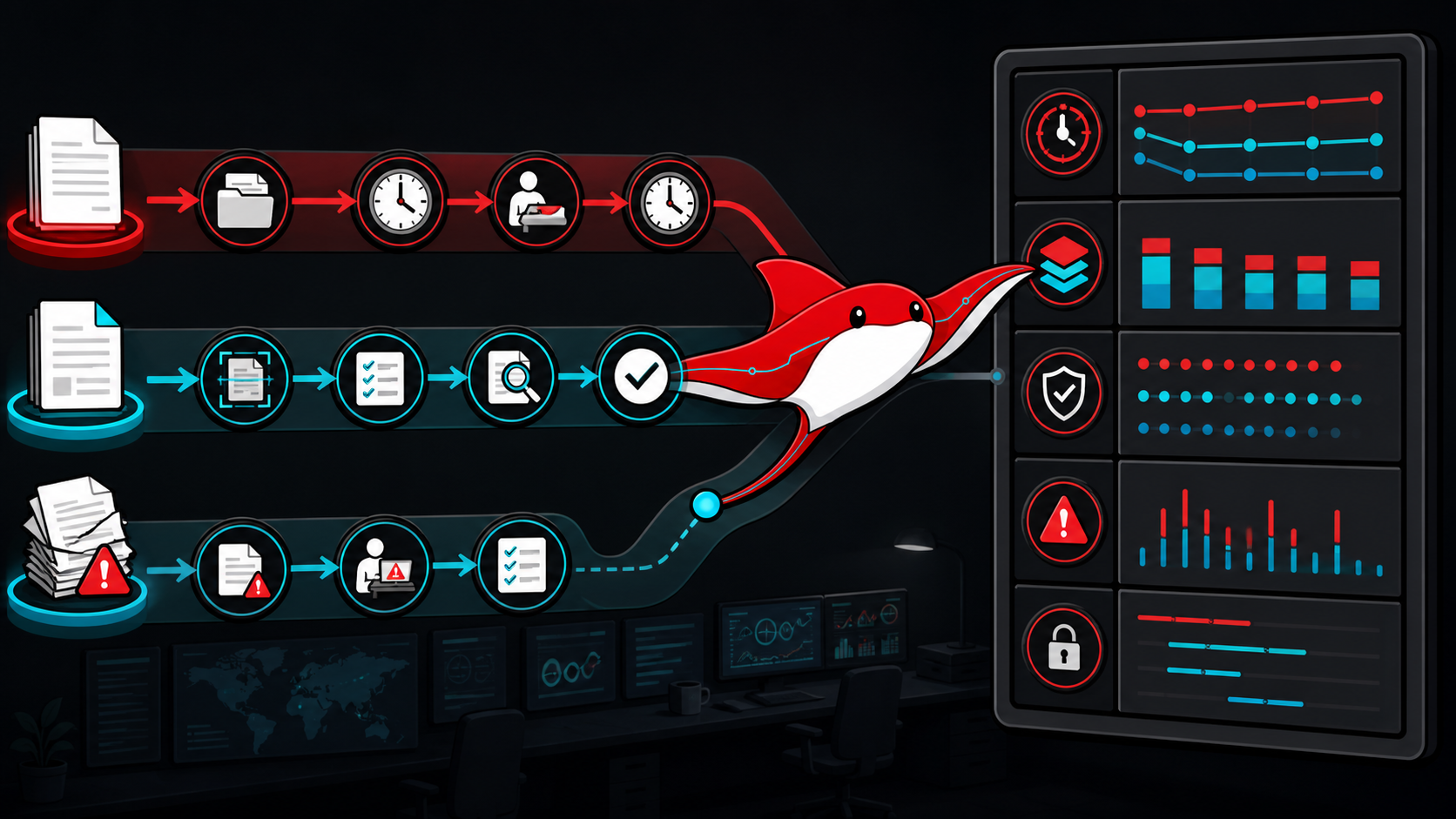
    For organisations covered by the Privacy Act, APP 11 requires reasonable steps to protect personal information and, in relevant circumstances, destroy or de-identify information no longer needed. What is reasonable depends on the information, risks and organisation; no plugin can guarantee the outcome.

    Prepare for a breach before one occurs

    Preserve evidence, contain access, assess what information and people are affected, and document decisions.

    The Notifiable Data Breaches scheme applies to organisations and agencies covered by the Privacy Act. The OAIC says they must notify affected individuals and the OAIC when a breach is likely to result in serious harm. Not every WordPress incident is automatically an eligible data breach, but delay and guesswork make assessment harder. Use the OAIC response guidance and obtain appropriate advice during an incident.

    Add the December 2026 review to the calendar

    From 10 December 2026, covered APP entities will have additional privacy-policy obligations in defined cases involving computer programs that use personal information to make, or substantially assist with, decisions that could reasonably be expected to significantly affect a person’s rights or interests. The OAIC’s APP 1 guidance explains the threshold and required categories of information.

    Inventory automated uses and seek advice on the arrangements that meet the statutory test. The related AI chatbot decision guide covers human handoff and supplier review.

    A practical review output

    A useful WordPress privacy review produces five artefacts: a data-flow map, a current plugin and supplier register, a retention schedule, accurate public notices, and a tested request-and-incident procedure. It also names an owner and the next review date.

    Ozlin Info can help map and configure the technical components through its web and WordPress services. Legal coverage, policy wording and regulated decisions should be confirmed by a qualified adviser for the organisation’s circumstances.
    General information only. This article is not legal advice and does not certify that a website or business complies with the Privacy Act, the APPs or any other requirement.
    Limitations: Privacy obligations and technical choices depend on the entity, data flows, jurisdictions, exemptions, vendors and changes in law. This article does not assess a particular site or guarantee compliance.

    Editorial disclosure: AI assisted with the first draft and source discovery. The article was checked against the linked OAIC and WordPress sources on 28 August 2026 and requires human and legal review before publication.

    Source access date: 2026-08-28

    Article map for WordPress Privacy for Australian SMEs: A Practical 2026 Review, covering WordPress Privacy for Australian SMEs: A Practical 2026 Rev…, First, check whether the Privacy Act covers the business, Build a re…
    Article map: WordPress Privacy for Australian SMEs: A Practical 2026 Rev…; First, check whether the Privacy Act covers the business; Build a real data map; Separate the privacy policy from the collection notice.
    Decision path for WordPress Privacy for Australian SMEs: A Practical 2026 Review, covering Build a real data map, Separate the privacy policy from the collection notice, Minimise collection and retention and related rev…
    Decision path: Build a real data map; Separate the privacy policy from the collection notice; Minimise collection and retention; Review analytics and tracking as data flows.
    Control and evidence map for WordPress Privacy for Australian SMEs: A Practical 2026 Review, covering Minimise collection and retention, Review analytics and tracking as data flows, Use WordPress privacy tools—but under…
    Control and evidence map: Minimise collection and retention; Review analytics and tracking as data flows; Use WordPress privacy tools—but understand their limits; Protect the information you keep.
    Practical checklist for WordPress Privacy for Australian SMEs: A Practical 2026 Review, covering Protect the information you keep, Prepare for a breach before one occurs, Add the December 2026 review to the calendar and…
    Practical checklist: Protect the information you keep; Prepare for a breach before one occurs; Add the December 2026 review to the calendar; A practical review output.
  • Unity Android Release Checklist for Google Play in 2026

    Unity Android Release Checklist for Google Play in 2026

    Reviewed: 13 September 2026 · Next review: 13 December 2026
    Author: Ozlin Info Editorial Team · Human review: Lin (accountable human); Codex assisted

    A reliable Android release is a chain of evidence, not a final click on Build. The Unity project, Android manifest, native plug-ins, signing arrangement, Play Console declarations and device tests all need to agree. This checklist is written for Unity 6 and Google Play as reviewed on 28 August 2026; store rules and SDK support move, so re-check the linked first-party sources for every release.

    1. Choose a supported editor and freeze the release baseline

    Use a supported Unity release that can install the Android SDK, NDK and OpenJDK versions needed by the project and current Play requirement. Record the exact Unity editor version, package-lock file, Android toolchain versions, build profile and source commit. Make a clean release build in continuous integration or on a controlled build machine rather than relying on an unrecorded local setup.

    In Unity 6, Android builds are configured through File → Build Profiles. Unity's manual describes Android build profiles and the ability either to build directly or export a Gradle project for Android Studio (Unity: build Android applications). Export only when a plug-in, manifest or native integration genuinely needs that control; every custom Gradle or manifest override becomes release surface that must be reviewed after upgrades.

    2. Separate the package identity, minimum SDK and target SDK

    Set the application identifier deliberately, normally in reverse-domain form such as info.ozlin.gamename. Confirm ownership and naming before the first production release because updates must retain the same package identity and signing relationship.

    Do not confuse these two settings:

    • Minimum API level controls which Android versions can install the game. Choose it from Unity support, plug-in requirements and the devices you intend to support—not from an old generic recommendation. Unity 6.0's published player requirements start at Android 6.0/API 23, but the specific Unity patch and packages in the project remain authoritative (Unity 6 system requirements).
    • Target API level tells Android which platform behaviour set the app targets and is governed by Google Play submission policy.

    Google states that starting 31 August 2026, new apps and app updates must target Android 16/API level 36 or higher. The listed exceptions use different levels for Wear OS, Android Automotive OS, Android TV and Android XR. Existing phone/tablet apps must target API 35 or higher to remain available to new users on devices running a newer Android version (Google Play target API requirements). Because this draft was reviewed three days before that deadline, a release being prepared now should target API 36 and test Android 16 behaviour changes rather than plan around last year's threshold.

    After raising the target, test permission requests, background work, notifications, edge-to-edge layout, storage access and every Android plug-in. A successful compile does not demonstrate correct runtime behaviour.

    3. Configure the release player intentionally

    Review Player Settings and the active build profile together:

    • increment versionCode for every uploaded build and set a user-facing version string;
    • use IL2CPP when required by the selected architecture and release plan;
    • include ARM64 for Google Play device coverage and verify every native .so plug-in supplies a compatible binary;
    • remove development-only permissions, test endpoints and debug certificates;
    • use HTTPS for network traffic unless a documented exception is essential; and
    • review graphics APIs, texture formats, orientation, cut-outs and memory behaviour against the actual device matrix.

    Unity's Android Player Settings reference confirms that ARM64 is a target architecture available with the IL2CPP scripting backend and exposes minimum/target API, keystore and architecture settings (Unity: Android Player Settings). Do not enable GPU skinning, Vulkan, ASTC or an “adaptive performance” package as blanket checklist items. Each can be valuable for a suitable game and device set, but each needs compatibility and performance evidence.

    4. Build the artifact Google Play expects

    For Google Play, create an Android App Bundle (.aab). Unity 6 exposes Build App Bundle (Google Play) in the Android build profile; its documentation distinguishes this from the default APK output and explains the corresponding option when exporting a Gradle project (Unity: Android build settings). Google Play uses an uploaded bundle to generate device-optimised APKs (Play Console: create and set up an app).

    Use APKs for direct device testing when appropriate, but do not enable “Split APKs by target architecture” as an AAB size optimisation. Unity documents that its per-architecture APK setting is ignored when building an app bundle. For a large game, review Play's current compressed-download limits and assess Play Asset Delivery rather than discovering an artifact-size problem during submission.

    Generate native debug symbols for the IL2CPP release in the form expected by Play Console, store the mapping/symbol artifacts with the build, and confirm crash reporting can resolve the test build before launch.

    5. Treat signing as an operational system

    The old warning that losing one local keystore always makes future Play updates impossible is too broad. With Play App Signing, Google protects the app-signing key, while the developer uses an upload key to authenticate uploaded bundles. Google recommends separating those keys and documents a reset path for a lost or compromised upload key (Google Play: Play App Signing).

    Protect the upload keystore and password in approved secret storage; restrict Play Console roles; require multi-factor authentication; record certificate fingerprints needed by APIs; and document key recovery and release authority. Never commit a keystore or password to the Unity repository. Confirm a release is signed with the expected upload certificate before submission.

    6. Test what users will receive

    Test a release candidate on representative low-, mid- and high-tier physical devices, including the oldest supported Android version and Android 16. Cover first install, upgrade from the live version, offline start, save migration, sign-in, purchases, notification permission, background/resume, low storage, interrupted downloads and account deletion where applicable.

    Profile on the target device. Unity's guidance describes connecting the Unity Profiler to an Android player and collecting data from the running build (Unity: profile a target device). Record frame-time distributions, memory peaks, thermal behaviour, loading time and crash/ANR signals for the devices that define acceptance; an editor frame rate is not mobile evidence.

    Upload the signed AAB to internal testing first. Google recommends an internal test before wider tracks and supports up to 100 internal testers (Play Console testing tracks). Use the app-bundle explorer or internal app sharing to test generated, device-specific delivery rather than only a locally installed APK.

    7. Complete policy and launch evidence

    Finish the store listing, content rating, target-audience declarations, ads and monetisation disclosures, privacy policy, app-access instructions and the Data safety form. Google requires published apps—including closed, open and production tracks—to declare their collection and handling of user data; an internal-only test is the stated exception (Google Play Data safety). Inventory SDK behaviour rather than copying a declaration from a previous version.

    Keep a release record containing the commit, Unity version, signed artifact hash, version code, symbols, test results, known issues, policy answers, approval and rollback decision. Stage the rollout, watch crashes and ANRs, and define who can halt it. Store approval is a distribution decision, not proof that a game is defect-free, secure or suitable for every device.

    Related reading

    Limitations: This checklist is version- and project-dependent. Unity, Android and Play requirements, packages, signing, device behaviour and deadlines can change; it is not release approval or a guarantee of compatibility or compliance.

    AI-assistance disclosure

    AI tools assisted with outlining and copy editing. A human editor checked this draft on 28 August 2026 against the linked Unity 6 documentation and current Google Play requirements, including the API 36 deadline. Rules can change after review; the release owner must re-check official documentation and the project's actual dependencies before submission.

    Source access date: 2026-08-28

    Article map for Unity Android Release Checklist for Google Play in 2026, covering Unity Android Release Checklist for Google Play in 2026, Choose a supported editor and freeze the release baseline, Separate the package…
    Article map: Unity Android Release Checklist for Google Play in 2026; Choose a supported editor and freeze the release baseline; Separate the package identity, minimum SDK and target SDK; Configure the release player intentionally.
    Decision path for Unity Android Release Checklist for Google Play in 2026, covering Choose a supported editor and freeze the release baseline, Separate the package identity, minimum SDK and target SDK, Configure the rel…
    Decision path: Choose a supported editor and freeze the release baseline; Separate the package identity, minimum SDK and target SDK; Configure the release player intentionally; Build the artifact Google Play expects.
    Control and evidence map for Unity Android Release Checklist for Google Play in 2026, covering Configure the release player intentionally, Build the artifact Google Play expects, Treat signing as an operational system a…
    Control and evidence map: Configure the release player intentionally; Build the artifact Google Play expects; Treat signing as an operational system; Test what users will receive.
    Practical checklist for Unity Android Release Checklist for Google Play in 2026, covering Treat signing as an operational system, Test what users will receive, Complete policy and launch evidence and related review poin…
    Practical checklist: Treat signing as an operational system; Test what users will receive; Complete policy and launch evidence; AI-assistance disclosure.
  • Phishing Response Playbook for Australian Small Businesses

    Phishing Response Playbook for Australian Small Businesses

    Reviewed: 13 September 2026 · Next review: 13 December 2026
    Author: Ozlin Info Editorial Team · Human review: Lin (accountable human); Codex assisted

    The most valuable phishing response is not a perfect employee who never makes a mistake. It is a business process that makes suspicious activity easy to report, limits what one mistake can expose and helps the response team act quickly without blame.

    Phishing is broader than a poorly written email. Socially engineered messages can arrive by email, SMS, chat, QR code or phone and may ask a person to open a file, visit a website, share credentials or verification codes, install software, approve an MFA prompt, transfer money or change bank details. ASD's Australian Cyber Security Centre (ASD's ACSC) updated its guidance in April 2026 to include unsolicited “support”, device-linking requests, QR codes and registration or verification codes (ASD's ACSC detecting socially engineered messages).

    Good spelling is not evidence that a message is legitimate. Treat context and requested action as more important than appearance.

    Before an incident: make the safe action the easy action

    Give every worker one obvious reporting route—a mail-client report button, a dedicated address or a help-desk option—and tell them what happens next. A report should be welcomed even when the message proves harmless. If people fear embarrassment or punishment, they may hide the event until damage becomes harder to contain.

    Put independent verification into business processes, especially payments, payroll, credential resets, customer-data exports and changes to supplier details. A callback must use a number obtained from an existing trusted record or official website, not the number in the suspicious message. ASD's business email compromise guidance recommends a clear and consistent process to verify payment and sensitive-information requests (ASD's ACSC BEC guidance).

    Technical layers still matter: MFA, unique credentials in a password manager, restricted administrator access, supported updates, endpoint protection, email filtering and domain authentication. None proves that every delivered message is safe. Pair controls with logging and an escalation path so the business can investigate account changes, new sessions and unusual mailbox rules.

    Recognise the request, not just the design

    Pause when a message introduces one or more of these conditions:

    • an unexpected change to bank or supplier details;
    • urgency, secrecy, authority or pressure to bypass a normal approval;
    • an unexpected attachment, shared document, QR code or login link;
    • a request for a password, recovery code, MFA approval or remote access;
    • “support” that contacts you first and asks you to install software or link a device;
    • a sender name that looks familiar but a domain, reply address or conversation context that does not; or
    • a request that is plausible but unusual for that person, customer or supplier.

    When uncertain, go independently to the organisation's official website or app, or call a known number. ASD advises users not to enter credentials into a website reached through a message link and to use an out-of-band contact method to confirm unexpected attachments or requests (ASD's ACSC detection guidance).

    Response path 1: the message arrived, but nobody interacted

    Do not reply, click, scan the QR code, call a supplied number or forward the message casually. Use the organisation's reporting method. Where an IT or security team may need headers or the original item, follow its preservation instructions rather than deleting the evidence immediately; ASD's guidance tells workers who suspect a socially engineered message not to delete or forward it, but to contact their IT help desk or security team.

    The person handling the report should check whether other staff received the same campaign, block known malicious indicators where appropriate and warn the specific people who may be targeted. Avoid sending a clickable malicious link in the warning.

    Response path 2: somebody clicked a link, but entered nothing

    Report the event immediately and record the time, device, account, message and observed page. A click does not by itself establish that the device or account is compromised, but it warrants triage. Do not keep browsing the page to “test” it.

    If a download ran, an attachment opened, software was installed, a browser extension appeared or the device behaves unexpectedly, stop using the device and contact the response owner. Isolate it from normal business connectivity if the response procedure calls for that. Do not use a potentially compromised device to reset important credentials.

    Response path 3: a password, code or MFA approval was provided

    Treat the account as potentially compromised. From a known-clean device and trusted route to the service:

    1. contact the internal response owner or provider;
    2. change the affected credential and any reused credential;
    3. sign out or revoke other sessions and tokens where the service supports it;
    4. verify recovery email addresses, phone numbers, MFA methods and delegated access;
    5. check for new mailbox forwarding rules, filters, application permissions and administrators;
    6. review available sign-in and audit logs; and
    7. preserve a timeline of what was observed and changed.

    ASD's recovery guidance for business email compromise specifically includes changing the passphrase, checking recovery details, signing out other sessions and enabling MFA (ASD's ACSC BEC recovery guidance). If the account can reset other services, assess those services too.

    Response path 4: an attachment or remote-support tool may have executed

    Separate the affected device from business networks without wiping or “cleaning” it first, unless qualified responders direct otherwise. Record what ran and when. Preservation matters because logs and files may be needed to establish scope. The response team can then decide whether to collect evidence, scan, rebuild or restore the device.

    Change exposed credentials from a clean device, not from the suspected endpoint. Review access from the device to file shares, cloud storage, password stores and administrative systems. A factory reset or antivirus scan alone does not establish what data or credentials were accessed.

    Response path 5: money, bank details or identity information may be at risk

    Contact the financial institution immediately using an independently verified number. Ask about recalling or stopping the transaction and securing affected accounts. Notify the legitimate supplier or customer through a trusted channel. Preserve invoices, account details, message headers and the sequence of approvals; do not continue negotiating with the suspected sender.

    Report cybercrime through ReportCyber or seek help from the 24/7 Australian Cyber Security Hotline on 1300 CYBER1 (1300 292 371). ASD also directs people whose identity information is at risk towards relevant support services, including IDCARE (ASD's ACSC hacking recovery guidance). Call 000 if there is an immediate threat to life or safety.

    Assess privacy and notification obligations—do not guess

    Determine what information and people may be affected, who may have accessed it, whether access was prevented or remediated and what harm could result. Preserve the basis for the decision.

    Not every phishing event is an eligible data breach. For entities covered by the Notifiable Data Breaches scheme, however, reasonable grounds to suspect a serious breach trigger an assessment obligation. The OAIC says the entity must take all reasonable steps to complete that assessment within 30 calendar days and should treat that period as a maximum, not a waiting period (OAIC data-breach preparation and response guide). Obtain appropriate legal or privacy advice when the facts or obligations are unclear.

    Run a 20-minute rehearsal

    Use a fictional supplier email requesting an urgent bank-detail change. Ask the team:

    • How does the recipient report it?
    • Who independently verifies the request?
    • Who checks accounts, sessions and mail rules?
    • Who calls the bank and supplier if payment was made?
    • Where is evidence recorded?
    • Who assesses customers, contracts and privacy obligations?
    • What continues if email is temporarily unavailable?

    Record owners and gaps, then repeat the exercise after changes. This article supports the broader Australian SME cybersecurity baseline. For a scoped review of account, email and incident-response controls, see Ozlin Info's cybersecurity uplift service or contact Ozlin Info.


    General-information disclaimer

    This article provides general information only. It is not legal, privacy, insurance, financial, forensic or incident-response advice. Do not delay urgent assistance to follow a generic checklist. The appropriate actions depend on the message, device, accounts, data, contracts and active threat.

    Limitations: This checklist cannot determine whether a message or device is safe and is not forensic or legal advice. Active incidents require qualified responders; steps and notification duties depend on the facts, accounts, data and jurisdiction.

    AI-assistance disclosure

    AI tools assisted with outlining and copyediting this draft. A human reviewer must verify every factual claim, link, response step and publication decision before release. No claim is made that following this playbook will prevent or fully contain an incident.

    Primary sources checked

    Source access date: 28 August 2026.

    Article map for Phishing Response Playbook for Australian Small Businesses, covering Before an incident: make the safe action the easy action, Recognise the request, not just the design, Response path 1: the message arr…
    Article map: Before an incident: make the safe action the easy action; Recognise the request, not just the design; Response path 1: the message arrived, but nobody interacted; Response path 2: somebody clicked a link, but entered nothi….
    Decision path for Phishing Response Playbook for Australian Small Businesses, covering Response path 1: the message arrived, but nobody interacted, Response path 2: somebody clicked a link, but entered nothi…, Response…
    Decision path: Response path 1: the message arrived, but nobody interacted; Response path 2: somebody clicked a link, but entered nothi…; Response path 3: a password, code or MFA approval was provi…; Response path 4: an attachment or remote-support tool may h….
    Control and evidence map for Phishing Response Playbook for Australian Small Businesses, covering Response path 4: an attachment or remote-support tool may h…, Response path 5: money, bank details or identity informatio…
    Control and evidence map: Response path 4: an attachment or remote-support tool may h…; Response path 5: money, bank details or identity informatio…; Assess privacy and notification obligations—do not guess; Run a 20-minute rehearsal.
    Practical checklist for Phishing Response Playbook for Australian Small Businesses, covering Run a 20-minute rehearsal, General-information disclaimer, AI-assistance disclosure and related review points.
    Practical checklist: Run a 20-minute rehearsal; General-information disclaimer; AI-assistance disclosure; Primary sources checked.