Tag: Australian SMEs

  • WordPress Privacy for Australian SMEs: A Practical 2026 Review

    WordPress Privacy for Australian SMEs: A Practical 2026 Review

    WordPress Privacy for Australian SMEs: A Practical 2026 Review

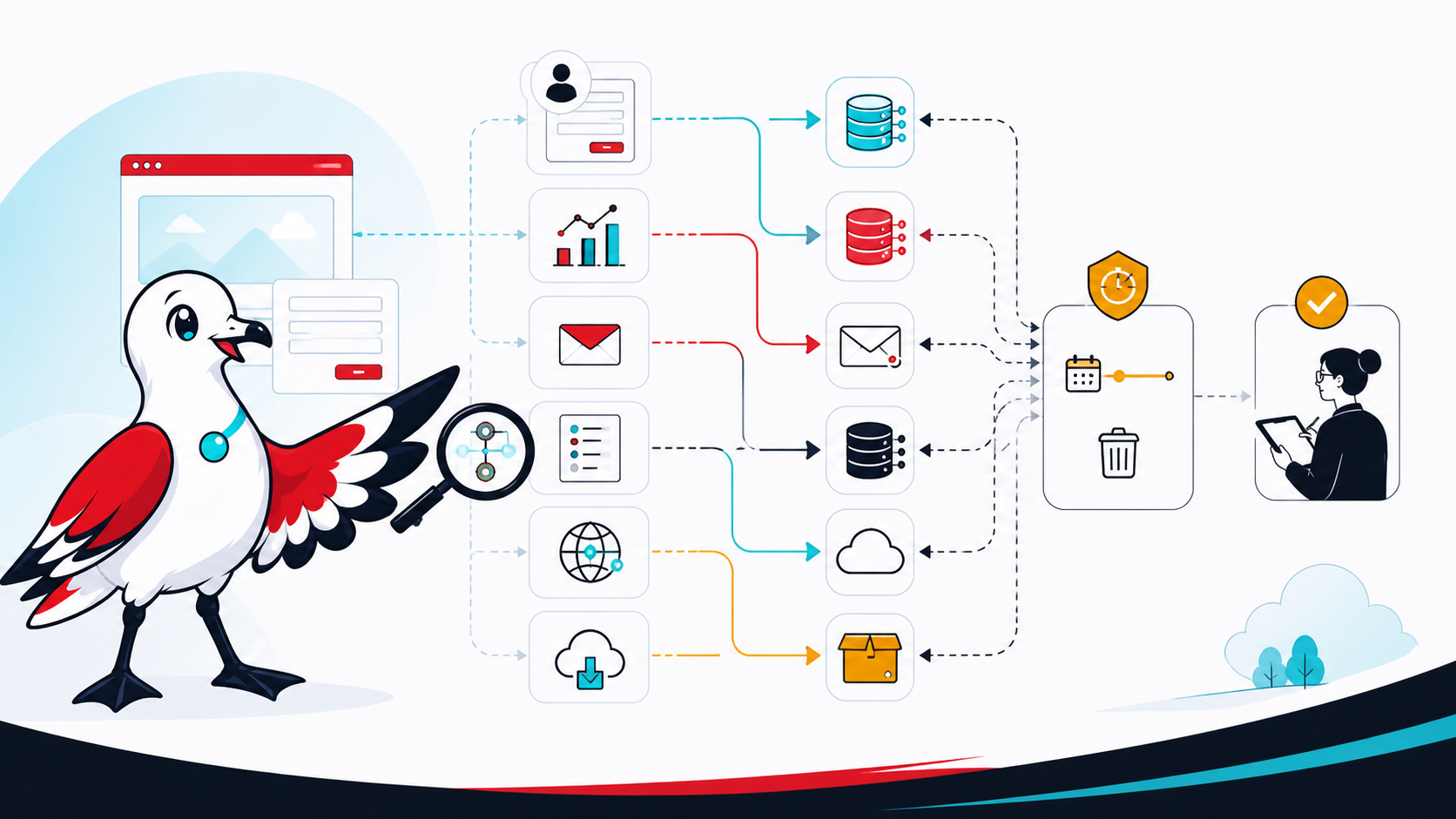
    A WordPress privacy review is not completed by publishing a generic policy or installing a cookie banner. It starts with knowing what information the site collects, where each copy goes, why it is needed, who can access it and when it should be removed.

    It also starts with the correct legal scope. Collecting an email address does not, by itself, mean every Australian small business is automatically covered by the Privacy Act 1988. The answer depends on the organisation and its activities.

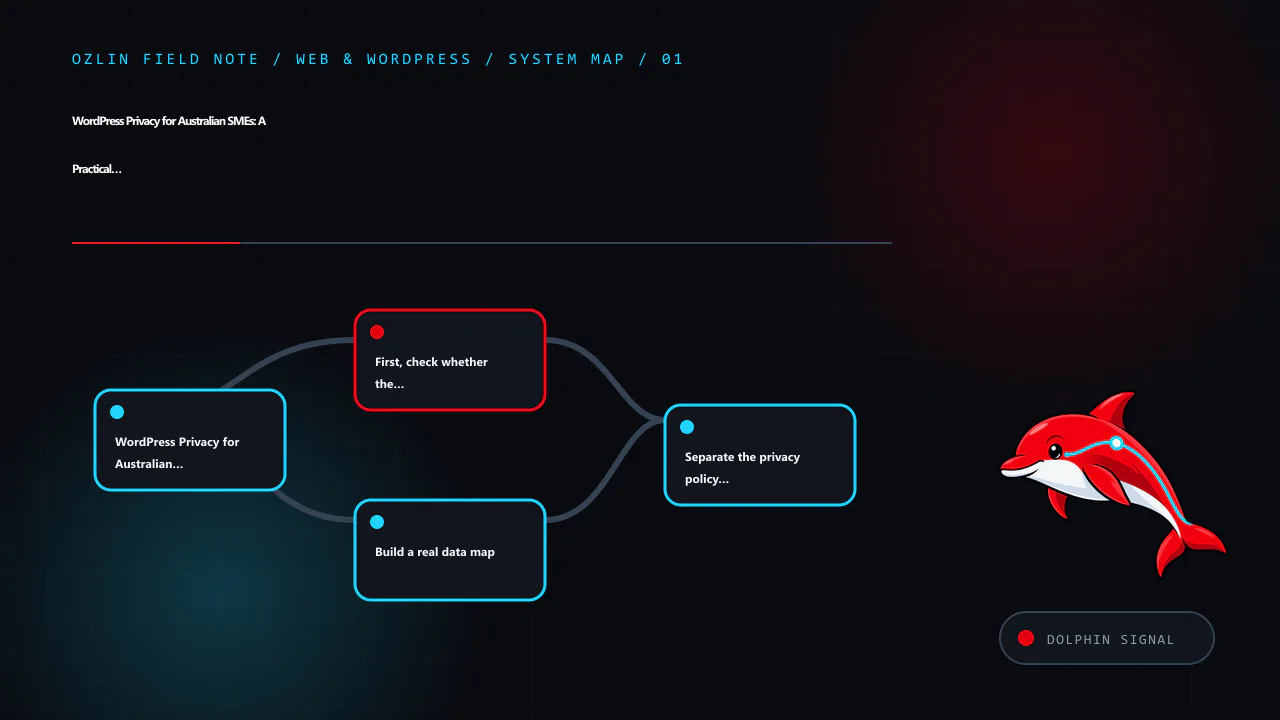
    First, check whether the Privacy Act covers the business

    The OAIC states that most small businesses with annual turnover of $3 million or less are not covered by the Privacy Act, but some are. Exceptions include certain health service providers, businesses that trade in personal information, Commonwealth contracted service providers and several other categories. A related entity, contract, sector rule or voluntary opt-in can also change the position.

    Use the OAIC’s small-business checklist and obtain legal advice where the result is unclear. Even where the federal Act does not apply, a business may have privacy, confidentiality, security or record-keeping duties under other laws, contracts, professional rules or platform agreements. Good data minimisation and security are sensible trust measures, but they should not be described as proof of legal compliance.

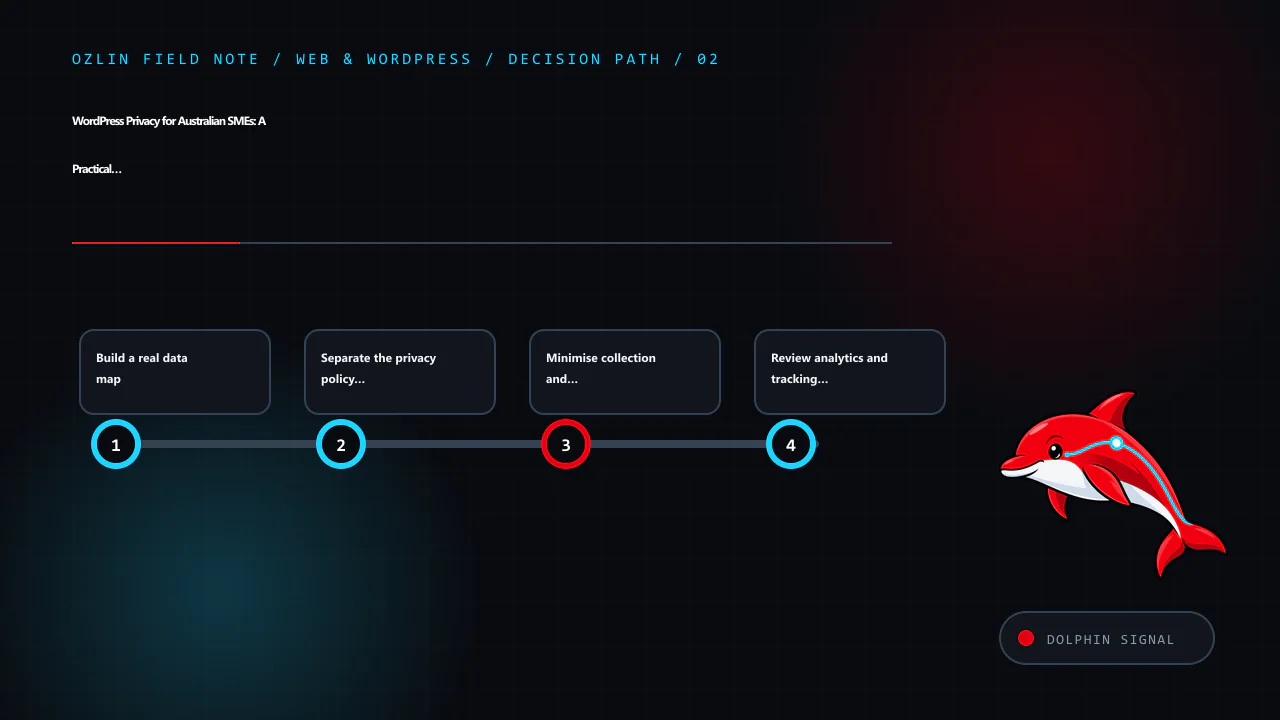
    Build a real data map

    List every place a visitor or user can provide data and every service that receives it. A typical WordPress map may include:

    • accounts, comments, forms and ecommerce records;
    • analytics tags, advertising pixels and embedded media;
    • SMTP and transactional-email providers;
    • CDN, firewall, anti-bot and hosting logs;
    • backups, staging copies and migration archives; and
    • customer-service or AI integrations.

    For each flow, record the fields, purpose, legal or business basis, storage location, recipients, access roles, retention rule and deletion path. Include IP addresses, user-agent strings, URLs and identifiers where they may be personal information in context. Verify configuration and network requests; a plugin name alone does not reveal what it sends.

    The WordPress plugin privacy guidance gives maintainers a useful audit checklist: third-party APIs, telemetry, tracking pixels, iframes, browser storage, logs, REST endpoints, access controls, export and erasure support. Site owners can apply the same questions when evaluating a plugin.

    Separate the privacy policy from the collection notice

    For an organisation covered by the Privacy Act, APP 1 requires a clearly expressed, current privacy policy describing how personal information is managed. The OAIC’s APP 1 guidance lists matters such as the kinds of information collected, how and why it is handled, access and correction, complaints, and likely overseas disclosures.

    A privacy policy is not the same as the short notice beside a form. The policy describes the organisation’s overall practices; a collection notice explains the particular collection at the relevant time. A contact form notice might identify who is collecting the information, why the requested fields are needed, what happens if they are not provided, likely disclosures, and where to find the full policy. The exact content depends on the collection and applicable obligations.

    Do not omit a service simply because it runs through a WordPress plugin. Review the policy when material data flows change.

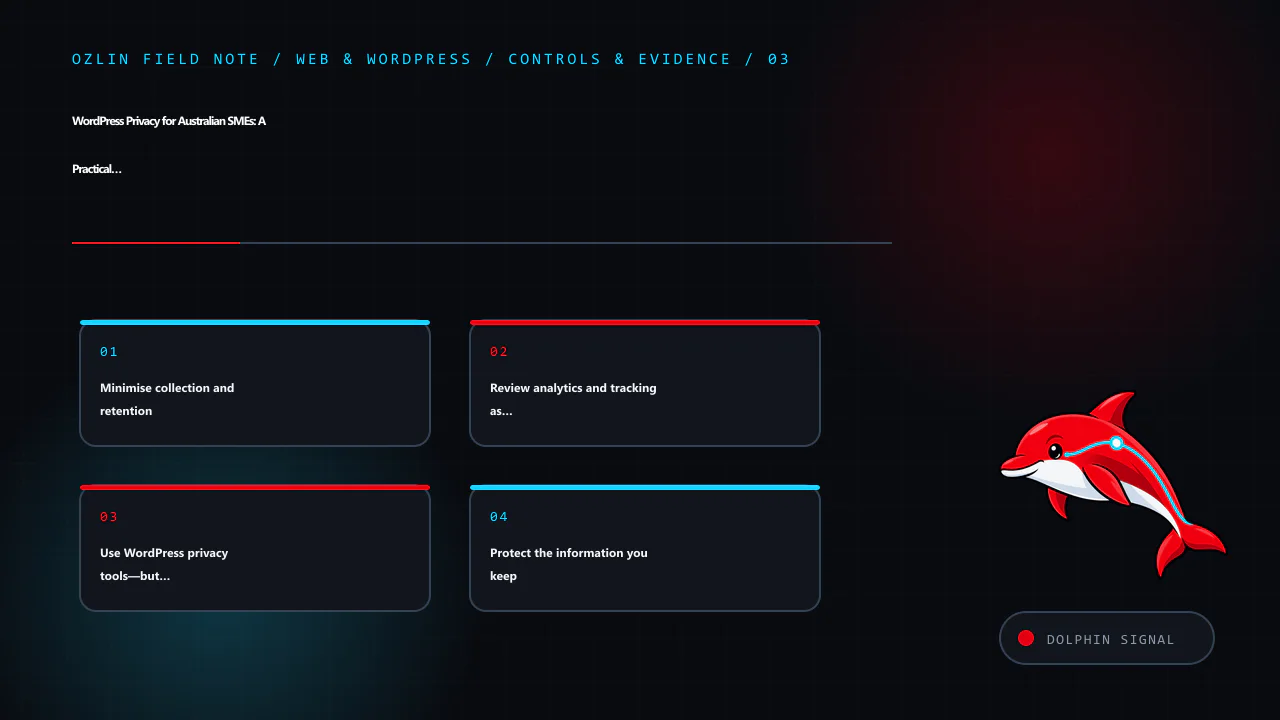
    Minimise collection and retention

    Ask whether each field is necessary for the immediate task. A first-contact form may not need a residential address, date of birth, identity document or detailed confidential history. Let the business request additional information later through an appropriate channel when there is a defined need.

    Set retention rules by record type rather than promising that all data is deleted after one arbitrary period. Enquiries, failed login logs, form entries, invoices, backups and unresolved complaints have different operational and legal contexts. Document the rule, automate it where safe, and include backups and external systems in the process. Do not collect data “just in case”.

    If the Privacy Act covers the organisation, the OAIC’s updated APP 3 guidance emphasises collecting personal information that is reasonably necessary and taking a data-minimisation approach.

    Review analytics and tracking as data flows

    Australian law does not create a universal rule that every WordPress site must display the same cookie banner. The correct control depends on the technologies, information, audience and applicable laws. A banner also cannot repair an undisclosed or excessive data flow.

    The OAIC says the Privacy Act does not prohibit tracking pixels, but covered organisations must configure and use them consistently with the APPs. Its tracking-pixel guidance calls for due diligence, data minimisation, transparent policies and notices, care with overseas disclosures, and ongoing review. It warns that form inputs, IP addresses, URLs and activity data may be personal information when they can be linked with other data. Sensitive information generally needs stronger treatment, and a pixel may be inappropriate on pages whose visit itself reveals sensitive information.

    Inspect what is sent before and after any consent choice. Disable unnecessary advertising features, keep tags away from sensitive form and account pages, and record the provider settings reviewed.

    Use WordPress privacy tools—but understand their limits

    WordPress provides a Privacy settings screen plus Tools → Export Personal Data and Tools → Erase Personal Data. The current WordPress privacy documentation explains that these tools cover WordPress core and participating plugins. They may not include data held by analytics, newsletter, payment, CRM, embedded-content or other external providers.

    Test the request process with a non-production account. Confirm identity, restrict access and record decisions. WordPress notes that live-database erasure does not automatically remove backup data or delete a registered user account.

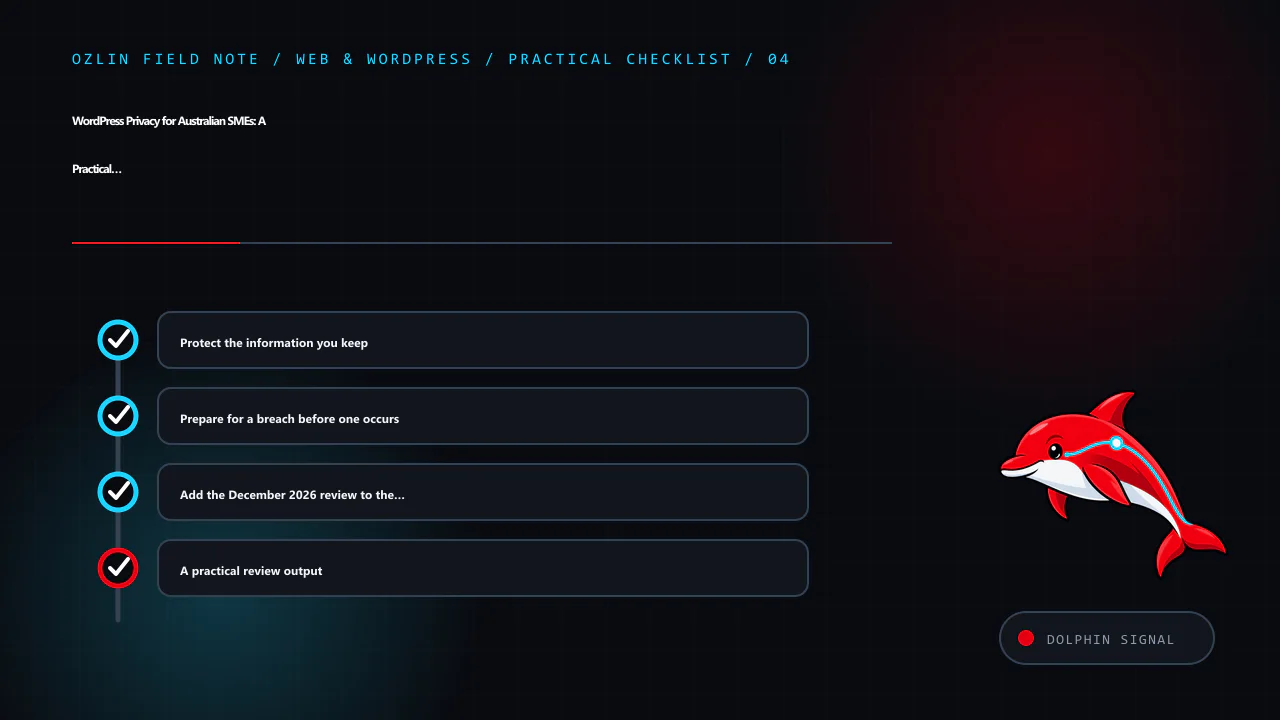
    Protect the information you keep

    HTTPS protects data in transit between the browser and the configured endpoint; it does not secure a compromised administrator account, vulnerable plugin or exposed backup. Use least-privilege roles, multi-factor authentication where supported, timely updates, protected backups, secure secrets, access logging and an incident plan. Remove abandoned plugins and accounts after checking dependencies.

    For organisations covered by the Privacy Act, APP 11 requires reasonable steps to protect personal information and, in relevant circumstances, destroy or de-identify information no longer needed. What is reasonable depends on the information, risks and organisation; no plugin can guarantee the outcome.

    Prepare for a breach before one occurs

    Preserve evidence, contain access, assess what information and people are affected, and document decisions.

    The Notifiable Data Breaches scheme applies to organisations and agencies covered by the Privacy Act. The OAIC says they must notify affected individuals and the OAIC when a breach is likely to result in serious harm. Not every WordPress incident is automatically an eligible data breach, but delay and guesswork make assessment harder. Use the OAIC response guidance and obtain appropriate advice during an incident.

    Add the December 2026 review to the calendar

    From 10 December 2026, covered APP entities will have additional privacy-policy obligations in defined cases involving computer programs that use personal information to make, or substantially assist with, decisions that could reasonably be expected to significantly affect a person’s rights or interests. The OAIC’s APP 1 guidance explains the threshold and required categories of information.

    Inventory automated uses and seek advice on the arrangements that meet the statutory test. The related AI chatbot decision guide covers human handoff and supplier review.

    A practical review output

    A useful WordPress privacy review produces five artefacts: a data-flow map, a current plugin and supplier register, a retention schedule, accurate public notices, and a tested request-and-incident procedure. It also names an owner and the next review date.

    Ozlin Info can help map and configure the technical components through its web and WordPress services. Legal coverage, policy wording and regulated decisions should be confirmed by a qualified adviser for the organisation’s circumstances.

    General information only. This article is not legal advice and does not certify that a website or business complies with the Privacy Act, the APPs or any other requirement.

    Editorial disclosure: AI assisted with the first draft and source discovery. The article was checked against the linked OAIC and WordPress sources on 28 August 2026 and requires human and legal review before publication.

  • Cybersecurity for Australian SMEs: 8 Practical Priorities for 2026

    Cybersecurity for Australian SMEs: 8 Practical Priorities for 2026

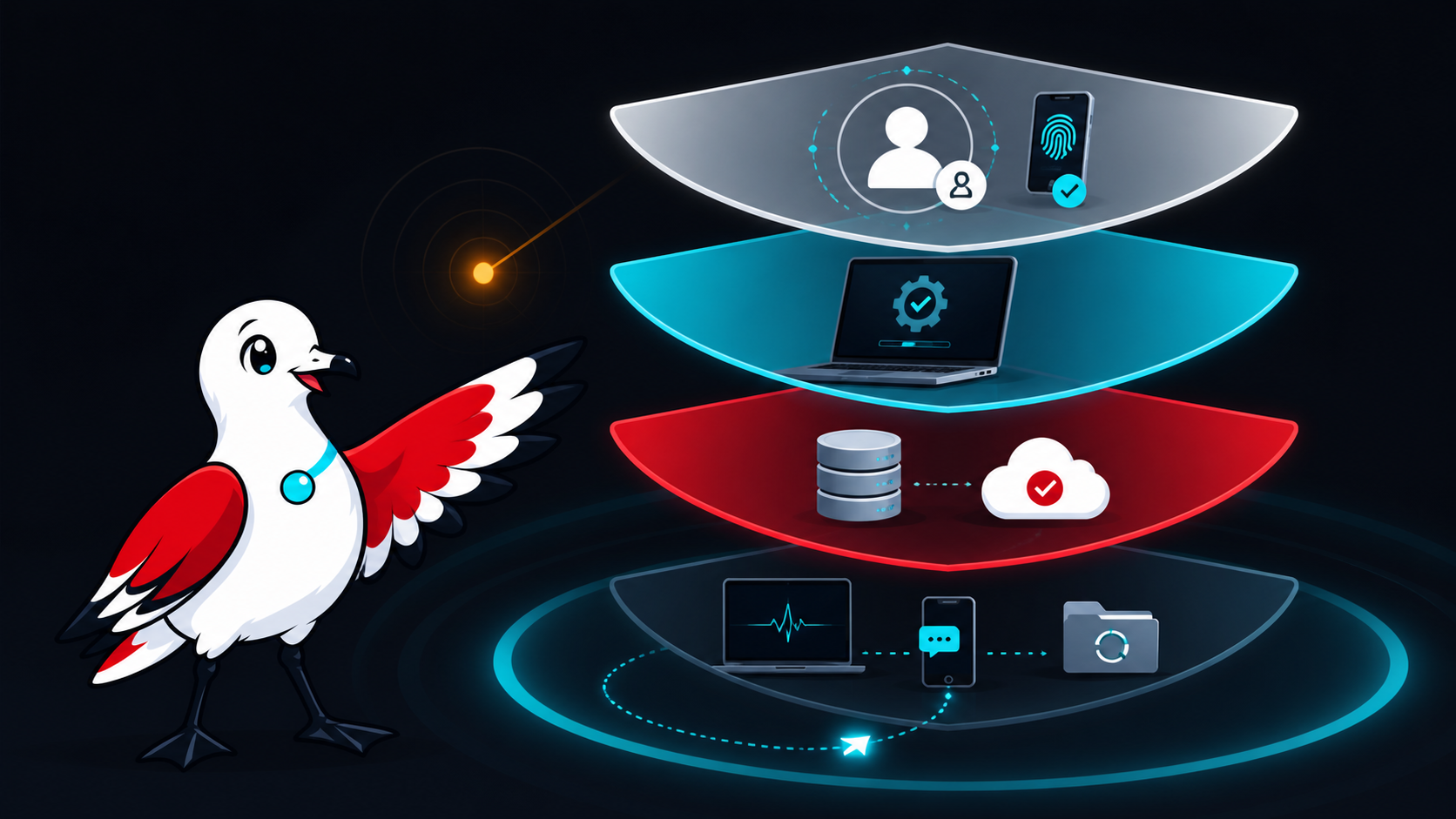
    Cybersecurity for a small business is not a shopping list of products. It is the ongoing work of deciding what matters, reducing likely paths to harm, noticing trouble and recovering without losing control of the business.

    That distinction matters. No product, consultant or checklist can make an organisation immune to cyber incidents. A useful baseline should instead lower risk, produce evidence that important safeguards work and give people a rehearsed way to respond.

    For Australian small businesses beginning this work, the Australian Signals Directorate's Australian Cyber Security Centre (ASD's ACSC) recommends three immediate measures: turn on multi-factor authentication, update software and back up information. Its small-business guide then points organisations towards Maturity Level One of the Essential Eight after they have covered the basics (ASD's ACSC small-business guide). The eight priorities below turn that advice into a manageable business baseline.

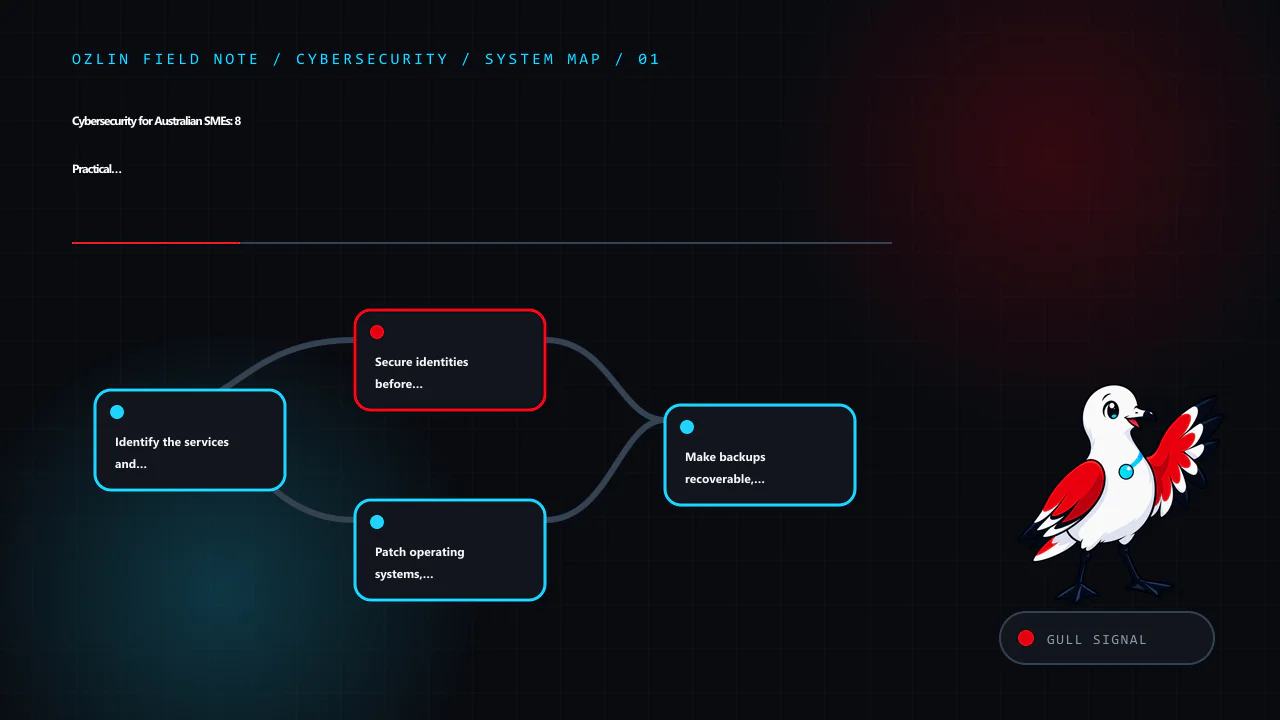
    1. Identify the services and information that cannot be casually lost

    Start with business impact, not tools. List the systems that support quoting, invoicing, customer communication, delivery, payroll, your website and access to money. Record who owns each system, where its data is held, which supplier operates it and what the business would do if it were unavailable for a day or a week.

    Also identify sensitive information: customer records, identity documents, credentials, payment-related records, source code and confidential client material. This does not need to begin as a complex asset-management platform; a maintained register is more useful than an expensive dashboard nobody trusts.

    NIST's Cybersecurity Framework 2.0 is designed for organisations of any size and treats cybersecurity as a business-risk discipline. Its six concurrent functions are Govern, Identify, Protect, Detect, Respond and Recover (NIST CSF 2.0). That sequence is a useful test: if a proposal only talks about prevention, it is incomplete.

    2. Secure identities before adding more software

    Email, cloud administration, banking, accounting, domain registration, website administration and password-manager accounts deserve priority. Use a unique account for each person, remove access promptly when it is no longer required and keep routine work separate from privileged administration where practical.

    Enable MFA, beginning with accounts that can expose sensitive information or reset other accounts. A business password manager can help create and store unique credentials without relying on memory. ASD's 2025 small-business device and account guidance specifically includes MFA, password managers, backups and updates as practical steps (ASD's ACSC device and account guidance).

    MFA reduces risk; it does not make every sign-in safe. Staff should still reject unexpected approval prompts, never disclose one-time codes, and report a suspicious prompt quickly.

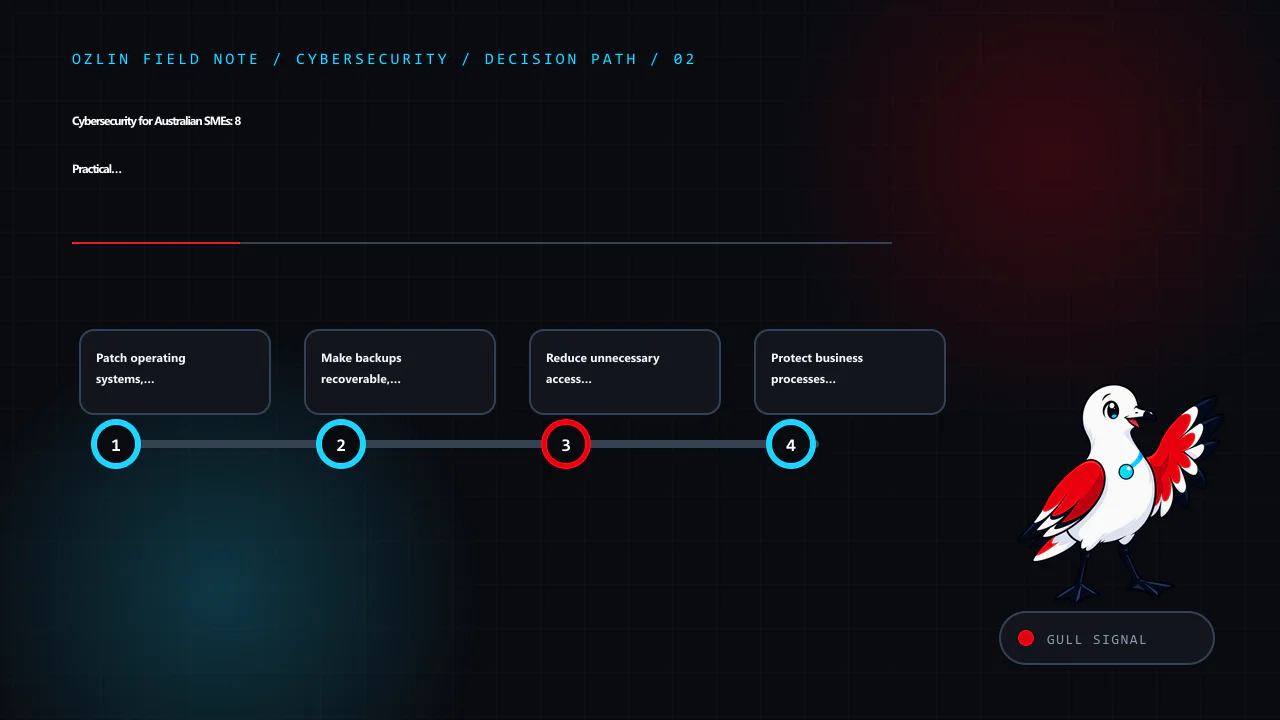
    3. Patch operating systems, applications and internet-facing services

    Turn on supported automatic updates where this fits the system, and maintain a process for software that requires testing or manual deployment. Include browsers, plugins, mobile devices, network equipment, website components and cloud integrations—not only desktop operating systems.

    For a more formal target, use the current Essential Eight maturity model and assess against its evidence requirements rather than copying an old patch timetable from a blog post. ASD notes that the model changes as malicious techniques change and encourages use of the latest version (Essential Eight maturity model FAQ). Unsupported systems should have an upgrade or retirement plan, with compensating controls assessed in the meantime.

    4. Make backups recoverable, not merely present

    Decide what must be backed up, how often, how long it must be retained and how quickly it must be restored. Protect backup administration separately from ordinary user accounts and design the backup location so a compromised user or device cannot silently alter every recovery copy.

    Most importantly, test restoration. ASD's technical example says restoration of systems, software and important data should be tested as part of recovery exercises, and unprivileged accounts should be prevented from modifying or deleting backups (ASD's ACSC regular-backup example). Record the result, the time taken and anything that was missing.

    5. Reduce unnecessary access and data exposure

    Give people and integrations only the access required for their role. Review shared accounts, former-worker access, public links, API keys, administrator memberships and third-party app permissions. Separate guest Wi-Fi and untrusted devices from business systems where the environment warrants it.

    Collect and retain only information the business can justify. Data minimisation is not a substitute for security, but less unnecessary data means less information available to expose. Map important data flows, including transfers to SaaS suppliers and contractors, and record contractual, regulatory and privacy obligations that affect them.

    6. Protect business processes from phishing and payment fraud

    Awareness training works best when paired with a process. Give workers a simple way to report suspicious messages and require independent verification for new bank details, unusual payments or requests to bypass approval. Use a known phone number or another separately verified channel—not contact details supplied in the message.

    ASD's business email compromise guidance recommends consistent verification for payment and sensitive-information requests and highlights unexpected bank-detail changes, urgency and requests to circumvent normal processes as warning signs (ASD's ACSC BEC guidance). See the related phishing response playbook for the immediate response steps.

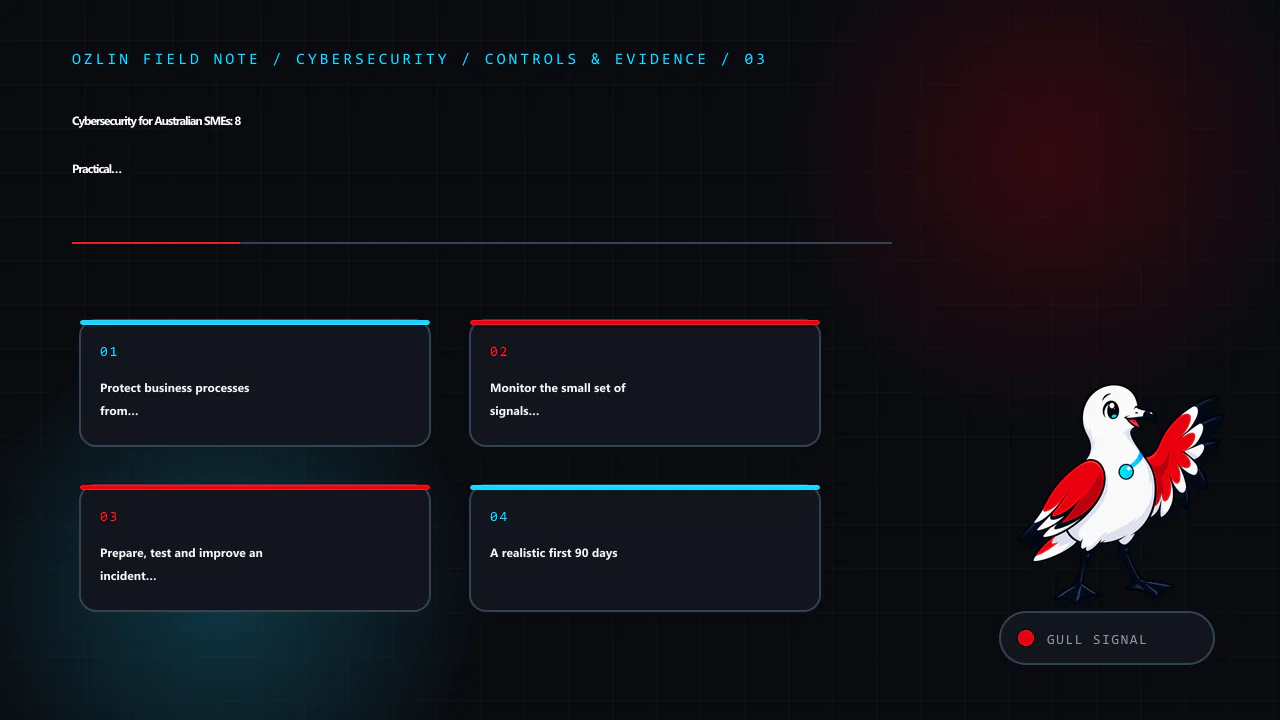
    7. Monitor the small set of signals that matter

    Detection should match the systems identified as critical. Useful starting signals can include privileged sign-ins, new MFA methods, mailbox forwarding-rule changes, new administrators, unexpected exports, backup failures, website changes and security alerts from managed services.

    Someone must own the alerts, know the expected response time and be able to reach the relevant supplier. Retain logs for a period that supports investigation and contractual needs, while avoiding indefinite retention without a purpose. Test whether alerts are delivered and acted upon; a configured alert that nobody reads is not an operating control.

    8. Prepare, test and improve an incident plan

    A concise plan should name the incident lead, decision-makers, technical contacts, insurer or broker contact, legal/privacy support, bank contact and key suppliers. Include an offline copy. Define how staff will report concerns, how affected access may be contained, who preserves evidence, how essential work continues and who approves external communication.

    ASD says organisations should tailor, regularly test and review their cyber incident response plans (ASD's ACSC incident-response planning guidance). Notification duties depend on the organisation and the facts. For entities covered by the Notifiable Data Breaches scheme, the OAIC's current quick reference separates response into contain, assess, notify if required, and review (OAIC data-breach quick reference). Do not assume every security event is notifiable—or that no notification is required—without an appropriate assessment.

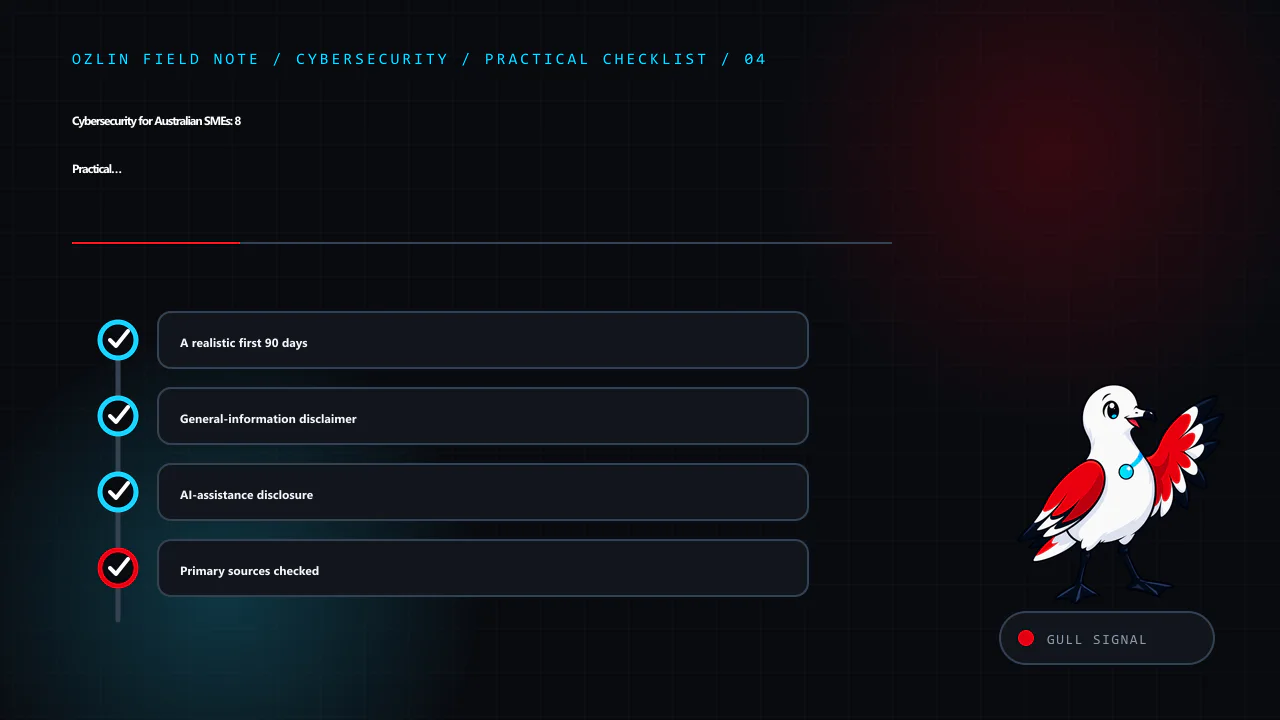
    A realistic first 90 days

    Days 1–30: name an owner; inventory critical services, data and suppliers; enable MFA on high-impact accounts; remove stale access; turn on supported updates; verify that backups are completing.

    Days 31–60: perform a restore test; review administrator access and email rules; establish payment-change verification; define the alert and escalation path; document important supplier contacts.

    Days 61–90: run a short incident exercise; record gaps and owners; compare current practices with the latest Essential Eight Maturity Level One requirements; set a funded improvement backlog based on risk.

    Progress should be evidenced by results: a successful restore, an access review, a resolved alert test and a timed incident exercise. A completed questionnaire alone does not prove that controls operate effectively.

    Cyber insurance may transfer some financial risk, subject to policy terms, exclusions and disclosure obligations. It does not replace prevention, detection, response or recovery work. Likewise, a security assessment should describe its scope and limitations; it should not promise that no vulnerability or incident will occur.

    For a scope-first review of accounts, website operations, backups and incident readiness, see Ozlin Info's cybersecurity uplift service or contact Ozlin Info.


    General-information disclaimer

    This article provides general information only. It is not legal, privacy, insurance, financial or incident-response advice, and it is not a complete security standard. Appropriate controls and notification obligations depend on your systems, data, contracts, sector and circumstances. Obtain qualified advice for your organisation and seek urgent assistance when an incident may be active.

    AI-assistance disclosure

    AI tools assisted with outlining and copyediting this draft. A human reviewer must verify every factual claim, link, scope statement and publication decision before release. No client result or security guarantee is asserted.

    Primary sources checked

    Source access date: 28 August 2026.

  • AI Chatbots for Australian SMEs: A Practical Decision Guide

    AI Chatbots for Australian SMEs: A Practical Decision Guide

    AI Chatbots for Australian SMEs: A Practical Decision Guide

    An AI chatbot can be useful without becoming the voice of your entire business. For a small team, the best first deployment is usually a narrow service task with a known answer, a clear boundary and an easy route to a person. The wrong first deployment is an open-ended bot that can make commitments, interpret complex cases or act on customer accounts without oversight.

    That distinction matters because the main risks are operational, not merely technical. The Australian Cyber Security Centre’s 2026 guidance for small businesses identifies data leakage, unreliable or manipulated outputs, and supply-chain dependencies as key risks when adopting cloud-based AI. A chatbot project should therefore start with a business process and a risk decision—not with a model demonstration.

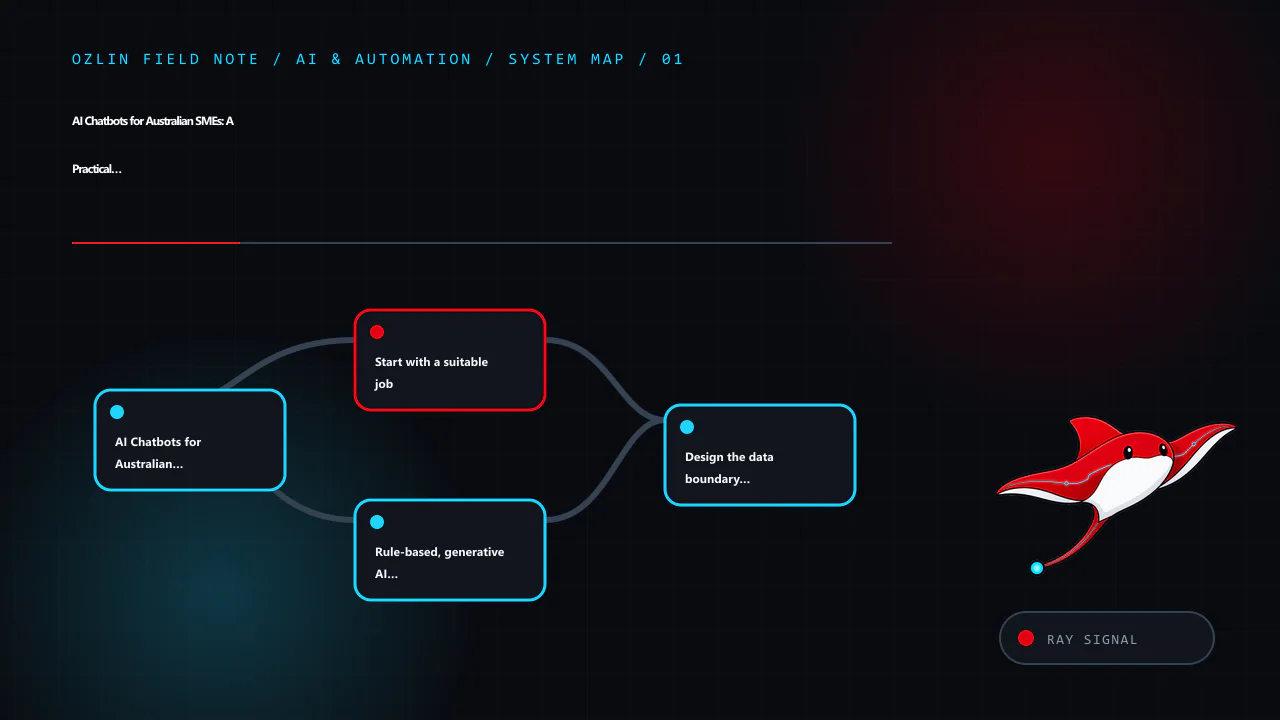
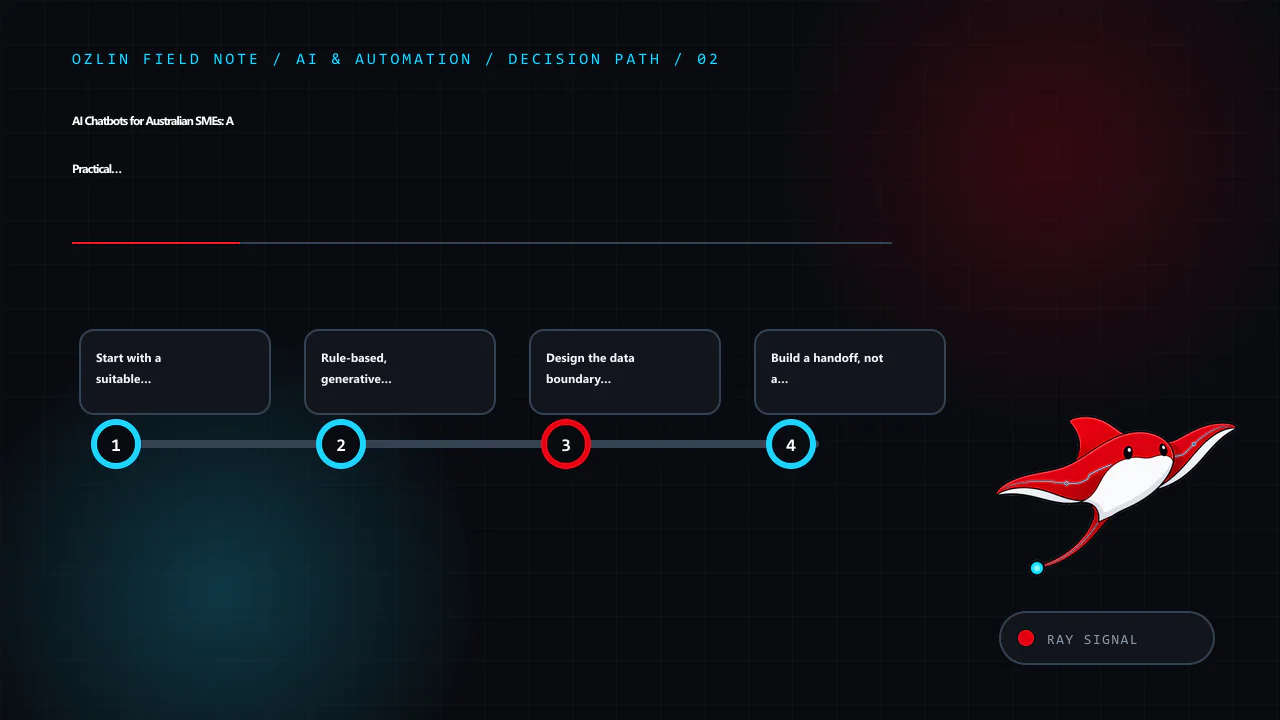
    Start with a suitable job

    A good first chatbot task is repetitive, low consequence and easy to check. Examples include:

    • answering questions from approved opening hours, service-area and booking information;
    • helping a visitor find the right service page or intake form;
    • collecting the minimum details needed for a callback;
    • asking structured triage questions before handing the conversation to staff; or
    • summarising a conversation for an authorised team member to review.

    Keep a human in control where an answer could materially affect a person, create a quote or contract, expose account information, or be mistaken for legal, medical, financial or security advice. The Australian Government’s Guidance for AI Adoption recommends documenting intended uses, foreseeable misuse, limitations, accountability and feedback paths. It also notes that risk increases when a simple, monitored chatbot becomes a 24/7 service handling more complex questions without human oversight.

    Before choosing a product, write one sentence that completes this prompt:

    The chatbot may [perform this task] using [these approved sources], but it must hand off when [these conditions occur].

    If the sentence cannot be made specific, the proposed scope is probably too broad for a first release.

    Rule-based, generative AI or a hybrid?

    A rule-based flow is predictable. It can present buttons, collect fields and route a user according to explicit conditions. It is often the safer choice for consent, booking or eligibility steps where wording and sequence must remain fixed.

    A generative AI chatbot is more flexible with natural language, but it can produce a plausible answer that is incomplete, unsupported or wrong. Connecting it to an approved knowledge base through retrieval-augmented generation can provide relevant context; it does not guarantee that every answer will be faithful to that context.

    For many SMEs, a hybrid is sensible: use deterministic controls for identity, consent, transactions and escalation, while using an AI model to interpret ordinary questions and draft answers from a limited source set. The user should be told that they are interacting with AI, what it can do, and how to reach a person.

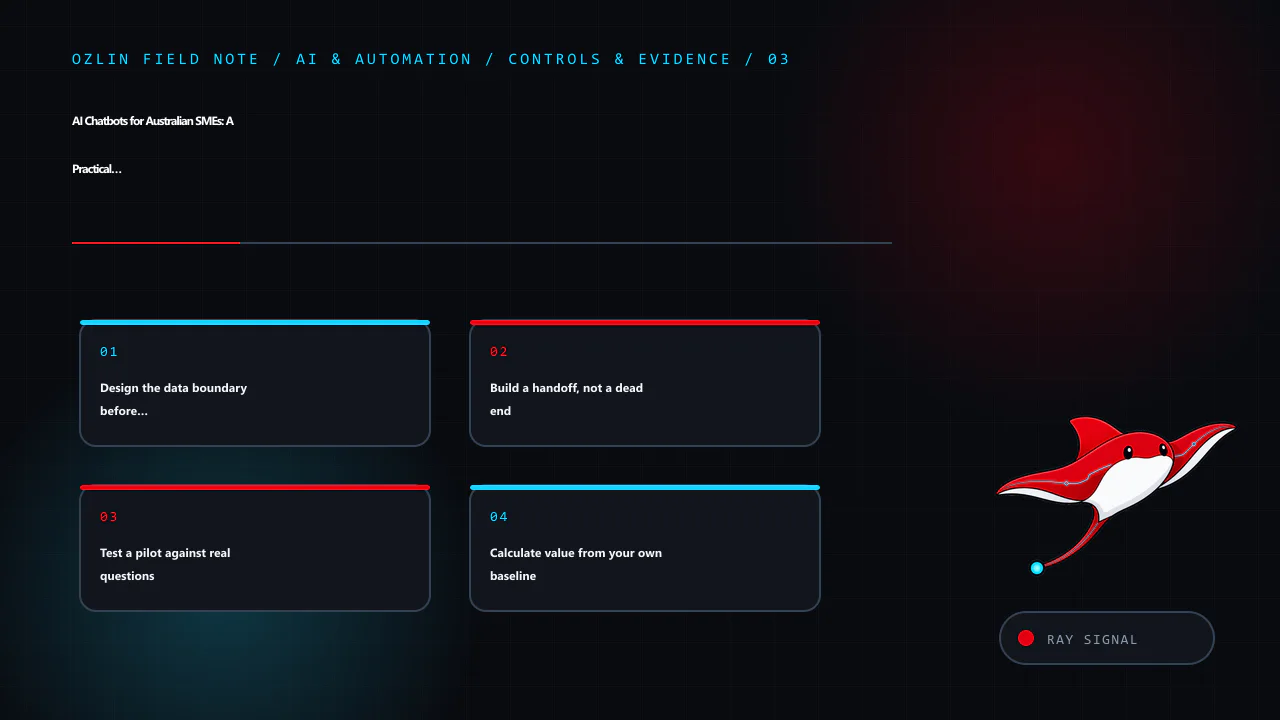
    Design the data boundary before the conversation

    Map the information that could enter the system: names, contact details, order references, free-text messages, uploaded files, chat transcripts, IP addresses and technical logs. Then decide which fields are genuinely needed, where they are stored, who can access them, how long they are retained and what reaches each supplier.

    If your organisation is covered by the Privacy Act 1988, the Australian Privacy Principles apply when an AI system handles personal information. The OAIC’s guidance on commercially available AI products recommends due diligence, privacy by design, human oversight, clear notices and ongoing review. As a best-practice position, the OAIC also recommends not entering personal information—particularly sensitive information—into publicly available generative AI tools.

    Do not assume that buying an “enterprise” plan resolves these questions. Check the actual configuration and contract:

    • Is submitted data used to train or improve a provider’s models?
    • Where can prompts, transcripts, embeddings, logs and backups be processed or stored?
    • Which subprocessors can access them?
    • Can retention be limited and deletion requests be actioned?
    • How are administrators authenticated and audited?
    • What is the incident-notification process?
    • What happens to the data when the service ends?

    The ACSC recommends reviewing vendor data handling, ownership, storage and security arrangements, and defining incident responsibilities. These checks apply whether the chatbot is a WordPress plugin, an embedded SaaS widget or a custom application.

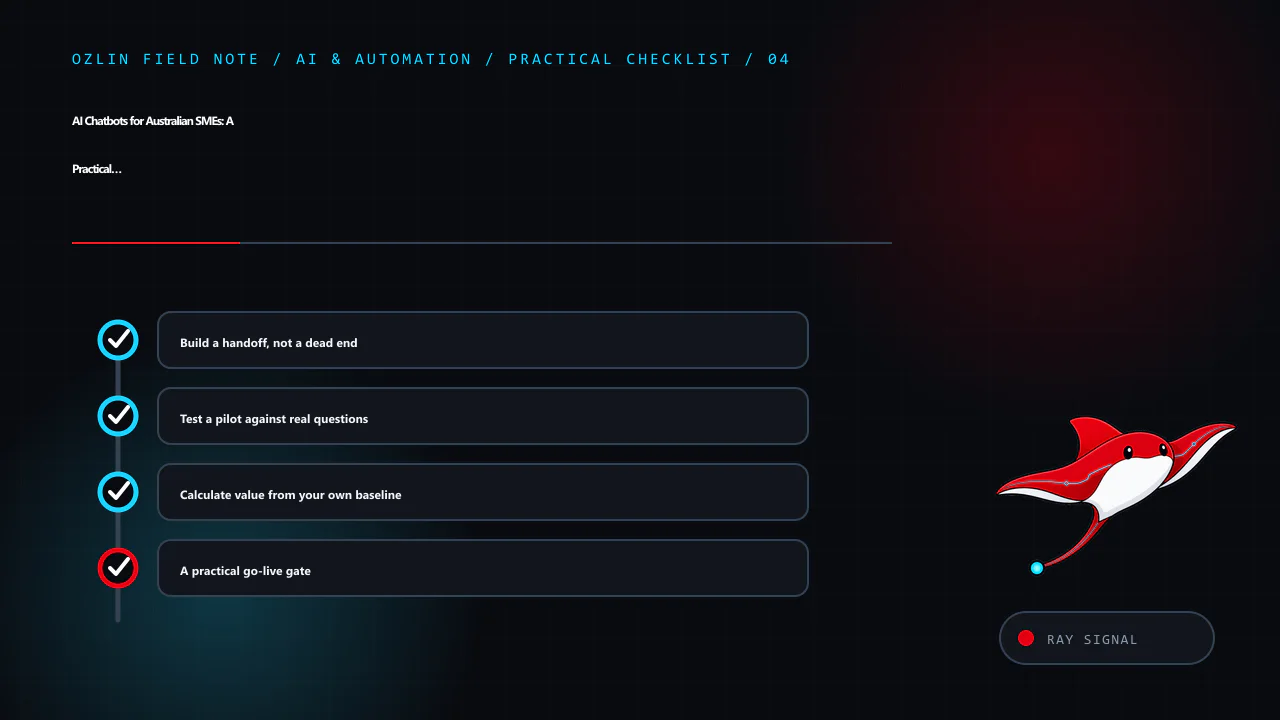
    Build a handoff, not a dead end

    A useful handoff preserves context without making the customer repeat everything. Give the user a visible option to reach a person, and trigger escalation when the bot lacks a reliable source, detects an account-specific issue, receives a complaint, encounters distress or abuse, or reaches a topic outside its approved scope.

    The receiving staff member should see the transcript or a clearly labelled summary, the sources the bot used, and any uncertainty or safety flag. The chatbot must not invent an appointment, refund, warranty outcome or service commitment merely to complete the interaction.

    Prepare a fallback for outages as well. A contact form, phone number or ticket pathway should remain usable if the model provider, integration or knowledge base is unavailable.

    Test a pilot against real questions

    Create a test set from de-identified, representative enquiries. Include ordinary wording, spelling errors, ambiguous questions, missing information, conflicting documents and attempts to make the bot ignore its rules. Do not use live customer records unless that use is authorised and appropriately controlled.

    Define acceptance criteria before launch. Useful measures include:

    Measure What to record
    Answer quality Whether the answer is supported by an approved source and answers the question asked
    Safe refusal Whether unsupported or prohibited requests are declined consistently
    Handoff quality Whether the right cases reach a person with enough context
    Customer outcome Whether the visitor completed the intended task or still needed another contact
    Operations Review time, supplier cost, failure rate and staff workload
    Privacy and security Unexpected data collection, disclosure, access or prompt-manipulation events

    Review failed conversations, not just averages. The Government guidance recommends documented pre-deployment testing, accountable approval and ongoing monitoring against risk-based criteria. A small pilot should also have a stop condition—for example, repeated unsupported answers or an unexpected disclosure—so the team knows when to disable or narrow it.

    Calculate value from your own baseline

    There is no credible universal percentage of enquiries that every chatbot will resolve. Start by sampling your current workload: enquiry types, handling time, repeat contacts, abandonment and staff escalation. During the pilot, compare the same measures and include all costs: setup, integration, content maintenance, review, vendor fees, incident handling and staff training.

    The result may support automation, a simpler FAQ redesign, a better form, or no chatbot at all. That is still a useful project outcome. The goal is not maximum automation; it is a service pathway that is faster where appropriate and reliably human where judgment matters.

    A practical go-live gate

    Before launch, confirm that:

    • the approved purpose, sources and prohibited uses are documented;
    • the bot is clearly identified as AI;
    • collection is minimised and supplier settings have been reviewed;
    • administrators use appropriate access controls;
    • high-impact and uncertain cases are handed to a person;
    • the test set, acceptance criteria and approval are recorded;
    • users have a feedback or complaint path;
    • monitoring, incident response and a disable switch exist; and
    • the owner and next review date are named.

    For the related website data questions, read WordPress Privacy for Australian SMEs. Ozlin Info can also help scope a narrow pilot through its AI and automation services, with the deployment decision remaining with your business.

    General information only. This article is not legal, privacy, cybersecurity or procurement advice. Requirements depend on your organisation, sector, contracts, data and intended use.

    Editorial disclosure: AI assisted with the first draft and source discovery. The article was checked against the linked Australian Government sources on 28 August 2026 and requires human editorial approval before publication.