
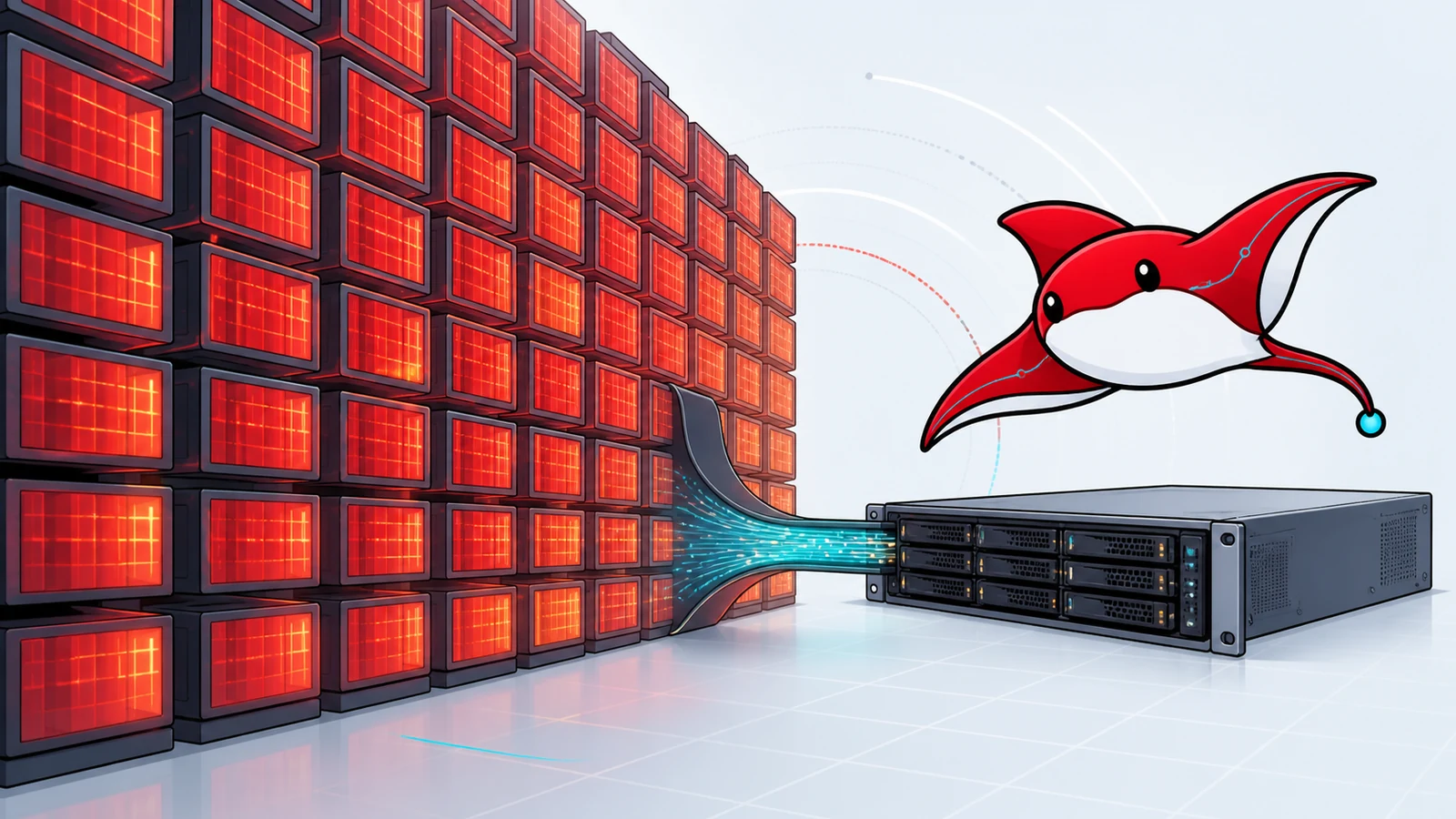
The Dell PowerEdge R730xd can be configured with a very large amount of system memory for a retired two-socket server. DeepSeek-R1's headline architecture has 671 billion total parameters but activates about 37 billion for each token. Put those two facts together and an appealing idea emerges: fill the server's 24 DIMM slots and run the “full” model cheaply.
The capacity arithmetic is only the first gate. A mixture-of-experts model still needs access to the expert weights that may be selected, CPU memory bandwidth is not GPU high-bandwidth memory, the R730xd is not documented for internal GPU support, and inference needs more than weight storage. A machine may load a checkpoint and still fail the latency or throughput requirement.
This article separates four questions:
- Which DeepSeek model and checkpoint are we discussing?
- How much memory do the weights require at a stated precision?
- Can the chassis hold and move that data through a supported configuration?
- Is the measured inference performance useful for the intended service?
It does not publish a tokens-per-second claim because Ozlin has not benchmarked this exact configuration.
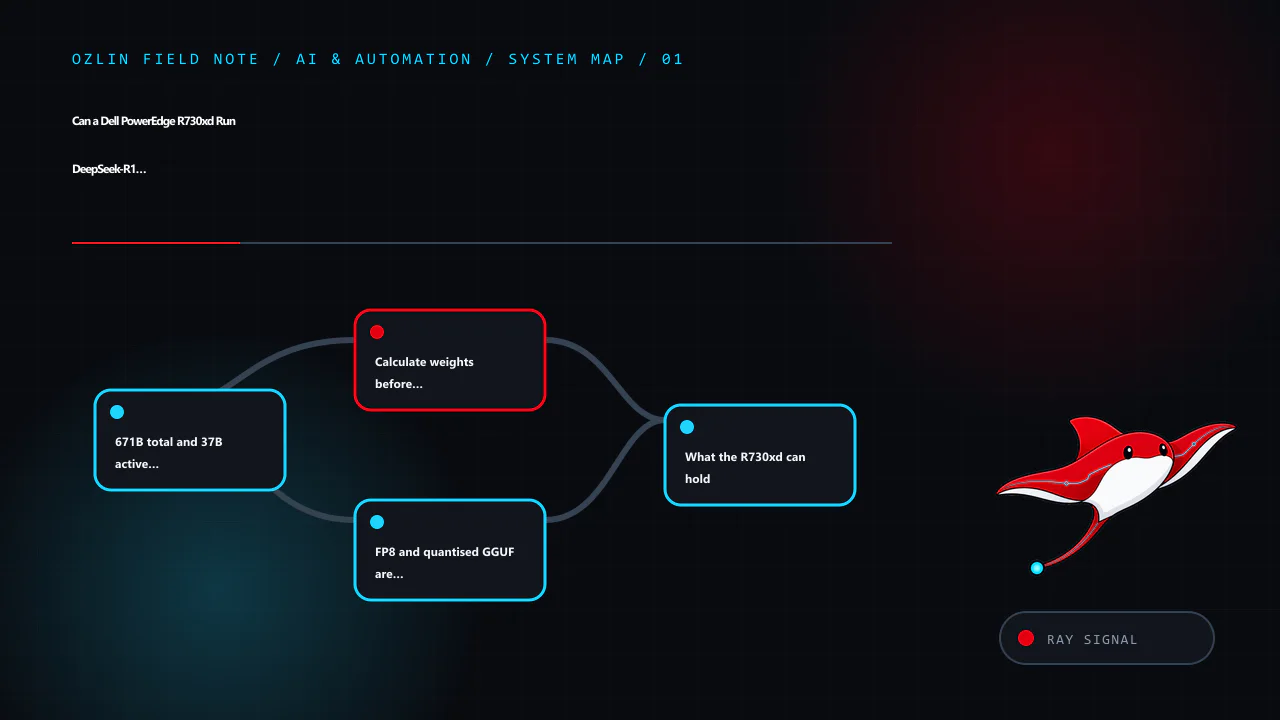
671B total and 37B active are both true
DeepSeek's official V3 repository describes a Mixture-of-Experts architecture with 671B total parameters and 37B activated parameters for each token, plus a 128K context window. DeepSeek-R1 uses the same headline 671B/37B scale, while the R1 release also includes smaller distilled models.
“37B active” describes the subset used in a token's routed computation. It does not mean the other expert weights can be discarded while retaining equivalent behaviour. Different tokens and layers can route to different experts. The serving system must make the required weights available—normally in accelerator memory, distributed across accelerators, or through slower memory/offload paths.
This is why comparing R1 to a dense 37B model is misleading. MoE reduces computation relative to activating all 671B parameters for every token, but storage, routing, communication and memory movement remain large-system problems.
The official Hugging Face description also distinguishes DeepSeek-R1 from its distilled Qwen- and Llama-based variants at 1.5B, 7B, 8B, 14B, 32B and 70B. A distill is a separate smaller model trained to capture useful reasoning behaviour. It is not the same checkpoint with unused experts deleted, but it is often the practical local option.
Calculate weights before counting DIMMs
A first-order lower-bound calculation is:
weight bytes ≈ parameters × bits per parameter ÷ 8
Applying it to 671 billion parameters gives:
| Nominal weight format | Arithmetic weight size | What the number omits |
|---|---|---|
| FP8 or ideal 8-bit | 671 GB | Scales/metadata, padding, runtime, activation and KV cache; not every “8-bit” format has identical storage |
| Ideal 6-bit | 503.25 GB | Quantisation metadata and implementation-specific packing |
| Ideal 5-bit | 419.375 GB | Same, plus quality and backend-support differences |
| Ideal 4-bit | 335.5 GB | Same; a 4-bit quantisation is not “full FP8” |
These are decimal GB calculations, not a promise that a downloaded file or loaded process will have that exact size. Binary GiB, tensor alignment, duplicated buffers, expert distribution and quantisation blocks alter the result. DeepSeek's V3 weight documentation also notes an auxiliary multi-token-prediction module in the published checkpoint, which helps explain why repository and packaging figures can differ from a simple 671B multiplication.
Then add separate budgets for:
- KV cache, which grows with context length, concurrency, layers and cache precision;
- activations and temporary workspaces;
- routing and communication buffers;
- runtime and model metadata;
- operating system and filesystem cache; and
- safety margin to avoid paging or allocation failure.
Do not allocate every byte of installed RAM to the checkpoint. Swapping model pages to storage may make a process technically alive while making interactive use impractical.
FP8 and quantised GGUF are not the same claim
DeepSeek's published V3 inference path and NVIDIA's TensorRT-LLM DeepSeek guide discuss FP8 deployment. TensorRT-LLM estimates roughly 671 GB of GPU memory for FP8 weights alone, plus memory for activations and KV cache, and documents large multi-GPU configurations. That is an accelerator-cluster deployment problem.
Community runtimes such as llama.cpp can use quantised GGUF files and split work between CPU and GPU. A 4-, 5- or 6-bit build reduces storage and memory traffic at some cost in representation quality and with format-specific trade-offs. It should be named by the actual quantisation. Calling a 4-bit file “full-fat”, “full-blood” or “FP8” confuses model lineage with numeric representation.
For a reproducible test, record:
- exact model repository, file and SHA-256;
- quantisation name and quantiser version;
- inference runtime and commit/release;
- CPU, RAM population and GPU configuration;
- context, batch, threads and offload settings;
- prompt/output token counts and concurrency; and
- measured load time, first-token latency, generation rate, power and errors.
Without that record, two people saying “I ran 671B” may be describing radically different systems.
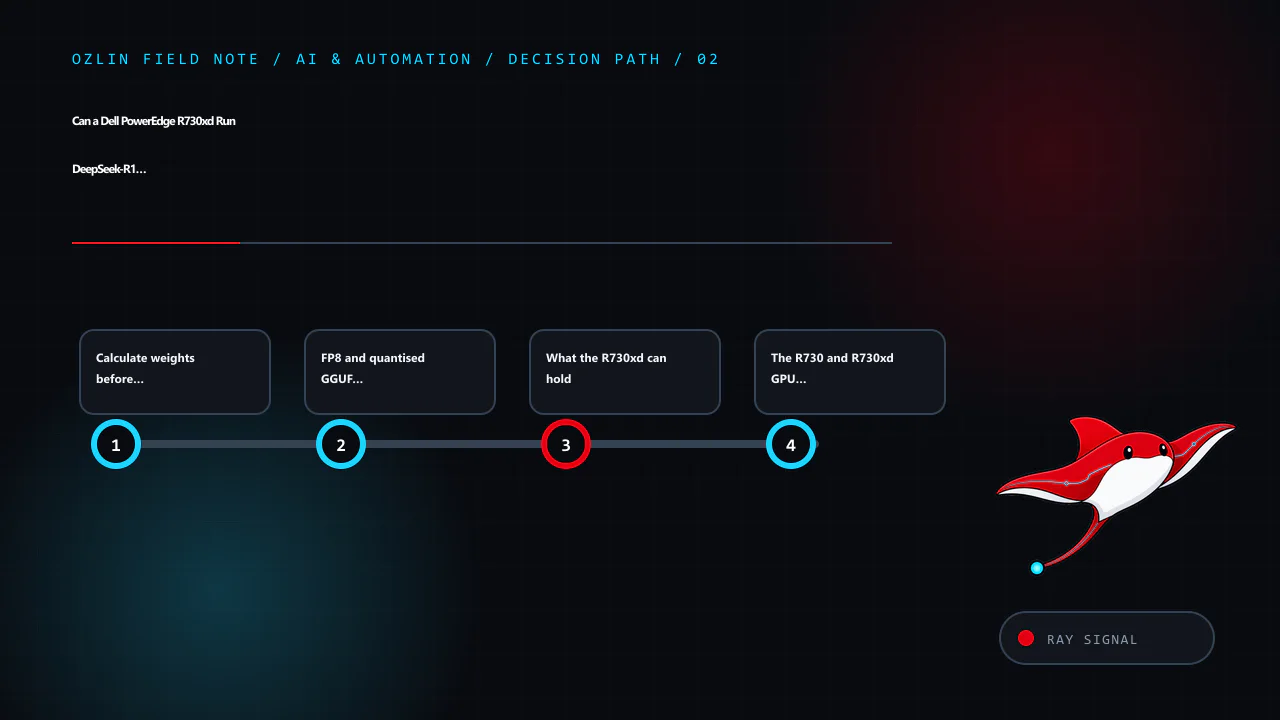
What the R730xd can hold
Dell's PowerEdge R730/R730xd technical guide documents 24 DIMM slots across two processors. With supported LRDIMM configurations, the platform's published ceiling reaches 3,072 GB. Actual capacity and speed depend on both CPUs being present, supported processor/memory combinations, DIMM type, rank and population rules.
That ceiling is enough to make the 4-, 5-, 6- and even 8-bit arithmetic weight sizes look comfortable. But several constraints intervene:
- The system uses an older DDR4 generation and two NUMA nodes.
- Memory channels must be populated correctly; capacity and speed can trade off.
- The processors must repeatedly stream and compute over large routed weights.
- Inter-socket traffic can add cost when threads, memory and devices are placed poorly.
- Storage must hold the checkpoint and load it, but NVMe capacity is not a substitute for RAM bandwidth.
- A 24×7 high-memory configuration consumes meaningful power and produces heat.
The machine can therefore be a valuable capacity experiment. Capacity alone does not establish a useful conversational service, multi-user throughput or good energy efficiency.
The R730 and R730xd GPU distinction matters
Dell's guide describes supported GPU configurations for the R730 but explicitly states that internal GPU support is unavailable for the R730xd. The storage-dense chassis, airflow, riser and power design are different enough that a generic R730 GPU video or forum post is not approval for the xd model.
Do not bypass that restriction with an open lid, improvised power lead, disabled fan policy or unsupported riser. Even if a desktop GPU enumerates, unmonitored VRM, memory, cable and backplane temperatures can remain unsafe. An external GPU arrangement introduces its own power, enclosure, link and support issues and does not turn the chassis into a modern multi-GPU platform.
If accelerators are required, select a server or workstation that officially supports their size, cooling, power and topology. The 1U, 2U or workstation guide provides the broader design checklist.
CPU-only and hybrid offload: experiment, then decide
llama.cpp supports CPU inference and hybrid CPU/GPU offload. This makes a large-RAM server useful for research: load a quantised checkpoint, offload the layers that fit on a supported accelerator elsewhere in the design, and observe the trade-off.
Set a practical acceptance target before testing. For an interactive assistant it might include maximum time to first token, sustained generation under one and several sessions, a context size, energy per request and restart time. For offline summarisation, slower throughput may be acceptable if the queue completes overnight. For an API, tail latency and concurrency matter more than a single warm prompt.
Benchmark using fixed prompts and output lengths. Capture CPU package power, wall power, memory bandwidth/NUMA placement, page faults and temperatures. Report results as measured on that configuration—never turn theoretical DDR bandwidth into a tokens-per-second forecast.
CPU-only inference also changes operational risk. Loading hundreds of gigabytes can make restart and failover slow. A correctable DIMM error, failed PSU or host reboot affects a long-running job. Keep model files verifiable, automate service recovery, and maintain independent copies of irreplaceable prompts or fine-tuning data. Model files themselves can normally be re-downloaded; confidential inputs cannot be treated so casually.
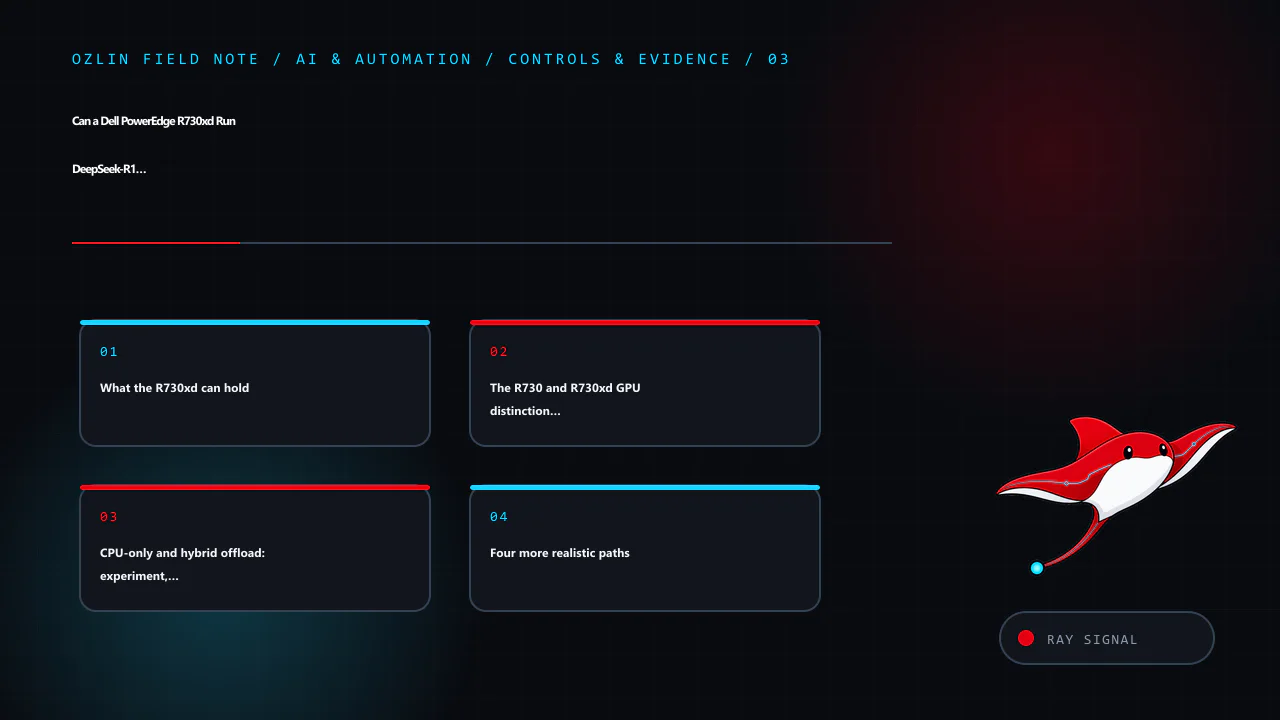
Four more realistic paths
1. Use an official distill locally
Start with DeepSeek-R1-Distill-Qwen 7B, 14B or 32B, or the 70B variant where hardware permits, after reviewing the model card and licence. This gives a controlled way to evaluate whether the task actually benefits from R1-derived behaviour. A smaller model with retrieval, a good system prompt and human review can outperform a larger poorly integrated model for a narrow business workflow.
2. Use a modern single workstation
A current workstation with 24–96 GB of accelerator memory can run useful quantised model classes with much lower operational complexity. It will not hold the full 671B FP8 weights, but it may meet the actual task with a smaller model. Follow Run LLMs Locally in 2026 to establish a safe software baseline first.
3. Use a purpose-built multi-GPU system
For full-scale FP8 deployment, follow the inference framework's documented accelerator, interconnect, driver and memory requirements. NVIDIA's current TensorRT-LLM example describes configurations such as 16 H100 80 GB or eight H200-class devices for the model path it supports. This is specialised infrastructure with substantial acquisition, power, cooling and orchestration cost—not a weekend R730xd upgrade.
4. Rent the experiment
Cloud or specialist GPU capacity can be cheaper for a short evaluation. Confirm that the instance actually supplies the required accelerator topology and memory, model licensing permits the use, and sensitive prompts meet data-handling requirements. Include storage, image build time, outbound transfer and idle resources in the TCO. Shut down and verify deletion after the test.
A go/no-go worksheet
Proceed with an R730xd experiment only when all of these are true:
- the goal is research or offline processing, not an assumed production SLA;
- the exact quantised artifact and memory budget fit with headroom;
- DIMM population, firmware, power and cooling are supported;
- no unsupported internal GPU modification is planned;
- electricity, noise and restart time are acceptable;
- a repeatable performance test and stop condition exist; and
- the smaller-model and rental alternatives have been compared.
Stop the procurement when the only requirement is “run the biggest model”, the expected output rate comes from a forum claim, the server needs unsafe modification, or the organisation cannot maintain the BMC and operating system. Do not install cracked/nulled inference tools or management software; unknown privileged code invalidates the security and benchmark evidence alike.
The honest conclusion is nuanced. An R730xd may have enough system-memory capacity to load a heavily quantised 671B checkpoint for an experiment. That does not make it equivalent to a supported FP8 multi-GPU deployment, and it does not establish acceptable inference performance. Test the smallest system that can answer the business question, then scale on evidence.
Ozlin's AI and automation services can help frame a proof of concept, data boundary and acceptance plan without turning parameter count into a business outcome.
Sources and review record
Sources were accessed on 29 August 2026. Model repositories, runtime support and hardware guidance are scheduled for review by 29 November 2026.
- DeepSeek-V3 — official repository
- DeepSeek-V3 — weight-format documentation
- DeepSeek-R1 — official model card
- NVIDIA TensorRT-LLM — DeepSeek V3/R1 guide
- Dell — PowerEdge R730 and R730xd Technical Guide
- llama.cpp — official repository
- Ollama — DeepSeek-R1 library
AI assisted with source discovery, drafting and copyediting; Ozlin Info remains responsible for publication.
Leave a Reply